





Can You Put a Desk Behind a Sofa? Layout, Clearance and Cable Tips
A desk can work behind a sofa when the room allows safe chair movement, a clear walkway and controlled cables. Use this guide to test the layout before committing.

In this article
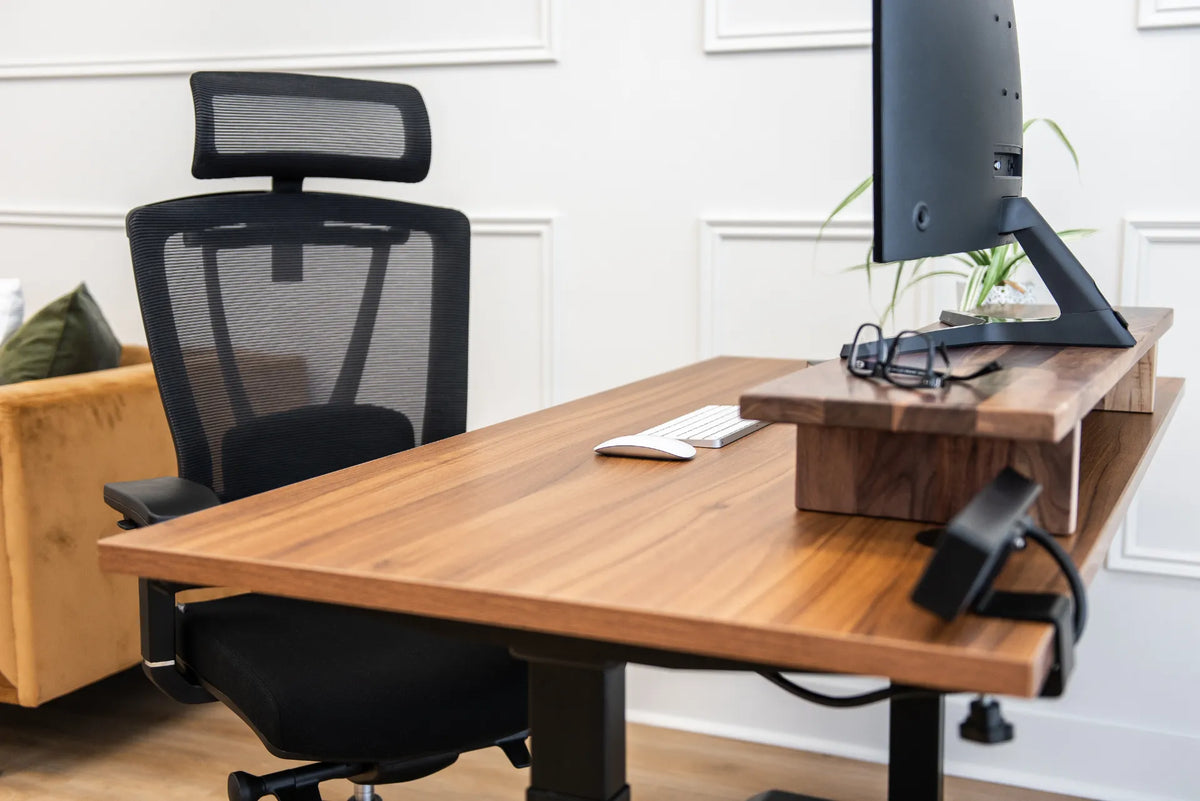
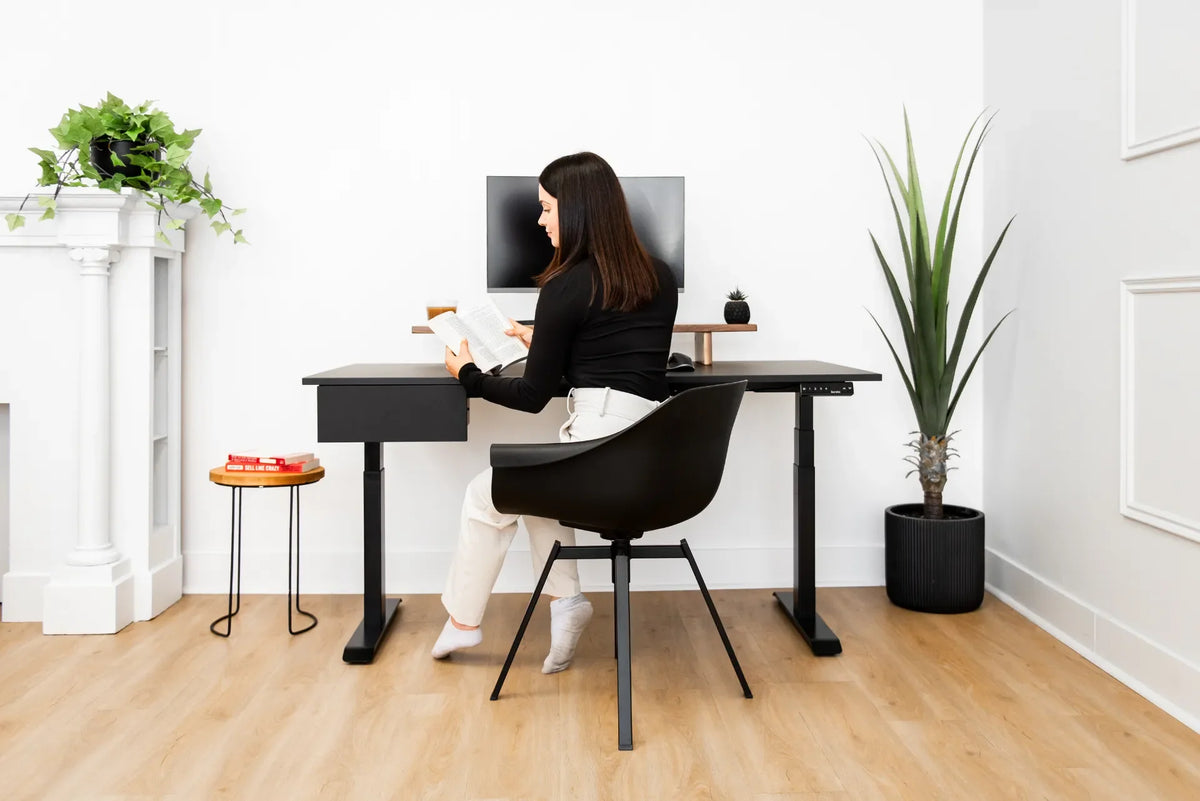
Yes, you can put a desk behind a sofa, and in the right room it is one of the most efficient ways to create a home office without dedicating an entire bedroom. The sofa can visually separate work from relaxation, while the desk uses an area that often becomes an empty circulation strip. The layout only succeeds when there is enough room for the chair, a safe path through the room, controlled cables and a screen position that does not dominate the seating area.
The key is to plan the occupied workstation, not just the desktop. A desk may fit on paper while the chair blocks the walkway or the monitor feels intrusive from the sofa. Measure and test the full arrangement before ordering furniture.
When a desk behind a sofa works best
This layout is strongest in a long living room, an open-concept space or a room where the sofa already floats away from the wall. The back of the sofa creates a natural boundary. A slim desk can align with it, or a larger workstation can sit a little farther back to preserve chair movement.
It is less successful when the sofa backs onto the only route to a door, balcony or kitchen. It can also feel cramped if the desk chair must share the same narrow zone as people walking through the room.
Start with four measurements
1. Sofa length and height
Measure the sofa's full width, including arms, and the highest point of its back. A desk that is slightly shorter can look integrated. A desk that extends well beyond one side may still work, but it reads as a separate office zone. Check what will be visible from the seated side, including the monitor, cables and underside of the desktop.
2. Desktop depth
Measure from the front to the rear edge. A shallow surface saves floor space but may bring the screen too close. A deeper desk provides more monitor distance but enlarges the total footprint. Include any monitor arm movement behind the desktop.
3. Chair movement
Measure the chair in its working position and pulled back far enough for the user to stand. Burotic's guide to space behind a desk for a chair suggests about 90 cm or 36 inches as a useful planning point for many home offices, with less possible in a compact single-purpose zone and more needed when people must pass behind.
4. Circulation path
Identify the routes people actually use. A walkway that exists only when the chair is tucked in is not a reliable path during the workday. In a commercial or accessible environment, follow applicable building, fire and accessibility requirements instead of relying on a blog measurement.
Should the desk touch the sofa?
Usually, no. Leave a small, deliberate gap so the furniture does not rub, transfer movement or trap cables. The correct gap depends on the sofa shape and the desk base. If the desk is height adjustable, confirm that no part of the desktop, frame, monitor or cable can contact the sofa at any height.
Do not use the sofa as a support for the desk. Both pieces should stand independently and remain stable. A sofa can shift when someone sits down, which may be enough to bump a tightly placed workstation.
Desk height and the view from the sofa
A fixed desk may sit close to the sofa-back height, which can create a console-table effect. A standing desk rises well above it. That is not automatically a problem, but it changes the room while the desk is elevated. Check sightlines to the television, windows and artwork from the main seats.
Keep the monitor as low as comfortable for the user rather than raising it to hide it from view. The Canadian Centre for Occupational Health and Safety recommends positioning the monitor directly in front of the user, generally around arm's length away, with the top of the screen at or below eye level for many users. Vision and task needs can change the exact position.
Choose the desk shape for the room
Rectangular desk
A rectangular desk is the simplest choice behind a straight sofa. It is easy to centre, leaves predictable side clearances and can be sized to the available wall-to-walkway distance.
L-shaped desk
An L-shaped desk can define a stronger office zone but needs more room and careful orientation. The return should not project into a doorway or force the chair into the sofa. Test the corner with painter's tape on the floor.
Height-adjustable desk
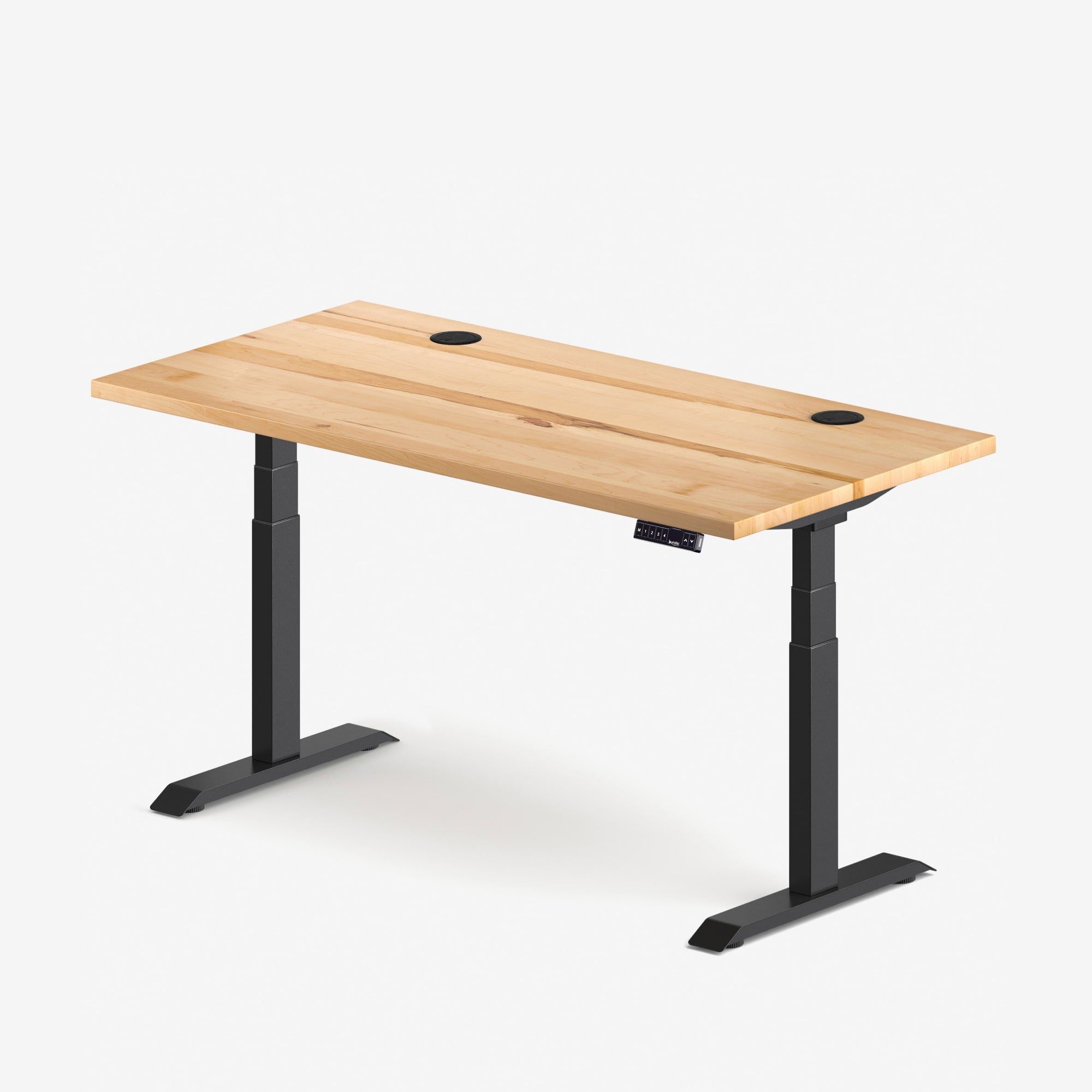
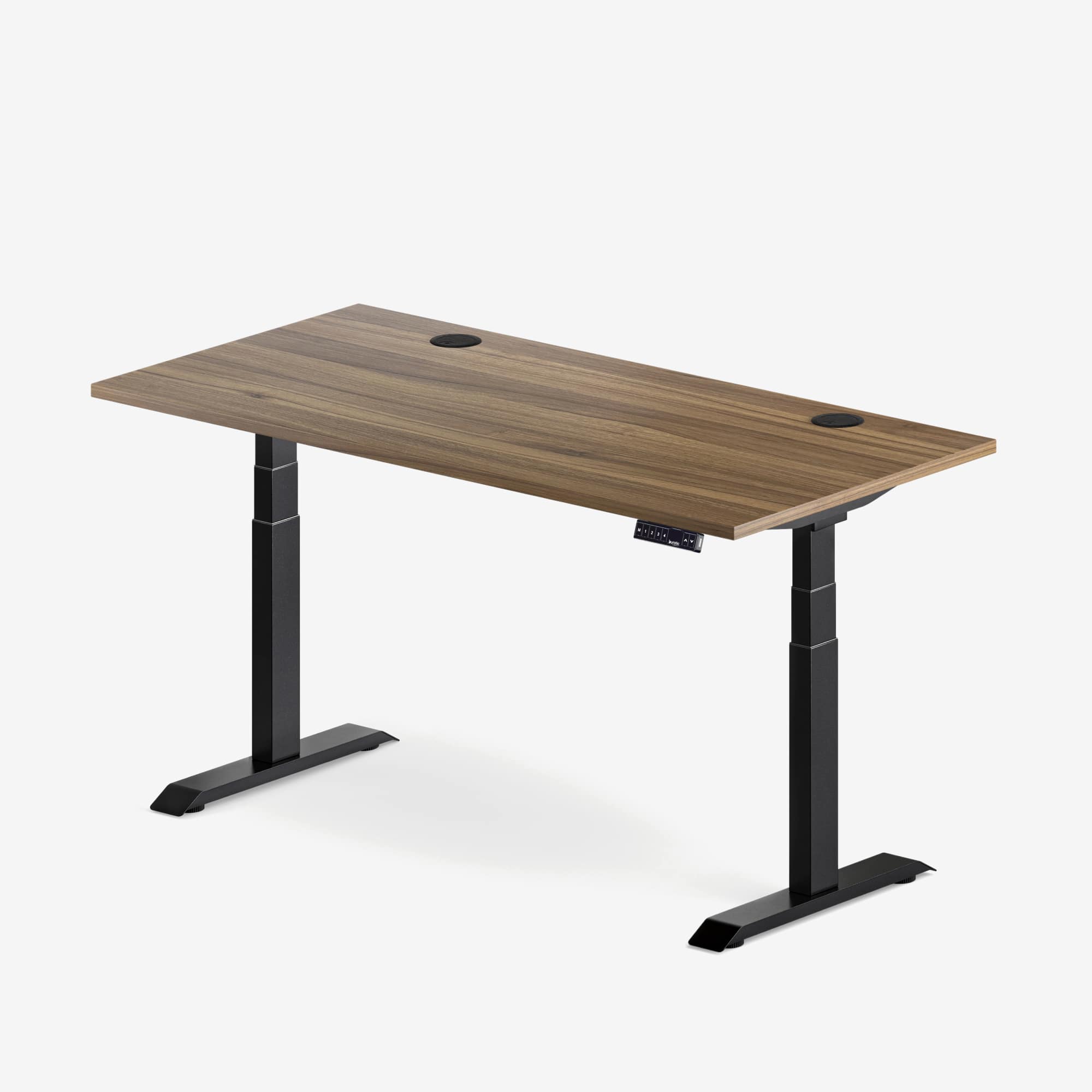
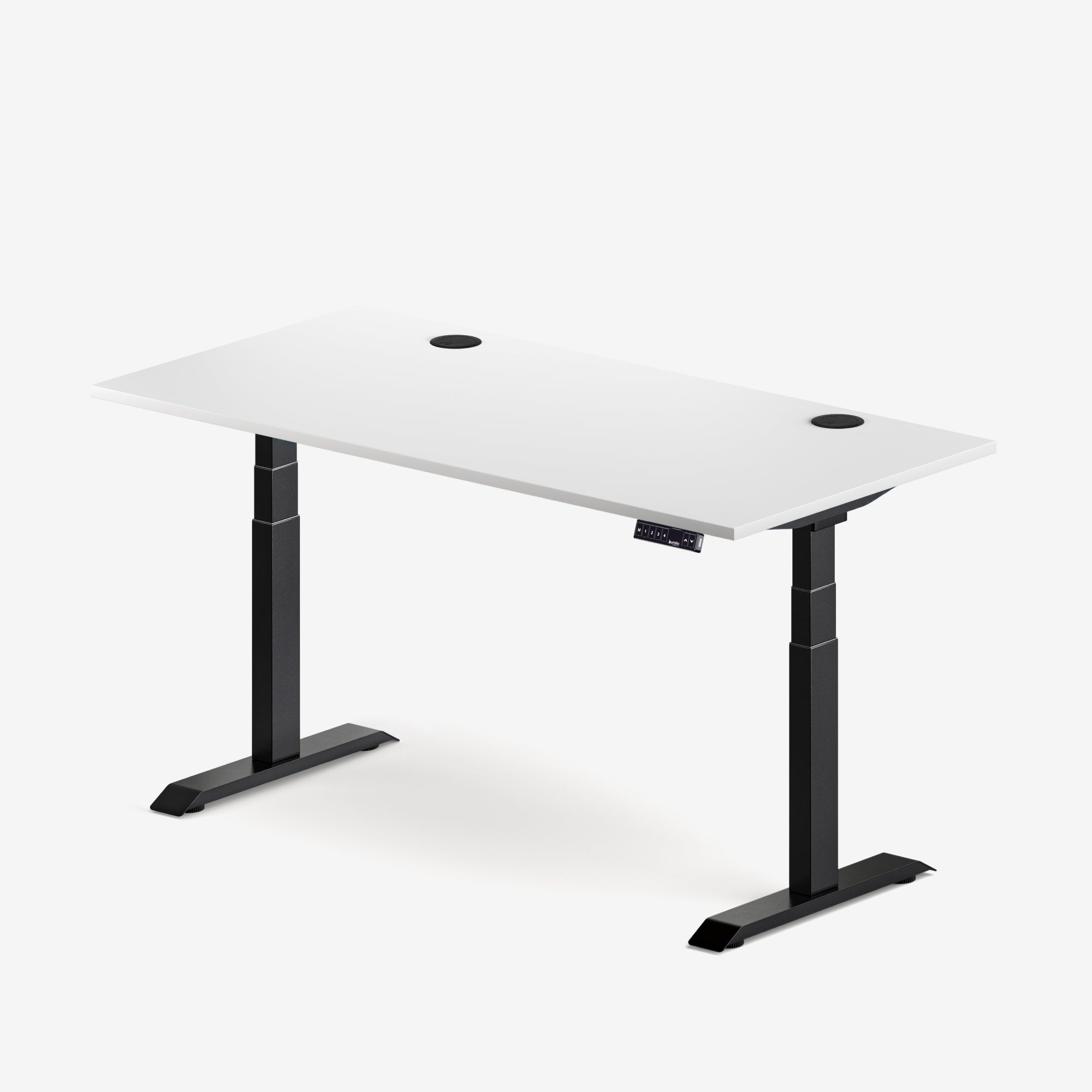
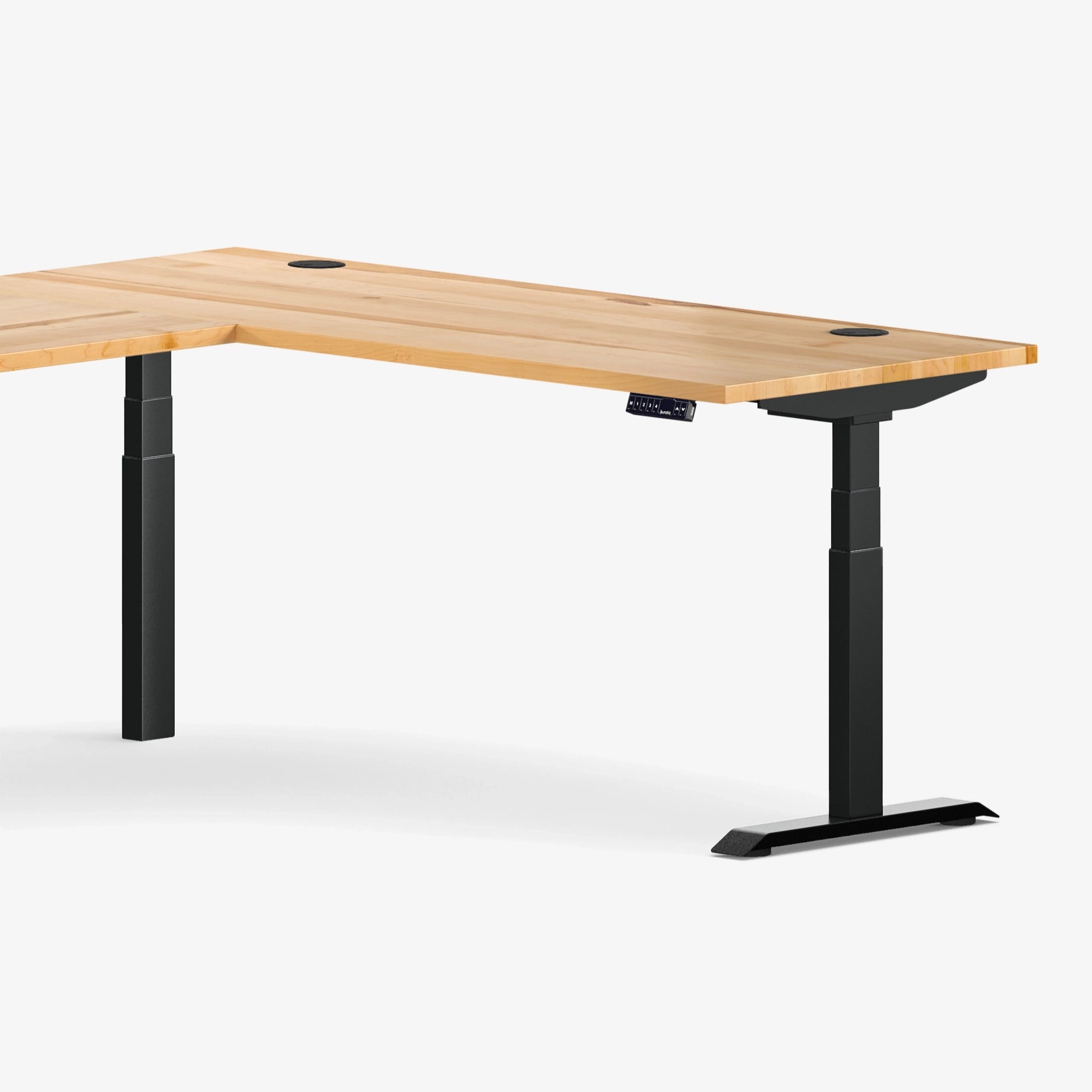
A standing desk can help the workstation adapt during the day, but its movement envelope must remain clear. Burotic's Aspire Solid Wood Standing Desk is one option for customers who want a warm residential material with height adjustment. Verify current dimensions and specifications for the chosen configuration.
Plan power and cables before placing the furniture
A desk behind a sofa is often far from a wall outlet. Do not run loose power cords across a walkway or hide an overloaded power bar under upholstery. Use an outlet and power solution that comply with the equipment instructions and local electrical requirements.
For a height-adjustable desk, leave enough cable slack for the full travel without letting cords drag, pull or enter moving parts. Route cables along the desk frame, then create a controlled path to power. If a floor crossing cannot be avoided, use an appropriate listed cable protector and keep the route out of the chair path.
Control light, glare and sound
Check the screen from both the desk and the sofa. A window behind the user can reflect in the monitor, while a bright window directly behind the screen can create a high-contrast view. Angle the layout or use adjustable window coverings before adding more lighting.
For video calls, consider what the camera sees. A tidy living-room background can work well, but protect household privacy. Headphones and a microphone used close to the speaker can reduce the need to project sound into the seating area.
Keep the workstation visually calm
A desk behind a sofa is visible from several directions. Limit the objects stored on top, choose a cable tray that does not protrude, and use closed storage elsewhere for supplies. Match one or two visual cues, such as wood tone or frame colour, without forcing every piece to be identical.
Burotic's home office in a living room guide covers broader zoning, lighting and storage decisions.
Test the layout before buying
- Mark the desktop outline on the floor with painter's tape.
- Add the chair base and pulled-back position.
- Walk every route while another person occupies the chair.
- Mock up the monitor height with a box.
- Check the view from each sofa seat.
- Locate outlets and plan the entire cable path.
- If using a standing desk, mark its raised height and check moving clearances.
A practical way to add an office zone
A desk behind a sofa can make a living room work harder without looking improvised. Success depends on chair clearance, circulation, screen sightlines and safe power routing. Start with measurements, test the occupied setup and choose furniture that fits the actual room rather than a styled photograph.
Once those fundamentals are correct, the sofa becomes a useful boundary between work and rest, and the desk can feel like an intentional part of the home.
Sources
- Canadian Centre for Occupational Health and Safety: Positioning the Monitor
- Canadian Centre for Occupational Health and Safety: Office Ergonomics
- Applicable local building, fire, accessibility and electrical requirements

Previous article
Office Chair Casters: Hard vs. Soft Wheels for Carpet and Hard Floors
Next article
Can You Charge a Phone and Earbuds at the Same Time on a Wireless Desk Pad?