

Standing Desks at Work: A Practical Guide for Employers
A practical framework for introducing standing desks at work, from employee fit and training to shared-desk policies and evaluation.

In this article
Adding standing desks to a workplace is not simply a furniture purchase. The desks must fit the people, equipment and tasks, and employees need enough guidance to use them comfortably. A thoughtful rollout can support more posture changes without turning standing into a requirement.
Begin with jobs and users
Review the tasks performed at each station, the equipment footprint and whether desks are assigned or shared. Ask employees about current barriers, but do not treat a survey as a clinical assessment. Accommodation needs should follow the organization’s established process and qualified advice where required.
Choose adjustability that fits the workplace
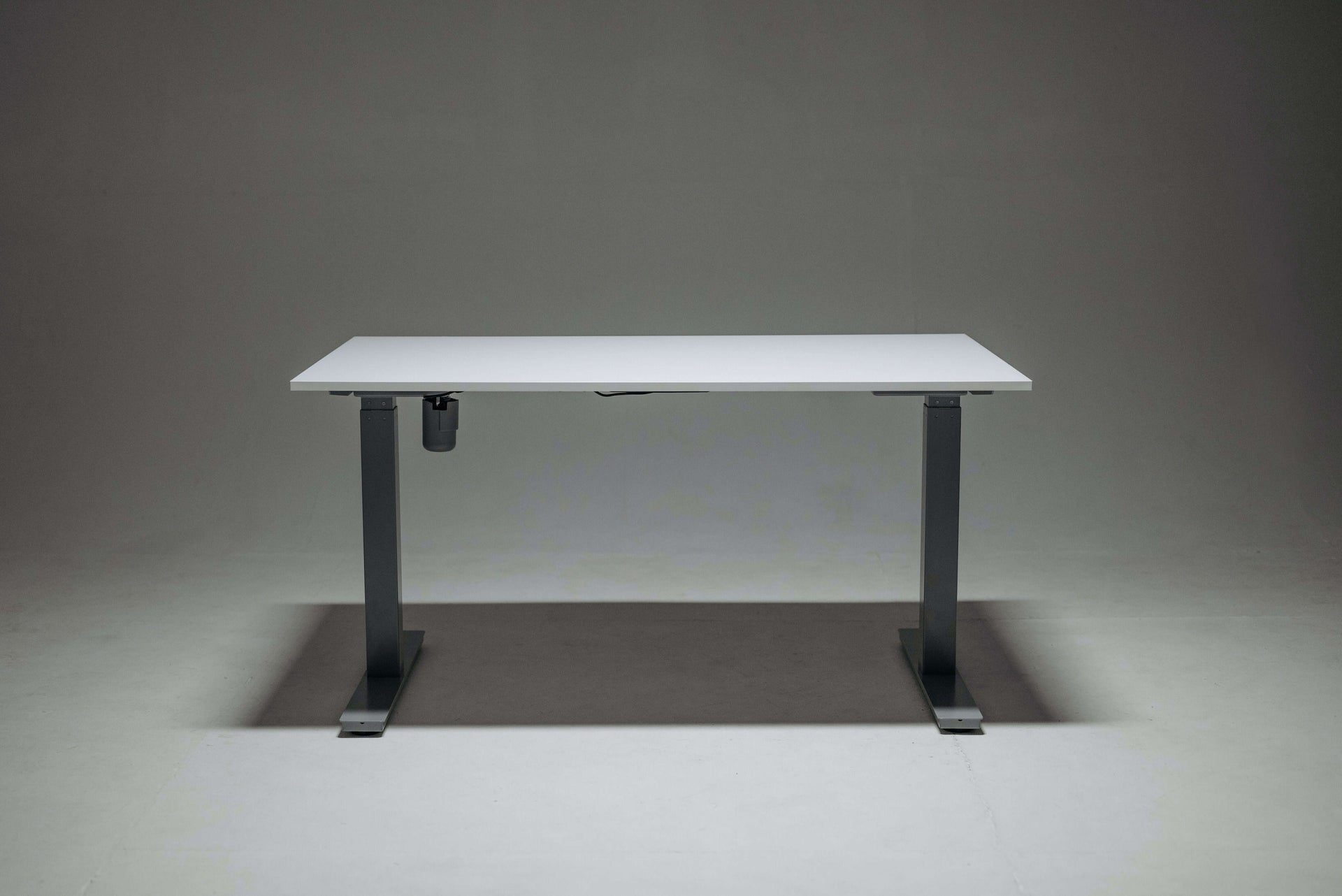
Measure the required seated and standing ranges, desktop sizes, monitors and room clearances. The Aspire Laminate Standing Desk can suit individual stations, while an L-shaped Aspire desk offers more surface for equipment-heavy roles. Verify current specifications before standardizing a model.
Teach adjustment, not just button use
The CCOHS sit-stand desk guidance recommends alternating positions and avoiding prolonged static work. A short orientation should cover seated desk height, standing height, screen placement, cable clearance and the purpose of memory presets.
- Set the chair and seated height first.
- Keep the keyboard near elbow height in both positions.
- Adjust the monitor independently when needed.
- Encourage brief, comfortable changes rather than standing targets.
Plan shared desks carefully
Hot-desking works only when each user can reset the station quickly. Provide visible adjustment instructions and enough range in the chair, desk and monitor support. A monitor arm can make shared screen positioning easier when compatible with the equipment.
Control cables and clearances
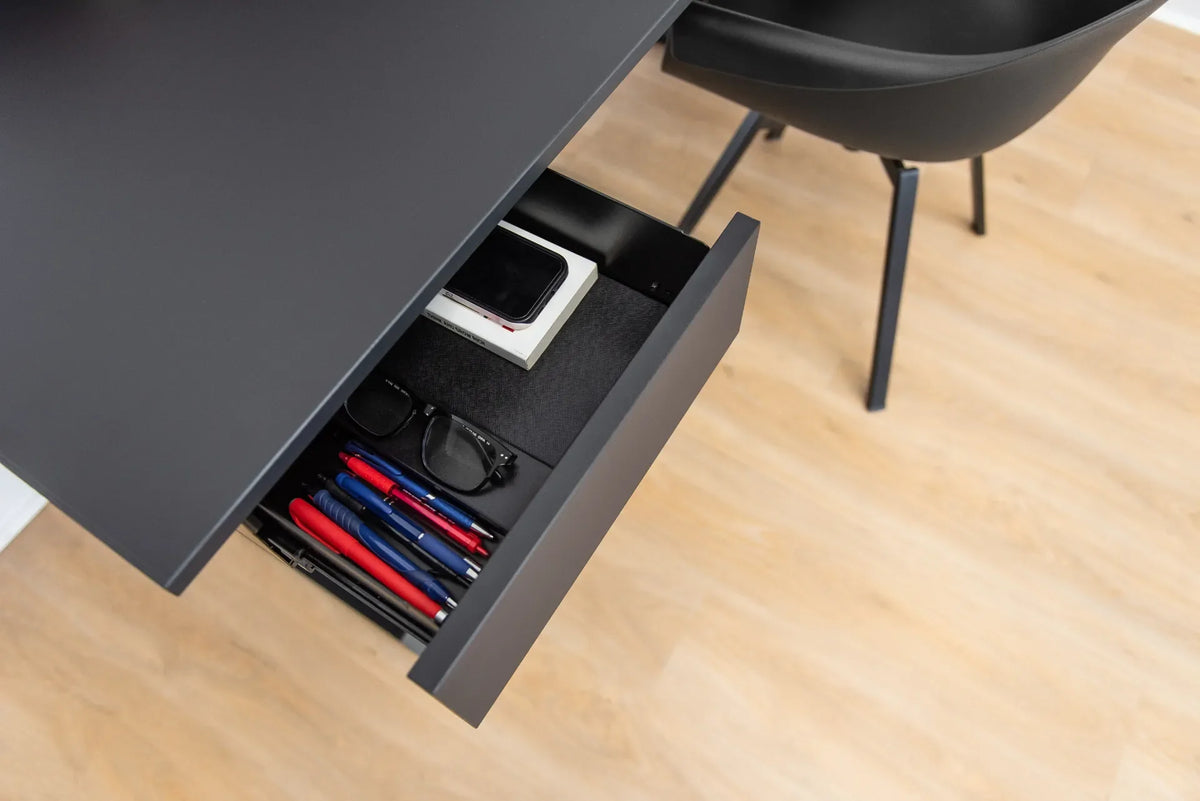
Test the desk at its highest and lowest settings with all devices connected. Cables need enough slack without creating loops near moving components. A cable management solution helps keep power and data lines organized. Confirm that storage, walls and nearby desks do not obstruct travel.
Offer options instead of mandates
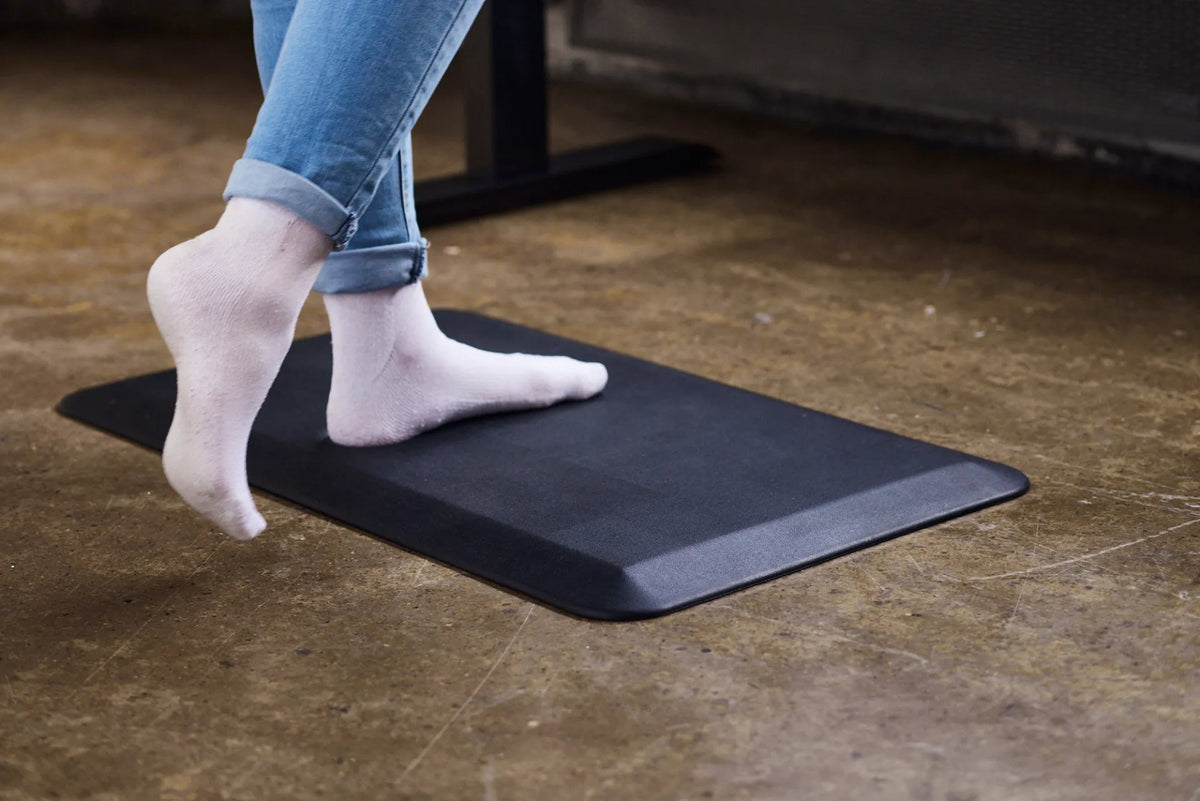
Not everyone will prefer the same standing frequency. Comfortable footwear, an optional anti-fatigue mat and freedom to sit are more useful than a one-size-fits-all rule. Standing is not a substitute for walking, breaks or well-designed work.
Evaluate after the rollout
Check whether employees can achieve comfortable positions, whether equipment moves safely and whether support requests are resolved. Track practical indicators such as setup problems, maintenance issues and user feedback rather than making unsupported health or productivity claims.
A better implementation standard
A successful standing desk program combines suitable equipment, individual adjustment, training and follow-up. Burotic can help organizations compare active desk configurations, but the final choice should begin with measurements and the real work performed.
Previous article
How to Care for a Solid Wood Desk: Cleaning and Maintenance
Next article
Why You Feel Unmotivated at Work and What to Change First