

Standing Desk vs. Sitting Desk: Which Is Better for Your Workday?
A balanced comparison of standing and sitting desks, with practical advice for alternating positions and fitting the workstation.

In this article
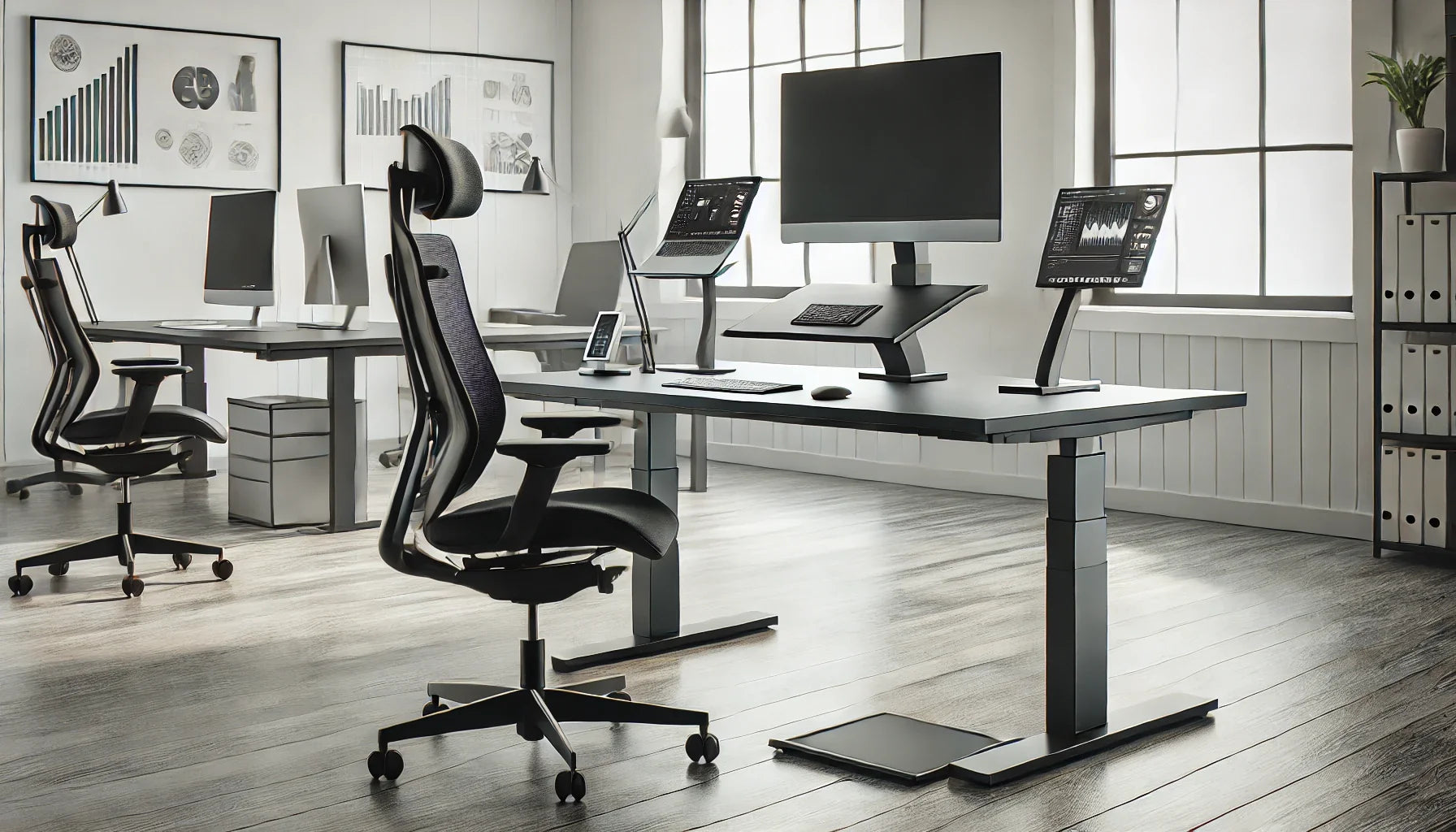
The better desk is not the one that forces you to sit or stand all day. It is the one that fits your body and equipment and makes it easy to change position. Sitting can support precise work and recovery. Standing can add variety. Both become uncomfortable when held too long.
What a sitting desk does well
A properly fitted seated workstation provides stable support for focused keyboard work and detailed tasks. The chair carries part of the body’s weight, which can be helpful during long concentration periods. A fixed desk may also be simpler and less expensive.
The limitation is fit. If the surface is too high or low, the user may raise the shoulders, bend the wrists or lose foot support. The desk and chair must work together.
What a standing desk adds
A height-adjustable desk can bring the keyboard closer to seated elbow height and then rise for standing tasks. It makes posture variation more practical without moving to another station. The Aspire Laminate Standing Desk and Leva Laminate Standing Desk are current Burotic options to compare by dimensions and features.
Standing is not automatically ergonomic. A surface set too high, a low monitor or long static periods can still create discomfort.
What Canadian guidance recommends
The CCOHS guidance on sitting and standing emphasizes changing posture and avoiding prolonged static positions. This supports a movement-based approach rather than declaring one posture universally superior.
Compare the two approaches
| Factor | Fixed sitting desk | Height-adjustable desk |
|---|---|---|
| Posture changes | Requires leaving the station or changing tasks | Supports sitting and standing at the same surface |
| Fit | Depends on desk height and chair range | Surface can be adjusted more precisely |
| Complexity | Simple setup | Requires power, cable planning and clear travel |
| Cost | Often lower | Usually higher because of the lifting system |
How to alternate well
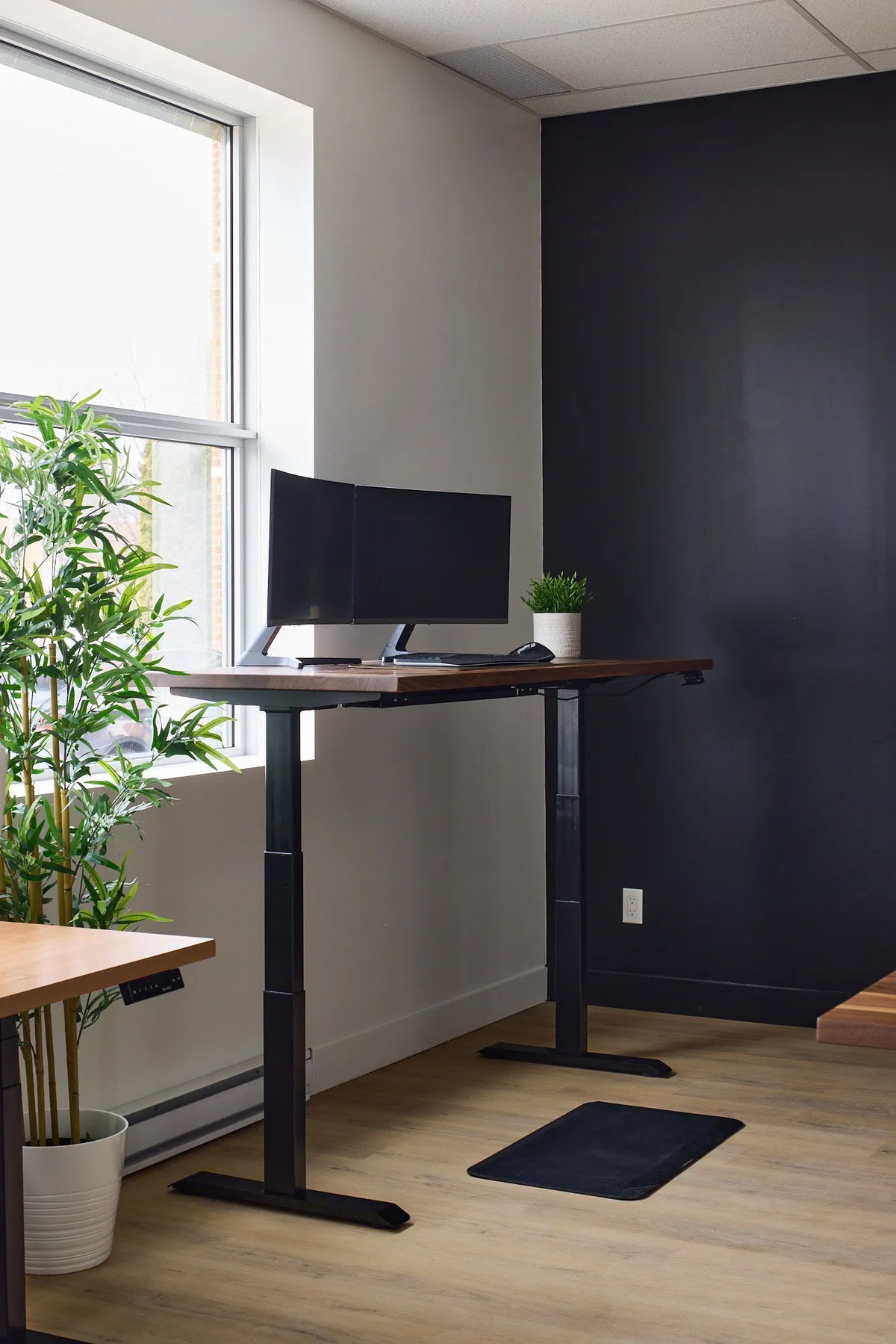
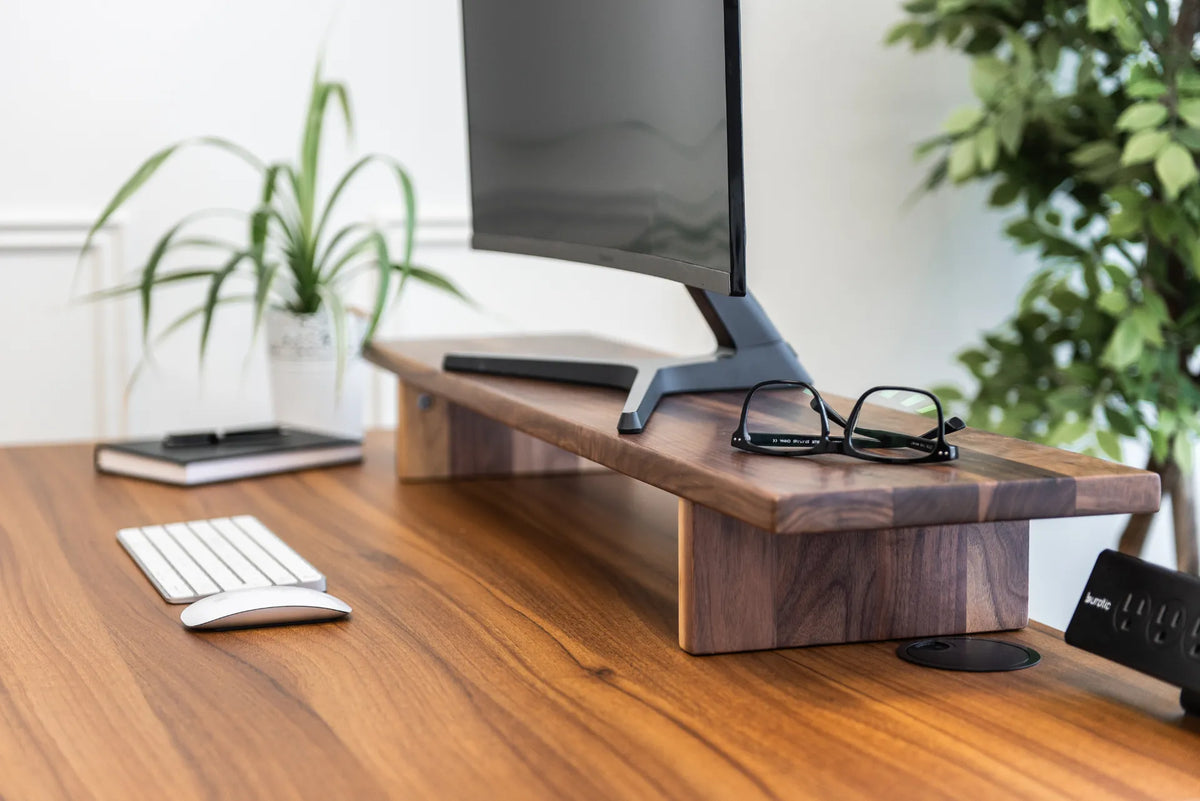
Start with comfortable seated and standing presets. Stand for a short, predictable task and return to sitting before fatigue. Take brief walks because standing in place is not the same as moving. An anti-fatigue mat may support comfort, while a monitor arm can keep the screen aligned in both positions.
Who may prefer a fixed desk?
A fixed desk can be a sound choice when it fits the primary user, the budget is limited and posture changes occur away from the workstation. It may also suit equipment that should not move. The important point is to verify height, chair compatibility and leg clearance.
Who benefits most from adjustability?
An adjustable desk is especially useful for shared users, changing tasks and anyone who wants to alternate without interrupting computer work. It is not a treatment or a guarantee of better health, but it can remove a practical barrier to movement.
The verdict
For flexibility, a height-adjustable desk is the stronger overall choice. For value, a correctly sized fixed desk can still work well. In either case, fit the chair, screen and input devices, then build movement into the day.
Previous article
Solid Wood Desk Benefits: Is It the Right Material for You?
Next article
Wireless Charging Desk Pad: Is It Worth Adding to Your Setup?