





Ergonomic Office Tips & Buying Guides
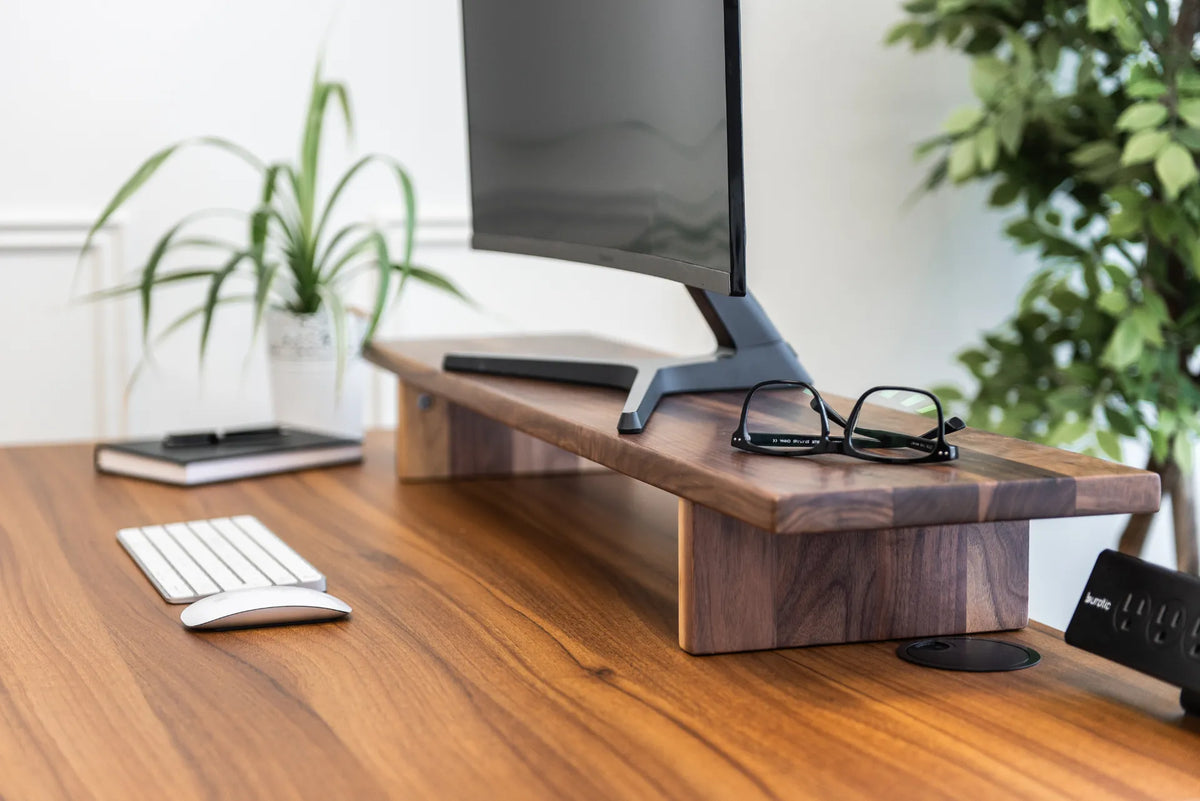
Can a Monitor Riser Scratch Your Desk?
A monitor riser can mark a desktop when grit is trapped under its feet, the base slides or the load exceeds what the surface can tolerate. Learn how to inspect, place and maintain a riser without compromising screen ergonomics.
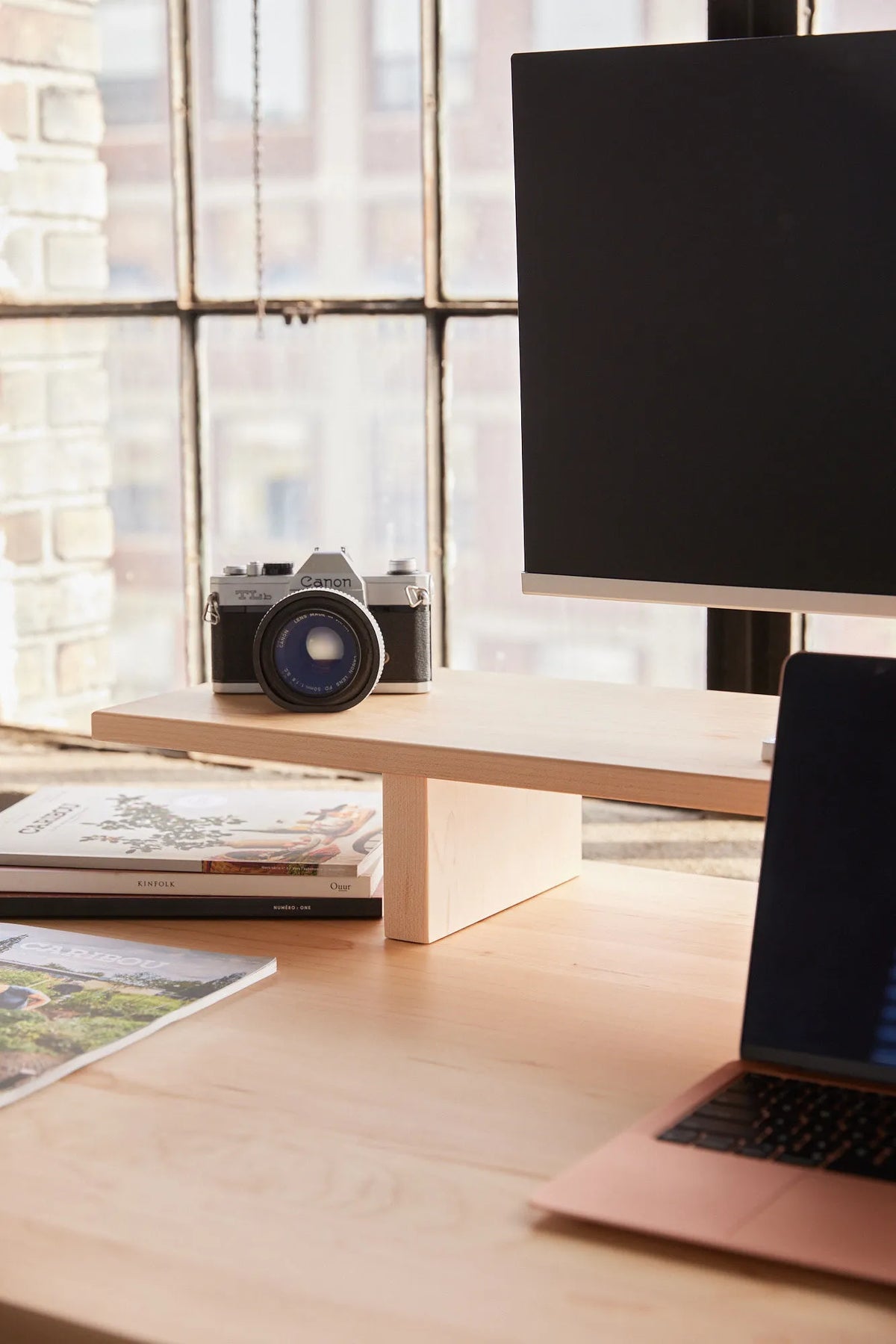
Where Should a Monitor Riser Sit on Your Desk?
A monitor riser should normally sit behind the keyboard, centred on your main viewing position and far enough back to keep the screen at a comfortable viewing distance. This guide explains how to balance screen height, desk depth, stability, storage and cable space.
Read moreabout Where Should a Monitor Riser Sit on Your Desk?
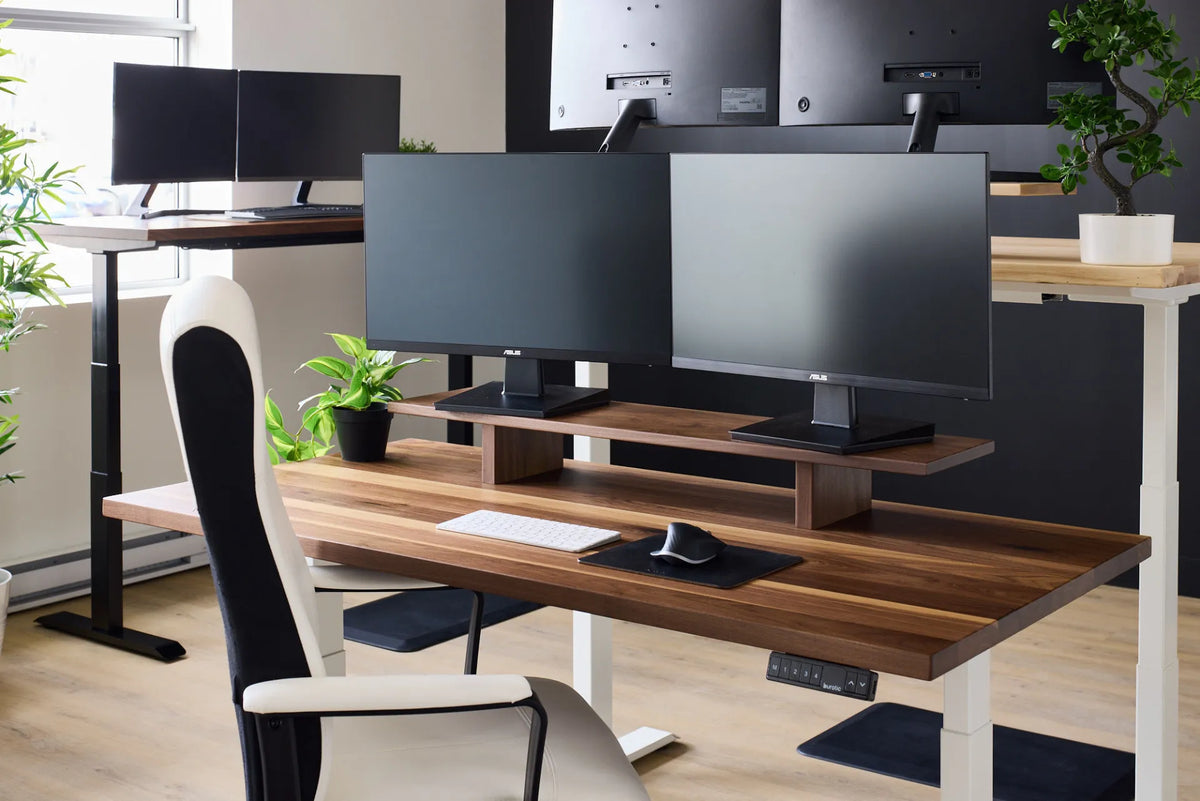
Can a Monitor Riser Hold Two Monitors? What to Check
Read moreabout Can a Monitor Riser Hold Two Monitors? What to Check
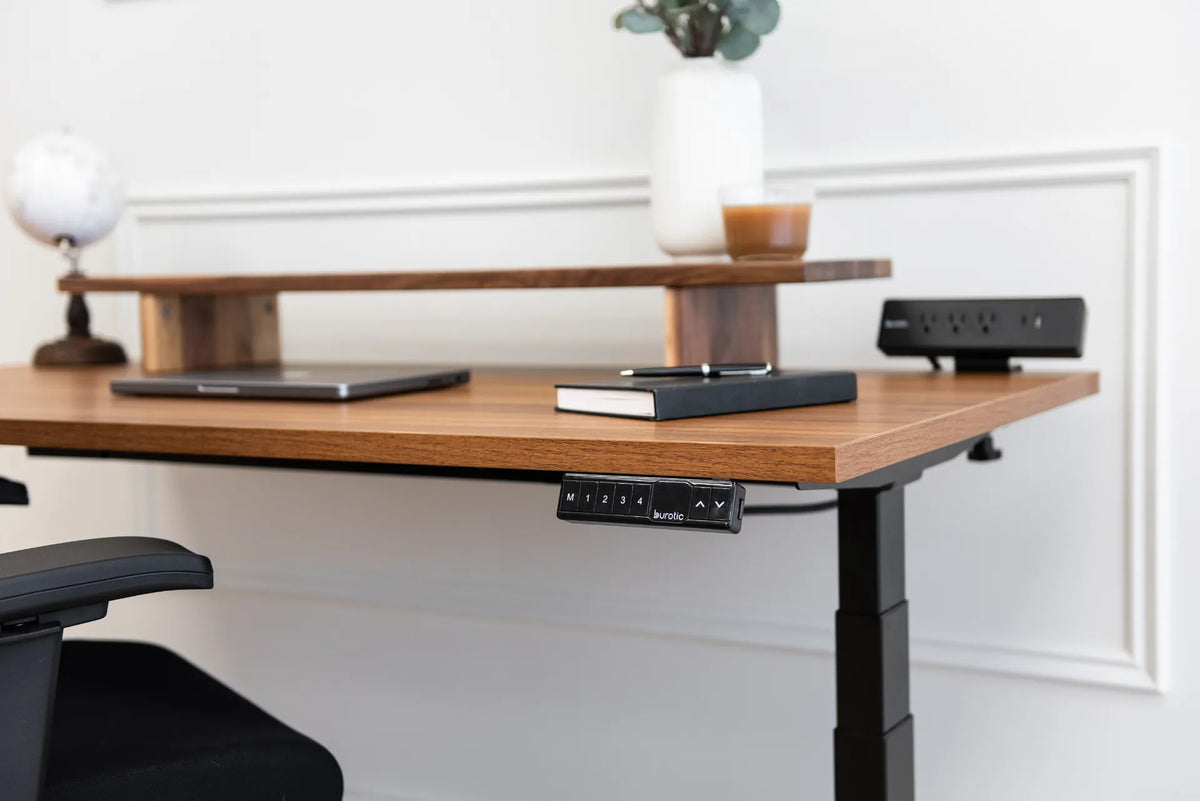
How Deep Should a Monitor Riser Be? A Practical Sizing Guide
Read moreabout How Deep Should a Monitor Riser Be? A Practical Sizing Guide