Ergonomic Office Tips & Buying Guides

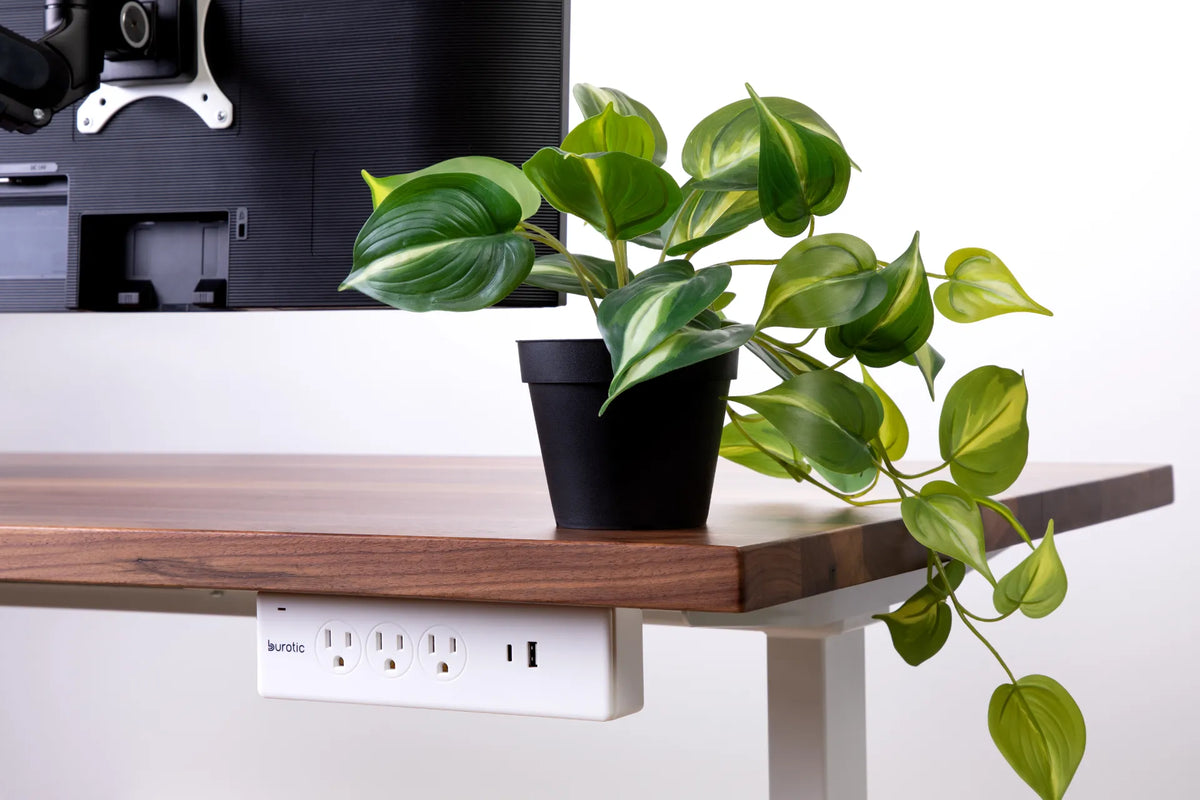
White Burotic power bar mounted below the rear edge of a wood desk beside a trailing green plant and monitor

Should a Power Bar Be Mounted Above or Below Your Desk?
Compare above-desk and under-desk power bar placement for access, spill exposure, cable movement, standing desk travel and a clean workspace.

Read moreabout Should a Power Bar Be Mounted Above or Below Your Desk?

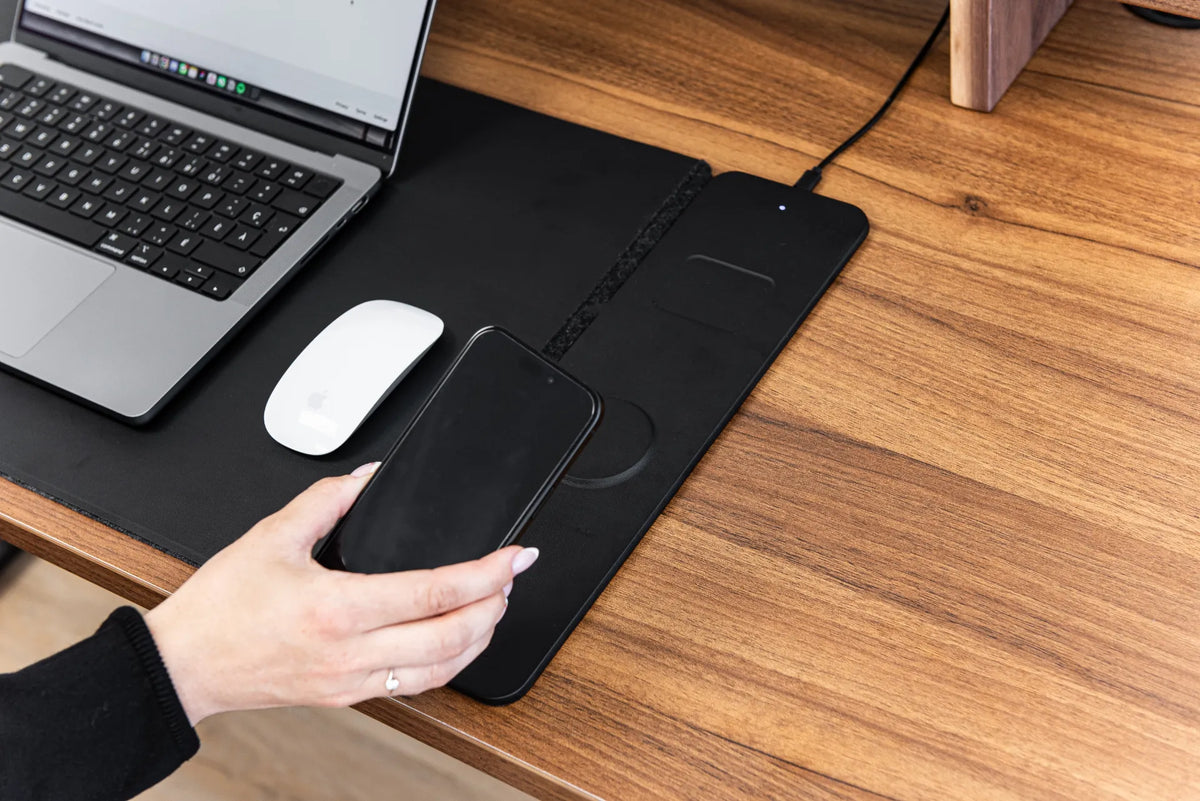
Hand positioning a black smartphone over the charging area of a black desk pad beside a laptop and white mouse on a wood desk

Why Is My Wireless Charging Desk Pad Not Charging?
Troubleshoot a wireless charging desk pad by checking power, phone compatibility, coil alignment, cases, heat, nearby objects and cable connections.

Read moreabout Why Is My Wireless Charging Desk Pad Not Charging?

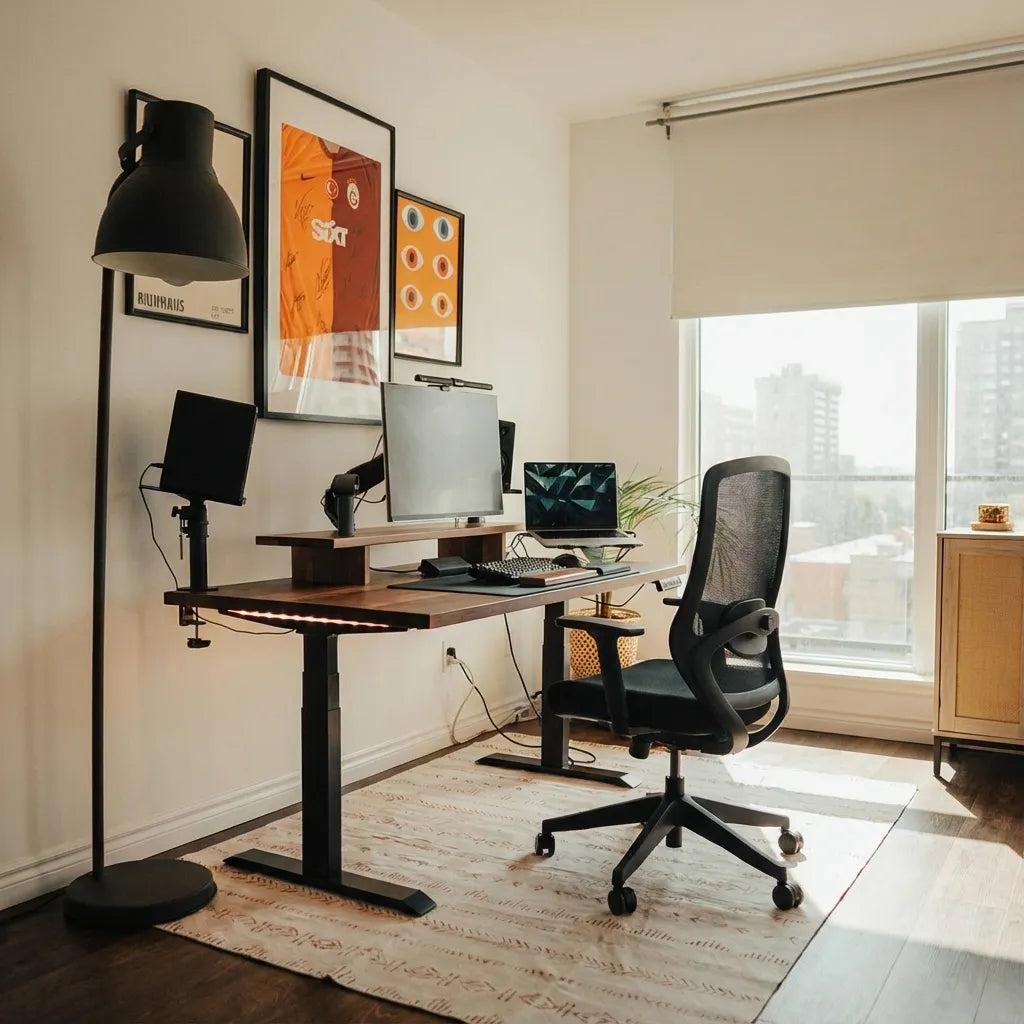
Home office with a wood standing desk, three screens, a laptop and black mesh chair positioned near a large window

Should Your Desk Face the Door? A Practical Home Office Guide
Decide whether your desk should face the door by balancing sightlines, circulation, screen privacy, daylight, cable access and ergonomic positioning.

Read moreabout Should Your Desk Face the Door? A Practical Home Office Guide

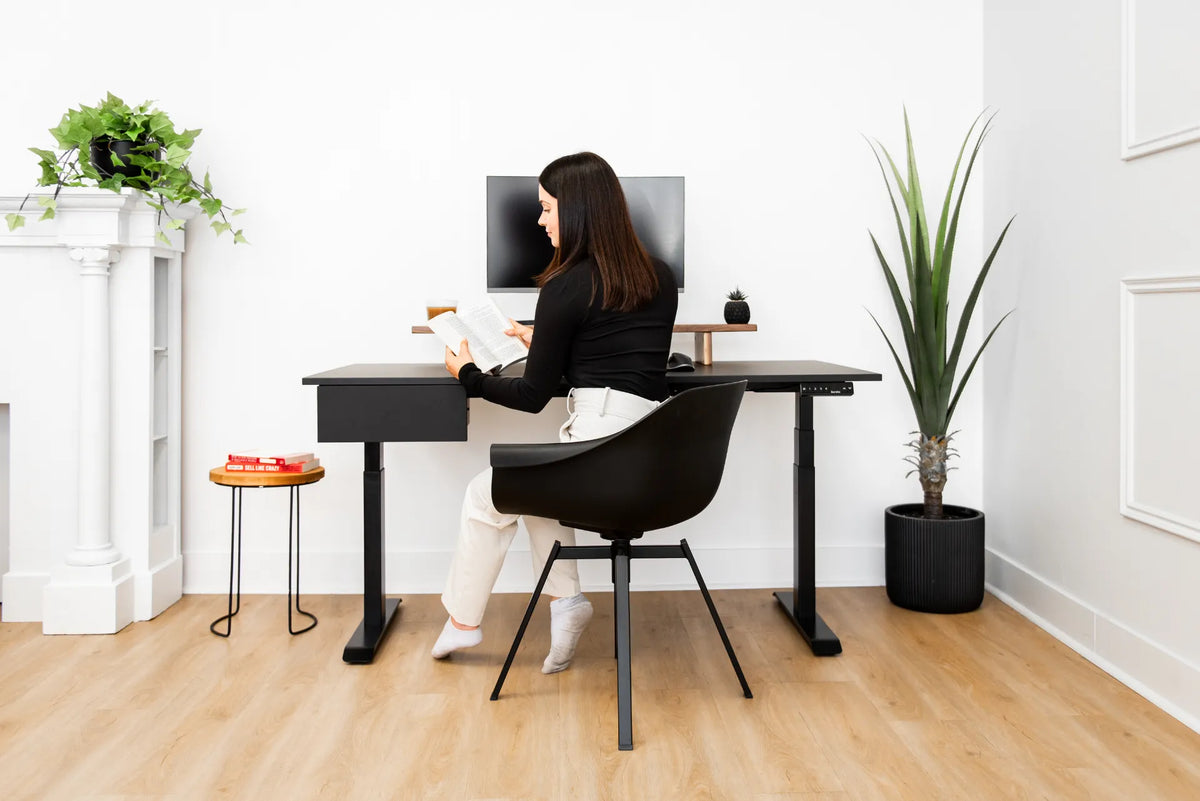
Woman seated at a black height-adjustable desk with one monitor and drawer in a bright white room with plants

Where Should You Put a Desk in a Studio Apartment?

Place a desk in a studio apartment by balancing daylight, circulation, video-call privacy, storage and a clear boundary between work and rest.

Read moreabout Where Should You Put a Desk in a Studio Apartment?

Woman standing at a light wood adjustable desk using an open laptop below a large external monitor in a warm home office

Should You Close Your Laptop When Using an External Monitor?
Choose between open-laptop, closed-laptop and external-monitor setups by considering screen priority, ergonomics, cooling, camera use and desk space.

Read moreabout Should You Close Your Laptop When Using an External Monitor?

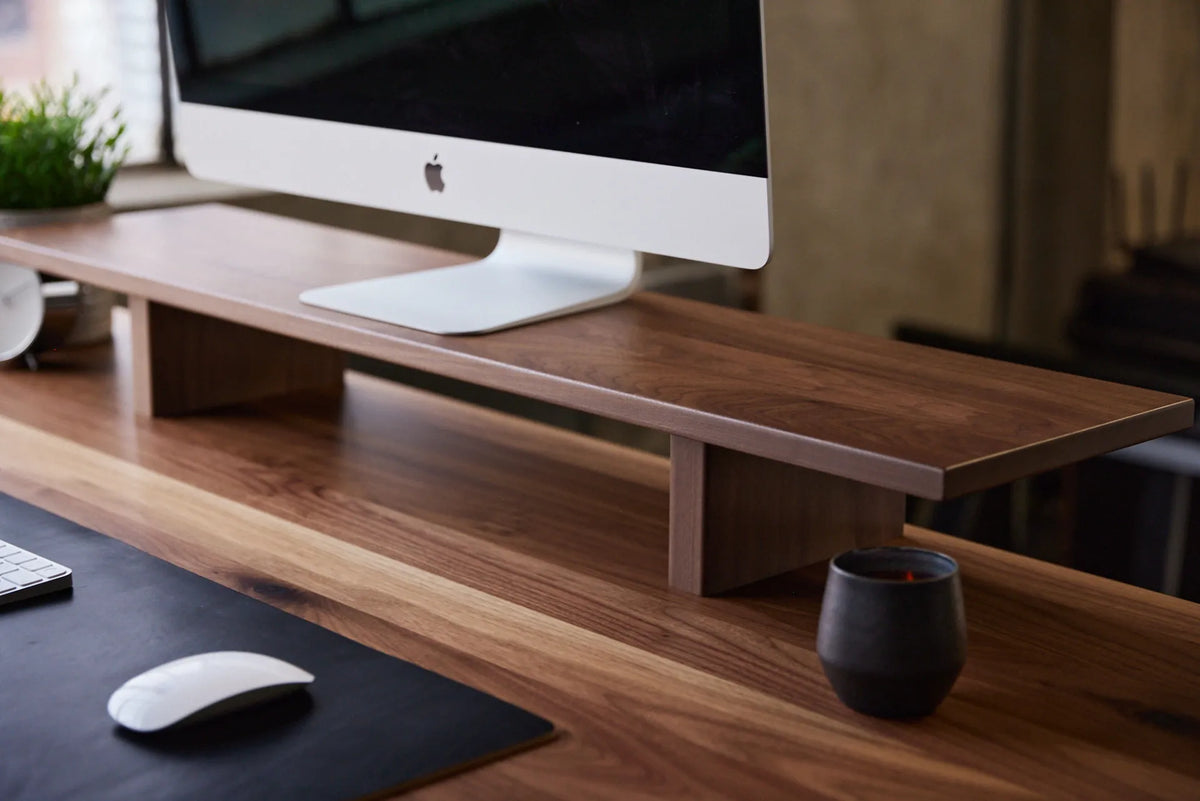
Close-up of a large monitor on a long walnut monitor riser above a matching wood desk, with keyboard and mouse below

How Wide Should a Monitor Riser Be? A Practical Sizing Guide
Measure your monitor base, desk and storage needs to choose a monitor riser that is wide enough without crowding your workspace.

Read moreabout How Wide Should a Monitor Riser Be? A Practical Sizing Guide

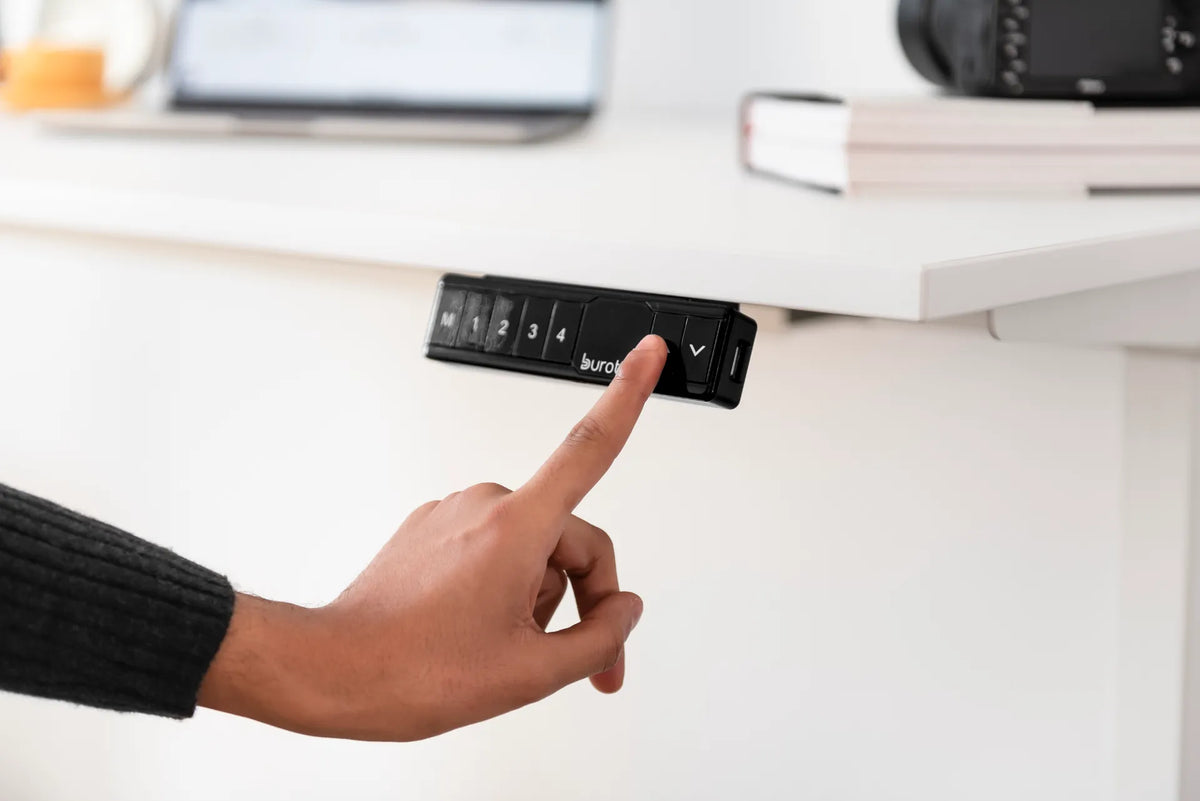
Hand pressing the up arrow on a black Burotic memory controller mounted beneath a white standing desk

Why Won't My Standing Desk Move? What to Check Before a Reset
A safe troubleshooting order for a standing desk that will not move: power, connections, obstructions, load, controller state and model-specific reset steps.

Read moreabout Why Won't My Standing Desk Move? What to Check Before a Reset

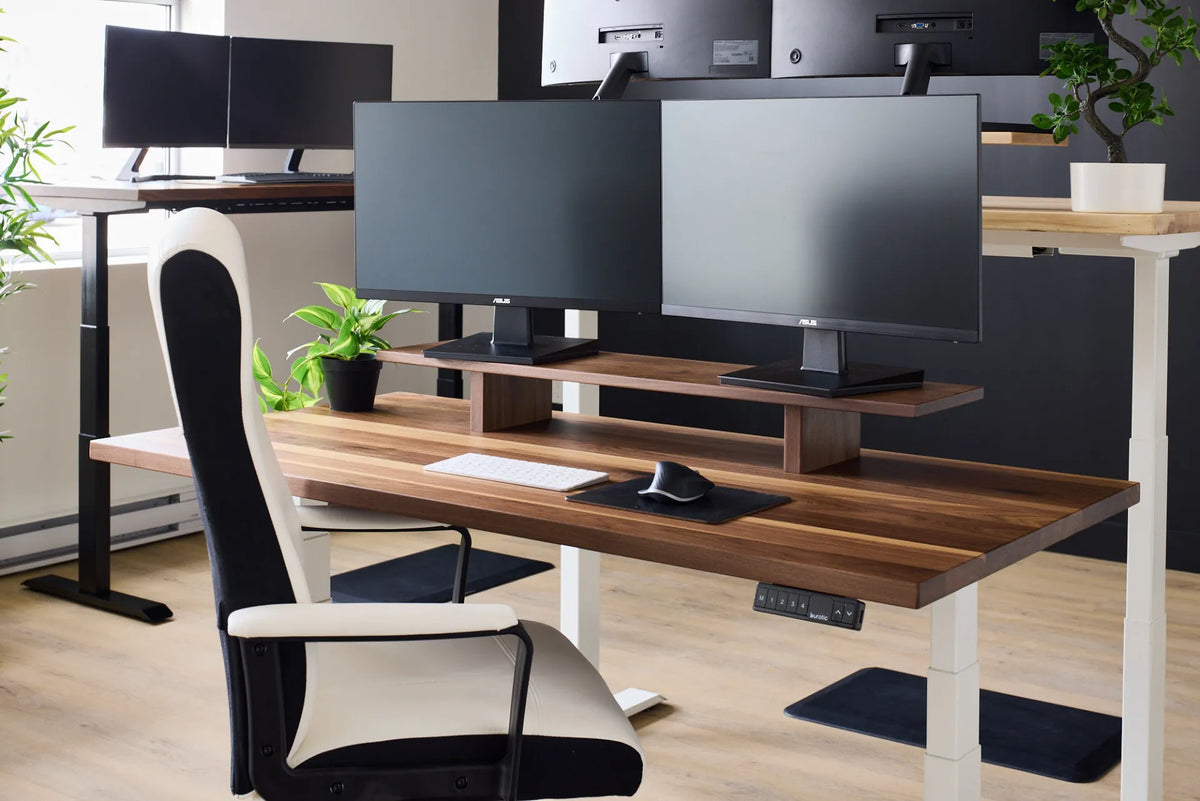
Two black monitors on a wood monitor riser above a white keyboard and black mouse near the front edge of a walnut desk

How Far Should Your Keyboard Be From the Edge of Your Desk?
Place the keyboard close enough to keep the elbows near the body, while avoiding pressure from the desk edge on the wrists or forearms.

Read moreabout How Far Should Your Keyboard Be From the Edge of Your Desk?

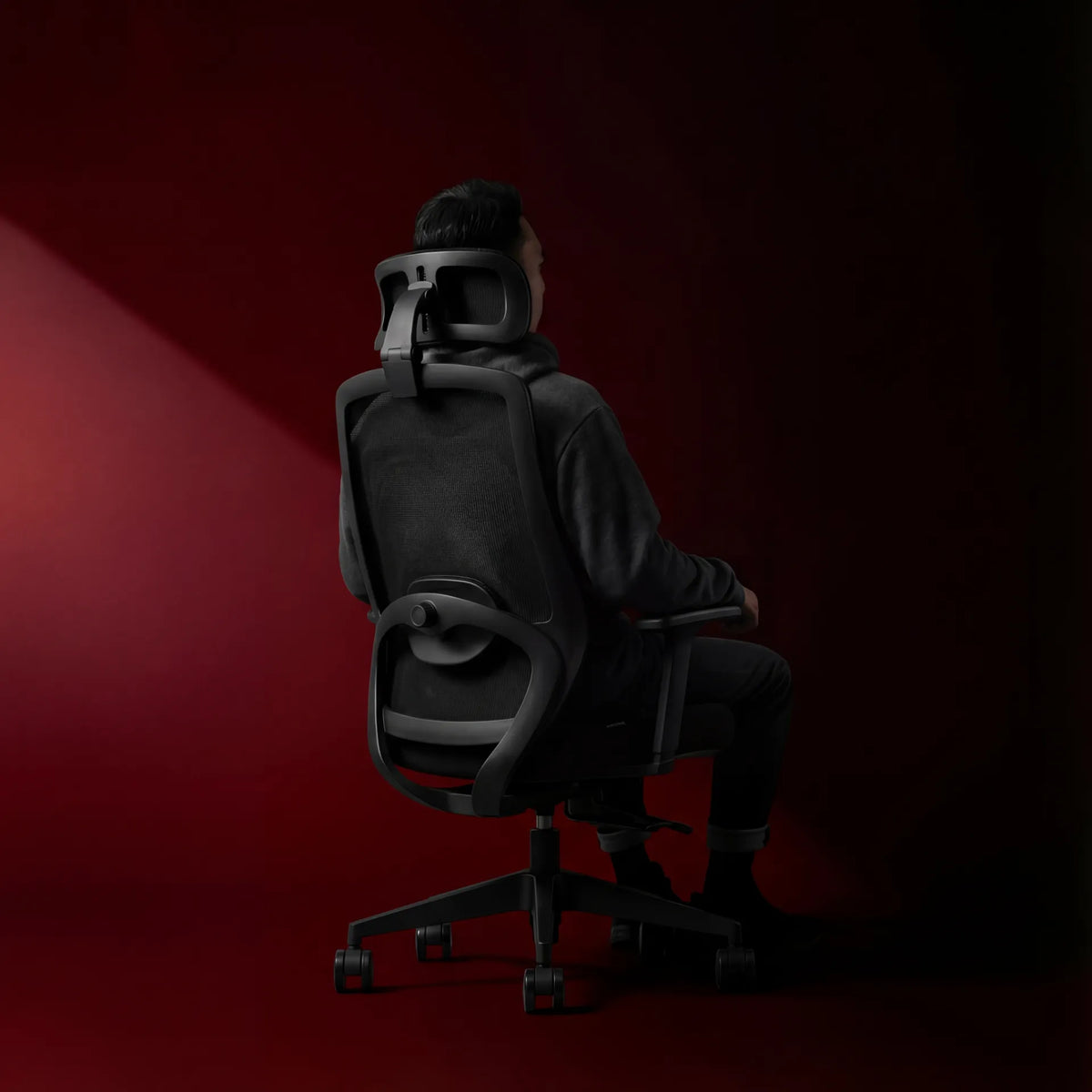
Person seated in a black mesh ergonomic chair with a headrest, shown from behind against a deep red studio background

How Deep Should an Office Chair Seat Be?

Use knee clearance, backrest contact and thigh support to set office chair seat depth for your body instead of relying on one universal measurement.

Read moreabout How Deep Should an Office Chair Seat Be?