

Wireless Charging Desk Pad: Is It Worth Adding to Your Setup?
A practical look at wireless charging desk pads, including compatibility, placement, cable management, care and who benefits most.

In this article
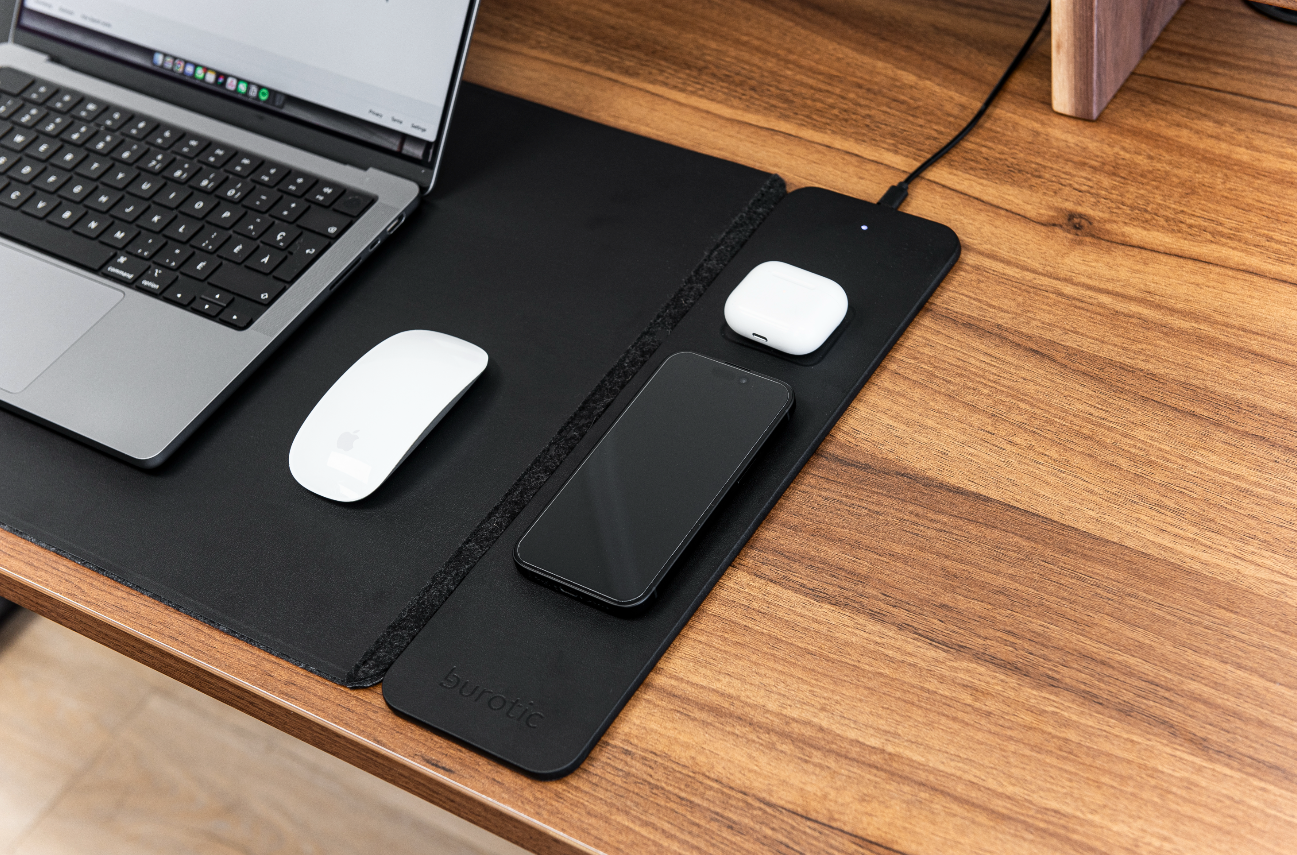
A wireless charging desk pad combines a work surface for your keyboard and mouse with a defined charging area for a compatible device. It can reduce small-item clutter, but it is useful only when the device, placement and charging habits match.
What the product is designed to do
The Burotic Wireless Charging Desk Pad creates a protected daily-use zone and integrates wireless charging. Review the current product page for included components, dimensions and compatibility rather than assuming every phone or accessory will charge.
Check device compatibility first
Wireless charging requires a compatible device and correct alignment. Cases, magnetic accessories, metal objects and device settings may affect performance. Use the device manufacturer’s guidance and never place keys, coins or other unintended items on the charging area.
Choose the position around your workflow
Place the pad so the keyboard and mouse remain close and the charging zone is reachable without twisting. Right-handed and left-handed users may prefer different positions. Keep the edge from hanging over the desktop or interfering with controls.
Plan the remaining cable
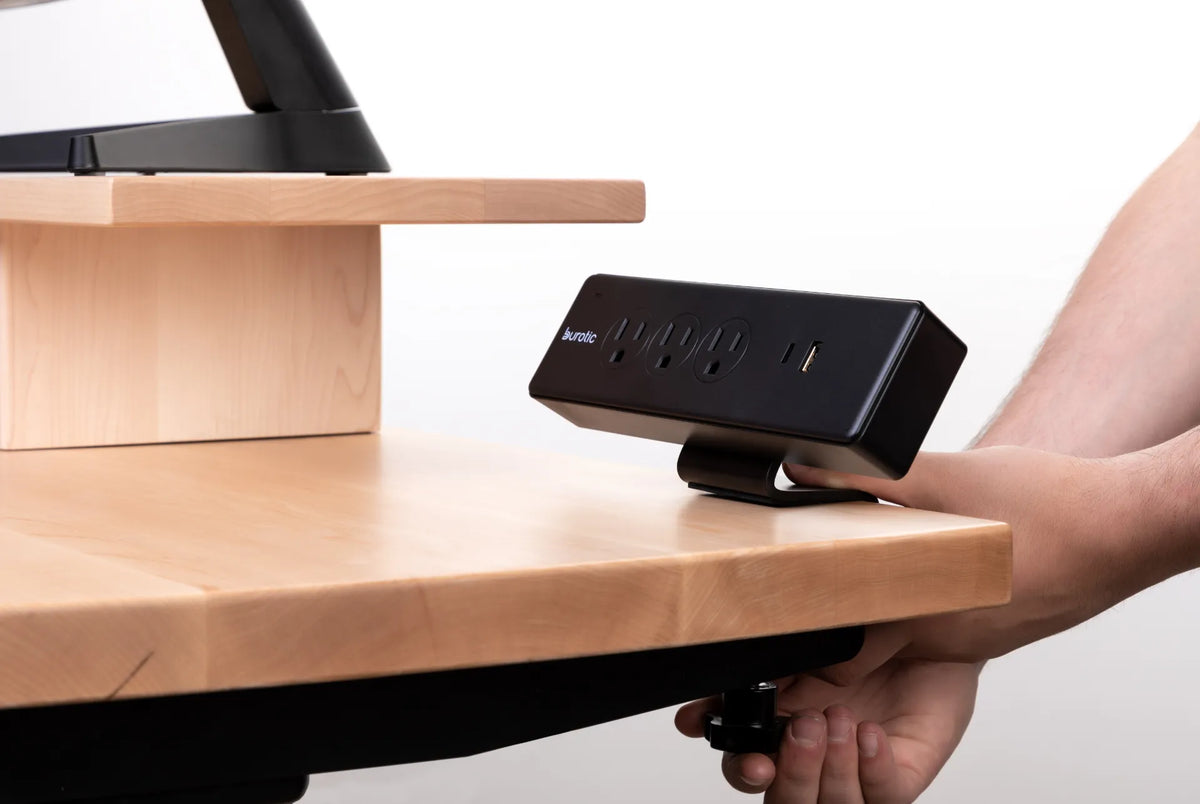
Wireless charging removes the connector from the phone, not all power cables. Route the pad’s cable away from the mouse and moving desk components. A cable management solution can keep the power path organized, especially on a height-adjustable desk.
Understand charging speed and heat
Charging performance depends on the device, power source, alignment and environment. Some warmth can occur during charging, but stop use and follow manufacturer instructions if the device or pad behaves abnormally. Do not cover the charging area with paper or another mat.
Protect the desk and pad
Keep both surfaces clean and dry. Lift the pad periodically to remove debris and check for trapped moisture, especially on a solid wood desk. Follow the care instructions for both products and avoid strong cleaners unless approved.
Who benefits most?
The pad is most useful for someone who owns a compatible device, charges at the desk every day and wants one clear surface for input devices. A user who prefers wired fast charging or rarely leaves a phone on the desk may gain less.
A simple buying checklist
- Confirm device and case compatibility.
- Measure the available desktop area.
- Plan access to power and cable routing.
- Check that the charging zone suits your dominant hand and routine.
- Review current product details before ordering.
The verdict
A wireless charging desk pad is a convenient refinement, not an essential ergonomic upgrade. Prioritize desk fit, chair support and screen placement first. If those foundations are in place and charging compatibility is confirmed, the pad can make the daily setup cleaner and easier to reset.
Previous article
Standing Desk vs. Sitting Desk: Which Is Better for Your Workday?
Next article
Best Standing Desk Brands in Canada: 5 Options Compared