

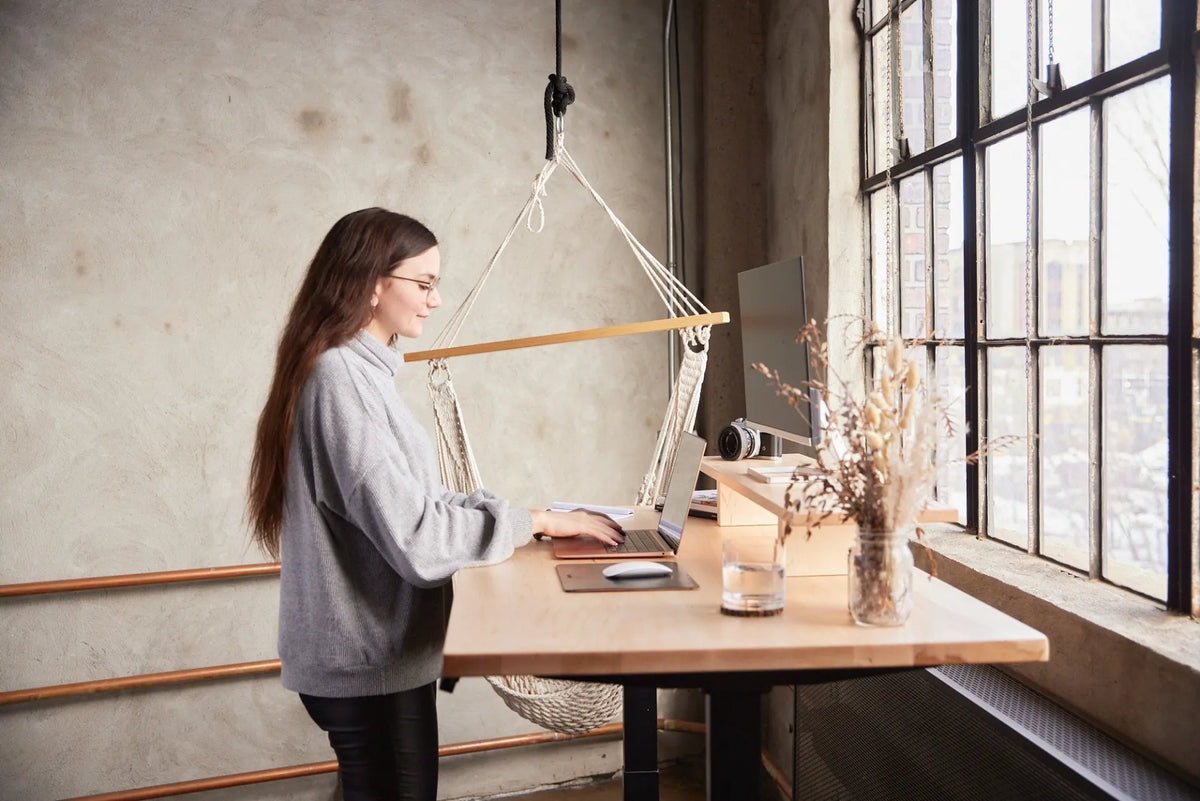
Can You Put a Desk Over a Baseboard Heater?

In this article
You should not place a desk over a baseboard heater unless the heater manufacturer's instructions allow the exact clearances and the desk does not block the air intake or warm-air outlet. Fixed electric baseboards need open space to move air and keep nearby materials from overheating. A desk that appears safely above the metal cover may still interfere with airflow, expose cables to heat, or place a wood or laminate edge inside a restricted zone.
The safe answer depends on the heater model, the desk's height and depth, and what will be stored around it. Do not use a generic distance found online as a substitute for the label or installation manual. If the model cannot be identified, the conservative choice is to move the desk to another wall and have a qualified electrician or the manufacturer confirm the setup.
Why the space above a baseboard heater matters
Many fixed electric baseboards warm a room by convection. Cooler air enters near the bottom, passes across the heating element and rises from the top. Furniture can disrupt that path. A desk top, modesty panel, drawer, cable tray or storage box may trap warm air even when it does not touch the heater.
Heat can also affect materials that are not part of the desk itself. Papers, curtains, power cords, power bars and fabric accessories can shift after the workstation is installed. A safe layout therefore considers the full work area, not just the gap between the heater and the underside of the desktop.
Identify the heater before measuring
First determine whether the unit is a permanently installed electric baseboard, a convector, a hydronic radiator or a portable heater. They do not share one universal clearance. A portable heater should not be treated like a fixed baseboard, and a fan-forced wall unit may require a very different open area.
Look for a manufacturer and model number on the heater's label. Find the current installation or owner's manual and read the clearance diagram. The Stelpro UGB manual, for example, states that the clearances shown in its drawing must be met, that combustible materials and furnishings must be kept away, and that air intakes and exhaust openings must not be blocked. Those instructions apply to that specific model, not every heater.
Measure the complete desk, not only the top
Record the heater's height, depth and distance from the wall. Then measure every part of the desk that enters the area above or in front of it.
- The underside of the desktop at the lowest sitting position.
- The rear edge of the top and any downward apron.
- Crossbars, frame rails, motors and control boxes.
- Drawers, cable trays and power accessories.
- Objects that may hang behind the desk, including cords and curtains.
For a height-adjustable desk, repeat the clearance check across its full travel. The lowest position is not always the only concern. A rising desktop can pull cords against the heater or move a hanging cable loop into the warm-air path. Our guide to cables that pull when a standing desk moves explains how to plan moving slack.
Do not block airflow
A desk can be too close even when the surface temperature seems modest. Blocking convection can reduce heating performance and create hotter local conditions. Keep the top grille, lower intake and surrounding air path open according to the manual. Do not bridge a desktop directly across the heater unless the manufacturer explicitly permits it.
A solid back panel is especially problematic because it can trap heat between the wall and desk. Storage bins, filing cabinets and a tightly packed cable tray can have a similar effect. If the heater sits under a window, curtains must also remain outside the restricted area. Some manuals specify separate clearances for curtains and other furnishings.
Keep electrical cables away from heat
Health Canada advises keeping cords away from radiators, baseboards and other heat sources. Do not route a power cord behind or across the heater, and do not let the movement of an adjustable desk drag a cable into contact with it. Avoid fastening a power bar to a surface that places its cord, outlets or connected adapters in the heated zone.
If the room layout leaves no cable route that stays clear at every desk height, relocate the desk or have an electrician add a suitable receptacle. Never modify the heater, its cover or its wiring to make furniture fit. Fixed electric heating work must follow local electrical and building requirements.
Consider the desktop material
Solid wood, laminate, adhesives and edge finishes can respond differently to prolonged heat. Even when fire clearance is satisfied, concentrated warmth may dry wood unevenly, soften adhesive or discolour a finish. The heater manual is the safety baseline, while the desk manufacturer can advise whether sustained heat exposure is acceptable for the product.
Inspect the rear edge and underside during the first heating cycles after any approved installation. Stop using the arrangement if you notice unusual odour, discoloration, deformation, excessive heat or cable damage, and seek qualified advice. Do not use touch alone as a safety test.
How window placement changes the decision
Baseboard heaters are often installed below windows, which is also a popular place for a desk. The window can provide daylight, but it can add glare and make curtains part of the clearance problem. Position the monitor perpendicular to the strongest daylight where possible and keep window coverings away from the heater.
If the desk is moved to another wall, review our guide to placing a desk in front of a window and the article on desk distance from the wall. These layout choices affect light, cable access and circulation as well as heat.
Safer layout alternatives
Place the desk perpendicular to the heater wall
Turning the desk 90 degrees can preserve daylight while leaving the heater's air path open. Check that the desk leg and any hanging cables remain outside the manufacturer's clearance zone.
Move the desk to an adjacent wall
This is usually the simplest solution when the manual is unavailable or the required clearances cannot be maintained. A collection of standing desks can help compare sizes, but the room measurement and heater restrictions should come first.
Use a smaller top without spanning the heater
A narrower desk may fit beside the heater rather than above it. Preserve enough width for the work equipment and enough rear space for safe cable movement. Do not solve one clearance problem by creating another around the chair or doorway.
A practical decision checklist
- Identify the exact heater type, manufacturer and model.
- Read its current clearance and installation instructions.
- Measure the desk at every adjustable height, including frame parts and accessories.
- Confirm that no intake, outlet or convection path is blocked.
- Route every cord away from the heater through the full desk travel.
- Keep papers, curtains, storage and other combustible items outside the required area.
- Ask the manufacturer or a qualified electrician when any clearance is uncertain.
The bottom line
A desk may sometimes fit near a fixed baseboard heater, but it should not be assumed safe simply because it does not touch the unit. The heater's own instructions control the decision. If the desk, frame, accessories or cords interfere with required clearances or airflow, choose another location. A small layout compromise is preferable to restricted heating, damaged materials or an electrical and fire risk.


Previous article
Can a Monitor Riser Hold Two Monitors? What to Check
Next article
How Much Weight Can a Monitor Arm Hold?