Ergonomic Office Tips & Buying Guides

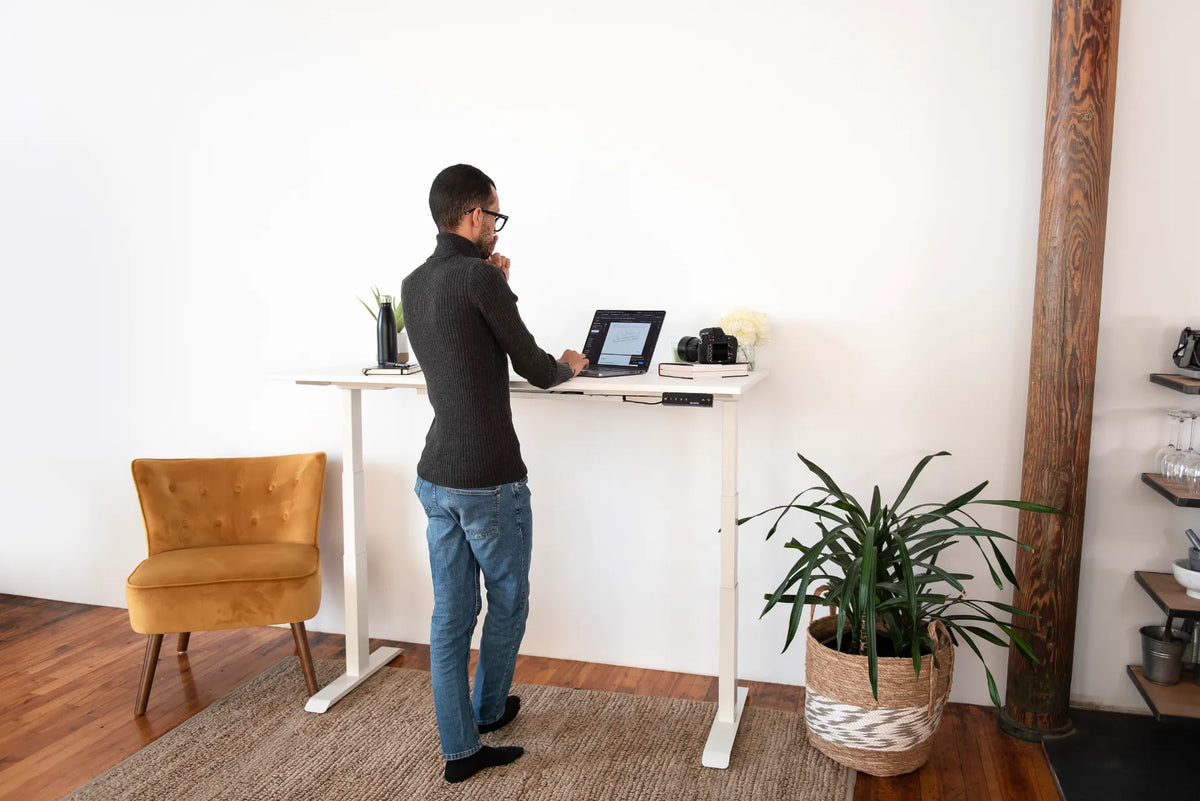
Person standing at a white height-adjustable desk with a laptop in a bright room with a mustard chair and potted plant

How to Set Up a Desk for Left-Handed Users

A left-handed desk setup should keep the mouse, frequently used tools and note-taking space within easy reach without forcing the keyboard or monitor off-centre. This guide explains how to arrange the work surface for comfort and efficient task changes.

Read moreabout How to Set Up a Desk for Left-Handed Users

Open black under-desk drawer holding pens, glasses and a phone beneath a dark desktop

Should an Under-Desk Drawer Go on the Left or Right?

The best side for an under-desk drawer depends on leg clearance, dominant tasks, controller and cable locations, and the desk frame. Use this placement test before drilling.

Read moreabout Should an Under-Desk Drawer Go on the Left or Right?

Hand pressing the down arrow on a black standing desk controller beneath a white desktop

Why Won't My Standing Desk Go Down?

If your standing desk rises but will not lower, the direction-specific symptom helps narrow the cause. Use this safe checklist to inspect obstacles, cables, control settings and reset status before contacting support.
Read moreabout Why Won't My Standing Desk Go Down?

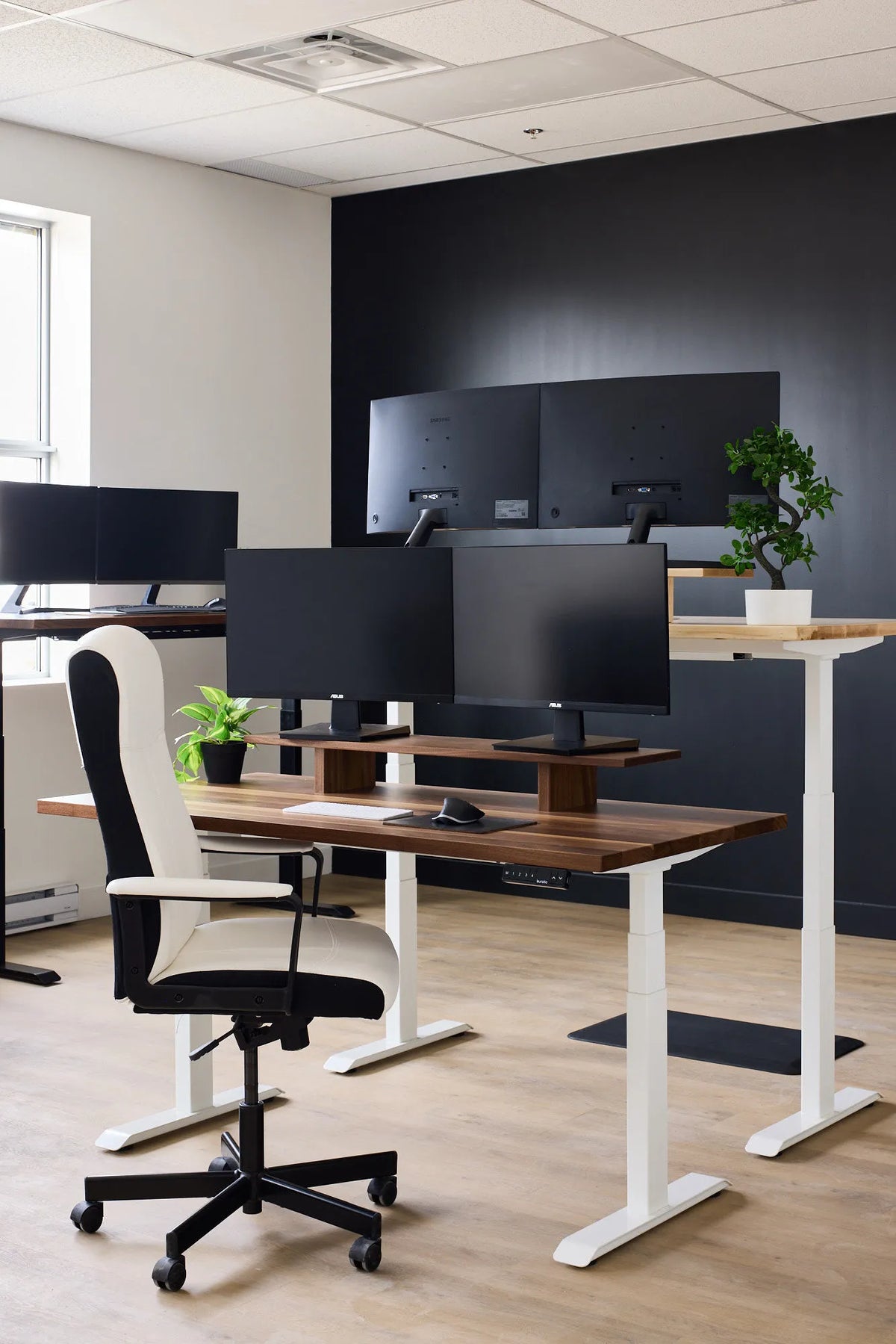
White and black office chair with five casters beside a walnut standing desk in a bright multi-monitor office

Office Chair Casters: Hard vs. Soft Wheels for Carpet and Hard Floors

Hard and soft office chair casters behave differently on carpet and hard floors. This guide explains which type to choose, what to measure and when to replace worn wheels.

Read moreabout Office Chair Casters: Hard vs. Soft Wheels for Carpet and Hard Floors
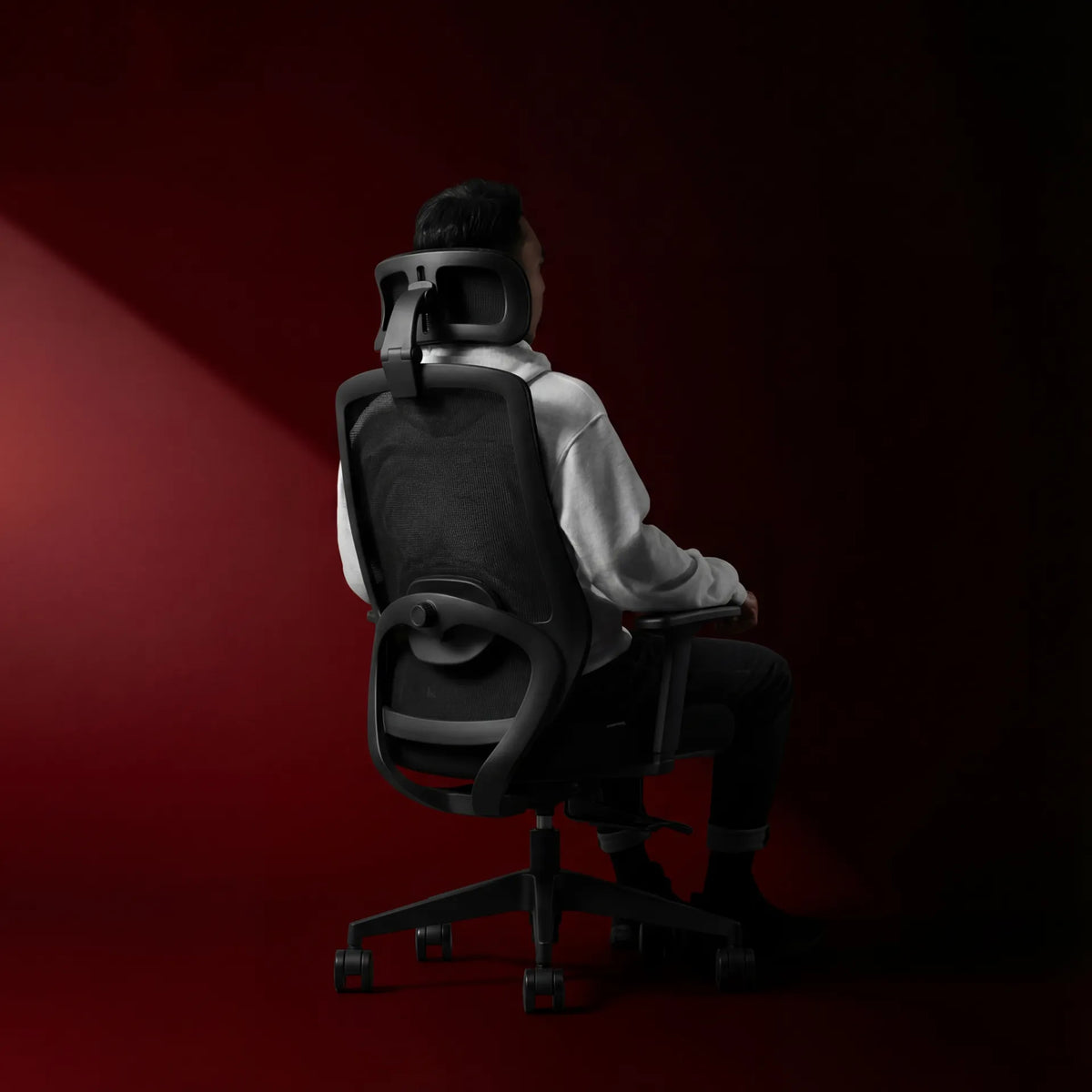
Person in a grey hoodie seated in a black mesh ergonomic chair with headrest against a dark red studio background

How to Adjust Office Chair Recline Tension
Recline tension controls how much resistance you feel when leaning back. Learn how to identify the control, set a balanced resistance and distinguish tension from tilt lock and backrest position.

Read moreabout How to Adjust Office Chair Recline Tension

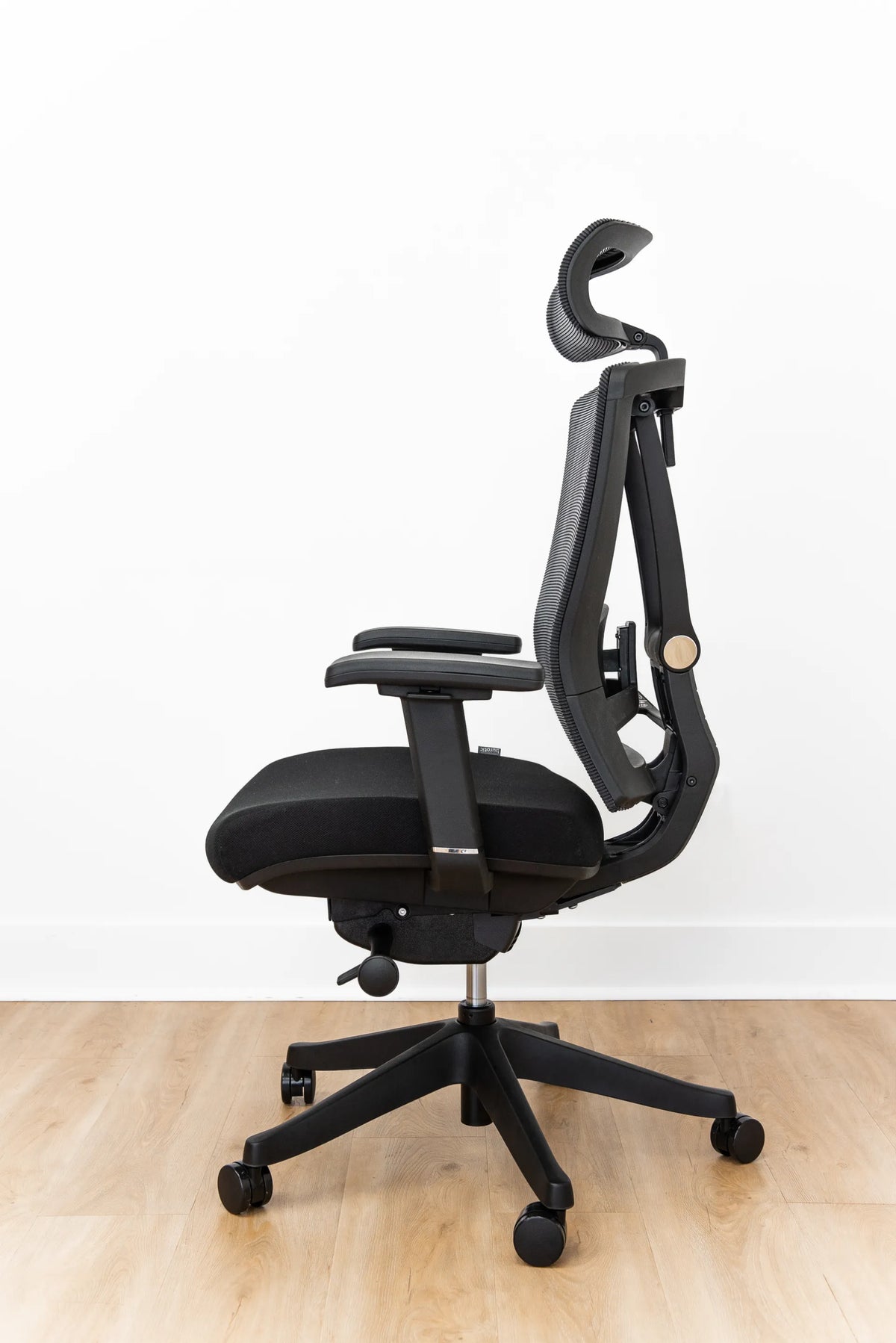
Side view of a black ergonomic office chair with mesh backrest, padded seat, adjustable armrests, headrest, lever and five-wheel base

Why Won't My Office Chair Backrest Lock? Safe Troubleshooting Steps

Learn why an office chair backrest may not lock, how to identify the control type, and which safe checks to make before requesting a repair or replacement part.

Read moreabout Why Won't My Office Chair Backrest Lock? Safe Troubleshooting Steps

Person typing on a compact white keyboard placed flat on a black desk pad over a warm wood desktop

Should Your Keyboard Be Flat or Tilted?
A flat or slightly negatively tilted keyboard usually makes neutral wrists easier than raising the back feet. Learn how to choose an angle based on desk height, posture and typing style.

Read moreabout Should Your Keyboard Be Flat or Tilted?

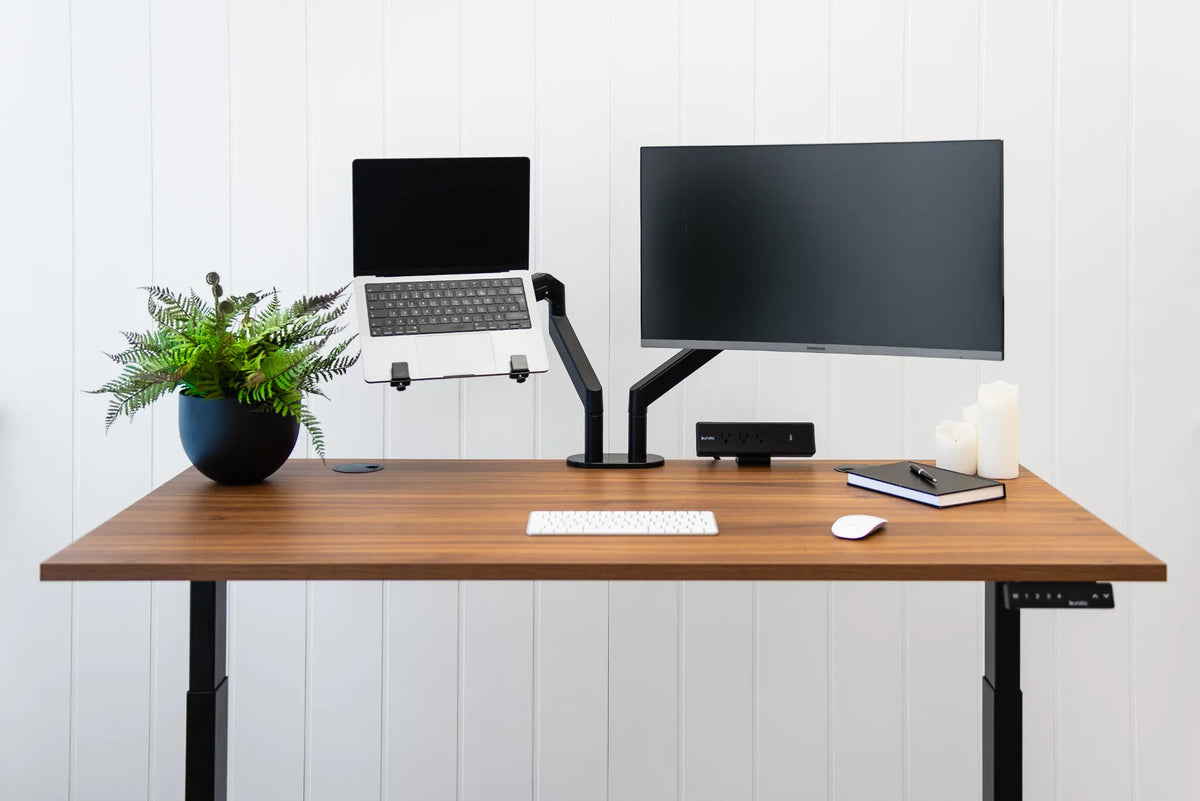
Wood standing desk with a laptop on a raised tray beside a monitor on a black arm

Can You Mount a Laptop on a Monitor Arm? Compatibility and Setup Guide
A practical guide to mounting a laptop on a monitor arm, including tray compatibility, safe loading, ventilation, placement and ergonomic setup.

Read moreabout Can You Mount a Laptop on a Monitor Arm? Compatibility and Setup Guide

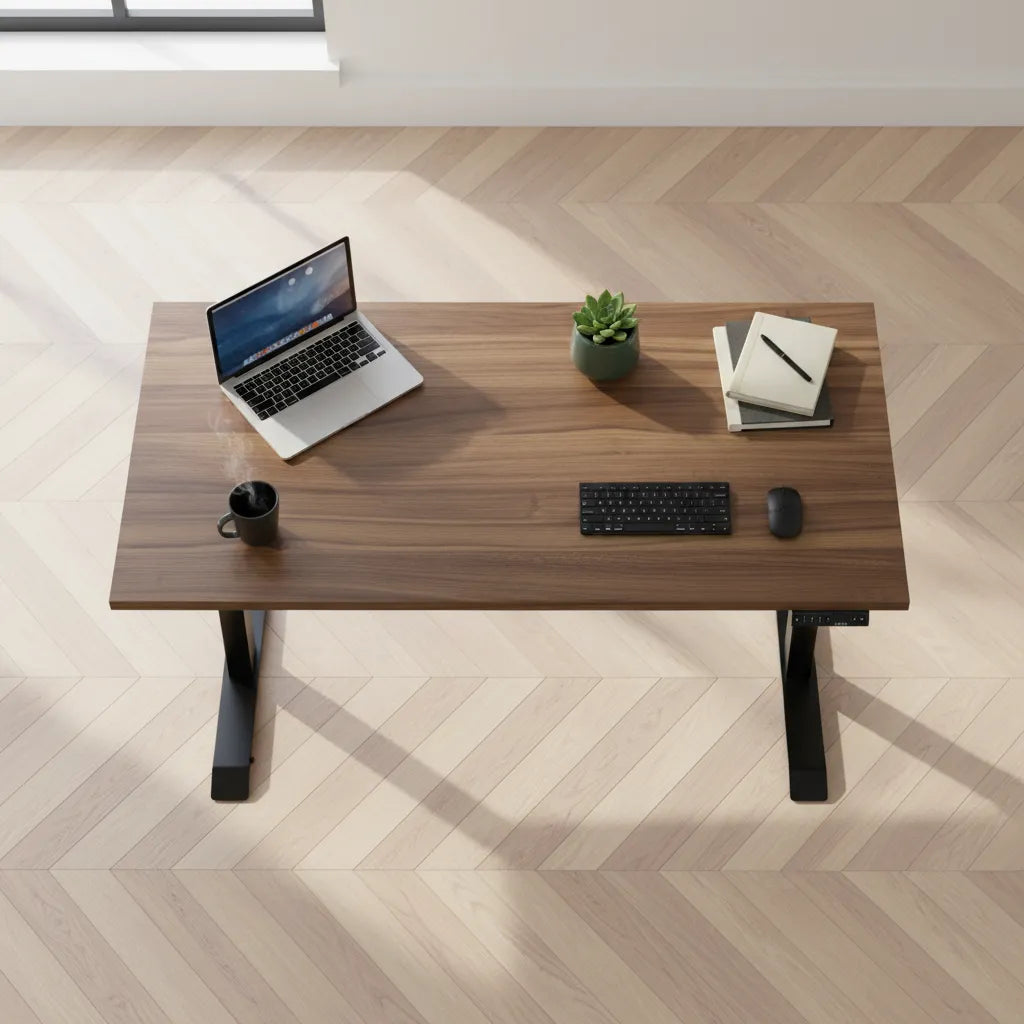
Overhead view of a compact wood desk with a laptop, notebook, keyboard, mouse, mug and small plant

How Deep Should a Desk Be for a Laptop?

A 24-inch-deep desk can work well for a laptop, while 30 inches offers more flexibility for a raised screen, external keyboard, mouse and paper. The right depth depends on how the laptop is used, not on one universal number.

Read moreabout How Deep Should a Desk Be for a Laptop?