





Ergonomic Office Tips & Buying Guides
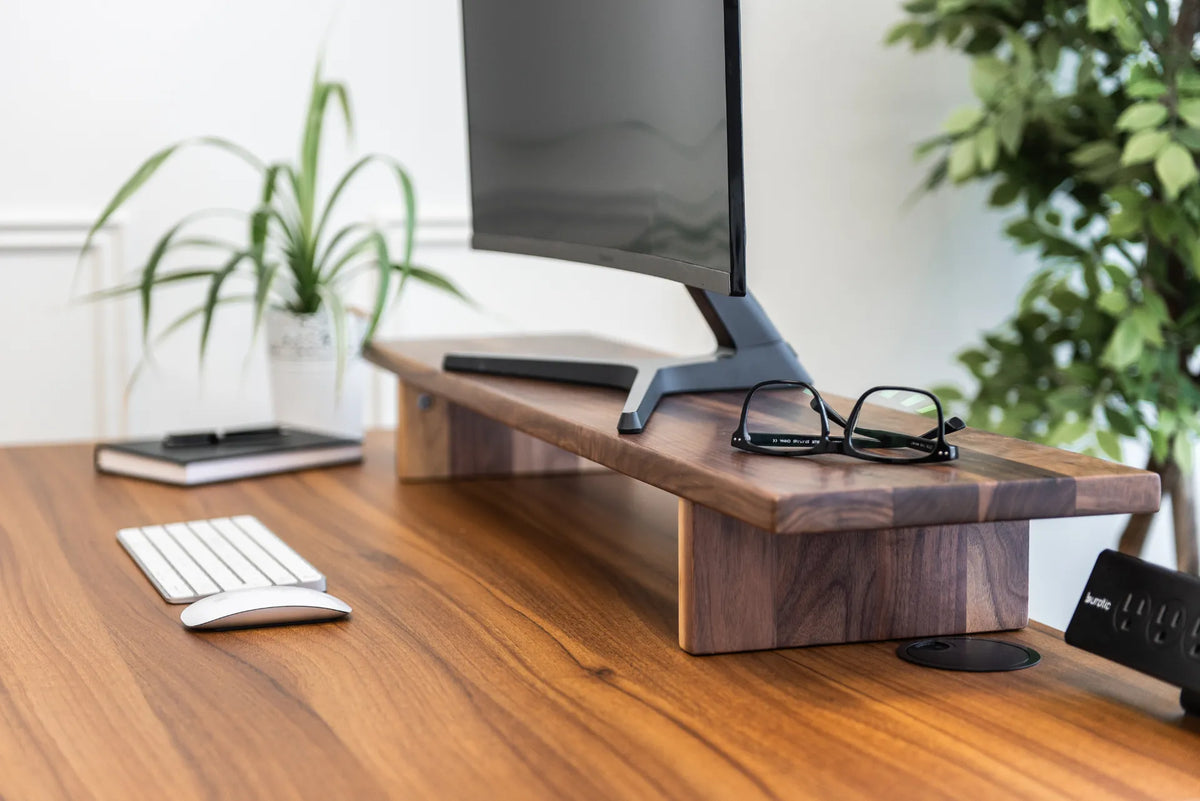
Can a Monitor Riser Scratch Your Desk?
A monitor riser can mark a desktop when grit is trapped under its feet, the base slides or the load exceeds what the surface can tolerate. Learn how to inspect, place and maintain a riser without compromising screen ergonomics.
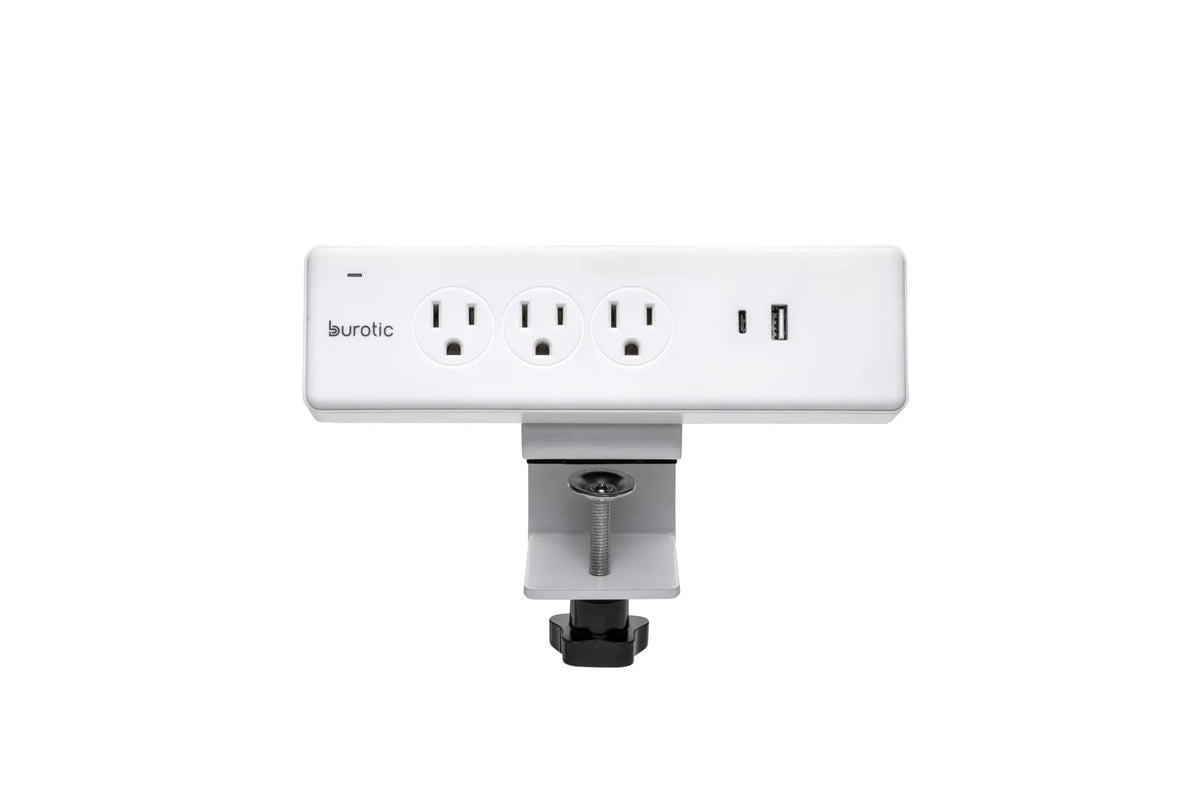
Do You Need a Grounded Outlet for a Home Office Power Bar?
A three-prong power bar should be connected to a properly grounded three-slot receptacle. Learn why the ground pin matters, what not to do with an older two-slot outlet and which other safety checks belong in a home office.
Read moreabout Do You Need a Grounded Outlet for a Home Office Power Bar?

Should You Shift Your Weight While Standing at a Desk?
Yes. Small, comfortable weight shifts can reduce the strain of holding one fixed standing posture. Learn how to move without leaning on the desk, locking a knee or losing an ergonomic screen and keyboard position.
Read moreabout Should You Shift Your Weight While Standing at a Desk?
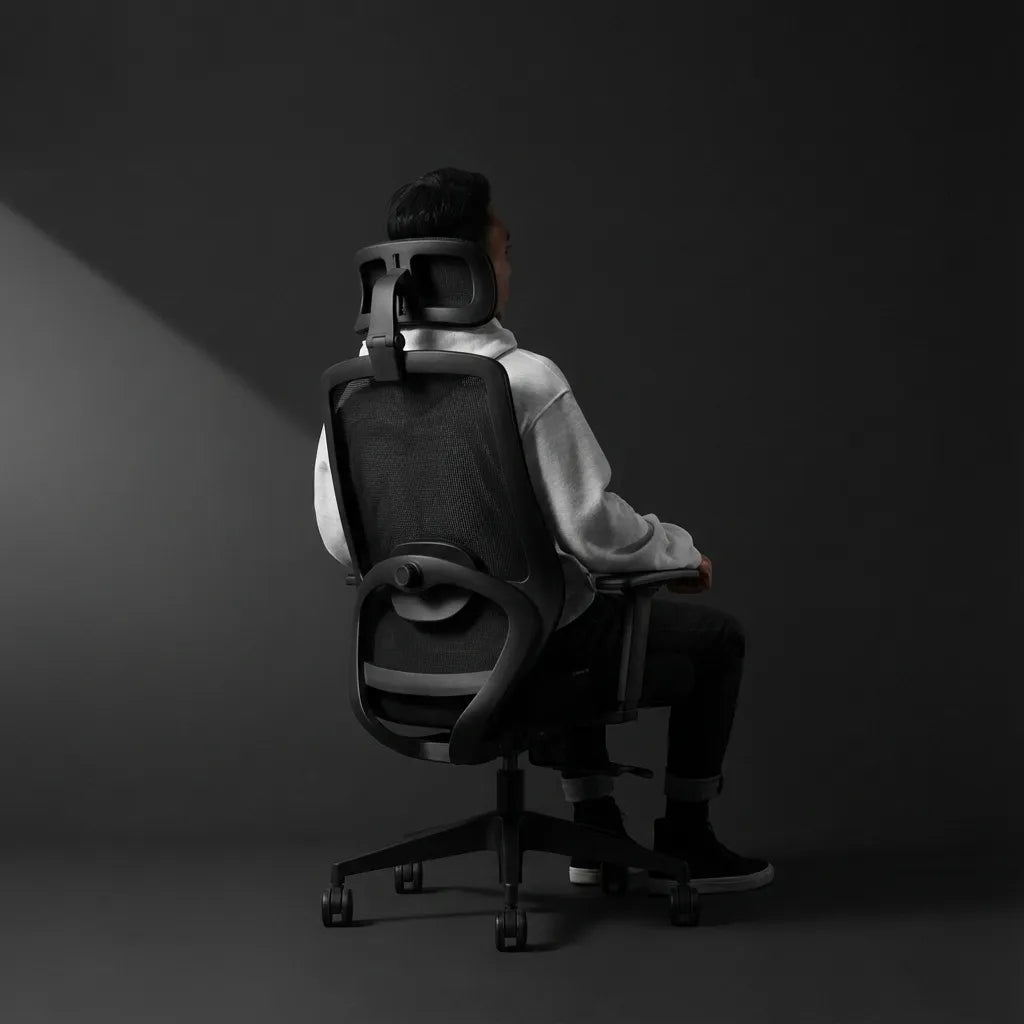
Should You Recline While Working at a Computer?
A slight, supported recline can be a comfortable computer-working posture when the screen, keyboard and chair remain aligned. Learn when to recline, how far to lean back and what to adjust if the posture makes you reach or crane your neck.
Read moreabout Should You Recline While Working at a Computer?
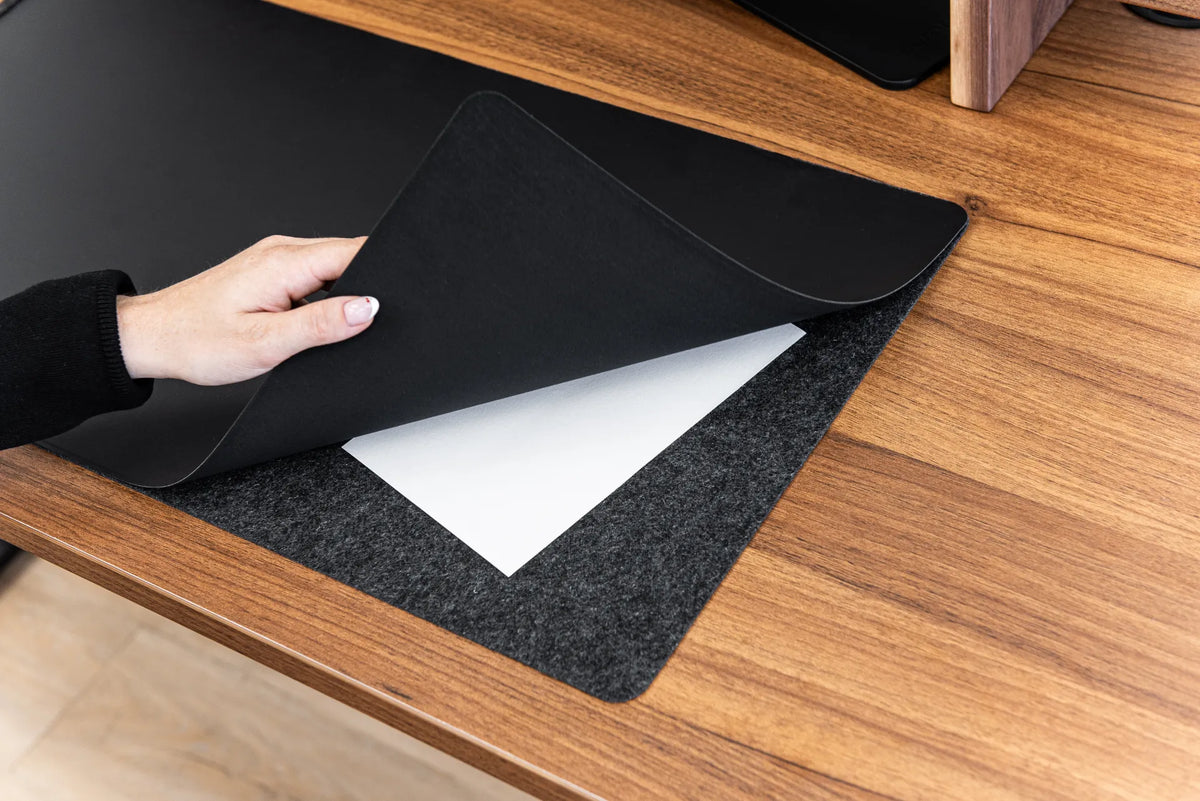
Which Side of a Desk Pad Goes Down?
The grippier or manufacturer-designated backing normally faces the desktop, while the smooth working surface faces up. Some desk pads are reversible or include storage layers, so identify the construction before placing yours.
How Much Clear Desk Space Do You Need for Daily Work?
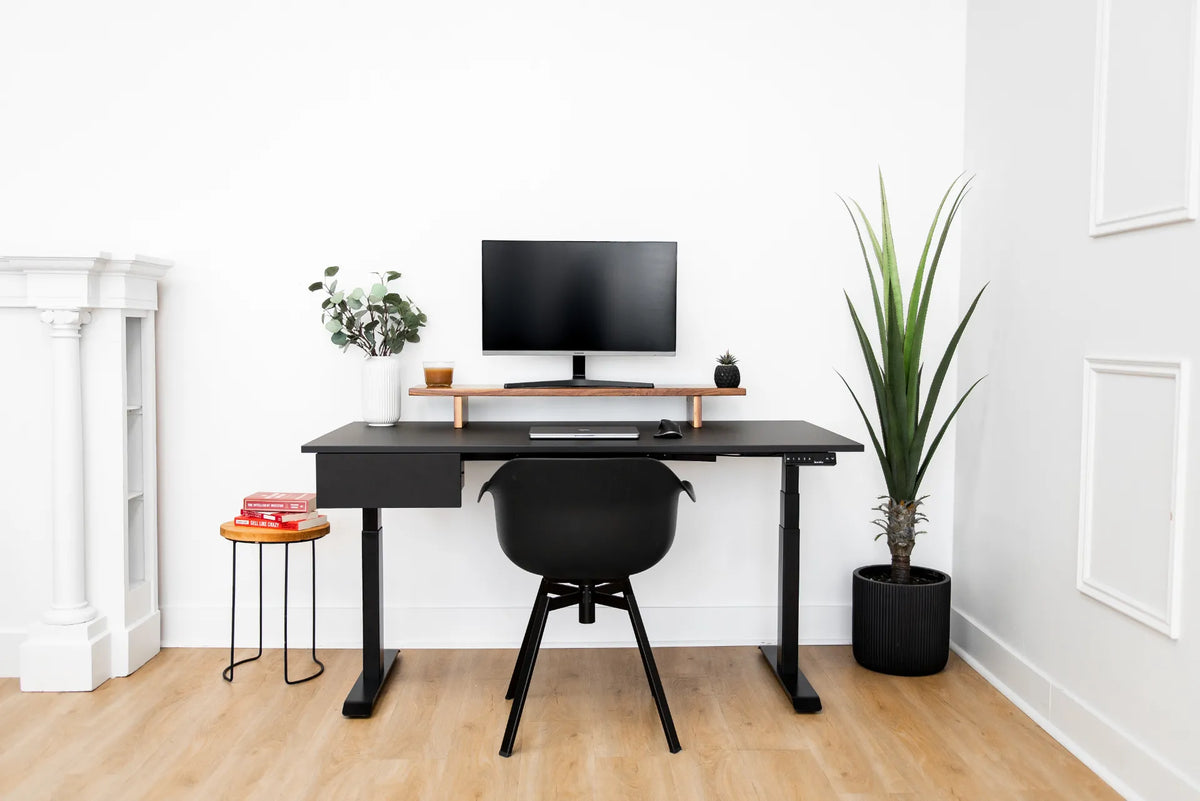
Keep enough clear desk space for your main task, not an arbitrary percentage of the surface. A practical setup preserves an immediate work zone for the keyboard, mouse or document while moving occasional items farther away.
Read moreabout How Much Clear Desk Space Do You Need for Daily Work?

Should Your Mouse Be Level With Your Keyboard?
Your mouse should usually be on the same level as your keyboard and close enough to use with the elbow near the body. This guide explains when a tray or platform can work, how to test reach and what to change when the two devices sit at different heights.
Read moreabout Should Your Mouse Be Level With Your Keyboard?
Should an Anti-Fatigue Mat Be Firm or Soft?
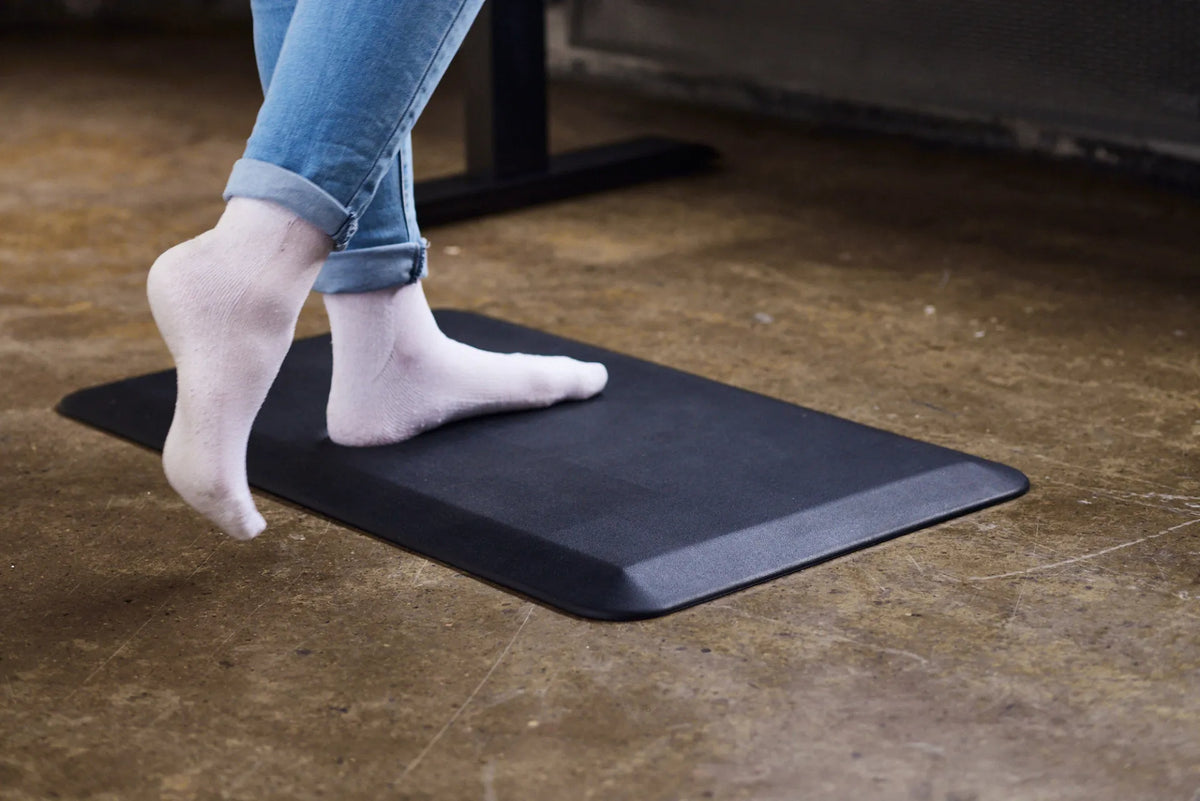
An anti-fatigue mat should generally feel resilient rather than hard or deeply soft. It should compress slightly, support small weight shifts and remain stable underfoot without creating a trip hazard. Learn how to compare firmness for a standing desk.

Where Should a Monitor Riser Sit on Your Desk?
A monitor riser should normally sit behind the keyboard, centred on your main viewing position and far enough back to keep the screen at a comfortable viewing distance. This guide explains how to balance screen height, desk depth, stability, storage and cable space.
Read moreabout Where Should a Monitor Riser Sit on Your Desk?