Ergonomic Office Tips & Buying Guides

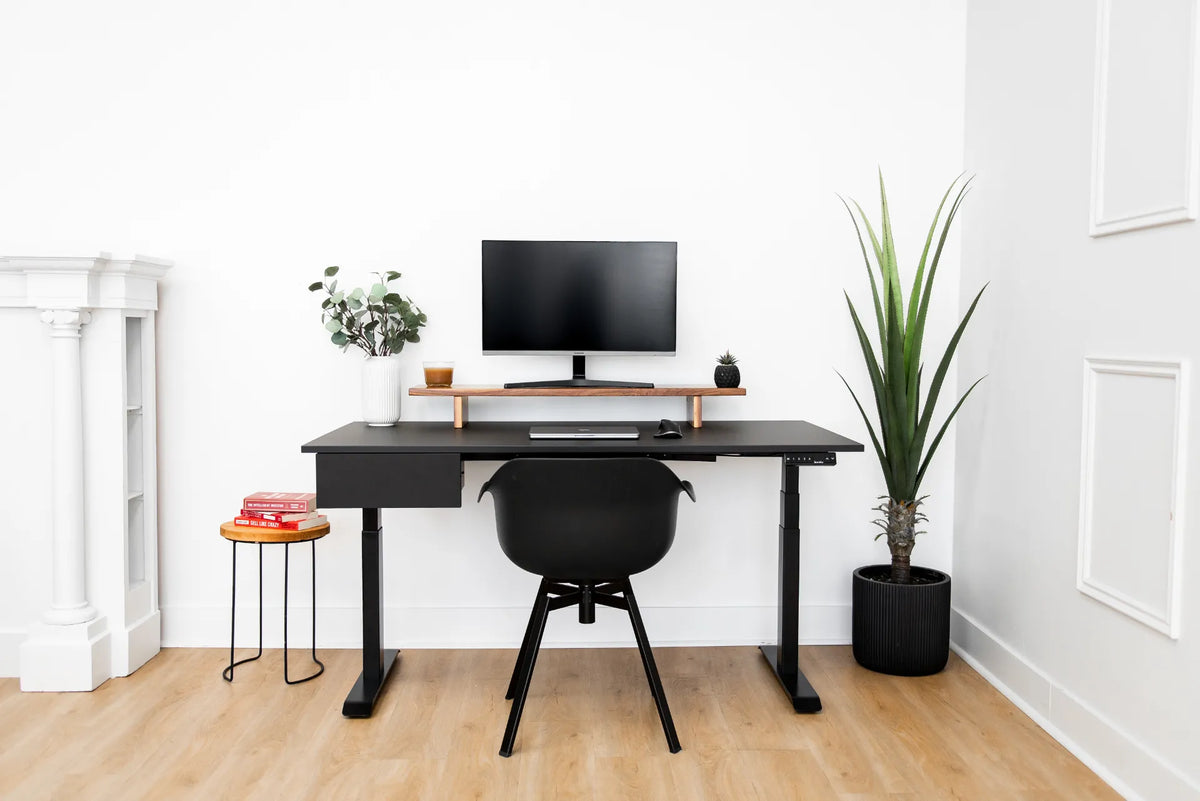
Compact white room with a black rectangular desk, black chair, monitor, small side table and tall green plant

Where Should You Put a Desk in a Square Room?
Plan desk placement in a square room by protecting the entry path, controlling window glare and preserving practical chair and storage clearance.

Read moreabout Where Should You Put a Desk in a Square Room?

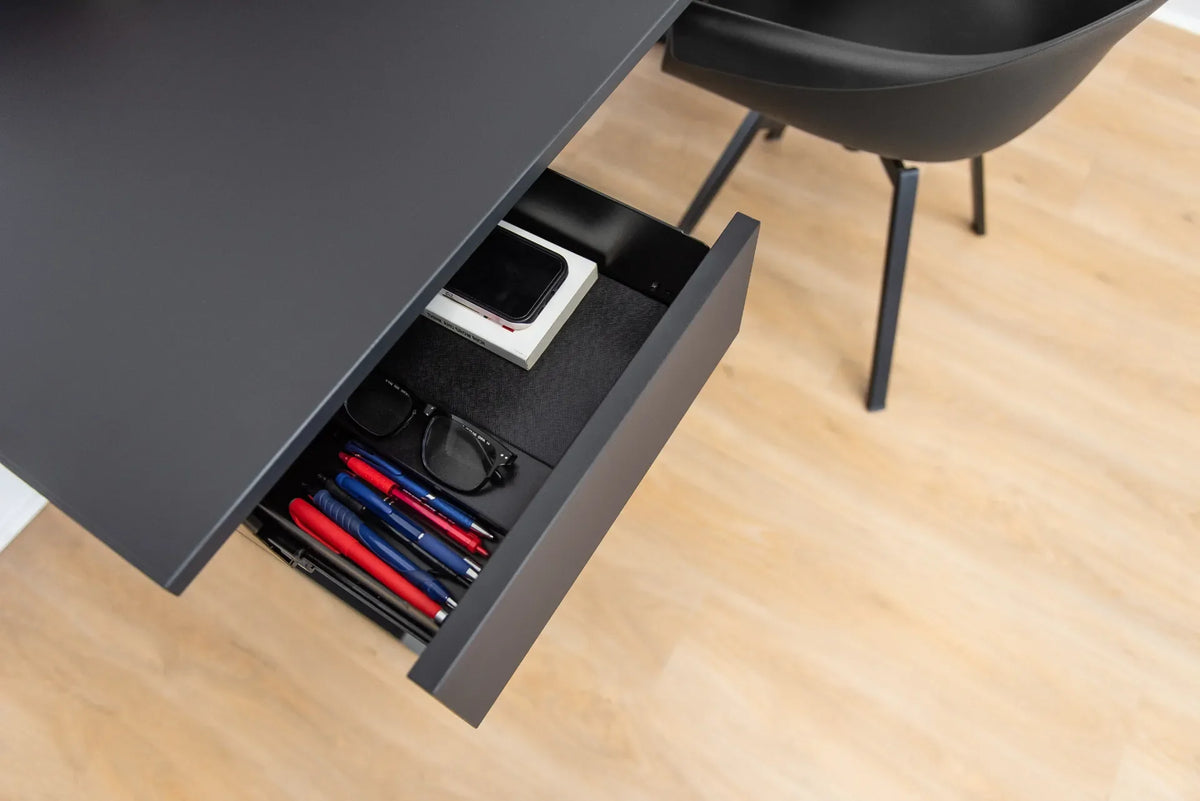
Open black under-desk drawer with organizer compartments holding a phone, glasses and coloured pencils

How to Organize a Shallow Desk Drawer
Use a measurement-first method to organize a shallow desk drawer with low-profile trays, practical zones and only the supplies you use.

Read moreabout How to Organize a Shallow Desk Drawer

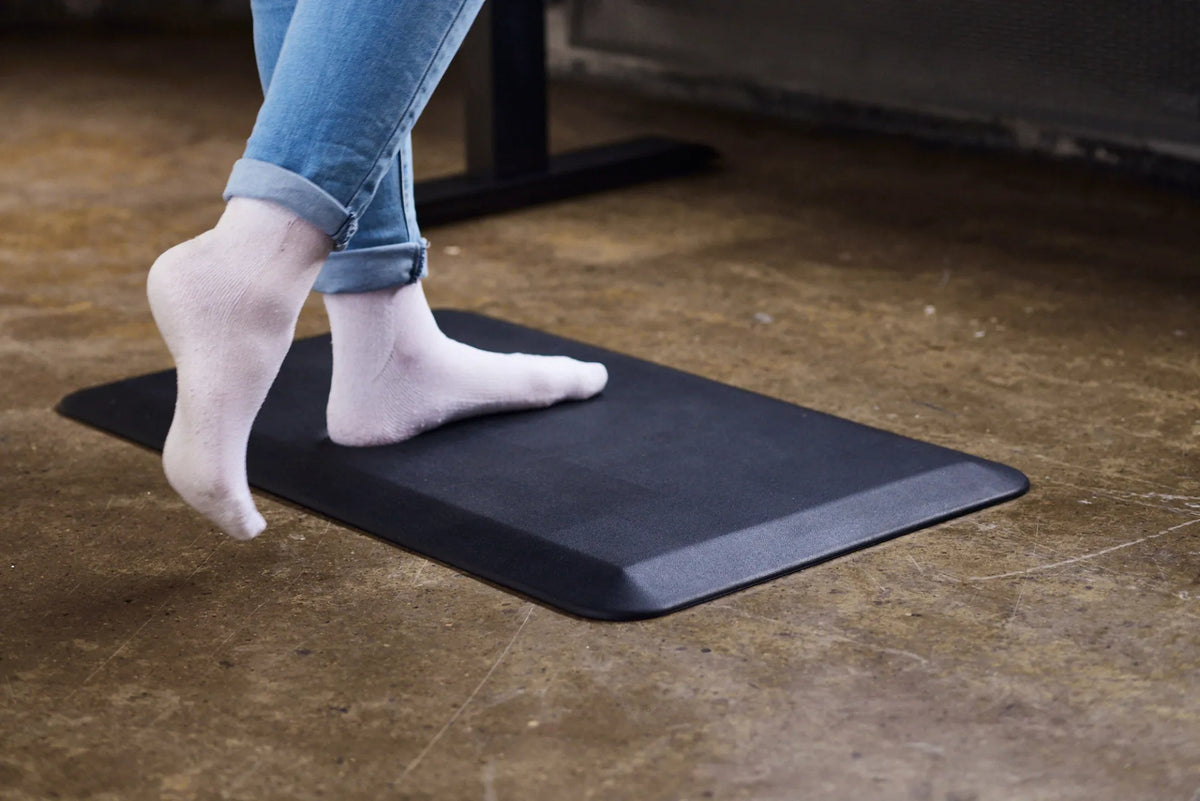
Person in blue jeans and white socks stepping onto a black rectangular anti-fatigue mat on a concrete floor

How Thick Should an Anti-Fatigue Mat Be for a Standing Desk?
Learn how to compare anti-fatigue mat thickness, firmness, edge design and floor stability for a comfortable standing desk setup.

Read moreabout How Thick Should an Anti-Fatigue Mat Be for a Standing Desk?

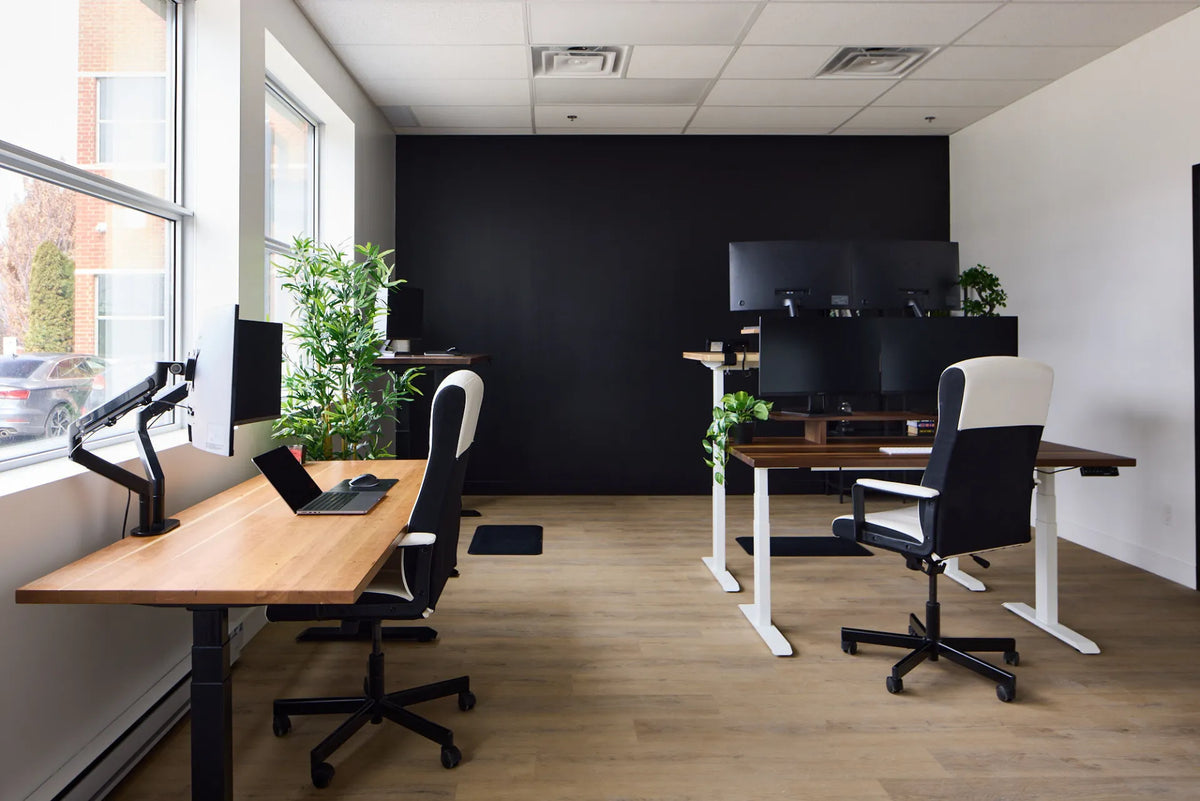
Wide office view with multiple wood standing desks, black and white frames, monitors and task chairs

How Much Space Should You Leave Between Two Desks?
The right distance between two desks depends on chair movement, traffic, orientation and accessibility. Use this practical measuring method instead of relying on one universal number.

Read moreabout How Much Space Should You Leave Between Two Desks?

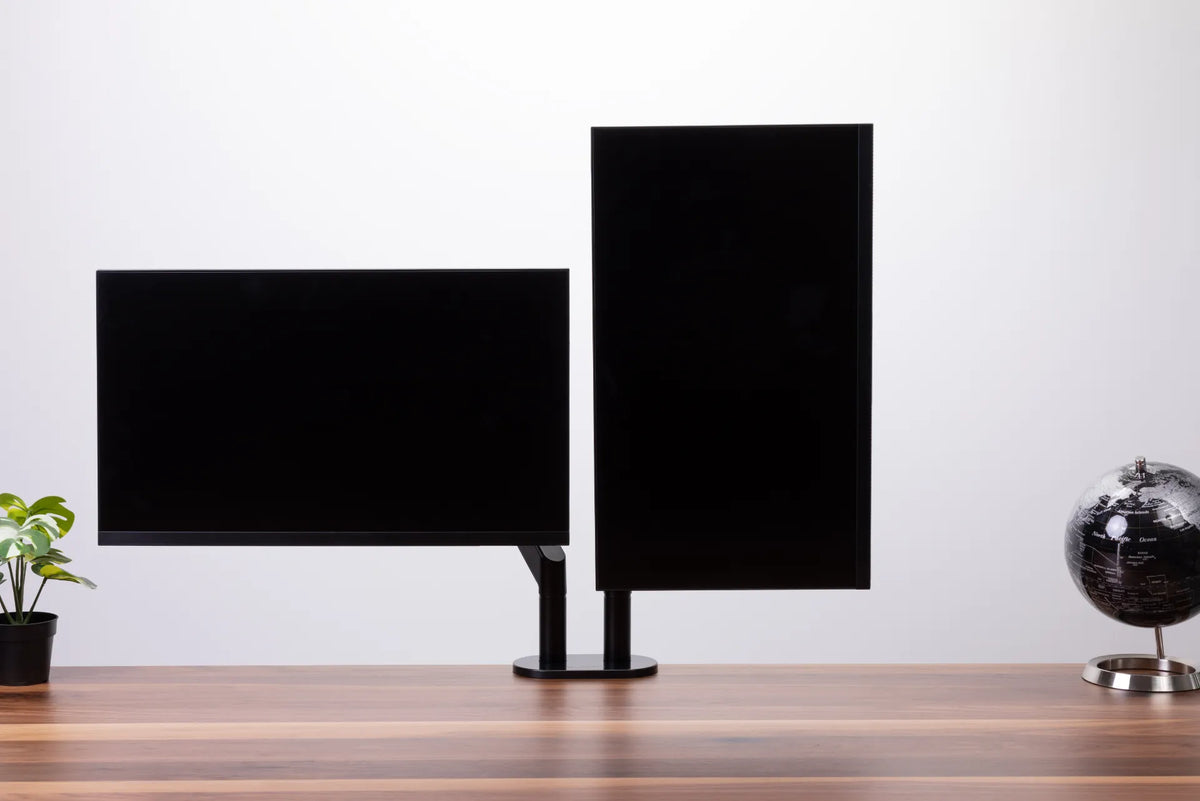
One landscape monitor and one portrait monitor mounted side by side on a black dual monitor arm

Should One Monitor Be Vertical in a Dual-Monitor Setup?
A portrait secondary monitor can improve reading, coding and document work, but only when the primary screen remains centred and both displays fit a comfortable viewing zone.

Read moreabout Should One Monitor Be Vertical in a Dual-Monitor Setup?

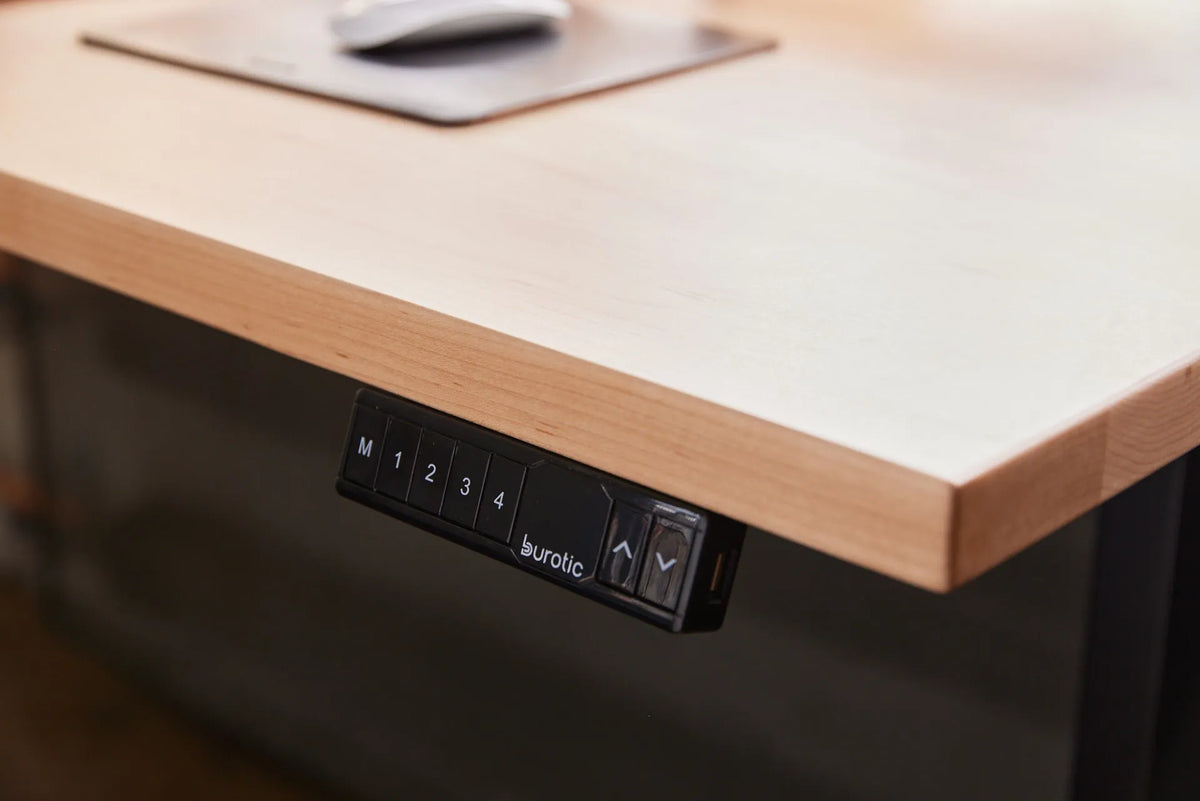
Close-up of a black Burotic standing desk controller mounted beneath a light wood desktop

Why Is My Standing Desk Beeping? What the Sound Can Mean
A standing desk beep can confirm a setting, mark a completed reset or accompany a control issue. Use this practical sequence to identify the context, make safe checks and know when to contact support.

Read moreabout Why Is My Standing Desk Beeping? What the Sound Can Mean

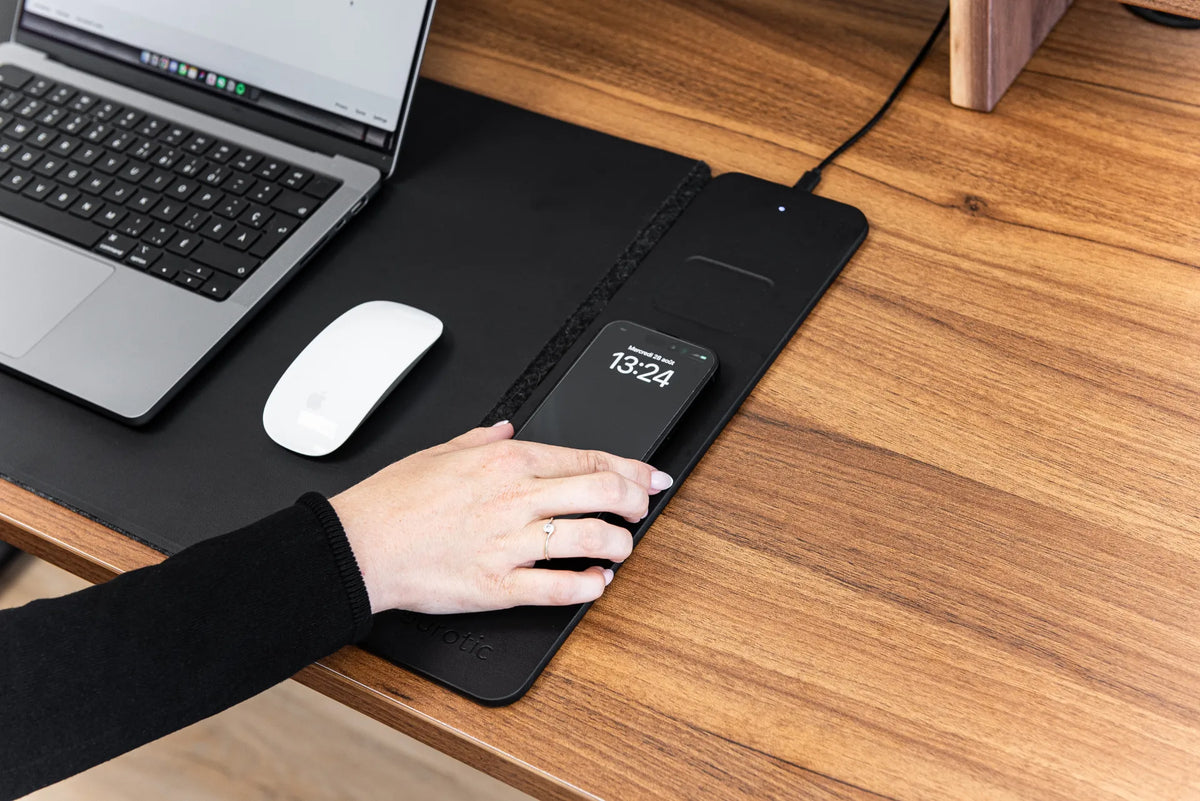
Black smartphone resting on a black wireless charging desk pad beside a laptop and white mouse

Why Does a Wireless Charger Get Warm? What to Check

Mild warmth can be normal during wireless charging, but excessive heat deserves attention. Learn what causes it, what to remove from the charging area and when to stop charging.

Read moreabout Why Does a Wireless Charger Get Warm? What to Check
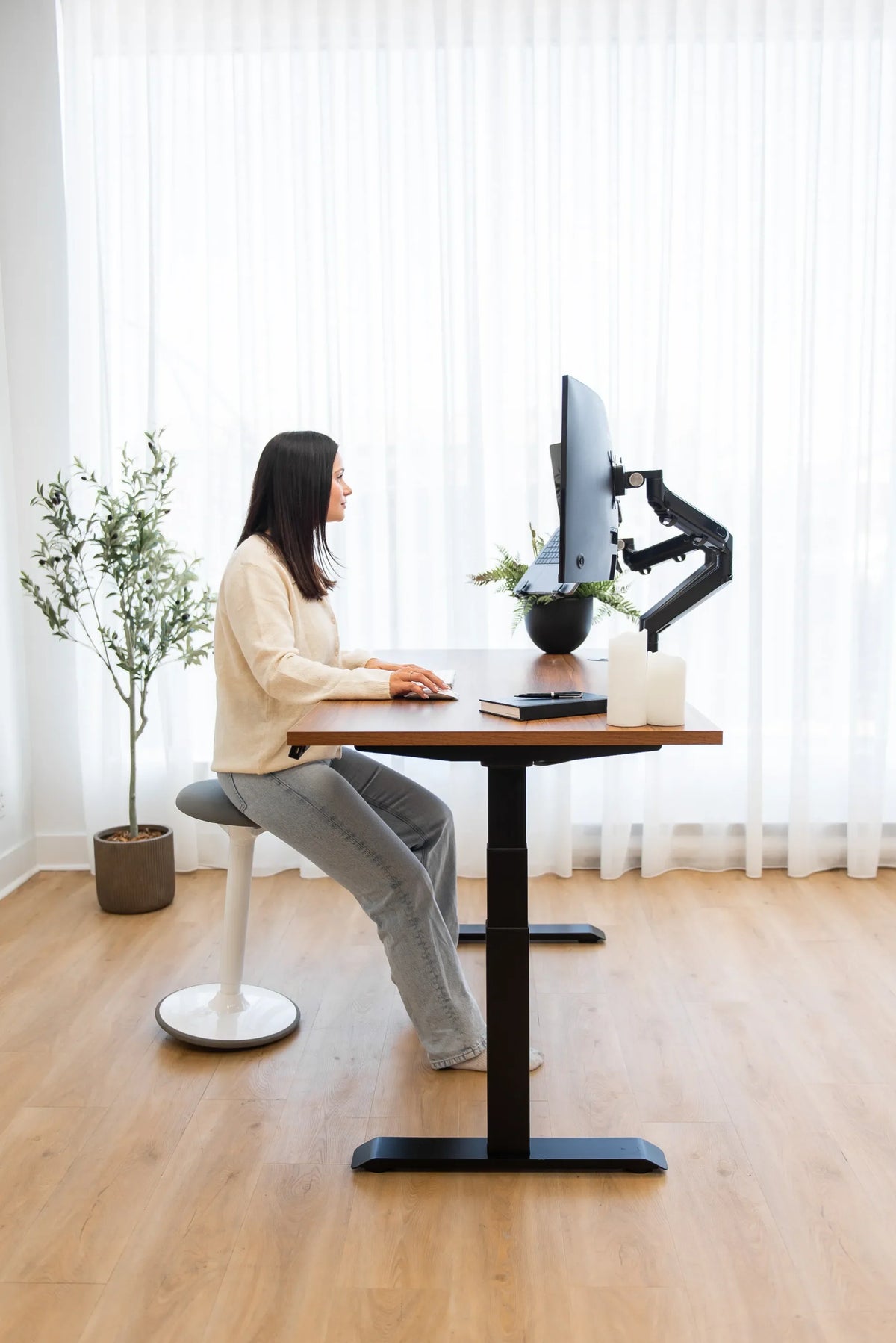
Woman seated at a walnut-tone adjustable desk using a monitor and laptop mounted on black articulated arms

Should You Reposition Your Monitor When You Sit and Stand?

Yes, many people need a small monitor adjustment when moving between sitting and standing. Learn why, what to adjust first and how to save two repeatable workstation positions.

Read moreabout Should You Reposition Your Monitor When You Sit and Stand?
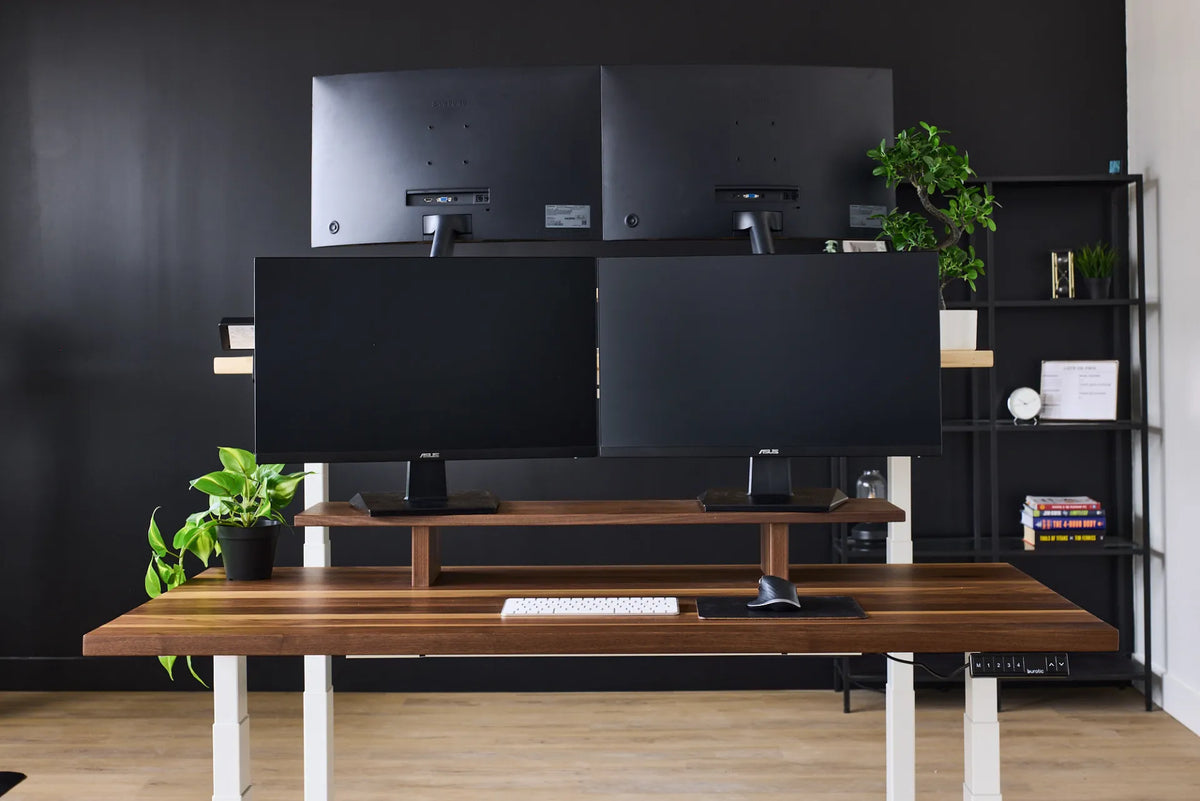
Four black monitors arranged in two rows above a dark wood standing desk with white legs

How Should You Arrange Four Monitors on a Desk?

A practical way to arrange four monitors without making every task a neck-turning exercise. Compare 2-by-2, horizontal and primary-screen layouts, then check desk space, mounting capacity and software alignment.

Read moreabout How Should You Arrange Four Monitors on a Desk?