





Should a Power Bar Be Mounted Horizontally or Vertically?
A power bar can be horizontal or vertical only when its manufacturer permits that mounting method. Orientation matters less than secure attachment, accessible outlets, cable strain relief, ventilation and compliance with the product instructions.

In this article
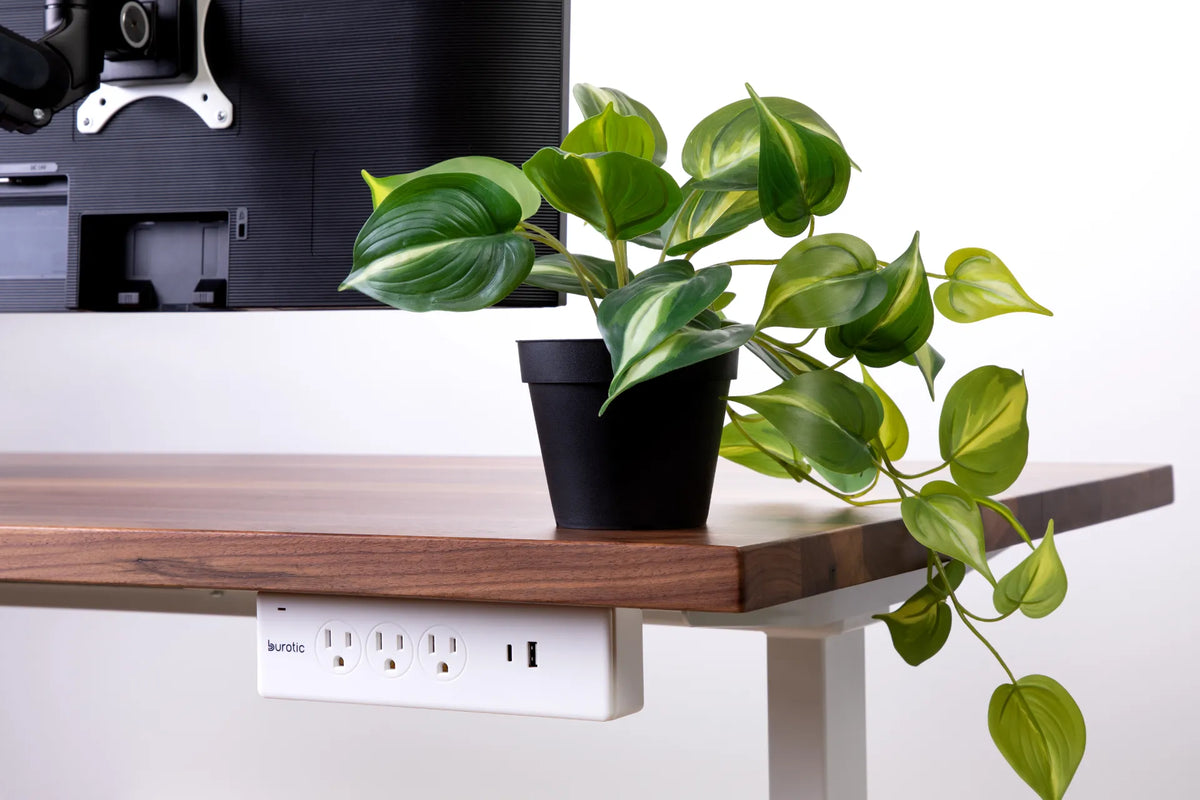
A desk power bar can be mounted horizontally or vertically only if its manufacturer permits that mounting method and the attachment remains secure. Neither orientation is automatically safer. The right choice is the one that keeps the bar stable, the outlets accessible, the cords relaxed and the product used within its instructions and electrical rating.
For many desks, a horizontal position under the rear edge is the simplest arrangement. A vertical position on a leg or side panel may improve access in a specific layout, but it can also place more side load on plugs or create cord movement. Decide from the actual power bar, desk and devices, not from appearance alone.
Start with the manufacturer's mounting design
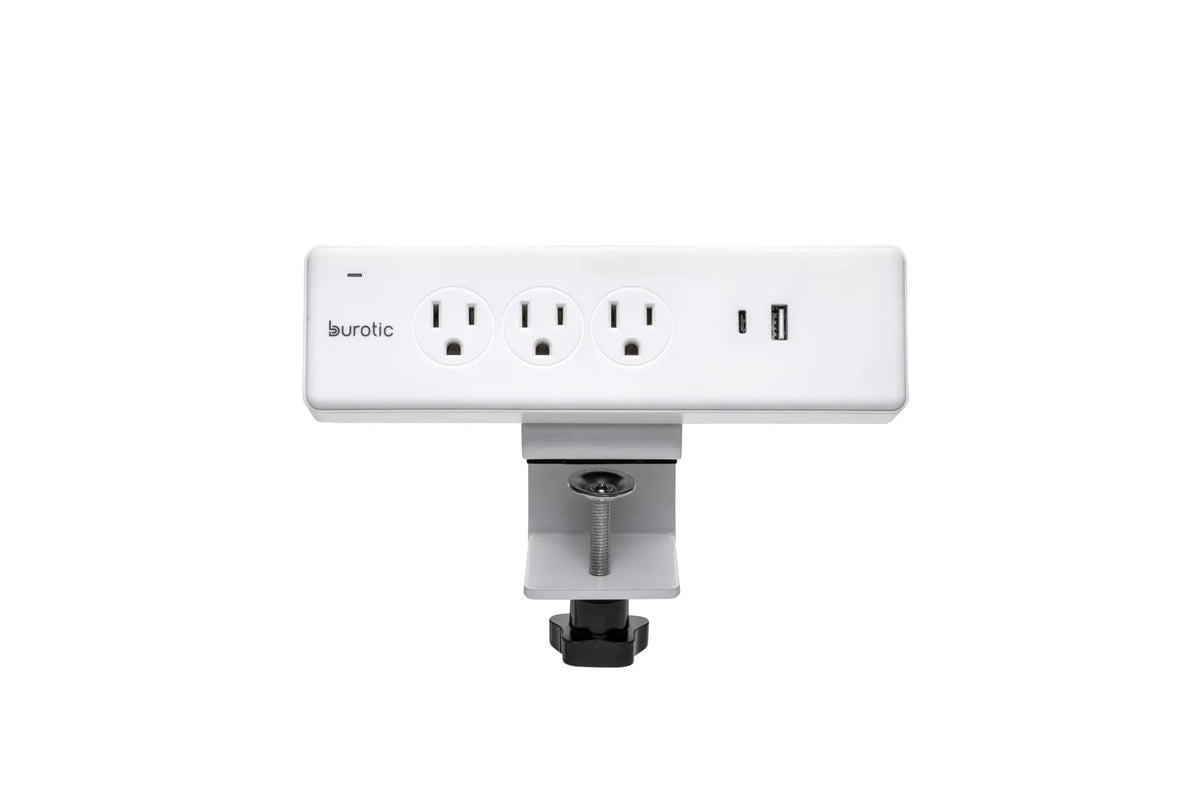
Before choosing an orientation, identify how the power bar is meant to attach. Common designs include an integrated desk clamp, keyhole slots, a manufacturer-supplied bracket or a cable tray that holds the unit without altering it.
Do not drill into, open or modify the electrical enclosure. Do not improvise with staples, nails or screws through the cord. Health Canada advises following the directions for electrical products and checking that cords and power bars are appropriate for the connected equipment. If the instructions specify one position, use that position.
The active Burotic Power Bar is available in on-desk and under-desk variants. Treat those as distinct mounting configurations and follow the current installation information for the selected version.
Horizontal mounting: when it works well
A horizontal bar usually follows the rear or side edge of the desktop. It can keep outlets in a straight line and make the power switch easy to find. Under a height-adjustable desk, it also allows the connected devices and bar to move together.
Advantages
- Plugs can hang or route in the same general direction.
- The bar can remain close to monitors, a laptop dock and desk power.
- A clamp or bracket may distribute its load across a longer edge.
- The switch and outlets can remain visible from the front or underside.
Checks to make
- Ensure large adapters do not collide with the wall, frame or cable tray.
- Keep the bar far enough from the desktop edge that knees cannot hit it.
- Confirm that plugs do not hang by their cords.
- Leave ventilation openings uncovered.
- Test cable slack at the desk's lowest and highest positions.
Vertical mounting: when it may help
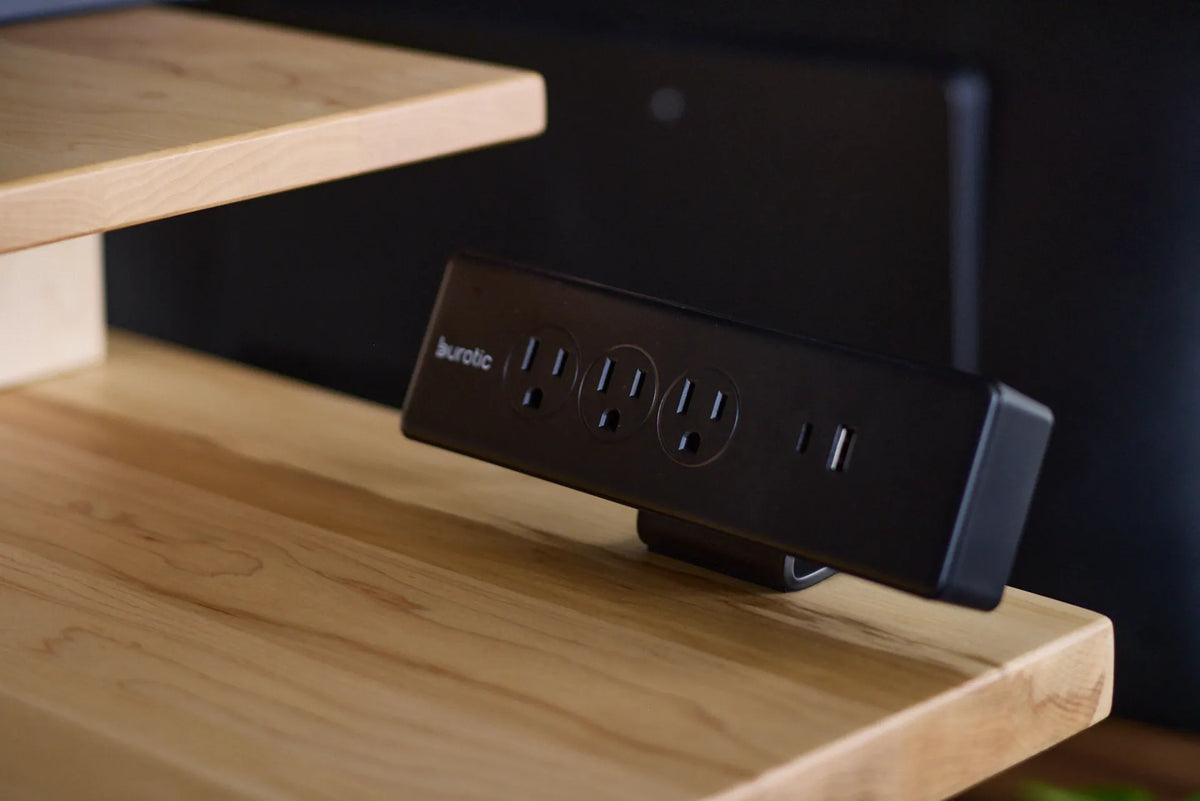
A vertical power bar can fit on the inner face of a desk leg, a side panel or another manufacturer-approved surface. It may be useful when the rear edge is occupied by monitor arms or when you need outlets accessible from the side.
Advantages
- It can preserve the rear edge for monitor and accessory clamps.
- Outlets may be easier to see and reach from one side.
- It can shorten some device cable paths.
Risks to evaluate
- Heavy adapters may pull sideways on the receptacles.
- The cord may bend sharply where it exits the housing.
- A chair, foot or moving desk component may strike the plugs.
- The mounting method may not be rated for a vertical load.
- The switch may become hard to reach in an emergency.
If the power bar was not designed or documented for vertical mounting, do not assume that rotating it is acceptable.
Five safety factors matter more than orientation
1. Electrical rating
Check the voltage, current and wattage information on the product and the connected devices. The Electrical Safety Authority notes that power bars are appropriate for home or office devices with relatively low electrical demand, but not for high-load appliances such as portable space heaters. Never use orientation as a reason to ignore load limits.
2. Product approval and condition
Use an electrical product with a recognized Canadian approval mark. Inspect the bar, cord and plugs for damage or wear before use. The CCOHS recommends replacing damaged equipment and treating unusual warmth as a warning that the equipment or wiring needs attention.
3. Cord path
The supply cord should reach the wall outlet without being stretched, pinched, knotted or run under a rug. Health Canada advises keeping cords away from heat and water and not covering them unless the manufacturer's instructions permit it.
4. Plug support
A power cord should not support the weight of an adapter or device. Give each plug room to seat fully. Large power bricks may need a different outlet position or a short manufacturer-approved connection solution.
5. Access
You should be able to see the power switch, inspect connections and unplug the bar without crawling into an unsafe position. Do not bury it behind fixed furniture or fill the surrounding area with paper and fabric.
How to choose the position on a standing desk
A standing desk adds movement. The bar should normally move with the devices on the desktop so their cords do not tighten during height changes. Plan three cable sections:
- Short device cables from equipment to the desk-mounted bar
- The bar's supply cord from the moving desktop to the fixed wall outlet
- Managed slack that accommodates the complete height range
Run the desk slowly from minimum to maximum height while watching every cable. Stop if a connector pulls, a loop catches the frame or the supply cord becomes tight. Our desk power bar setup guide covers movement and cable planning in more detail.
Above the desk or below it?
Orientation and location are separate decisions. A horizontal bar can sit above or below the surface, and some vertical installations can be on a side edge. Above-desk access is convenient for temporary chargers. Under-desk placement removes plugs from the main work surface.
Use our guide to mounting a power bar above or below a desk to choose the location first. Then decide whether the approved horizontal or vertical orientation works within that location.
A safe installation sequence
- Unplug the power bar and all devices.
- Read the product instructions and identify approved attachment points.
- Choose a dry, ventilated place away from feet, chair movement and pinch points.
- Test the fit without drilling or modifying the product.
- Attach the supplied clamp or bracket according to its instructions.
- Route the supply cord with gentle curves and enough movement slack.
- Connect low-demand office devices while respecting the rating.
- Move the desk through its full travel and inspect again.
For a clamp-mounted model, the clamp-on power bar installation guide explains how to check desktop thickness and protect the surface.
When to stop and get help
Unplug the power bar and stop using it if the housing cracks, the cord frays, a plug will not seat securely, the unit smells unusual, sparks, repeatedly trips or becomes more than comfortably warm. Do not open the housing. A qualified electrician should assess suspected outlet or wiring problems.
This article provides general setup information, not an electrical inspection or a substitute for the product instructions and local requirements.
Bottom line
Horizontal mounting is often the easiest desk arrangement, while vertical mounting can solve a space or access problem. The orientation is acceptable only when the product's design permits it. Secure attachment, correct electrical load, relaxed cords, clear access and regular inspection are the real priorities.
Previous article
What Should You Keep on Your Desk for Daily Work?
Next article
Desk Pad vs. Bare Desktop for Writing: Which Is Better?