





Ergonomic Office Tips & Buying Guides

Should Your Keyboard Be Centred With Your Monitor?
Learn how to align your keyboard, body and monitor, including what to centre when you use a number pad, laptop or multiple screens.
Read moreabout Should Your Keyboard Be Centred With Your Monitor?

Should You Rest Your Forearms on the Desk While Typing?
Light forearm support can reduce shoulder effort, but the desk edge, keyboard position and chair height must let the wrists stay neutral and the shoulders relaxed.
Read moreabout Should You Rest Your Forearms on the Desk While Typing?
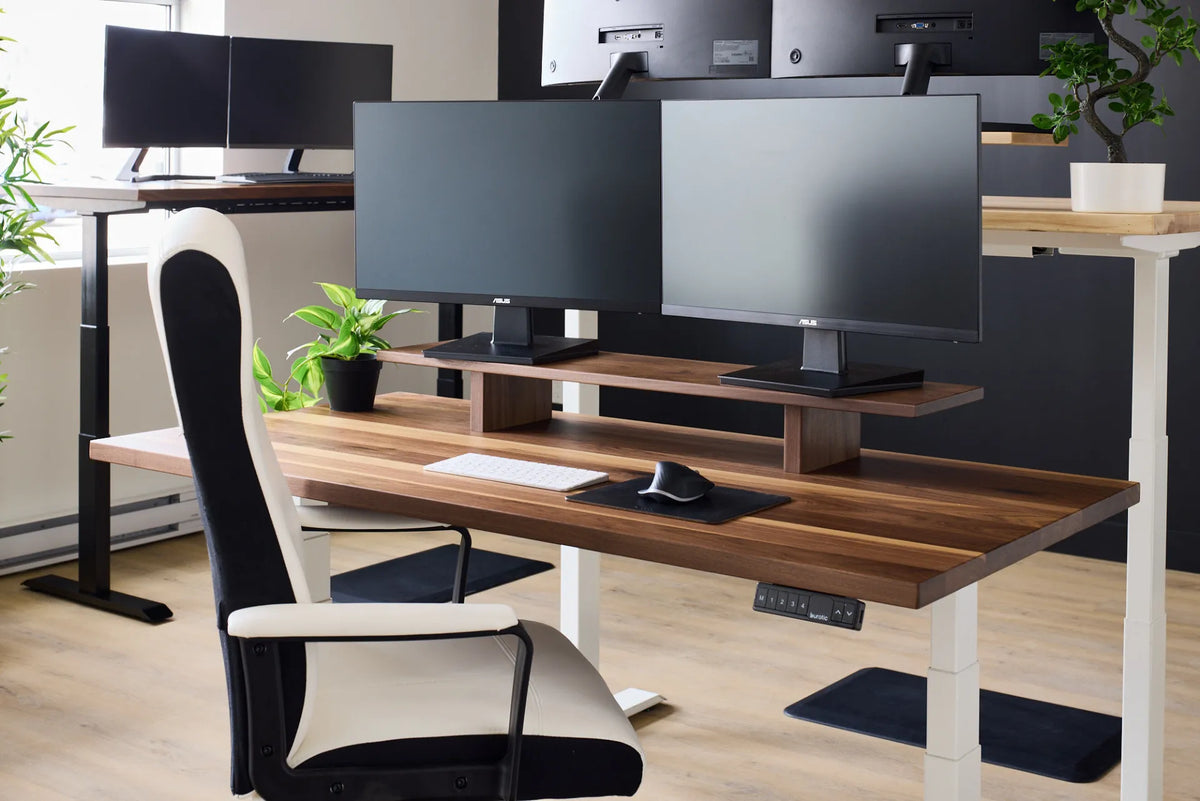
How Far Should Your Keyboard Be From the Edge of Your Desk?
Place the keyboard close enough to keep the elbows near the body, while avoiding pressure from the desk edge on the wrists or forearms.
Read moreabout How Far Should Your Keyboard Be From the Edge of Your Desk?

Should Your Keyboard Be Flat or Tilted?
A flat or slightly negatively tilted keyboard usually makes neutral wrists easier than raising the back feet. Learn how to choose an angle based on desk height, posture and typing style.

Proper Keyboard and Hand Placement for Desk Work
Learn how to place a keyboard, mouse, hands and forearms for a neutral, practical desk setup in sitting and standing positions.
Read moreabout Proper Keyboard and Hand Placement for Desk Work