





Ergonomic Office Tips & Buying Guides
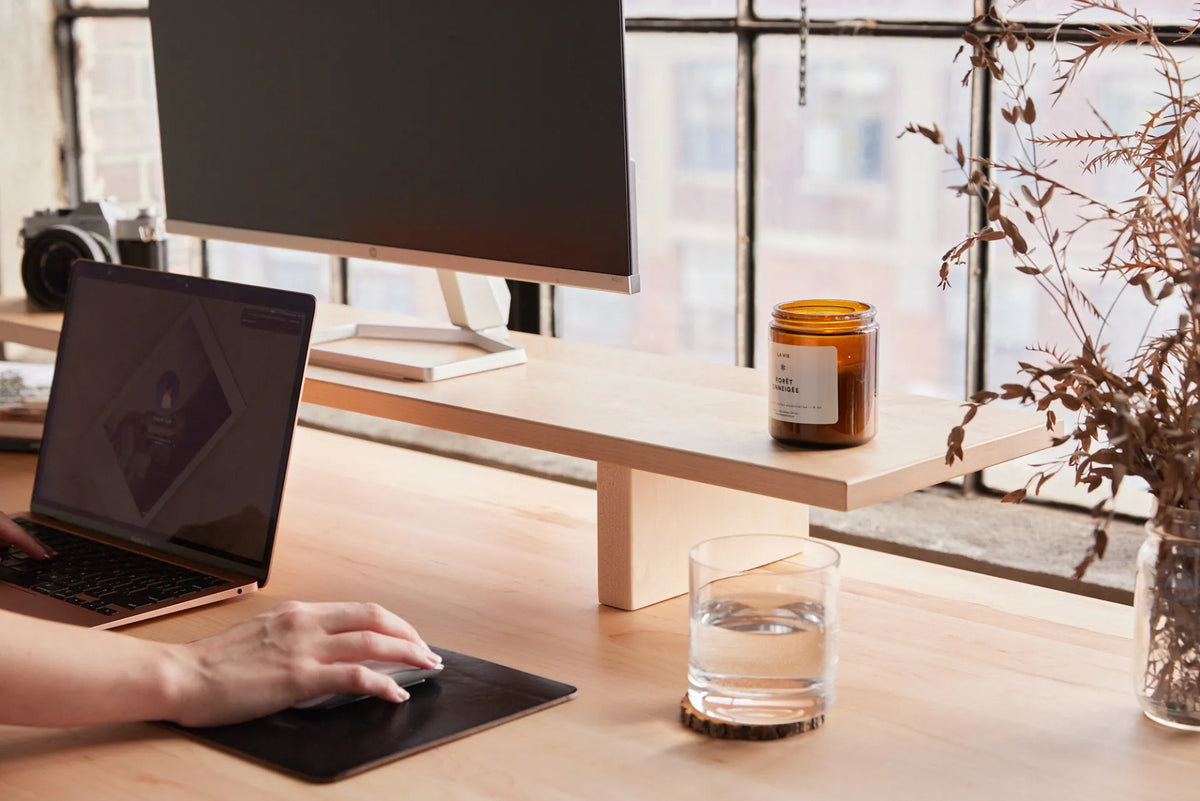
Should You Tilt Your Monitor? Best Screen Angle for Desk Work
A slight monitor tilt can help keep the screen perpendicular to your line of sight and reduce reflections, but the right angle depends on screen height, viewing distance and lighting. Use this step-by-step setup and test.
Read moreabout Should You Tilt Your Monitor? Best Screen Angle for Desk Work

27 vs. 32-Inch Monitor: How Much Desk Depth Do You Need?
Compare the space a 27 or 32-inch monitor needs, measure eye-to-screen distance, and test desk depth before changing your display or desk.
Read moreabout 27 vs. 32-Inch Monitor: How Much Desk Depth Do You Need?
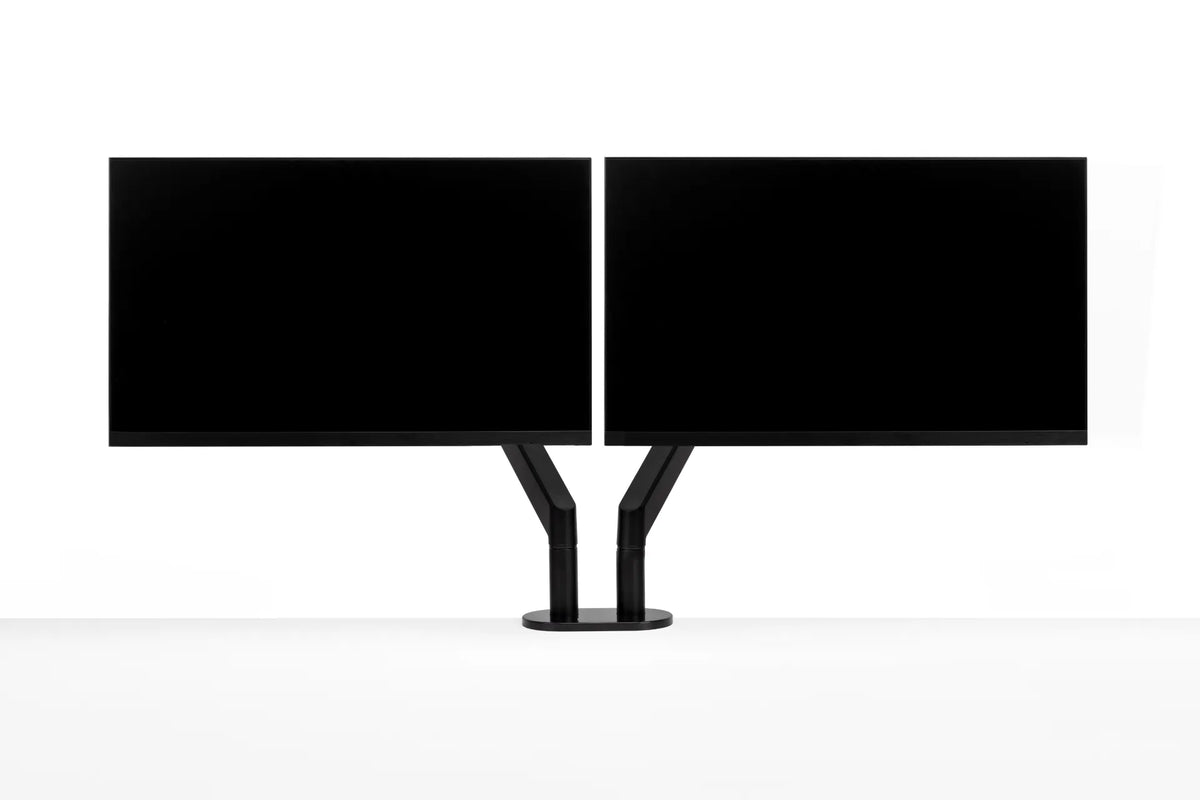
How to Align Dual Monitors: Height, Angle and Primary Screen
Set up two monitors so the screen you use most stays centred, both displays are easy to scan and the arrangement still works when your standing desk moves.
Read moreabout How to Align Dual Monitors: Height, Angle and Primary Screen