

Home Office Setup Checklist: 20 Practical Improvements
Twenty practical ways to make a home office more comfortable, organized and productive without overcomplicating the room.

In this article
A productive home office does not need to look like a showroom. It needs to fit your body, equipment, space and routines. Use this checklist to identify the improvements that will make the largest difference, then work through them gradually.
Fit the workstation
- Choose a dedicated zone. Even a defined corner creates a clearer work cue.
- Support your feet. Adjust the chair or add a stable footrest.
- Use the backrest. Sit fully back instead of perching.
- Set keyboard height. Keep shoulders relaxed and wrists straight.
- Centre the main screen. The CCOHS monitor guide is a useful reference.
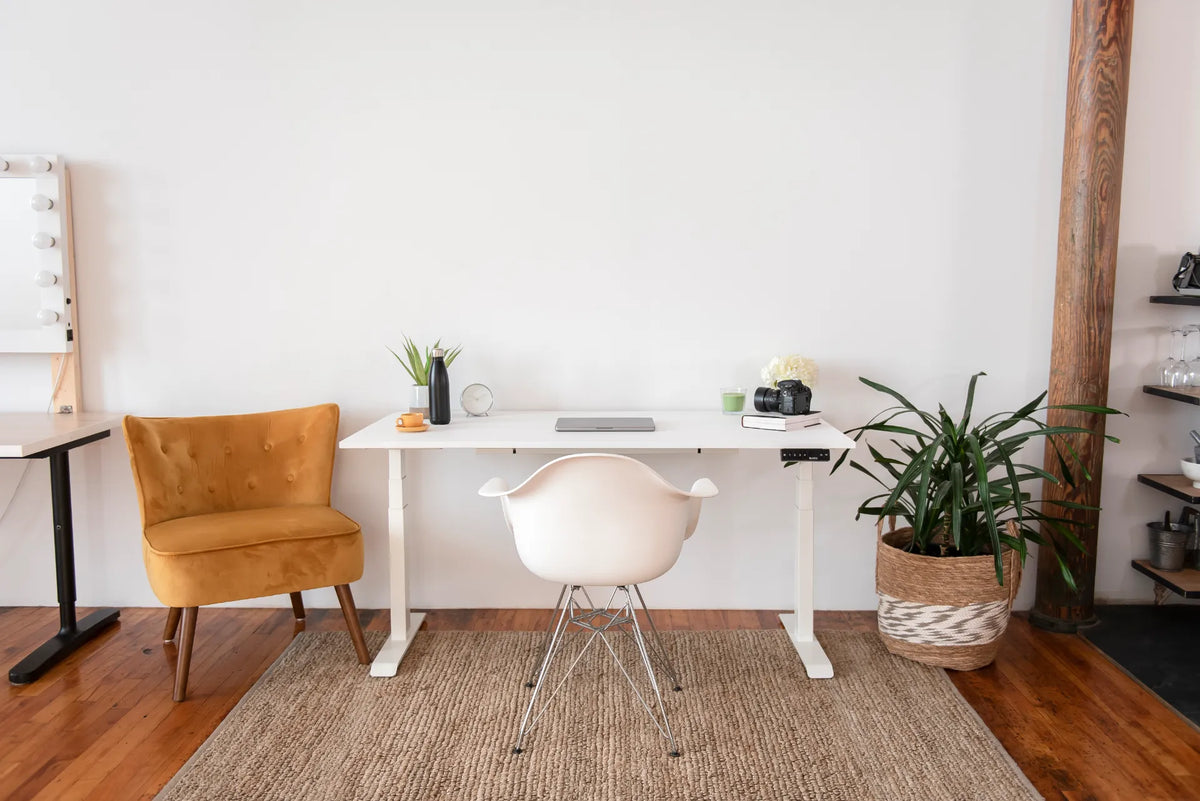
A height-adjustable option such as the Aspire Laminate Standing Desk can make seated fit and posture changes easier. Confirm measurements before buying.
Improve light and visibility
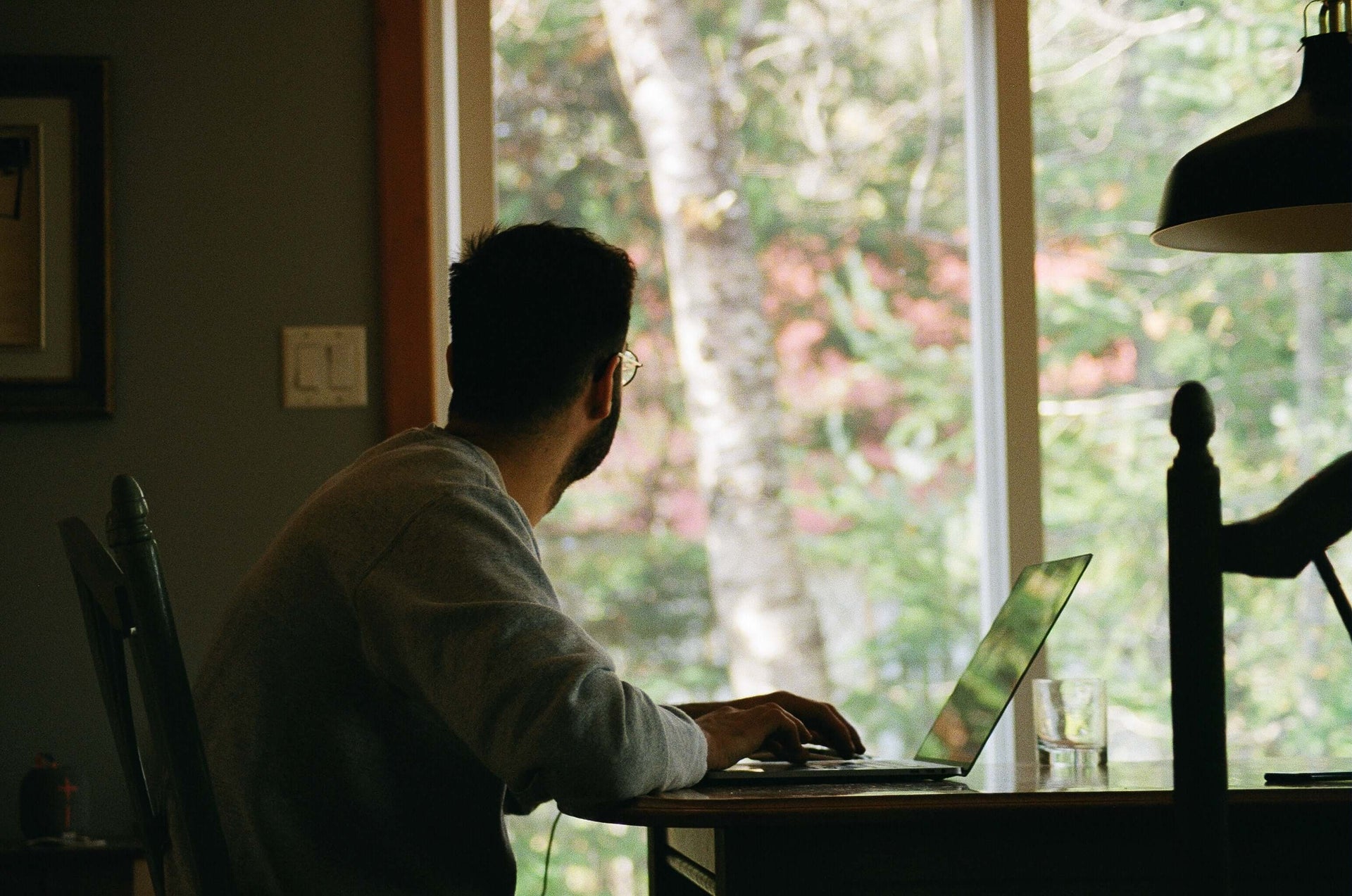
- Use daylight from the side. Avoid placing a bright window directly behind the screen.
- Add task lighting. Light paper and detailed work without creating screen glare.
- Control reflections. Adjust blinds, screen angle and lamp position.
- Increase text size. Do not lean forward to read small content.
Organize the surface
- Keep daily tools close. Store occasional items farther away.
- Raise the monitor properly. A monitor stand can add height and storage where appropriate.
- Manage cables. Leave enough slack for an adjustable desk and keep cords away from moving parts with a cable management solution.
- Protect clear space. Reserve enough room for the keyboard, mouse and documents.
- Use vertical storage. Shelves can free the floor, but mount them securely and outside head-clearance zones.
Protect focus and recovery
- Define work hours. A consistent start and finish reduce spillover.
- Silence unnecessary notifications. Protect short focus blocks.
- Change posture. Alternate sitting, standing and brief walks.
- Improve call audio. Clear sound can matter more than a decorative video background.
- Reset at day’s end. Put away work materials and write the next action.
- Review monthly. Reassess after equipment, task or schedule changes.
Prioritize the real bottleneck
If the chair does not support you, start there. If the screen is unreadable, fix its position. If the room is functional but distracting, improve boundaries. Burotic’s ergonomic laminate bundle can simplify a new setup, but only after you verify the components and dimensions meet your needs.
The best home office is not the one with the most accessories. It is the one that lets you work comfortably, find what you need and finish the day with a clear transition out of work.
Previous article
Office Ergonomics: Building a Better Workstation Program
Next article
Is Quality Home Office Furniture Worth It? A Buying Framework