

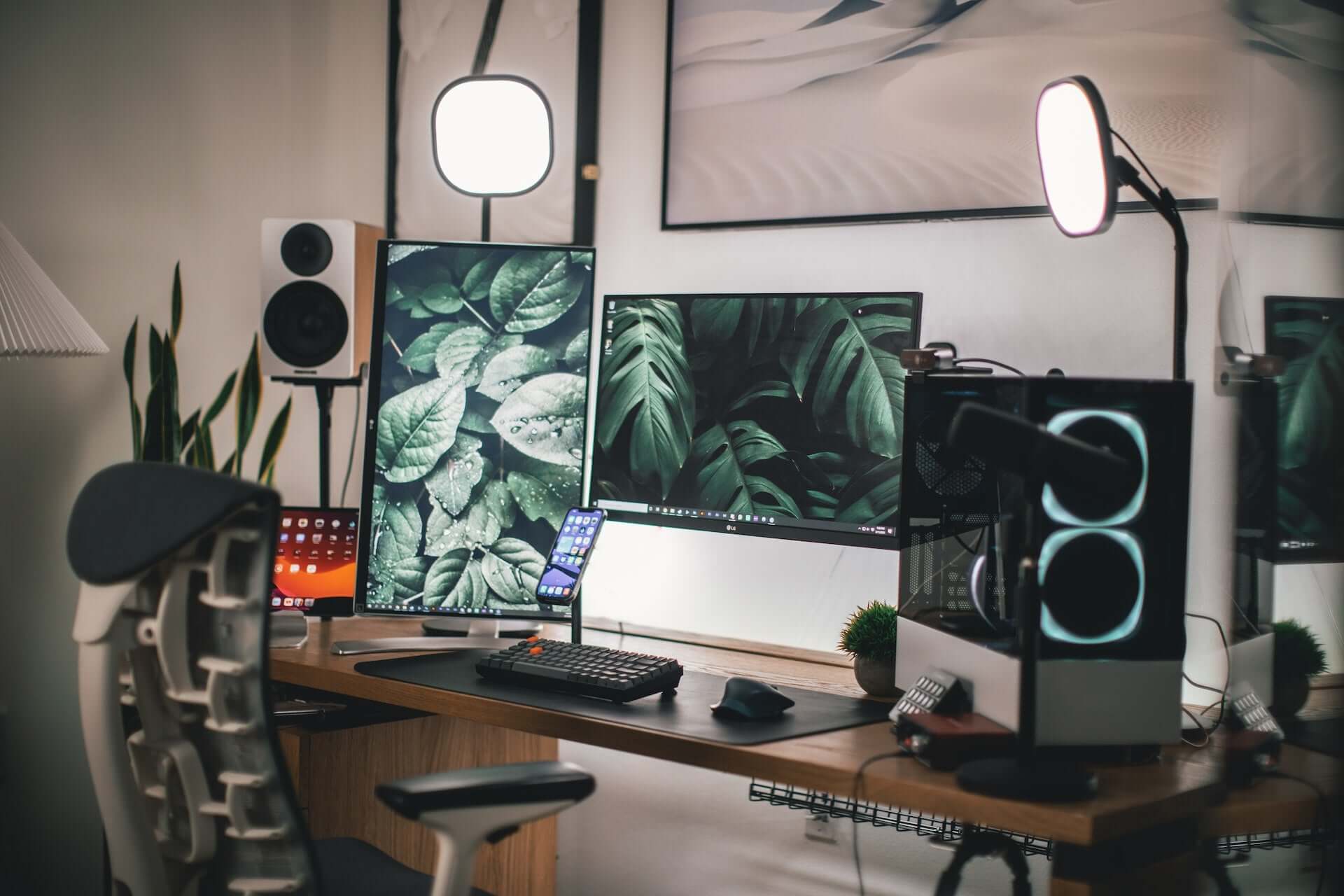
Office Ergonomics: Building a Better Workstation Program
A clear framework for employers who want to improve workstation ergonomics through assessment, equipment, training and follow-up.

In this article
Ergonomic equipment works best inside a repeatable process. Buying chairs or standing desks without assessing tasks, teaching adjustments or following up can leave the original problem untouched. A better program connects people, work and equipment.
Define the purpose
State what the organization is trying to improve, such as easier workstation adjustment, consistent onboarding or faster response to discomfort reports. Avoid promises that furniture will eliminate injuries or guarantee productivity.
Assess work before selecting products
The CCOHS office ergonomics resources provide a useful foundation. Review task duration, screen use, input devices, reach distances, shared stations and individual needs. An assessment should describe the mismatch before recommending a purchase.
Create a flexible equipment standard
A standard should simplify decisions without assuming every employee is identical. Define required adjustment ranges and compatibility, then maintain approved options. An Aspire Premium Laminate Standing Desk can support height changes, while the Peak Ergonomic Chair offers an adjustable seating option. Confirm specifications against each role and user.
Include the small components
A workstation can still fail when the monitor, keyboard or cables are poorly placed. Consider a compatible monitor arm, sufficient leg clearance and a cable management solution. Accessories should solve an identified problem, not fill a checklist.
Train employees at setup
Provide a short hands-on orientation covering the chair, seated desk height, standing desk height, screen position and safe movement of the desk. Give employees a concise checklist and a contact for help. Shared workstations need instructions that can be followed in minutes.
Build a response pathway
Employees should know how to report discomfort, a broken adjustment or an accommodation need. Supervisors should know when to involve health and safety, human resources or a qualified ergonomics professional. General setup guidance should never substitute for individual clinical advice.
Review and maintain
Recheck stations after equipment changes, office moves and onboarding. Track recurring adjustment problems, damaged components and unresolved requests. Use this information to improve procurement and training.
The strongest program is practical
Good office ergonomics is ongoing work. Start with accurate assessment, choose equipment that fits the requirement, teach people how to adjust it and verify the result. Burotic can help compare active workstation components once the functional needs are clear.
Previous article
Why You Feel Unmotivated at Work and What to Change First
Next article
Home Office Setup Checklist: 20 Practical Improvements