


Natural Light in the Office: Better Lighting Without Screen Glare
Practical ways to use natural light in an office while controlling screen glare, contrast, heat and changing daylight.

In this article
Natural light can make a workspace feel open and pleasant, but more daylight is not automatically better. A window can also create screen reflections, excessive contrast and heat. Good office lighting combines daylight, glare control, task lighting and user adjustment.
Place screens at an angle to windows
A screen directly in front of a bright window creates strong contrast. A window directly behind the user can reflect on the display. A useful starting point is to place the screen roughly perpendicular to the window, then adjust for the room and time of day.
Control daylight instead of blocking it
Use adjustable blinds or shades to soften direct sun while retaining useful ambient light. The solution may change by hour and season. NRC research on lighting for productive workplaces highlights the importance of lighting quality and occupant control rather than one fixed prescription.
Balance the visual field
If the screen is much brighter or darker than the surrounding area, the eyes must repeatedly adapt. Add soft ambient light on dark days, reduce direct glare and adjust screen brightness to suit the room. Increasing text size is often better than leaning forward.
Add task lighting where it is needed
A movable lamp can illuminate paper without flooding the entire room. Position it on the side opposite the writing hand when possible, and keep the light source out of the screen. Avoid assuming that a decorative lamp provides enough light for detailed work.
Keep the screen adjustable
The CCOHS monitor positioning guide recommends placing screens to reduce awkward head and eye movement. A compatible monitor arm can make angle and depth changes easier as daylight shifts.
Consider heat and furniture exposure
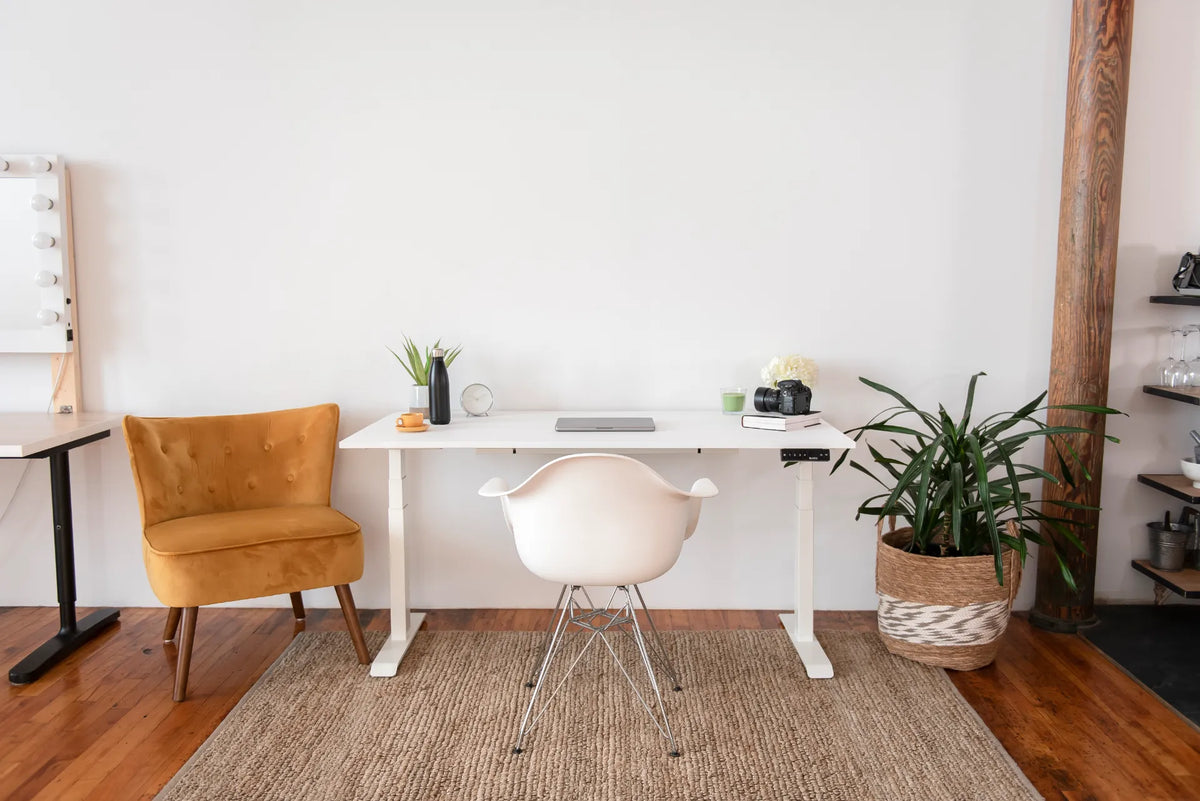
Strong sun can warm the user and equipment and may contribute to fading or uneven colour on some materials. Use window treatments and avoid leaving sensitive items in concentrated sunlight. A desk such as the Aspire Wood Laminate Standing Desk should be placed according to the room, with current care guidance followed.
Give users control
People differ in vision, age, eyewear and light sensitivity. Shared offices benefit from local controls, adjustable screens and a way to report glare. Check conditions on sunny and overcast days rather than approving the setup once.
A simple lighting check
- Can you read the screen without leaning?
- Are reflections visible on dark content?
- Can blinds and task lights be adjusted?
- Does the setup remain comfortable later in the day?
The best use of natural light is controlled and adaptable. Arrange the desk, screen and shading as one system, then revisit them as seasons and tasks change.
Previous article
Remote Work in Canada: Benefits, Challenges and Better Habits
Next article
Office Colour Ideas: How to Build a Calm, Focused Workspace