Ergonomic Office Tips & Buying Guides

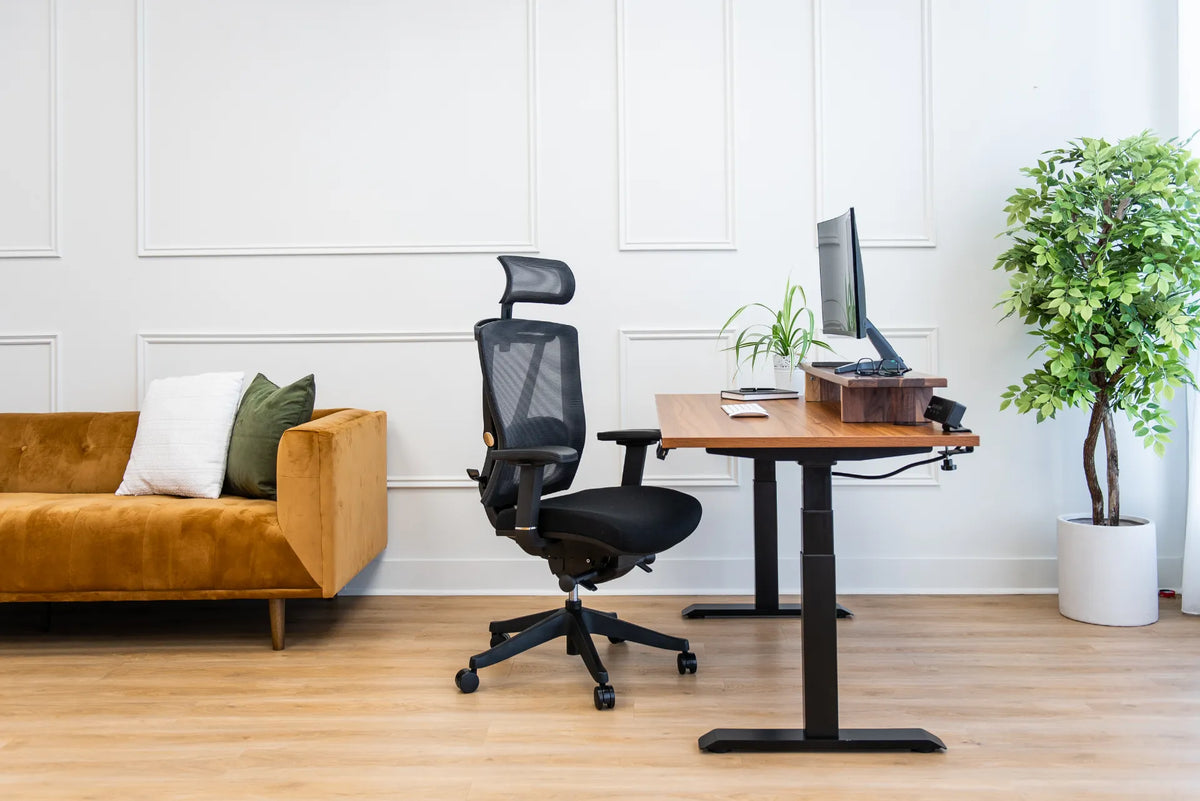
Side view of a black ergonomic office chair with padded armrests, a mesh back and headrest on a wood floor against a white wall

How High Should Office Chair Armrests Be?

Set office chair armrests to support relaxed shoulders and neutral forearms without blocking access to the desk. This practical guide explains the right starting point, common mistakes and how to coordinate armrests with chair and desk height.

Read moreabout How High Should Office Chair Armrests Be?

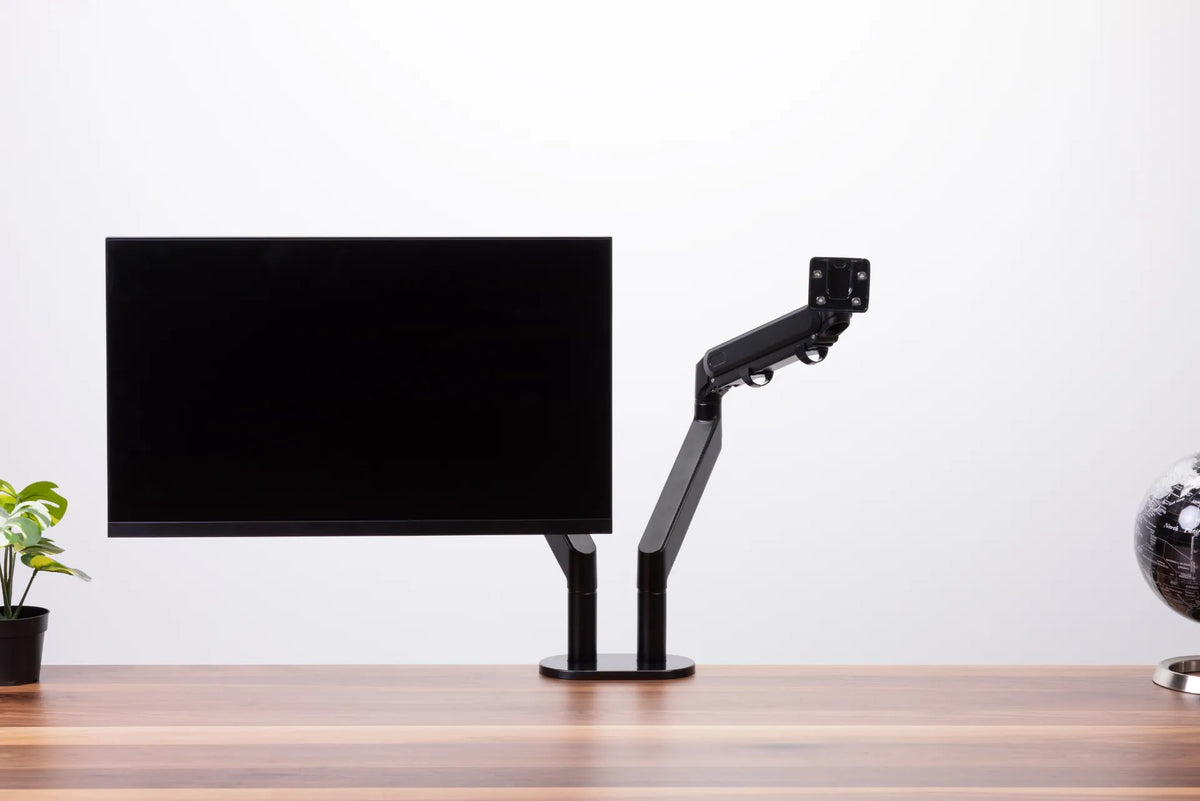
Front view of a wood-grain desk with a curved monitor and raised laptop on black arms, a white keyboard, mouse and plants

27 vs. 32-Inch Monitor: How Much Desk Depth Do You Need?

Compare the space a 27 or 32-inch monitor needs, measure eye-to-screen distance, and test desk depth before changing your display or desk.

Read moreabout 27 vs. 32-Inch Monitor: How Much Desk Depth Do You Need?

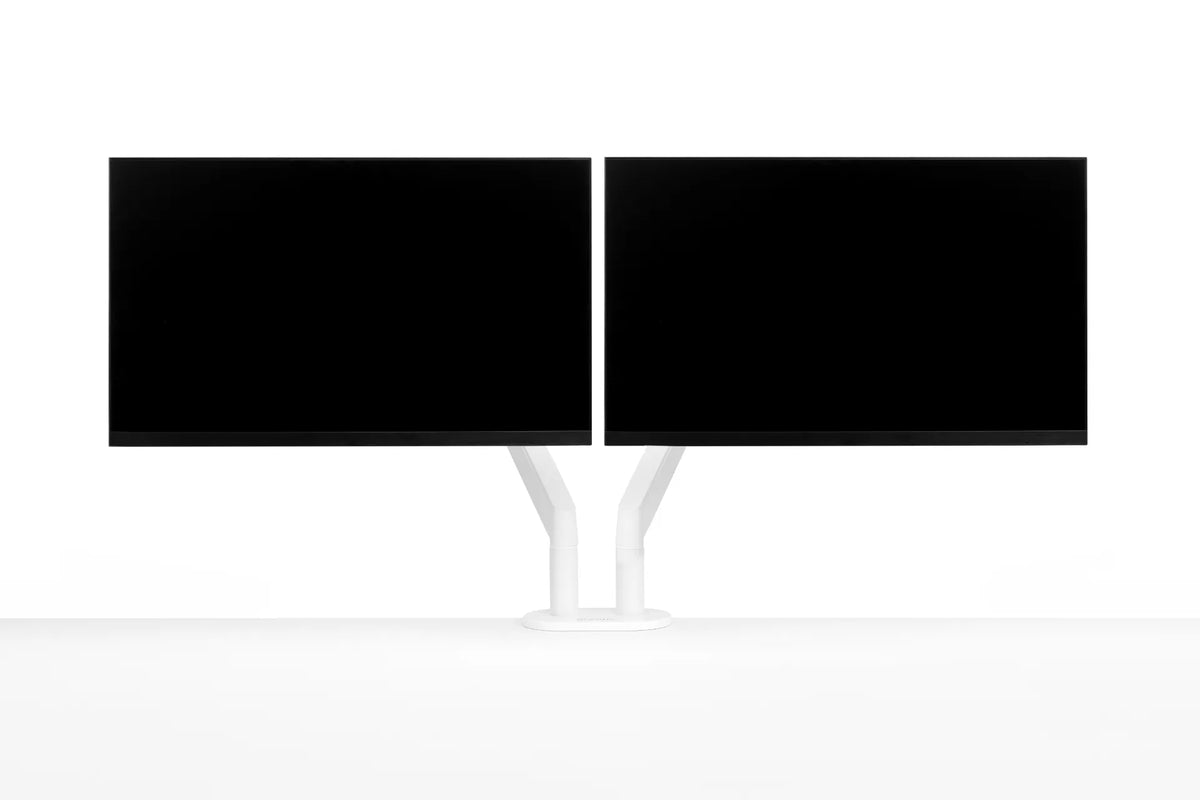
Two black monitors aligned side by side on a black dual monitor arm against a white background

How to Align Dual Monitors: Height, Angle and Primary Screen

Set up two monitors so the screen you use most stays centred, both displays are easy to scan and the arrangement still works when your standing desk moves.

Read moreabout How to Align Dual Monitors: Height, Angle and Primary Screen

Open black under-desk drawer holding pens, glasses and a phone beneath a black desktop

How to Install an Under-Desk Drawer Without Losing Legroom

Plan and install an under-desk drawer by checking desktop compatibility, knee space, chair movement, cables and the full standing desk height range.

Read moreabout How to Install an Under-Desk Drawer Without Losing Legroom

Person wearing brown loafers standing on a black anti-fatigue mat beneath a light wood desk on a concrete floor

Standing Desk on a Concrete Floor: Comfort and Setup Guide

Set up a standing desk on concrete with practical guidance on mats, footwear, levelling, chair movement, cable safety and posture changes.

Read moreabout Standing Desk on a Concrete Floor: Comfort and Setup Guide

Trailing green plant on a wood standing desk above a white under-desk power bar

How to Decorate a Standing Desk Without Blocking Its Movement

Add plants, personal objects and useful accessories to a standing desk while preserving workspace, cable travel and the desk’s full range of motion.

Read moreabout How to Decorate a Standing Desk Without Blocking Its Movement

White standing desk with a closed laptop, camera, books and plants in a bright creative workspace

Standing Desk Setup for Content Creators: Camera Gear, Editing and Workflow

Plan a standing desk for photography, video, editing and everyday computer work without letting camera gear, cables or changing desk heights disrupt the workflow.

Read moreabout Standing Desk Setup for Content Creators: Camera Gear, Editing and Workflow

Hands typing on a compact white keyboard beside a mouse on a black desk mat and wood desktop

Compact vs. Full-Size Keyboard: Which Fits Your Desk and Workflow?

Compare compact and full-size keyboards by layout, mouse reach, desk space, number entry, learning curve and fit with a standing desk.

Read moreabout Compact vs. Full-Size Keyboard: Which Fits Your Desk and Workflow?

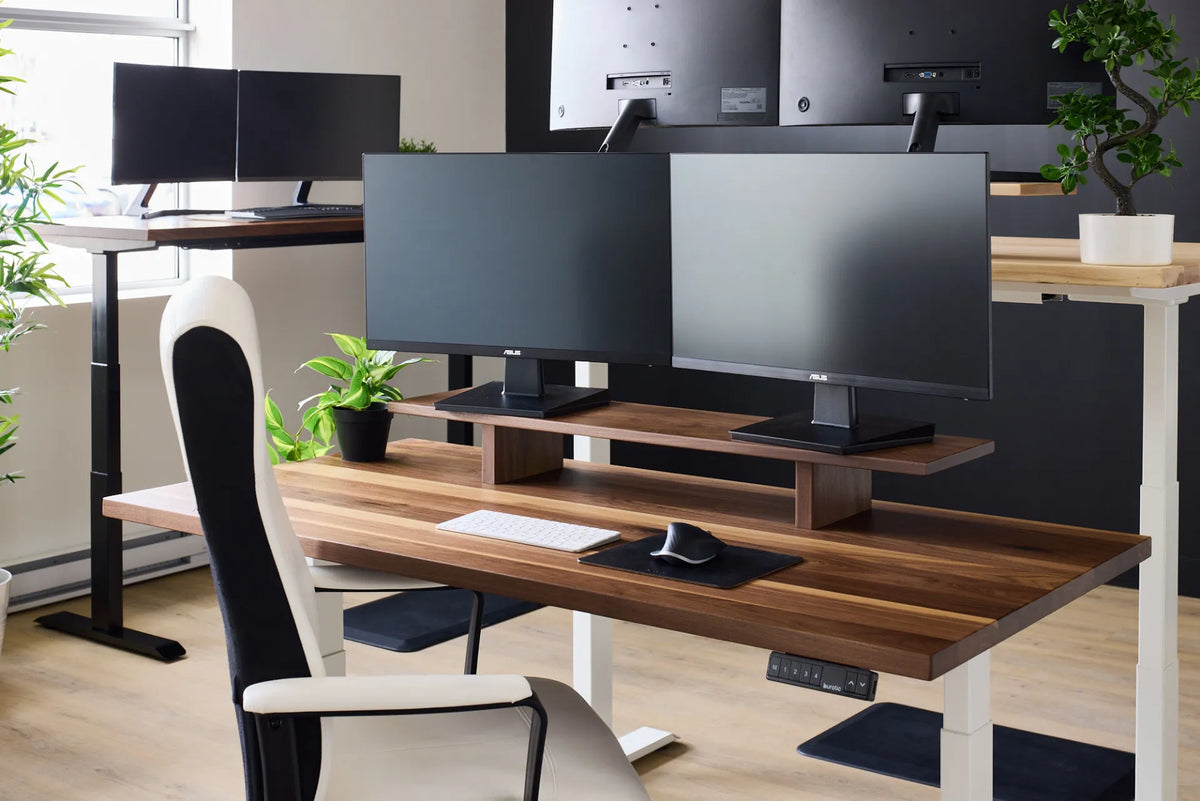
Close view of a monitor on a walnut Burotic stand with a keyboard, mouse, glasses and plants

How Far Should Your Monitor Be From Your Eyes?

A practical Canadian guide to setting monitor distance, height and angle for clearer viewing and a more comfortable workstation.

Read moreabout How Far Should Your Monitor Be From Your Eyes?