





Active Sitting Stool vs. Ergonomic Chair: Which Should You Use?

In this article
An active sitting stool and an ergonomic office chair solve different problems. A stool encourages frequent, small changes in position and fits neatly beside an adjustable desk. A full office chair provides a backrest, armrests and a broader range of support for longer periods of concentrated computer work. For most people, the most practical answer is not to declare one universally better. It is to match each seat to the task, the duration and the rest of the workstation.
This guide explains how to compare an active sitting stool with an ergonomic chair, how to test the fit and how to alternate between sitting and standing without treating movement as a medical cure. If pain, numbness or persistent discomfort is present, consult a qualified health professional rather than relying on furniture adjustments alone.
Quick answer: stool or ergonomic chair?
Choose an ergonomic chair as the main seat when you work at a computer for long, uninterrupted periods, need a backrest and armrests, or depend on precise support adjustments. Consider a balance stool as a secondary seat when you want short periods of active sitting, quick transitions at a sit-stand desk and a compact footprint. A stool can complement a chair, but it does not automatically replace the support of a well-fitted chair.
The Canadian Centre for Occupational Health and Safety, or CCOHS, emphasizes that a chair becomes ergonomic only when it suits the worker's body dimensions, workstation and tasks. That principle applies equally to alternative seating. The label matters less than whether your feet are supported, the seat height matches the work surface and you can change position comfortably.
What is active sitting?
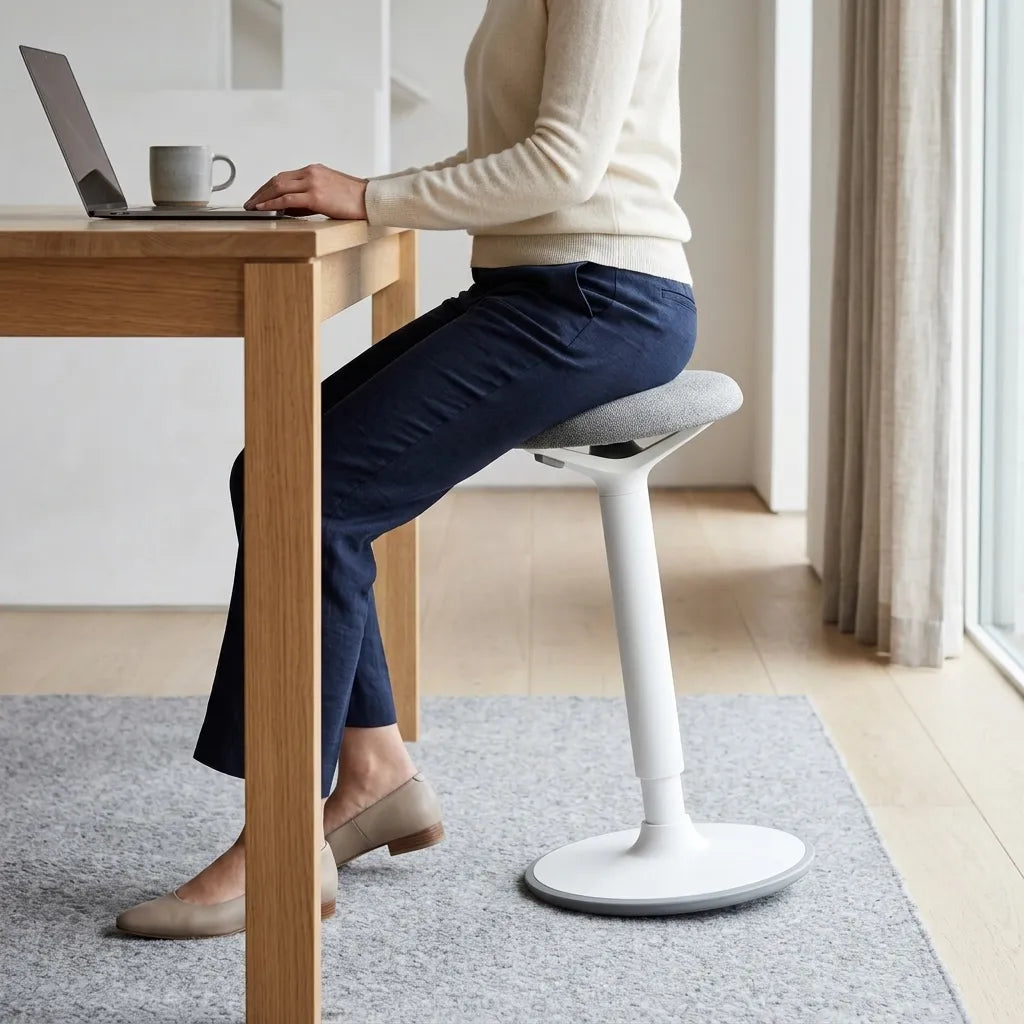
Active sitting describes seated work that permits or encourages small changes in posture. A balance stool often uses a compact seat and a base that allows some controlled movement. The goal is not to hold a rigid pose or keep muscles working continuously. It is to make it easier to shift, perch briefly and transition to standing.
CCOHS notes that alternative chair styles may help some people maintain an appropriate posture, but it also stresses individual fit. A seat that feels engaging for one person can feel unstable or tiring for another. Treat active sitting as one option within a varied workday, not as a requirement.
What an active stool does well
A stool is easy to move close to a desk and usually occupies less visual and floor space than a high-back chair. At an adjustable desk, it can support a quick change from standing to perching without lowering the desk all the way to a conventional seated height. It can also be useful for short calls, reading, reviewing documents or other tasks that do not require continuous arm support.
The Burotic Balance Stool is designed for subtle movement and can be used with standing or traditional desk setups. Its role is best understood as a flexible seating option. It should still be adjusted to the user and evaluated in the real work context.
Where a stool has limits
A stool generally provides less contact and fewer support surfaces than an ergonomic chair. If you type or use a mouse for hours, the absence of armrests and a backrest may increase the importance of desk height, keyboard position and regular changes of position. A stool also asks the user to manage balance and posture more actively, which may not suit every body, task or day.
Do not assume that feeling more muscular effort means a seat is producing a health benefit. Discomfort is useful feedback. Shorten the session, adjust the setup or return to a supportive chair if you start bracing, leaning heavily on the desk or losing stable foot contact.
What an ergonomic office chair does well
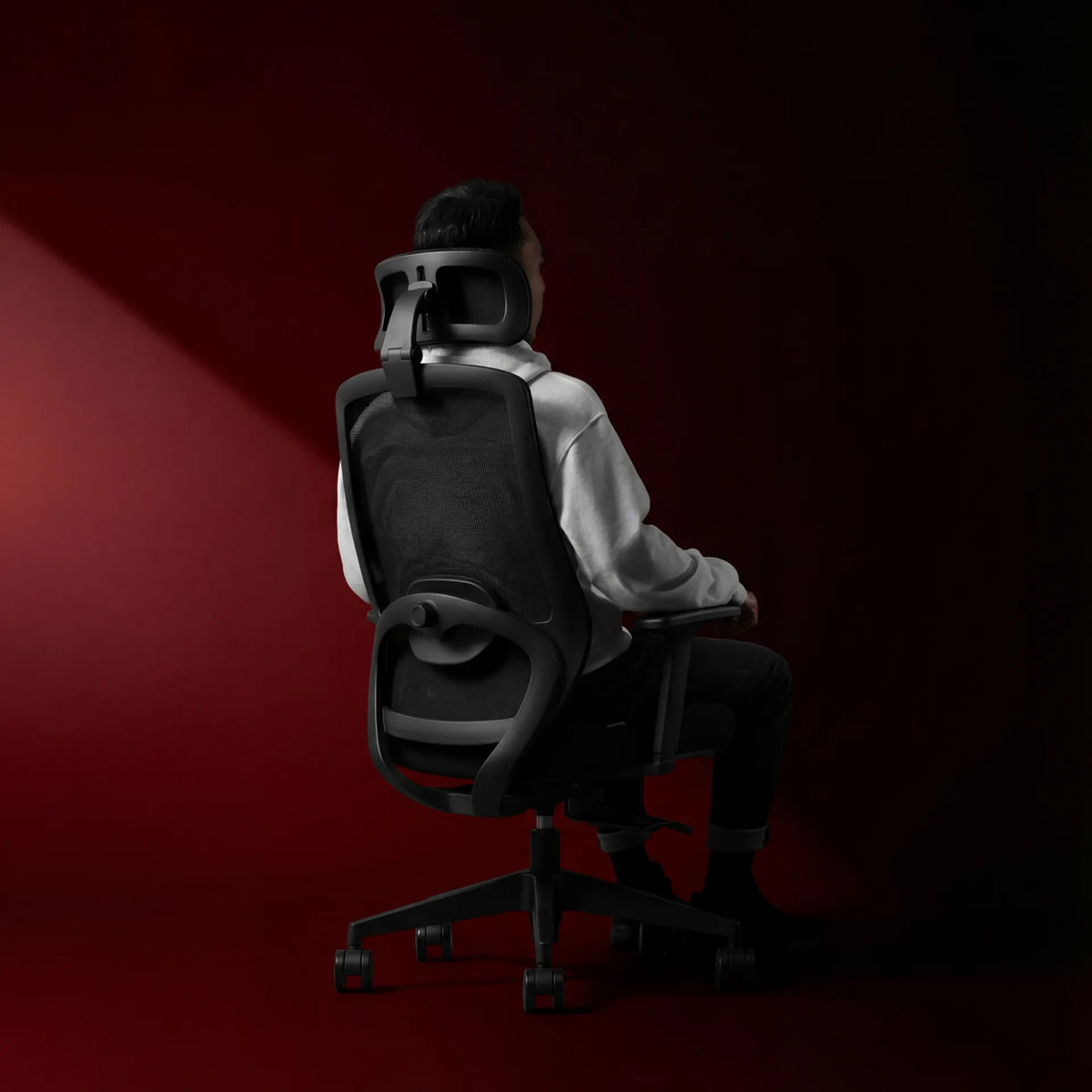
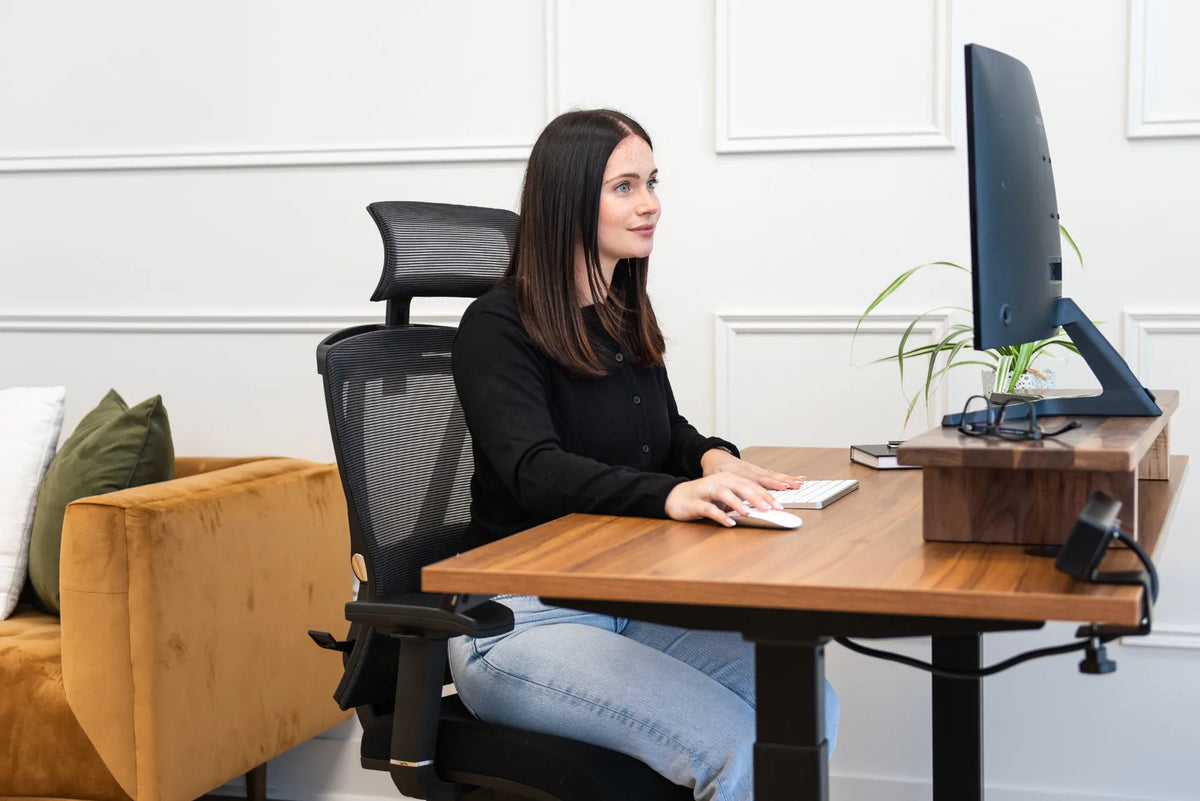
A properly fitted ergonomic chair distributes support across the seat, backrest and, when useful, armrests. Adjustable seat height helps align the chair with the desk. Seat depth can help preserve space behind the knees. A backrest can support the torso, while adjustable armrests can reduce the need to hold the shoulders elevated during keyboard and mouse work.
The Burotic Loop Ergonomic Chair includes adjustable elements intended to help users tune the fit. Regardless of the model, use a simple test: can you sit close to the desk, keep the shoulders relaxed, support the feet and reach the keyboard without leaning forward?
Support is not the same as staying still
A supportive chair should not become a reason to remain in one posture for the entire day. CCOHS guidance on sit-stand desks highlights the value of varying body position and warns that standing too long can also lead to discomfort. The better pattern is often a sequence of supported sitting, brief active sitting, standing and short movement away from the desk.
Your chair should make good positions available, not lock you into one perfect pose. Recline for a call, sit upright for a focused task, stand for a short meeting and walk when the work allows. Variation is the practical ergonomic advantage.
Seven criteria for choosing between them
1. Task duration
For a five-minute call or a short review, a stool may be convenient. For a two-hour spreadsheet, design or coding session, a chair with a backrest and adjustable arm support is usually the more forgiving base. Think in blocks of work rather than in total hours per day.
2. Desk-height compatibility
Measure the seat height range and compare it with the working height of the desk. Your elbows should be close to the keyboard height with relaxed shoulders. If the seat is high, stable foot support becomes especially important. An adjustable desk makes it easier to bring the surface to the seat instead of forcing the body to reach.
3. Foot contact and leg clearance
CCOHS recommends that users be able to keep their feet on the floor or a footrest without pressure under the thighs. Check that the stool base does not interfere with your feet and that the desk frame leaves enough room for knees and legs. On either seat, avoid perching so far forward that the feet lose stable contact.
4. Keyboard and mouse work
Frequent typing needs a stable relationship between the torso, forearms and input devices. Review Burotic's guide to proper keyboard and hand placement, then adjust the seat and desk together. A minimalist surface is not ergonomic if the keyboard sits too high or too far away.
5. Need for back and arm support
If you regularly use armrests, recline or rely on lumbar contact to stay comfortable, an ergonomic chair should remain the primary seat. A stool may still work for selected tasks. If you do not use armrests and often change positions, a stool may play a larger role, provided the desk height and foot support remain appropriate.
6. Stability and confidence
Try the full range of motion slowly. You should be able to sit down, stand up and shift position without feeling that the seat will move unexpectedly. Keep the floor clear and use the product on a surface consistent with its instructions. Confidence matters because a seat that makes you brace continuously defeats the purpose of easy movement.
7. Space and visual footprint
In a compact office, a stool can tuck closer to the desk and reduce visual bulk. That advantage is real, but it should not outweigh task support. Plan where the main chair will go if the stool is secondary, and leave a clear path for transitions between sitting and standing.
How to set up a balance stool
Start beside the desk, not under it. Adjust the stool so you can sit with stable foot contact and without pressure at the back of the thighs. Move it toward the desk, then set the desk height so the elbows can stay near the sides and the wrists remain neutral. Keep the keyboard and mouse close.
Begin with a short, low-demand task. Notice whether you are leaning on the desk, gripping with the feet or rounding the shoulders. Make one change at a time. If you raise the stool, reassess the desk height and foot support. If you lower it, confirm that the knees and thighs still clear the desk.
A sit-stand desk can expand the available options. See the Burotic guide on using an adjustable desk well for a broader approach to position changes.
A practical rotation for the workday
There is no universal schedule that fits every worker. Build a rotation around task cues. Use the ergonomic chair for sustained keyboard work, the stool for a short call or review, and standing for a meeting or administrative task. Add walking breaks that actually take you away from the workstation.
Keep the first stool sessions brief and increase them only if they remain comfortable. A timer can help, but a task boundary is often less disruptive. For example, change position after finishing a document section, a meeting or a set of messages. The objective is regular variety, not hitting a rigid ratio.
Common mistakes to avoid
- Replacing support too quickly: keep the ergonomic chair available while you learn whether the stool suits your work.
- Using the desk as a backrest: heavy leaning can signal that the stool session is too long or the height is wrong.
- Ignoring the feet: stable foot contact is essential for both conventional and active seating.
- Holding one posture: active seating still becomes static if you remain fixed for a long period.
- Assuming discomfort is productive: strain is not proof that a seat is strengthening you.
- Buying by label alone: verify dimensions, controls, task fit and the actual return or trial terms before choosing.
Final recommendation
For most full-day computer users, a well-fitted ergonomic chair is the strongest primary seat. A balance stool can be a useful second option that supports short active-sitting periods and smoother sit-stand transitions. The combination works when both seats fit the user, the desk adjusts to the chosen position and movement remains voluntary.
Compare the Balance Stool with the Loop Ergonomic Chair, then choose based on your tasks and fit rather than a universal claim. CCOHS resources on ergonomic chairs, sitting at work and sit-stand desks provide useful Canadian reference points.

Previous article
Desk Power Bar Setup: Safe Placement and Cable Planning
Next article
Standing Desk USB Port Guide: Charging, Limits and Safety