





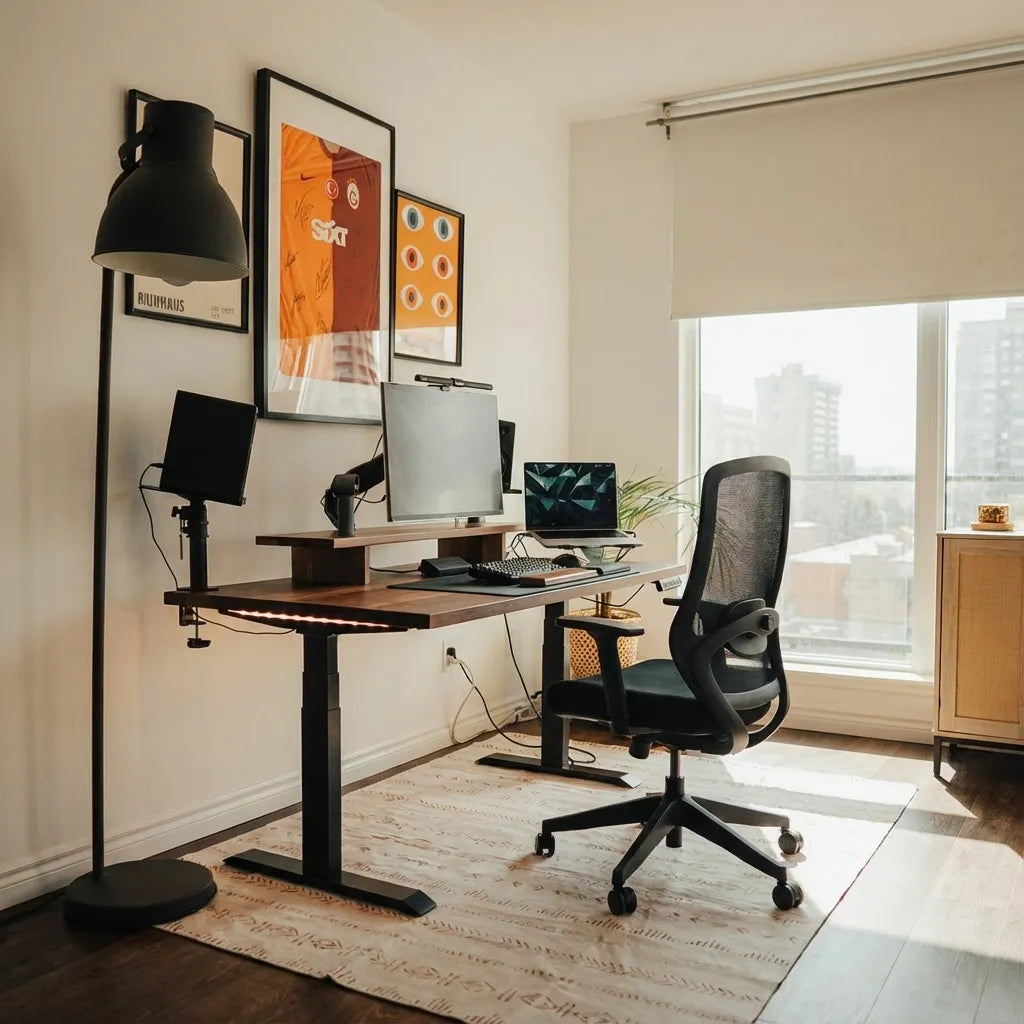
Should Your Desk Face the Door? A Practical Home Office Guide

In this article
Your desk does not have to face the door, but being able to see the entrance without twisting can make a home office feel more settled and practical. A direct door-facing layout is useful when you receive visitors, share the room or dislike having movement behind you. A side-on layout is often better when it reduces screen glare, protects confidential information or leaves a clearer walking path.
The best answer comes from testing the whole workstation, not following a decorating rule. Door sightlines matter, but so do monitor position, window light, chair clearance, power access and the travel of a height-adjustable desk.
Quick answer
Face the desk toward the door when that orientation keeps the entrance visible, leaves enough room behind the chair and does not put a bright window directly behind the monitor. Place the desk perpendicular to the door when you want to see the entrance with a small head turn while keeping the screen less exposed. Facing away from the door can work in a private room, but it is usually less comfortable when people enter frequently or can see sensitive work over your shoulder.
What changes when the desk faces the door?
A door-facing desk creates a clear sightline to anyone entering. It can also make conversations easier because a visitor is not approaching from behind the screen. In a multipurpose room, this orientation helps you notice household movement without constantly turning around.
The tradeoff is space. A desk floating farther into the room needs power and data cables routed without creating a trip hazard. The chair also needs a usable path to the door. The Canadian Centre for Occupational Health and Safety notes that workspace planning should consider visual privacy, acoustical privacy and the activities performed in the area, not only the furniture dimensions.
Three workable orientations
1. Desk directly facing the door
This is the strongest option for visibility. It suits a dedicated room with enough depth to place the desk away from the opposite wall. Keep the screen slightly offset from the doorway if people passing in the hall could read it. Check that the door can open fully and that the walking route does not cross loose cables.
A floating desk can look impressive, but it is not automatically efficient. Measure the space behind the monitor, the chair travel and the route around both sides. If the workstation is height-adjustable, test the cable bundle at the lowest and highest positions.
2. Desk perpendicular to the door
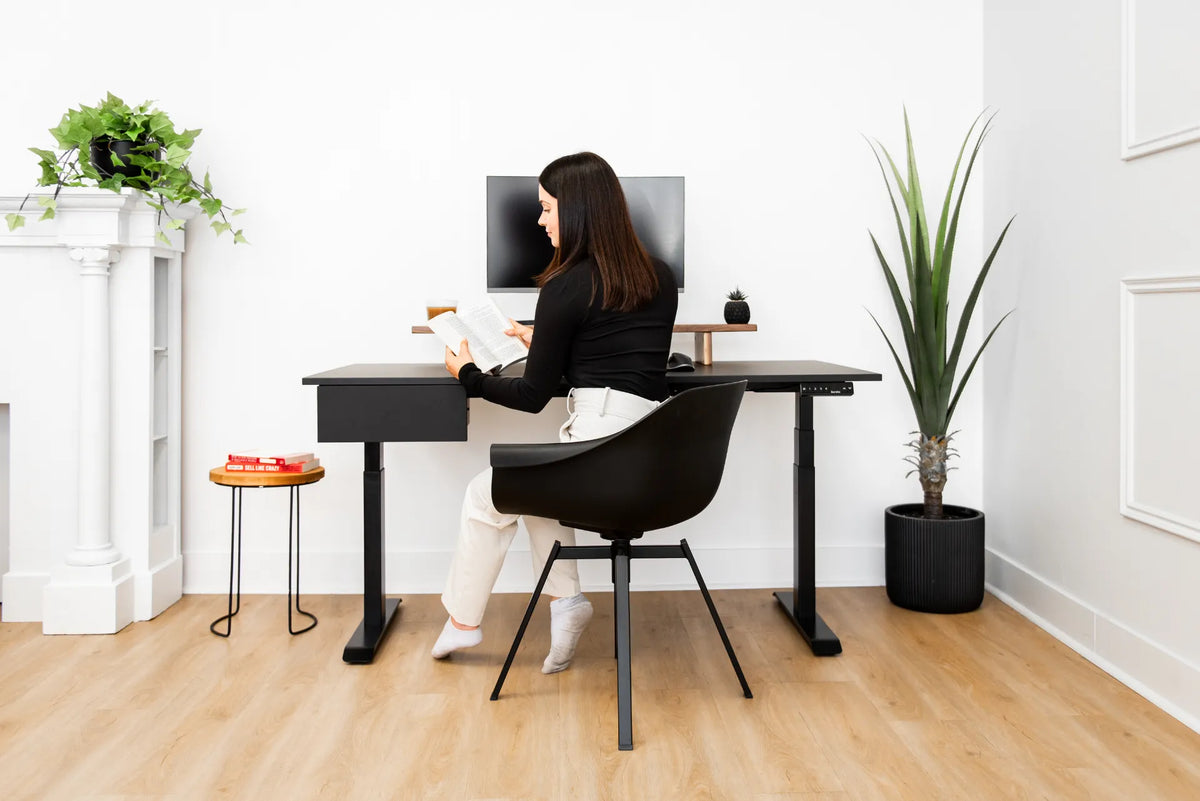
A side-on layout is often the most balanced choice. You can see the entrance by glancing to one side, while the back of the monitor is less likely to dominate the room. This orientation can also make it easier to place a window beside the screen instead of directly in front of or behind it.
Position the primary monitor in front of your body rather than turning it toward the door. The desk may be perpendicular to the room, but the screen, keyboard and chair should still align with your working posture.
3. Desk with your back to the door
This arrangement may be necessary in a small room, a built-in nook or a space with fixed outlets. It can work well when the room is private and interruptions are rare. It is less suitable when someone regularly enters behind you, when the doorway exposes the screen or when the door swing crowds the chair.
If this is the only practical layout, place a reflective surface where it helps you notice movement without staring into it, use a privacy filter when appropriate, and keep the entry route clear. Do not sacrifice a safe walkway simply to change the view.
Check the door swing and walking path
Open the door completely before marking the desk position. Include the handle, not only the door panel. A chair, drawer or desk corner should not block normal entry. CCOHS guidance on workplace housekeeping emphasizes keeping aisles clear and arranging them so people do not take unsafe shortcuts.
Walk from the doorway to the chair, storage and window. Repeat the test with the chair pulled out. If the room serves another purpose, check the route when drawers are open or a second person is present. A layout that works only when every object is perfectly tucked in will be frustrating in daily use.
Protect screen privacy without creating glare
A screen facing the doorway may be visible from the hall. That matters for client files, financial information, private messages and video calls. Move the monitor a little off the direct sightline, adjust the door position where practical or use an appropriate privacy filter. Privacy is a room-planning issue, not just a software setting.
Then check light. A bright window behind the screen can create a high contrast between the display and the background. A window reflected in the screen can cause glare. Side light is often easier to manage with blinds and monitor angle. Our guide to placing a desk perpendicular to a window explains this relationship in more detail.
Keep the workstation aligned with your body
Do not rotate the monitor toward the door simply because you want to watch the entrance. The main screen should remain directly in front of your normal working position, with the keyboard centred to the screen and the mouse nearby. If you use a secondary display, angle it inward rather than placing both screens flat across the room.
Set the chair and desk for comfortable elbow, hip and foot positions. Place the screen at a readable distance and a height that does not make you lift your chin. Room orientation should support the workstation, not force the body to adapt to an awkward furniture plan.
Plan outlets and moving cables
A desk facing the door may sit away from the wall. Avoid running an extension cord loosely across the floor. Use a properly planned route, protect cables where they cross a permitted travel area and follow the electrical product instructions. A height-adjustable desk needs enough slack for its full range without a hanging loop that catches the chair.
When possible, keep the power distribution attached to the moving desk so device cords rise and lower together, leaving one managed connection toward the wall. A cable management solution can help contain extra length, but it does not replace the need to verify the route at every height.
How to test the layout before moving everything
- Mark the desktop footprint on the floor with removable tape.
- Open the door fully and confirm the handle clears the marked area.
- Place the chair inside the footprint and pull it back as you normally would.
- Walk every route to the door, storage and window.
- Use a laptop or cardboard rectangle to simulate the screen and check privacy.
- Observe the screen position in morning and afternoon light.
- Identify the power route before committing to a floating layout.
This short test catches more problems than judging from an empty room. It also lets you compare the door-facing and side-on versions without repeatedly assembling equipment.
Small-room decisions
In a compact office, protect circulation first. A shallow wall-facing layout may be better than a door-facing desk that blocks half the room. You can still position the desk so the entrance is visible with a small turn. Review our guide on how far a desk should be from the wall before assuming it must sit flush against it.
If the office shares a living space, consider what the workstation looks like when work ends. A side-on desk may keep the monitor from becoming the focal point. The living-room home office guide offers more layout strategies for multipurpose spaces.
Common mistakes
- Choosing the door view before checking window glare.
- Letting the open door hit the chair or desk corner.
- Turning the monitor sideways to watch the entrance.
- Running power cords through the walking path.
- Ignoring what visitors can see on the screen.
- Leaving too little room to pull the chair back.
- Testing the desk only at sitting height.
The practical answer
Your desk should face the door when the orientation improves awareness and conversation without exposing the screen, creating glare or blocking circulation. A perpendicular position is often the best compromise because it keeps the entrance within view while preserving a more private screen angle. Facing away can still work in a private, low-traffic room.
Choose with measurements, not a universal design rule. Test the door swing, chair clearance, light, screen privacy and power route together. If you are selecting a new surface, compare those room measurements with Burotic's Aspire Wood Laminate Standing Desk options before deciding on the final orientation.
Previous article
Why Is My Wireless Charging Desk Pad Not Charging?
Next article
Why Is My Wireless Charging Desk Pad Not Charging?