



Ergonomic Office Tips & Buying Guides

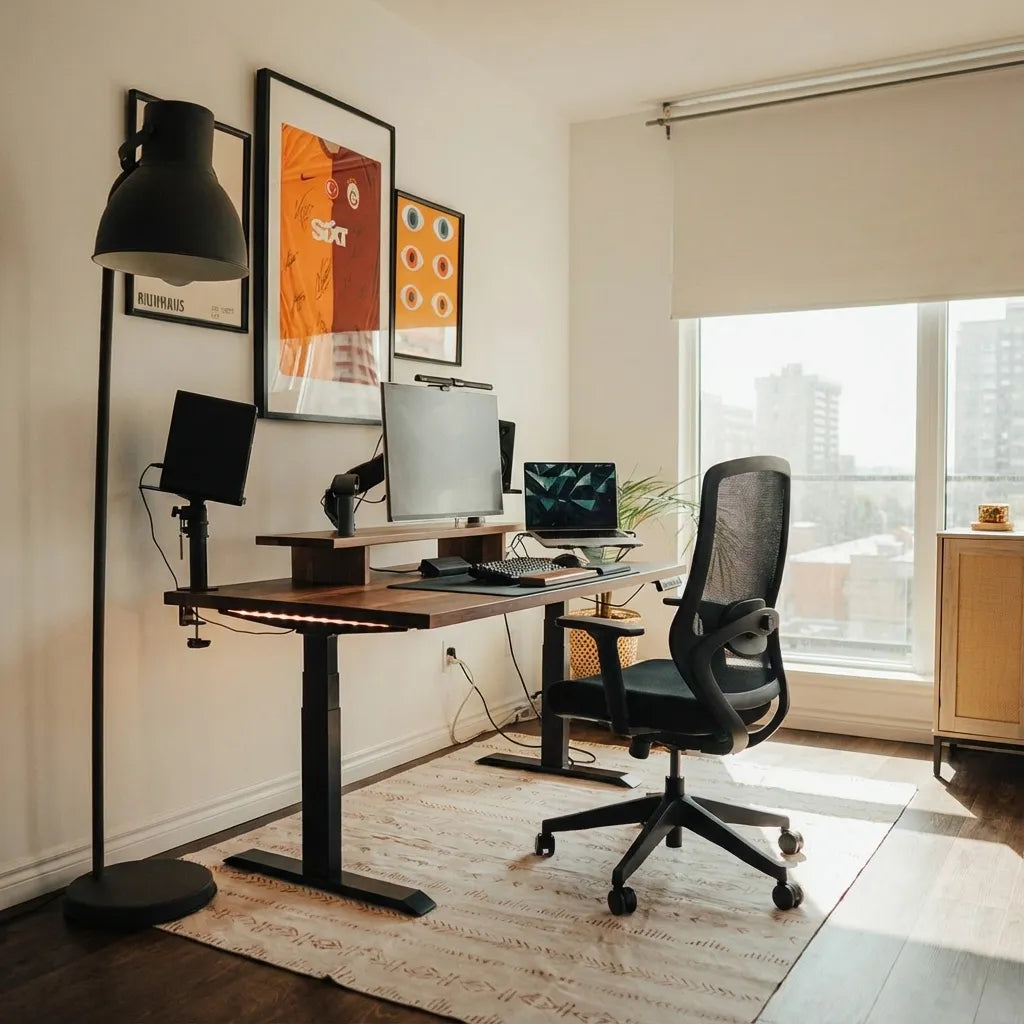
Walnut standing desk with black frame, monitor arm, laptop arm and accessories positioned on a beige rug in a bright room

Can You Put a Standing Desk in the Middle of a Room?
A floating standing desk can work well when you plan circulation, cable routes, screen glare and the desk's full movement before choosing its position.

Read moreabout Can You Put a Standing Desk in the Middle of a Room?

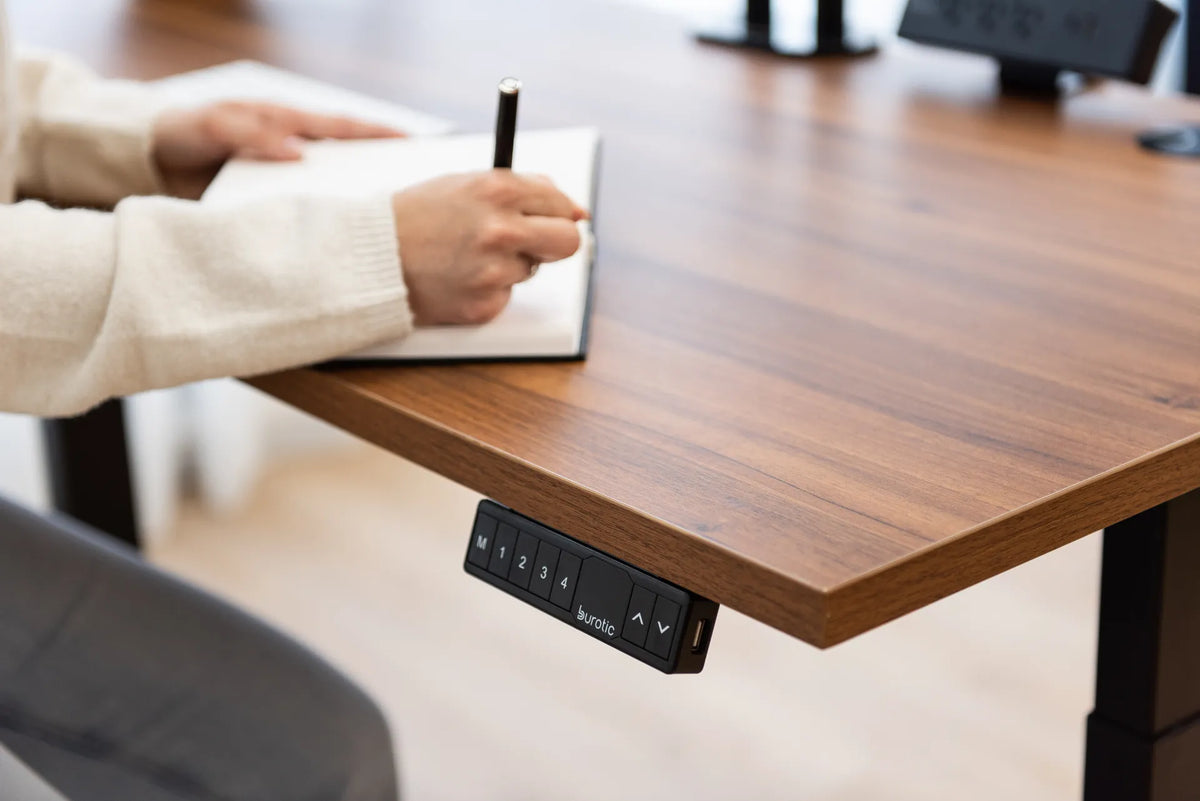
Person writing in a notebook on a walnut standing desk with a black controller at the front edge

How Deep Should a Desk Be for Writing by Hand?
A writing-only desk can be shallower than a full computer workstation, but the usable surface must keep the page, forearms and reference materials within easy reach. Here is how to choose depth for writing alone or mixed computer work.

Read moreabout How Deep Should a Desk Be for Writing by Hand?

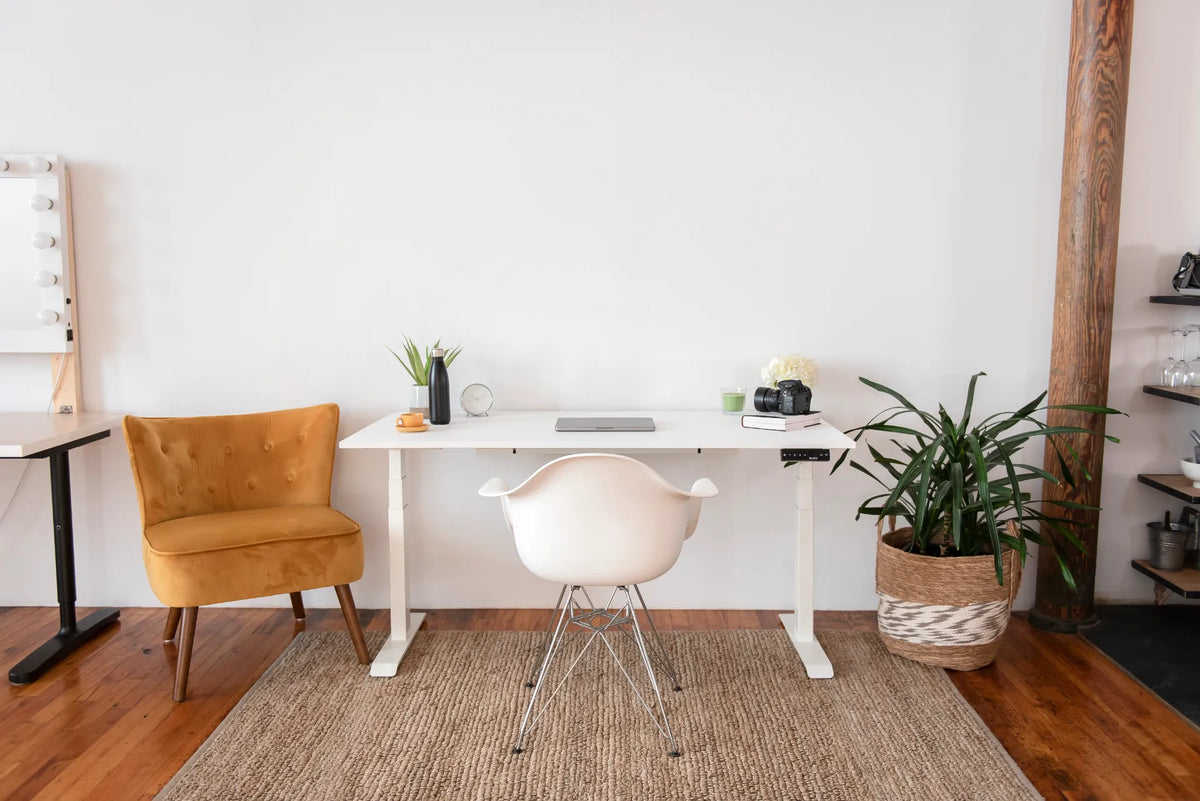
White adjustable desk centred on a white wall with a white chair, mustard accent chair, green plant and woven rug

Should Your Desk Be Centred on the Wall?
Learn when a centred desk creates a balanced, functional home office and when doors, windows, outlets, storage or circulation justify an offset layout.

Read moreabout Should Your Desk Be Centred on the Wall?

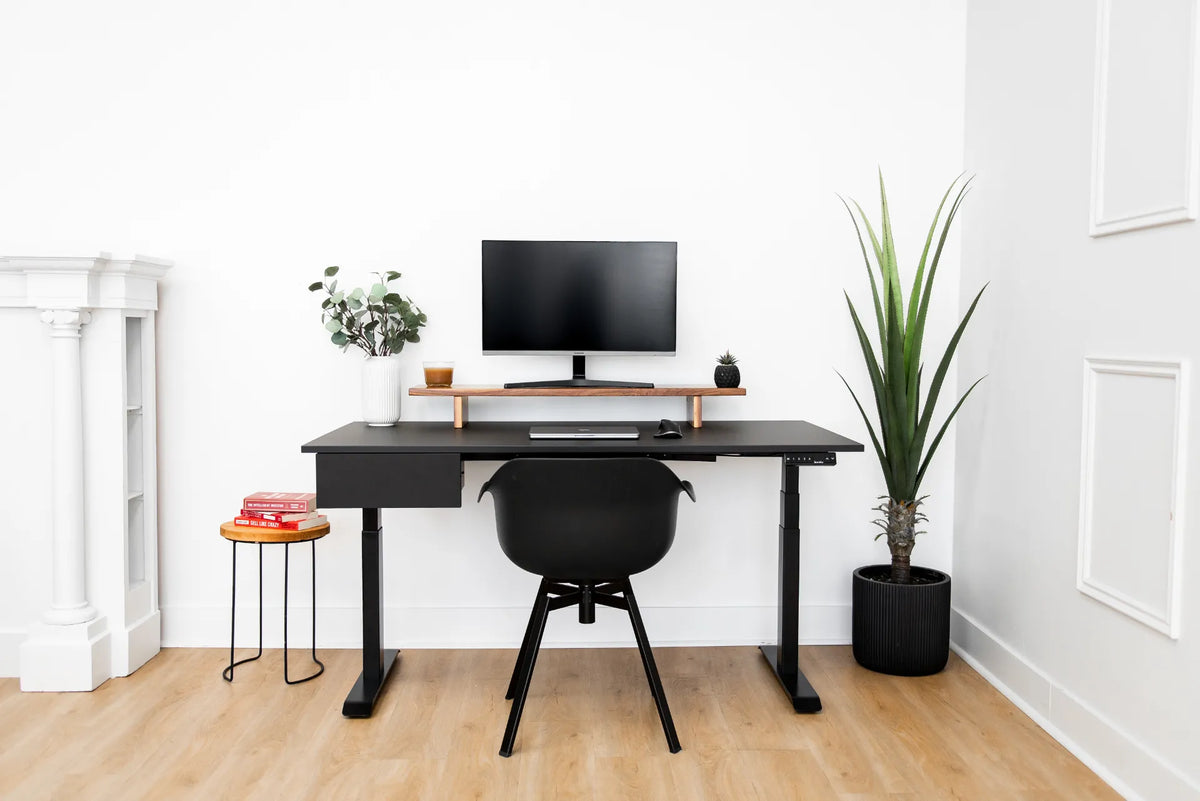
Compact white room with a black rectangular desk, black chair, monitor, small side table and tall green plant

Where Should You Put a Desk in a Square Room?
Plan desk placement in a square room by protecting the entry path, controlling window glare and preserving practical chair and storage clearance.

Read moreabout Where Should You Put a Desk in a Square Room?

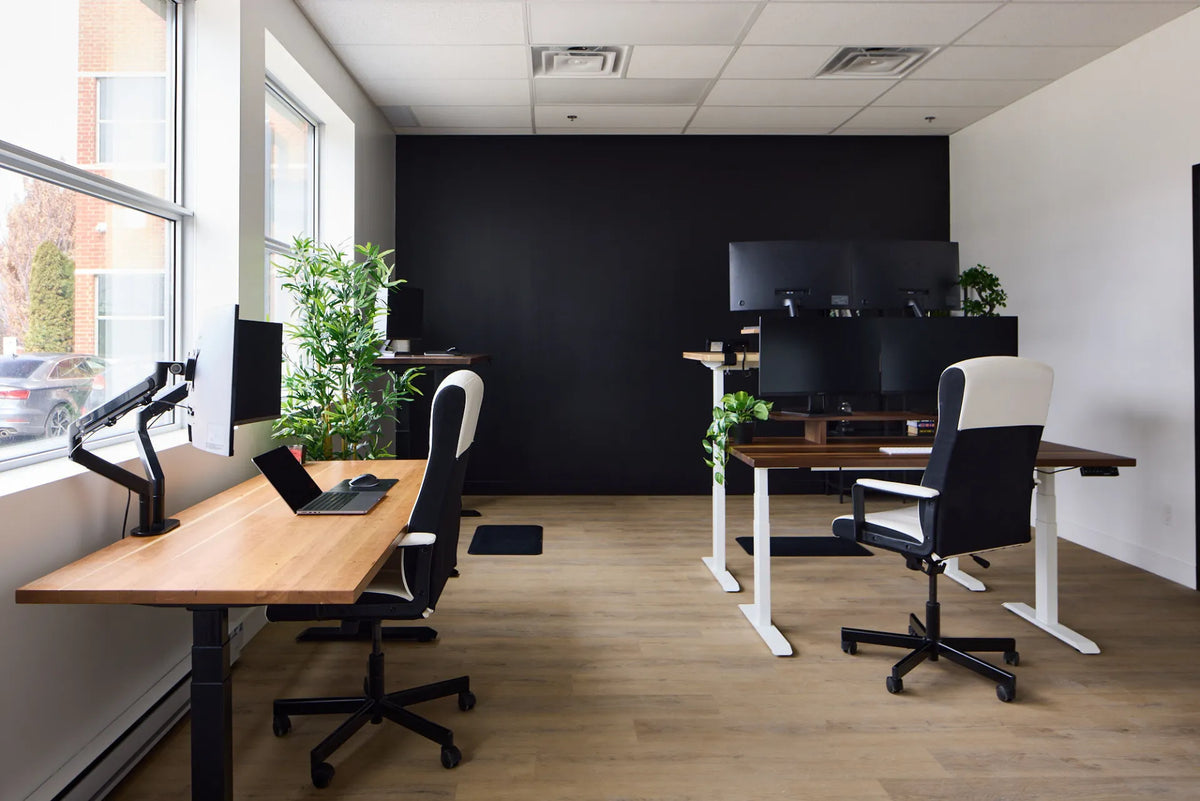
Wide office view with multiple wood standing desks, black and white frames, monitors and task chairs

How Much Space Should You Leave Between Two Desks?
The right distance between two desks depends on chair movement, traffic, orientation and accessibility. Use this practical measuring method instead of relying on one universal number.

Read moreabout How Much Space Should You Leave Between Two Desks?

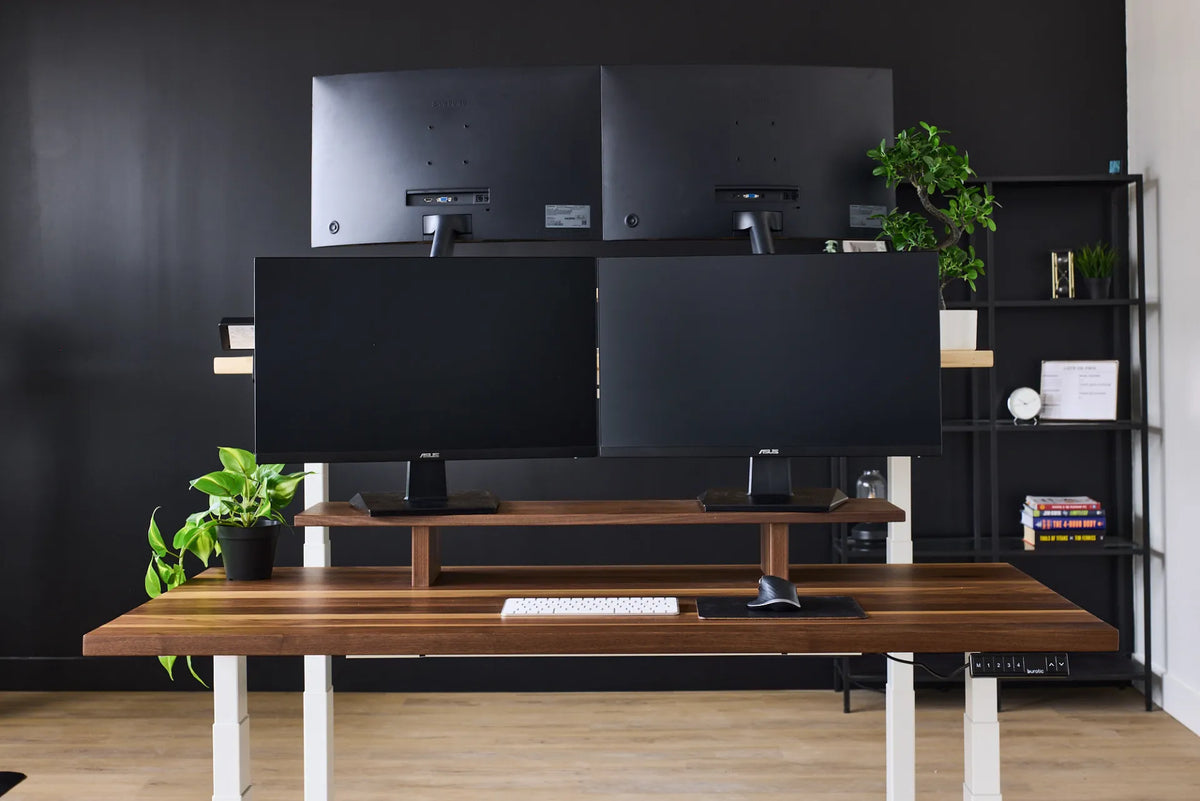
Four black monitors arranged in two rows above a dark wood standing desk with white legs

How Should You Arrange Four Monitors on a Desk?

A practical way to arrange four monitors without making every task a neck-turning exercise. Compare 2-by-2, horizontal and primary-screen layouts, then check desk space, mounting capacity and software alignment.

Read moreabout How Should You Arrange Four Monitors on a Desk?
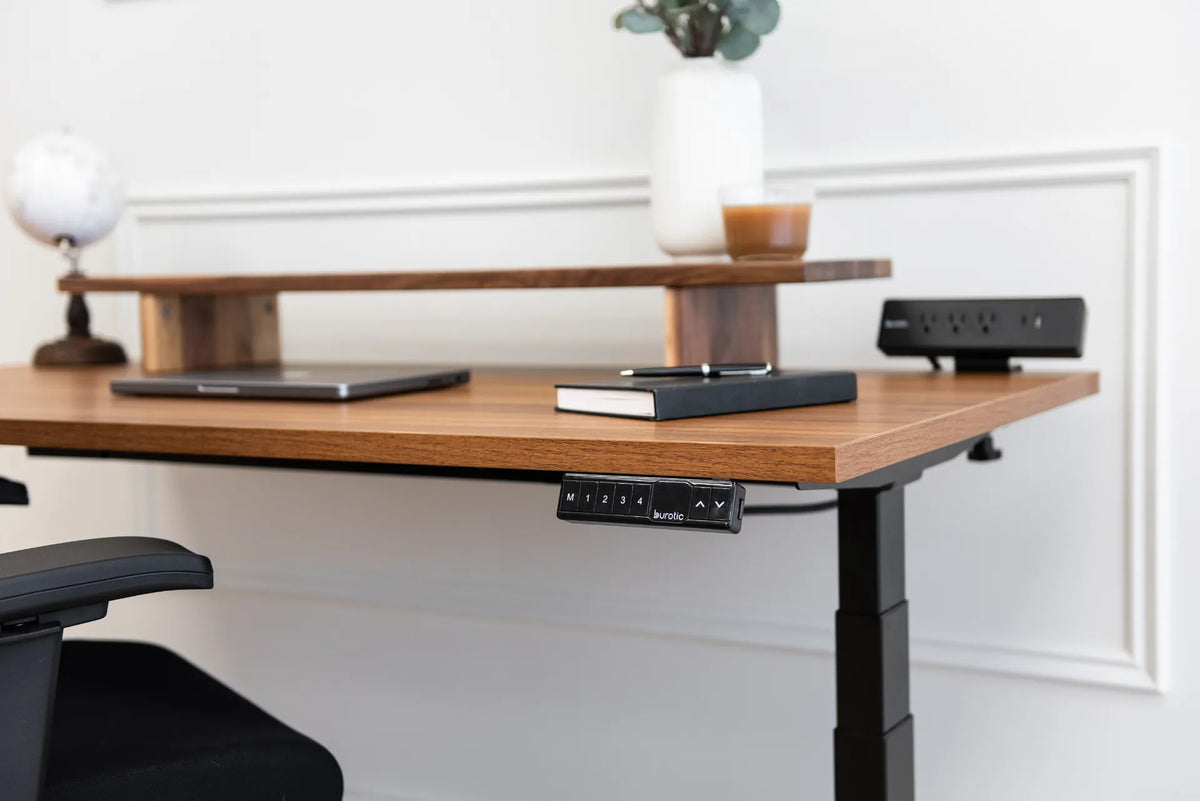
Walnut standing desk with a raised wood shelf, closed laptop, notebook, black memory controller and black power bar

How Deep Should a Monitor Riser Be? A Practical Sizing Guide
Choose monitor riser depth by measuring the full monitor base, preserving desk space, planning cable clearance and confirming that the riser remains stable.

Read moreabout How Deep Should a Monitor Riser Be? A Practical Sizing Guide

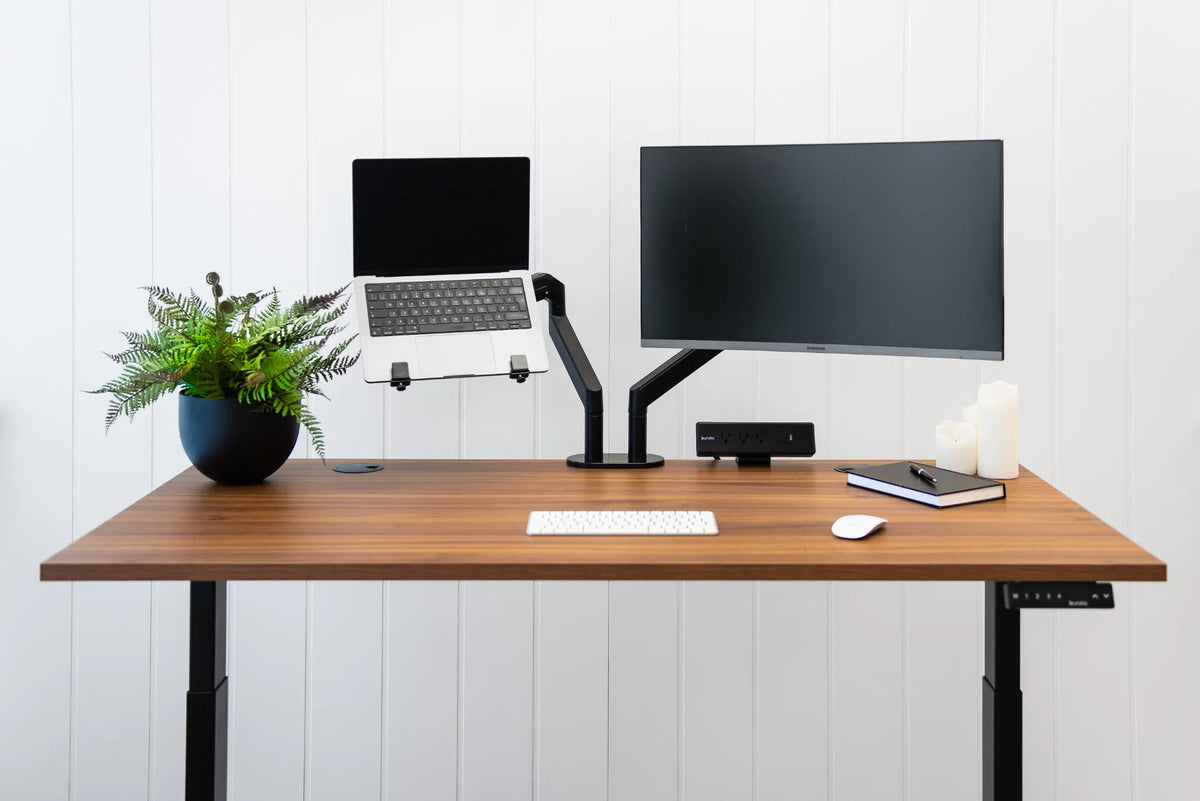
Walnut standing desk with laptop and external monitor on separate black arms, white keyboard and mouse, plant, notebook and black power bar

What Size Desk Do You Need for a Laptop and Monitor?
Choose desk width and depth for a laptop plus external monitor by measuring the devices, preserving input space, and planning viewing distance and arm clearance.

Read moreabout What Size Desk Do You Need for a Laptop and Monitor?

Home office with a wood standing desk, three screens, a laptop and black mesh chair positioned near a large window

Should Your Desk Face the Door? A Practical Home Office Guide

Decide whether your desk should face the door by balancing sightlines, circulation, screen privacy, daylight, cable access and ergonomic positioning.

Read moreabout Should Your Desk Face the Door? A Practical Home Office Guide