Ergonomic Office Tips & Buying Guides

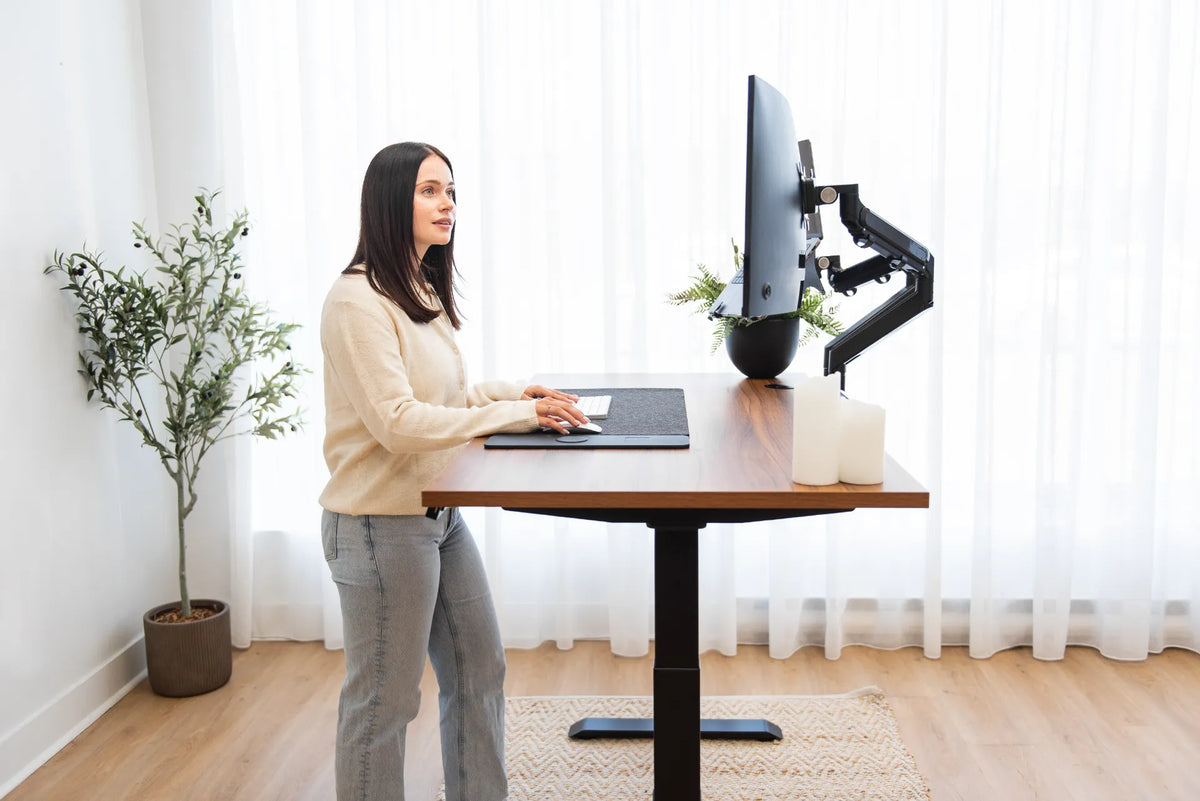
Person using a white keyboard and mouse with both forearms over a black desk pad on a walnut desktop

Should You Rest Your Forearms on the Desk While Typing?
Light forearm support can reduce shoulder effort, but the desk edge, keyboard position and chair height must let the wrists stay neutral and the shoulders relaxed.

Read moreabout Should You Rest Your Forearms on the Desk While Typing?

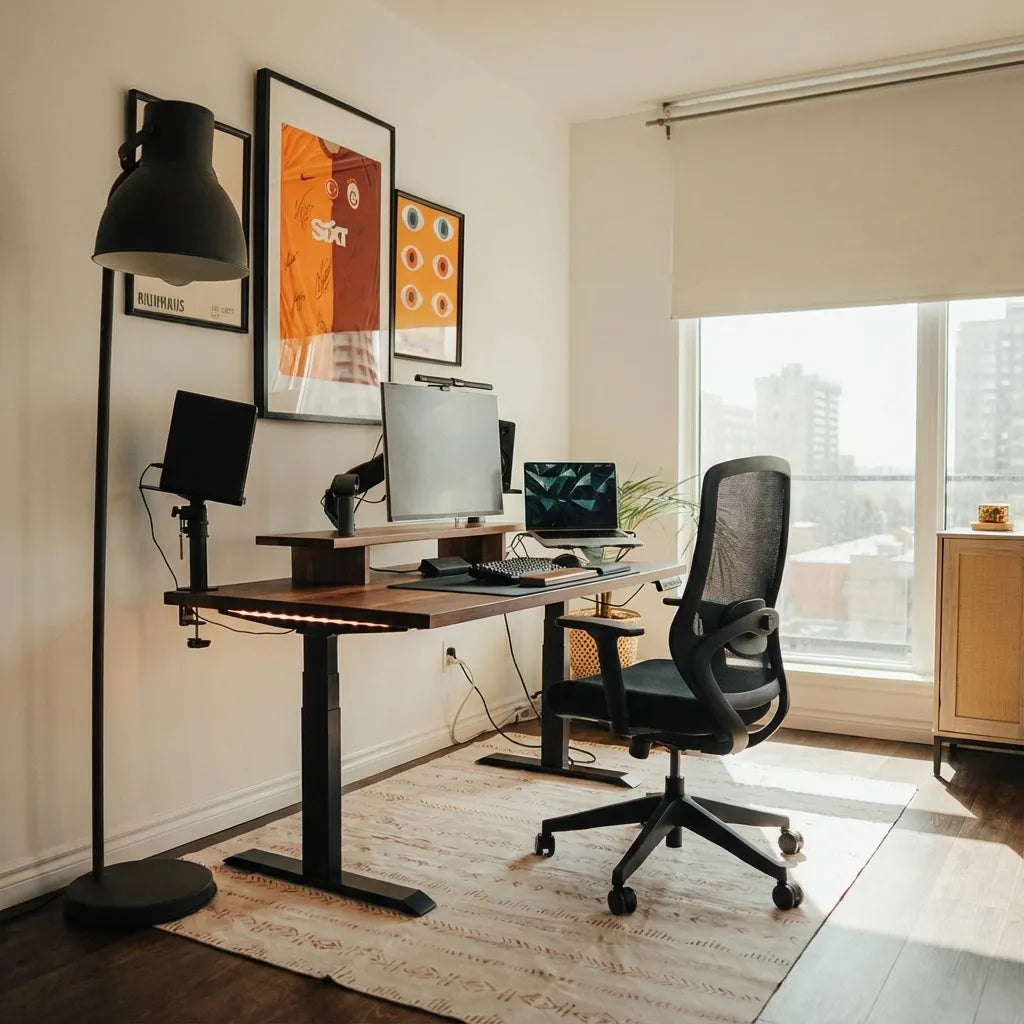
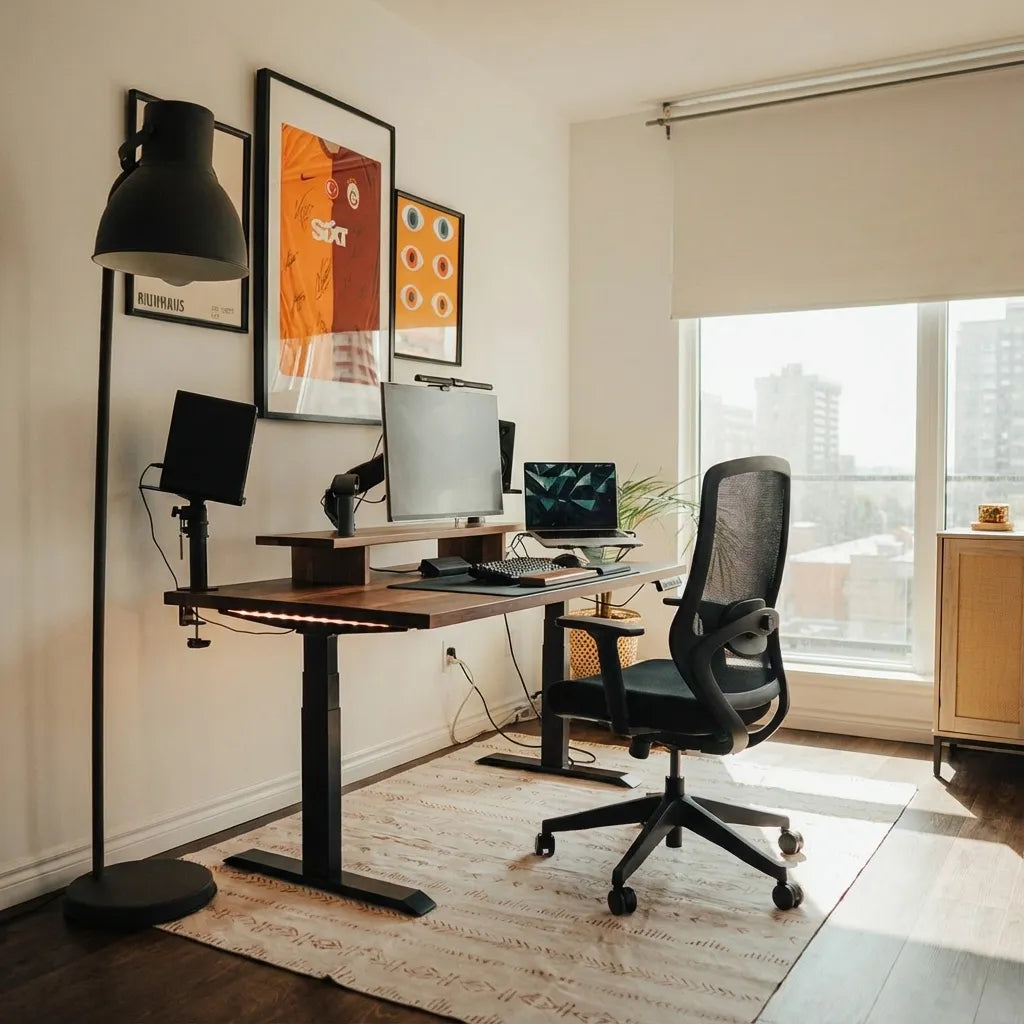
Home office with a wood standing desk, three screens, a laptop and black mesh chair positioned near a large window

Should Your Desk Face the Door? A Practical Home Office Guide
Decide whether your desk should face the door by balancing sightlines, circulation, screen privacy, daylight, cable access and ergonomic positioning.

Read moreabout Should Your Desk Face the Door? A Practical Home Office Guide

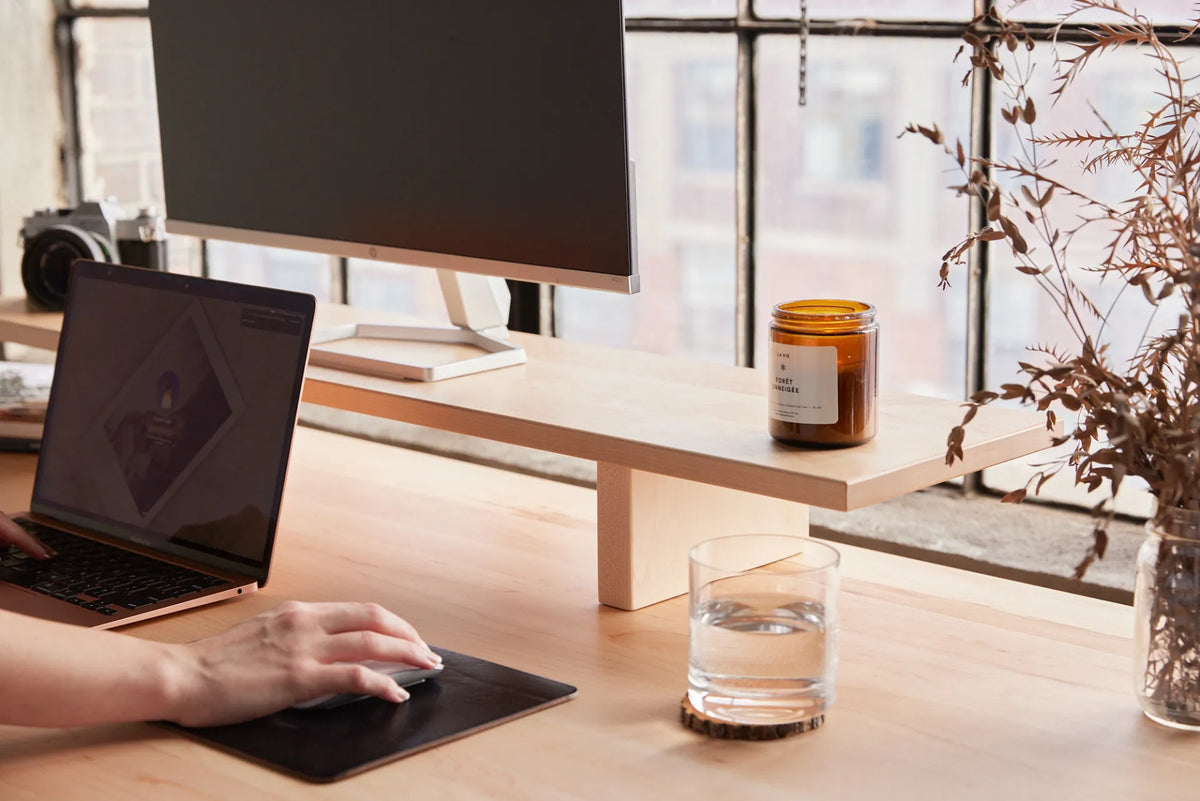
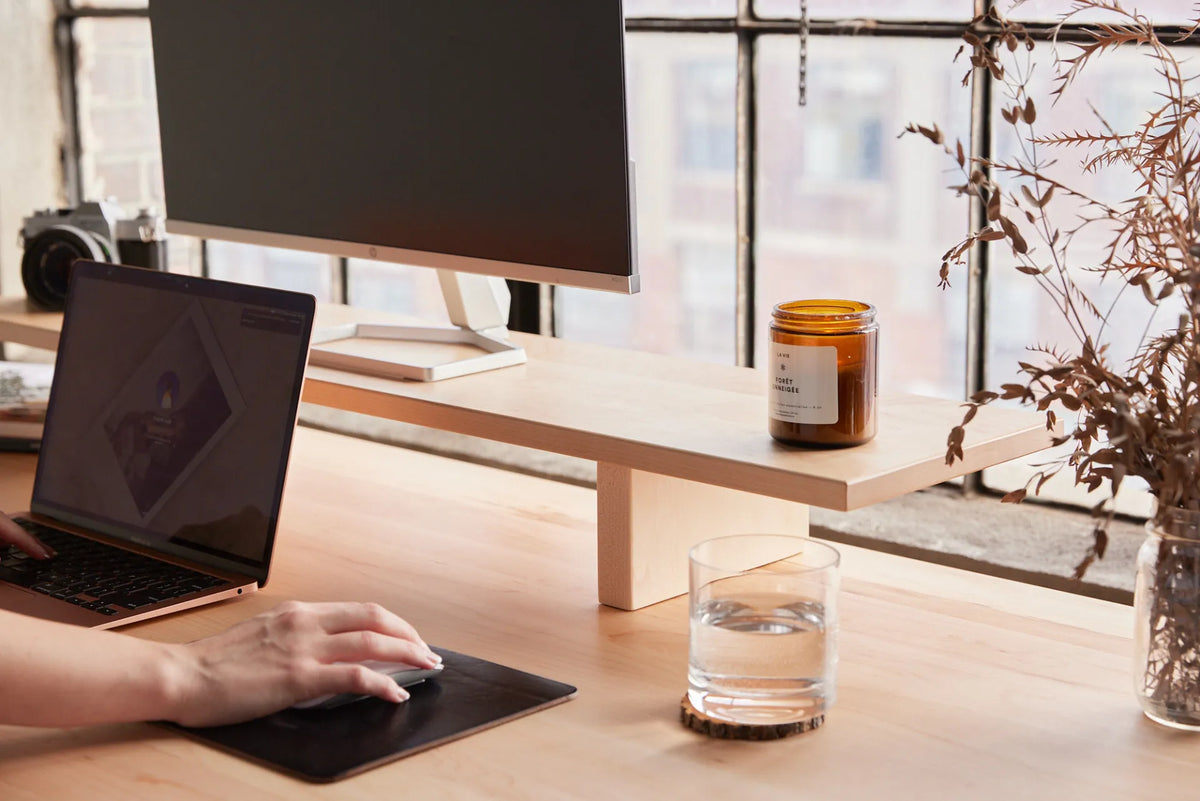
Large monitor on a light wood riser above a laptop workstation beside industrial windows

Should the Top of Your Monitor Be at Eye Level?
Learn where the top of your monitor should sit, when a lower screen is better, and how to test screen height without forcing your neck or eyes.

Read moreabout Should the Top of Your Monitor Be at Eye Level?

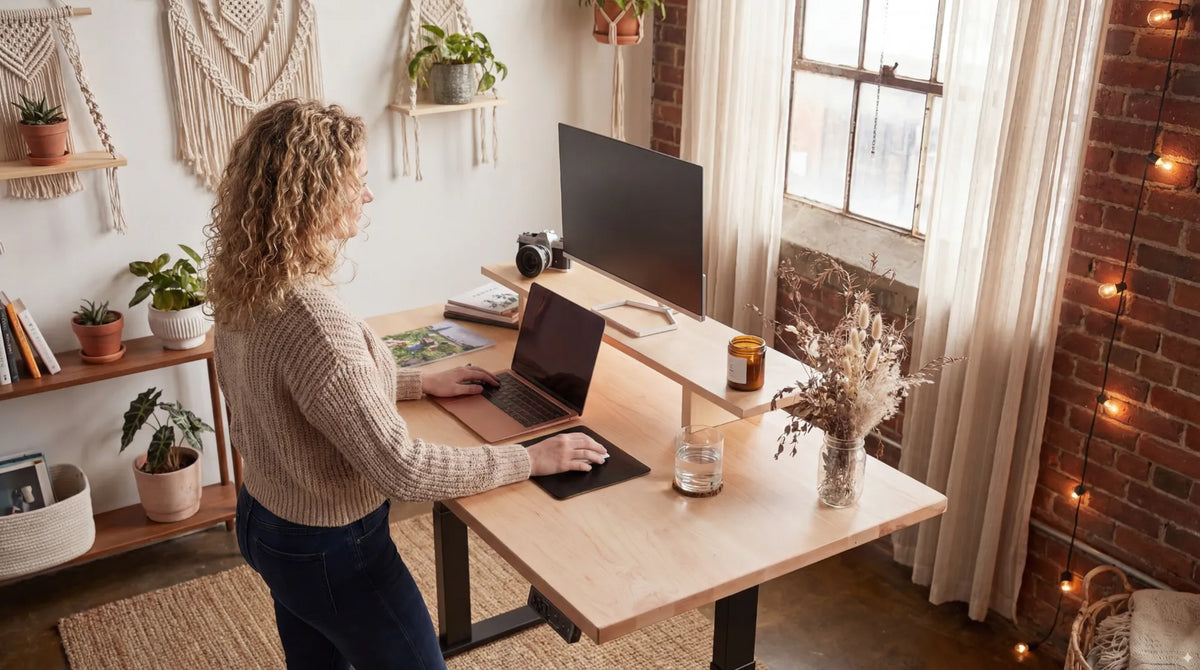
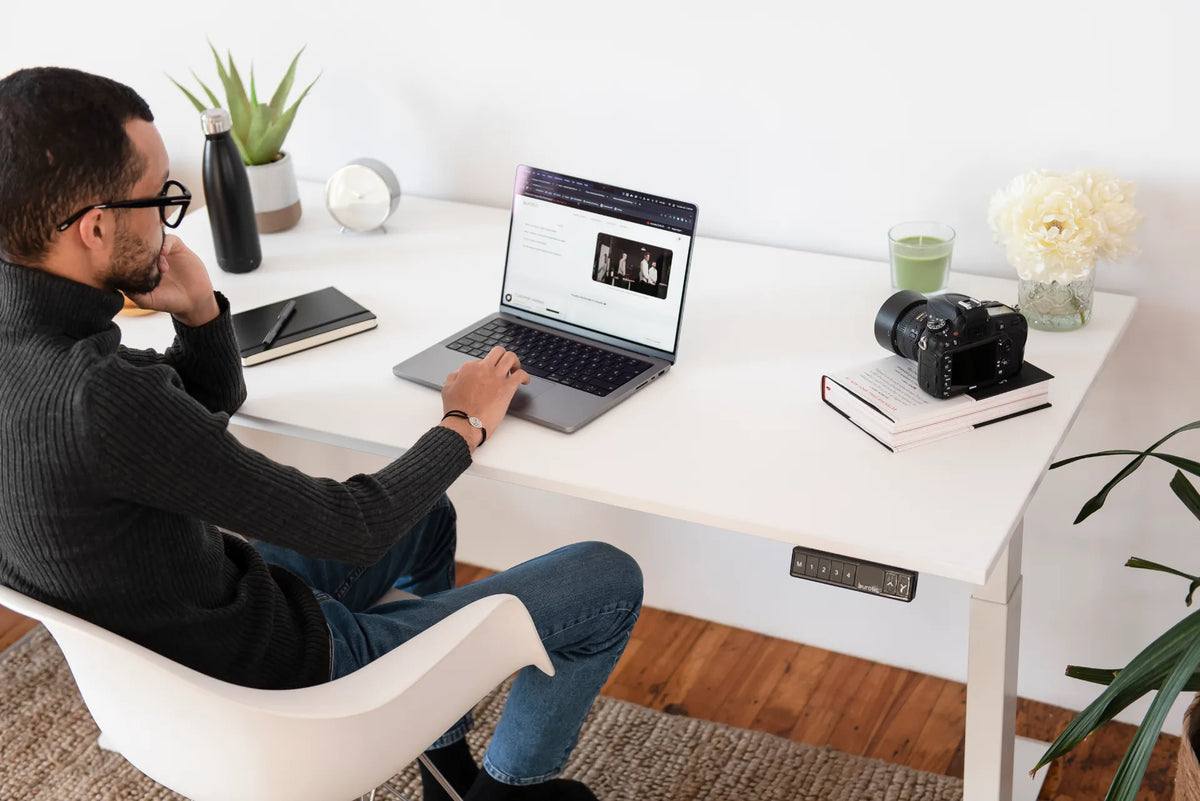
Person seated in a white chair using a laptop at a white height-adjustable desk with the controller visible

How High Should Your Desk Be Relative to Your Chair?
Set your chair and desk heights in the right order so your feet, elbows, shoulders and keyboard position work together.

Read moreabout How High Should Your Desk Be Relative to Your Chair?

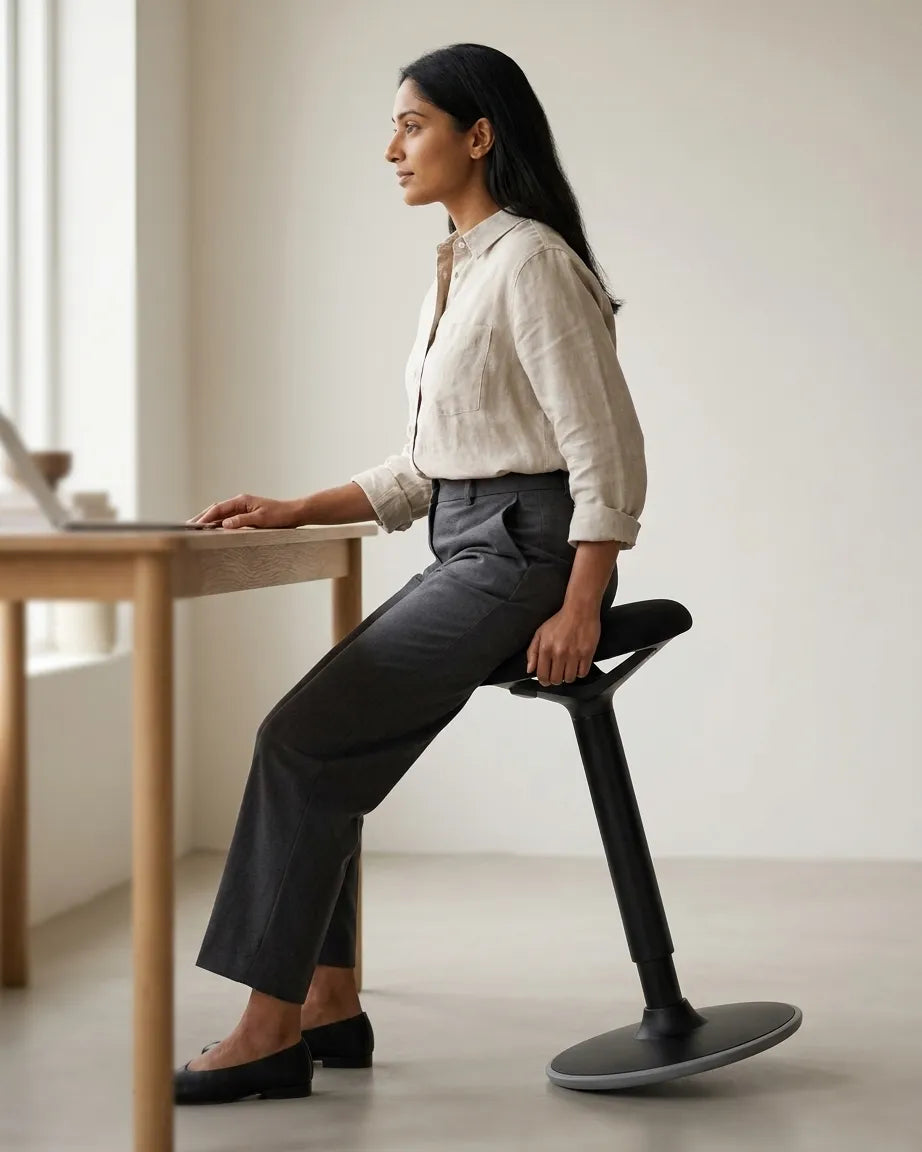
Woman seated side-on at a light wood desk on a black leaning stool with both feet supported on the floor

Should Your Knees Be at 90 Degrees When Sitting at a Desk?
A practical guide to knee angle, chair height, foot support and movement for a more comfortable seated workstation.

Read moreabout Should Your Knees Be at 90 Degrees When Sitting at a Desk?

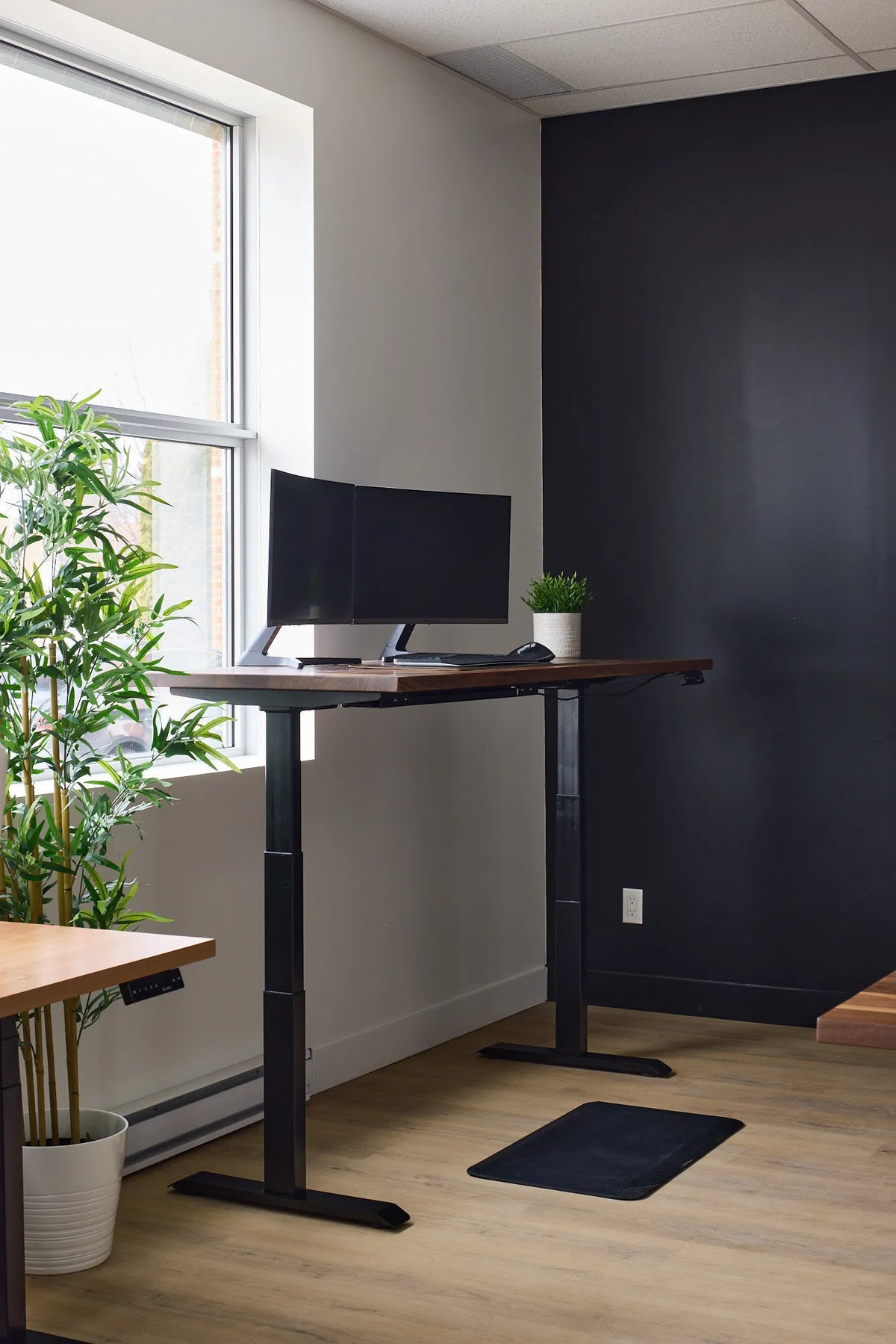
Walnut standing desk with two monitors, black legs and a small plant positioned beside a window and dark corner wall

How to Set Up a Standing Desk in a Corner
Plan a straight standing desk in a room corner with enough lift clearance, comfortable screen placement, usable natural light and safe cable routes.

Read moreabout How to Set Up a Standing Desk in a Corner

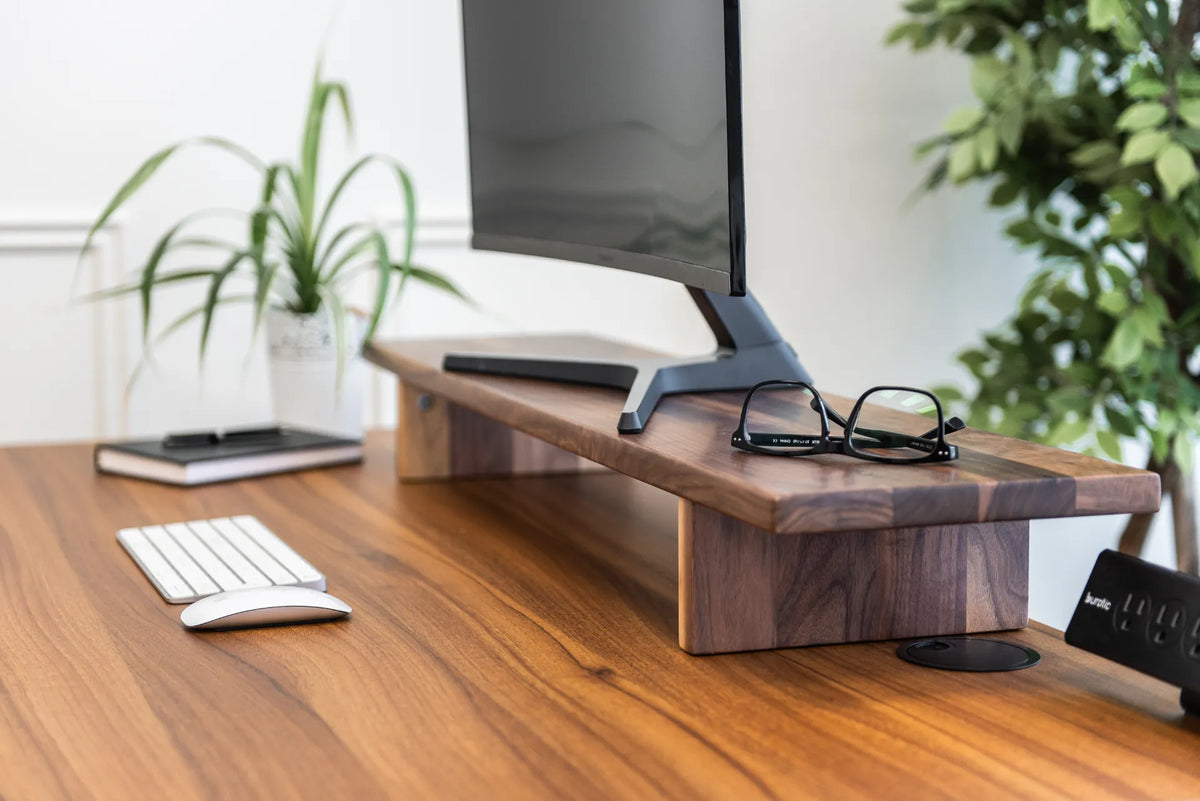
Walnut monitor shelf with a screen and eyeglasses above a wood desk with a white keyboard, mouse and plants

How to Organize a Desk Shelf Without Crowding Your Workspace
Organize a desk shelf around screen height, clear storage zones, daily tools, cable paths and safe sit-stand movement without creating new clutter.

Read moreabout How to Organize a Desk Shelf Without Crowding Your Workspace

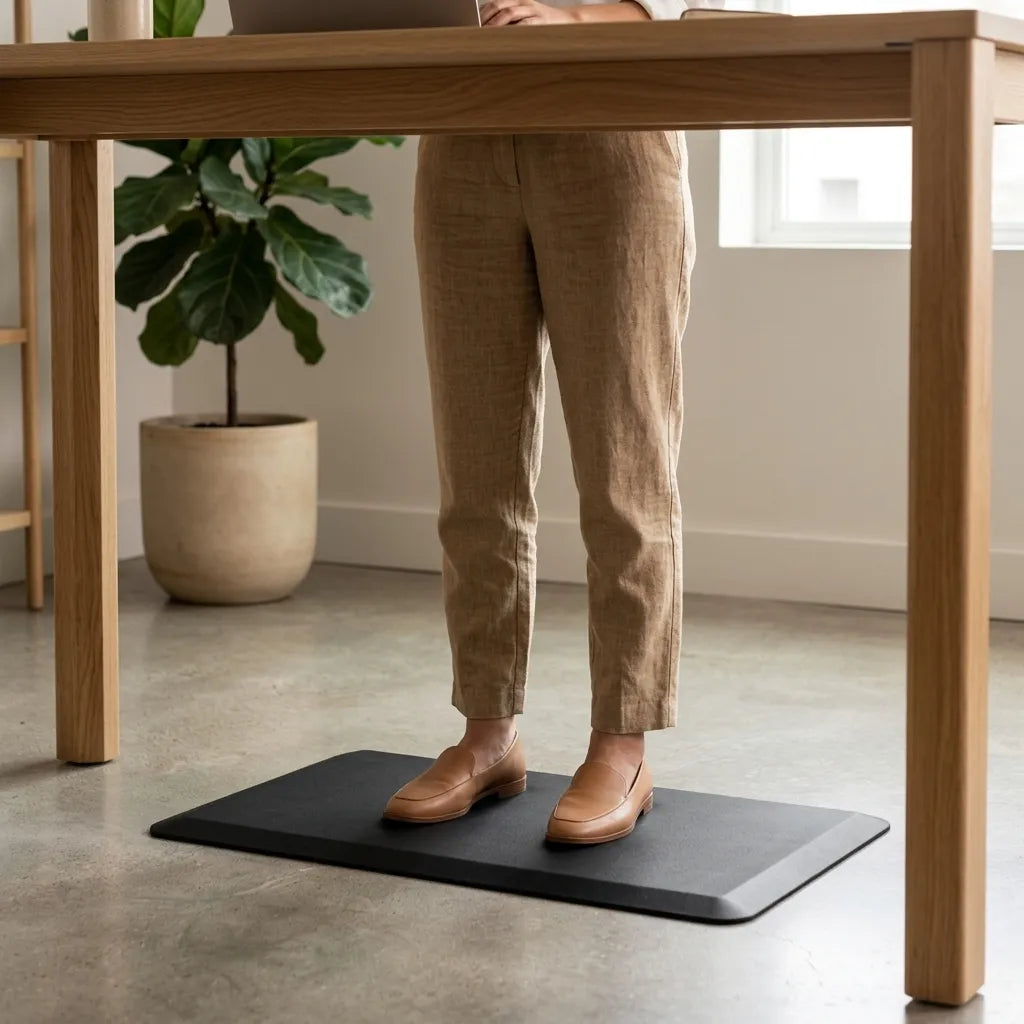
Person wearing brown loafers standing on a black anti-fatigue mat beneath a light wood desk on a concrete floor

Standing Desk on a Concrete Floor: Comfort and Setup Guide
Set up a standing desk on concrete with practical guidance on mats, footwear, levelling, chair movement, cable safety and posture changes.

Read moreabout Standing Desk on a Concrete Floor: Comfort and Setup Guide

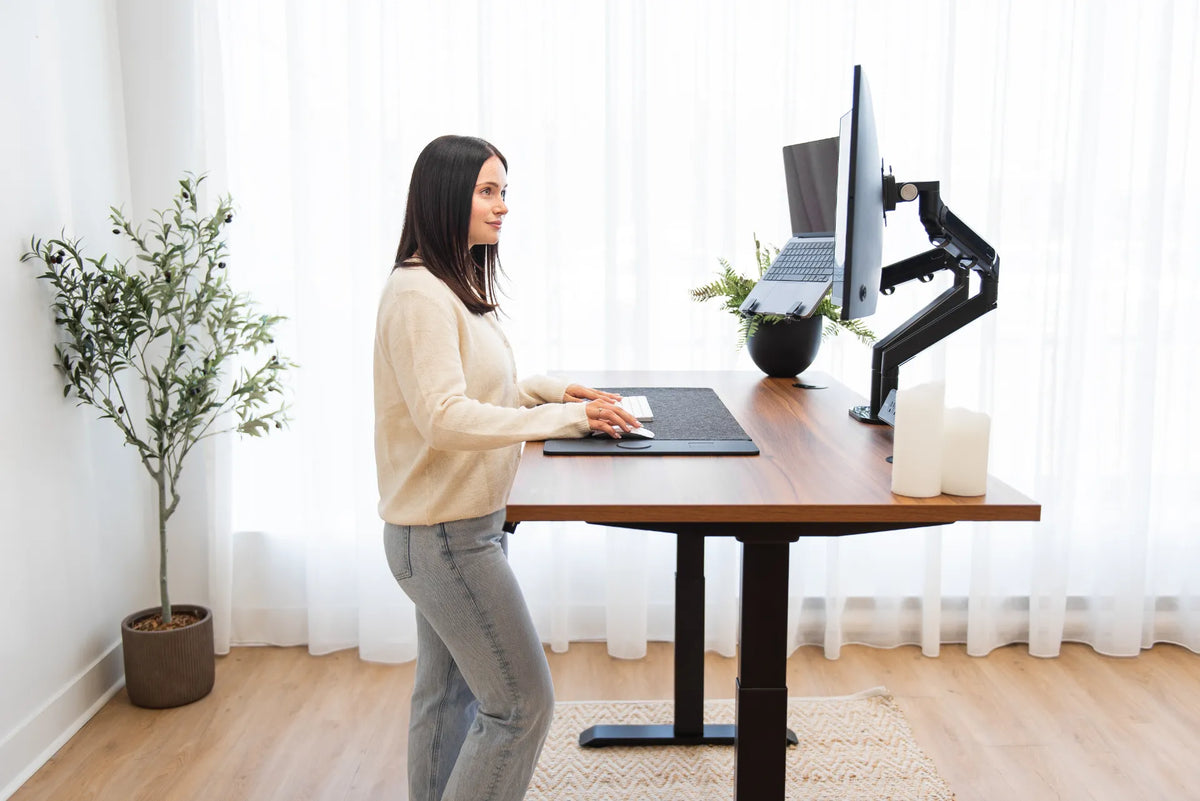
Woman standing at a walnut-tone adjustable desk with a curved monitor and laptop mounted on separate black arms

How to Mount a Laptop Beside a Monitor at a Standing Desk

Plan a laptop-and-monitor setup with the right tray, compatible arm, external keyboard and mouse, safe cable slack and sit-stand testing.

Read moreabout How to Mount a Laptop Beside a Monitor at a Standing Desk