





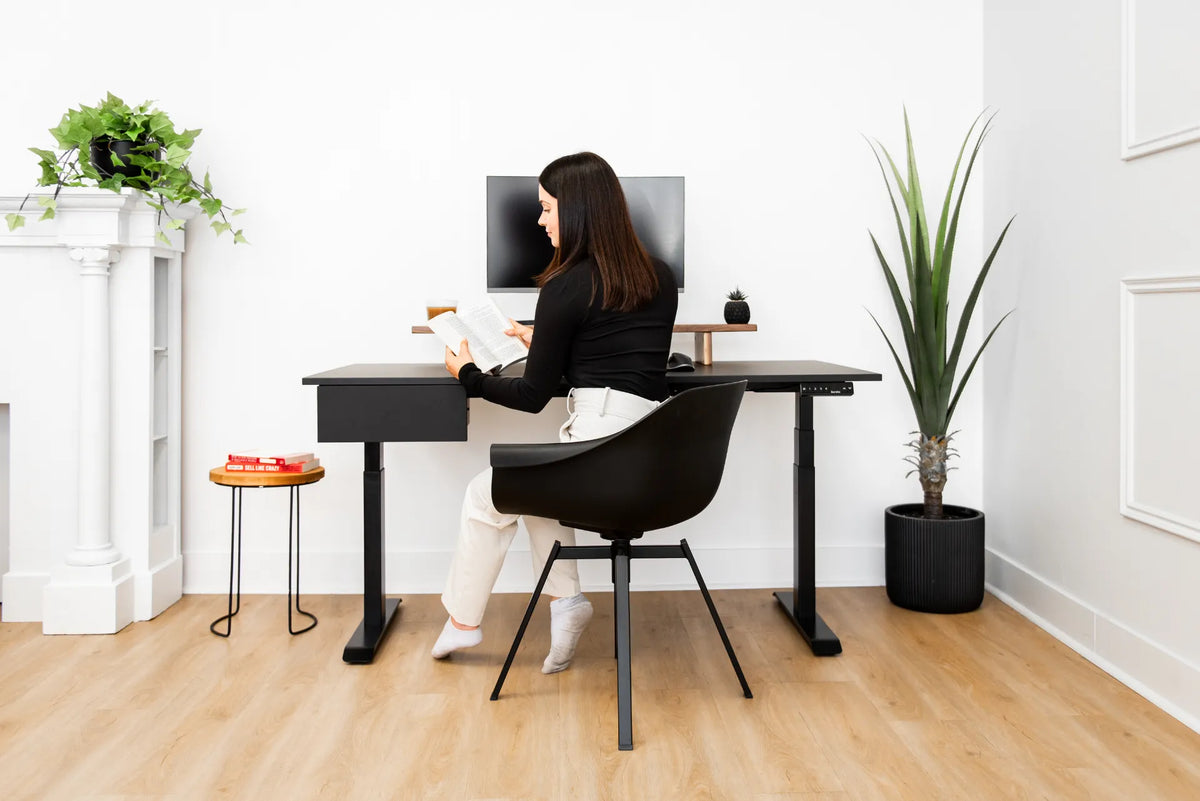
Where Should You Put a Desk in a Studio Apartment?

In this article
In a studio apartment, the best place for a desk is usually along a quiet wall or beside a window, where it receives useful daylight without blocking circulation. The exact answer depends on the room’s shape, glare, heating equipment, outlets and whether you need to separate work from sleep.
Start with movement, not decoration. Mark the path from the entrance to the kitchen, bathroom, bed and storage. The desk and chair should not narrow that path, trap a closet door or force you to move furniture every time you sit down.
Quick answer: rank the four common locations
- A clear wall near daylight: often the easiest layout for cables, storage and a defined work zone.
- Perpendicular to a window: useful natural light with less direct screen glare than facing the window.
- An underused corner: efficient when the chair still has room to move and the desktop is not squeezed.
- A room-divider position: helpful for zoning, but it requires careful cable routing and enough circulation on both sides.
Putting the desk directly in front of a window can work when the view and light are comfortable, but it can produce glare, strong contrast or heat. Placing it beside the bed may save space but makes the work-rest boundary harder to maintain.
1. Map the room before choosing a wall
Measure the full studio, then draw fixed features: entry, kitchen run, windows, radiators or baseboard heaters, outlets, closets and doors. Add the bed, sofa and dining area at their real dimensions. Finally, add the desk and the chair’s movement zone.
Do not treat the desktop footprint as the whole office. The chair must pull out, rotate and let you stand. A height-adjustable desk also needs clear space above and below its travel path. CCOHS notes that work areas must accommodate the user’s dimensions and allow safe, unhindered movement.
Use painter’s tape to mark the proposed desk and chair on the floor. Walk the normal routes for a day before moving heavy furniture. If you repeatedly step around the outline, the placement is probably wrong.
2. Try a wall position first
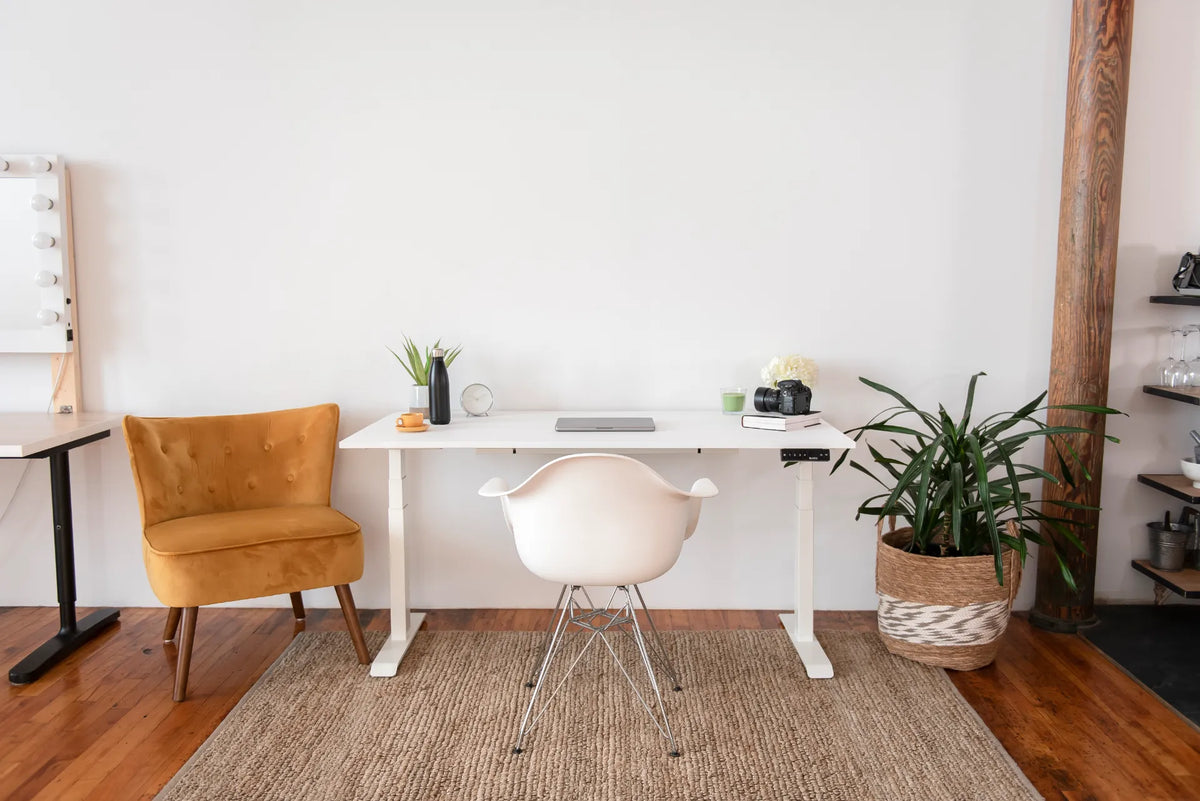
A desk against a wall usually consumes the least visual and physical space. It keeps power and data cables near the perimeter and makes it easier to add a narrow shelf above or a filing cabinet beside the desk. A wall can also provide a calm background for video calls.
Leave the clearance required by the desk, cables and any moving components. Do not press connectors between the desktop and wall. If the desk rises, test the highest position to make sure a window latch, shelf, picture frame or wall light will not collide with the monitor.
If facing a wall feels cramped, rotate the desk so you face the room while one short side remains near the wall. Our comparison of a desk facing the wall or the room can help you choose.
3. Use window light from the side
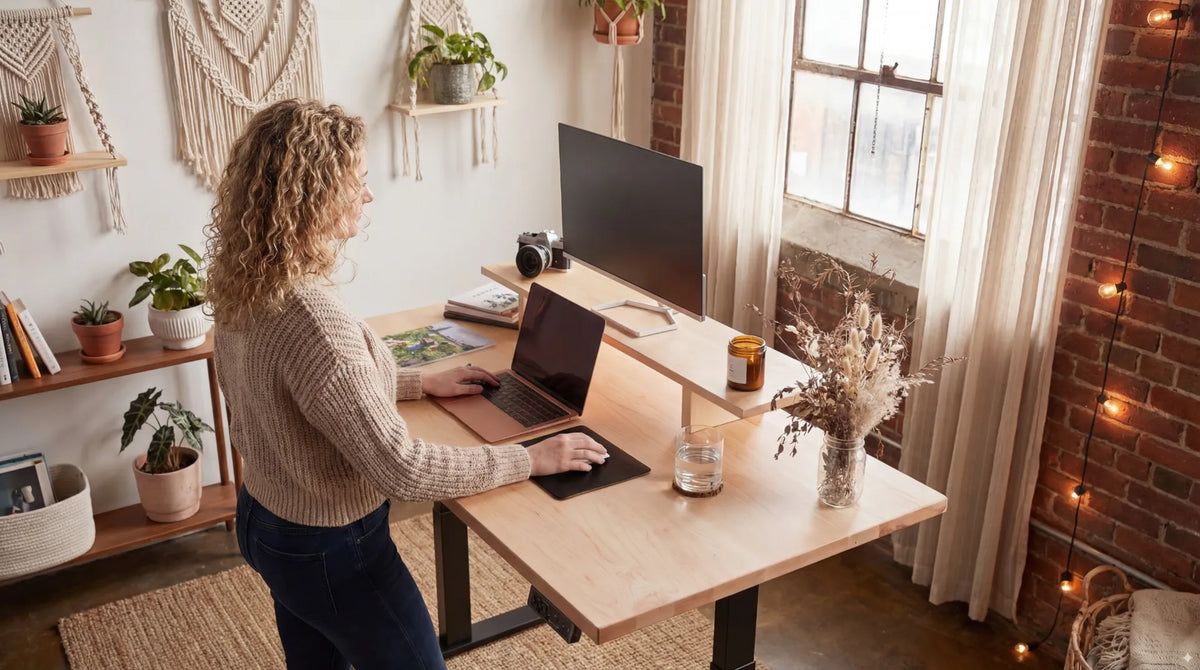
A desk placed perpendicular to a window often offers the best balance. Daylight reaches the work surface from the side, while the monitor is less likely to reflect the bright window directly. Right-handed users may prefer light from the left for handwriting, and left-handed users may prefer the reverse, but glare control matters more than a rigid rule.
CCOHS recommends arranging lighting so the monitor does not show reflections or glare. Test the screen in the morning and late afternoon, not only at one time of day. Curtains, blinds and adjustable task lighting can make a promising location usable throughout the day.
Never block required access to a window, emergency exit, heater or ventilation opening. Keep electronics away from condensation and any location where an open window could expose them to rain.
4. Make a corner work without trapping the chair
A corner can turn otherwise unused floor area into a focused office. It works particularly well for a compact rectangular desk that does not extend far into the room. The risk is creating a tight pocket where the chair hits a bed, wall or cabinet.
Measure both the desk and the space needed behind the chair. Open every nearby drawer and door. Sit down, stand up and turn toward the room. If the chair must be pushed completely away to access storage, the corner may create more friction than it saves.
A smaller desktop is not automatically better. It still needs enough depth for the monitor distance, keyboard and hands. Our guide to choosing a desk for a small room can help you avoid shrinking the work surface below what the equipment requires.
5. Use the desk as a room divider only when circulation allows
Turning the desk perpendicular to a wall can separate the sleeping and working zones without building a partition. The back of the monitor or a low open shelf can define the office boundary. This placement can also let you face the room instead of a blank wall.
However, a floating desk exposes cables and may split the only clear path. Use low-profile cable management and route power where it cannot become a trip hazard. Do not run an extension cord under a rug or across a doorway. If clean routing is not possible, return the desk to the wall.
6. Create separation from the bed
A studio combines work and rest in one room, so visual separation matters. The desk does not need to be far from the bed, but it should feel like a distinct zone. A rug, open bookcase, curtain or change in wall lighting can create that boundary without blocking daylight.
At the end of work, close the laptop, turn off the monitor and store papers. A drawer or compact filing cabinet can keep work materials out of sight. The goal is not a perfect office. It is a repeatable transition that prevents the entire studio from feeling like a workstation.
7. Choose the desk size from both equipment and floor space
Measure the equipment first. A laptop needs less width than two monitors, but both arrangements still need suitable depth. Add the keyboard, mouse, notebook and any devices that must remain connected. Then compare that surface requirement with the available wall or corner.
A 48-inch desk can be practical in many studios, while a wider surface can work when it replaces another table or supports more equipment. Do not use a generic width without measuring the room. The Aspire Laminate Standing Desk is available in several configurations, so confirm the current product dimensions and the exact floor plan before selecting one.
Remember vertical travel. A standing desk must clear shelves, windows and wall decor at full height, and its power and monitor cables need enough slack for the complete movement.
8. Plan outlets and cables before moving furniture
Choose a location with safe access to power. Count the monitor, computer, lamp, charger and adjustable-desk connections. Follow the electrical equipment manufacturers’ instructions and avoid overloading receptacles or power bars.
Keep cords along walls or secured to the desk. A height-adjustable setup needs a service loop that reaches the highest position without pulling and does not drag at the lowest. Test the desk slowly while watching every cable.
9. Check the video-call background
A studio may reveal the bed, kitchen or storage during calls. Sit in the proposed position and open the camera before finalizing the layout. A simple wall, curtain or tidy shelf usually creates a calmer background than pointing the camera across the whole apartment.
Do not sacrifice ergonomics for the camera. If the best desk location has a busy background, use a narrower camera angle, reposition the camera or add a portable screen. The monitor and keyboard should still be centred on your working posture.
Studio desk placement mistakes
- Blocking the main path with the chair.
- Ignoring glare at different times of day.
- Placing electronics against a heater or damp window.
- Buying a desk before measuring the chair zone.
- Running cords across a doorway or under a rug.
- Using a tiny surface that cannot hold the equipment at a comfortable distance.
- Letting work storage spread into every part of the room.
A practical order for testing locations
- Protect entrances, exits, heaters and ventilation.
- Preserve the clearest walking route.
- Test a quiet wall near an outlet.
- Check a perpendicular window position for glare.
- Test a corner with the full chair movement zone.
- Consider a divider layout only if cables and circulation remain safe.
- Live with floor tape for a day before committing.
The practical answer
For most studio apartments, begin with a clear wall near daylight and an outlet, or place the desk perpendicular to a window. Protect circulation, measure the chair zone, manage glare and keep the full travel path clear if the desk adjusts in height.
The best location is not always the smallest gap where a desktop fits. It is the place where you can work, move, store equipment and end the workday without the desk taking over the entire room.

Previous article
Should You Close Your Laptop When Using an External Monitor?