

Feet Don’t Reach the Floor at Your Desk? What to Adjust
When your feet cannot rest on the floor, check chair height, desk height and seat depth together. Learn when a footrest helps and when the furniture needs a better fit.

In this article
If your feet do not reach the floor while you work, do not automatically lower the chair and consider the problem solved. A lower seat may support the feet while leaving the keyboard too high. A higher seat may help the arms reach the desk while leaving the lower legs unsupported. The right correction depends on which part of the workstation is setting your position.
Start by checking the chair away from the desk, then bring the desk and keyboard into the adjustment. Lower an adjustable work surface when it can accommodate your seated position. When a fixed surface requires a higher chair, a stable footrest may provide the missing support. If the seat remains too high or too deep even at its appropriate settings, the chair itself may not fit.
What does supported foot placement look like?
Both feet should have a dependable surface to rest on without forcing you to perch on the front of the seat. Your position should allow the backrest to support you and leave room to change posture. Full support is different from touching the floor with the tips of the toes while holding the heels up.
CCOHS recommends a chair height range that allows feet to rest on the floor or a footrest without pressure under the thighs. It also emphasizes that a chair must suit the person, workstation and task. A label saying “ergonomic” does not prove that a particular chair fits your leg length.
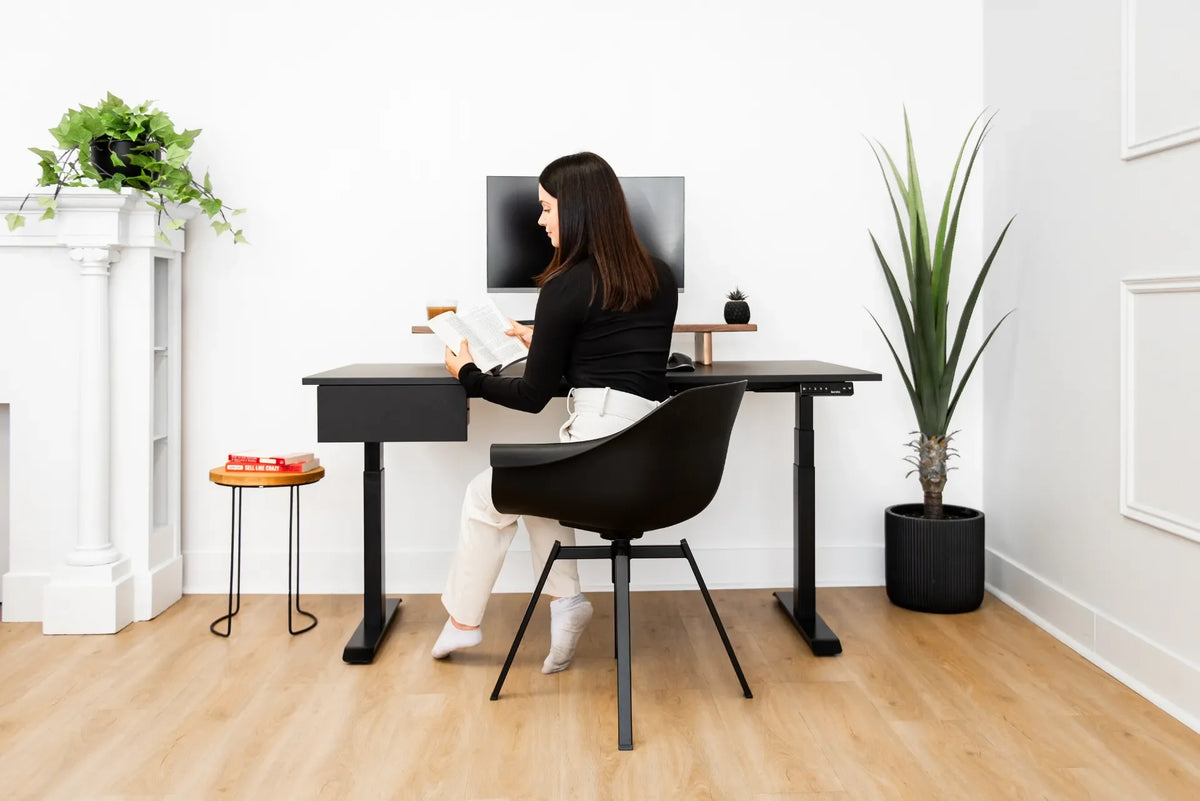
The featured photograph shows a person reading in a black shell chair at an adjustable desk. It makes seated foot placement visible, but it is not an instruction to copy the pose or a claim that this chair is suitable for prolonged computer work. Use your own working position for the checks below.
First, find out why the feet are unsupported
The chair is raised to reach a high desk
If lowering the seat supports your feet but makes you lift the shoulders to type, the surface is likely driving the chair height. The Government of Canada workstation checklist includes a footrest as an option when keyboard or desk height requires an elevated chair. An adjustable desk or suitable keyboard tray can also change that relationship.
The chair’s lowest setting is still too high
Move away from the desk and lower the seat according to its instructions. If your feet still cannot rest comfortably while your back is supported, you have identified a chair-range problem. A footrest can help in some arrangements, but compare the chair's actual fit rather than assuming an accessory solves every mismatch.
The seat is too deep
Sometimes the feet reach only when you slide forward, leaving a gap between your back and the backrest. Check whether seat depth can be reduced. A seat that pushes against the back of the knees can make an otherwise suitable height difficult to use. Height and depth need to be evaluated separately.
The floor area is obstructed
A computer tower, storage box, desk crossbar or cable bundle may block the position your feet need. Remove movable clutter before adding another accessory. Look at the whole space beneath the desk, including the path needed to pull the chair in and extend the legs occasionally.
Use this adjustment sequence
1. Sit back before measuring
Use the footwear you normally wear for work. Sit with your pelvis supported by the seat and your back in contact with the backrest. Keep your feet in front of you rather than tucked under the chair. Take a moment to notice whether the front edge presses into the legs.
Do not use a height chart as the final answer. Two people of the same overall height may have different lower-leg lengths. The useful result is a repeatable working position, not matching a number associated with your height.
2. Set the seat and depth away from the desk
Adjust the height gradually until the feet are supported and the seat feels usable. If depth adjustment is available, move the seat so you can use the backrest without crowding the knees. Follow the manufacturer's procedure; do not force levers or change structural parts.
For the full baseline process, see Burotic's office chair height guide. This article addresses the specific conflict between unsupported feet and the rest of the workstation, rather than repeating a general chair-height calculation.
3. Bring the input surface to the arms
Return to the desk. Let your upper arms rest near your sides and check the keyboard and mouse position. If the work surface is adjustable, bring it to a position that supports relaxed typing while retaining the foot support you established. Verify clearance between your thighs and the underside.
If the desk cannot go low enough, raising the chair may still be necessary. Record the height difference that leaves your feet unsupported. That is the gap a footrest must help bridge; it is not a reason to tilt the keyboard sharply or hold your shoulders up.
4. Adjust the screen after the body position
Chair changes also move the eyes relative to the screen. Check the display only after the seat and keyboard relationship is usable. Otherwise, you may keep raising the chair to match a monitor that should have been repositioned instead.
5. Test a normal work period
Type, use the mouse and reach for the items you need regularly. Observe whether the feet stay supported without conscious effort. If you keep pushing the footrest away or sitting on the edge, revisit its position, the seat depth and the desk clearance.
How to choose and position a footrest
Start with stability and size. The surface should accommodate both feet in your usual stance and remain dependable on your flooring. Check the manufacturer's adjustment range, weight limit and intended use. An adjustable height or angle can be useful, but complexity is not a substitute for a platform that fits the space.
Place it where your legs naturally rest while you sit back. Avoid locating it so far forward that you reach with the toes or so close that the knees are sharply crowded. Leave space for the chair base and casters. A footrest should not become a barrier every time you sit down or stand up.
A rocking platform offers movement, while a stationary platform offers a predictable position. Choose according to the task and what you find usable. Do not use a loose stack of books, a rolling container or a fragile storage box as a permanent support.
Measure before ordering
Record the gap between the soles and floor at your working chair height. Measure the available width between desk components and the depth in front of the chair base. Check whether the platform's adjustment mechanism adds height or extends beyond its visible top. Those details matter more than a generic “for short users” description.
Common corrections that create another problem
Lowering the chair without checking the keyboard can move the difficulty to the shoulders. Raising the feet excessively can crowd the thighs against the desk. Moving the footrest farther away may make you slide forward and lose back support. Treat each change as part of one connected setup.
A cushion on the seat usually raises you farther from the floor. It may change seat depth and backrest contact too. Use cushions for their intended purpose and recheck the entire fit. Do not substitute an unverified gas cylinder or alter the base to obtain a lower chair; ask the manufacturer about compatible solutions.
A ring on a high stool is not automatically equivalent to a broad foot platform. Consider whether both feet can rest comfortably and whether the stool fits the work surface and task. A standard computer workstation should not be converted into a perched position just to avoid selecting appropriate furniture.
What changes at a sit-stand desk?
A footrest used while seated needs a planned location when you stand. Keep it out of the walking path and the desk's moving components. Lower or raise the desk slowly during the first clearance test, watching chair arms, cables and nearby objects.
Before buying an adjustable desk, compare its lowest finished working-surface height with your needs, including the tabletop. The Aspire Laminate Standing Desk is one option to evaluate against those measurements. Height adjustability is useful only when the usable range fits the person.
When should you reconsider the chair?
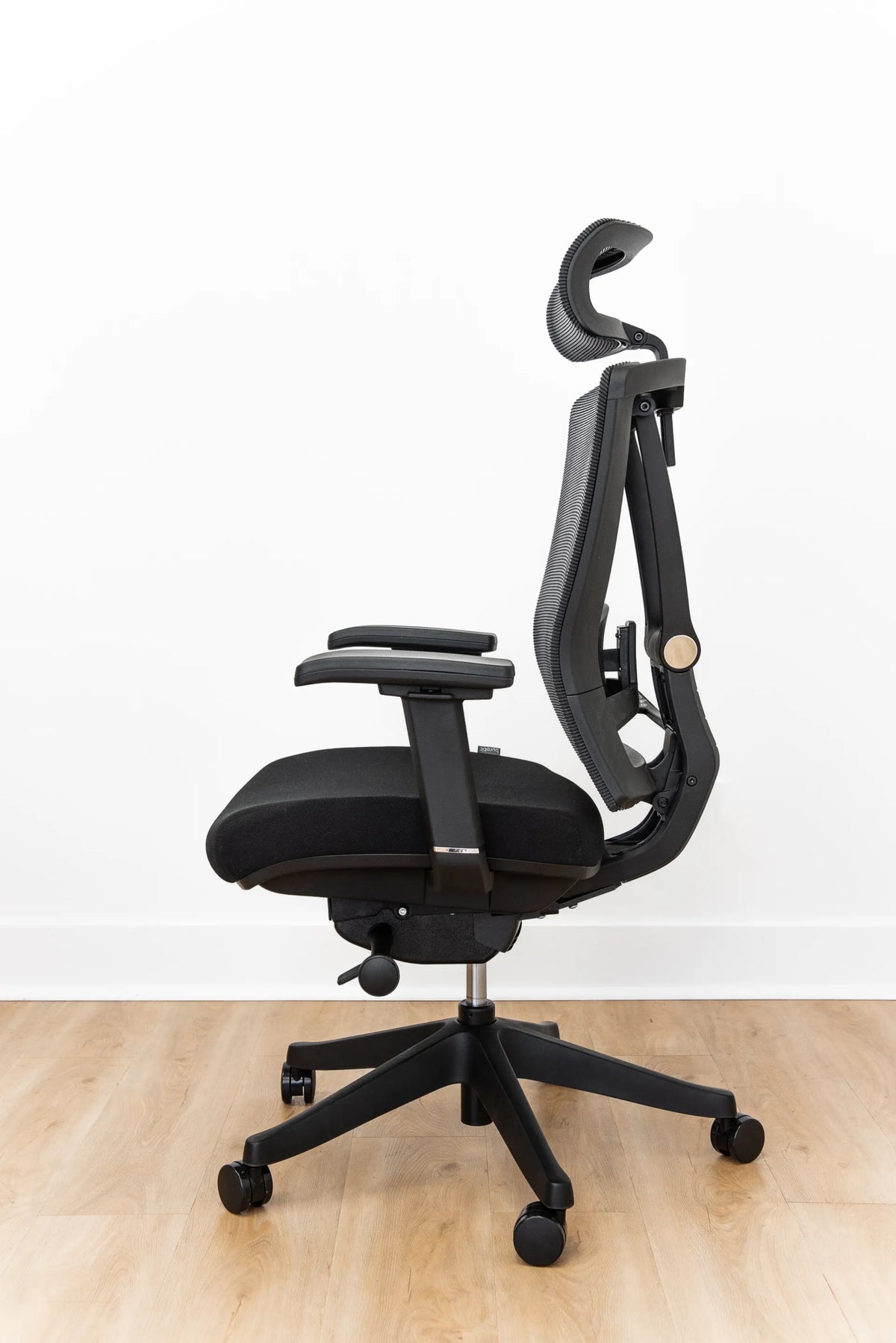
If the seat cannot be made usable, the controls cannot be reached or the depth prevents supported sitting, compare other chair dimensions. Review the Loop Ergonomic Chair against your measurements and use the Loop adjustment guide for its actual controls. Do not assume a particular model fits every smaller user.
Persistent discomfort, numbness or other symptoms deserve individual advice from an appropriate health professional or workplace ergonomics practitioner. These setup checks are general guidance, not a diagnosis. Even a well-fitted workstation still needs opportunities to move.
The practical answer
Support the feet, preserve back support and match the input surface to the arms. Lower the desk when possible; use a suitable footrest when a higher chair is necessary; reconsider chair fit when height or depth remains incompatible. Make one change at a time and verify the whole workstation before deciding the problem is resolved.
Sources
- CCOHS: Ergonomic Chair, consulted October 8, 2026.
- Government of Canada: Computer Workstation Ergonomics Checklist, consulted October 8, 2026.
- OHCOW: Chairs, consulted October 8, 2026.


Previous article
27 vs. 32-Inch Monitor: How Much Desk Depth Do You Need?
Next article
How to Organize a Small Desk Without Drawers