Ergonomic Office Tips & Buying Guides

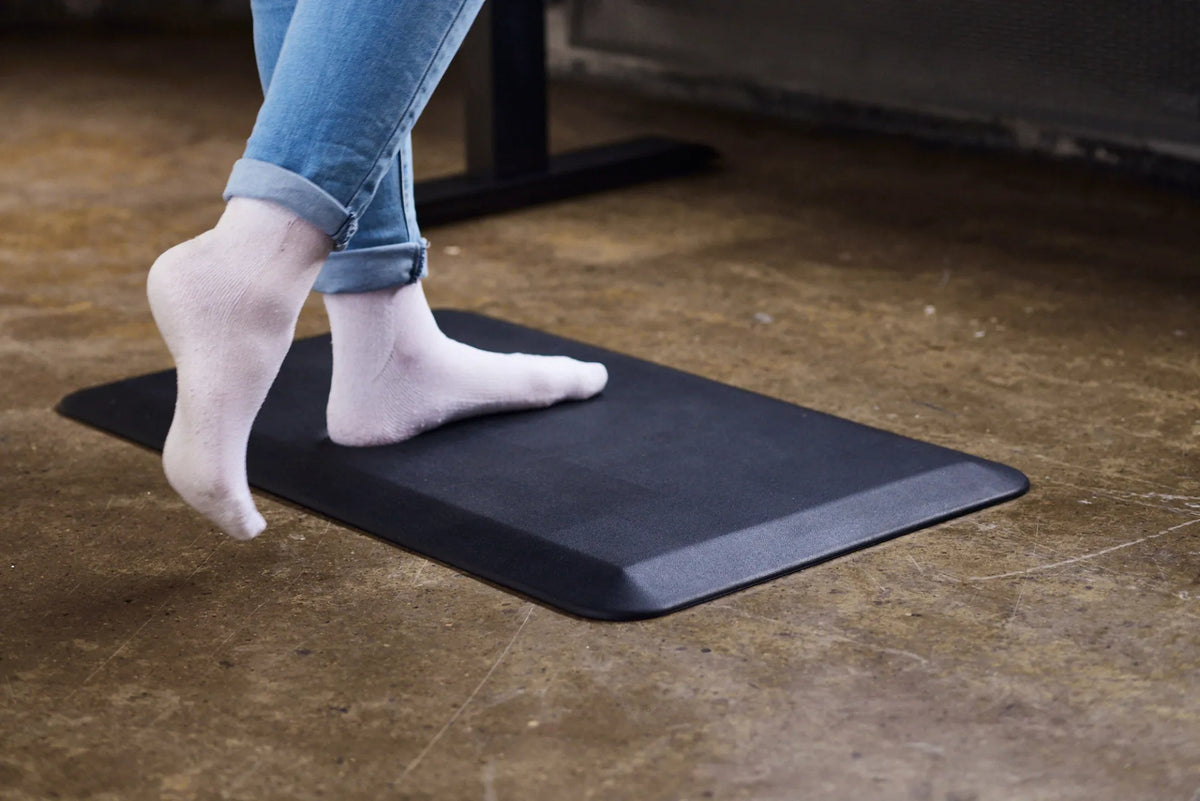
Person in blue jeans and white socks stepping onto a black rectangular anti-fatigue mat on a concrete floor

How Thick Should an Anti-Fatigue Mat Be for a Standing Desk?
Learn how to compare anti-fatigue mat thickness, firmness, edge design and floor stability for a comfortable standing desk setup.

Read moreabout How Thick Should an Anti-Fatigue Mat Be for a Standing Desk?

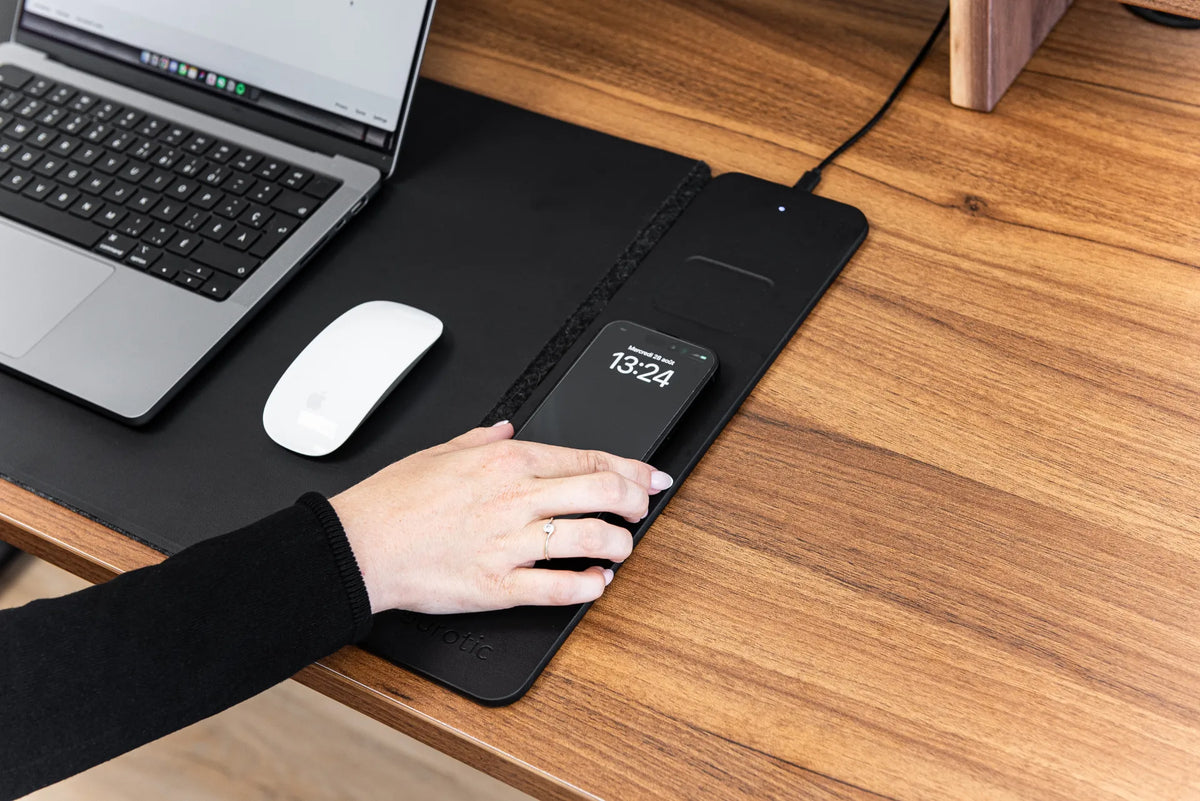
Black smartphone resting on a black wireless charging desk pad beside a laptop and white mouse

Why Does a Wireless Charger Get Warm? What to Check

Mild warmth can be normal during wireless charging, but excessive heat deserves attention. Learn what causes it, what to remove from the charging area and when to stop charging.

Read moreabout Why Does a Wireless Charger Get Warm? What to Check
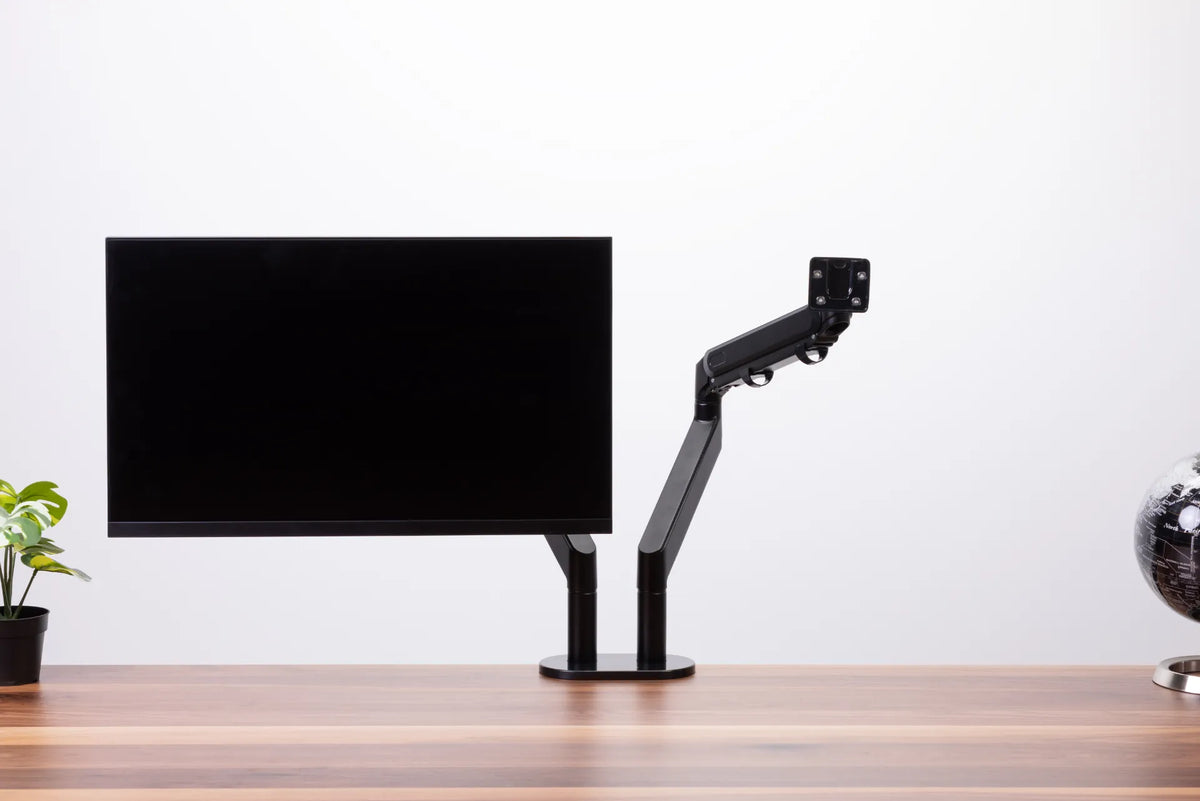
Black single monitor arm beside a mounted black display, showing the empty VESA plate and articulated joints

How Much Weight Can a Monitor Arm Hold?
How to match a monitor's weight, VESA pattern and accessories to a monitor arm's real load range, without relying on screen size alone.

Read moreabout How Much Weight Can a Monitor Arm Hold?

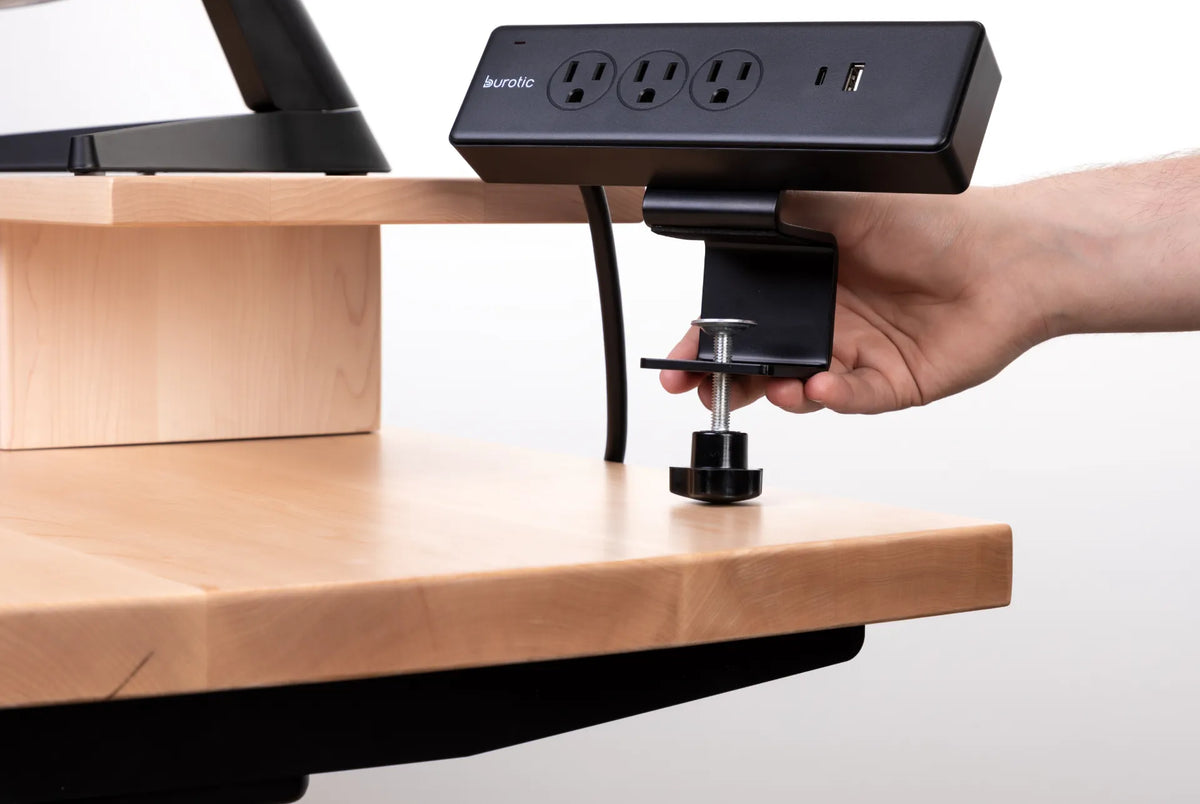
Hand positioning the clamp of a black Burotic power bar on the edge of a thick light wood desk

Will a Clamp-On Power Bar Fit Your Desk? What to Measure
Check desktop thickness, edge shape, underside clearance, cable path and electrical requirements before buying a clamp-on power bar. This measurement-first guide helps prevent a poor fit.

Read moreabout Will a Clamp-On Power Bar Fit Your Desk? What to Measure

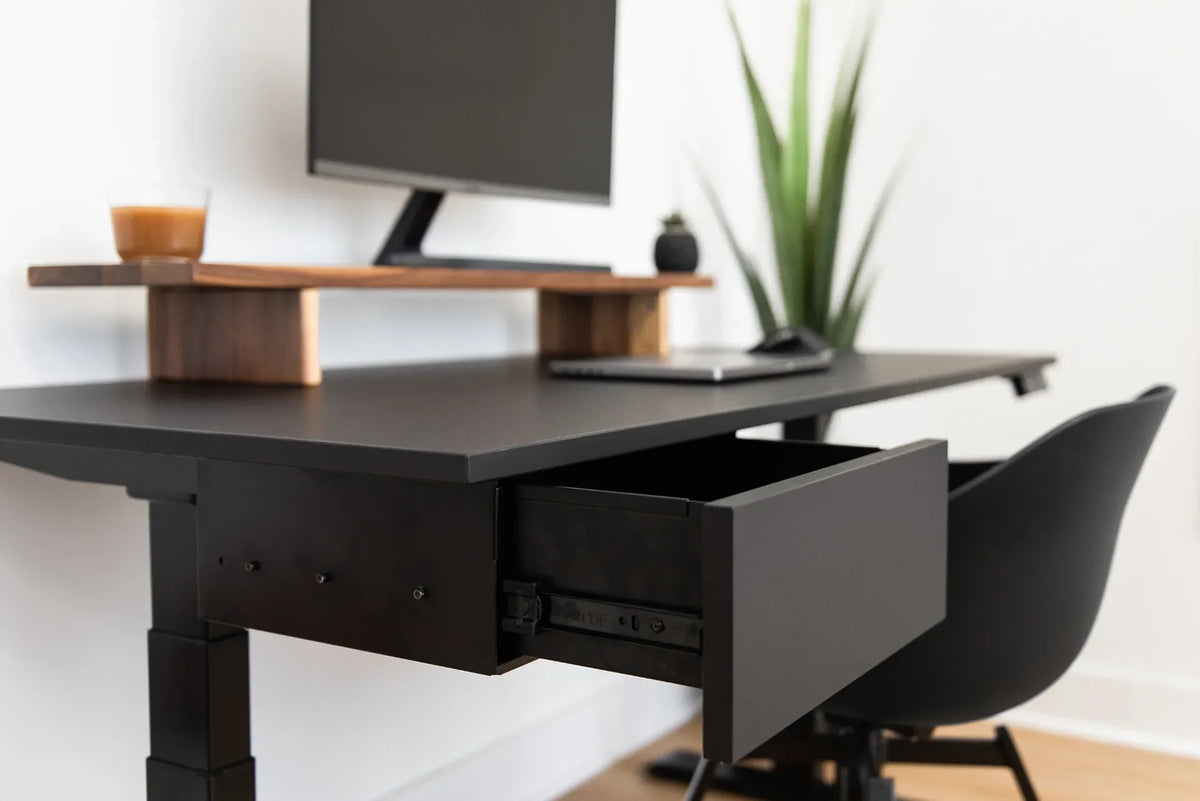
Open black under-desk drawer beneath a black adjustable desk with laptop, monitor and walnut riser

Under-Desk Storage Ideas for a Small Home Office

Choose under-desk storage that keeps supplies accessible without sacrificing knee room, cable clearance, chair movement, or the travel of a height-adjustable desk.

Read moreabout Under-Desk Storage Ideas for a Small Home Office

Bright white desk with laptop, mug, small plant, pen cup, notebook, keyboard and mouse arranged around the work area

What Should You Keep on Your Desk? A Practical Home Office Checklist
Keep the tools you use every day within easy reach, move backups and occasional supplies into storage, and preserve clear space for your main work.

Read moreabout What Should You Keep on Your Desk? A Practical Home Office Checklist

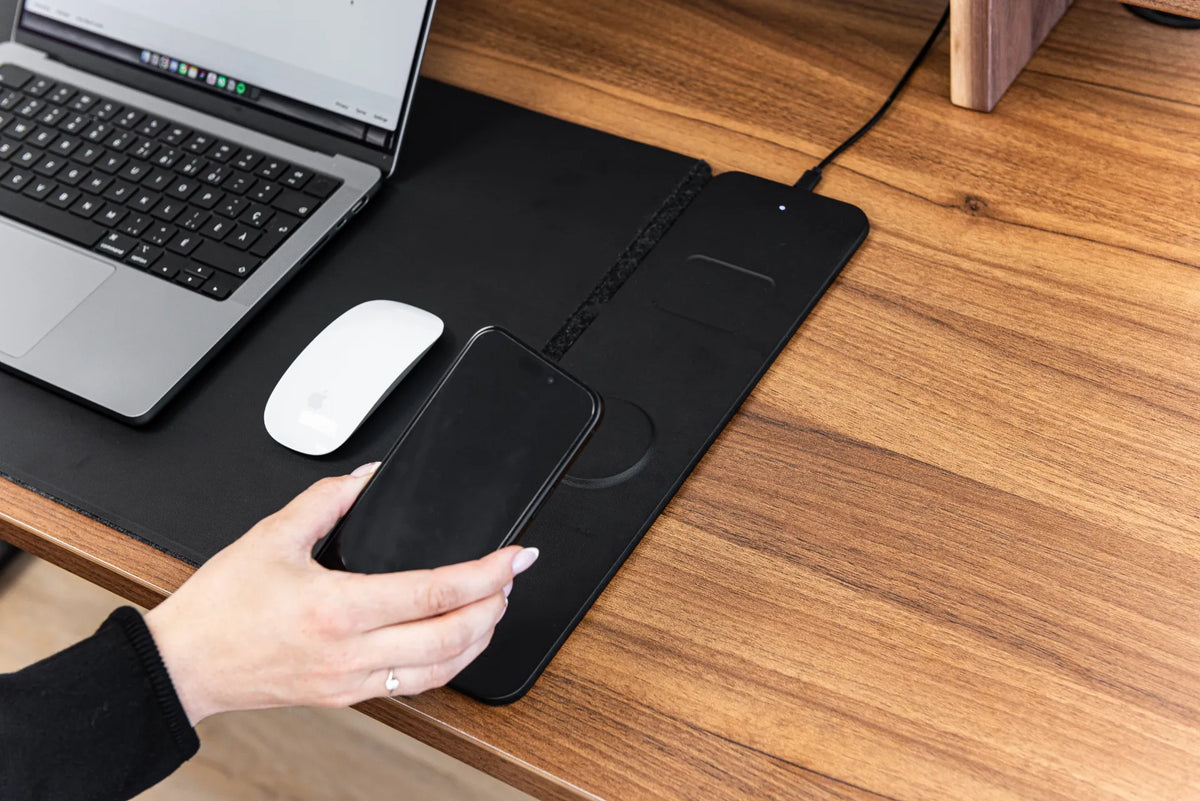
Hand positioning a black smartphone over the charging area of a black desk pad beside a laptop and white mouse on a wood desk

Why Is My Wireless Charging Desk Pad Not Charging?

Troubleshoot a wireless charging desk pad by checking power, phone compatibility, coil alignment, cases, heat, nearby objects and cable connections.

Read moreabout Why Is My Wireless Charging Desk Pad Not Charging?

Close-up of a large monitor on a long walnut monitor riser above a matching wood desk, with keyboard and mouse below

How Wide Should a Monitor Riser Be? A Practical Sizing Guide

Measure your monitor base, desk and storage needs to choose a monitor riser that is wide enough without crowding your workspace.

Read moreabout How Wide Should a Monitor Riser Be? A Practical Sizing Guide

Black rectangular desk pad with a black keyboard and mouse, a phone on the charging area and white earbuds, shown in a dark wood setting

Does a Desk Pad Protect Your Desk? What It Can and Cannot Prevent

Desk pads can reduce everyday scratches, dirt and wear, but they are not complete protection from heat, trapped grit, spills or heavy impacts.

Read moreabout Does a Desk Pad Protect Your Desk? What It Can and Cannot Prevent