

What Should You Keep on Your Desk? A Practical Home Office Checklist

In this article
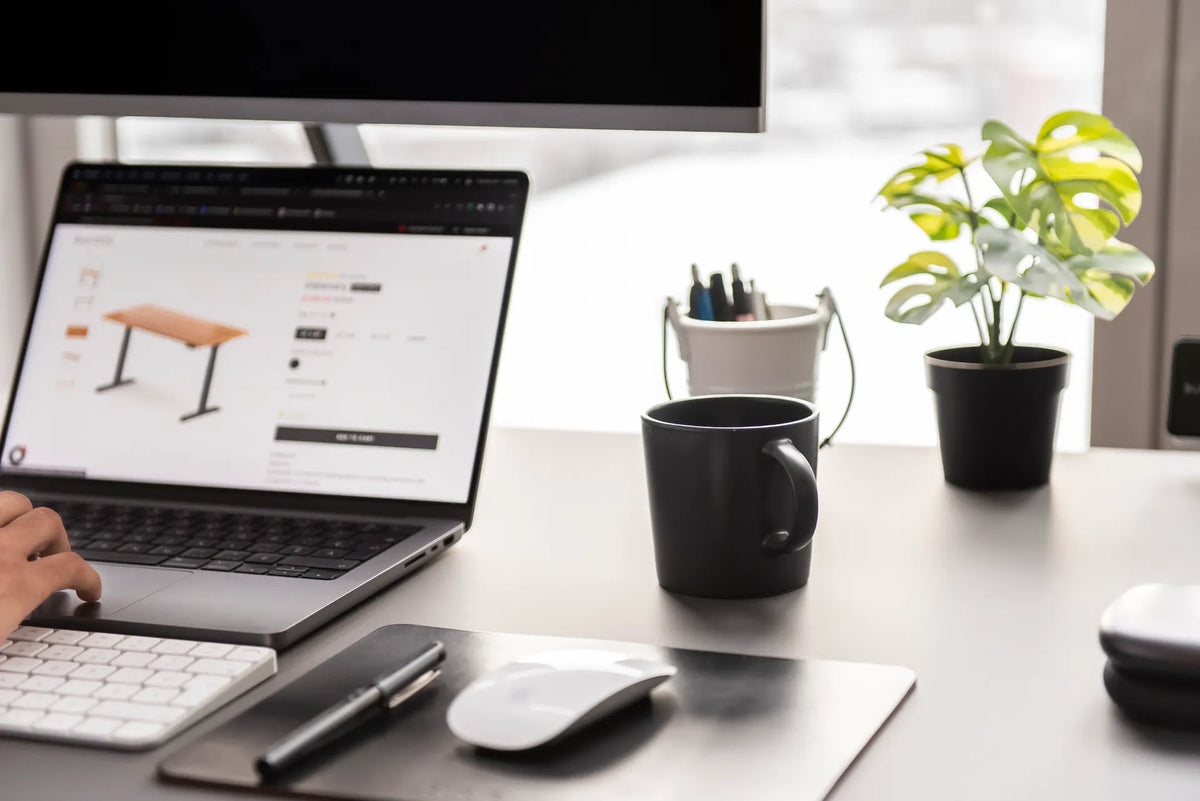
Your desk should hold the tools you use during most workdays, not every item you might eventually need. For many home offices, that means the computer or main screen, keyboard, mouse, one notebook, a small set of writing tools and perhaps a drink placed safely away from electronics. Everything else should earn its space through frequent use.
The goal is not a bare desk. It is a surface that makes the next task easy to start. A useful setup keeps daily tools within comfortable reach, protects a clear work zone, and moves backup supplies, archives and rarely used accessories into a drawer, cabinet or shelf.
Quick checklist: what belongs on the desk?
- Main work device: laptop, monitor or both, arranged for the way you actually work.
- Primary input tools: keyboard and mouse, centred and close enough to use without reaching.
- One capture tool: a notebook, planner or small pad for current notes.
- A minimal writing set: one or two pens and any tool used daily.
- Current-task materials: only the documents or devices needed for the work in progress.
- Optional personal item: one plant, photograph or object that does not interfere with the work zone.
- A safely placed drink: stable, reachable and separated from electronics and moving desk parts.
You may need additional items for specialized work, such as a drawing tablet, calculator, headset or reference book. The same rule applies: keep it on the surface if it supports frequent tasks and has a defined home. Store it elsewhere if it only creates visual noise between uses.
Start with the work, not the accessories
List the tasks you complete on a normal day. A writer may need a keyboard, notebook and reference space. A designer may need a drawing tablet and colour-accurate display. A customer service role may need a headset within immediate reach. The ideal desktop follows the work sequence, not a generic photograph of a tidy office.
Separate daily tools from weekly and occasional tools. If you touch an item during most work sessions, it may deserve desktop space. If you use it once a week, place it in nearby storage. If you rarely use it, move it farther away. This simple frequency test prevents valuable surface area from becoming permanent parking.
Use three reach zones
Primary zone: used constantly
The primary zone is the area you can reach with relaxed elbows near your sides. It should contain the keyboard, mouse and the materials for the current task. Keep this zone clear of decorative objects, chargers and spare supplies.
The Canadian Centre for Occupational Health and Safety advises placing commonly used items within easy reach. That reduces repeated reaching and helps the workstation fit the task. Burotic's guide to desk reach zones explains how to map this area for your body and equipment.
Secondary zone: used several times a day
Put a notebook, phone stand, headset or small pen cup slightly farther away. These items should be reachable without leaving the chair, but they do not need to compete with the keyboard and mouse. Group them by task rather than scattering them around the perimeter.
Storage zone: used occasionally
Spare cables, replacement batteries, reference files, backup stationery and cleaning supplies usually belong in a drawer or cabinet. Label the storage location if necessary. Visibility is not the same as accessibility, and keeping everything in sight often makes the important tools harder to find.
What to remove from the desktop
- Duplicate pens, notebooks and charging cables.
- Documents that are no longer part of the current task.
- Packaging, receipts and items waiting for an undefined decision.
- Accessories that block the keyboard, mouse or monitor position.
- Loose cables that can catch when an adjustable desk moves.
- Backup supplies that already have a storage location.
- Decor that forces useful equipment out of comfortable reach.
Do not move clutter into a random drawer and call the job complete. Give each removed category a destination: action tray, recycling, archive, electronics box or supply drawer. A desk remains organized when decisions happen at the boundary, not only during a large cleanup.
Choose one system for notes and paper
Several half-used notebooks create more searching than support. Pick one current notebook or planner and store completed volumes together. For loose documents, use a single vertical file, inbox or current-project folder rather than flat stacks across the desk.
If paper is central to your work, preserve an uninterrupted writing area beside the keyboard. Move the mouse or keyboard only when the task changes, rather than filling the writing zone with permanent accessories.
Keep technology intentional
Every device on the desk brings a cable, charger, stand or maintenance need. Keep the equipment that supports daily work and remove redundant devices. A laptop used as a second screen may need a stand and external input tools. A closed laptop may fit under a monitor riser or in a ventilated vertical stand, if the device manufacturer permits that use.
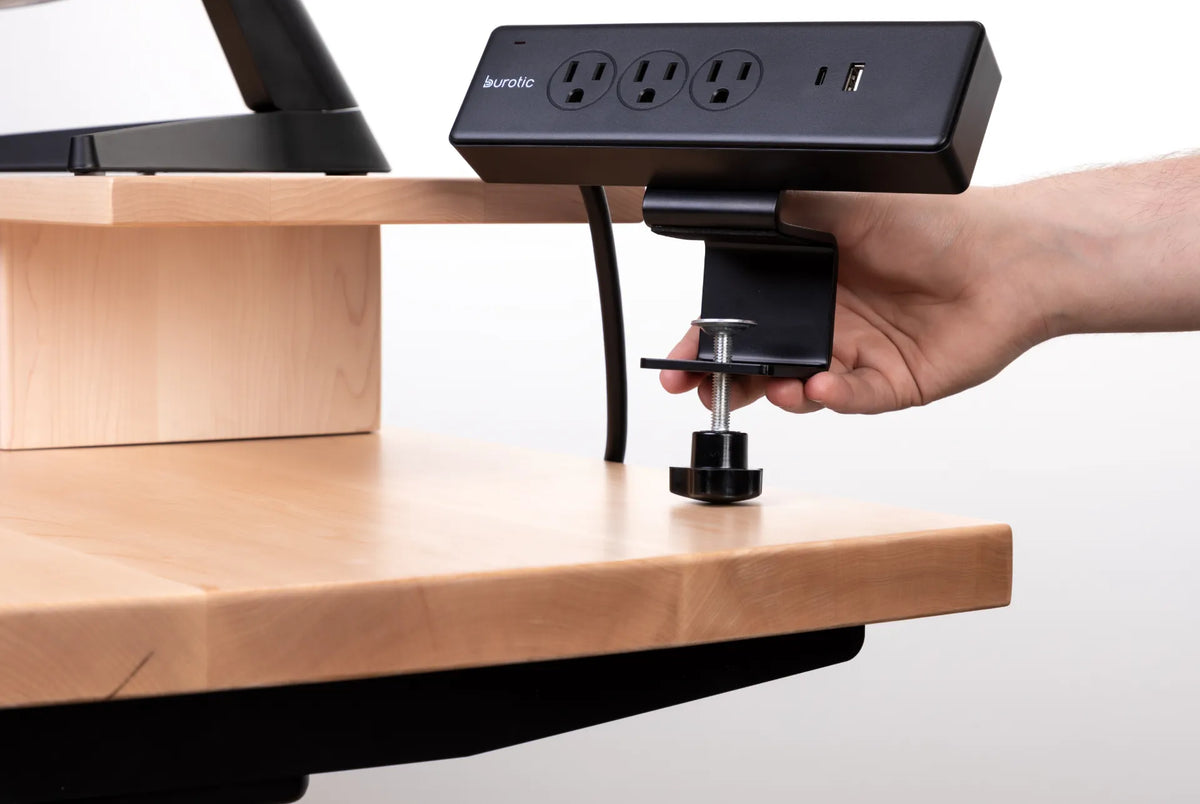
Place charging tools where they do not cross the input area. A wireless charging desk pad can combine a work surface and a defined charging spot for compatible devices, but it should still leave the keyboard and mouse in comfortable positions.
Where should your phone go?
Keep the phone on the desk if it is a genuine work tool, but give it one fixed location outside the central keyboard zone. A stand can make notifications visible, while a face-down position or drawer can reduce distraction when immediate access is unnecessary.
Avoid moving the phone constantly between the keyboard, notebook and mouse area. A consistent home reduces both clutter and the small interruptions caused by searching for it.
Food, drinks and personal items
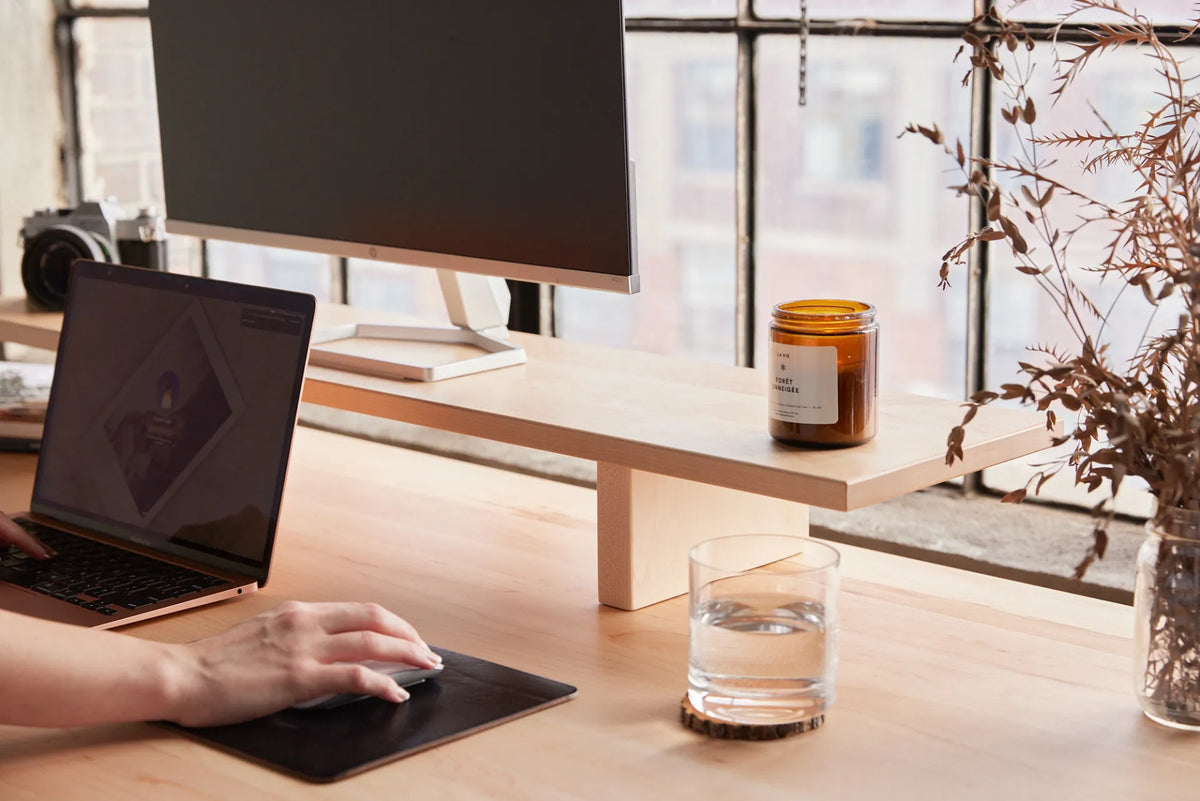
A drink can remain within reach if it sits on a stable part of the desk away from the keyboard, power bar and device vents. Use a coaster if the surface needs protection. Food is better handled away from the main equipment when possible, both for cleanliness and to preserve the work zone.
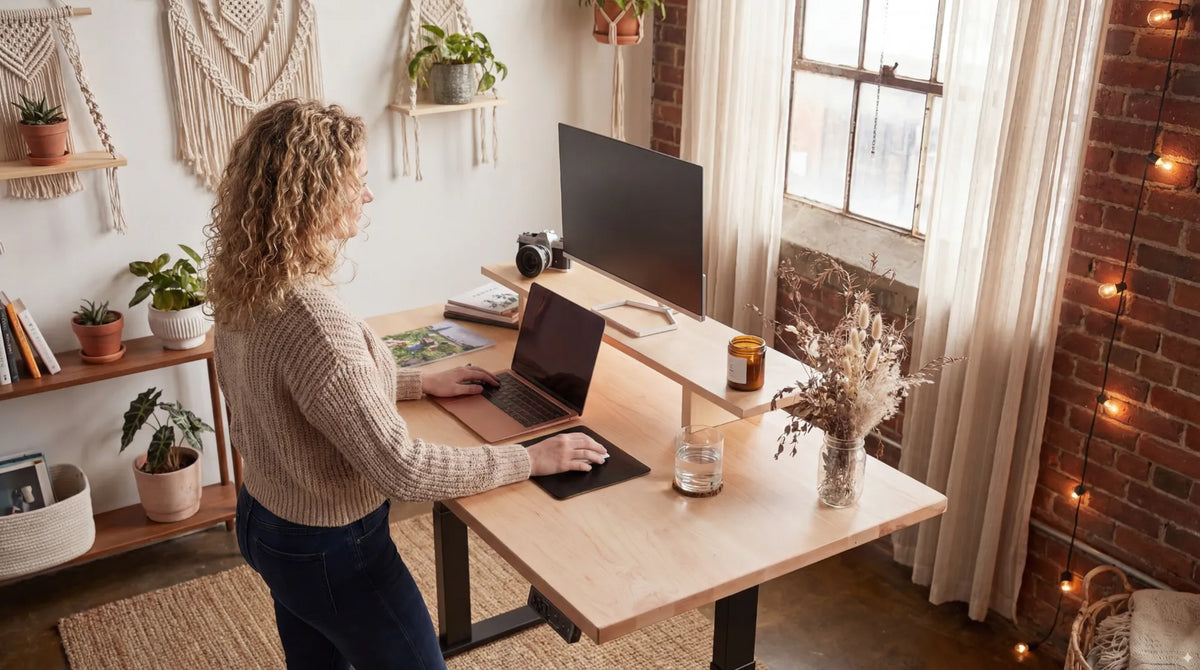
Personal items can make a home office feel welcoming. Choose a small number and place them beyond the primary reach area. A plant or photograph is not clutter when it has a defined place and does not displace functional tools.
Small desk strategy
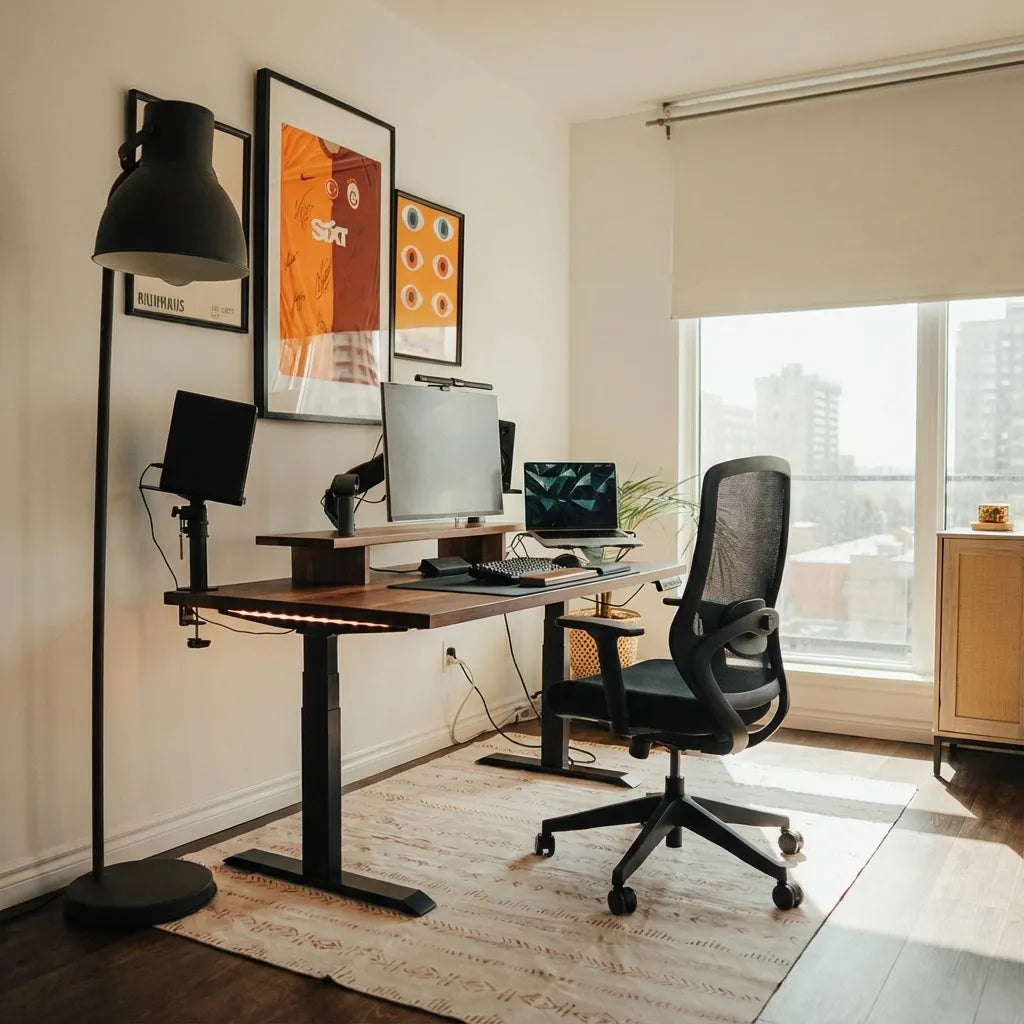
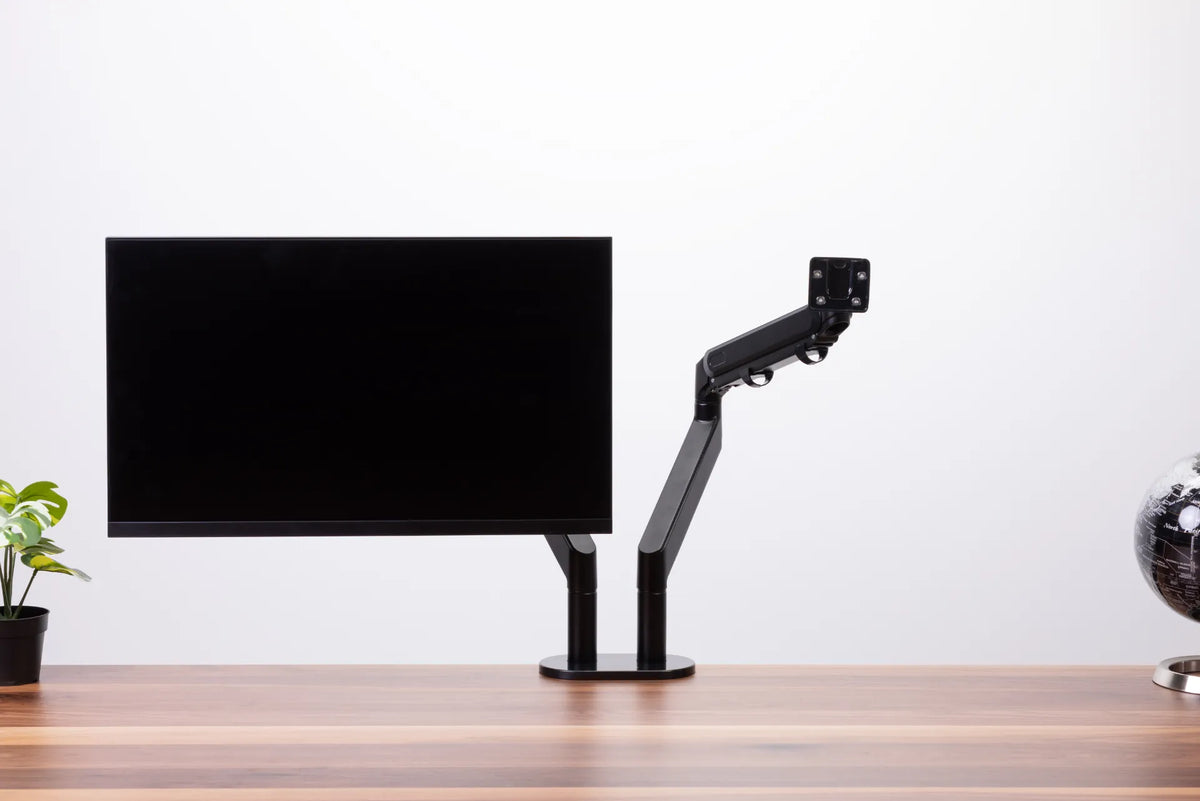
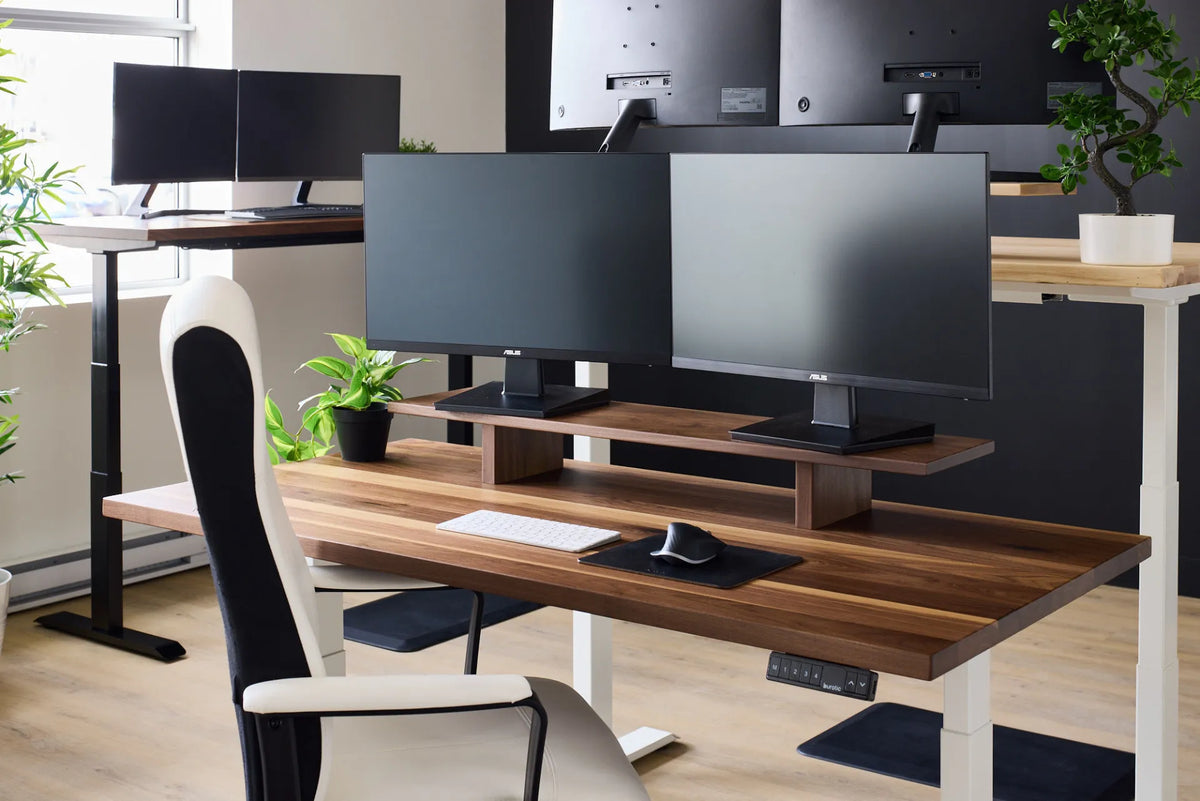
On a compact desk, vertical storage and multifunction items matter. A monitor arm can recover surface space that would otherwise be occupied by a stand. A shelf can hold references without narrowing the mouse area. A nearby drawer can store supplies without expanding the desktop collection.
Do not solve a small surface by stacking items in front of the monitor or pushing the keyboard to the edge. First remove low-frequency items, then improve storage. Burotic's guide to organizing a home office desk without losing work space offers a complete layout process.
Standing desk considerations
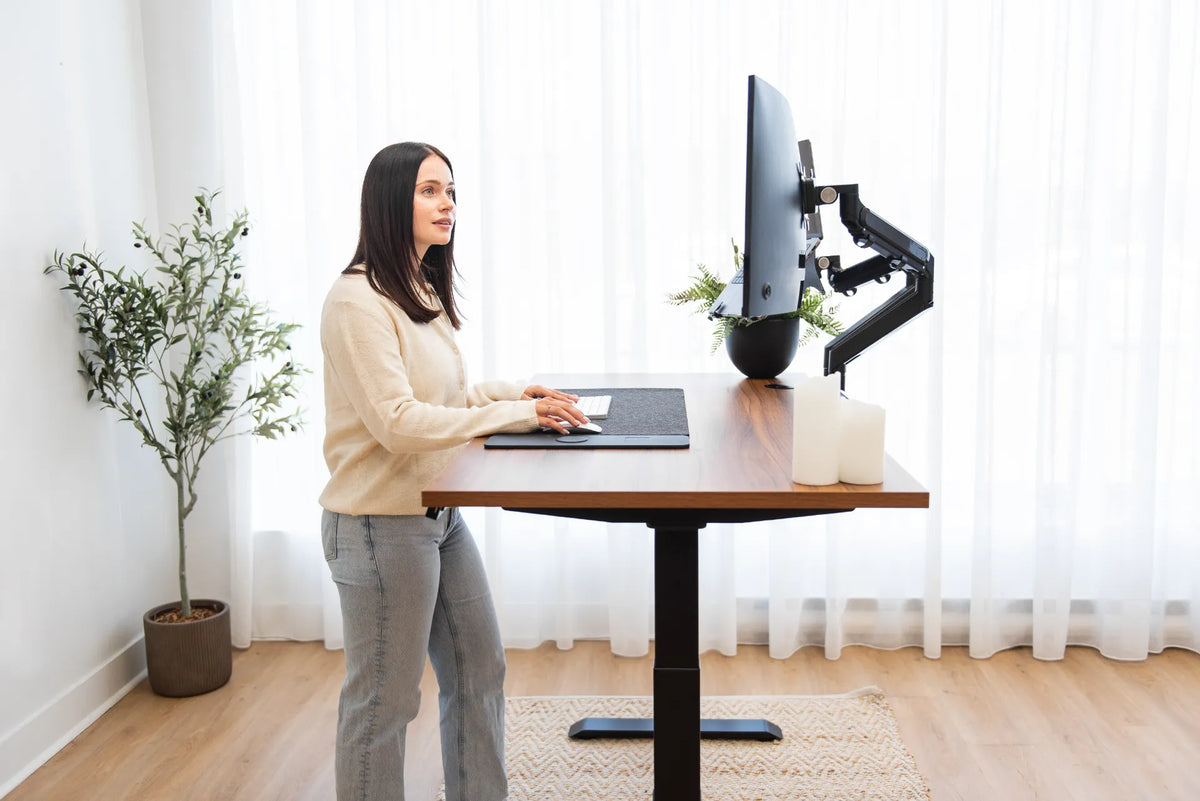
Anything kept on an adjustable desk must move safely through the full height range. Check cable slack, wall clearance and objects above or below the surface. A mug, lamp or plant that is safe while sitting can collide with a shelf or window ledge when the desk rises.
Keep heavy items stable and avoid placing loose objects near the moving edge. Run the desk slowly through its range after reorganizing, while watching every cable and object. Organization should improve both usability and movement safety.
The one-week removal test
If you are unsure about an item, place it in a labelled box or drawer for one week. Return it to the desktop only when you genuinely need it. At the end of the test, store the untouched items elsewhere. This method uses real behaviour instead of guessing what an ideal office should contain.
Repeat the test seasonally or when your role changes. A tool that deserved space during one project may become clutter during the next.
A two-minute daily reset
- Return the keyboard, mouse and notebook to their normal positions.
- Move completed papers to recycling, archive or the next-action location.
- Put pens and small tools in their assigned container.
- Reconnect or store charging cables without crossing the work zone.
- Leave only the first materials needed for the next session.
For accessories that remain, use the guide to organizing desk accessories without clutter to group them by use and assign clear boundaries.
Bottom line
Keep daily tools, current-task materials and a small number of purposeful personal items on the desk. Move backups, archives and occasional supplies into nearby storage. Arrange everything by reach frequency, protect a clear primary work zone and test questionable items against actual use. A practical desk is not the one with the fewest objects. It is the one where every object supports the work or has a clear reason to stay.
Previous article
Should Dual Monitors Touch? How Much Gap to Leave Between Screens
Next article
Should You Rest Your Forearms on the Desk While Typing?