

Ergonomic Office Tips & Buying Guides
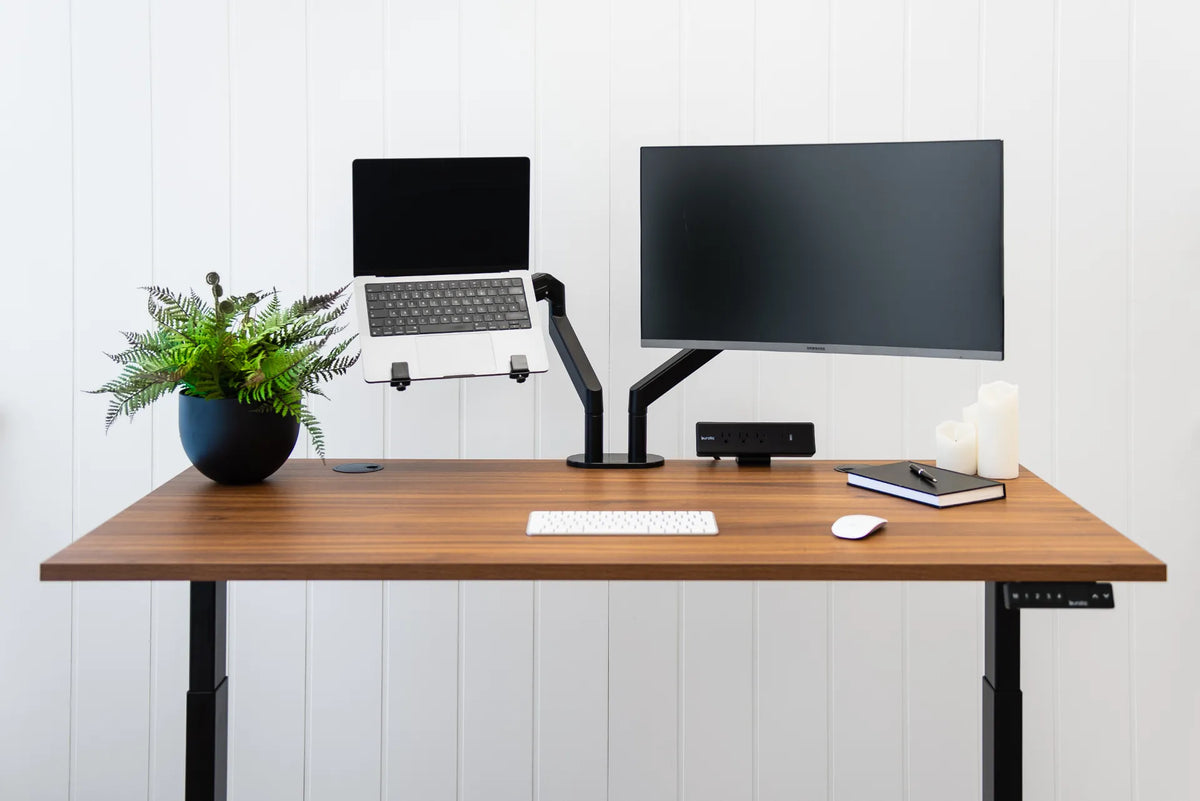
Can You Mount a Laptop on a Monitor Arm? Compatibility and Setup Guide
A practical guide to mounting a laptop on a monitor arm, including tray compatibility, safe loading, ventilation, placement and ergonomic setup.
Read moreabout Can You Mount a Laptop on a Monitor Arm? Compatibility and Setup Guide
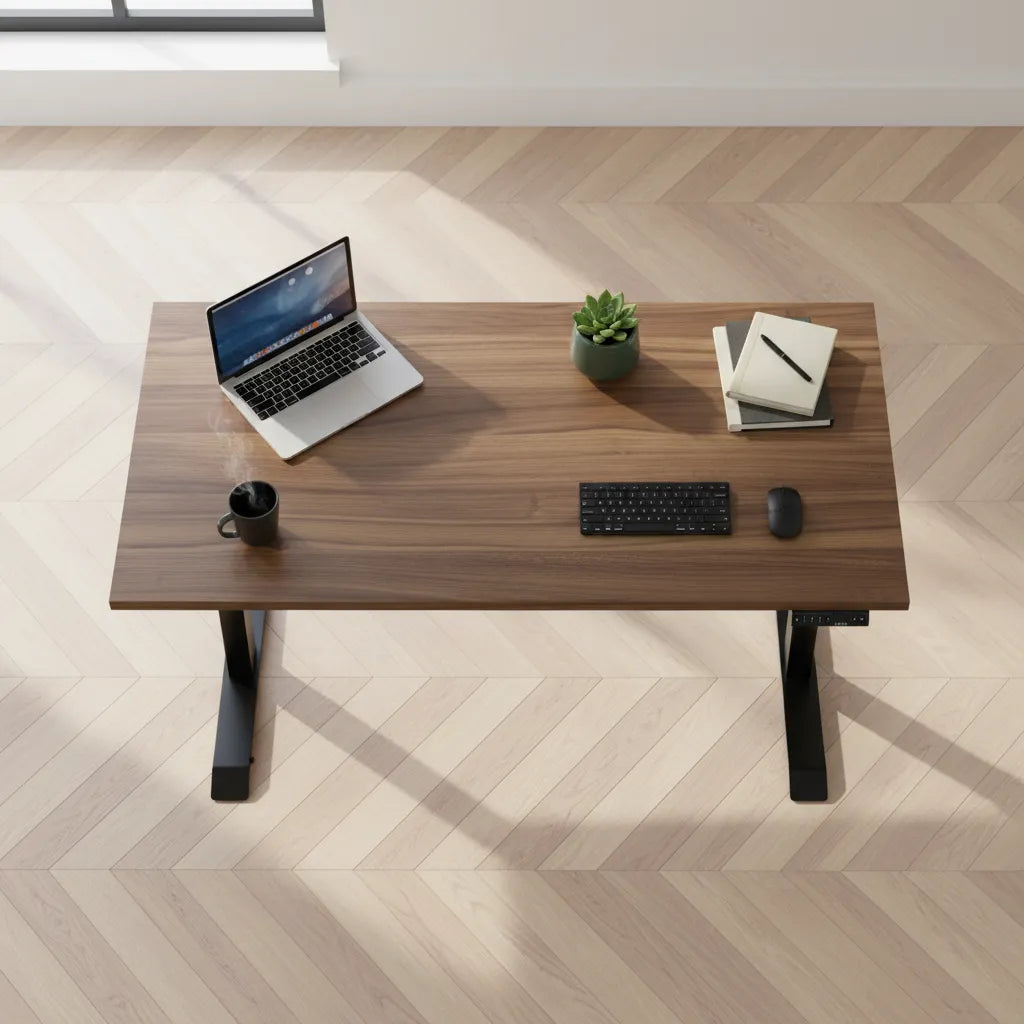
How Deep Should a Desk Be for a Laptop?
A 24-inch-deep desk can work well for a laptop, while 30 inches offers more flexibility for a raised screen, external keyboard, mouse and paper. The right depth depends on how the laptop is used, not on one universal number.

How to Mount a Laptop Beside a Monitor at a Standing Desk
Plan a laptop-and-monitor setup with the right tray, compatible arm, external keyboard and mouse, safe cable slack and sit-stand testing.
Read moreabout How to Mount a Laptop Beside a Monitor at a Standing Desk
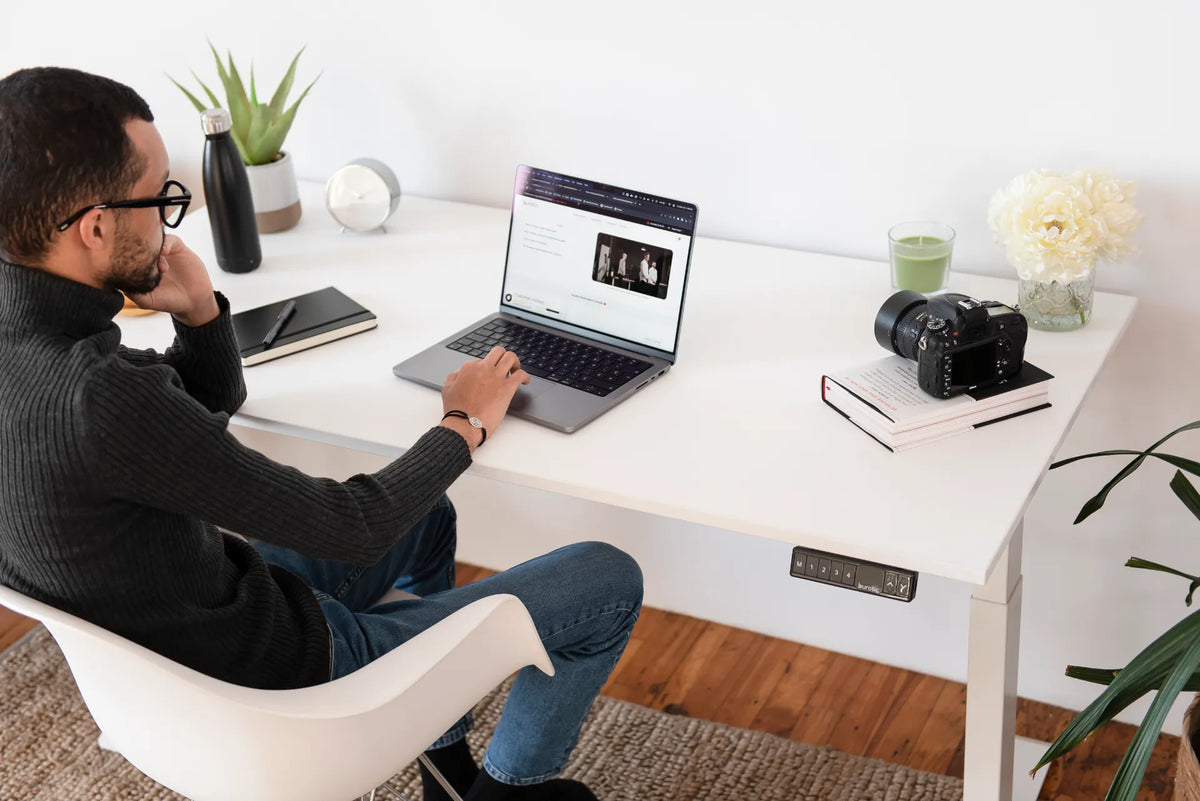
Laptop-Only Desk Setup: How to Work Comfortably Without a Monitor
Build a more comfortable laptop-only desk setup by improving screen height, keyboard reach, chair position, lighting and movement without assuming you need a second monitor.
Read moreabout Laptop-Only Desk Setup: How to Work Comfortably Without a Monitor