




What Desk Width Do You Need for a Laptop?

In this article
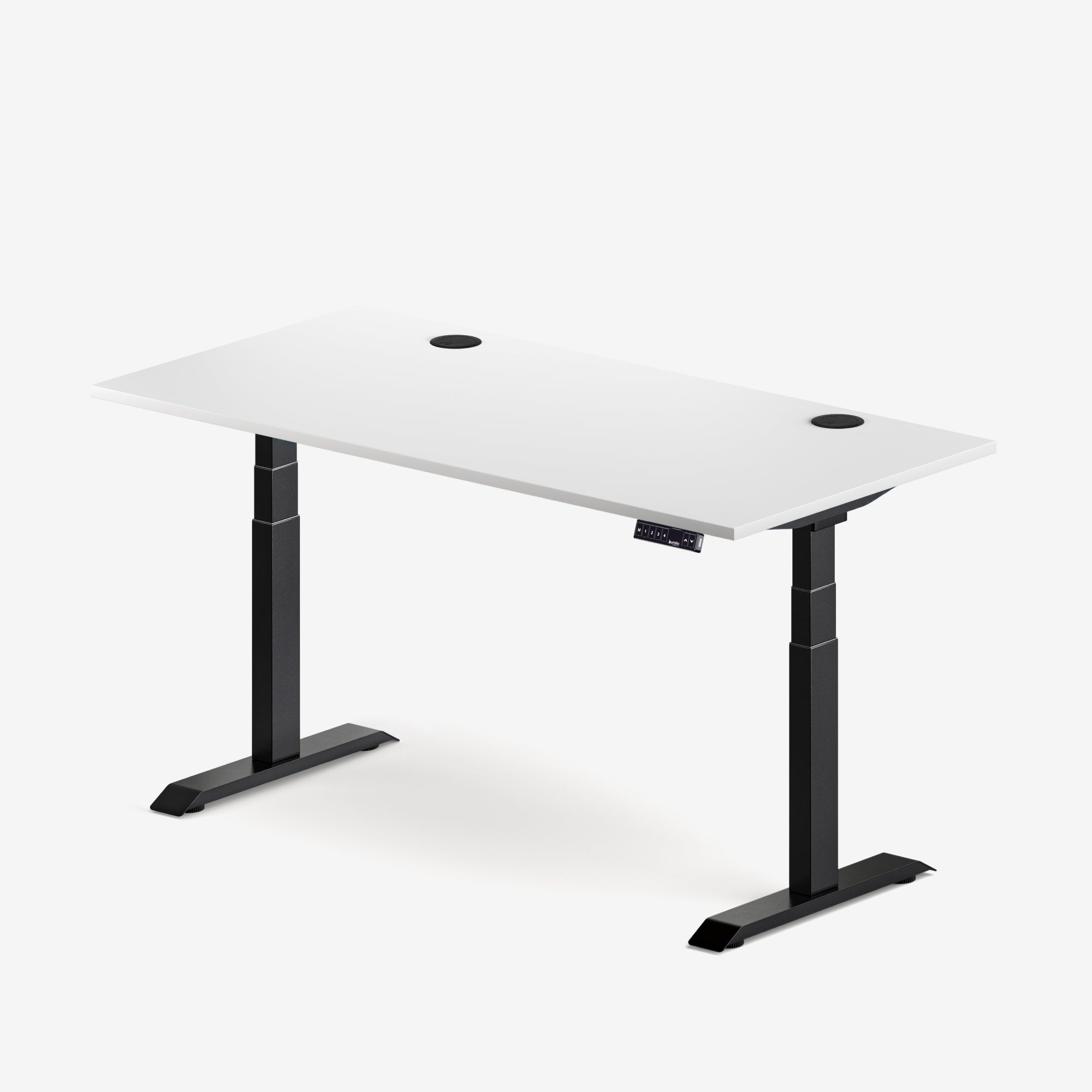
For a laptop-only workstation, a desk around 32 to 40 inches wide can be workable, while 40 to 48 inches gives most people more comfortable room for an external keyboard, mouse and a small notebook. If you regularly use paper files, speakers or a second screen, 48 to 60 inches is often the more flexible range.
Those numbers are planning ranges, not universal standards. The right desk width depends on the physical width of your equipment, where your dominant hand needs to move, and whether the surface must support focused computer work, writing, video calls or several tasks at once. Measure the setup you own instead of choosing from a label such as compact or large.
Quick desk-width guide for laptop setups
- 32 to 40 inches: laptop-only work, very small rooms or short sessions with minimal accessories.
- 40 to 48 inches: laptop plus compact keyboard, mouse, phone and a small writing area.
- 48 to 60 inches: laptop plus full-size input devices, documents, accessories or occasional monitor use.
- 60 inches and wider: laptop with a permanent monitor, larger speakers, substantial paperwork or shared work zones.
A recent Canadian compact-desk guide from FlexiSpot used similar ranges as practical starting points, but also stressed that equipment and room clearance determine the final answer. Burotic's recommendation is to build your own footprint and add useful margin rather than buying by a generic size category.
Measure the workstation you actually use
Start with the laptop footprint
Measure the laptop from side to side while it is open and positioned at your preferred viewing distance. The chassis width alone is not enough if charging cables, adapters or a stand project beyond it. If the laptop will sit off-centre beside a monitor, include the space between both screens.
Add the keyboard and mouse zone
A separate keyboard can improve a fixed laptop setup because the screen can be raised independently. It also increases the surface required. Place the keyboard in front of your body, then add the mouse area beside it. Do not count only the width of the mouse. Include the movement used for your normal pointer sensitivity and tasks.
If you are unsure whether separate input devices belong in the plan, read Do You Need an External Keyboard and Mouse With a Laptop?. It explains why longer sessions often benefit from separating the screen from the controls.
Reserve a real work zone
Many people buy a desk that fits their computer but not their work. Add the width of an open notebook, a sheet of letter-size paper or the documents you regularly compare with the screen. If the desk must support handwriting and computer work at the same time, leave a continuous zone rather than counting scattered empty corners.
Include accessories only if they earn their space
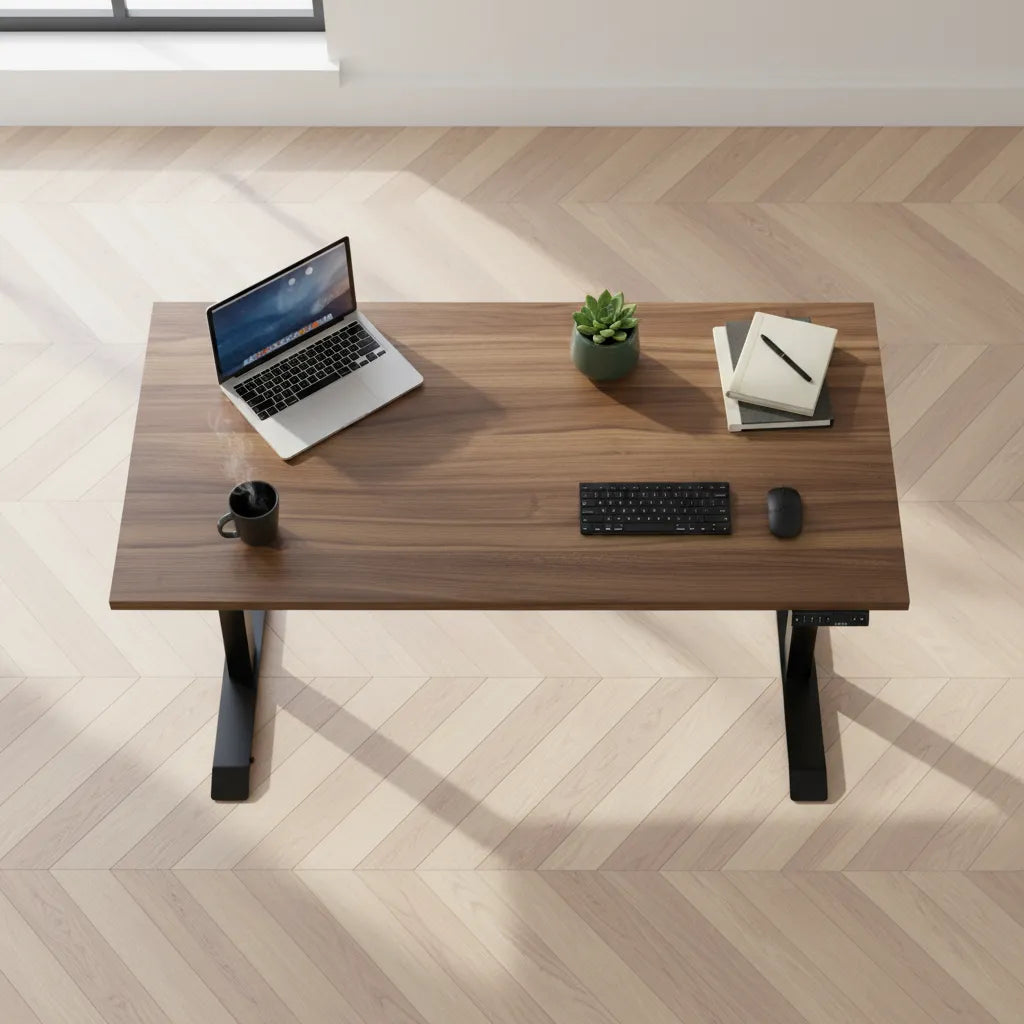
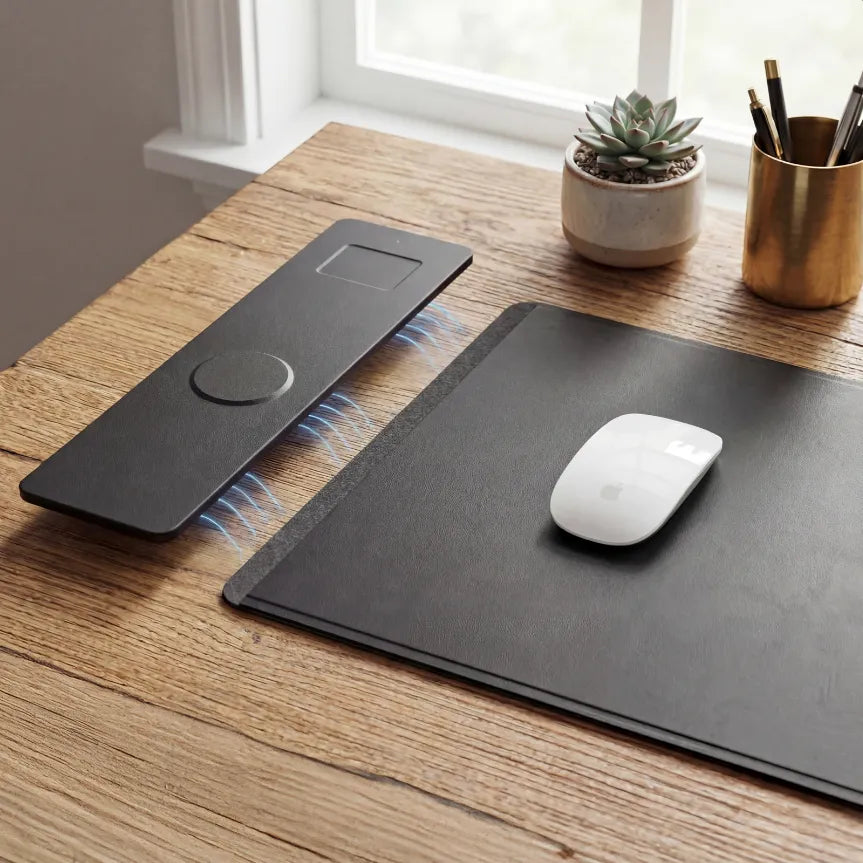
A mug, phone, small plant and charging device can each look insignificant. Together, they can consume the margin that made a compact desk comfortable. List the items that genuinely remain on the surface every day. Storage items that can move to a drawer or shelf should not force you into a much wider desk.
Width and depth solve different problems
Width controls how many zones fit side by side. Depth controls viewing distance, keyboard placement and how far the desk projects into the room. A wide but shallow surface can still put the laptop screen too close to your eyes. A deep but narrow surface may provide comfortable viewing distance while leaving no place for a notebook.
For laptop work, review both measurements together. Our guide to desk depth for a laptop explains how the screen, keyboard and front-edge clearance interact. If a monitor may be added later, also check desk sizing for a laptop and monitor.
A simple way to calculate your minimum width
- Arrange the laptop, keyboard, mouse and any essential paper items on a table or the floor.
- Put each item where you would actually use it, not where it packs most tightly.
- Measure from the farthest left edge to the farthest right edge.
- Add about 4 to 8 inches of usable margin so objects are not balanced at the edges.
- Compare that total with available desk widths and the room measurement.
The margin is not wasted space. It lets you move the mouse, set down a document and route a cable without pushing another item out of position. If the room cannot accept the calculated width, reduce the equipment footprint deliberately. A compact keyboard, vertical storage or a monitor arm may save more useful space than simply squeezing everything together.
Examples by work style
Minimal laptop-only station
A 32 to 40-inch surface may be enough for a laptop, mouse and drink if the room is tight and sessions are short. Keep the centre clear and avoid treating the desk as general storage. This size is less forgiving if you later add a separate keyboard or screen.
Everyday remote-work station
A 40 to 48-inch desk is a useful middle ground for a laptop, compact keyboard, mouse and notes. It offers more lateral room without dominating a bedroom or apartment. Check depth carefully because a laptop screen still needs a comfortable viewing distance.
Laptop plus monitor or paperwork
At 48 to 60 inches, it becomes easier to maintain a centred primary screen while keeping the laptop or documents nearby. The extra width also makes cable management less crowded. If the monitor is mounted on an arm, the desktop footprint may shrink, but screen width and viewing position still count.
Creative or equipment-heavy work
Large reference books, drawing tablets, audio equipment and multiple devices can justify 60 inches or more. Measure the widest simultaneous task. A desk should support the workflow at its busiest reasonable moment, not only the clean photograph taken after everything is put away.
Room clearance matters as much as the desktop
Before choosing a wider desk, measure the entire footprint. Include frame width, nearby doors, drawers, radiators and walking paths. Leave enough room for a chair to move without blocking circulation. On a height-adjustable model, confirm that shelves, windowsills and cables will not interfere through the full travel range.
A wider top is not automatically better in a small room. The best size is the narrowest desk that supports your complete setup without forcing awkward overlap. If a 48-inch desk works with sensible organization, a 60-inch desk may only consume useful floor area.
Plan for the next likely upgrade
Do not buy for every hypothetical device, but account for the change you are genuinely likely to make. If you expect to add one monitor within a year, include its width or plan for an arm. If you travel often and intend to remain laptop-only, a compact surface may be the better fit.
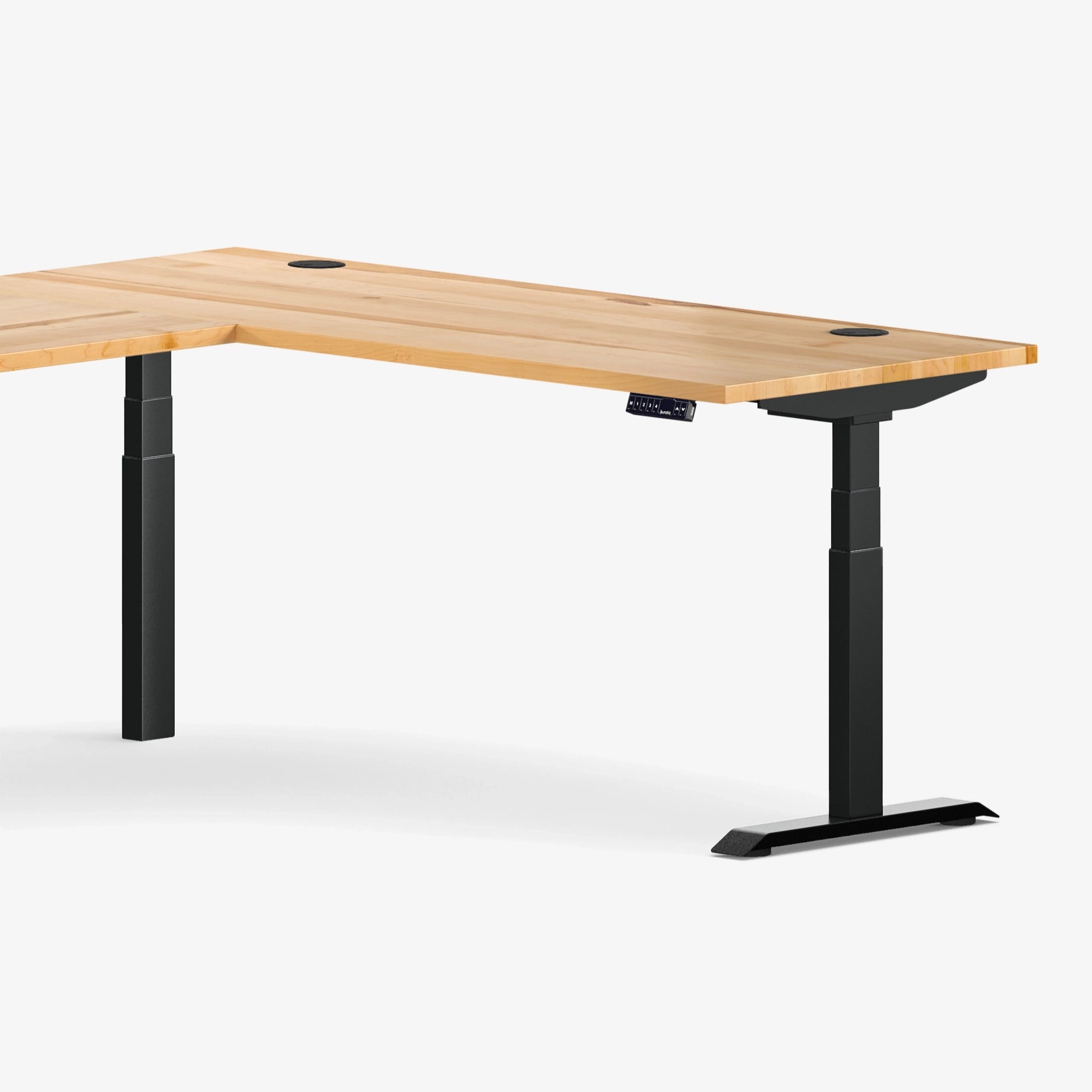
Burotic's standing desk collection lets you compare available desk formats after you have calculated your required footprint. Confirm the current dimensions on the product page before ordering because size options can vary by model and material.
The practical answer
Choose 32 to 40 inches for a minimal laptop-only station, 40 to 48 inches for a comfortable everyday setup, and 48 to 60 inches when a monitor, documents or more accessories share the desk. Then verify the choice with a physical layout. Width should come from the work you do, while depth and room clearance confirm that the desk will remain comfortable in use.
Sources
- CCOHS: Office Ergonomics, Positioning the Monitor, for viewing distance and placement principles.
- City of Edmonton: Tips for Setting Up a Comfortable Home Working Environment.
- University of Toronto: Office Ergonomics Workstation Tipsheet.

Previous article
How High Should a Laptop Screen Be?
Next article
Will a Clamp-On Power Bar Fit Your Desk? What to Measure