Ergonomic Office Tips & Buying Guides

Four black monitors arranged in two rows above a dark wood standing desk with white legs

How Should You Arrange Four Monitors on a Desk?

A practical way to arrange four monitors without making every task a neck-turning exercise. Compare 2-by-2, horizontal and primary-screen layouts, then check desk space, mounting capacity and software alignment.

Read moreabout How Should You Arrange Four Monitors on a Desk?
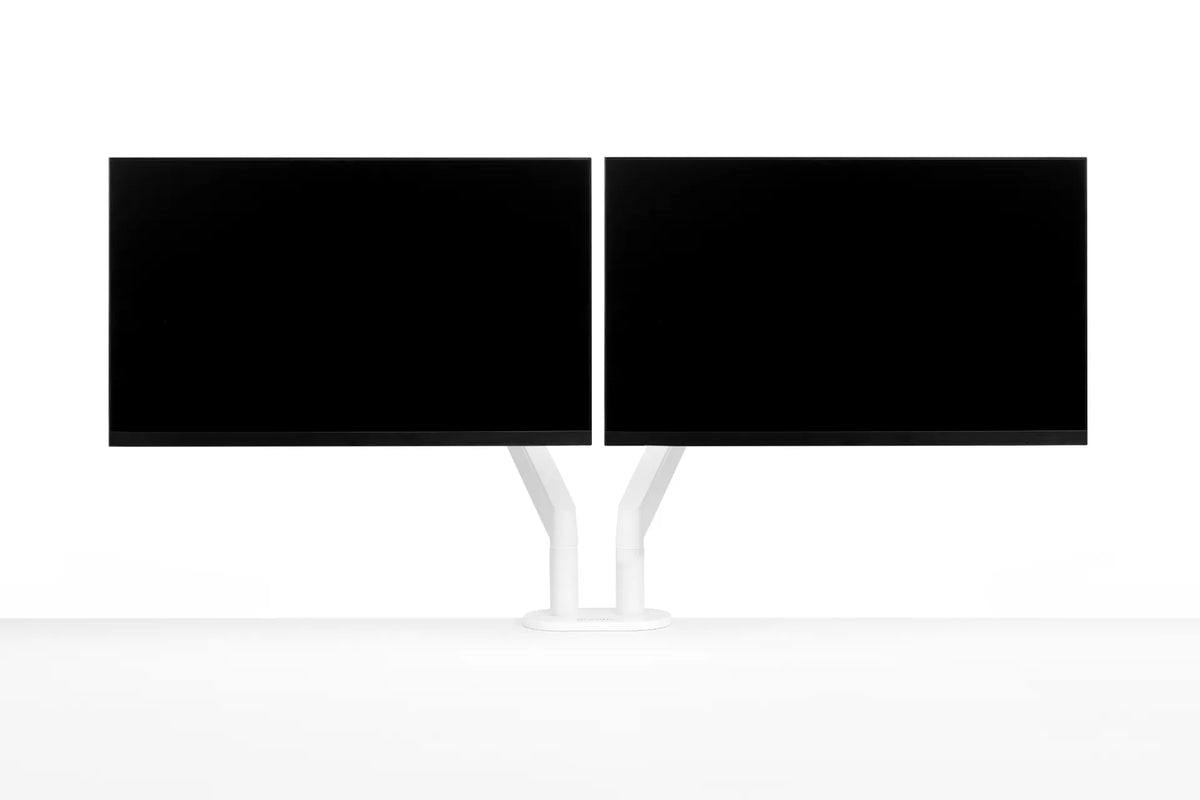
Two black monitors mounted side by side on a white dual monitor arm against a clean white background

Which Monitor Should Be Primary in a Dual-Monitor Setup?
Choose the right primary monitor for a dual-screen workstation, then position both displays to reduce repeated head turning and keep everyday tasks within easy reach.

Read moreabout Which Monitor Should Be Primary in a Dual-Monitor Setup?

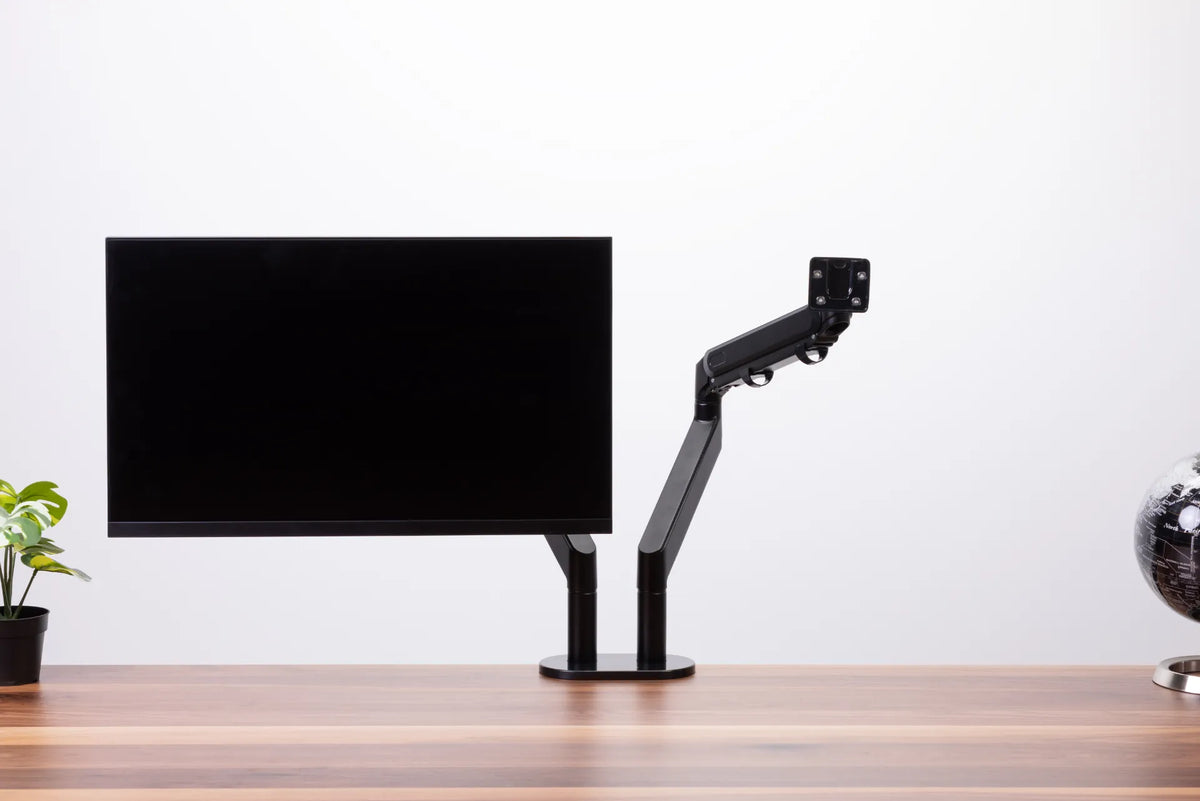
Black single monitor arm beside a mounted black display, showing the empty VESA plate and articulated joints

How Much Weight Can a Monitor Arm Hold?
How to match a monitor's weight, VESA pattern and accessories to a monitor arm's real load range, without relying on screen size alone.

Read moreabout How Much Weight Can a Monitor Arm Hold?

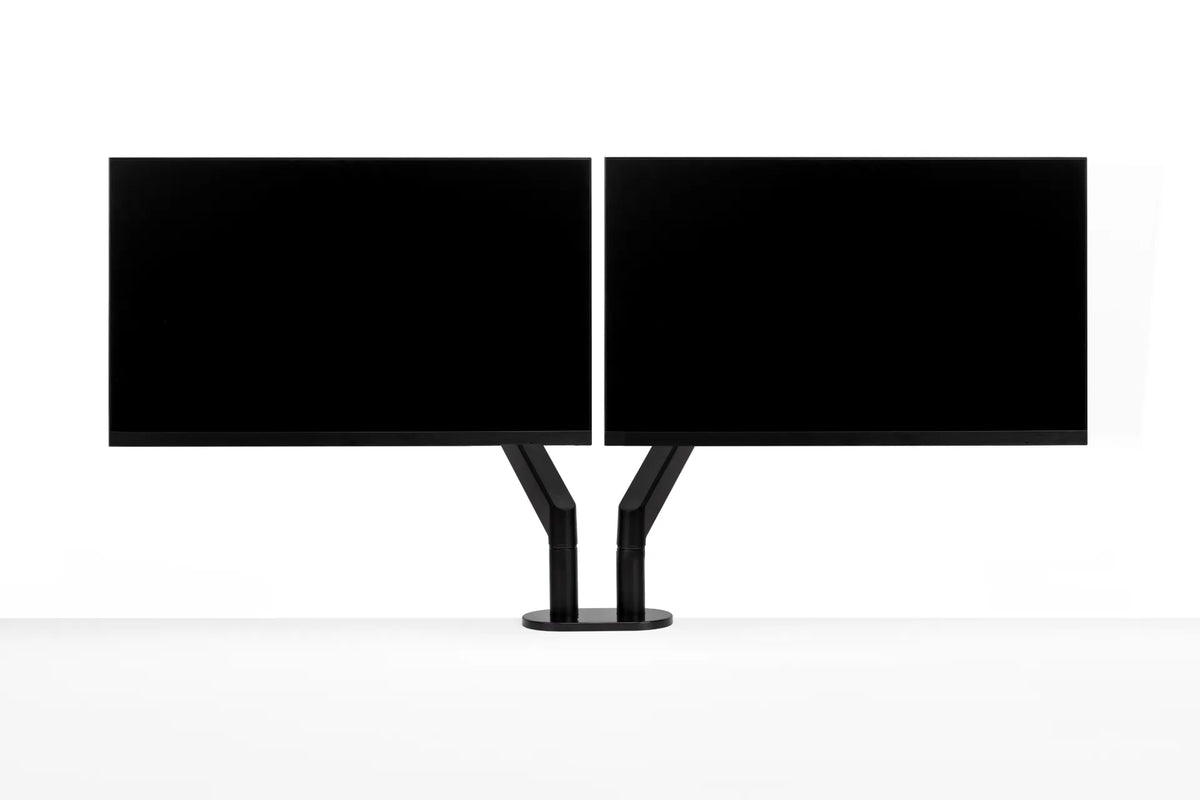
Two black monitors aligned side by side with their inner edges nearly touching on a central black dual monitor arm

Should Dual Monitors Touch? How Much Gap to Leave Between Screens
Learn when dual monitors should touch, how bezel width and screen angle affect the centre gap, and how to align two displays for comfortable work.

Read moreabout Should Dual Monitors Touch? How Much Gap to Leave Between Screens

Single black monitor on an articulated monitor arm clamped to a walnut desk

How Much Desk Depth Do You Need for a Monitor Arm?
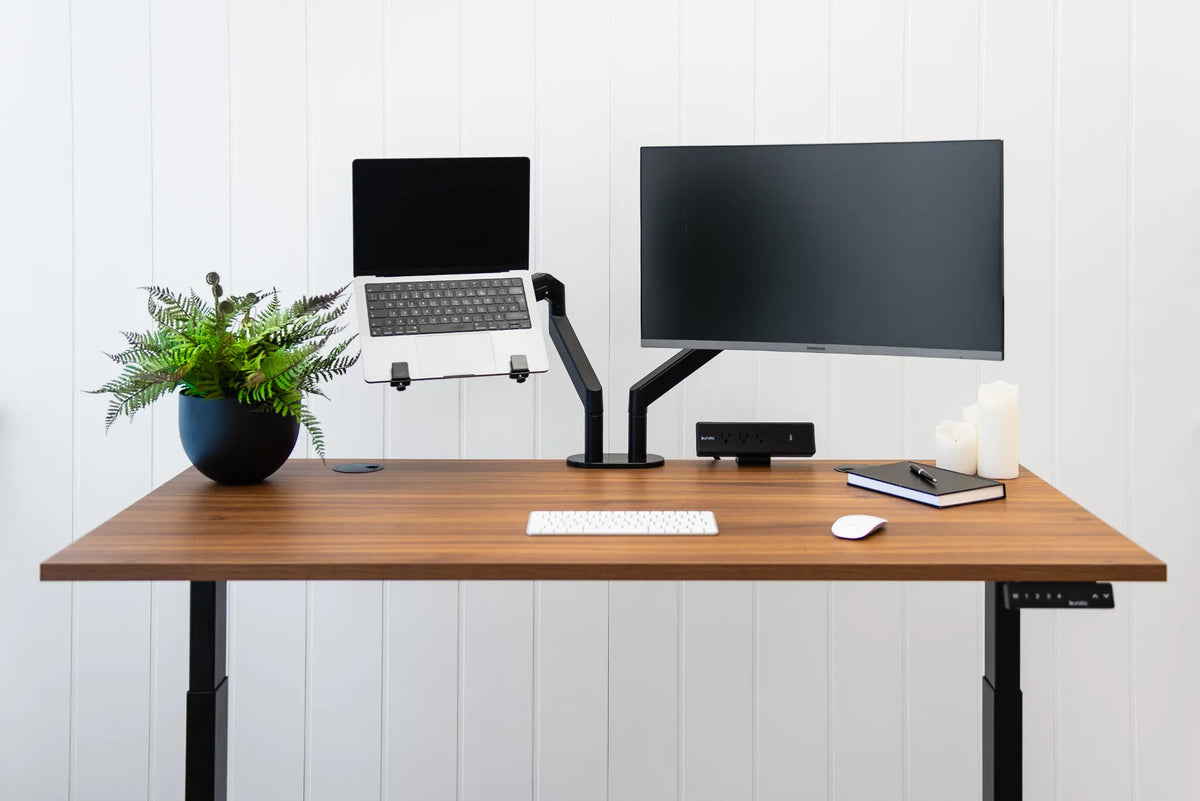
Learn how screen size, viewing distance, clamp placement, rear clearance, and arm movement determine the desk depth needed for a monitor arm.

Read moreabout How Much Desk Depth Do You Need for a Monitor Arm?

Wood standing desk with a laptop on a raised tray beside a monitor on a black arm

Can You Mount a Laptop on a Monitor Arm? Compatibility and Setup Guide
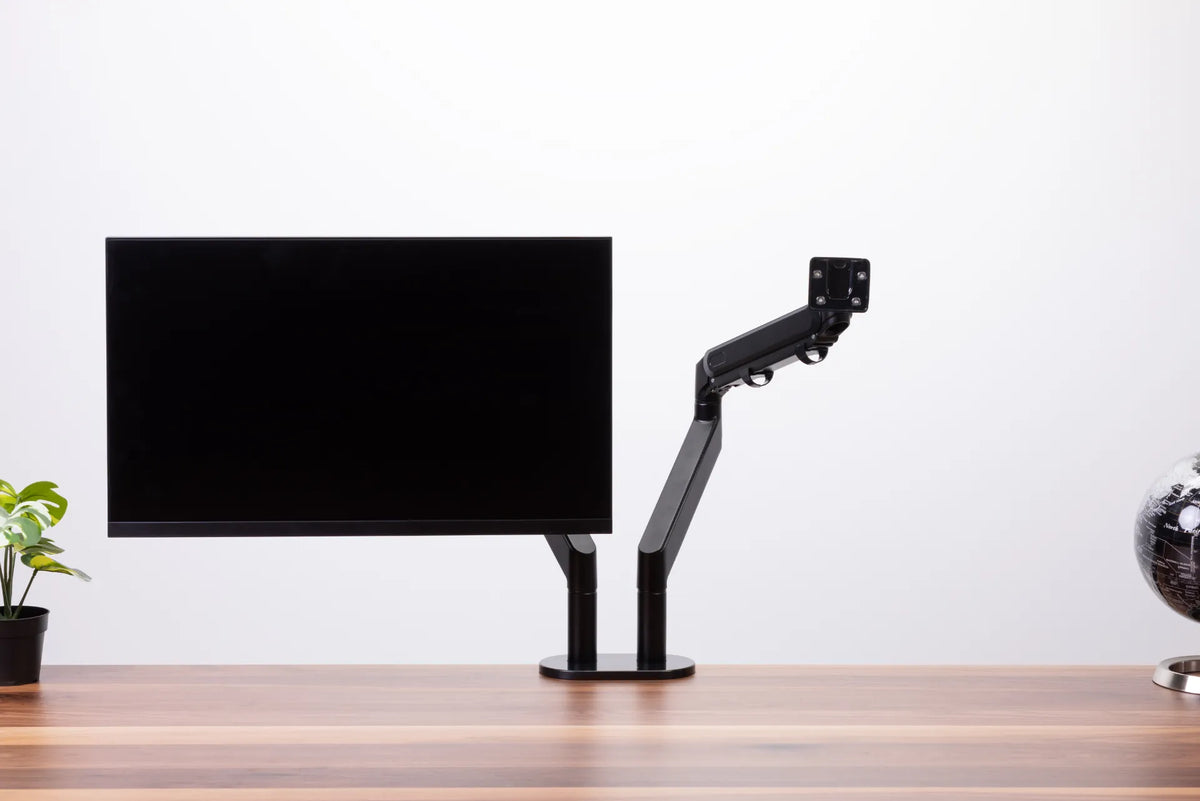
A practical guide to mounting a laptop on a monitor arm, including tray compatibility, safe loading, ventilation, placement and ergonomic setup.

Read moreabout Can You Mount a Laptop on a Monitor Arm? Compatibility and Setup Guide

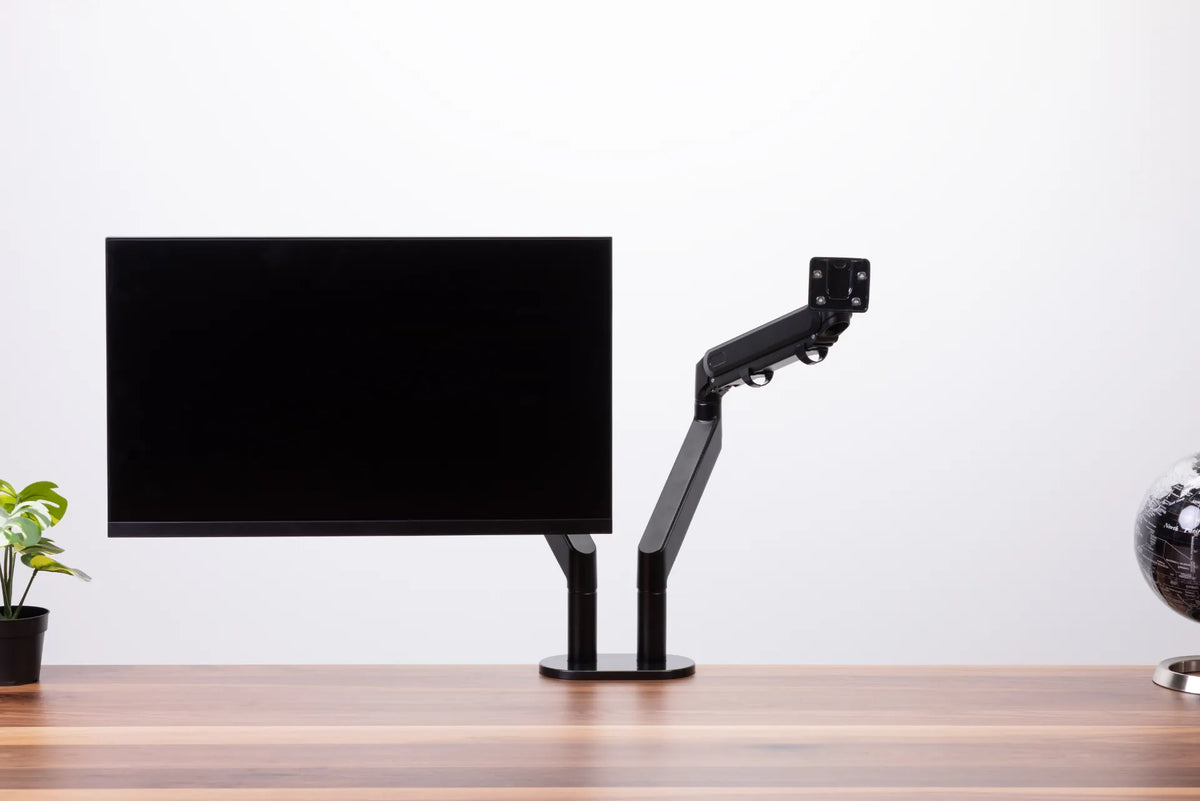
Black monitor and an empty articulated monitor arm on a dark dual-post base above a wood desk

Why Does My Monitor Arm Sag or Drop? How to Fix It Safely
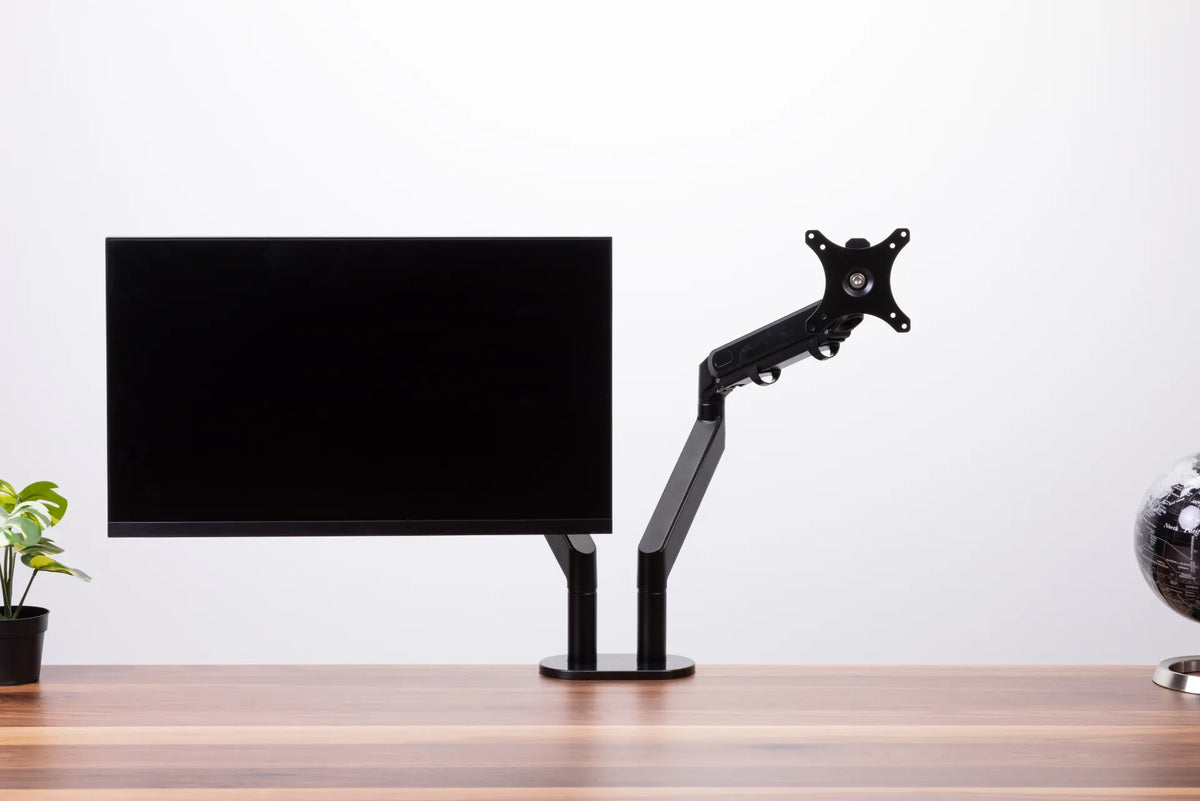
A monitor arm that slowly drops, tilts forward or drifts upward usually needs a compatibility check, a careful tension adjustment or a mounting inspection. This guide shows how to identify the movement and correct it without forcing the mechanism.

Read moreabout Why Does My Monitor Arm Sag or Drop? How to Fix It Safely

Black monitor on a dual monitor arm with the second VESA mounting plate visible against a white background

How to Stop Monitor Wobble on a Standing Desk
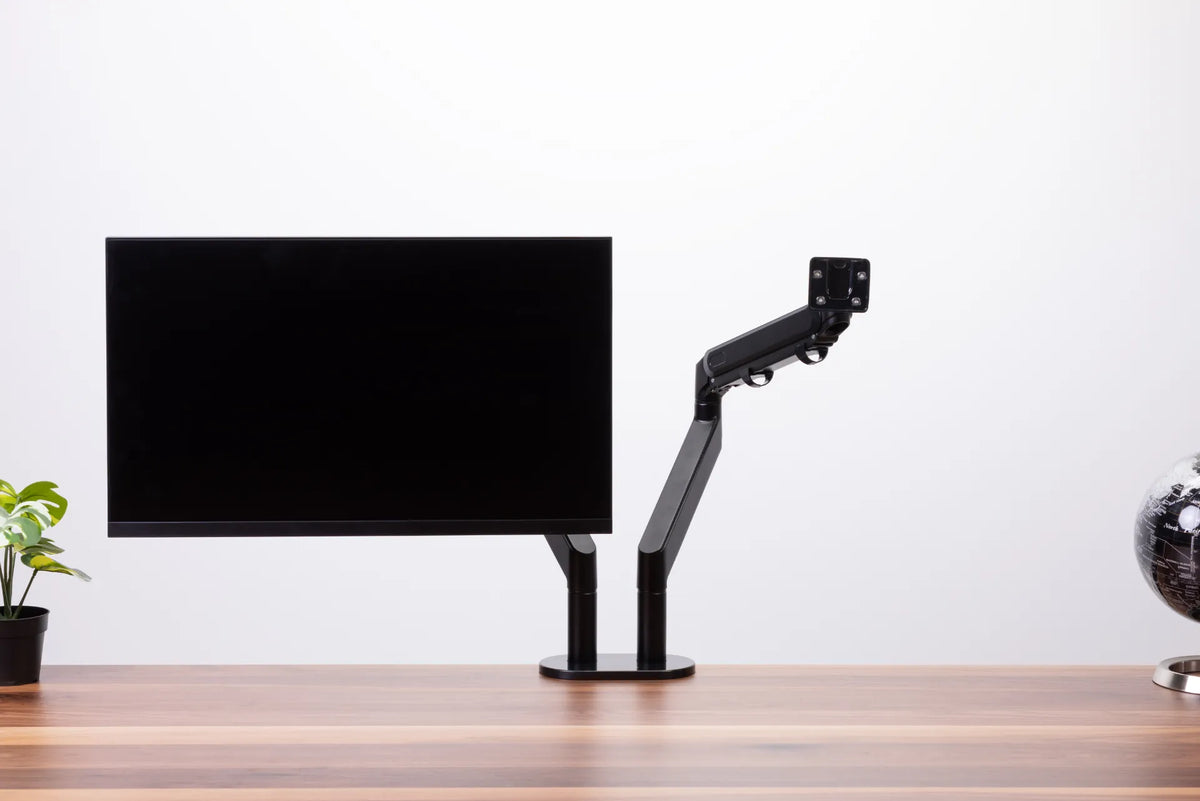
Diagnose monitor wobble by separating desk movement from clamp, arm, VESA plate and screen-position problems, then fix the source safely.

Read moreabout How to Stop Monitor Wobble on a Standing Desk

Black monitor arm demonstration with one screen attached and a second mounting arm visible above a wood desk

Single vs. Dual Monitor Arm: Which Setup Fits Your Desk?

Compare single and dual monitor arms by flexibility, alignment, desk space, monitor compatibility, mounting, cable routing and future changes.

Read moreabout Single vs. Dual Monitor Arm: Which Setup Fits Your Desk?