

Black vs. White Standing Desk: Which Colour Fits Your Office?

In this article
A black or white standing desk can use the same lifting technology and support the same work. Colour changes something different: how large the furniture appears, how strongly it contrasts with the room, which marks are noticeable and how easily accessories blend into the setup. The better choice is therefore the finish that works with your light, materials and maintenance habits.
This guide compares a black vs. white standing desk without claiming that one colour improves productivity or posture. Ergonomics still depends on fit, height range, screen position, reach and movement. Choose those functional requirements first, then use colour to make the workstation easier to live with.
Quick answer: black anchors, white recedes
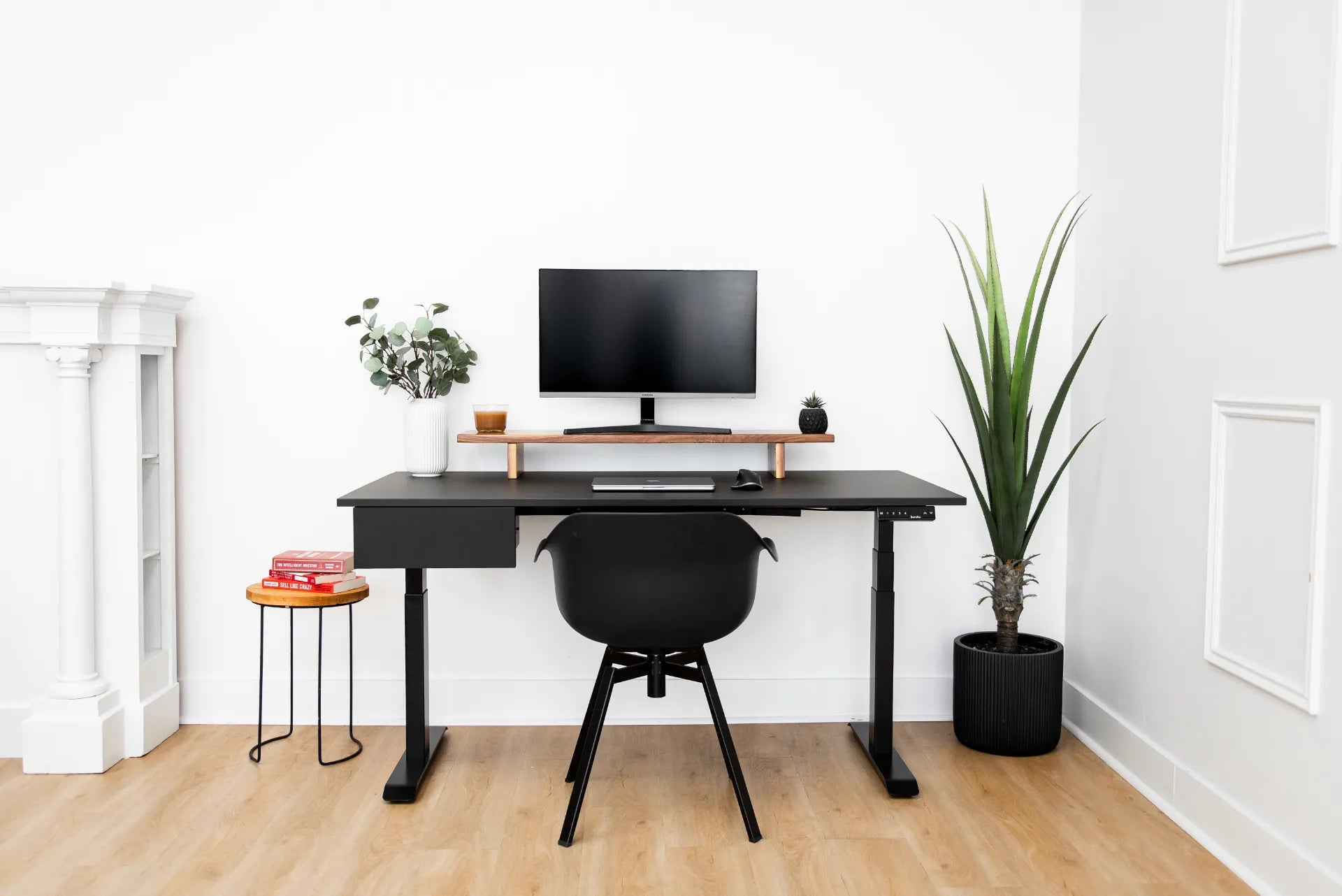
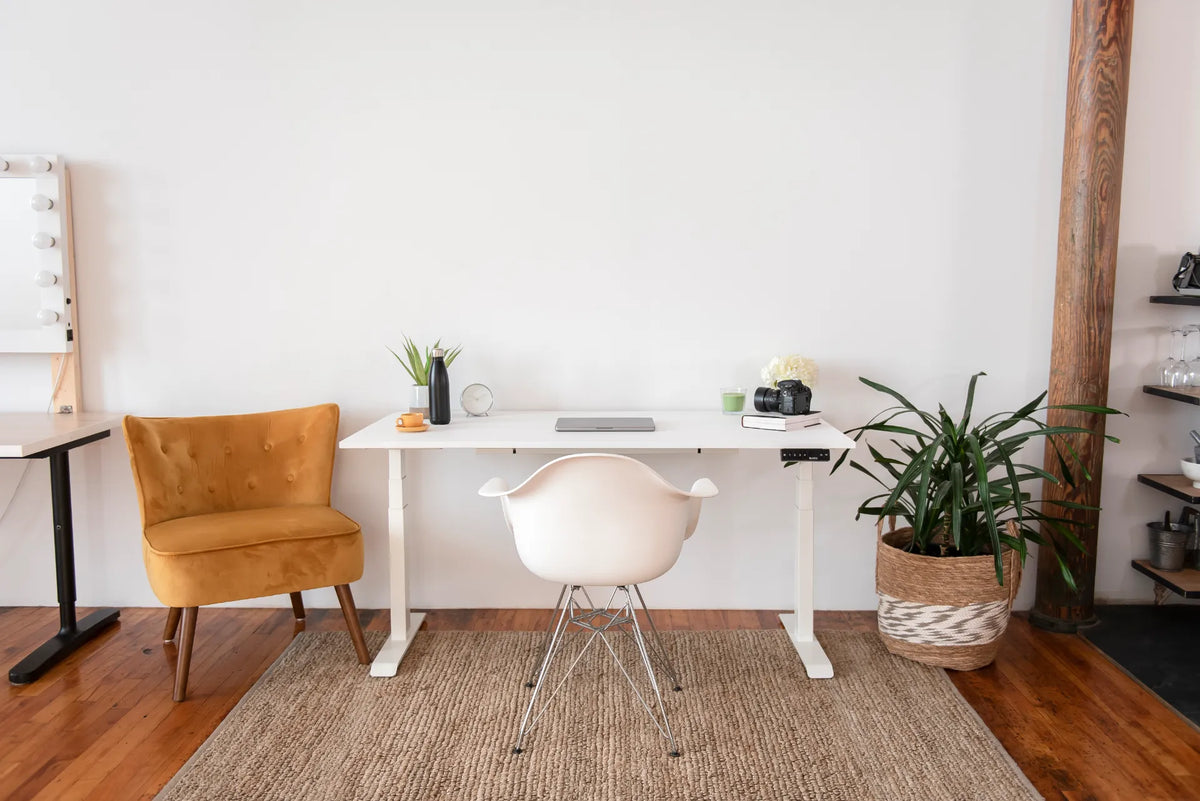
A black desk tends to create a defined visual anchor, especially against pale walls and floors. It can connect naturally with black screens, arms, speakers and cables. A white desk often feels lighter in a bright or compact room and can blend with white walls. Neither effect is universal. A black frame under a warm wood top may look lighter than an all-black desk, while a white frame under a dark top can create equally strong contrast.
Look at the complete combination: frame, desktop, controller, storage, screen hardware, chair and floor. Choosing each part independently can produce more visual noise than choosing a simple two- or three-material palette.
Start with the room's fixed elements
Walls, floors and natural light
Photograph the empty desk location in daylight and after dark. A finish that looks balanced beside a sunny window may feel much heavier under one ceiling light. Pale walls create strong definition around a black frame. Dark walls reduce that outline. On a light wood floor, both black and white frames create contrast, but black usually draws more attention to the legs.
Do not rely on colour to solve glare. CCOHS monitor-positioning guidance recommends managing monitor position, viewing angle and distance according to the user. A dark desktop may reflect bright windows differently from a light matte surface, but sheen, screen angle and light direction matter as much as colour.
Room size and sightlines
In a compact room, a white or light frame can visually merge with a pale wall. That may help the desk feel less dominant, although the physical footprint does not change. A black desk can be useful when you want the work zone to feel deliberate or when the room already contains black window frames, shelving or lighting.
View the location from the doorway and from any adjacent living area. A home-office desk is often visible more hours than it is used. The finish should make sense when the desk is lowered, raised and temporarily empty.
Compare what each colour reveals
Dust and light fibres on black
Black surfaces can make pale dust, lint and dried droplets more visible, particularly in direct side light. A matte texture may soften reflections but does not eliminate dust. If the room has pets, open windows or textiles that shed, expect more frequent light wiping.
Dark marks on white
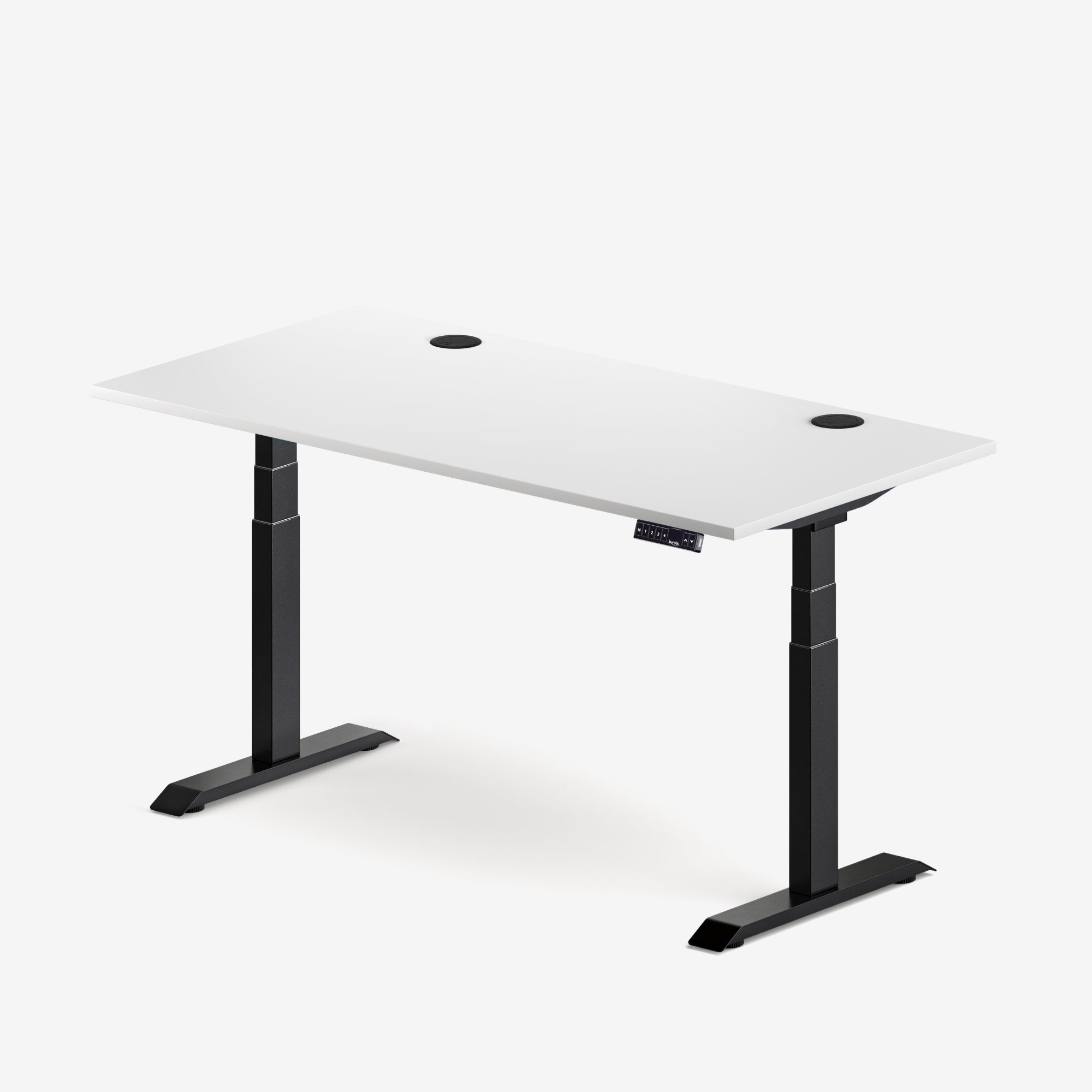
White surfaces may reveal dark scuffs, ink, rubber transfer and grime around high-touch areas. Marks near the front edge and controller can be especially noticeable. The actual ease of cleaning depends on the finish and material, not colour alone. Follow the manufacturer's care instructions and test any cleaner in an inconspicuous place.
Wood tops change the comparison
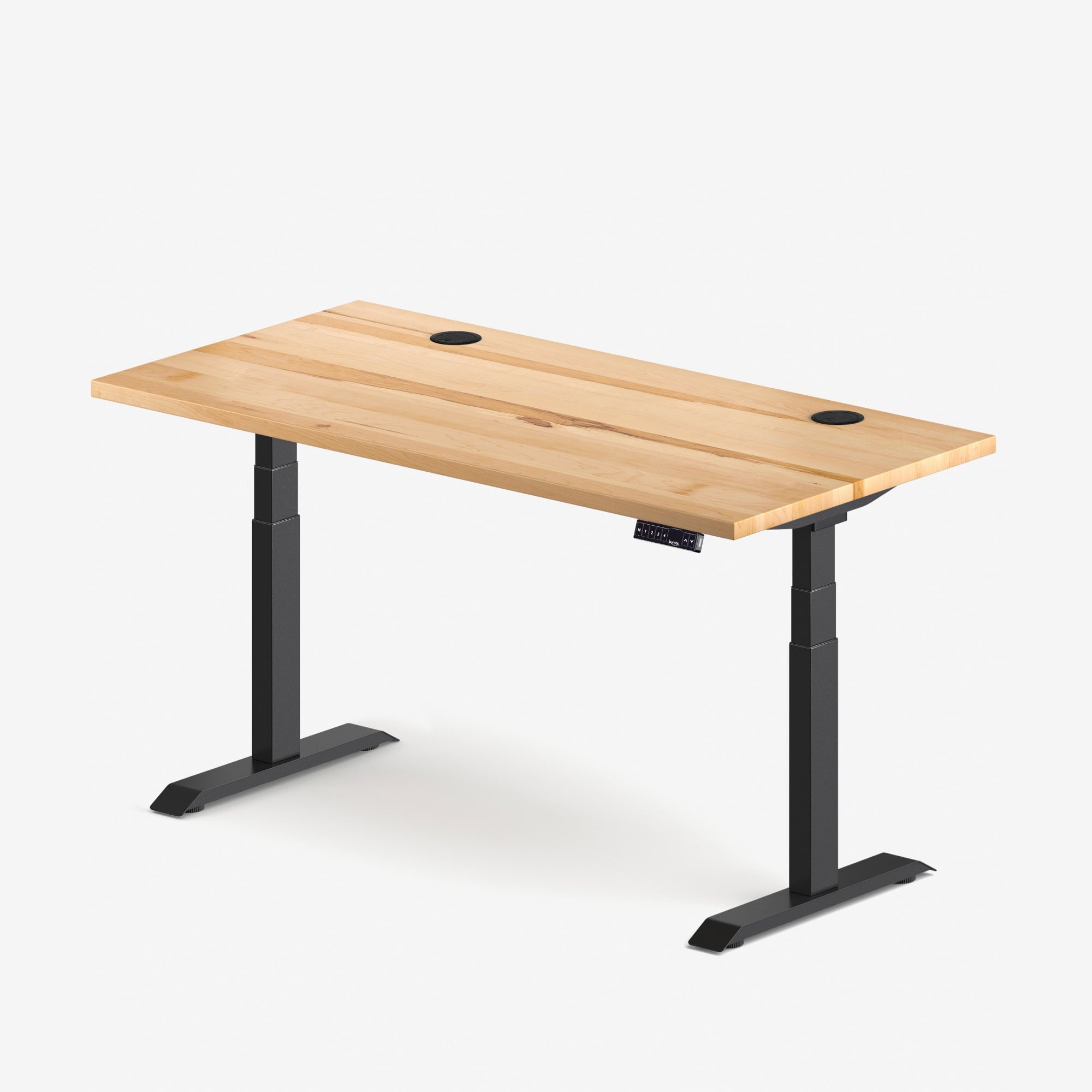
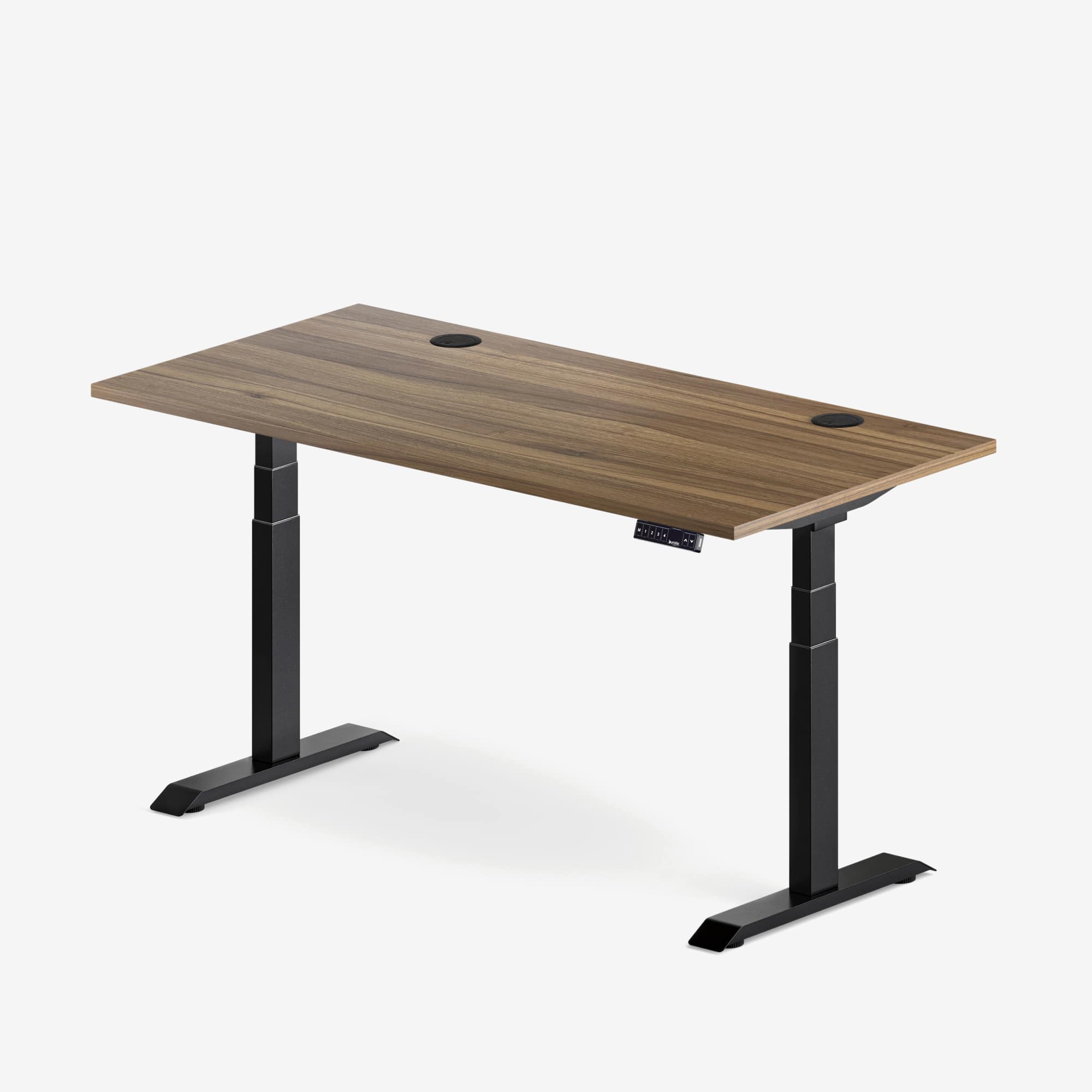
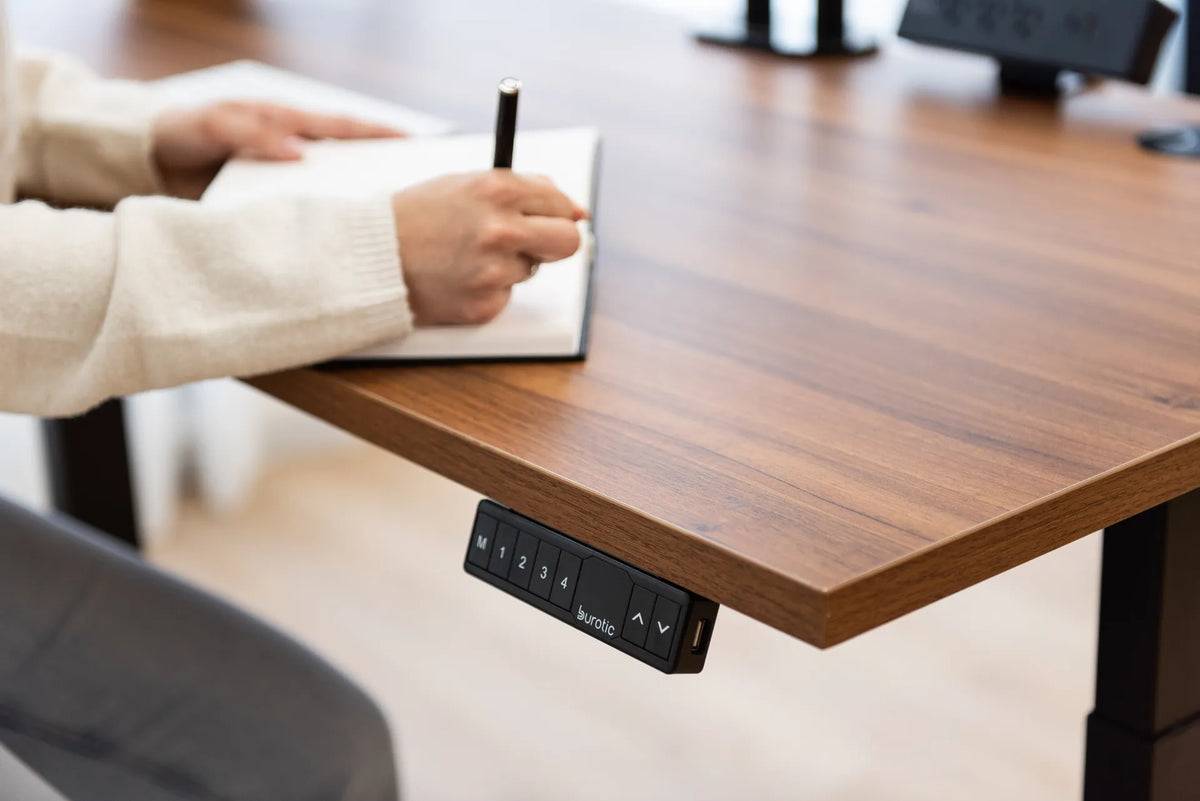
A natural or wood-look top introduces warmth and grain, reducing the all-or-nothing effect of frame colour. Black frames often create a crisp outline under wood. White frames can make the top the main visual feature. If material is still undecided, read Burotic's solid wood vs. laminate desk guide before choosing the palette.
Think about cables before matching accessories
Most power and display cables are black. They can visually disappear against a black frame but stand out against white legs and walls. White or braided cables may blend better with a pale setup, yet mixing cable types solely for colour can complicate troubleshooting. Prioritize correct ratings, connectors and lengths.
A controlled route matters more than perfect colour matching. Secure cables to the moving desk where appropriate, leave enough travel to reach standing height and keep the wall lead clear of the legs. Burotic's standing desk cable management guide explains how to test the route through the full movement.
Match the desk to screens and accessories
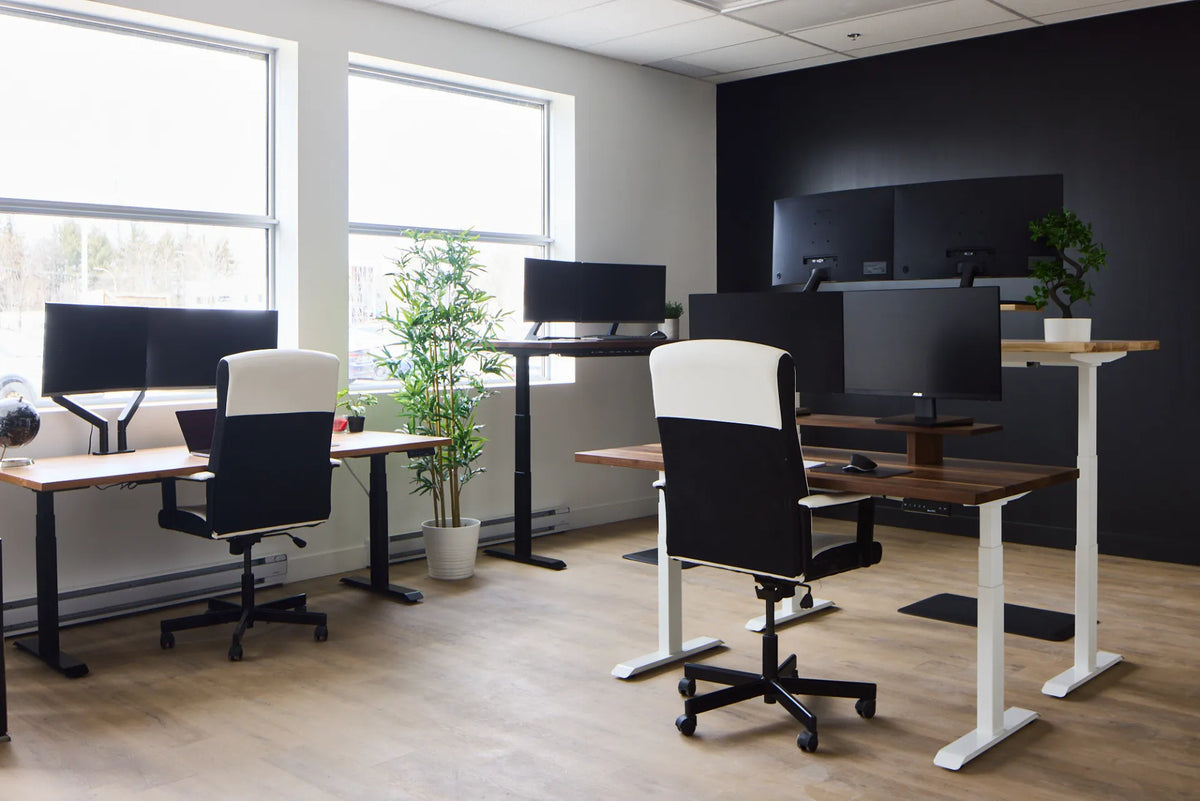
Black screens and monitor arms are common, so a black frame can create a continuous technical line. A white desk can instead separate the equipment visually and keep the room brighter. Either approach works when repeated intentionally. For example, use black for the screen, arm and task light, then repeat white in the frame and storage.
Avoid buying every accessory in the same colour before confirming compatibility. The correct monitor weight range, clamp clearance and power rating matter more than a perfect shade match. Let one or two functional items differ rather than accepting the wrong product.
Black desktop, black frame or both?
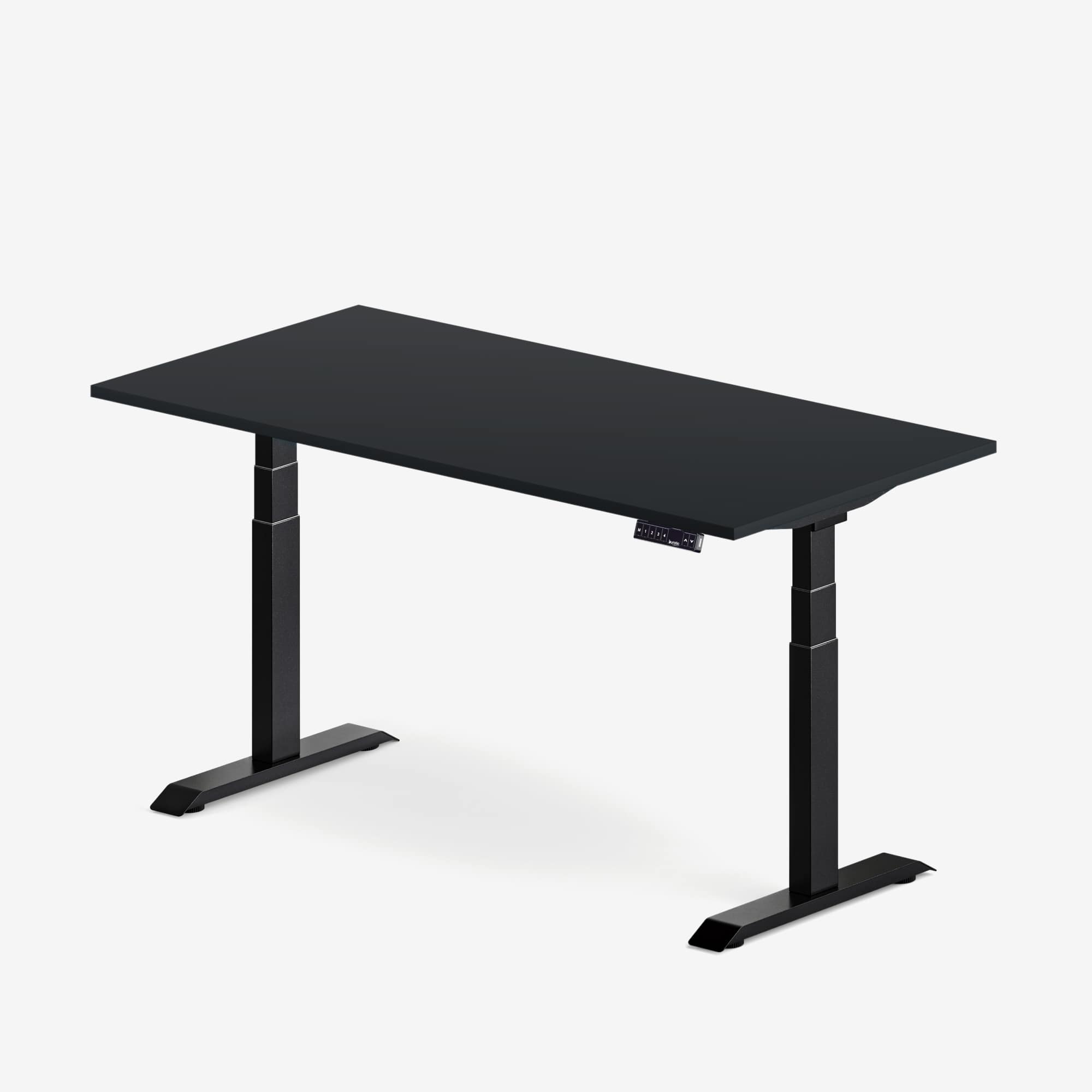
An all-black desk is the strongest graphic option. It can suit studios, gaming rooms and professional spaces where the workstation is meant to be prominent. Add contrast with a wood shelf, pale keyboard, plant or textured desk pad so frequently used objects remain easy to locate.
A black frame with a wood top is more flexible. The frame connects with equipment while the desktop adds warmth. A white frame with a wood top feels lighter and highlights the surface. An all-white desk can blend into a pale room, but differences between warm white, cool white and off-white become more noticeable when several pieces meet.
Use samples and real measurements
Screen colours vary, and product photographs are affected by lighting. When samples are available, view them in the intended room during the day and evening. Place them beside the floor, wall, chair and main equipment. If no sample is available, compare the live product images on more than one calibrated device and review the written finish description.
Colour should not distract from fit. Measure the room, seated and standing working heights, desktop width and depth, and equipment load. The Aspire Custom Solid Wood Standing Desk and Aspire Premium Laminate Standing Desk pages show current configurations. Confirm the live options at purchase time because finishes and combinations can change.
Design a palette that can evolve
A desk often lasts through several room layouts and generations of equipment. Neutral black, white and wood tones are all adaptable, but flexibility comes from restraint. Choose one dominant finish, one supporting finish and one small accent. Repeat them across the shelf, storage, lamp or plant pots instead of adding a new colour with every accessory.
If the workspace feels busy, remove items before replacing them. The Burotic minimalist desk setup guide focuses on reducing clutter without sacrificing the tools needed for comfortable work.
A practical decision checklist
- Functional height, size and load requirements are decided first.
- The finish has been considered in daylight and evening light.
- The frame, top, wall and floor form a deliberate palette.
- Visible dust, scuffs and cleaning habits are acceptable.
- Cable routes work even when their colour contrasts.
- Accessories are compatible, not merely colour matched.
- The desk looks balanced at both sitting and standing heights.
- The palette can accommodate future screens and storage.
Choose the contrast you want to maintain
Choose black when you want the desk to anchor a light room, connect with dark equipment or create a defined work zone. Choose white when you want the frame to recede into pale surroundings or prefer a lighter visual effect. Choose a wood top with either frame when warmth and material character matter most.
The most durable choice is not a universal colour. It is a functional desk in a finish you are willing to clean, coordinate and keep through future changes. Compare the live Burotic configurations only after measuring the workstation, then select the contrast that makes the whole room feel intentional.
Previous article
Can You Put a Standing Desk on Carpet? Stability and Setup Guide
Next article
Monitor Setup for Progressive Lenses and Bifocals