





Should Your Desk Be Centred on the Wall?

In this article
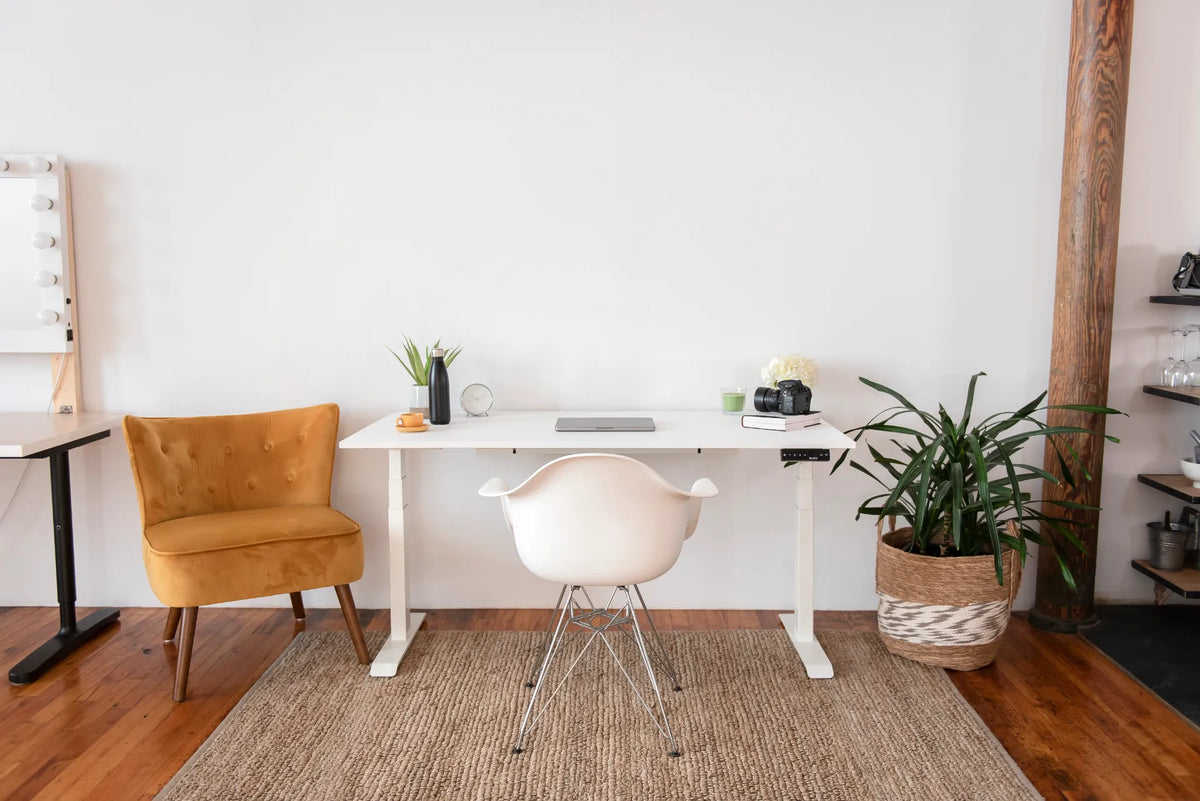
Your desk does not have to be perfectly centred on a wall. Centring can create a balanced look and equal space on both sides, but the best position is the one that protects circulation, chair clearance, screen visibility, power access and the desk's full movement. A deliberate offset is often more functional than mathematical symmetry.
Use the wall centre as a starting point, then test the room. Doors, windows, vents, heaters, closets and storage can all change the answer. In a compact home office, shifting the desk by even 15 or 30 centimetres may create a clearer path without making the room feel unbalanced.
Quick answer: centre the work zone, not necessarily the furniture
If the wall is uninterrupted and the room is used mainly as an office, centring the desk is a sensible default. It can align the chair, monitor and task lighting with the room and leave usable space on both sides. If centring blocks a door swing, places the chair in a traffic path or conflicts with a window, move the desk.
The visual centre of the work zone can remain balanced even when the desk is offset. A tall plant, filing cabinet, lamp or wall art can use the remaining space. Function should decide the furniture position before decor corrects the composition.
When a centred desk works well
The wall is long and uninterrupted
A wall without doors, radiators or built-in storage gives the desk room to sit symmetrically. This is especially useful when the desktop has equipment on both sides or when two people occasionally need to approach the workstation.
Measure the full wall, then measure the desk. Subtract the desk width and divide the remainder by two to find an exact centre. Mark the left and right limits with removable tape before moving furniture.
The desk is the visual focus of the room
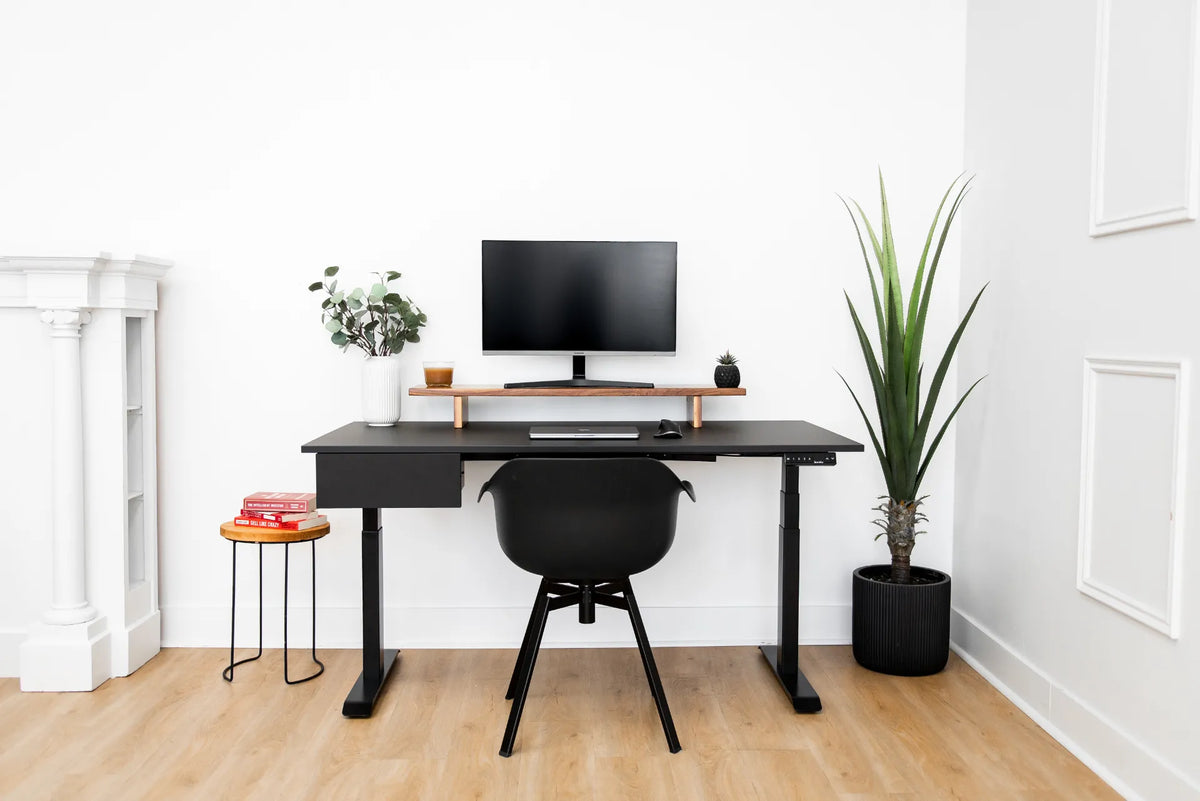
In a dedicated office, a centred desk can make the workstation feel intentional. A single monitor, chair and overhead artwork can share one axis. This arrangement also makes it easier to balance storage or lighting on both sides.
Symmetry is an aesthetic benefit, not an ergonomic one by itself. The user still needs an appropriate desk height, screen distance and chair position.
The chair has equal clearance on both sides
A centred layout can help when you need to approach the desk from either side. Check the chair's full movement zone, including the space used to pull back, rotate and stand. Do not evaluate the layout with the chair pushed tightly under the desk.
When the desk should be offset
A door or closet needs clearance
The desk should not narrow a doorway or force you to walk around the chair. Open every door and drawer in the room, including closet doors. Mark their swing paths and keep the workstation outside them.
If centring puts the chair directly in the route between a door and a closet, shift the desk toward the quieter side of the wall. The resulting open path is more valuable than equal margins.
A window creates glare
A centred desk can be poorly placed if a bright window sits directly behind the screen or behind the user. Side light is often easier to manage, but the exact result depends on the time of day, blinds and screen finish. Test the position during the brightest working hours.
Moving the desk off-centre may put the screen at a better angle to the window. Avoid blocking access to window controls or creating a narrow gap that is hard to clean.
Power, data or heat sources are uneven
Do not stretch power cables across walkways to preserve symmetry. Keep cords within their intended length and use suitable cable management. Also maintain required clearances around heaters, vents and electrical equipment.
Before committing, compare the position with the guide on how far a desk should be from the wall. A centred horizontal position does not answer how close the desk should sit to the wall.
Storage needs one side
A filing cabinet, printer stand or drawer unit may need more space on one side of the desk. Offset the desk enough to use the storage safely without crowding the chair. Keep frequently used items within easy reach rather than forcing a symmetrical arrangement that increases twisting.
How to centre a desk accurately
- Measure the usable wall between permanent obstructions.
- Measure the desktop width, not only the frame.
- Subtract the desk width from the usable wall width.
- Divide the remaining space by two.
- Mark both desktop edges with removable tape.
- Move the desk into place and level it according to its instructions.
- Test chair clearance, door swings and cable reach before removing the marks.
For an adjustable desk, measure at the desktop because that is the widest visible moving element in many setups. Check the manufacturer's actual dimensions rather than assuming the feet or frame define the full footprint.
Special checks for a standing desk
Run the desk through its full height range
A cable, shelf or wall decoration that clears the desk while seated may interfere when the desk rises. Move the desk through its intended range while watching cords, monitor arms, nearby furniture and wall-mounted objects.
If you are planning a new setup, current dimensions for the Aspire Premium Laminate Standing Desk are available on the product page. Verify the chosen size and configuration before marking the room.
Check controller and chair access
The control panel should remain easy to reach and should not collide with adjacent storage. Leave room for the chair to move away when you stand. A centred desk that traps the chair between a side table and a wall is not functionally centred.
Plan cables from both heights
Power and signal cables need enough slack to reach the highest position without pulling, but they should not form loops that enter the chair or walking path. Confirm outlet location before choosing the final horizontal position.
How to balance an offset desk visually
Once the functional location is set, use the room rather than the desk alone to create balance. A tall plant can fill a narrow side. A low cabinet can anchor the wider side. Wall art can be centred over the usable work zone instead of the entire wall.
Keep decor out of the desk's movement envelope. Shelves should not force the monitor too low or create a collision above a standing desk. Avoid filling every gap simply to make the arrangement look symmetrical.
Small rooms and square rooms
In a small room, circulation often matters more than symmetry. A desk can move toward a corner to preserve access to a bed, closet or doorway. Keep enough room behind the chair to sit, stand and leave the workstation without turning sideways.
Square rooms can make several walls look equally suitable. Use the article on desk placement in a square room to compare wall, corner and room-facing options. Also review whether the desk should face the wall or the room before deciding which axis to centre.
A practical layout test
- Mark the centred position with tape.
- Place the chair at normal working distance.
- Walk from the door to every frequently used area.
- Open doors, drawers and window coverings.
- Check the screen for glare during working hours.
- Raise and lower an adjustable desk.
- Shift the marks sideways if any conflict appears.
Live with the taped layout for a day before installing wall storage or permanent cable hardware. A small trial can reveal conflicts that a floor plan misses.
Bottom line
Centre a desk on the wall when the wall is uninterrupted, circulation remains clear and the position works with light, cables and storage. Offset it when symmetry creates a functional problem. The goal is a centred work experience, with the chair, keyboard and primary screen aligned, even if the furniture is not exactly at the wall's midpoint.
Measure first, test the chair and desk in motion, and let decor balance the final composition. A functional offset usually looks better than a centred desk that blocks the room.
Previous article
Should Your Keyboard Be Centred With Your Monitor?
Next article
Should Both Feet Be Flat on the Floor at a Desk?