

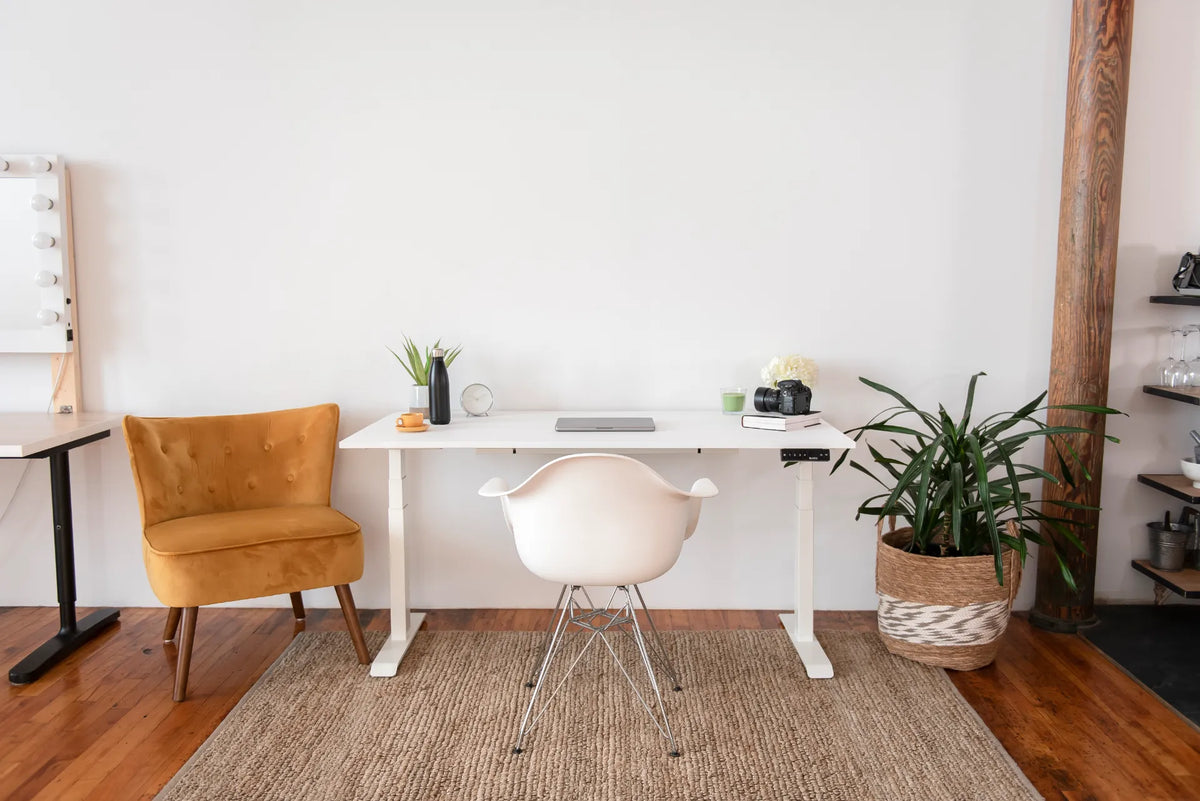
How Far Should a Desk Be From the Wall?
Learn how much space to leave between a desk and the wall for cables, monitor arms, baseboards and safe sit-stand movement.

In this article
How far should a desk be from the wall? There is no single required distance. A simple desk can sit almost flush with the wall, while a workstation with large plugs, a cable tray or a monitor arm may need 5 to 30 cm (2 to 12 in.) of clearance. The right gap is the smallest one that lets every cable bend naturally, every accessory move through its full range and the desk travel safely without touching the wall.
That answer is more useful than a fixed number because two desks of the same size can need very different clearances. A laptop-only desk may have nothing behind it. A dual-monitor standing desk can have an arm, thick video cables, power cords and a moving cable bundle behind the surface.
Start with the function of the gap
The space between a desk and a wall usually has to solve one or more of four problems:
- Cable clearance: plugs and cords should not be crushed between the desktop and wall.
- Accessory clearance: a monitor arm, clamp, shelf or cable tray may extend beyond the rear edge.
- Movement clearance: a height-adjustable desk must move from its lowest to highest position without snagging a cable or contacting a wall feature.
- Room clearance: the chair and walkway behind the user need their own space, which is different from the narrow gap behind the desktop.
The Canadian Centre for Occupational Health and Safety advises that cables, electrical access, stored materials and the general layout should not interfere with adjustment of a sit-stand desk. That principle should guide the measurement.
Practical desk-to-wall starting ranges
Use these as planning ranges, not ergonomic standards. The actual hardware always takes priority.
0 to 5 cm (0 to 2 in.): a simple, nearly flush setup
This can work when the desktop has no rear clamp, the plugs exit downward or sideways, and the wall is flat. Check the baseboard before pushing the frame inward. The legs may stop at the baseboard while the desktop projects closer to the wall.
A nearly flush position keeps a compact room efficient, but do not force thick power or video connectors into the gap. A cable that leaves a port straight back needs room for its connector and a gentle bend.
5 to 10 cm (2 to 4 in.): a useful default for cables
This is a practical starting range for many fixed monitor stands, small cable bundles and ordinary plugs. It provides enough room to see and route cables without making the desk feel detached from the wall. Test the largest connector, not the thinnest cable.
10 to 30 cm (4 to 12 in.): monitor arms and deeper hardware
An articulated monitor arm can sweep behind the desktop when the screen moves forward, backward or sideways. Some clamp bodies also project below or behind the rear edge. Extend the arm through its full useful range and measure the farthest rear point before choosing the wall gap.
If a large gap would push the screen too close to you, reconsider the arm position. A side-mounted arm, a grommet-compatible mount or a more compact arm geometry may work better. See where to position a monitor arm on your desk before drilling or tightening a clamp.
How to measure the right gap in five steps
1. Build the workstation before final placement
Install the monitor support, cable tray and other rear-mounted accessories first. Put the largest plugs into their real ports. A measurement taken from an empty desktop will usually be too small.
2. Identify the farthest point behind the desk
Look from the side. The farthest point might be a monitor arm elbow, a clamp screw, a power connector or the curve of a cable. Measure from the rear desktop edge to that point.
3. Add working clearance
Add enough space so the farthest point does not scrape the wall and cables are not sharply bent. The allowance can be modest for a fixed component and larger for an articulated one. Avoid treating a cord as structural support for the desk or screen.
4. Test the full height range
For an adjustable desk, lower it fully, raise it fully and stop at normal sitting and standing heights. Watch the cables, monitor arm and rear corners throughout the cycle. Keep a hand near the control and stop if anything pulls or contacts the wall.
5. Recheck the working position
Sit down and confirm that the keyboard and screen are still comfortably placed. Moving a desk forward changes the usable room behind the chair and can change monitor distance. If circulation is tight, use the separate guide to space behind a desk for a chair.
What changes when the desk faces the wall?
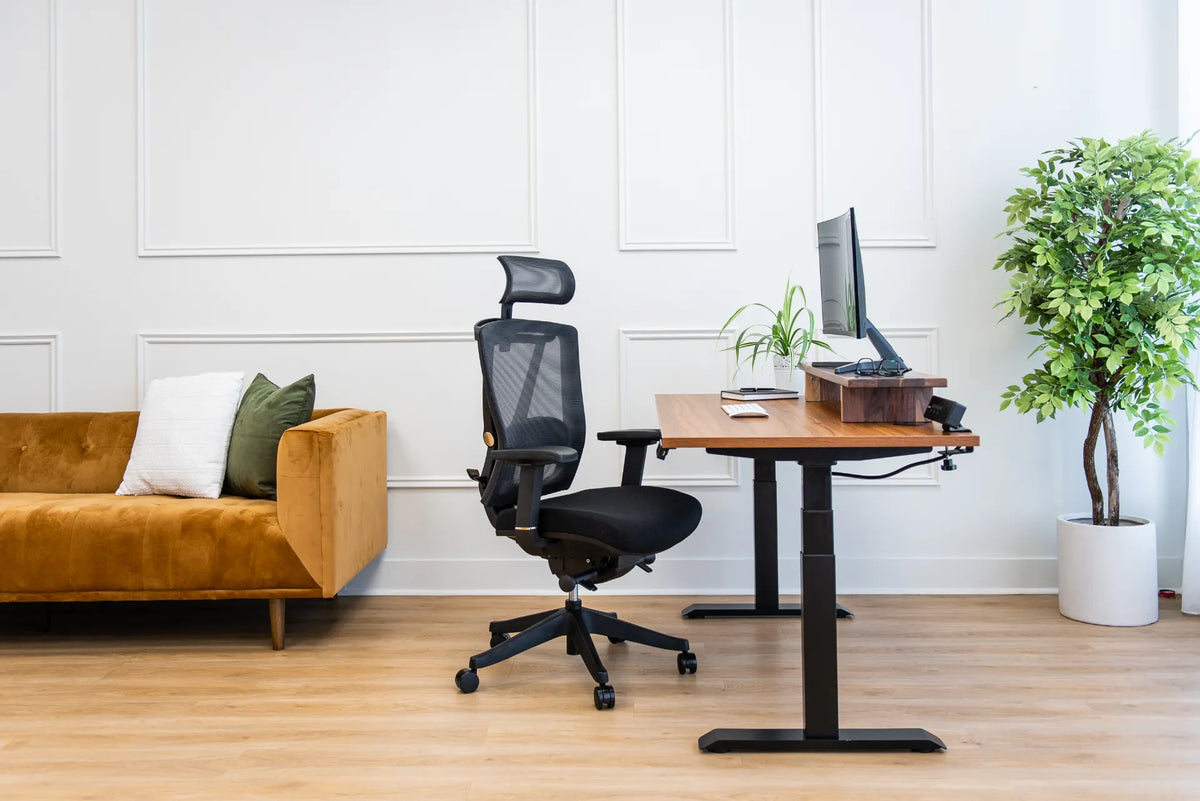
When the user faces the wall, the rear edge usually carries screens, monitor arms and cable connections. The wall gap should be based on that equipment. Keep frequently used outlets reachable rather than sealing them behind a heavy desk.
When the user faces into the room, the rear of the desk may be exposed. Cable management becomes more visible, but a wall gap may no longer be the main constraint. The larger question is circulation and sightlines. Our guide to whether a desk should face a wall or the room compares those layout choices.
Baseboards, heaters and wall features
A wall is rarely a perfectly clear plane. Include the depth of baseboards, outlets, cable plates, radiator covers and window trim. Do not block a heat source or ventilation opening. Keep liquids away from electrical connections, and make sure a moving desktop cannot hit a window sill or wall shelf.
For a standing desk, also look below the surface. A crossbar, lifting column or foot may approach the wall differently from the desktop. Plan from the component that reaches farthest back at any height.
Common mistakes to avoid
- Measuring only the desktop: rear-mounted equipment often determines the real depth.
- Ignoring cable bend radius: a plug can fit while the cable is still sharply kinked.
- Testing only at sitting height: cable tension and wall contact can change as the desk rises.
- Confusing wall gap with chair clearance: each needs a separate measurement.
- Leaving an arbitrary large gap: unnecessary distance can reduce usable floor area and bring the monitor closer to the user.
A quick pre-use checklist
- Every plug is connected and can be removed without forcing it.
- Cables hang with controlled slack and do not touch moving joints.
- The monitor arm clears the wall through its useful range.
- The desk clears baseboards, outlets and trim.
- A height-adjustable desk completes a slow test cycle without pulling or rubbing.
- The chair and walkway still have adequate room.
The best distance is measured, not guessed
For many workstations, 5 to 10 cm (2 to 4 in.) is a sensible place to begin. A simple desk may need less, while a monitor arm may require considerably more. Assemble the real setup, measure its farthest rear point, add movement clearance and test the complete range.
If you are planning a new workspace, compare Burotic standing desks and map the full footprint, including the wall gap and chair zone, before choosing a size.
Previous article
How Much Should a Standing Desk Top Overhang the Frame?
Next article
What Size Anti-Fatigue Mat Do You Need for a Standing Desk?