





Does a Desk Pad Protect Your Desk? What It Can and Cannot Prevent

In this article
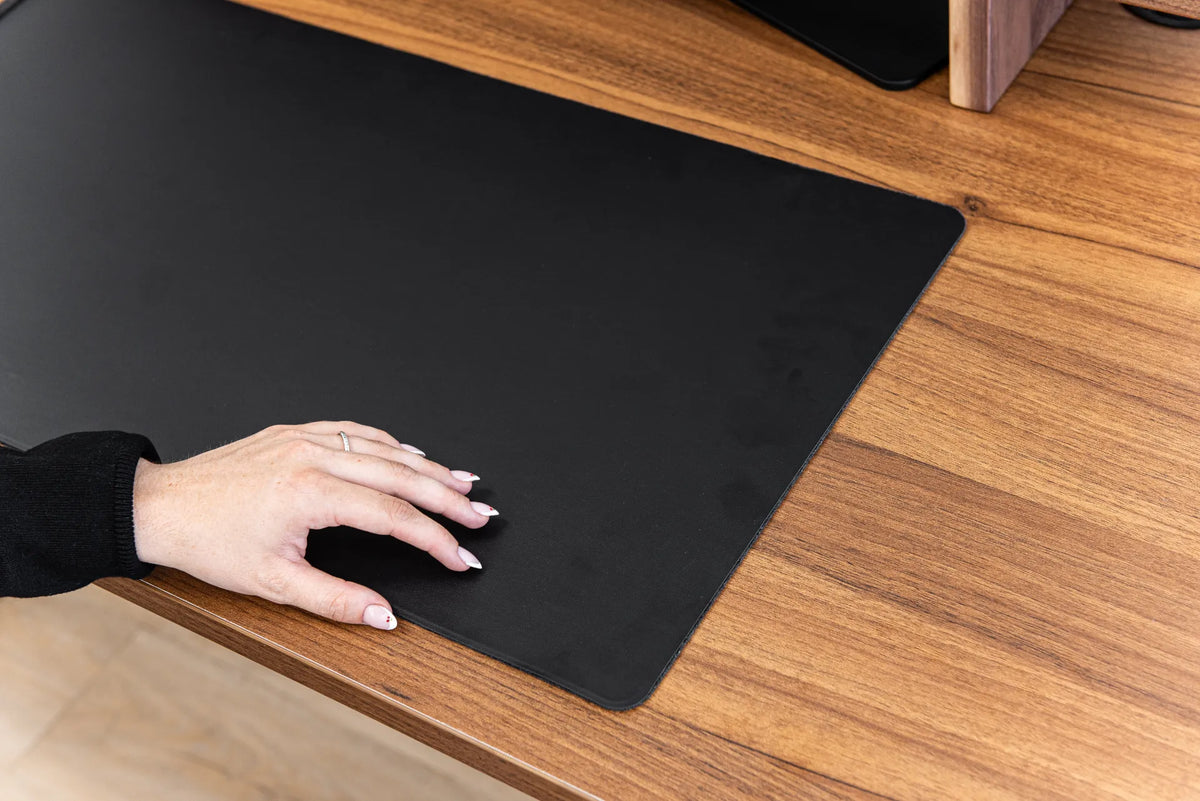
Yes, a desk pad can protect a desktop from many kinds of everyday wear. It creates a sacrificial layer between the work surface and objects that slide, rub or leave dirt behind. That makes it useful under a keyboard, mouse, notebook, phone and other frequently moved items.
A desk pad is not complete protection, however. It cannot guarantee safety from hot objects, large liquid spills, deep impacts, sharp tools or moisture trapped underneath. In some cases, the wrong backing or a dirty underside can mark the desk it was meant to protect. The useful question is not simply whether a pad works, but which risks it reduces and how to use it correctly.
What a desk pad can protect against
Light scratches and scuffs
A pad reduces direct contact between the desktop and hard items such as a keyboard frame, laptop feet, watch clasp or notebook spiral. It is especially helpful when those items are moved repeatedly. The pad takes the friction instead of the finish.
This protection is strongest against light, routine abrasion. A sharp metal edge pressed through a thin pad can still damage the surface, and grit trapped below the pad can act like sandpaper. Cleanliness matters as much as thickness.
Mouse and keyboard wear
Daily mouse movement can polish or dull a small area of a finish over time. Keyboard feet can also leave repeated pressure marks, particularly if dirt accumulates around them. A desk pad spreads that contact across a replaceable surface and creates a consistent area for the mouse.
Ink, graphite and general dirt
Writing, sketching and handling documents can leave graphite, ink residue, dust and skin oils. A cleanable pad makes routine care easier. It also defines a work zone, which can keep tools and supplies from spreading across the whole desk.
Small droplets caught quickly
Some non-porous or coated pads can keep a small droplet off the desktop long enough for you to wipe it. That is useful, but it does not make the setup spill-proof. Liquid can run over an edge, pass through stitching or remain trapped between the pad and the desk.
What a desk pad does not reliably prevent
Heat damage
Do not treat a desk pad as a trivet. A hot mug, cooking vessel, soldering tool or overheated device can affect the pad, transfer heat to the desktop or leave a permanent impression. Use a coaster or heat-rated barrier designed for the object and surface.
Large or prolonged spills
A pad may slow a spill, but it can also hide liquid underneath. Moisture left against a wood finish, veneer edge or seam can cause staining, clouding or swelling. Lift the pad, dry both surfaces and follow the desktop manufacturer's care instructions after any spill.
Pressure dents and impacts
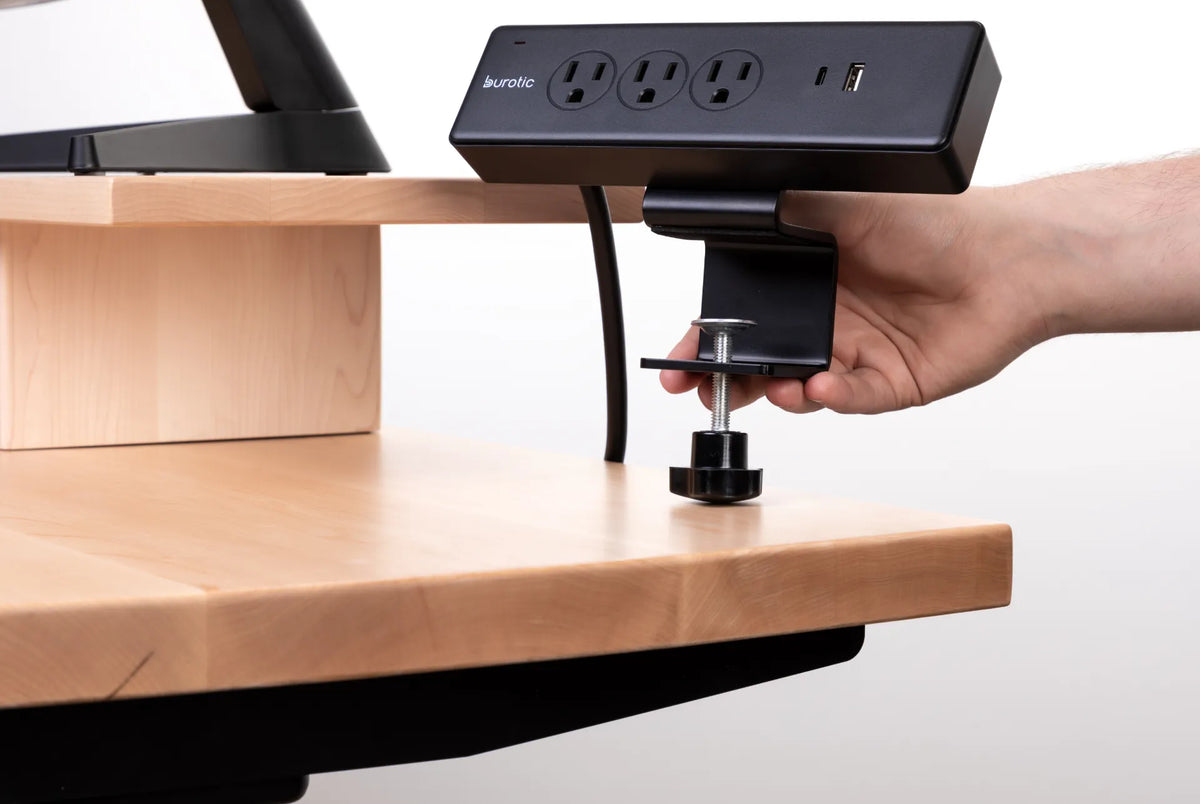
A soft pad cushions small contacts, not the concentrated load of a heavy object, monitor clamp or dropped tool. Clamp-mounted accessories still need suitable surface protection and must be installed within the desk and accessory specifications.
Scratches from trapped grit
Dust is not always soft. Small mineral particles and debris can scratch when compressed and dragged. The Canadian Conservation Institute notes in its care guidance that abrasive particles can damage surfaces. A pad should be lifted and the desk cleaned periodically, not left in place indefinitely.
Material interaction
Some flexible plastics, rubbers, dyes and adhesives can interact with finishes over long contact periods, particularly with heat and pressure. The Canadian Conservation Institute identifies plasticizers and compounds from some flexible materials as potential contact pollutants in collection care. Office furniture is not a museum object, but the principle is useful: check material compatibility, test an inconspicuous area and inspect the surface regularly.
How to choose a protective desk pad
Match the material to the task
- Fabric or felt: comfortable and quiet, but may absorb spills and collect dust.
- Cork: offers cushioning and a natural feel, but should be kept dry and clean.
- Polyurethane or coated synthetic material: often easy to wipe and smooth for a mouse, but the backing and edge finish still matter.
- Clear plastic: shows the desktop and blocks dirt, but trapped particles remain visible and can still abrade the finish.
No material is universally safest for every finish. Follow both the pad and desktop care instructions. If the desk has a fresh, specialty or unknown finish, ask the manufacturer before leaving any mat in continuous contact.
Cover the real work zone
The pad should fit the keyboard and mouse with room for normal movement. It does not need to cover the entire desk. Oversizing can block grommets, controls or the area required for a monitor-arm clamp. Our desk pad size guide explains how to measure the active area before buying.
Check the underside
Look for a backing that lies flat without sharp seams, exposed fasteners or hardened adhesive. A non-slip surface should prevent drifting without bonding to the finish. If the pad arrives curled, flatten it according to its instructions rather than using high heat. See how to flatten a desk pad and keep it from sliding.
Consider integrated features separately
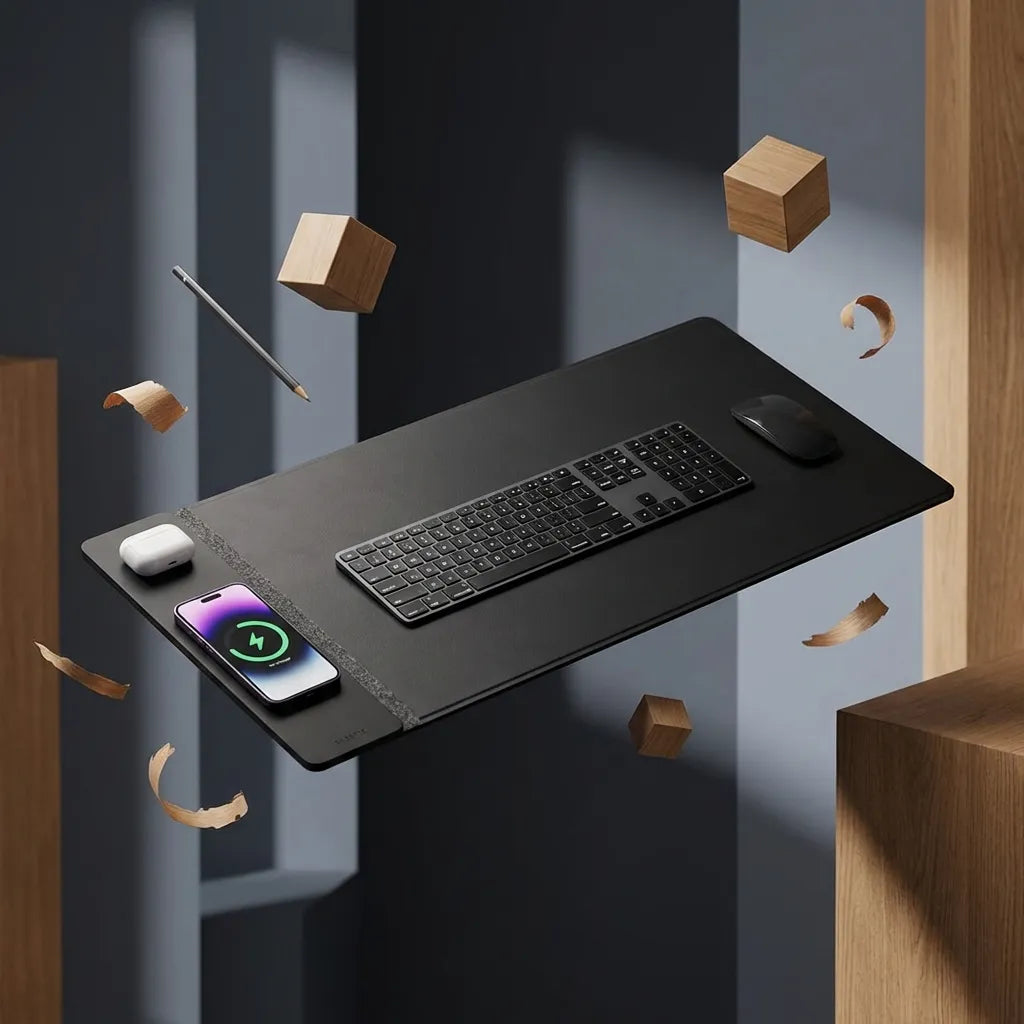
A wireless charging desk pad can combine surface coverage with a charging zone, but protection and charging are separate functions. Confirm phone compatibility, keep the charging area free of metal objects and follow the product instructions. Do not assume every pad with electronics can be cleaned or folded like a basic mat.
How to use a desk pad without damaging the surface
- Clean before installation. Remove dust from the desk and both sides of the pad using methods approved for each material.
- Let both surfaces dry. Never trap cleaning moisture underneath.
- Place it flat. Do not force curled corners down with heavy objects that could create dents.
- Lift and inspect regularly. Weekly is a useful starting rhythm in a busy workspace. Check for grit, moisture, dye transfer or changes in sheen.
- Rotate when appropriate. If the design allows it, small position changes can prevent one edge from receiving all the pressure.
- Respond to spills immediately. Remove devices, lift the pad and dry the desk rather than wiping only the top.
Does a desk pad protect solid wood, laminate and painted surfaces equally?
No. Solid wood and wood veneer can respond to moisture and environmental changes. Laminate is generally easy to wipe, but its edges and seams still need protection from liquid. Painted or specialty finishes may be more sensitive to pressure, colour transfer or plasticizers. The desk manufacturer's instructions should take priority over general advice.
For wood furniture, the Canadian Conservation Institute recommends cautious care and warns against indiscriminate products that can leave sticky build-up. That supports a simple approach: use a clean barrier, avoid harsh cleaners, remove grit and do not let moisture remain against the finish.
When a desk pad is worth using
A pad is most useful when a keyboard and mouse occupy the same area every day, when you write directly on the desk, or when you want an easily replaceable surface over a valued desktop. It can also improve visual organization by defining the primary work zone.
You may not need one if the desktop is designed for heavy commercial wear, you prefer direct contact with the surface and you already use individual mouse pads and coasters. The decision is about risk, feel and maintenance rather than a universal ergonomic requirement.
The practical answer
A desk pad is good protection against light scratches, scuffs, dirt and repetitive mouse or keyboard wear. It is limited protection against small spills and almost no protection against serious heat, deep impacts or moisture left underneath. Choose a compatible material, size it to the active zone and clean both surfaces regularly.
Used that way, the pad becomes a replaceable first line of defence without hiding problems below it. The goal is not to seal the desktop forever. It is to reduce ordinary wear while keeping the actual surface clean, dry and easy to inspect.

Previous article
Monitor Distance by Screen Size: 24, 27 and 32 Inches
Next article
Can You Plug a Monitor and Laptop Into the Same Power Bar?