





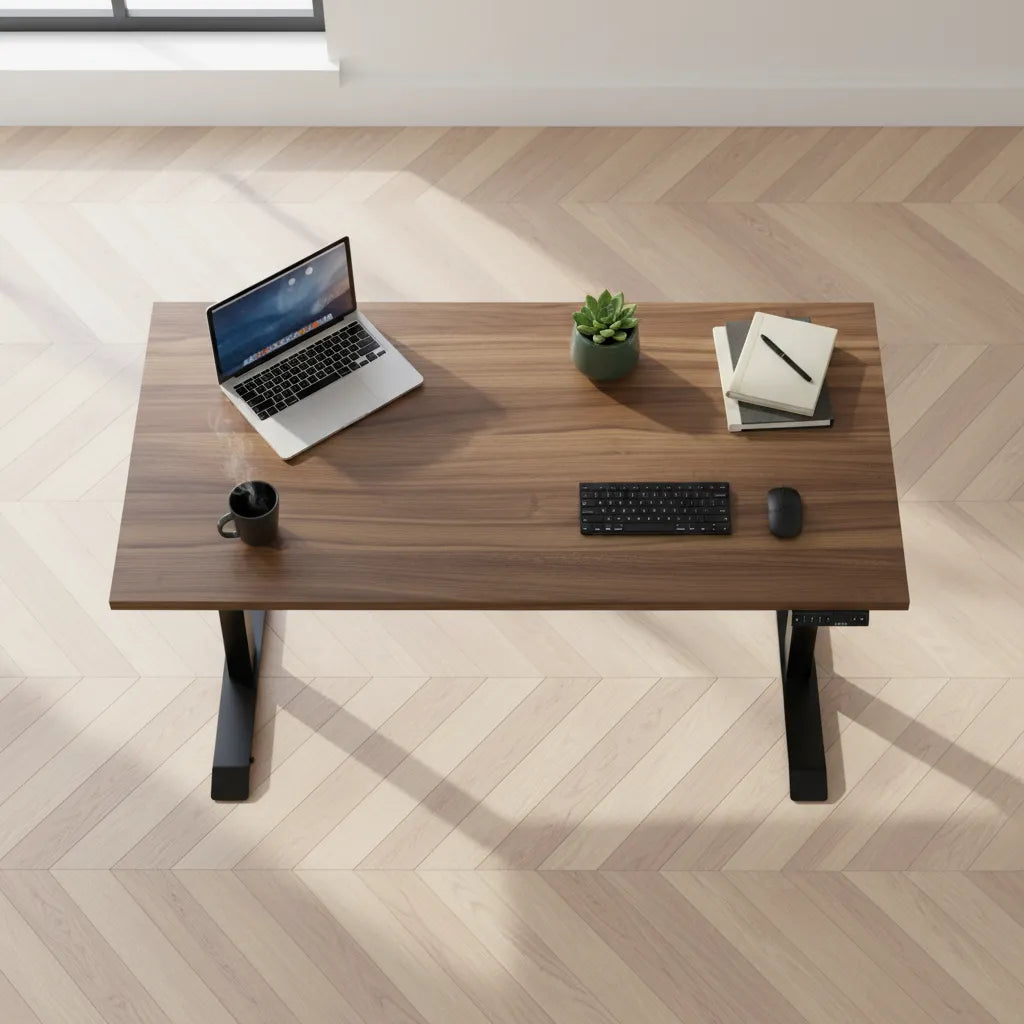
Large Standing Desk Buying Guide for Canadian Workspaces

In this article
A large standing desk can make a multi-screen, creative or technical workspace feel calm instead of crowded. The catch is that a bigger top is not automatically a better desk. It must fit the room, support the equipment, place the screen and input devices comfortably, and move through its full height range without pulling cables or meeting a wall.
For most shoppers comparing a large standing desk in Canada, the practical decision is usually between a 60-inch and 72-inch width, often paired with a 30-inch depth. This guide explains how to choose using the space and equipment you actually have. It does not assume that every person needs the largest available surface.
What counts as a large standing desk?
There is no single regulated definition of a large desk. In everyday home and business offices, a 60-inch-wide top is spacious for one user, while a 72-inch top gives more room for multiple displays, speakers, documents or equipment that must remain accessible. Depth matters just as much. A 30-inch-deep surface provides more front-to-back flexibility than a 24-inch top, especially with a large display or a monitor stand.
Dimensions describe the top, not the usable work zone. A monitor base, laptop dock, desk shelf, microphone arm and charging station all consume space. Measure the items that stay on the desk, then map them on the floor or a table with painter's tape. This simple mock-up is more reliable than judging a product photo.
Start with the room, not the product page
Measure the full moving envelope
Record the wall width, available depth and ceiling clearance. Add space for baseboards, window trim and floor vents. A standing desk moves vertically, so shelves, art, window handles and sloped ceilings that clear the seated position may interfere when the top rises.
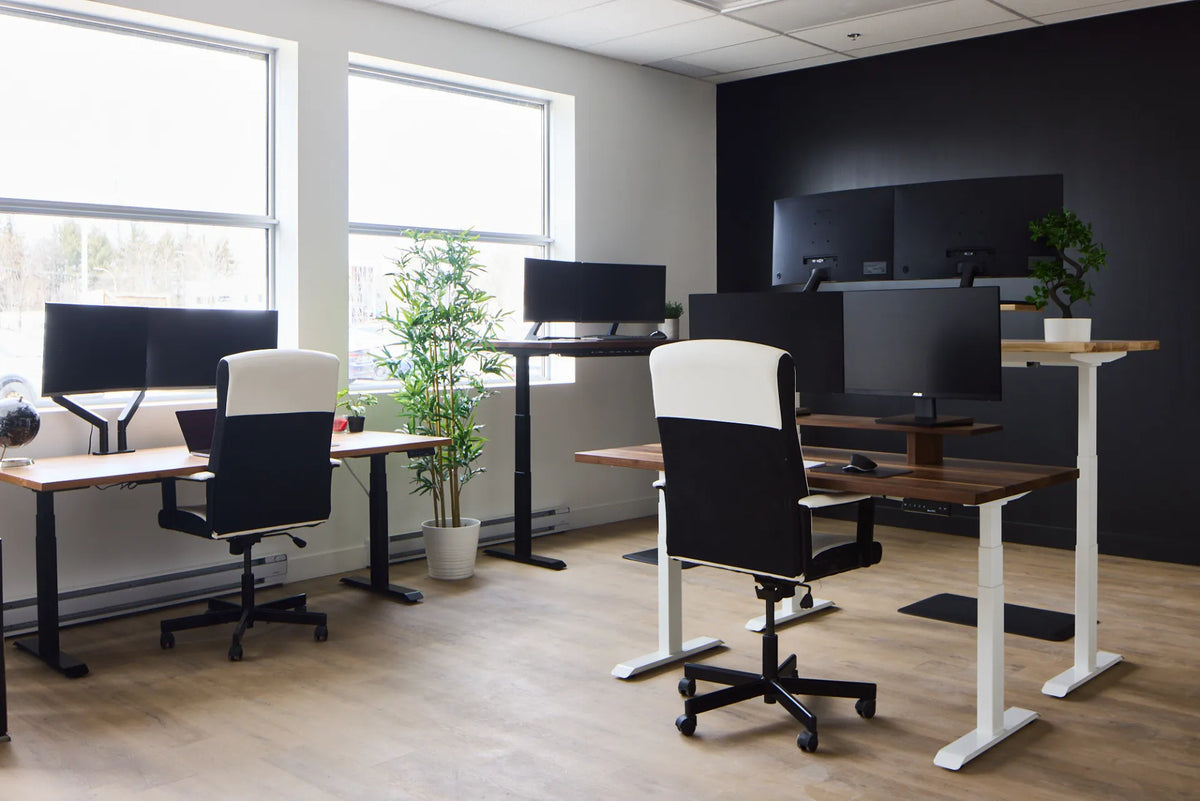
Also plan the chair zone and walking path. The Canadian Centre for Occupational Health and Safety notes that office space must allow people to move and change position. A large top that leaves no comfortable route behind the chair can make a room less functional. See the CCOHS guidance on office working space for general planning principles.
Check doors, stairs and elevators
A 72-inch top may fit the finished room but not the route into it. Measure door openings, stair turns and elevators. Confirm whether the surface and frame arrive separately and how much clear floor area assembly requires. This is particularly important in condos and upstairs home offices.
Choose width from your workflow
A 60-inch desk works for many complete setups
Sixty inches can accommodate one or two moderate displays, a keyboard and mouse, plus a writing zone if the equipment is arranged carefully. It is often the balanced choice when the room must also hold storage, a guest chair or exercise space. A monitor arm can return some surface area, but the arm still needs compatible mounting space and clearance behind the desk.
A 72-inch desk supports wider task zones
Seventy-two inches is useful when you need equipment to remain side by side: multiple monitors, reference documents, a drawing tablet, audio gear or two distinct task zones. The extra width can reduce constant rearranging. It does not replace good reach planning. Frequently used objects should remain close enough that you do not repeatedly lean or twist.
For a direct dimension comparison, use Burotic's 48 vs. 60 vs. 72-inch standing desk guide. The purpose of the larger size is not to fill every centimetre. It is to give important tools a stable, deliberate location.
Do not overlook desk depth
Depth affects viewing distance, forearm support and the space needed for monitor hardware. CCOHS recommends placing the monitor directly in front of the user and generally at about arm's length, then adjusting for the screen size and individual vision. Read its current monitor positioning guidance for the full context.
A 30-inch depth is often easier to plan for large screens and monitor bases. A 24-inch depth may still work with a compact setup or a compatible monitor arm. Compare the trade-offs in Burotic's 24 vs. 30-inch desk depth guide. If the desk sits near a wall, include the rear reach of the arm and the bend radius of display cables.
Calculate the complete moving load
The lifting system carries more than the computer. Count the desktop, every display, monitor arms, speakers, desktop computer, shelf, books and accessories. The relevant limit is the capacity of the complete desk configuration, not a frame number considered in isolation. Keep a reasonable margin for future equipment and for items temporarily placed on the surface.
Weight distribution matters too. Concentrating several screens and a computer on one side can affect how a setup feels even when the total is within its limit. Follow the manufacturer's assembly and loading instructions. Burotic's standing desk weight capacity guide provides a practical inventory method.
Match the frame and top
Do not assume every wide surface is compatible with every adjustable frame. Verify the supported width range, mounting pattern, top thickness, fastener requirements and any limits for overhang. A solid wood top may be heavier than a laminate top of the same size, so include the surface in the load calculation.
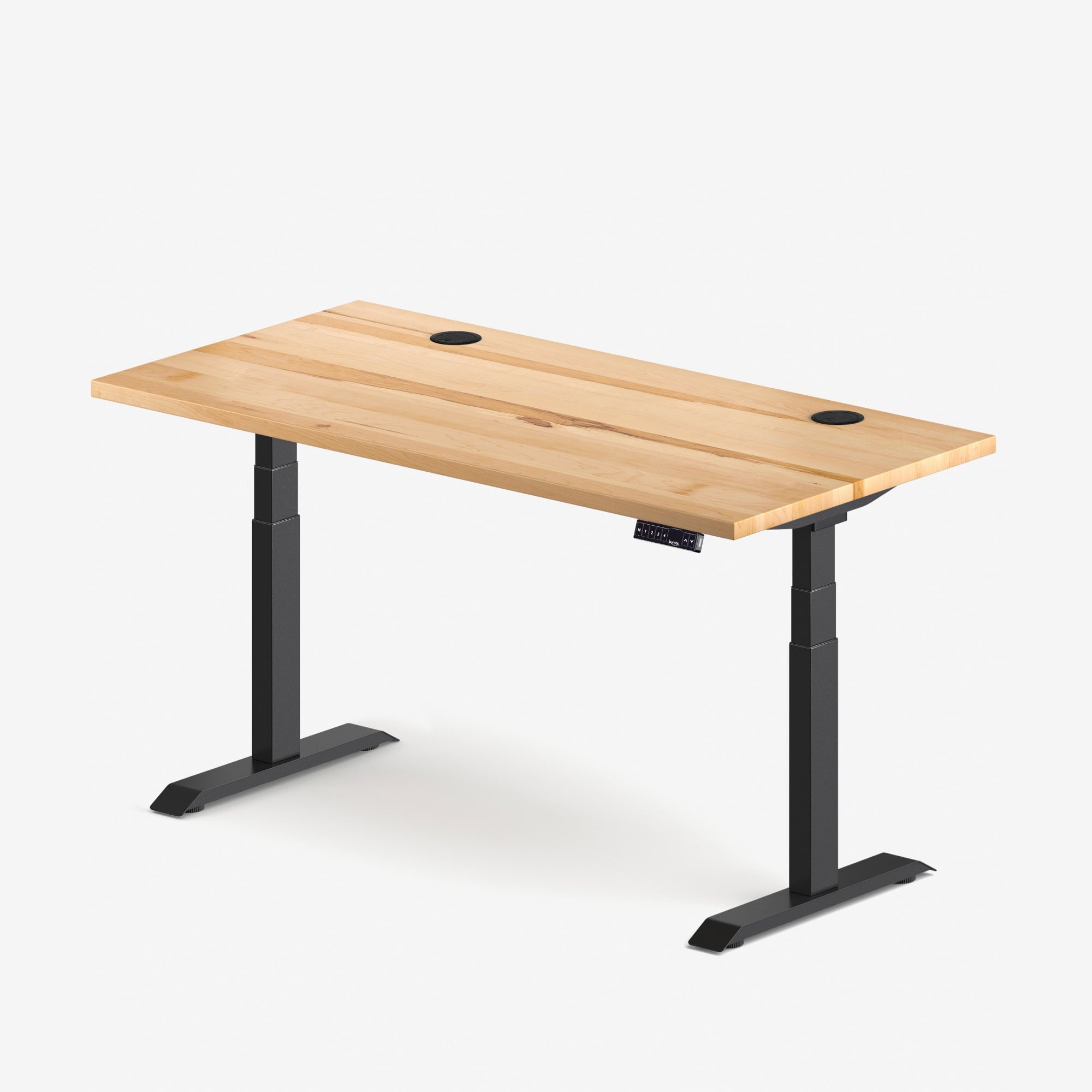
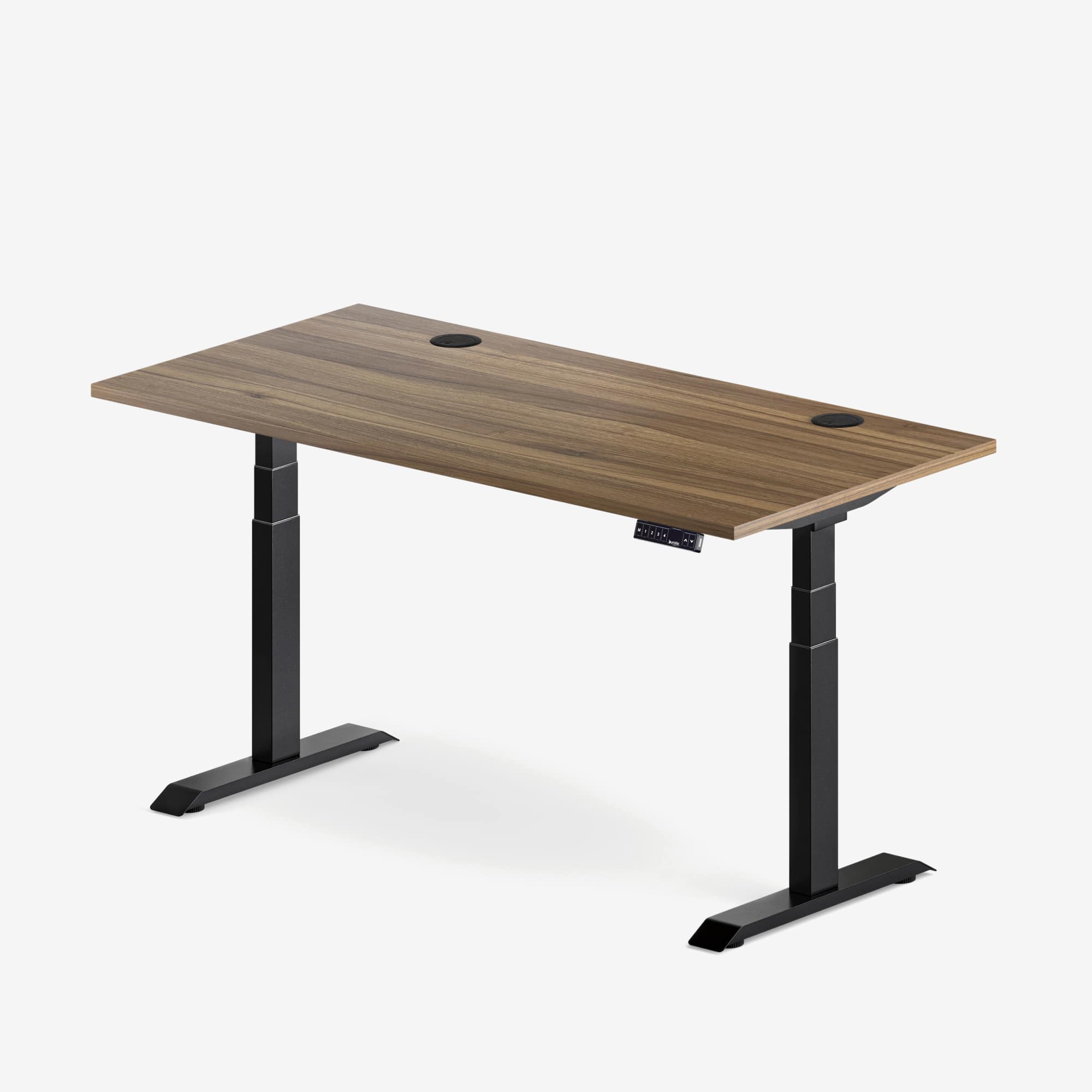
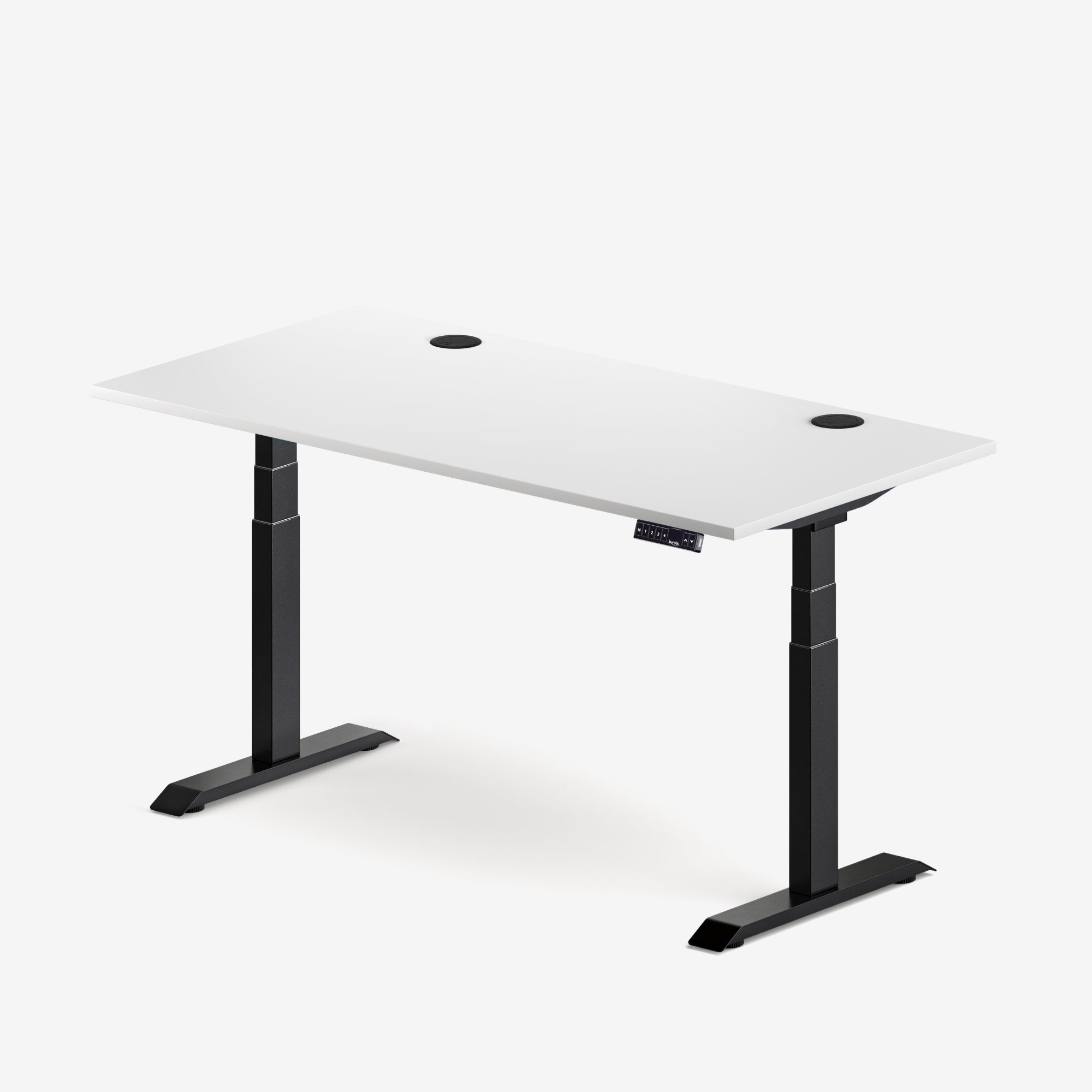
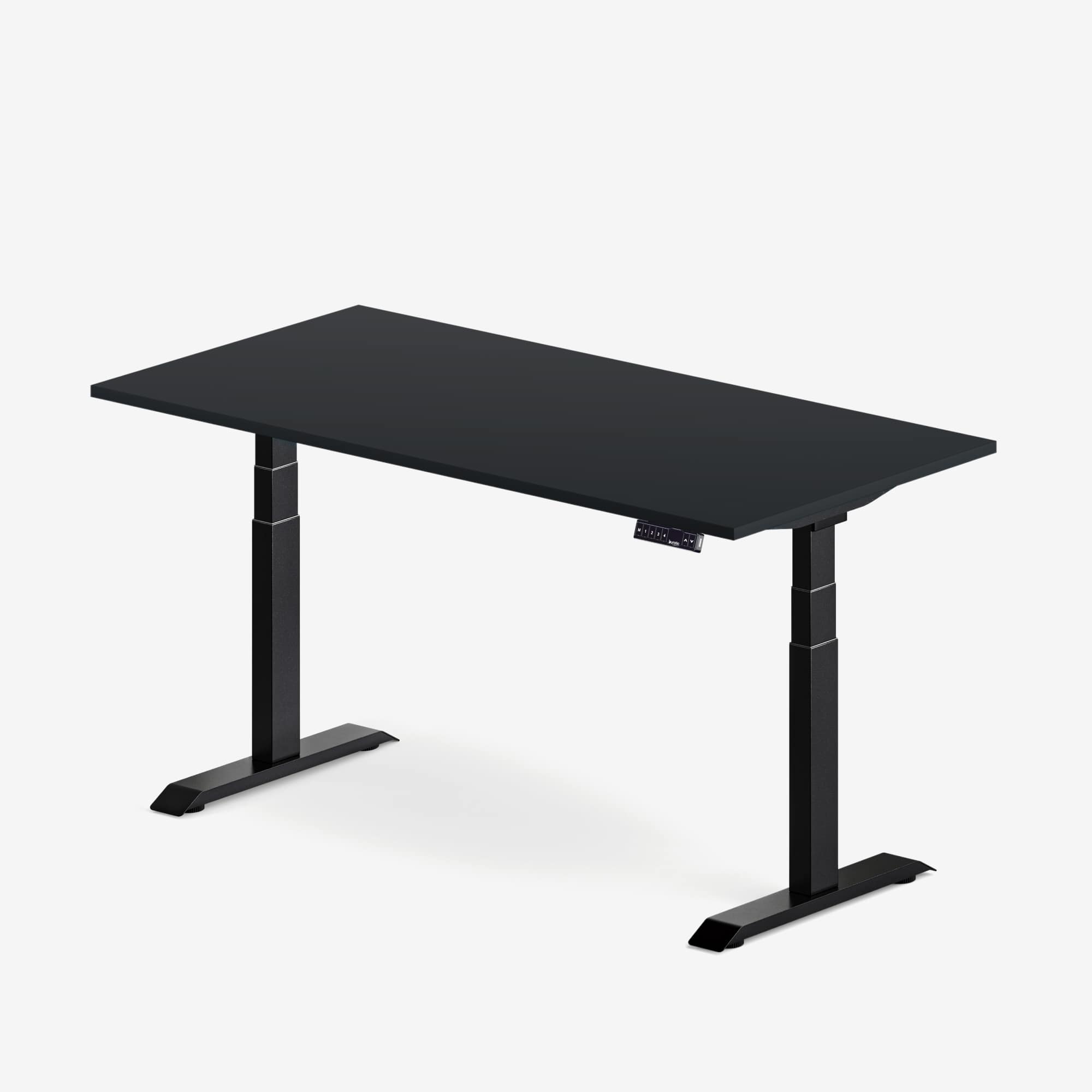
If you are building a custom combination, review the Aspire Standing Desk Frame and confirm the current specifications for the exact configuration you are considering. For a complete large desk, the Aspire Solid Wood Standing Desk includes 60 and 72-inch options in the current catalogue. Product options can change, so rely on the live product page at purchase time.
Plan cables for the highest position
A large desk often carries more powered devices, which creates more failure points during movement. Set the desk at its highest intended position before finalizing cable lengths. Power and data cables should reach without tension, sharp bends or snagging. Leave a controlled service loop for moving equipment and keep it away from the legs and cross-members.
Mounting a power source to the moving desk can reduce the number of cables travelling to the wall, but the main power lead still needs a safe path. Never overload electrical equipment or defeat grounding. Use products approved for use in Canada and follow their instructions.
Test the ergonomic range for the actual user
At seated and standing heights, the keyboard and mouse should allow relaxed shoulders and neutral wrists. CCOHS recommends setting the working surface around standing elbow height and adjusting the monitor independently where possible. A tall user, a short user and a wheelchair user may need different height ranges even with the same top size.
Large surfaces can tempt people to work far from the keyboard or angle the body toward a secondary screen. Centre the primary task and treat extra space as support, not as a reason to spread essential controls beyond comfortable reach. If several people share the desk, save settings only after each person has adjusted the full workstation.
A practical large-desk checklist
- Room width, depth, walking path and chair clearance are measured.
- The delivery route can accept the packaged surface.
- The top size matches the tasks, not just the available wall.
- Monitor distance and hardware clearance work at 24 or 30 inches deep.
- The frame supports the selected top dimensions and thickness.
- The complete moving load leaves a sensible capacity margin.
- Cables are tested at the highest and lowest positions.
- Seated and standing heights fit every regular user.
Choose the smallest large desk that solves the problem
A well-planned 60-inch desk can outperform a poorly arranged 72-inch desk. Choose 72 inches when the additional task zone will be used every day and the room still has comfortable circulation. Choose 60 inches when it preserves flexibility without forcing equipment into an awkward stack.
Before ordering, create a full-size tape outline, place your equipment list inside it and test the chair path. Then compare the live Burotic desk and frame options with those measurements. The result should be a large standing desk that supports the work while still belonging comfortably in the room.

Previous article
Solid Wood vs. Laminate Standing Desk Tops: How to Choose
Next article
Solid Wood vs. Laminate Standing Desk Tops: How to Choose