





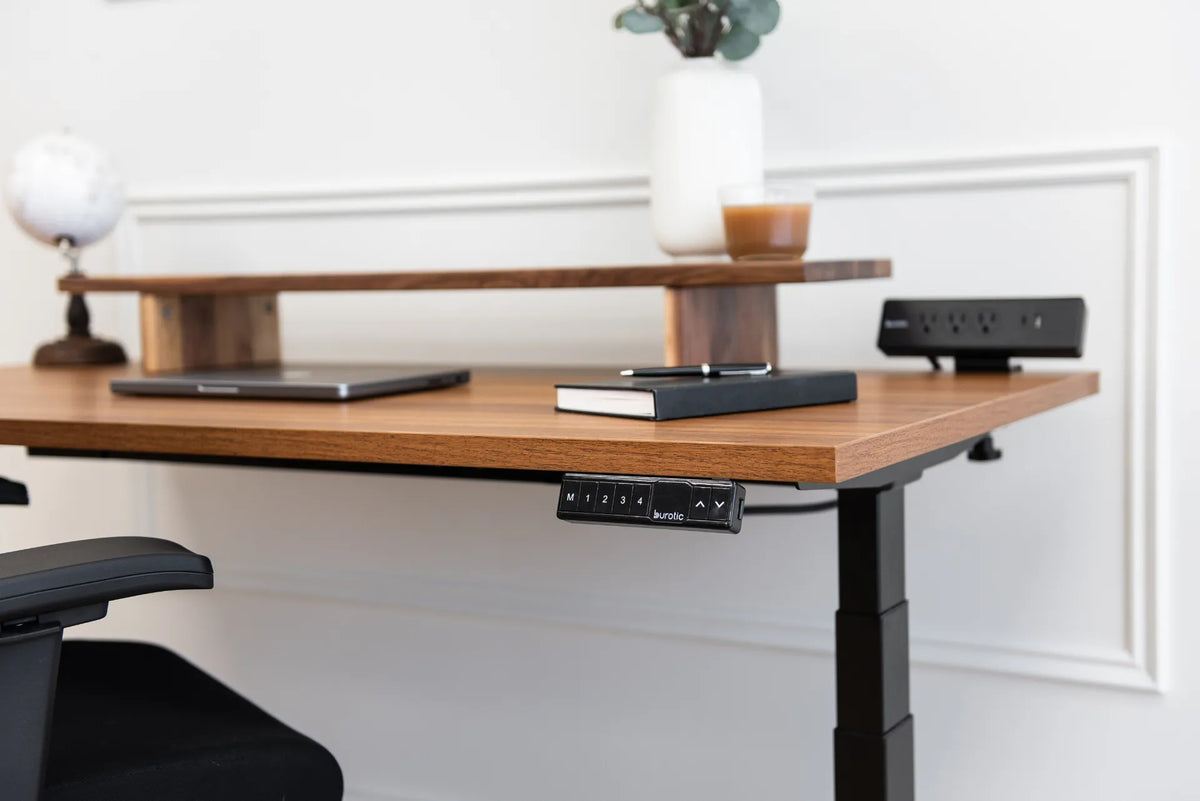
Why Is My Standing Desk Making a Clicking Noise?

In this article
A standing desk can make a brief sound when a control engages, reaches a programmed limit or completes a manufacturer-approved reset. Repeated clicking during travel is different. It can come from a cable tapping the frame, loose hardware, a desktop touching another object, a drive system under unusual load or a fault that should be reviewed by support.
Do not diagnose the desk by sound alone. First identify when the click occurs, whether the desktop remains level and whether the sound comes from the controller, a leg, the frame, the power system or something resting on the desk. Stop immediately if the noise is accompanied by grinding, burning odour, heat, damaged wiring, jerky movement or one side moving differently from the other.
Quick answer: clear the desk, locate the sound and avoid repeated testing
Remove loose objects, check the full travel path and inspect accessible fasteners and cables without opening any motor, leg or control box. Move the desk only a short distance while listening from a safe position. If the sound disappears after an object or cable is secured, retest slowly through the intended range. If clicking continues inside a powered component, the desk becomes uneven or a reset does not solve a documented error, unplug it when safe and contact the seller or manufacturer.
First decide what kind of click you hear
A single faint click at the end of a reset
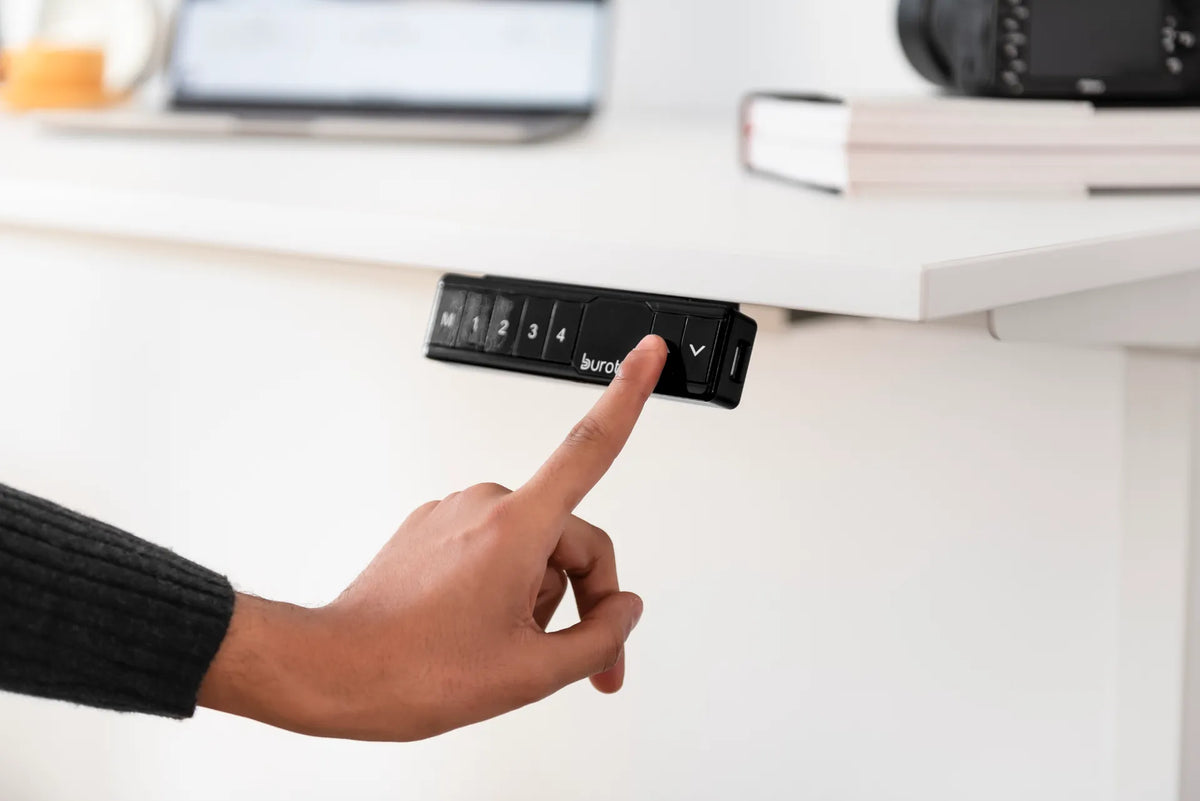
Some systems use a faint click or small movement to confirm that the lower reference position has been reached. This behaviour is model-specific. Only use the reset procedure written for your exact desk and controller. Do not assume instructions for another brand or control panel apply.
For the Aspire system, use Burotic's verified guide on resetting an Aspire standing desk base. A reset is not a general cure for every sound, and repeating it unnecessarily can hide useful information about when the problem occurs.
Repeated clicks while the desk moves
A repeating sound may follow the rotation or extension of a mechanical part, but it may also be something simple touching the frame. Note whether the rhythm changes with speed or height. Stop rather than running the desk up and down several times. Repetition can worsen interference, pull a cable tighter or turn a loose connection into damage.
A click when the desk starts or stops
A start-stop click can come from the control system, anti-collision response, frame movement or an object shifting under load. Check whether the desktop reverses, pauses or shows an error. Remove anything touching the underside, wall, shelf or window sill. Do not disable a safety feature to eliminate the sound.
Clicking with no movement
If the desk clicks but does not travel, stop pressing the controls. Confirm the outlet works, cables are fully seated only where the user instructions permit, and the desk is not locked. Then follow the model's troubleshooting sequence. Our article on a standing desk that will not move provides a cautious checklist.
Safe checks you can do without disassembly
- Document the symptom. Record the height, direction, button used, displayed code and location of the sound.
- Remove loose items. Take off objects that can roll, vibrate or tap a monitor riser.
- Clear the travel path. Check the wall, sill, shelves, chair arms, drawer, storage and cable tray.
- Inspect visible cables. Look for a cable tapping a leg, catching on a bracket or becoming taut.
- Check accessible hardware. With power disconnected, inspect user-serviceable screws according to the assembly guide. Do not open sealed components.
- Reduce the load. Remove nonessential equipment without exceeding safe lifting practices, then compare the behaviour.
- Perform one approved test. Reconnect and move a short distance while watching both sides.
Common causes of clicking
Cables contacting the frame
A power cord, display cable or cable sleeve can tap a crossbar as the desk moves. The sound may appear only at certain heights because the cable angle changes. Route cables with enough slack for the full range and secure them without creating tight bends. The guide to cables that pull when a standing desk moves explains the full-height test.
A loose accessory or desktop fastener
A monitor riser, power bar, controller, drawer or desktop screw can shift slightly when motion begins. Follow the installation instructions and tighten only the fasteners identified for routine assembly or maintenance. Do not overtighten into wood or substitute longer screws that could damage the surface.
Contact with the room
The desktop, monitor arm or accessory can touch a wall, window trim, shelf or cabinet. An anti-collision system may then stop or reverse the desk. Clear the obstruction and test the full path at low speed. Do not keep a hand between moving parts while searching for the contact point.
Uneven load or frame stress
A very heavy object near one side does not prove that load is the cause, but moving nonessential equipment toward the centre can be a useful diagnostic step if it is safe. Confirm the actual product limit and installation requirements. Do not use a published lifting capacity as permission to ignore uneven movement or noise.
A drive or control fault
Clicking from inside a lifting column, motor housing or control box requires professional guidance. LINAK's official desk-system documentation directs repairs to authorized service providers because special procedures and tools may be required. Do not open an actuator or sealed electrical enclosure.
When a reset is appropriate
Use a reset when the manual or verified support instructions call for it, such as after a power interruption, loss of reference or a documented error. Clear the path and check cables first. Perform the sequence once, observe the response and record any code. If the same problem returns immediately, stop and seek support rather than repeating cycles.
The active Aspire Standing Desk Frame page confirms the current product and links to support information. Use the exact instructions for your controller and purchase configuration rather than a generic video.
Stop using the desk and contact support when
- The click becomes grinding, cracking or electrical arcing.
- You smell burning or a plug, cable or control box feels unusually hot.
- One leg moves while the other remains still.
- The desktop is visibly uneven or the difference increases.
- A cable, connector or housing is damaged.
- The desk reverses repeatedly with a clear path.
- An error returns after one approved reset.
- The sound comes from inside a sealed component.
What to send support
Provide the model, purchase information, controller and control-box labels, error code, approximate load and any recent change to the setup. Note the direction and height at which the click occurs. A short video can help if it can be recorded without touching or approaching moving parts. This information is more useful than repeatedly operating the desk until the sound becomes obvious.
The practical answer
A standing desk clicking noise is not one diagnosis. It may be a normal reset signal, a loose accessory, cable contact, room interference or a component fault. Clear and inspect the system without disassembly, perform only one cautious approved test and stop when the sound repeats or combines with uneven, jerky, hot or electrical behaviour. Preserve the evidence and let qualified support decide the next step.
Sources: LINAK, official user manuals; LINAK DESKLINE troubleshooting manual.

Previous article
How Far Should a Desk Be From a Window?
Next article
How Far Should a Desk Be From a Window?