Ergonomic Office Tips & Buying Guides

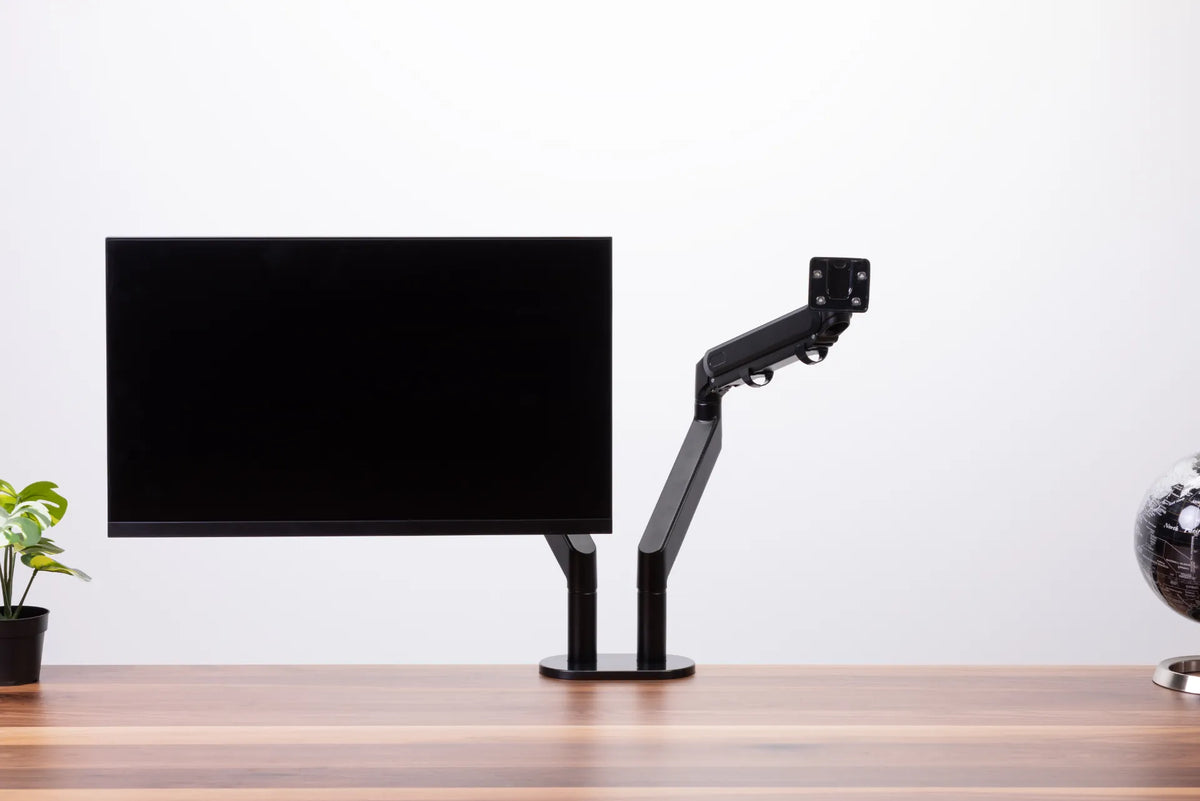
Black dual monitor arm with one screen installed and a second empty VESA mount above a wood desktop

Where Should You Position a Monitor Arm on Your Desk?
Position a monitor arm by planning the screen centre, clamp location, arm sweep, wall clearance, cable slack and the way your adjustable desk moves.

Read moreabout Where Should You Position a Monitor Arm on Your Desk?

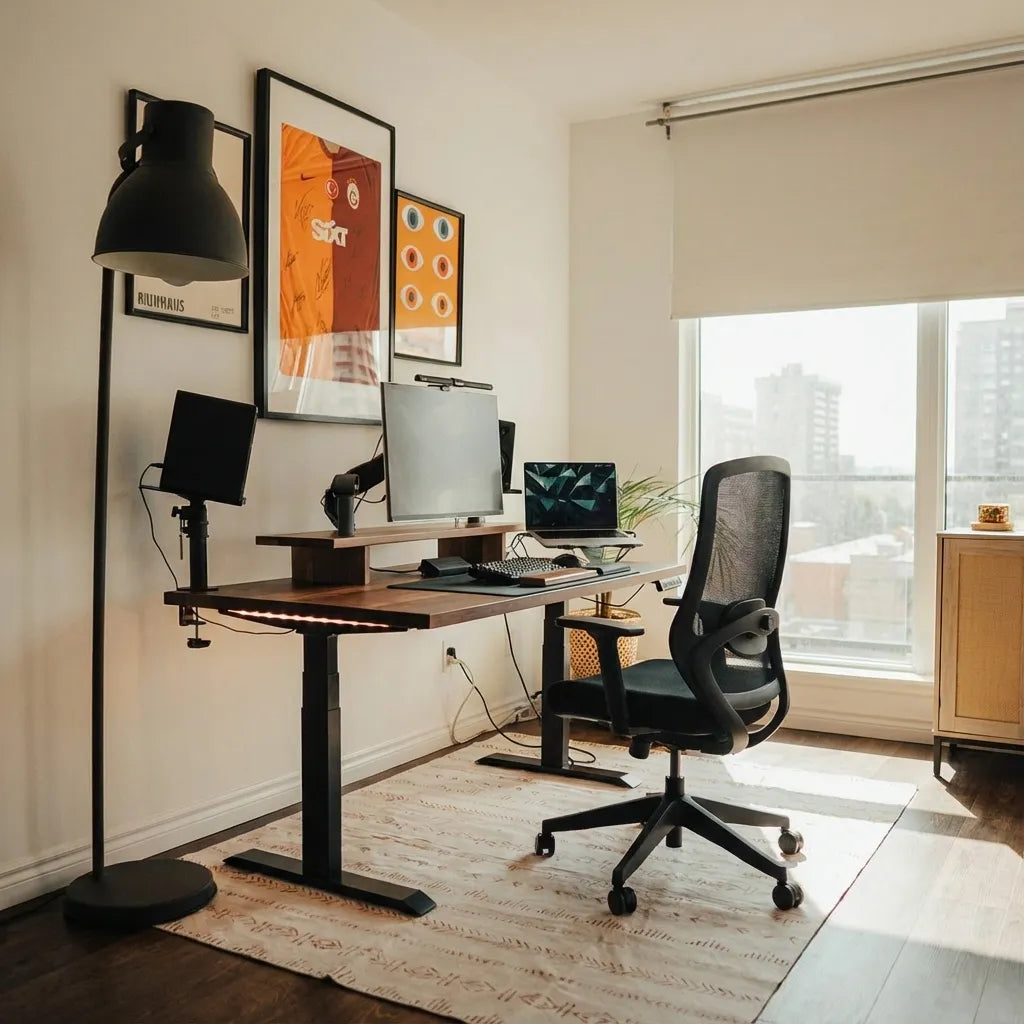
Home office with a wood adjustable desk facing a wall, three screens, black mesh chair, floor lamp, framed art and a bright window

Should Your Desk Face a Wall or the Room? A Layout Guide
Choose whether a desk should face a wall or the room by comparing space, glare, focus, video calls, privacy, cable routing and adjustable desk clearance.

Read moreabout Should Your Desk Face a Wall or the Room? A Layout Guide

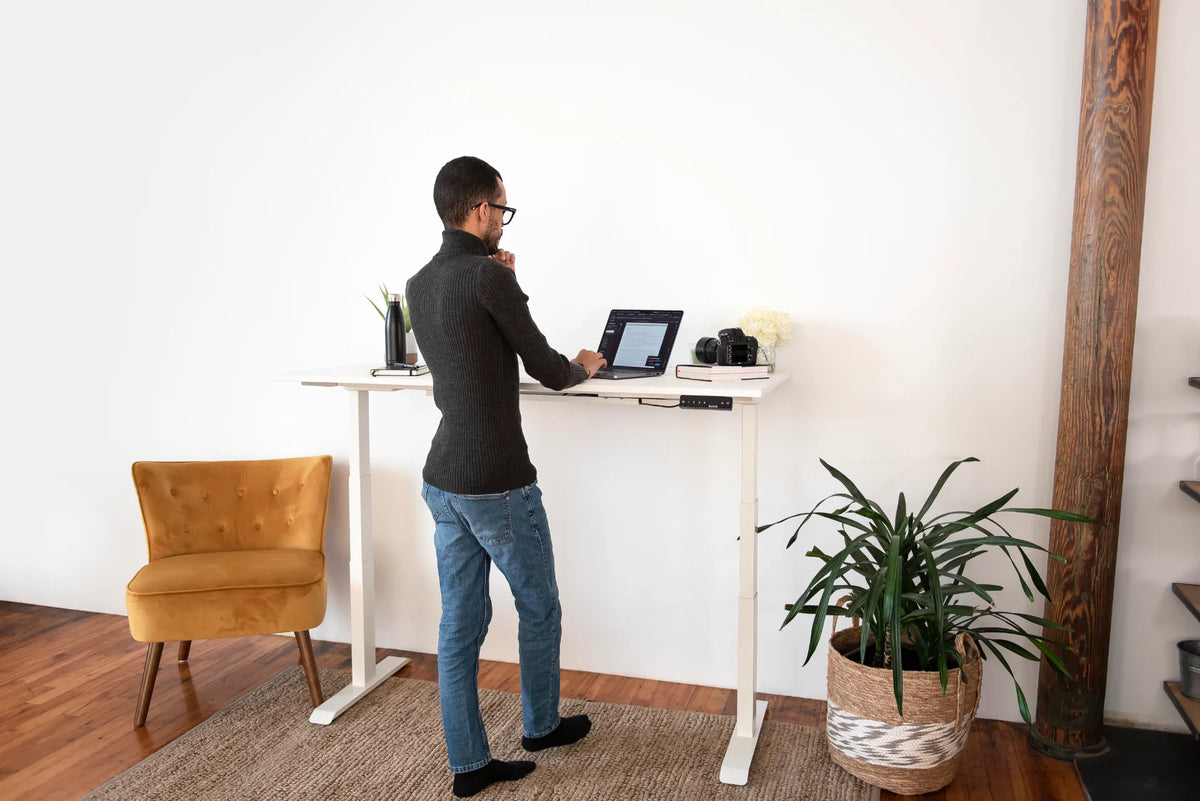
Person in black socks standing at a white adjustable desk with a laptop, camera, books, plants and a woven rug

Should You Wear Shoes at a Standing Desk? Comfort and Safety Guide
Compare supportive shoes, socks and barefoot standing at an adjustable desk, then coordinate footwear with desk height, flooring, mats and movement.

Read moreabout Should You Wear Shoes at a Standing Desk? Comfort and Safety Guide

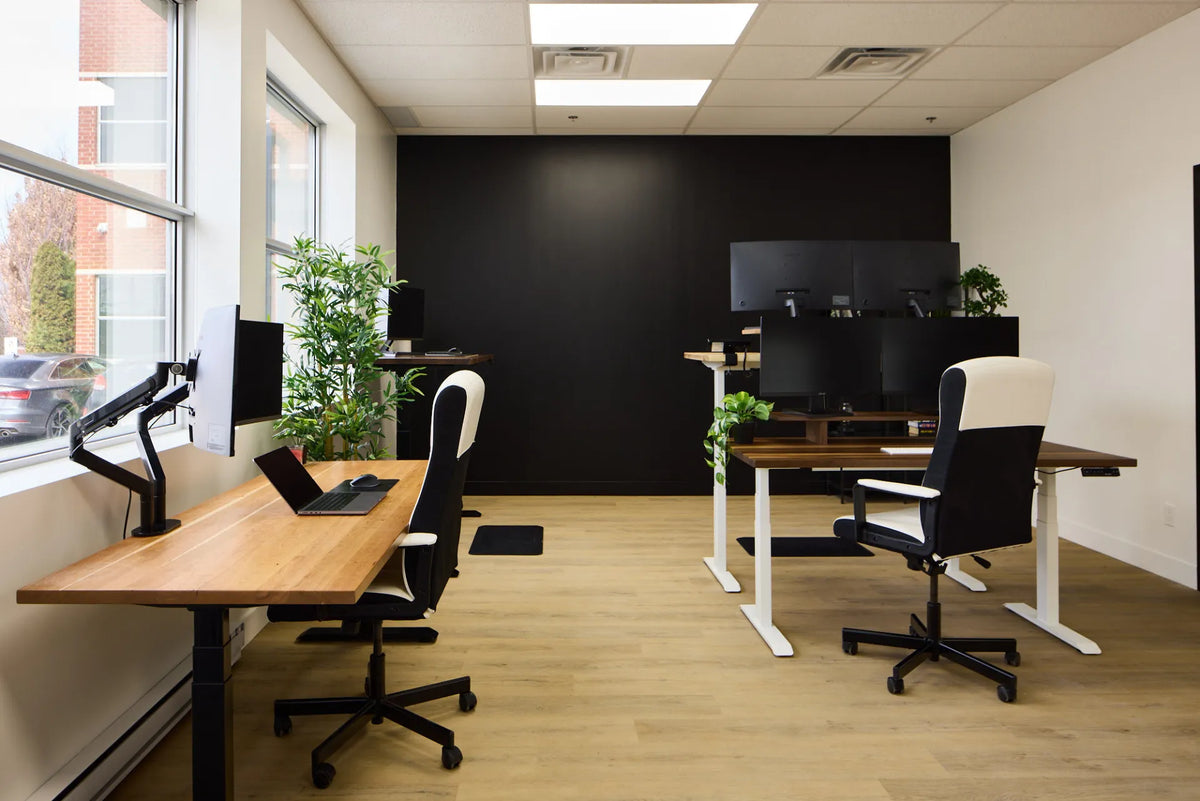
Shared office with several wood adjustable desks, white and black chairs, multiple monitors, plants and a clear central aisle

How Far Apart Should Office Desks Be? A Practical Space Planning Guide
Plan the distance between office desks around chair movement, circulation, accessibility, privacy, equipment and the full travel of adjustable workstations.

Read moreabout How Far Apart Should Office Desks Be? A Practical Space Planning Guide

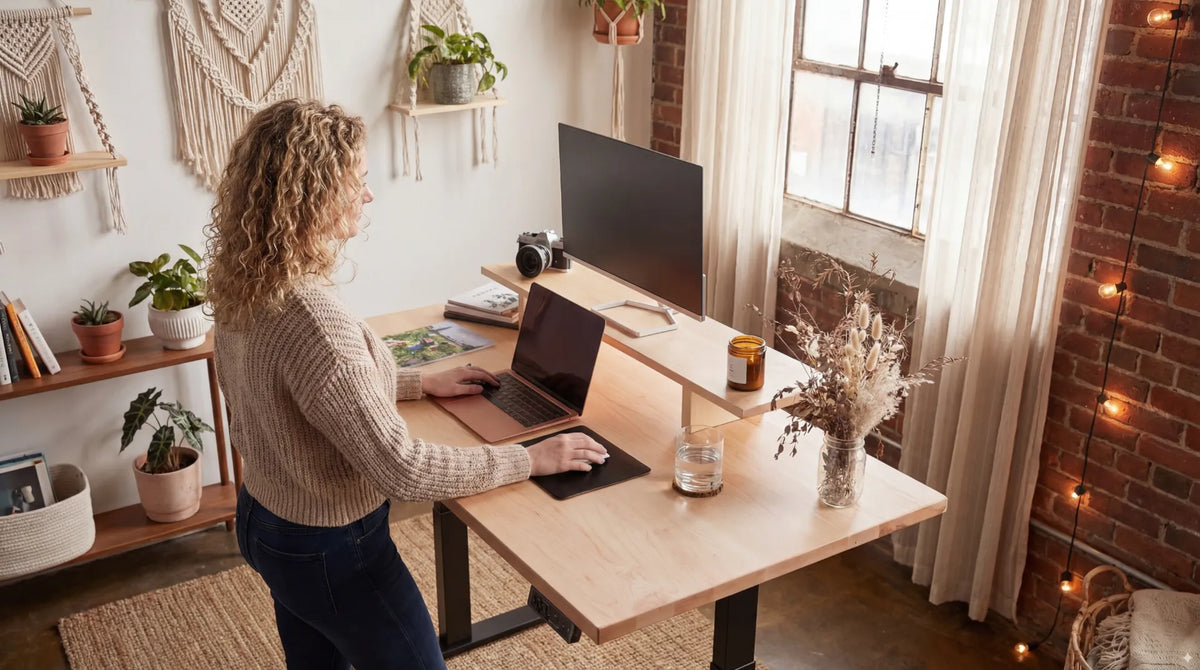
Woman standing at a light wood desk with a laptop and external monitor in a plant-filled home office

Standing Desk Setup for Students: Study, Screens and Small Spaces

Plan a student standing desk around study tasks, laptop and screen placement, paper space, movement and the limits of a bedroom or dorm.

Read moreabout Standing Desk Setup for Students: Study, Screens and Small Spaces

Hands typing on a compact white keyboard beside a white mouse on a black desk mat and wood desktop

How to Position a Mouse at Your Desk: Reach, Height and Grip

Position a computer mouse within easy reach by coordinating desk height, keyboard width, pointer settings and sitting or standing posture.

Read moreabout How to Position a Mouse at Your Desk: Reach, Height and Grip

Person seated in a black mesh ergonomic chair with a headrest and visible back support against a dark background

Office Chair for Long Hours: What to Look for in Canada
Choose an office chair for long computer days by evaluating fit, adjustment range, back support, armrests, movement and compatibility with your desk.

Read moreabout Office Chair for Long Hours: What to Look for in Canada

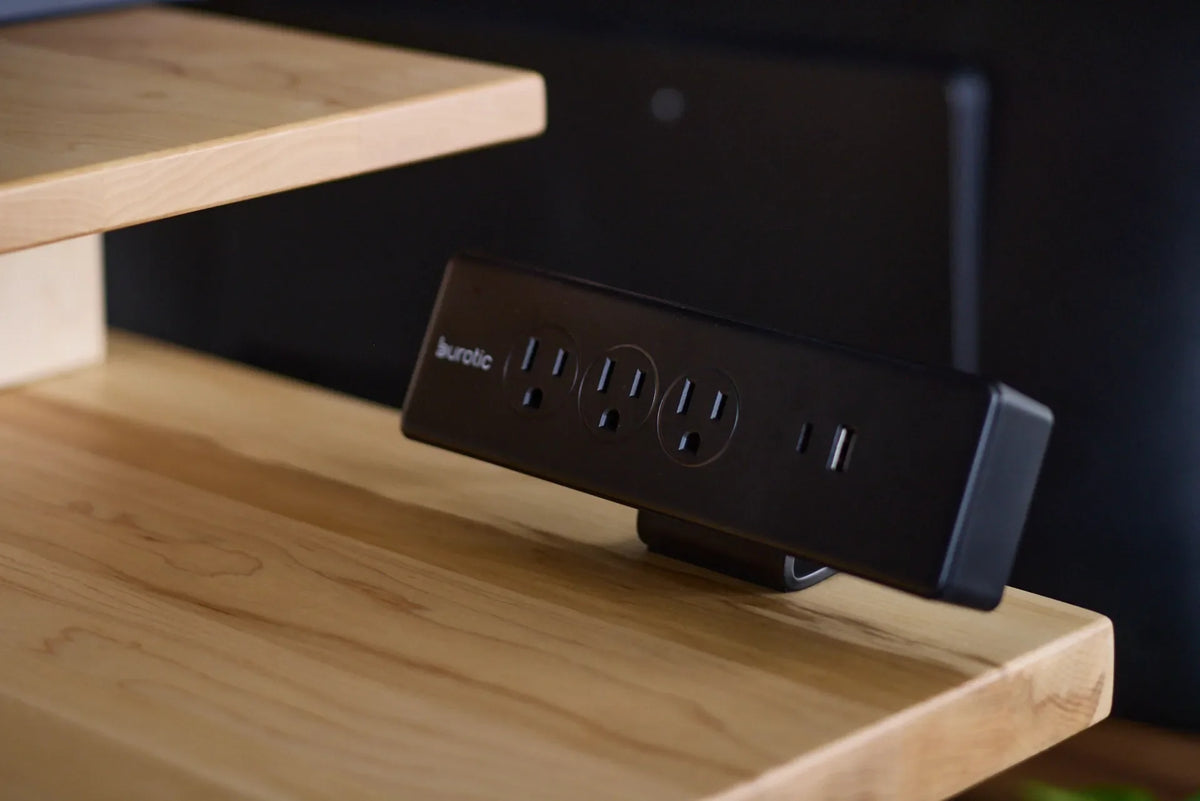
Black Burotic desktop power bar with three outlets, USB-C and USB-A ports on a light wood monitor stand

Power Bar vs. Surge Protector vs. Extension Cord for a Home Office

Understand what power bars, surge protectors and extension cords actually do before planning a Canadian home-office setup with computers, monitors and an adjustable desk.

Read moreabout Power Bar vs. Surge Protector vs. Extension Cord for a Home Office

Close-up of a black Burotic standing desk memory controller under a light wood desktop

How to Reset an Aspire Standing Desk Base: Error Codes and Solutions

Reset an Aspire standing desk base with the official E00 procedure and troubleshoot E01, E02, E03, E04, E11, E12, E21, E22, E31 and E32 safely.

Read moreabout How to Reset an Aspire Standing Desk Base: Error Codes and Solutions