Ergonomic Office Tips & Buying Guides

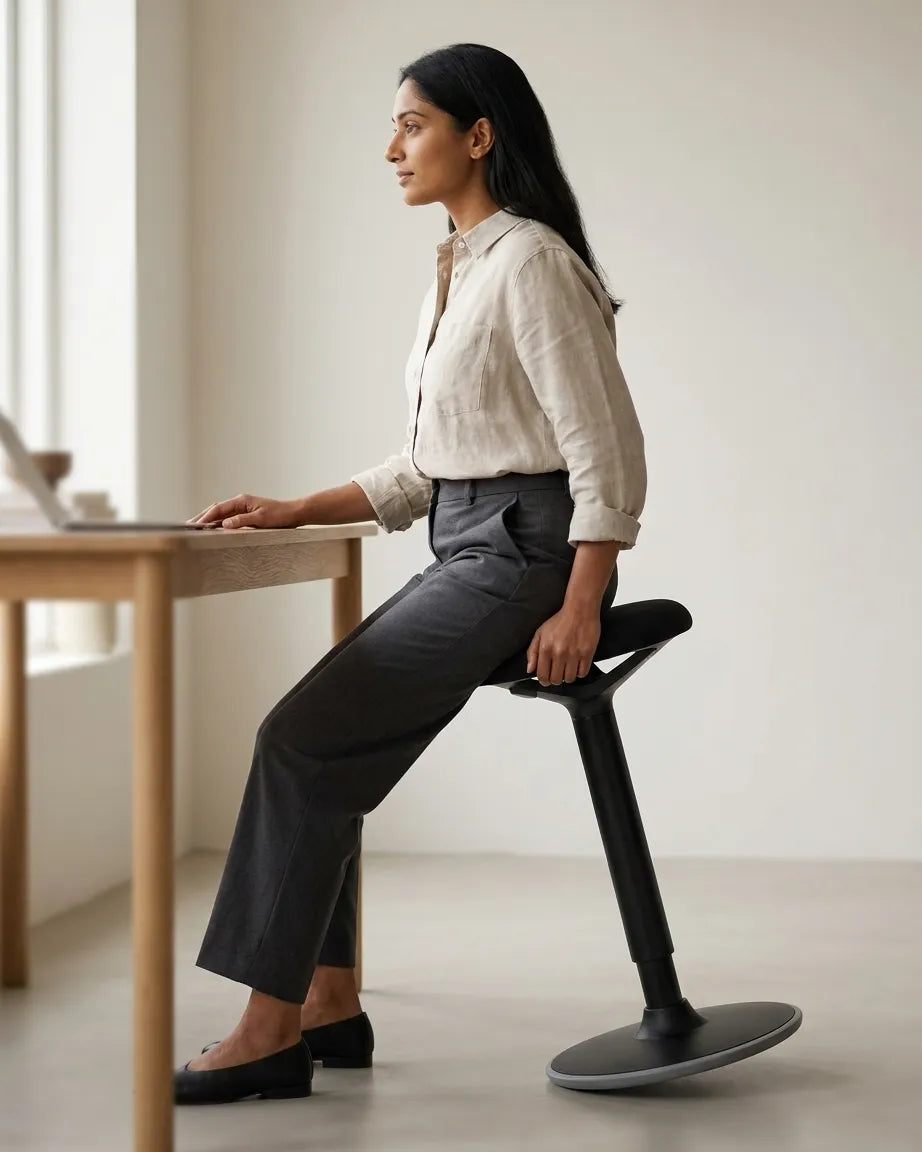
Person holding a white balance stool with a dark seat beside a light wood standing desk

How High Should a Balance Stool Be? Sitting and Perching Guide
Set a balance stool height for supported sitting or light perching, then coordinate the desk, feet, task duration and transitions with a regular chair.

Read moreabout How High Should a Balance Stool Be? Sitting and Perching Guide

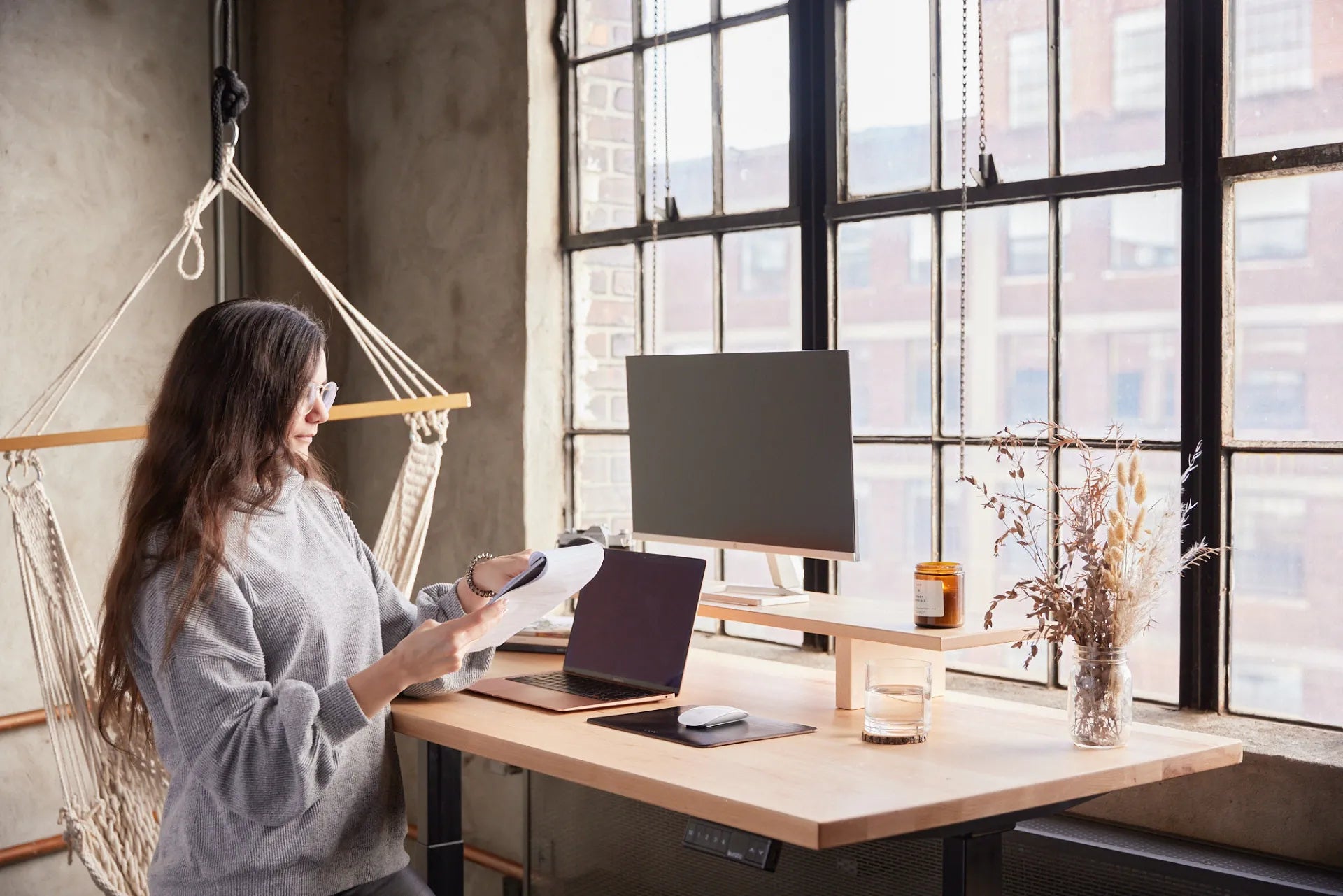
Person standing at a light wood desk with a laptop, monitor and large industrial windows

Standing Desk Setup for Video Calls: Camera, Light and Background
Build a consistent video-call workstation by coordinating camera height, front lighting, background, audio, desk presets and cable movement.

Read moreabout Standing Desk Setup for Video Calls: Camera, Light and Background

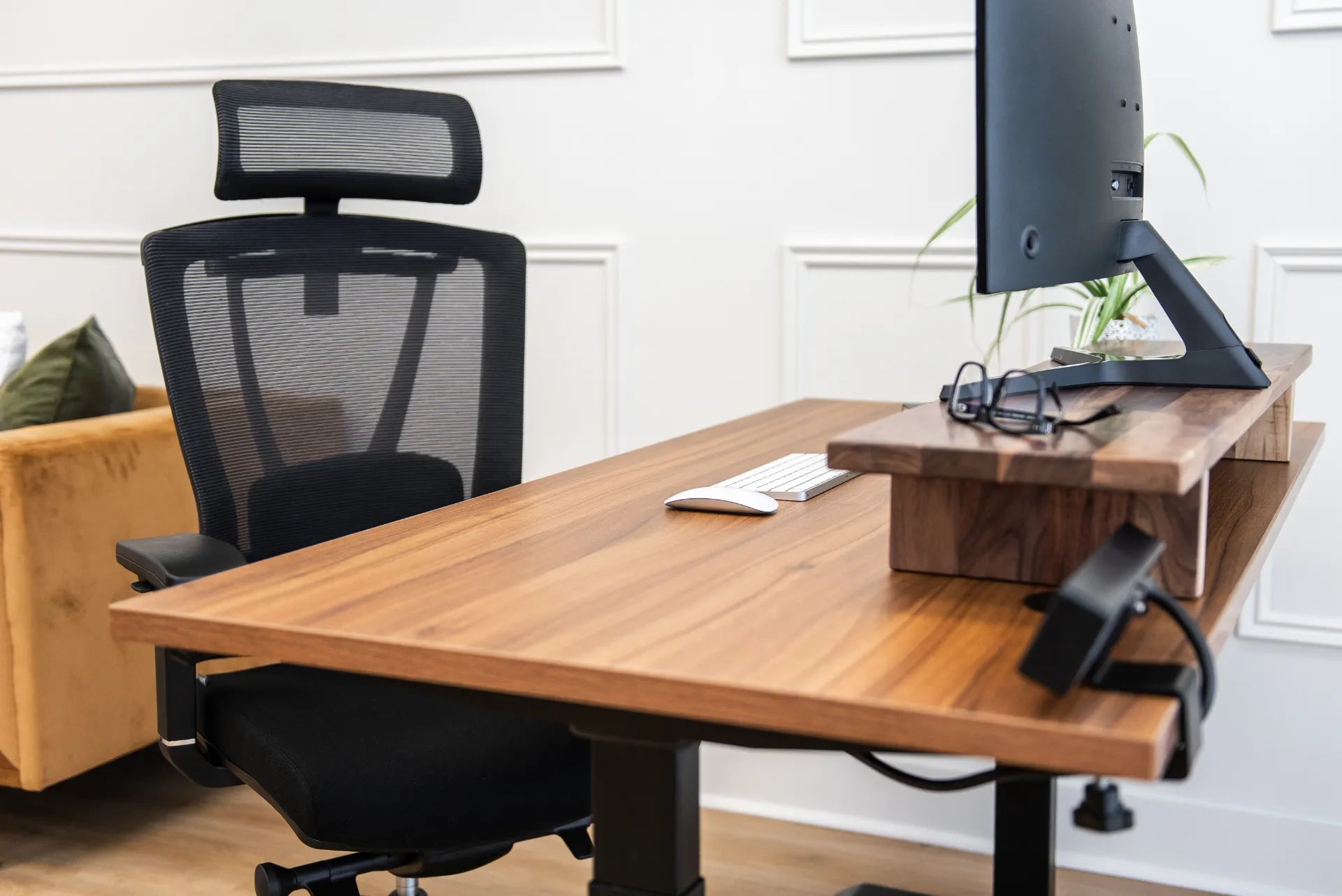
Wood standing desk with a mesh chair, monitor shelf, screen, keyboard, mouse and eyeglasses

Monitor Setup for Progressive Lenses and Bifocals
Adjust monitor height, distance, text size and lighting for progressive lenses or bifocals without forcing the neck into an uncomfortable viewing position.

Read moreabout Monitor Setup for Progressive Lenses and Bifocals

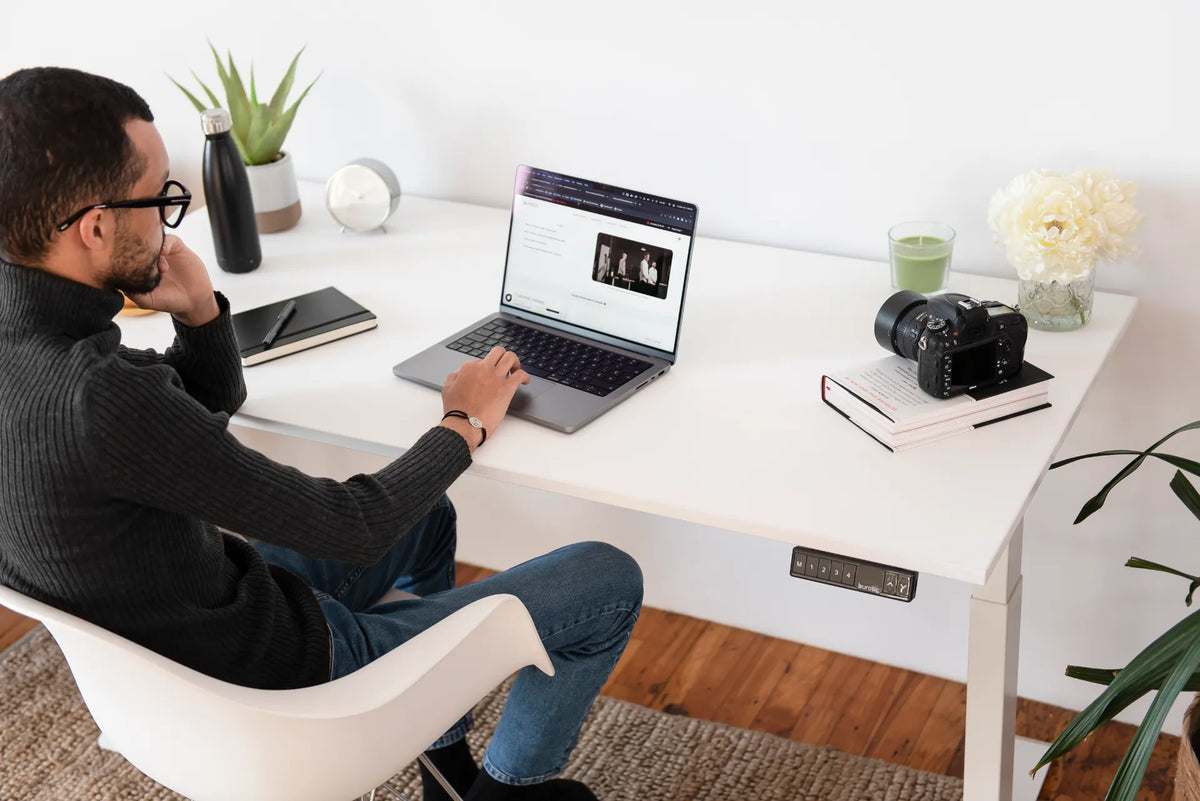
Person working on a laptop at a white standing desk with a notebook, camera, plants and desk controller

Laptop-Only Desk Setup: How to Work Comfortably Without a Monitor
Build a more comfortable laptop-only desk setup by improving screen height, keyboard reach, chair position, lighting and movement without assuming you need a second monitor.

Read moreabout Laptop-Only Desk Setup: How to Work Comfortably Without a Monitor

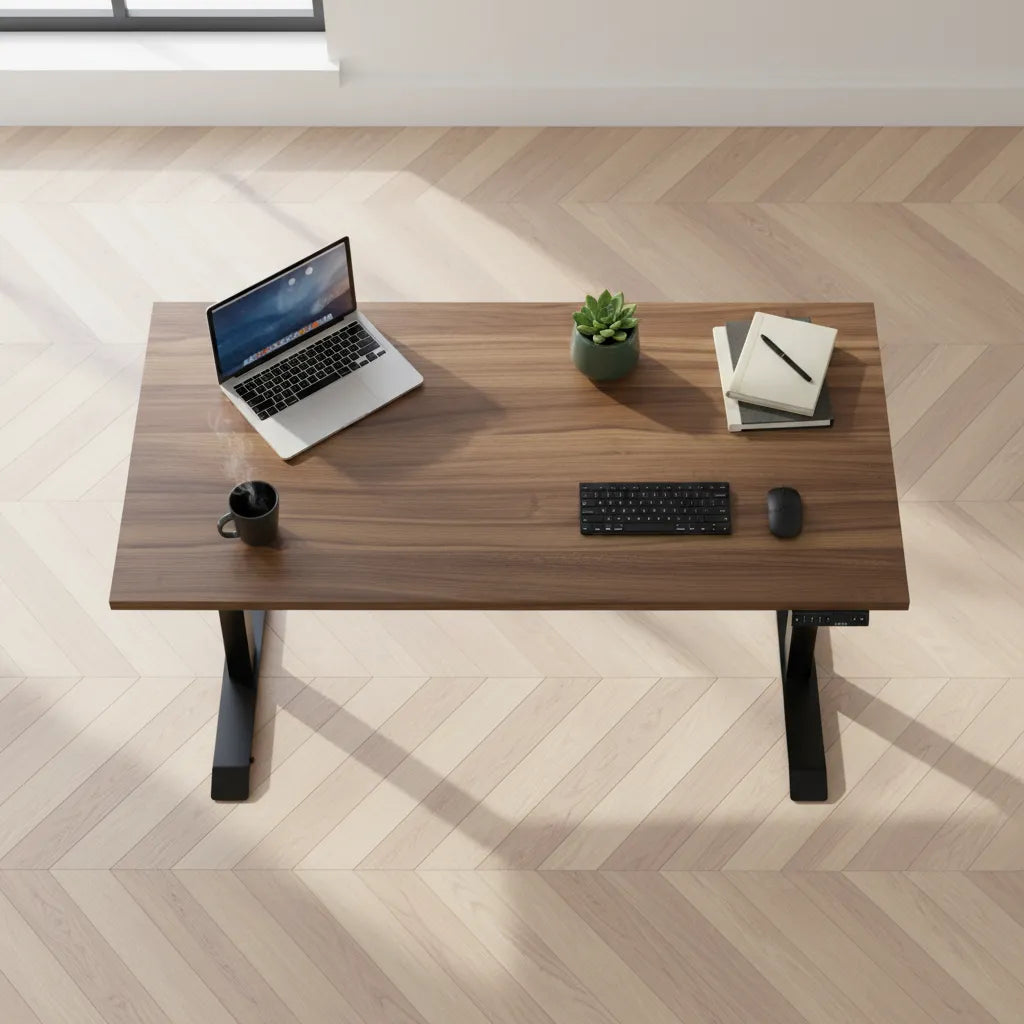
Overhead view of a large wood standing desk with laptop, compact keyboard, mouse, books, plant and mug

Large Standing Desk Buying Guide for Canadian Workspaces
Choose a large standing desk for a spacious Canadian office by planning usable width, depth, room clearance, equipment load and cable routes before you buy.

Read moreabout Large Standing Desk Buying Guide for Canadian Workspaces

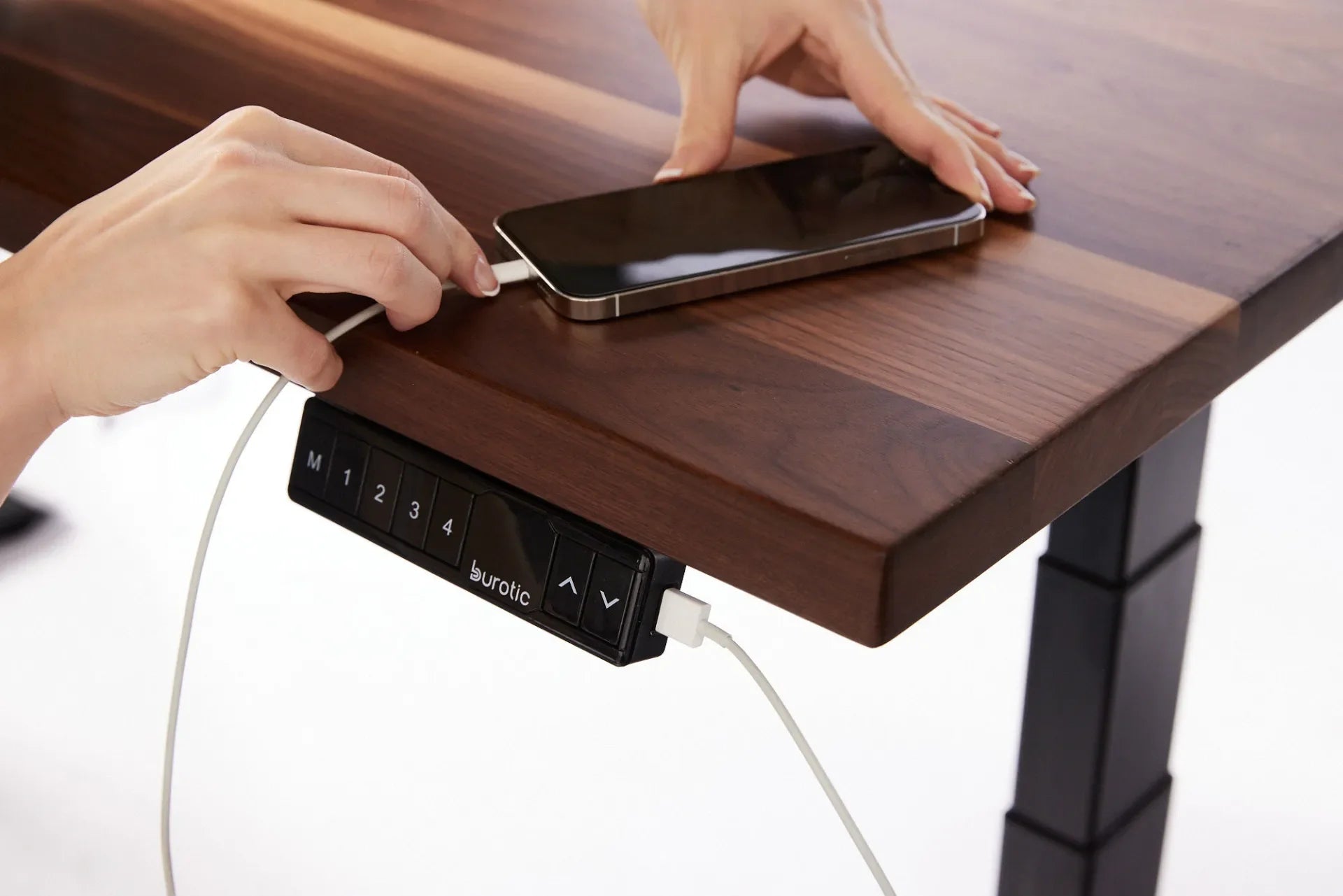
Phone cable connected to the USB port on a standing desk controller beside a walnut desktop

Standing Desk USB Port Guide: Charging, Limits and Safety
Learn what a standing desk USB port can charge, how to verify its output and how to route a cable safely through the desk's full movement.

Read moreabout Standing Desk USB Port Guide: Charging, Limits and Safety

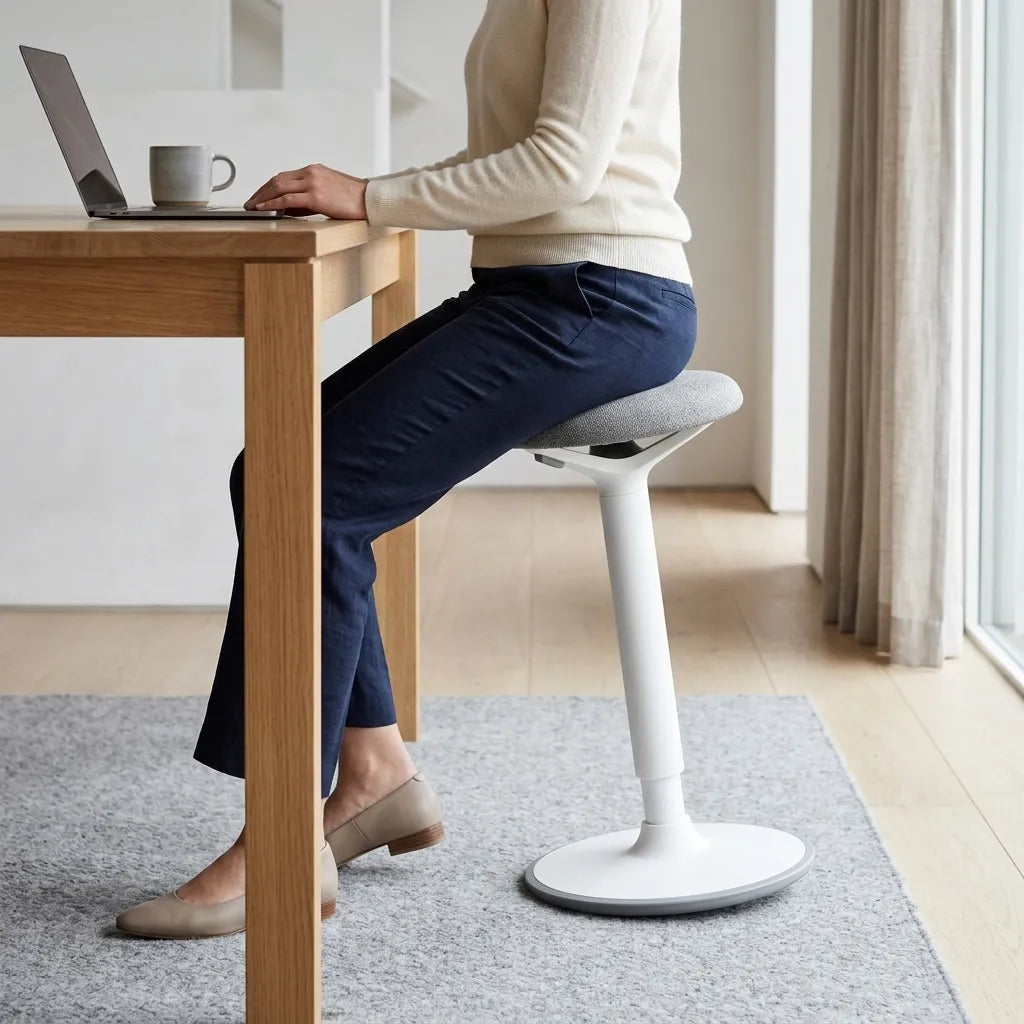
Person seated on a white balance stool at a light wood desk in a bright workspace

Active Sitting Stool vs. Ergonomic Chair: Which Should You Use?
Compare an active sitting stool with an ergonomic office chair, learn when each works best and build a practical rotation for a varied workday.

Read moreabout Active Sitting Stool vs. Ergonomic Chair: Which Should You Use?

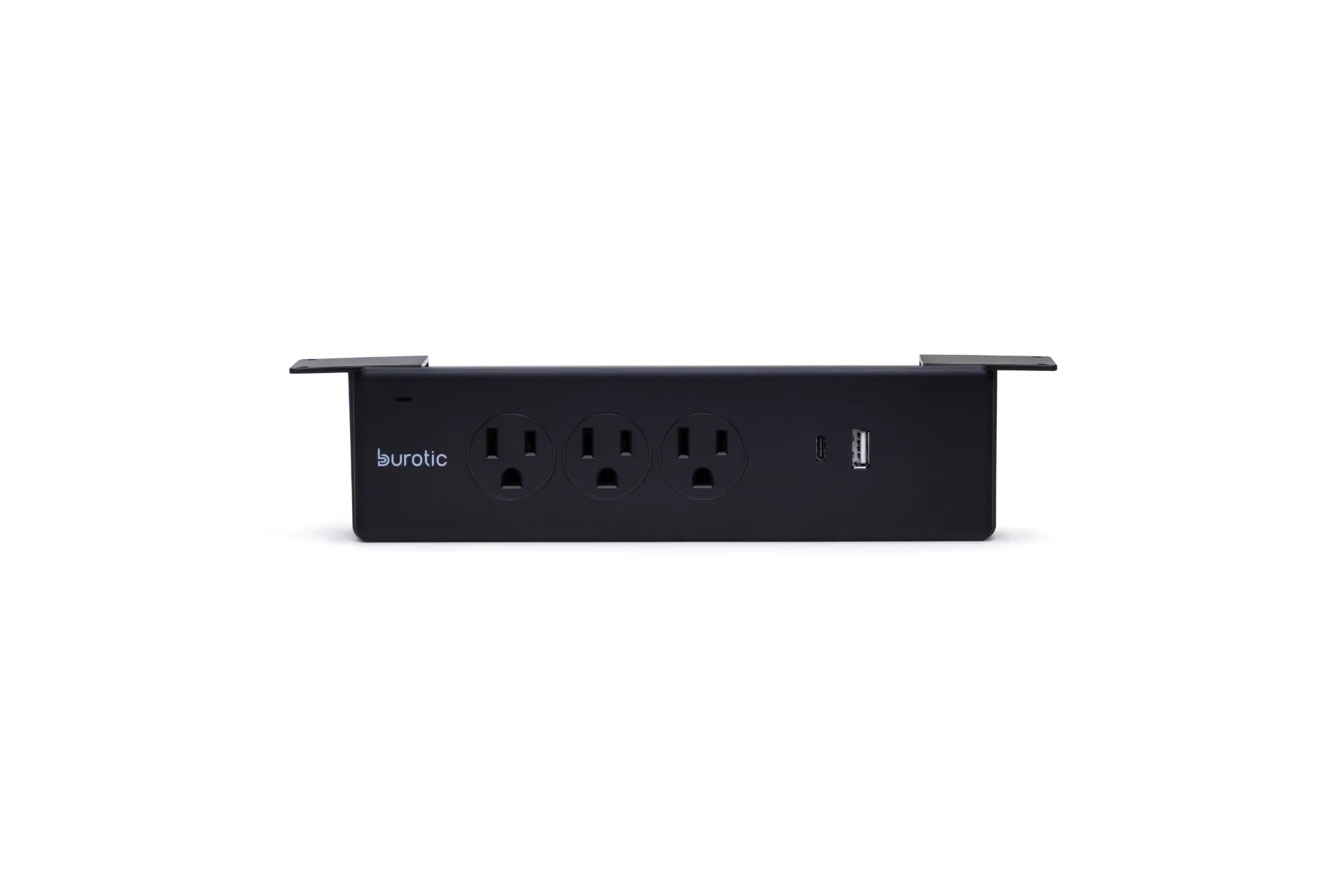
Black Burotic desk power bar with three outlets, USB-C and USB-A ports on a white background

Desk Power Bar Setup: Safe Placement and Cable Planning
Plan a safer, cleaner desk power setup with Canadian certification checks, on-desk and under-desk placement guidance, and standing-desk cable routing.

Read moreabout Desk Power Bar Setup: Safe Placement and Cable Planning

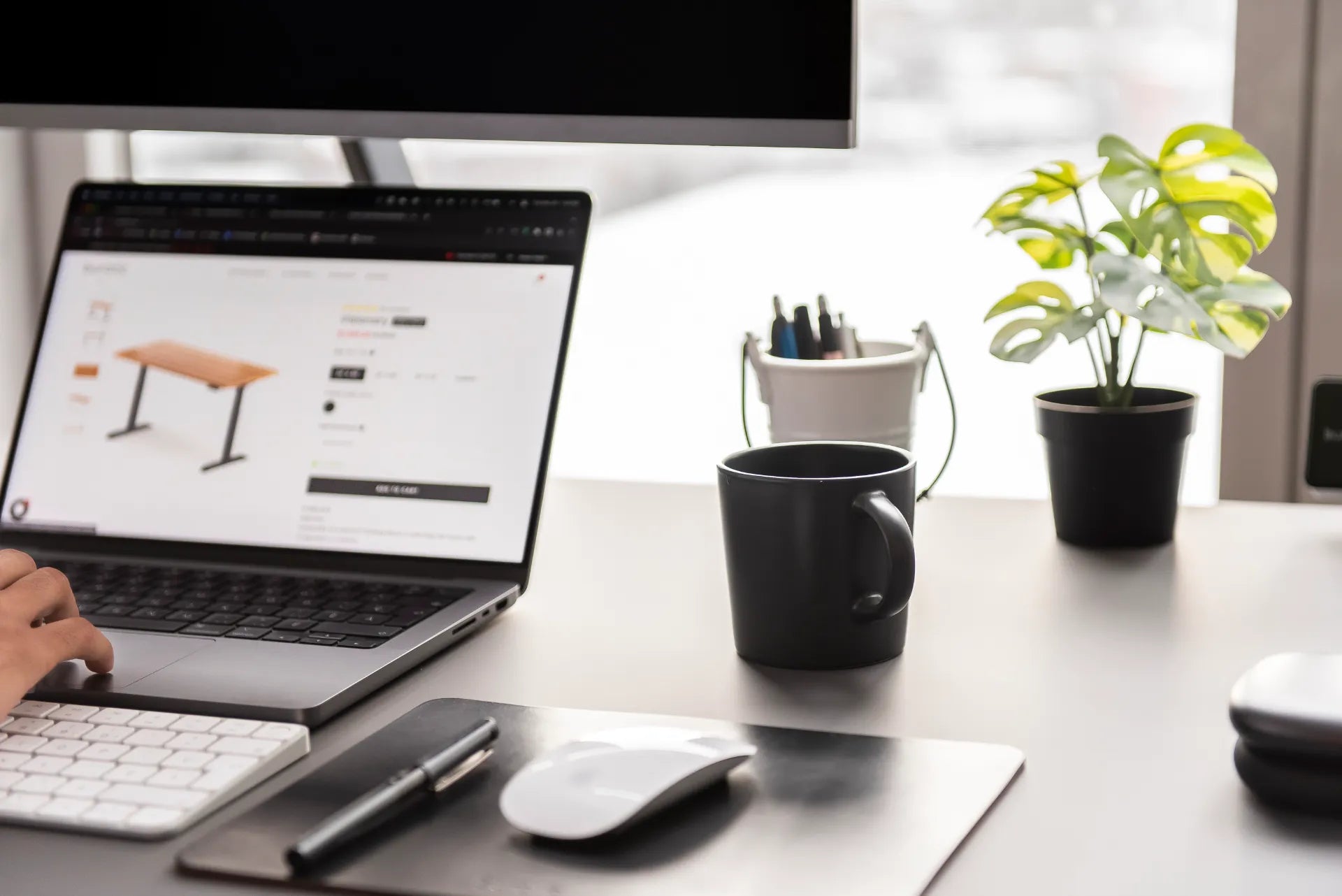
Minimalist black desk with laptop, monitor, white keyboard, mouse, notebook, mug and plant

Minimalist Desk Setup Guide for Focused Work

Create a minimalist desk setup that reduces clutter without sacrificing ergonomics, cable safety, storage or the tools needed for focused work.

Read moreabout Minimalist Desk Setup Guide for Focused Work