Ergonomic Office Tips & Buying Guides

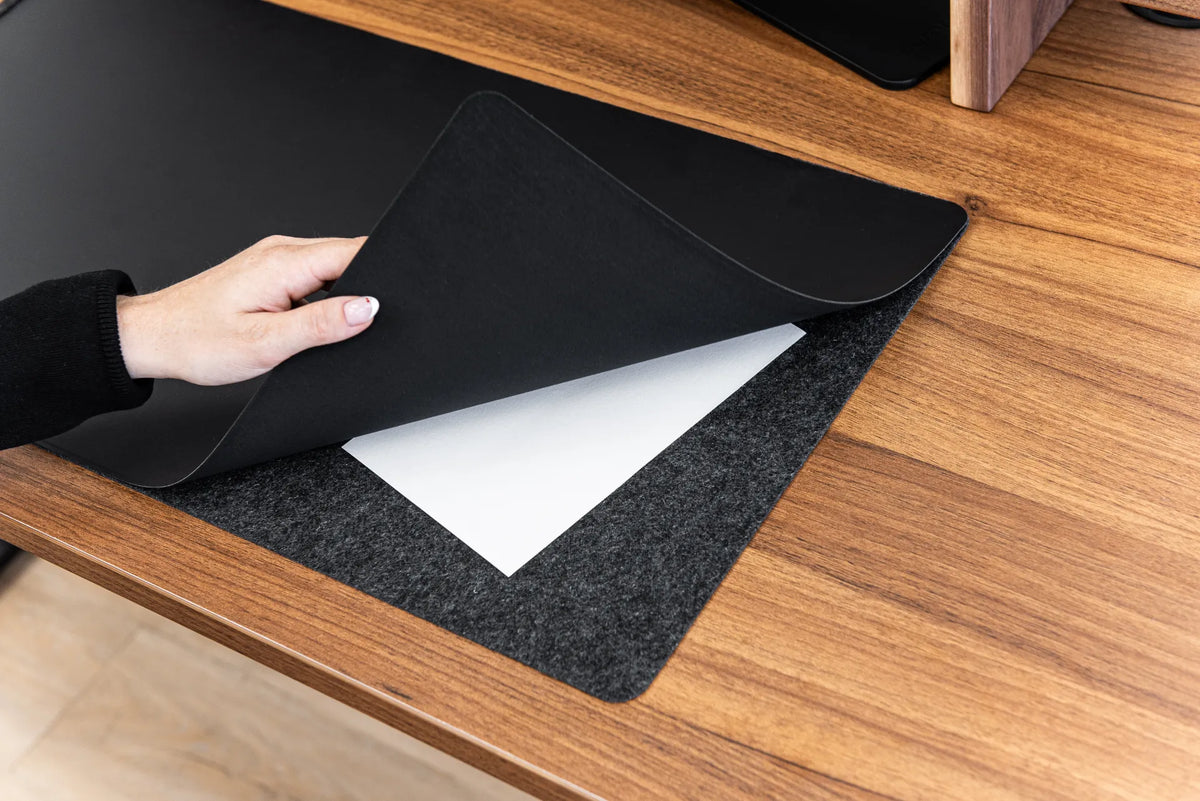
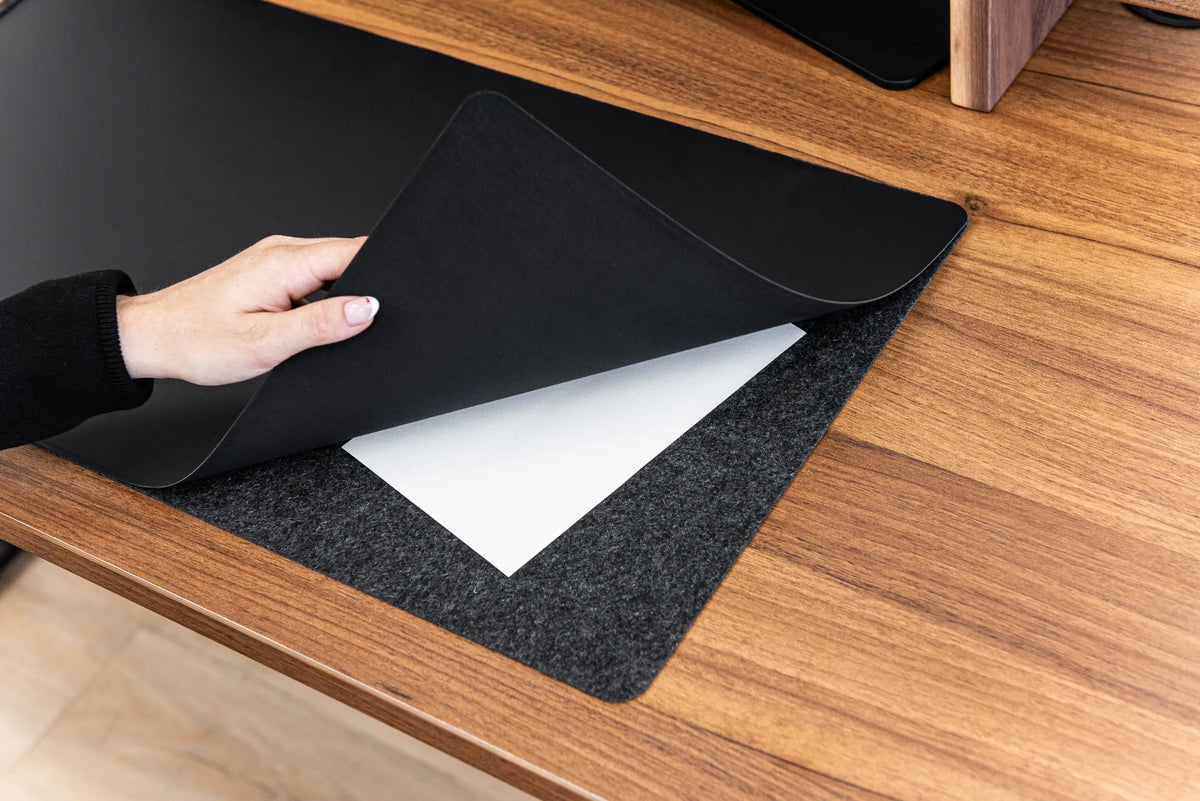
Hand lifting the black top layer of a desk pad to reveal grey felt backing and white papers on a walnut desk

Which Side of a Desk Pad Goes Down?

The grippier or manufacturer-designated backing normally faces the desktop, while the smooth working surface faces up. Some desk pads are reversible or include storage layers, so identify the construction before placing yours.
Read moreabout Which Side of a Desk Pad Goes Down?

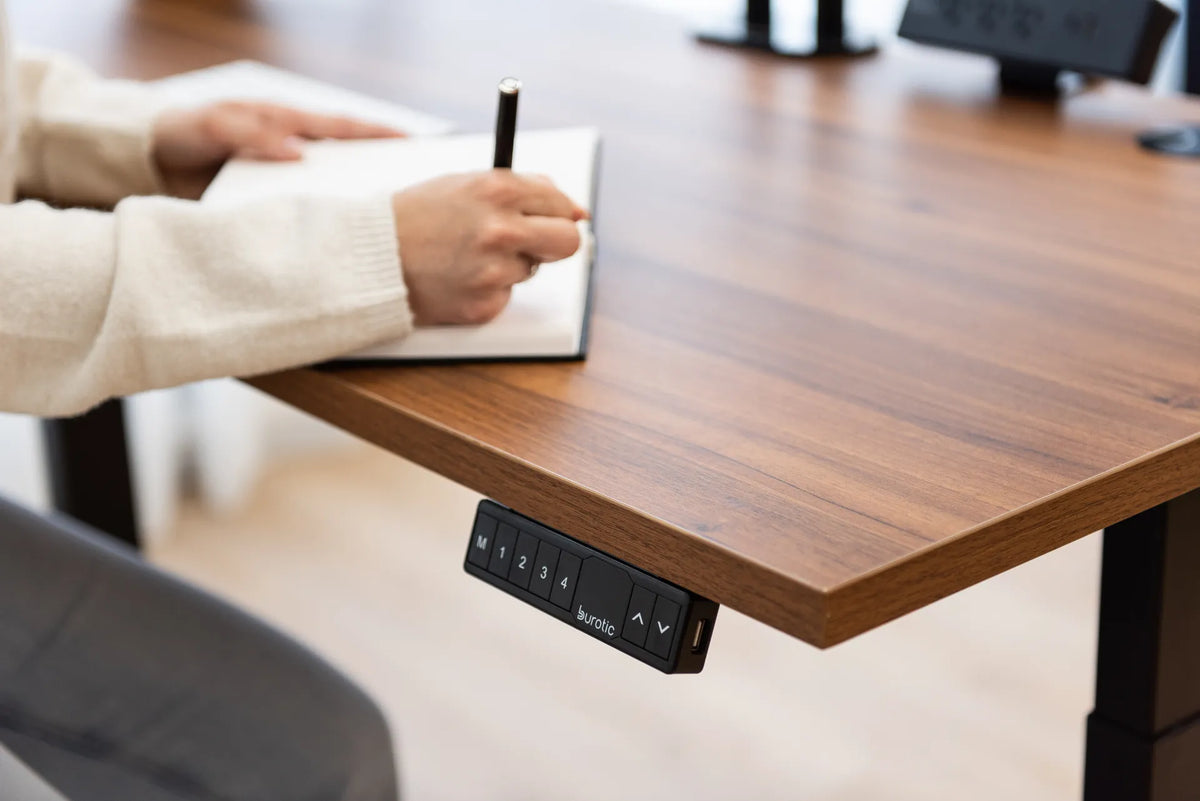
Close-up of a person writing in an open notebook on a walnut standing desk with a black memory controller below the front edge

Desk Pad vs. Bare Desktop for Writing: Which Is Better?

A desk pad can protect the work surface, steady loose paper and soften contact at the desk edge, while a bare desktop usually gives a firmer writing feel and fewer layers under the page. This guide helps you choose by pen type, task, posture and desktop material.

Read moreabout Desk Pad vs. Bare Desktop for Writing: Which Is Better?
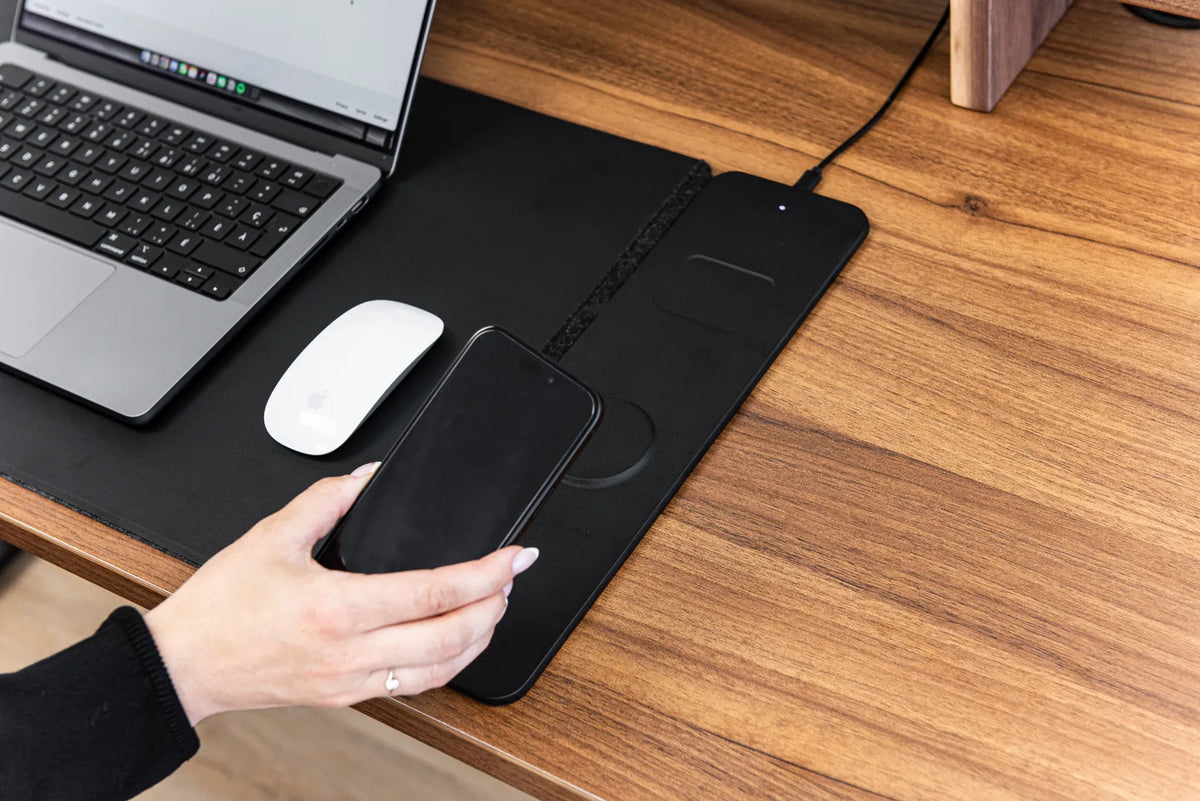
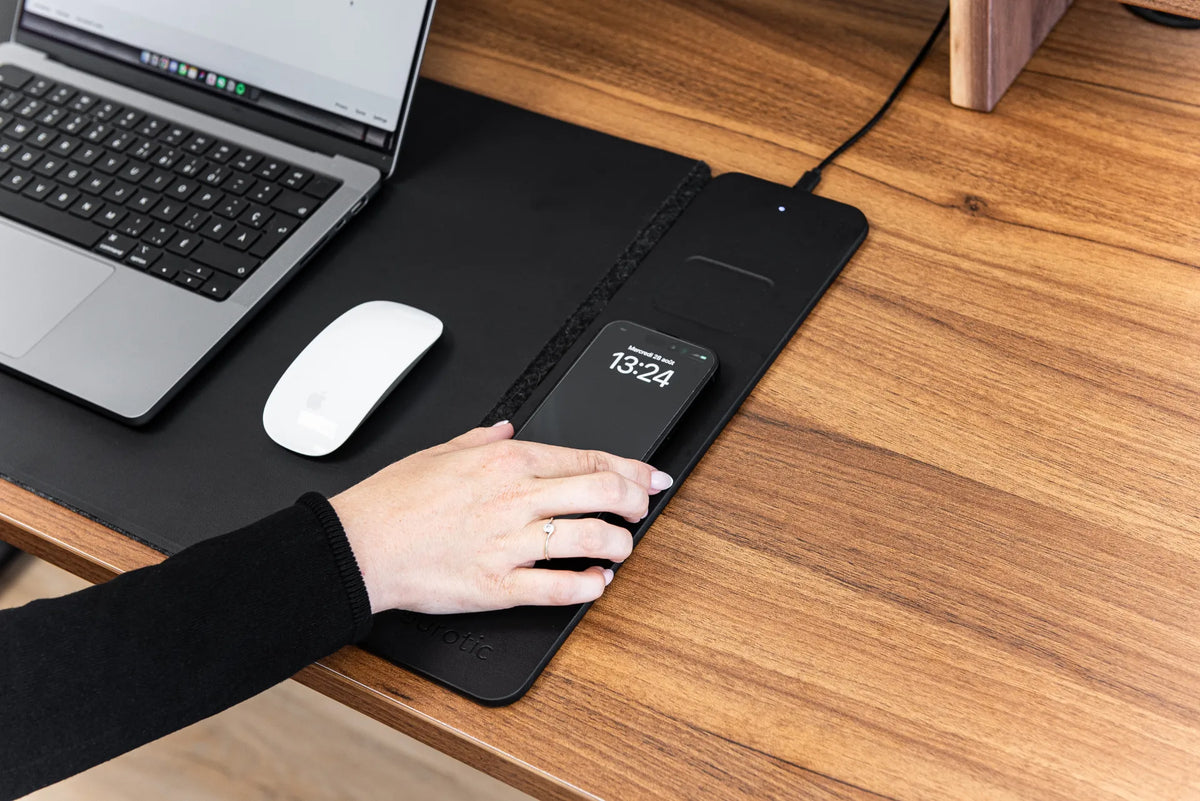
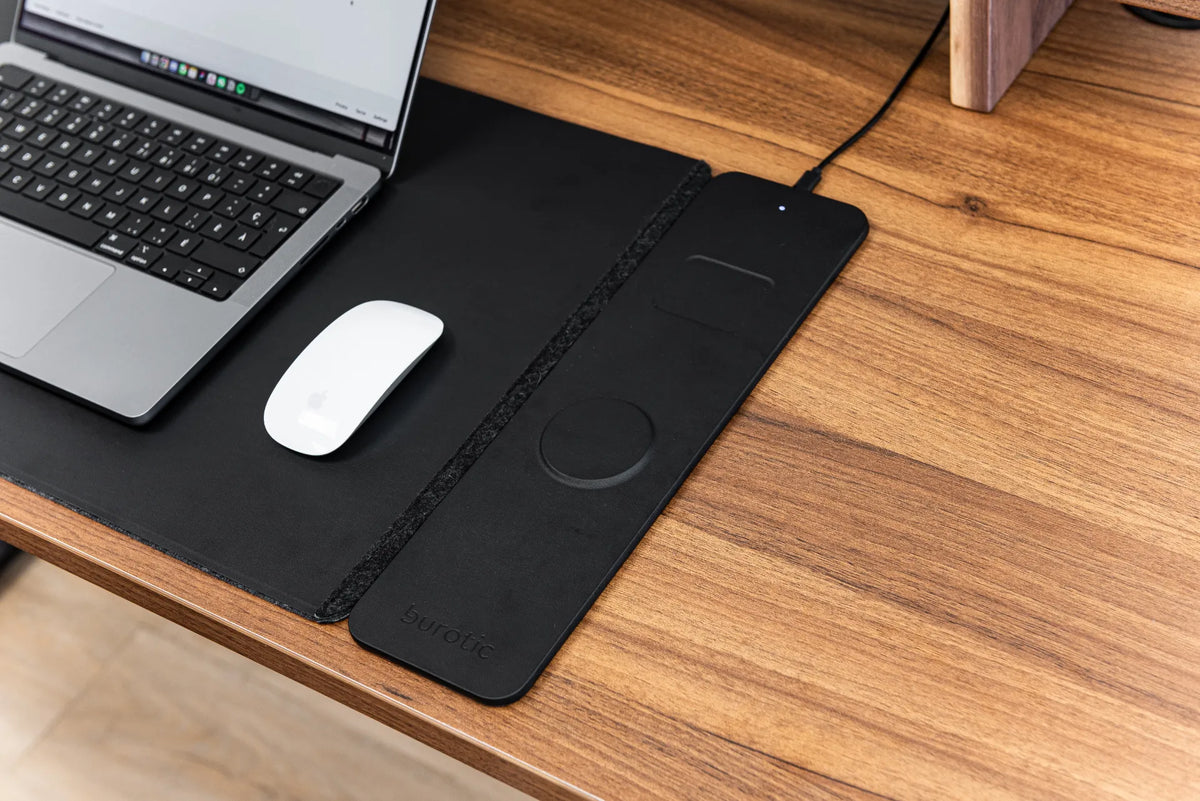
Black wireless charging desk pad on a walnut-tone desk with a laptop, white mouse and phone held over the charging area

How Thick Should a Desk Pad Be?

A practical comparison of thin, medium and thick desk pads for mouse control, writing, keyboard stability, edge comfort and desktop protection.

Read moreabout How Thick Should a Desk Pad Be?

Black smartphone resting on a black wireless charging desk pad beside a laptop and white mouse

Why Does a Wireless Charger Get Warm? What to Check

Mild warmth can be normal during wireless charging, but excessive heat deserves attention. Learn what causes it, what to remove from the charging area and when to stop charging.

Read moreabout Why Does a Wireless Charger Get Warm? What to Check
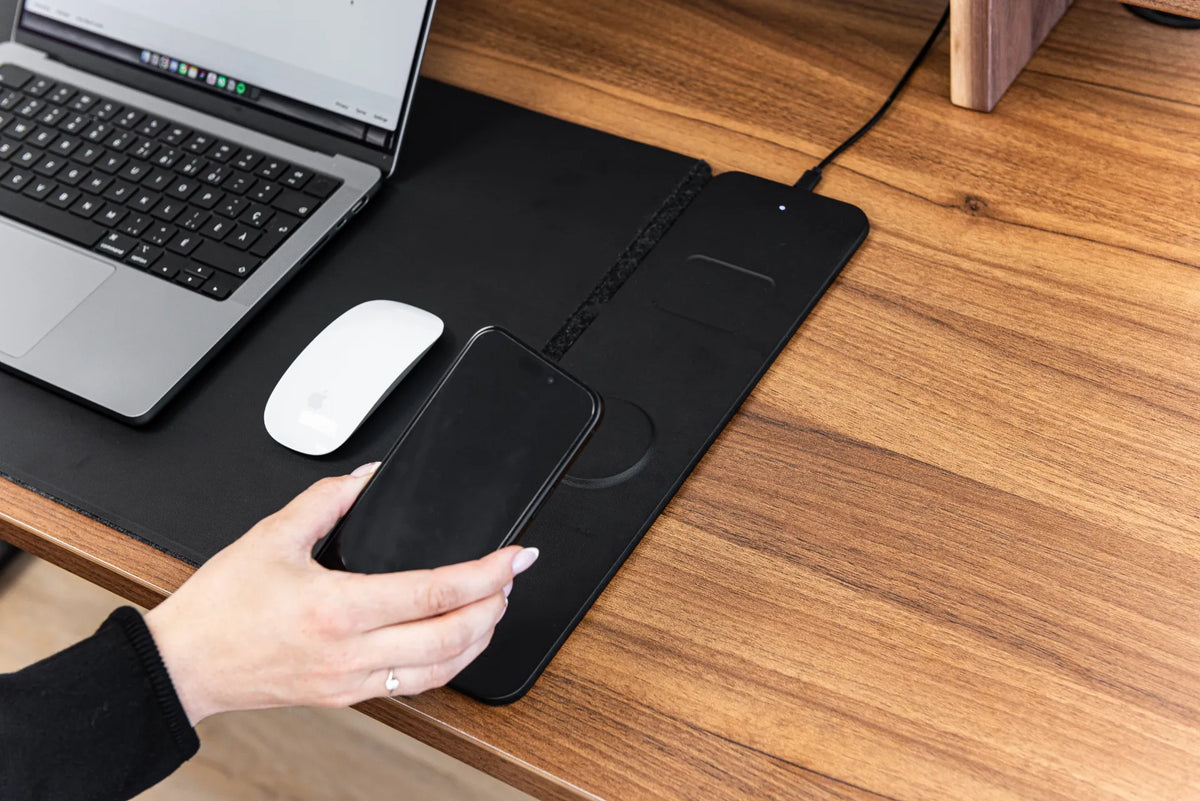
Hand positioning a black smartphone over the charging area of a black desk pad beside a laptop and white mouse on a wood desk

Why Is My Wireless Charging Desk Pad Not Charging?
Troubleshoot a wireless charging desk pad by checking power, phone compatibility, coil alignment, cases, heat, nearby objects and cable connections.

Read moreabout Why Is My Wireless Charging Desk Pad Not Charging?

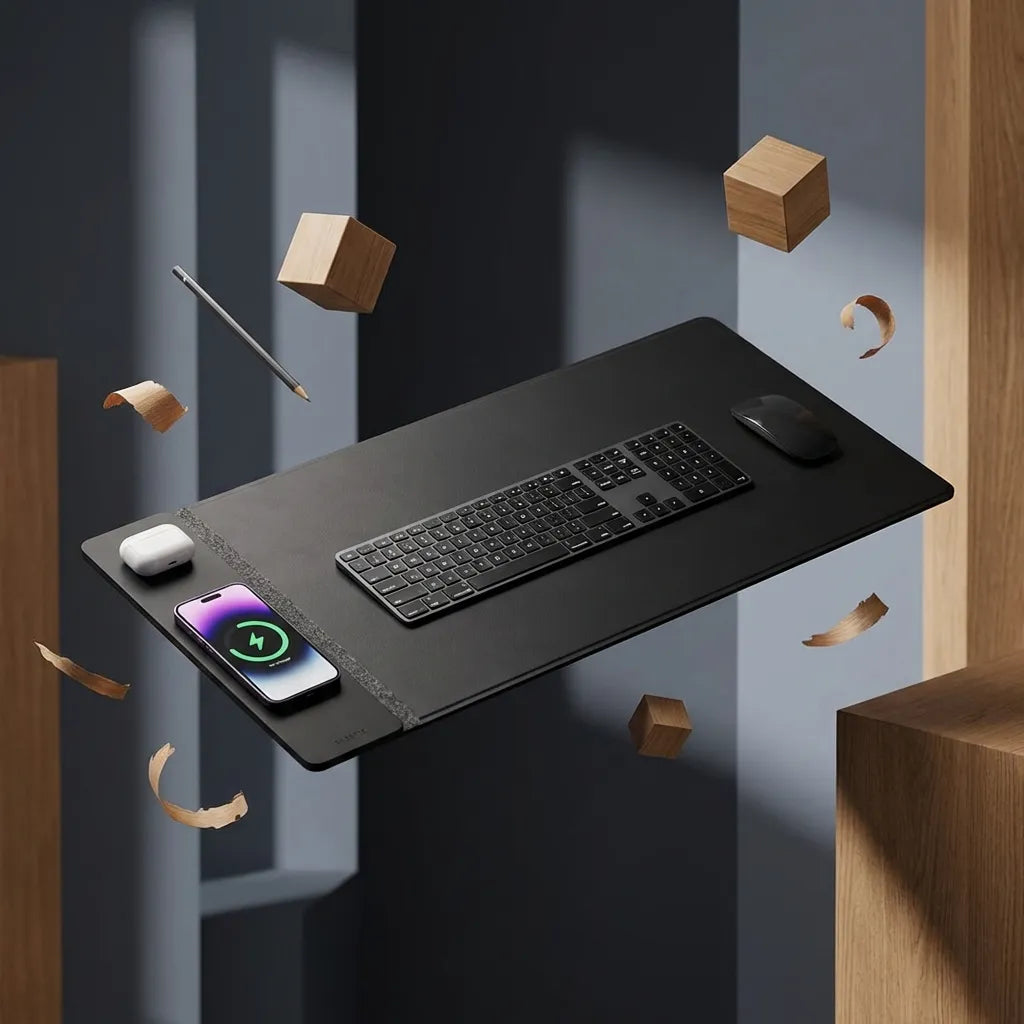
Black rectangular desk pad with a black keyboard and mouse, a phone on the charging area and white earbuds, shown in a dark wood setting

Does a Desk Pad Protect Your Desk? What It Can and Cannot Prevent
Desk pads can reduce everyday scratches, dirt and wear, but they are not complete protection from heat, trapped grit, spills or heavy impacts.

Read moreabout Does a Desk Pad Protect Your Desk? What It Can and Cannot Prevent

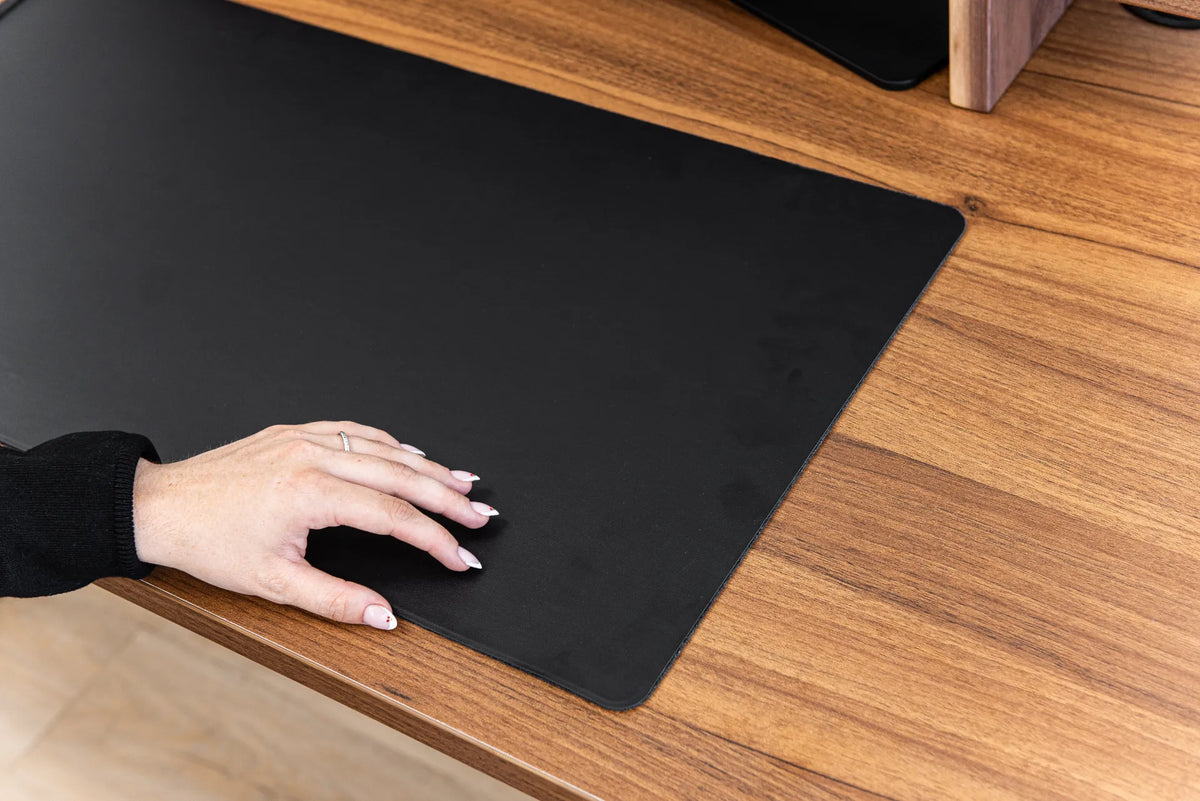
Black desk pad with a keyboard and mouse on a warm wood desktop, shown in close-up

How Large Should a Desk Pad Be?

Choose a desk pad size by measuring your keyboard, mouse travel, writing space and usable desktop instead of relying on a one-size rule.
Read moreabout How Large Should a Desk Pad Be?

Hand lifting the black top layer of a desk pad to reveal a grey felt underside and a sheet of paper on a wood desk

How to Flatten a Desk Pad and Keep It From Sliding
Flatten and stabilize a desk pad with patient acclimation, a clean dry surface, gentle weighting and material-safe troubleshooting without damaging the desktop.

Read moreabout How to Flatten a Desk Pad and Keep It From Sliding

Black wireless charging desk pad with a laptop and white mouse on a wood desktop

How to Clean a Wireless Charging Desk Pad Safely

Clean a wireless charging desk pad without soaking the electronics, damaging the surface or trapping moisture against a wood desktop.

Read moreabout How to Clean a Wireless Charging Desk Pad Safely