Ergonomic Office Tips & Buying Guides

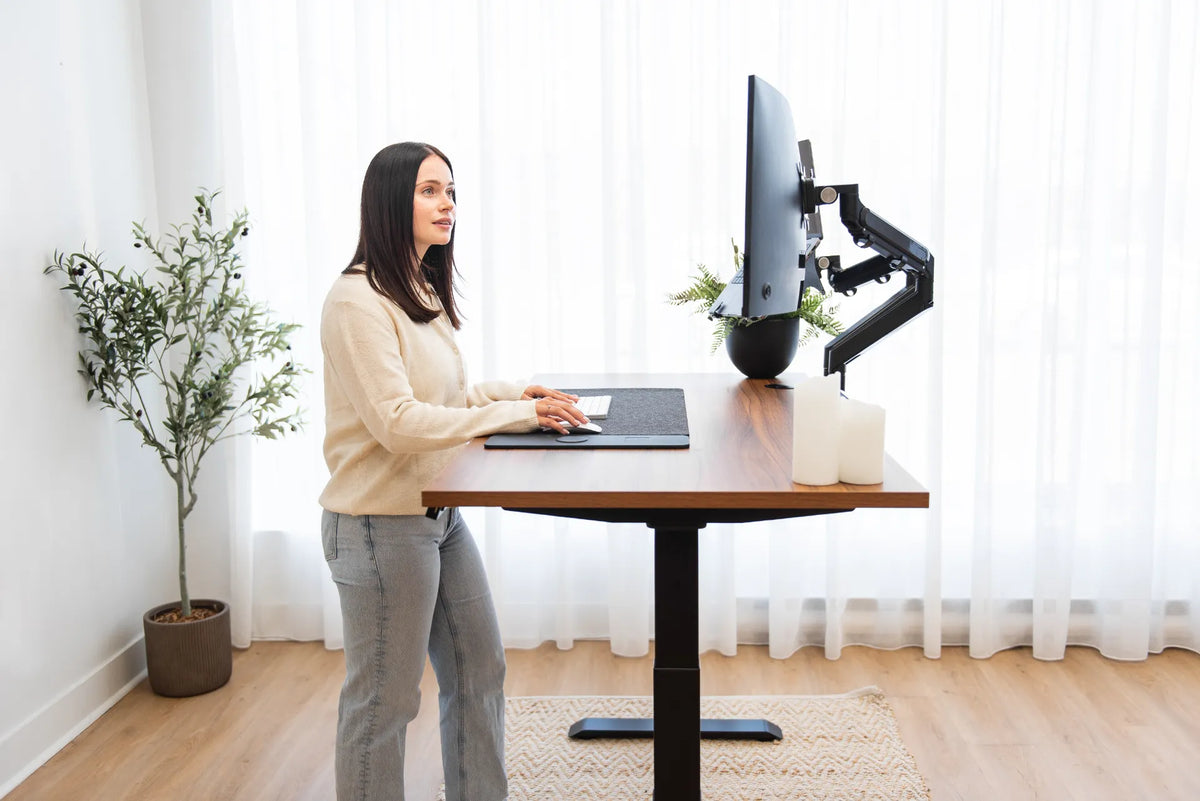
Woman standing at a light wood desk with a laptop and external monitor in a plant-filled home office

Standing Desk Setup for Students: Study, Screens and Small Spaces

Plan a student standing desk around study tasks, laptop and screen placement, paper space, movement and the limits of a bedroom or dorm.

Read more

Wood standing desk with black legs and monitor arms positioned on a beige woven area rug

How to Choose and Position a Rug Under a Standing Desk

A practical guide to choosing an area rug that supports a stable standing desk, smooth chair movement and a comfortable home office layout.

Read more

Trailing green plant on a wood standing desk above a white under-desk power bar

How to Decorate a Standing Desk Without Blocking Its Movement

Add plants, personal objects and useful accessories to a standing desk while preserving workspace, cable travel and the desk’s full range of motion.

Read more

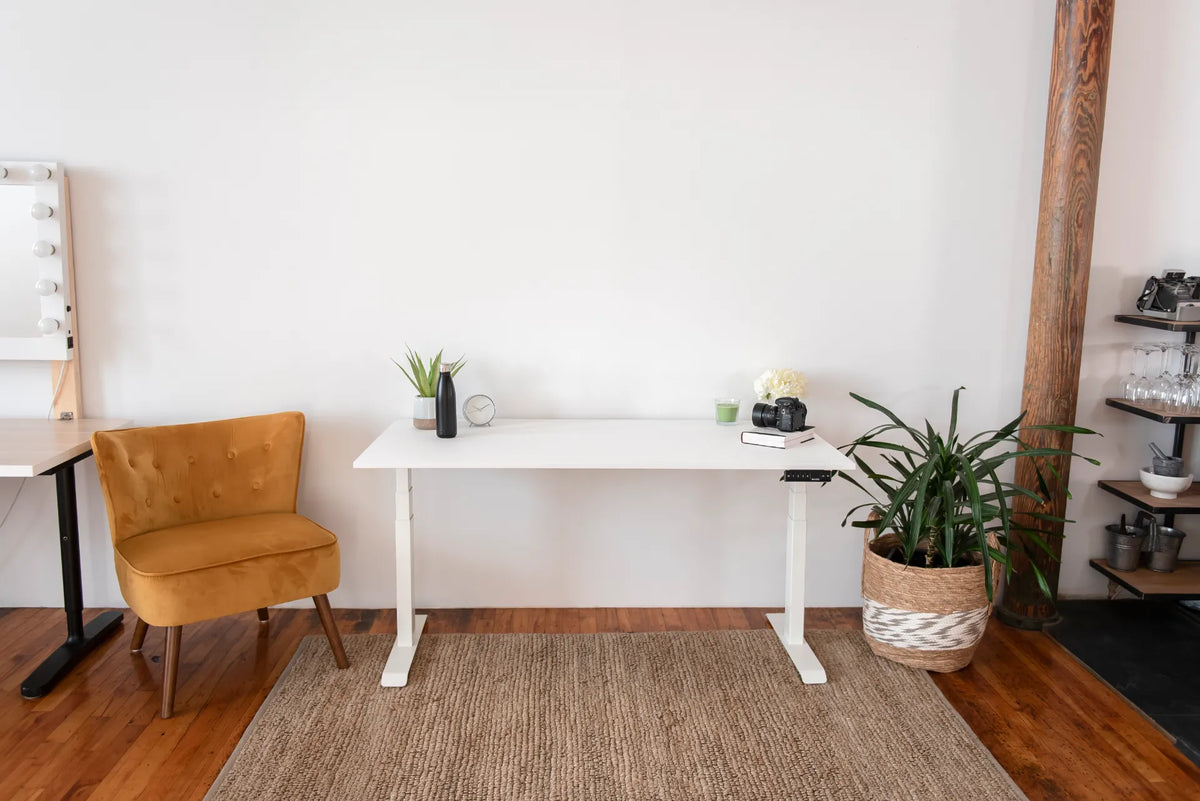
White standing desk with a closed laptop, camera, books and plants in a bright creative workspace

Standing Desk Setup for Content Creators: Camera Gear, Editing and Workflow

Plan a standing desk for photography, video, editing and everyday computer work without letting camera gear, cables or changing desk heights disrupt the workflow.

Read more

Person seated in a black mesh ergonomic chair with a headrest and visible back support against a dark background

Office Chair for Long Hours: What to Look for in Canada

Choose an office chair for long computer days by evaluating fit, adjustment range, back support, armrests, movement and compatibility with your desk.

Read more

Black Burotic desktop power bar with three outlets, USB-C and USB-A ports on a light wood monitor stand

Power Bar vs. Surge Protector vs. Extension Cord for a Home Office

Understand what power bars, surge protectors and extension cords actually do before planning a Canadian home-office setup with computers, monitors and an adjustable desk.

Read more

Person standing at a light wood desk with a laptop, monitor and large industrial windows

Standing Desk Setup for Video Calls: Camera, Light and Background

Build a consistent video-call workstation by coordinating camera height, front lighting, background, audio, desk presets and cable movement.

Read more

Person working on a laptop at a white standing desk with a notebook, camera, plants and desk controller

Laptop-Only Desk Setup: How to Work Comfortably Without a Monitor

Build a more comfortable laptop-only desk setup by improving screen height, keyboard reach, chair position, lighting and movement without assuming you need a second monitor.

Read more

Woman standing at a light wood desk with a laptop and external monitor in a plant-filled home office

When Should You Sit or Stand at a Standing Desk?

A task-based guide to choosing when to sit, stand and move during the workday, with practical setup checks for comfortable transitions.

Read more