Ergonomic Office Tips & Buying Guides

Close view of a black monitor on a white stand above a light wood desk with a laptop, mouse, desk shelf, camera and plants by a window

Should You Tilt Your Monitor? Best Screen Angle for Desk Work
A slight monitor tilt can help keep the screen perpendicular to your line of sight and reduce reflections, but the right angle depends on screen height, viewing distance and lighting. Use this step-by-step setup and test.

Read moreabout Should You Tilt Your Monitor? Best Screen Angle for Desk Work

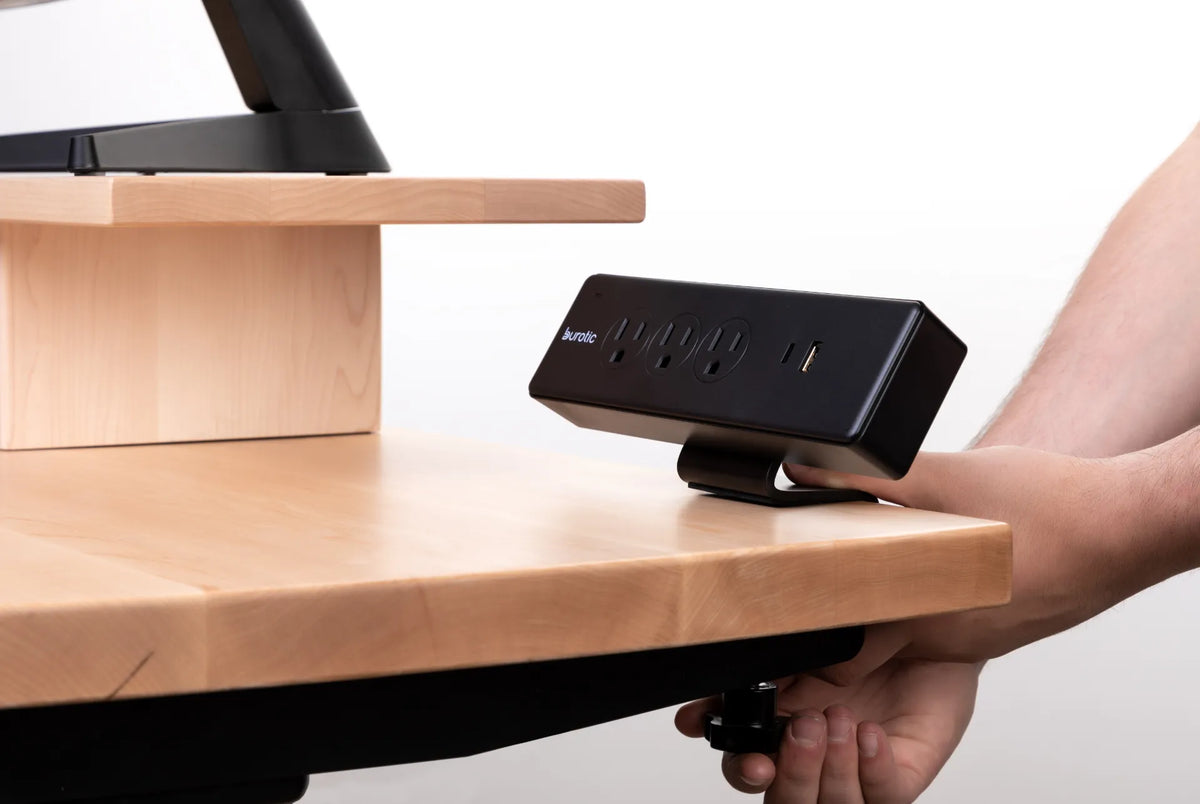
Hands tightening the clamp of a black Burotic power bar to the edge of a light wood desktop

Clamp-Mounted Desk Accessories: Fit, Placement and Desktop Protection
Check desktop thickness, edge clearance, load, surface protection and standing-desk movement before installing a clamp-mounted accessory.

Read moreabout Clamp-Mounted Desk Accessories: Fit, Placement and Desktop Protection

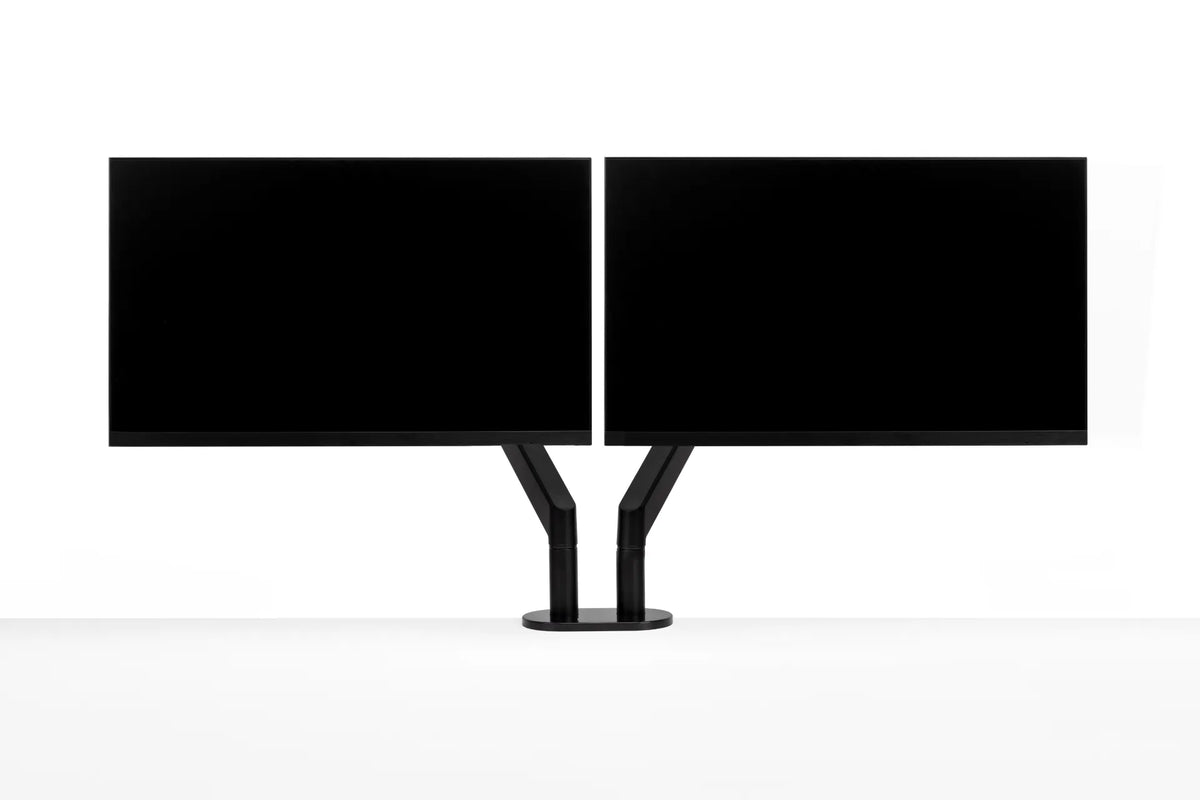
Two black monitors aligned side by side on a black dual monitor arm against a white background

How to Align Dual Monitors: Height, Angle and Primary Screen
Set up two monitors so the screen you use most stays centred, both displays are easy to scan and the arrangement still works when your standing desk moves.

Read moreabout How to Align Dual Monitors: Height, Angle and Primary Screen

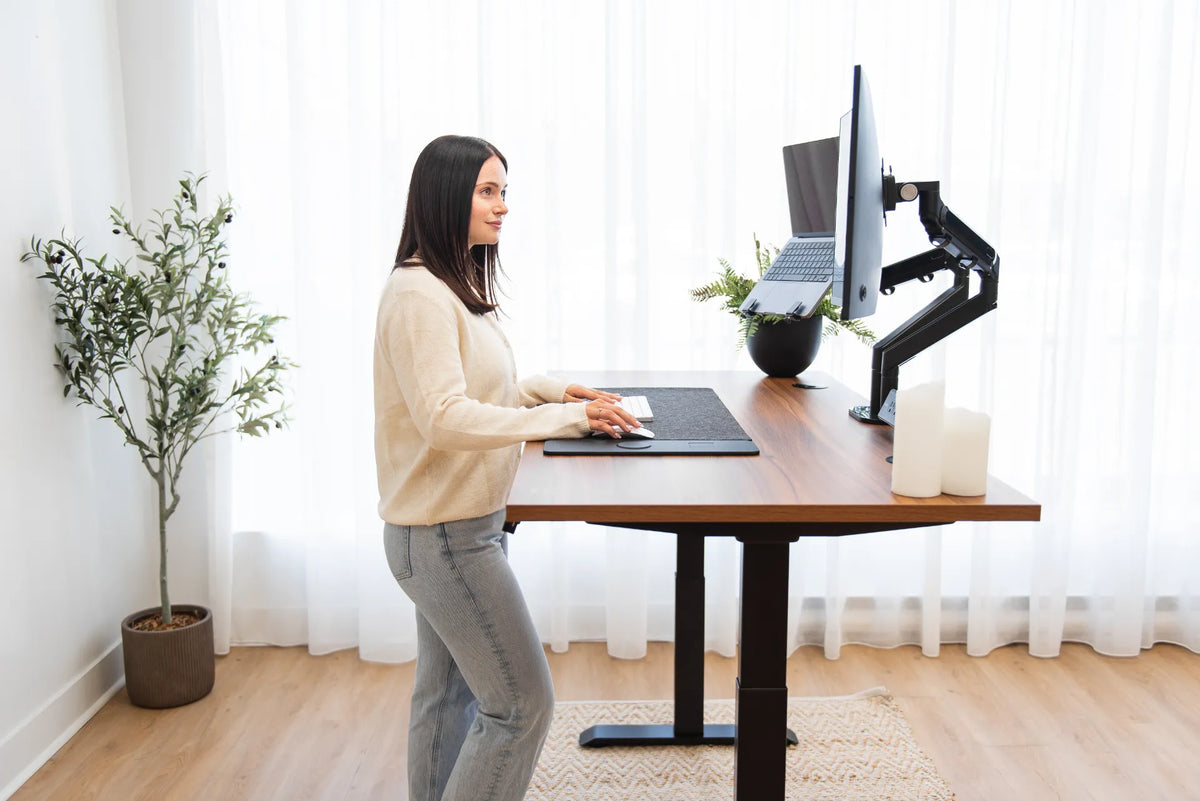
Woman standing at a walnut-tone adjustable desk with a curved monitor and laptop mounted on separate black arms

How to Mount a Laptop Beside a Monitor at a Standing Desk
Plan a laptop-and-monitor setup with the right tray, compatible arm, external keyboard and mouse, safe cable slack and sit-stand testing.

Read moreabout How to Mount a Laptop Beside a Monitor at a Standing Desk

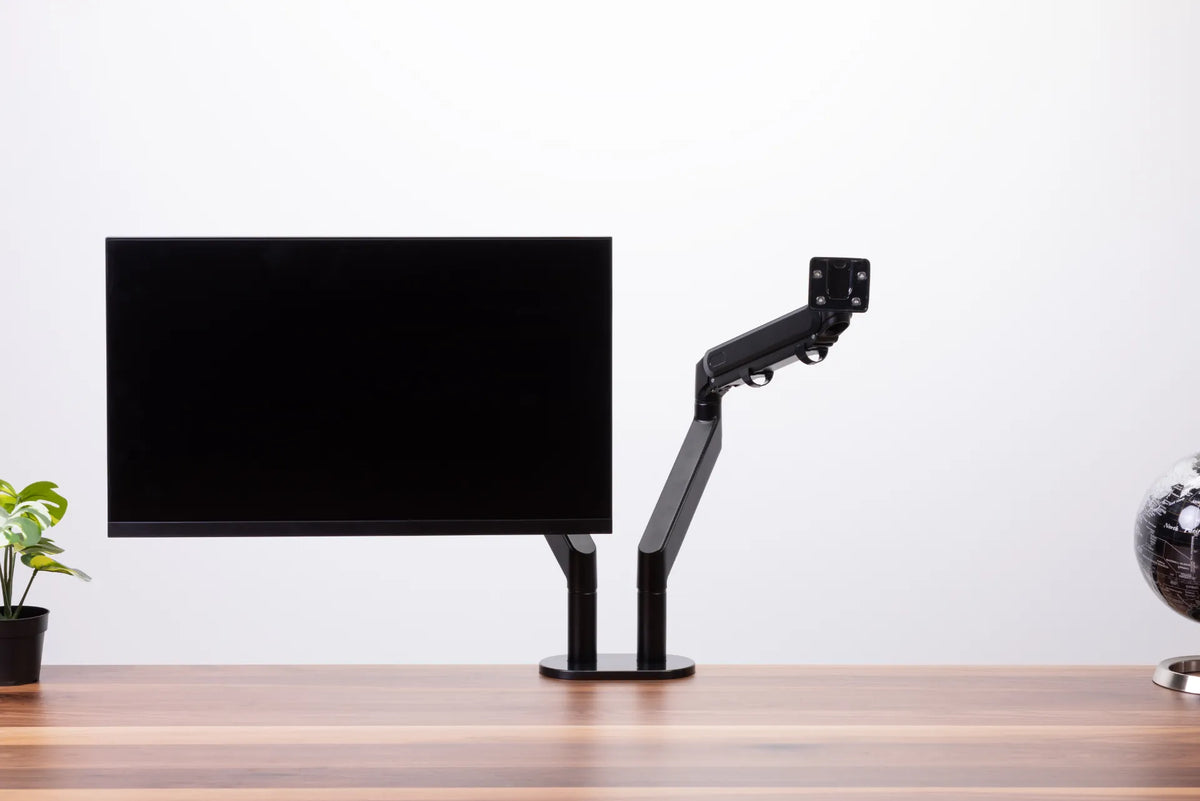
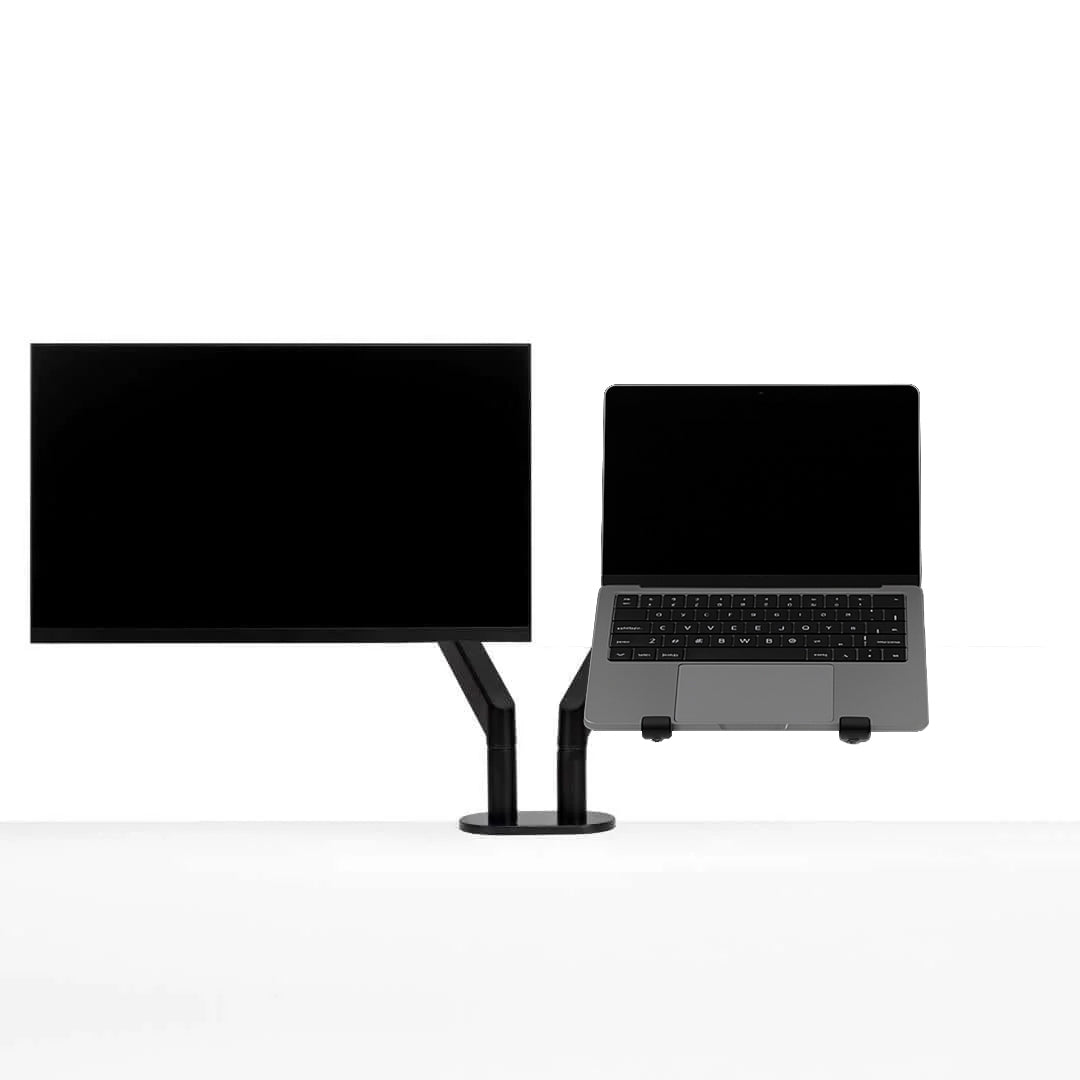
Black dual monitor arm with one screen installed and a second empty VESA mount above a wood desktop

Where Should You Position a Monitor Arm on Your Desk?
Position a monitor arm by planning the screen centre, clamp location, arm sweep, wall clearance, cable slack and the way your adjustable desk moves.

Read moreabout Where Should You Position a Monitor Arm on Your Desk?

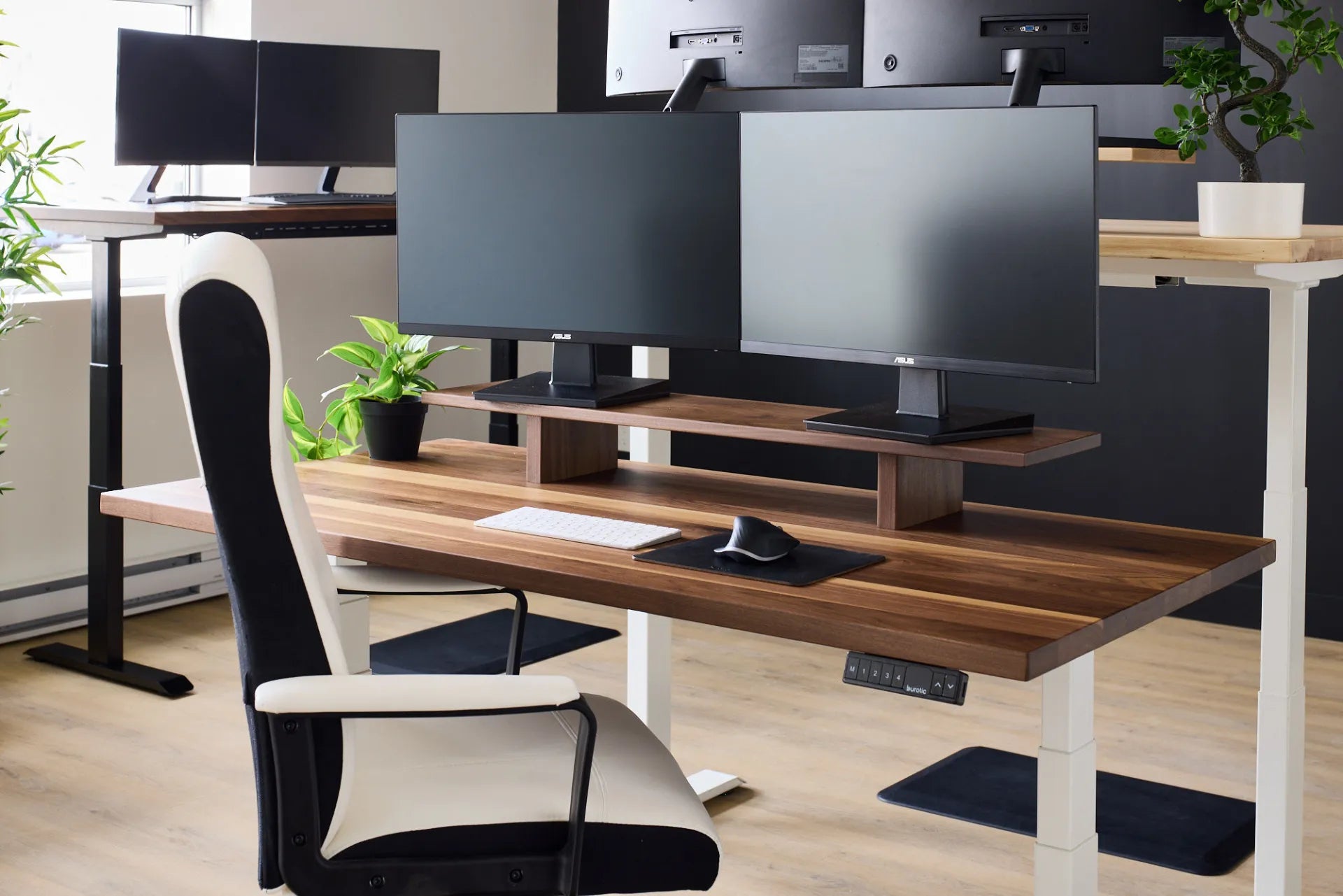
Two monitors arranged on a wood desk shelf in a Burotic showroom workspace

How to Fit Two Monitors on a Small Desk
A space-efficient dual-monitor setup guide covering screen layout, desk depth, monitor arms, cable routing and an ergonomic final check.

Read moreabout How to Fit Two Monitors on a Small Desk

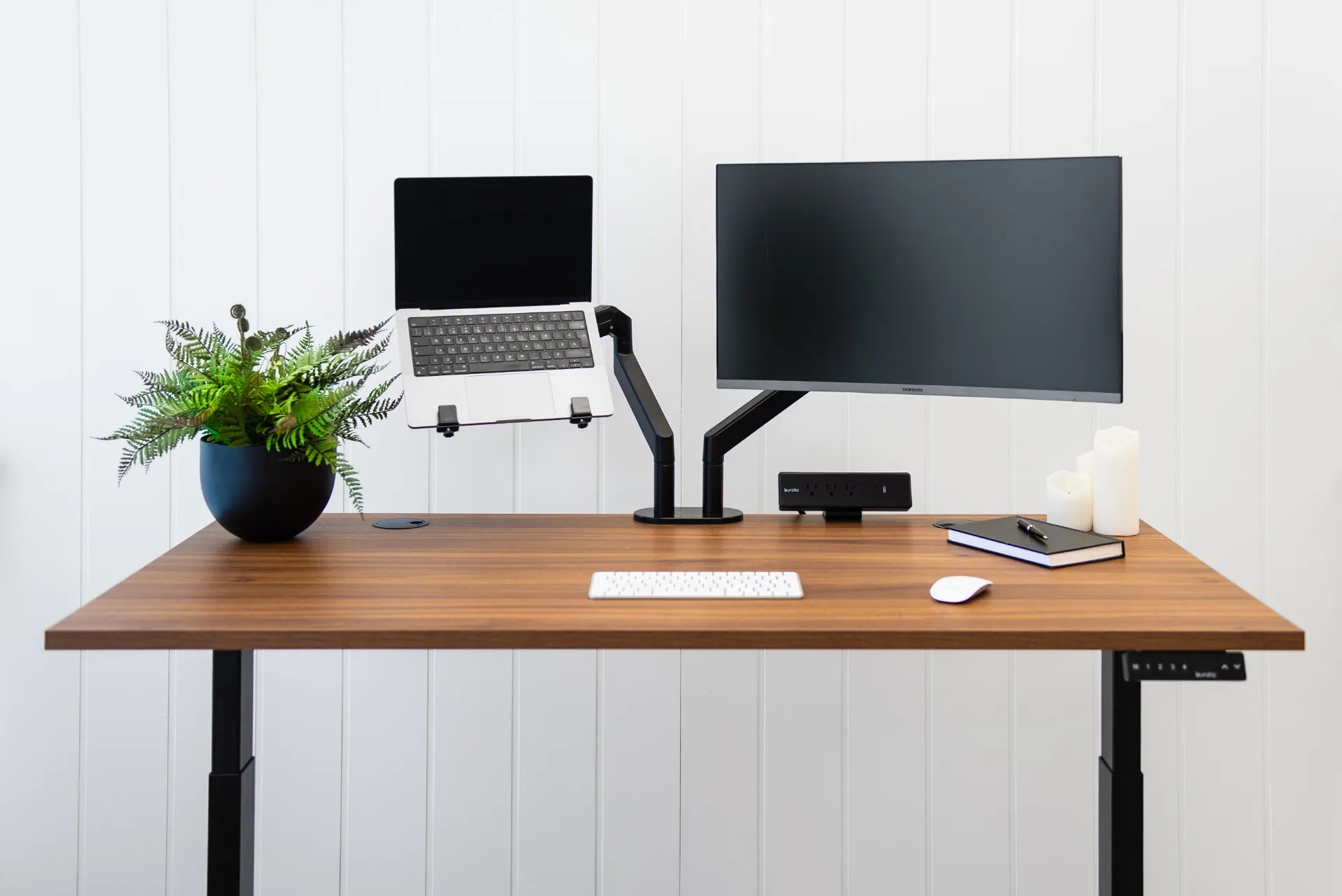
Laptop and external monitor mounted on separate adjustable arms above a walnut desk

Ergonomic Laptop and Monitor Setup: A Practical Canadian Guide
Set up a laptop with an external monitor for comfortable work, including screen priority, height, distance, keyboard, mouse, cables and sit-stand transitions.

Read moreabout Ergonomic Laptop and Monitor Setup: A Practical Canadian Guide

How to Choose a Monitor Arm: 8 Compatibility Checks Before You Buy

How to Choose a Monitor Arm: 8 Compatibility Checks Before You Buy

Check VESA spacing, monitor weight, desktop thickness, clamp clearance and movement before choosing a single or dual monitor arm.

Read moreabout How to Choose a Monitor Arm: 8 Compatibility Checks Before You Buy