

Ergonomic Office Tips & Buying Guides
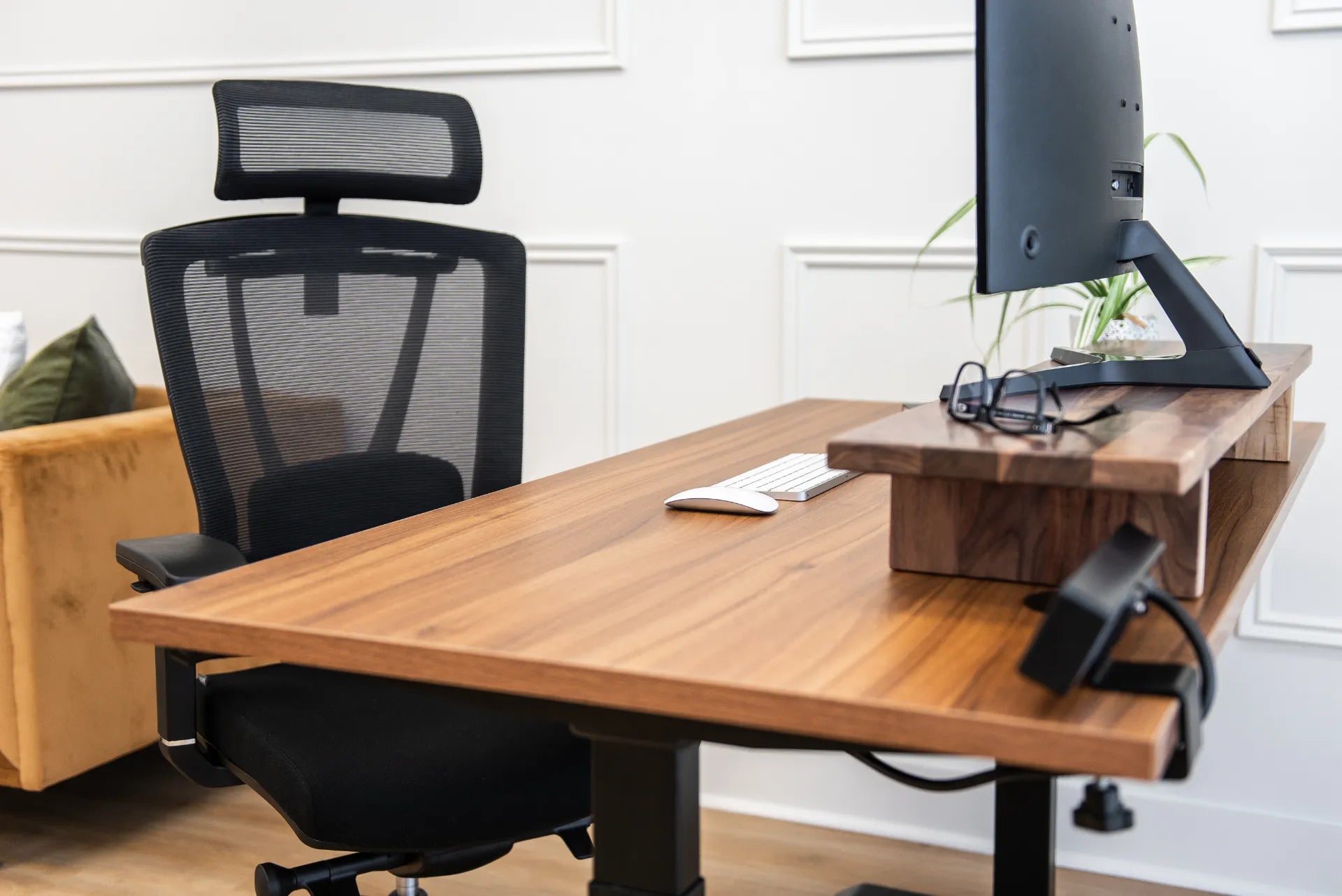
Monitor Setup for Progressive Lenses and Bifocals
Adjust monitor height, distance, text size and lighting for progressive lenses or bifocals without forcing the neck into an uncomfortable viewing position.
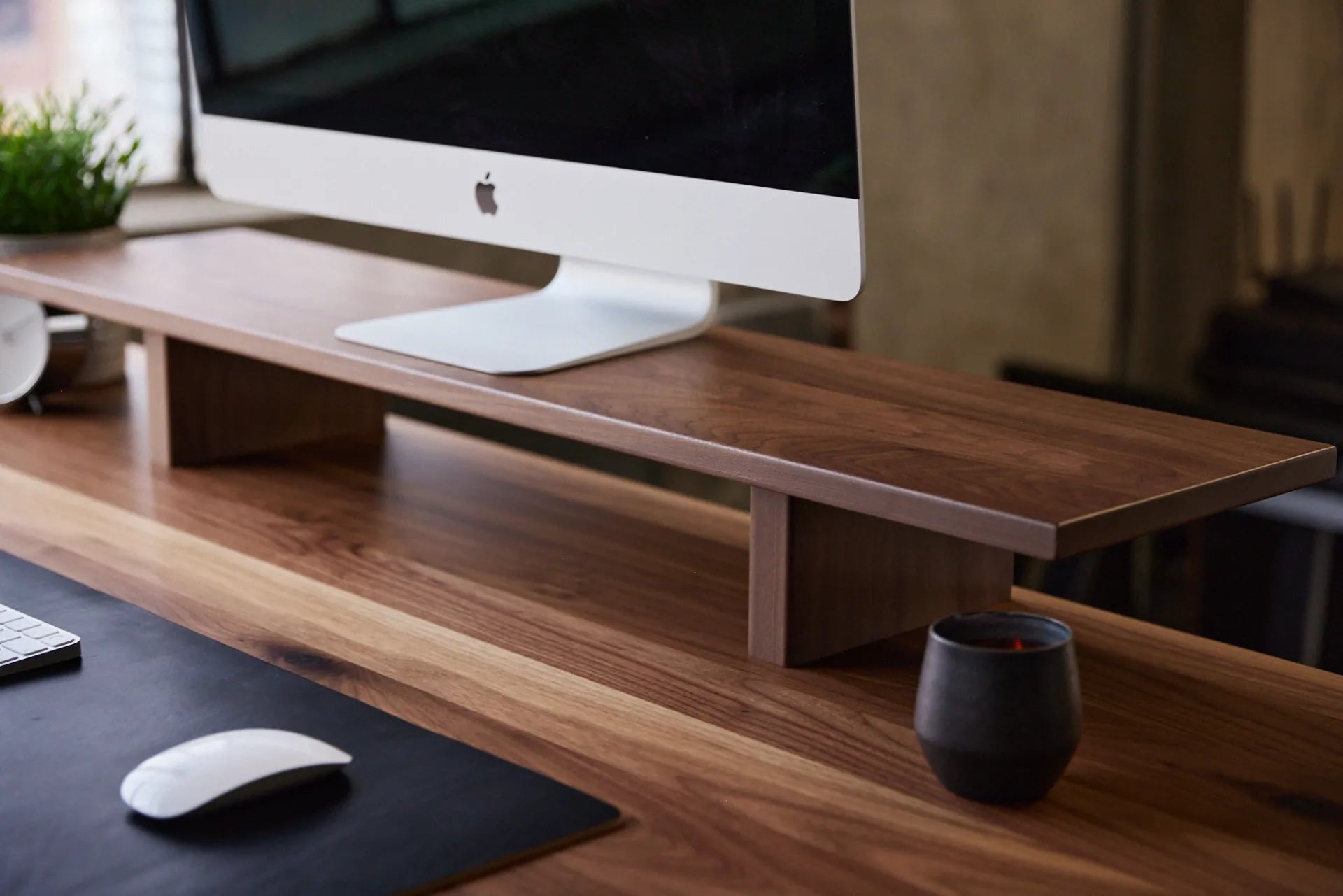
Monitor Stand vs. Monitor Arm: Which Is Better for Your Desk?
Compare monitor stands and monitor arms by ergonomics, adjustability, desk space, installation and daily workflow to choose the right screen support.
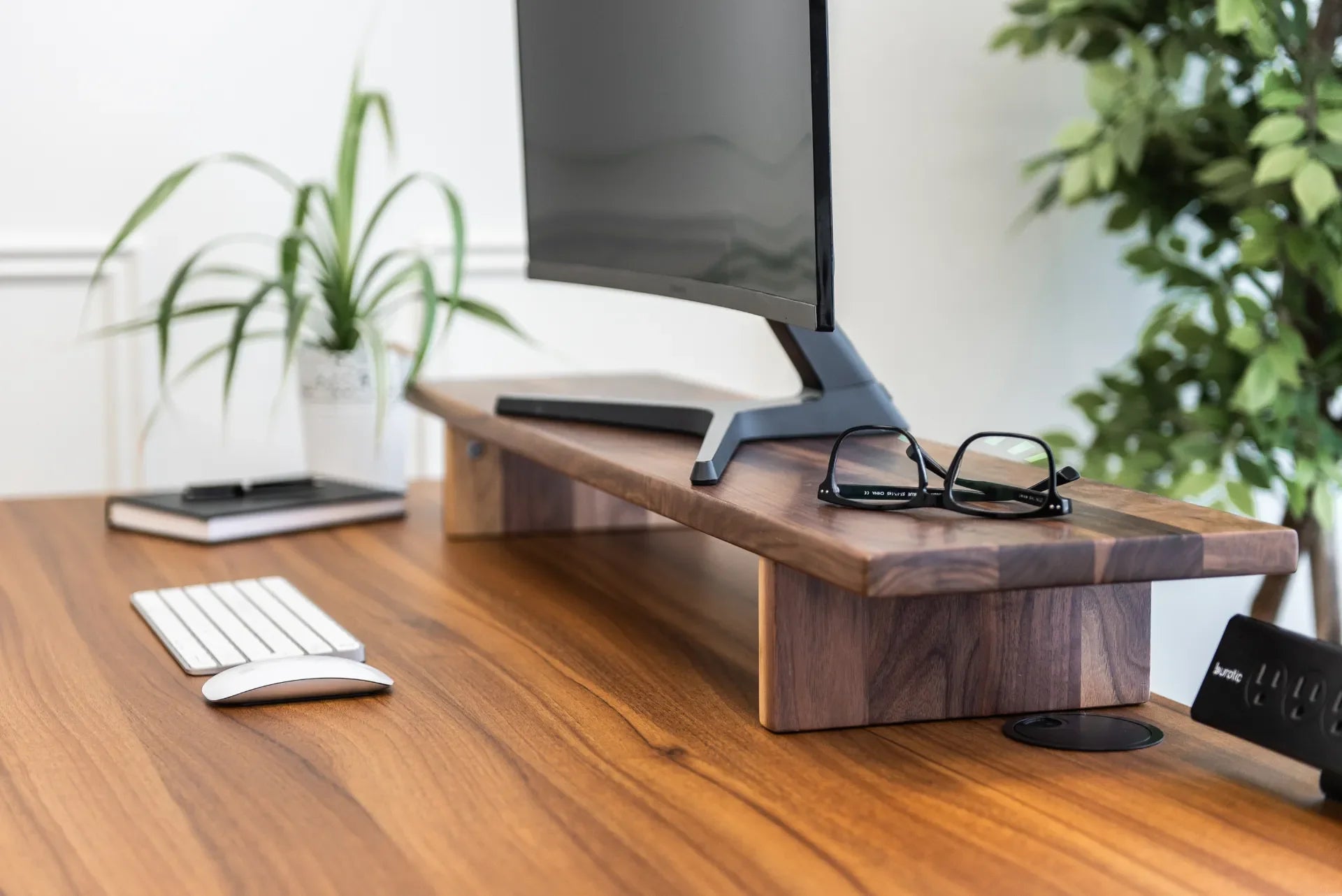
How Far Should Your Monitor Be From Your Eyes?
A practical Canadian guide to setting monitor distance, height and angle for clearer viewing and a more comfortable workstation.
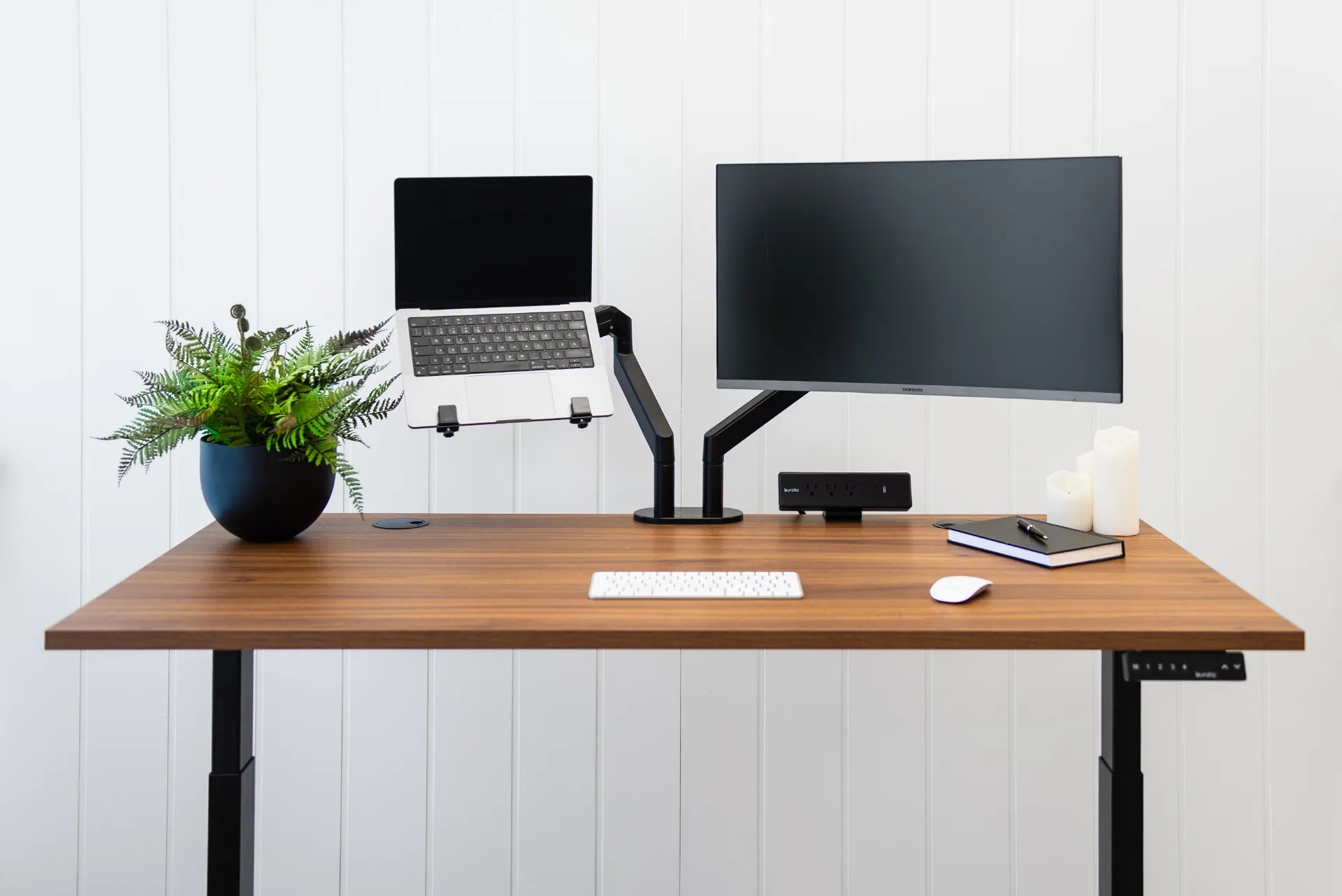
Ergonomic Laptop and Monitor Setup: A Practical Canadian Guide
Set up a laptop with an external monitor for comfortable work, including screen priority, height, distance, keyboard, mouse, cables and sit-stand transitions.
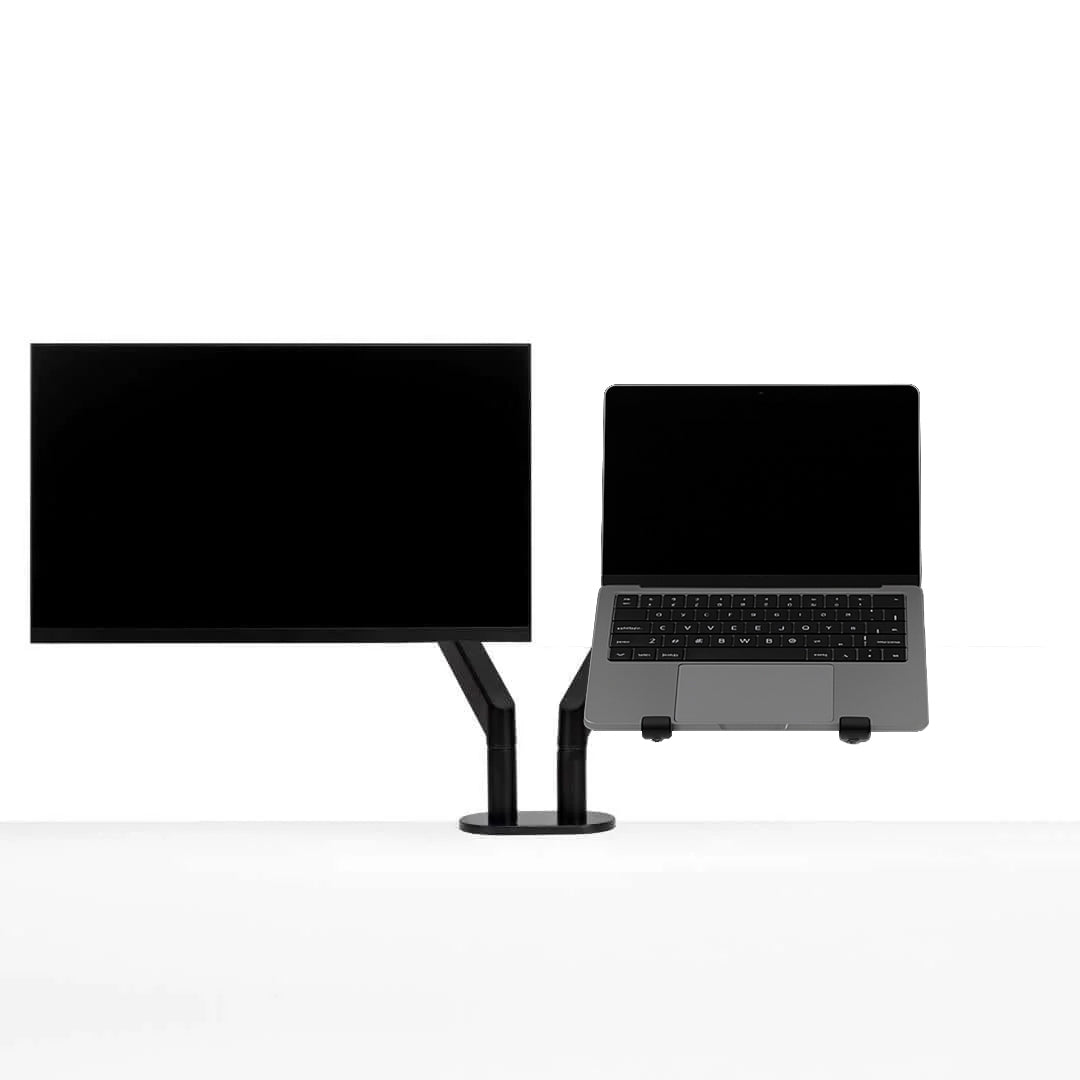
How to Choose a Monitor Arm: 8 Compatibility Checks Before You Buy
Check VESA spacing, monitor weight, desktop thickness, clamp clearance and movement before choosing a single or dual monitor arm.
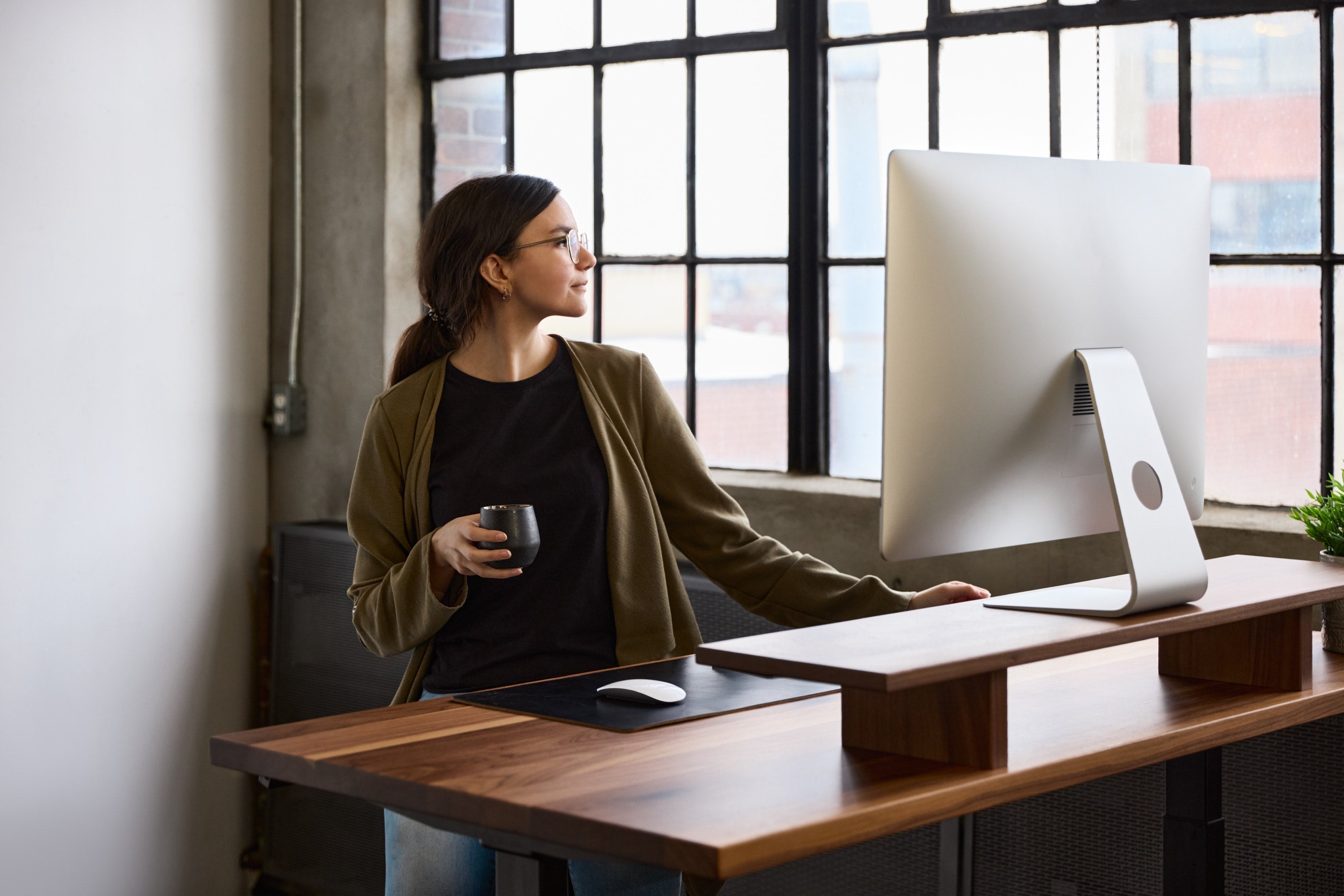
24 vs. 30-Inch Desk Depth: How to Choose for Your Monitor Setup
Choosing between a 24-inch and 30-inch desk depth? Compare monitor distance, room size, equipment footprint and future needs before selecting your standing desk.