Ergonomic Office Tips & Buying Guides

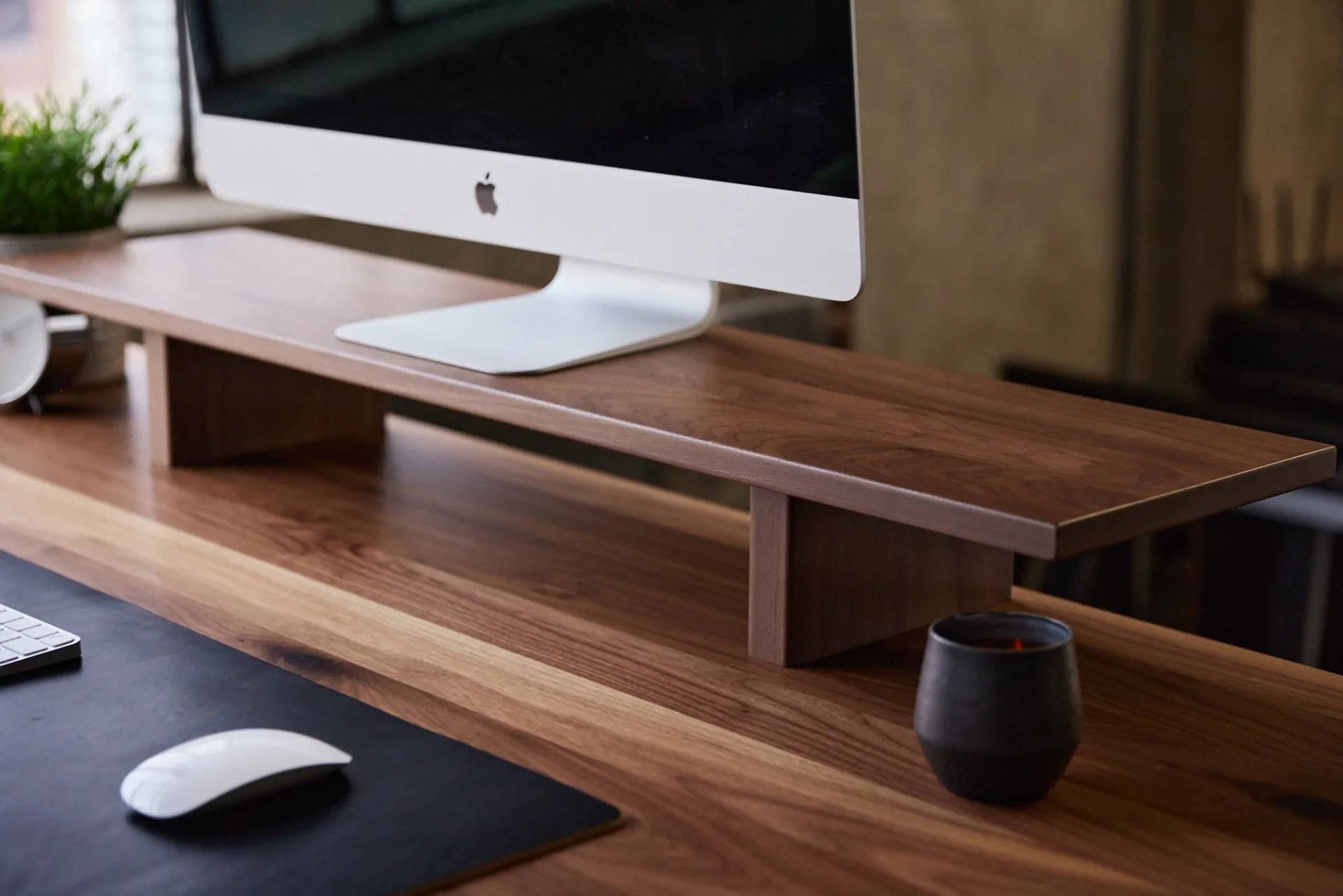
Dark wood monitor stand supporting a desktop display on a wood desk beside a mug and mouse

Monitor Stand vs. Monitor Arm: Which Is Better for Your Desk?
Compare monitor stands and monitor arms by ergonomics, adjustability, desk space, installation and daily workflow to choose the right screen support.

Read moreabout Monitor Stand vs. Monitor Arm: Which Is Better for Your Desk?

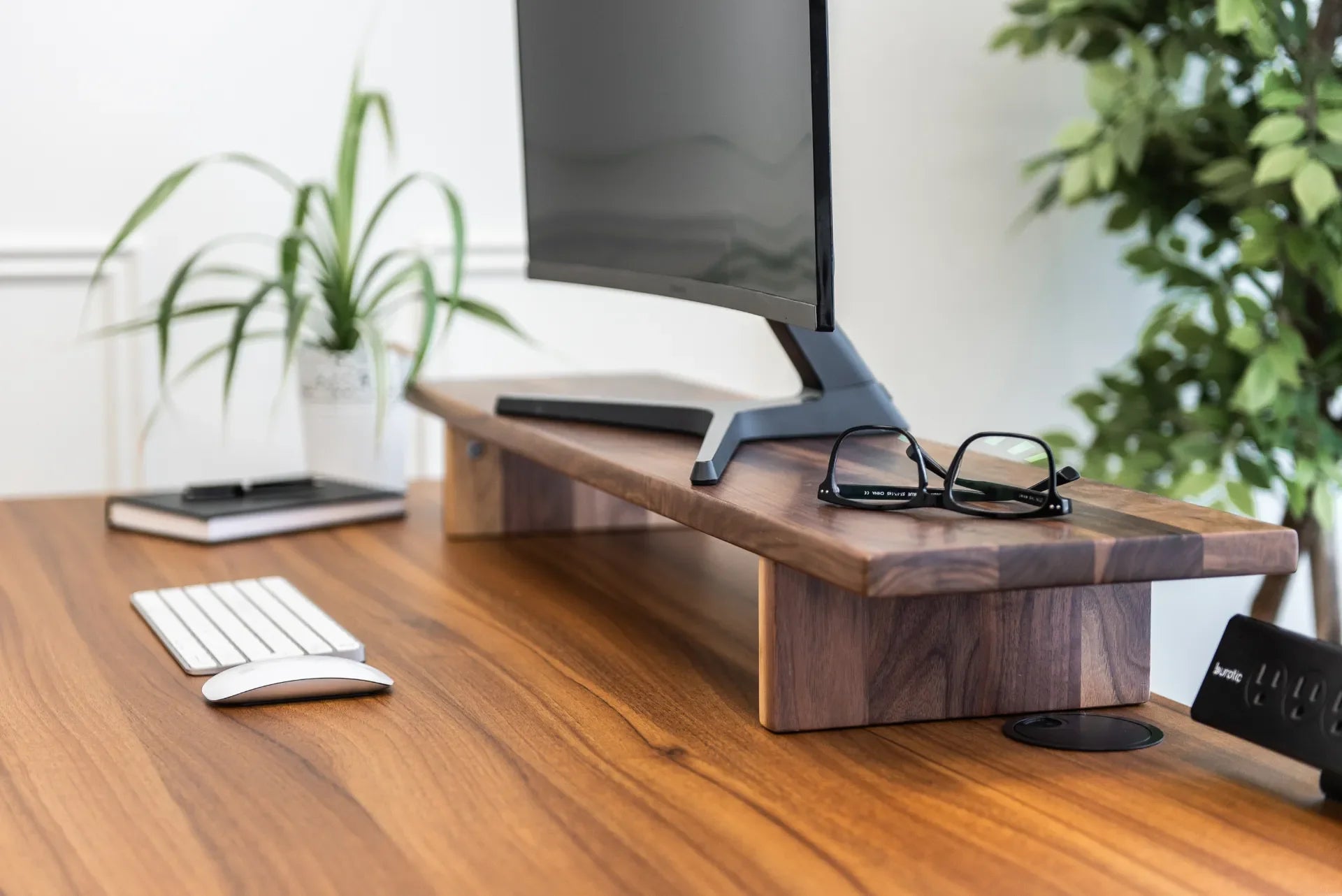
Close view of a monitor on a walnut Burotic stand with a keyboard, mouse, glasses and plants

How Far Should Your Monitor Be From Your Eyes?
A practical Canadian guide to setting monitor distance, height and angle for clearer viewing and a more comfortable workstation.

Read moreabout How Far Should Your Monitor Be From Your Eyes?

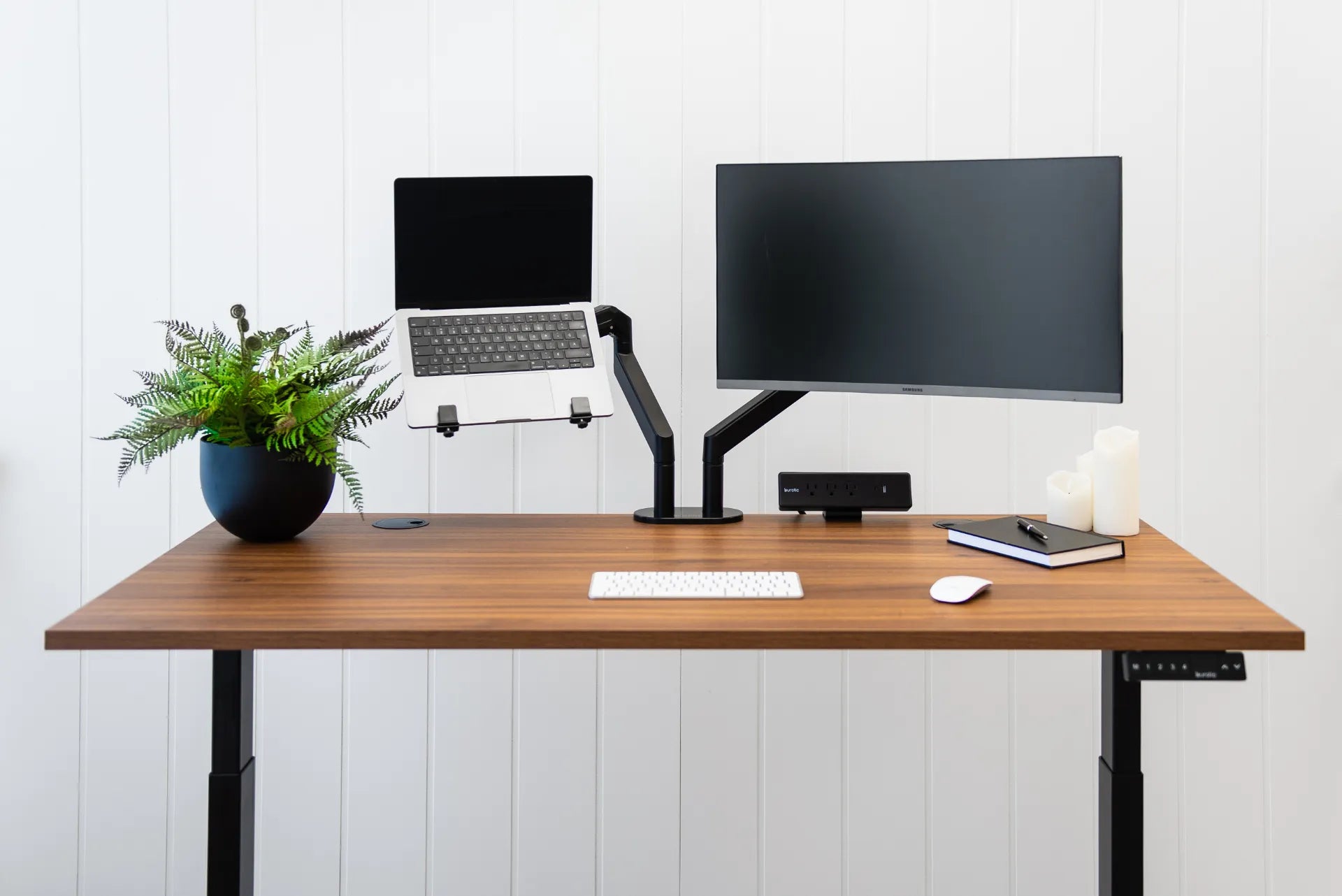
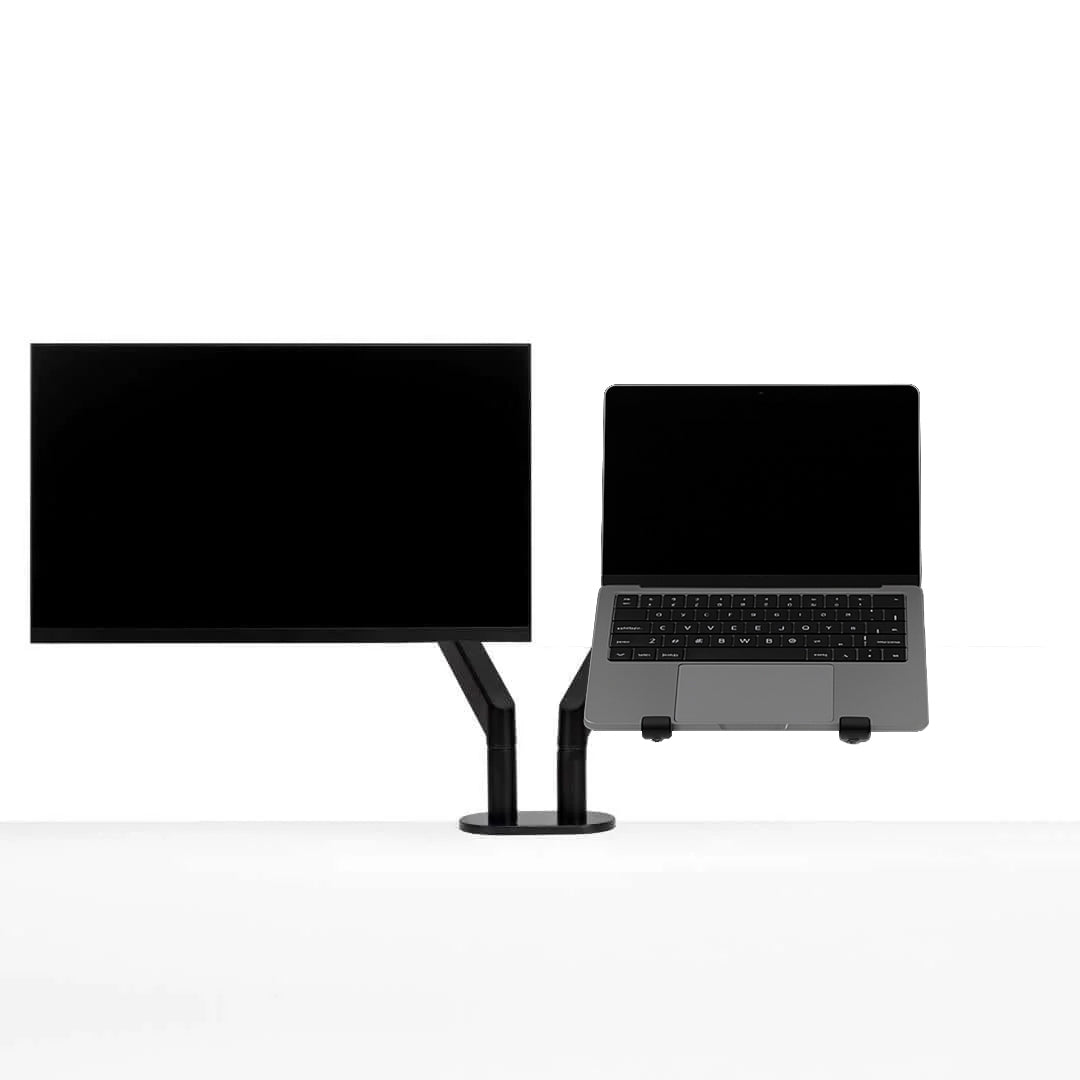
Laptop and external monitor mounted on separate adjustable arms above a walnut desk

Ergonomic Laptop and Monitor Setup: A Practical Canadian Guide
Set up a laptop with an external monitor for comfortable work, including screen priority, height, distance, keyboard, mouse, cables and sit-stand transitions.

Read moreabout Ergonomic Laptop and Monitor Setup: A Practical Canadian Guide

How to Choose a Monitor Arm: 8 Compatibility Checks Before You Buy

How to Choose a Monitor Arm: 8 Compatibility Checks Before You Buy

Check VESA spacing, monitor weight, desktop thickness, clamp clearance and movement before choosing a single or dual monitor arm.

Read moreabout How to Choose a Monitor Arm: 8 Compatibility Checks Before You Buy
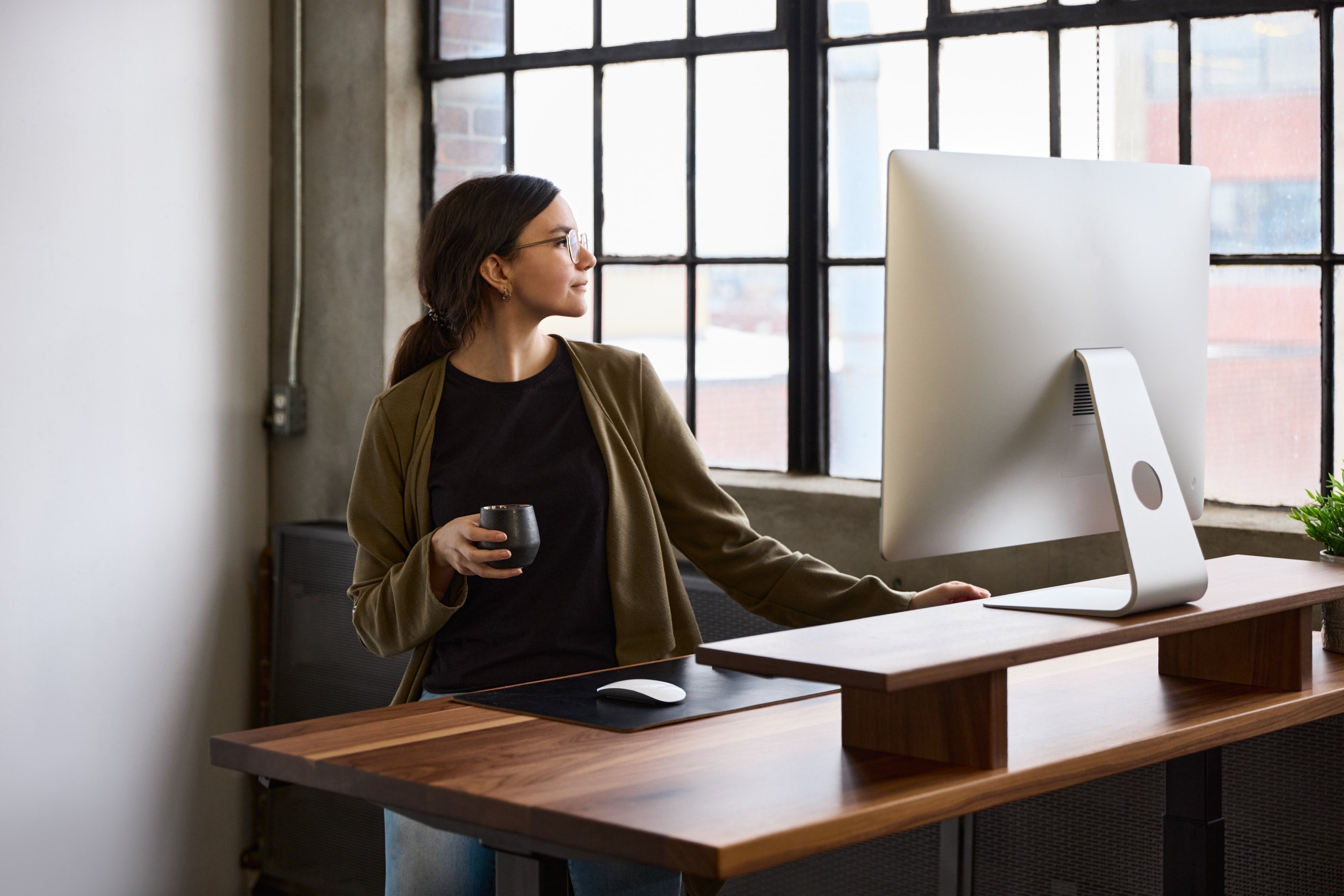
24 vs. 30-Inch Desk Depth: How to Choose for Your Monitor Setup

24 vs. 30-Inch Desk Depth: How to Choose for Your Monitor Setup

Choosing between a 24-inch and 30-inch desk depth? Compare monitor distance, room size, equipment footprint and future needs before selecting your standing desk.

Read moreabout 24 vs. 30-Inch Desk Depth: How to Choose for Your Monitor Setup