


Standing Desk Benefits: How to Use an Adjustable Desk Well
A realistic guide to the benefits of an adjustable desk, including setup, position changes and a practical routine for beginners.

In this article
An adjustable desk gives you something a fixed desk cannot: the ability to change the work surface as your task and posture change. Its value does not come from standing all day. It comes from making regular position changes easier while keeping the keyboard, mouse and screen aligned.
Claims about standing desks are sometimes exaggerated. No desk prevents disease or replaces exercise. A better goal is a workstation that supports comfortable variety and reduces the time spent in one static posture.
What are the practical benefits of an adjustable desk?
A closer fit in the seated position
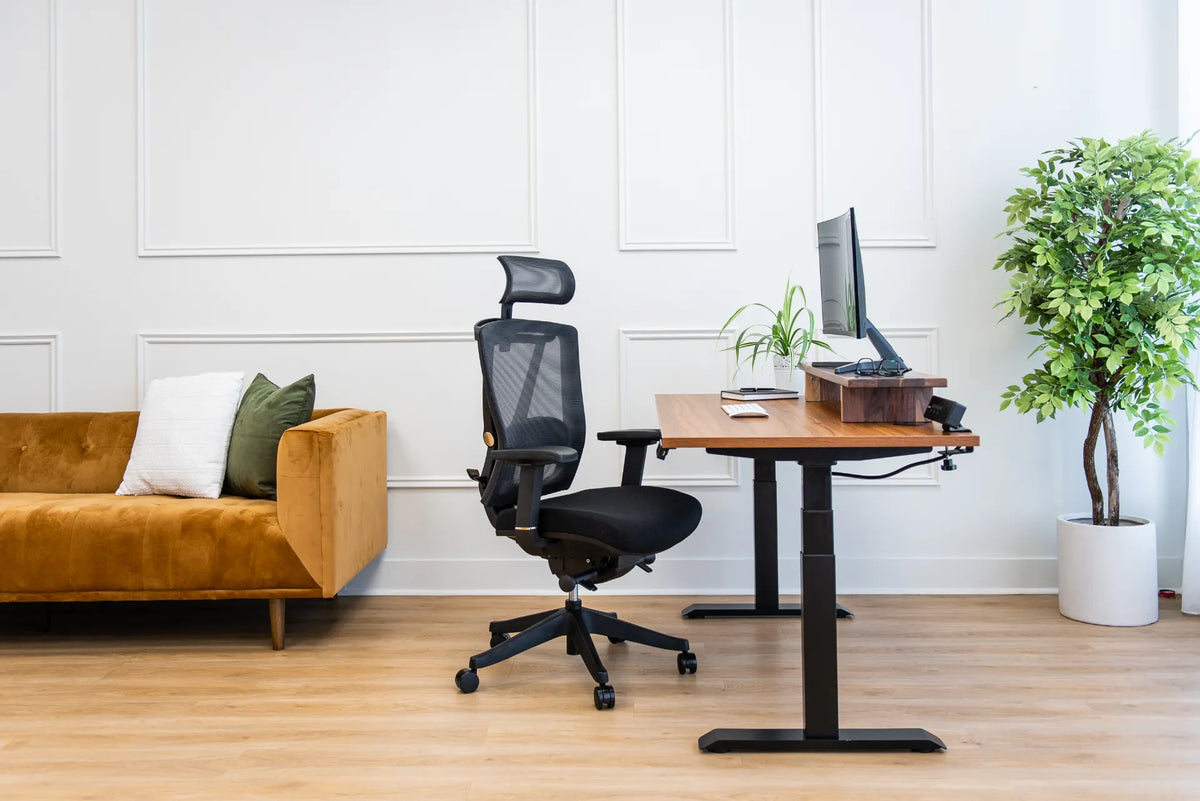
Desk height affects the shoulders, elbows and wrists. With an adjustable surface, you can bring the keyboard close to seated elbow height instead of adapting your body to a desk that is too high or too low. Pair that adjustment with a supportive chair such as the Loop Ergonomic Chair, then confirm that your feet are supported.
An easy way to change posture
The CCOHS guidance on sit-stand desks emphasizes alternating positions. Standing can change the muscles doing the work and create a natural opportunity to reset your posture. It should be one part of the day, alongside sitting, walking and other movement.
One surface for different tasks
Focused keyboard work, video calls, reviewing a document and collaborative conversations do not always need the same height. A programmable desk can make preferred positions easier to revisit, although the correct height still depends on the person and task.
How to set the seated height
- Adjust the chair so your feet are supported and your lower back contacts the backrest.
- Relax your shoulders and keep your elbows near your sides.
- Raise or lower the desk until the keyboard is near elbow height.
- Place the mouse close to the keyboard and keep the wrists straight.
- Adjust the screen separately rather than raising the desk to fix monitor height.
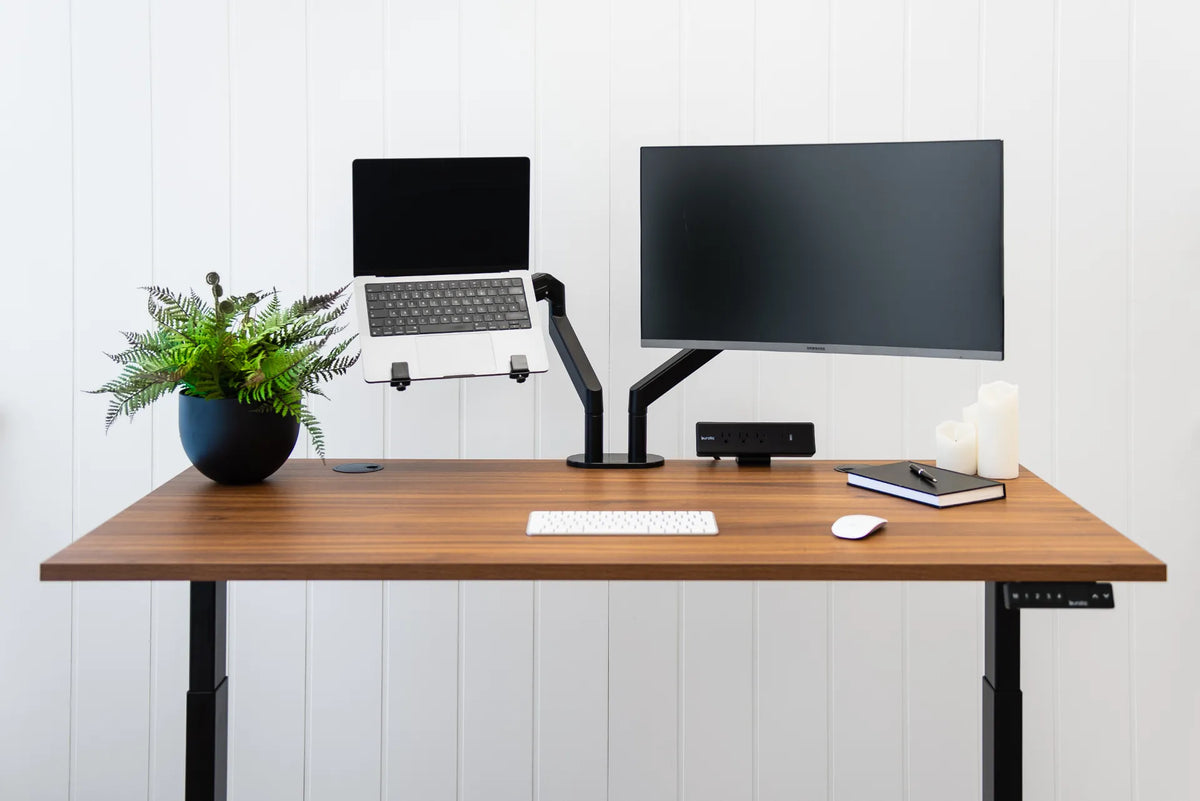
A monitor arm can help separate screen positioning from desktop height. Verify compatibility and load limits before installation.
How to set the standing height
Stand naturally without locking the knees or leaning on the desktop. Adjust the surface so your forearms can approach horizontal while your shoulders remain relaxed. Keep the monitor directly ahead and readable without bending the neck. If the screen becomes too low when the keyboard is correct, adjust the monitor rather than compromising the arms.
An anti-fatigue mat and comfortable footwear may improve standing comfort. They do not make prolonged standing necessary. Change position when your feet, legs or back begin to feel tired.
A beginner-friendly sit-stand routine
Start with short standing periods attached to predictable activities, such as the first email review, a phone call or a brief planning session. Return to sitting before discomfort develops. Increase the frequency gradually if it feels comfortable. There is no universal schedule that suits every person.
- Change position at natural task boundaries.
- Save comfortable heights only after checking your posture.
- Take short walks instead of treating standing as the only movement.
- Reassess the setup after changing shoes, screens or chairs.
Common mistakes to avoid
Standing all day simply replaces one prolonged posture with another. Other mistakes include placing the desk too high, leaning on one wrist, leaving the monitor too low and crowding the work surface. Cable tension can also become a problem when the desk rises, so route cords with enough slack and keep them away from moving parts. Burotic’s cable management solution can help organize an adjustable setup.
Choosing a desk that fits the workspace
Measure the available floor area, the desired top size and the equipment footprint. The Aspire Laminate Standing Desk is a practical complete option, while the Aspire Frame suits shoppers who already have an appropriate top. Compare dimensions and current specifications on the product pages before deciding.
The useful takeaway
The clearest benefit of an adjustable desk is control. It lets you fit the surface more closely and move between positions without abandoning your work. Use it as part of a broader routine that includes good screen placement, a supportive chair and regular movement.
Previous article
How to Set Up an Ergonomic Workspace: A Practical Canadian Guide
Next article
How to Care for a Solid Wood Desk: Cleaning and Maintenance