


What Size Desk Do You Need for a Laptop and Monitor?

In this article
For a laptop and one external monitor, a desk around 48 to 60 inches wide and at least 24 inches deep is a practical starting range. The right size depends on whether the laptop stays open, where the monitor stand or arm mounts, whether you use an external keyboard, and how much space you need for writing. A compact setup can work on less, but it requires tighter equipment choices and fewer accessories.
Do not buy from a width number alone. Measure the real laptop, monitor, stand, keyboard and mouse area, then map them on the desk. Depth is equally important because it affects viewing distance, input-device placement and clearance behind a monitor arm.
Quick recommendations
- Compact laptop plus one monitor: about 42 to 48 inches wide can work with a monitor arm, compact keyboard and limited paper space.
- Comfortable everyday setup: about 48 to 60 inches wide gives the laptop, monitor and input devices clearer zones.
- Paperwork or creative work: 60 inches or more preserves a writing area beside the computer equipment.
- Desk depth: begin at 24 inches, then consider 30 inches for a larger screen, factory monitor stand or more flexible viewing distance.
These are planning ranges, not guarantees. Screen size, stand footprint and user reach can change the result. Make a full-size paper or tape outline before purchasing.
Start with how you use the laptop
Laptop open as a second screen
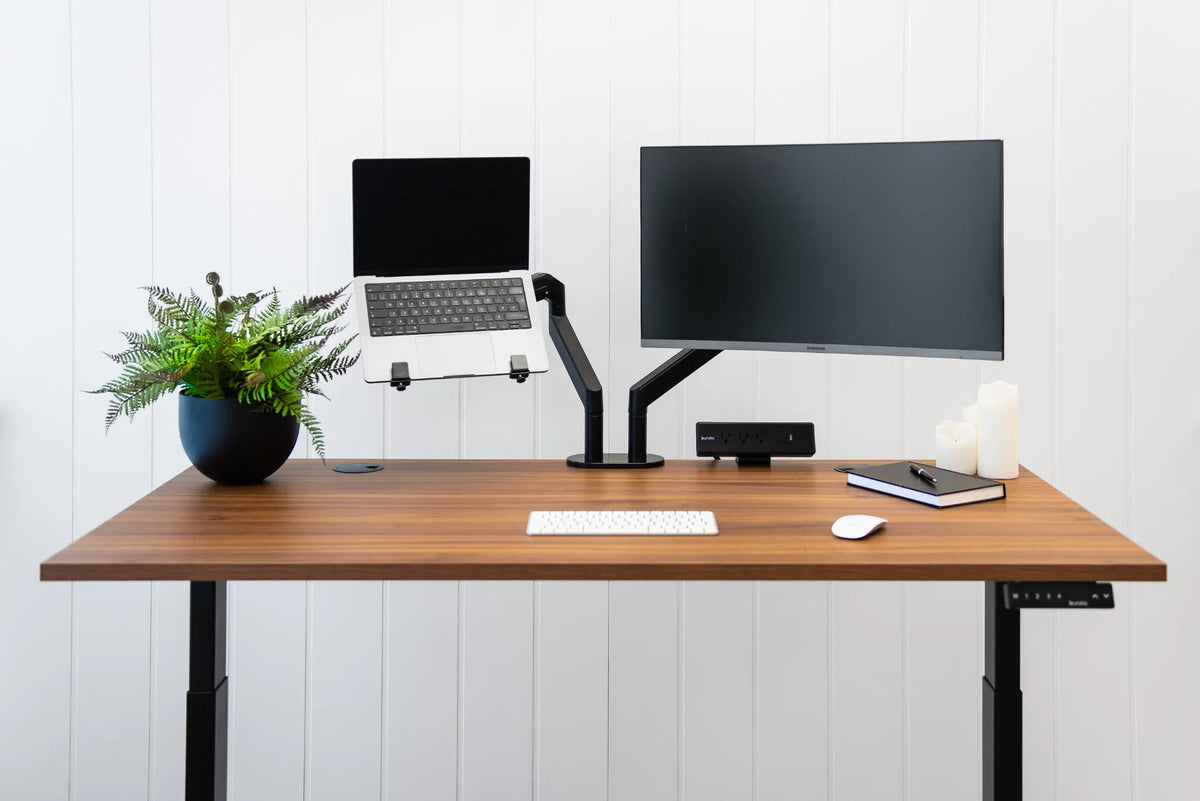
An open laptop needs horizontal room and a stable viewing position. Put the main monitor directly in front of you and place the laptop to one side at a slight angle. If both displays are used equally, position them as a shallow arc and reduce twisting. A laptop arm or riser can recover surface space, but its clamp and joints still need clearance.
Laptop closed in clamshell mode
A closed laptop uses less width but may require a vertical stand, dock and external keyboard. Confirm that the computer manufacturer supports closed-display operation and that ventilation remains unobstructed. Plan cable connections so the laptop can be removed without pulling other devices.
Laptop centred below the monitor
This arrangement can reduce side-to-side width, but the laptop may push the external monitor farther away or occupy the keyboard zone. A monitor arm can help raise and move the external display. Keep the external keyboard and mouse close enough that the elbows remain near the body.
How much desk width do you need?
Width is the left-to-right space for equipment and movement. Measure each item's actual footprint, then add working clearance rather than relying on screen diagonal.
- Measure the laptop width while open.
- Measure the monitor stand footprint or arm base.
- Add the keyboard and mouse zone, including normal mouse travel.
- Add the width of any notebook or document zone.
- Add a margin so equipment is not balanced at the desk edges.
A 48-inch desk may be enough when the monitor is arm-mounted, the laptop is raised and the keyboard is compact. A 60-inch surface is more forgiving when both devices remain on the desktop. If you regularly write on paper, the extra width often matters more than adding decorative space.
A recent Canadian desk-sizing guide from Progressive Desk lists roughly 48 inches for one monitor and 55 to 60 inches for two monitors. A laptop-plus-monitor layout sits between those categories depending on whether the laptop acts as a full second display. Use the range as a market reference, then verify your own equipment.
How much depth do you need?
Depth runs from the front to the back of the desk. It controls how far the screen can sit from your eyes while leaving room for the keyboard and forearms. The Canadian Centre for Occupational Health and Safety uses about an arm's length as an initial monitor-distance estimate, adjusted for the person, screen and text size.
A 24-inch-deep desk can work for many laptop-and-monitor setups, especially with a monitor arm. A 30-inch depth gives more room for a large factory stand, a deep monitor, documents or a taller user who prefers more viewing distance. Very shallow desks can force the screen too close or push the keyboard to the front edge.
For a deeper comparison, see Burotic's 24 vs. 30-inch desk depth guide.
Account for the monitor mount
Factory stand
Measure the entire base, not just the screen. Some stands extend forward and consume the area where the keyboard would otherwise sit. Also confirm that the base remains fully supported by the desktop.
Monitor arm
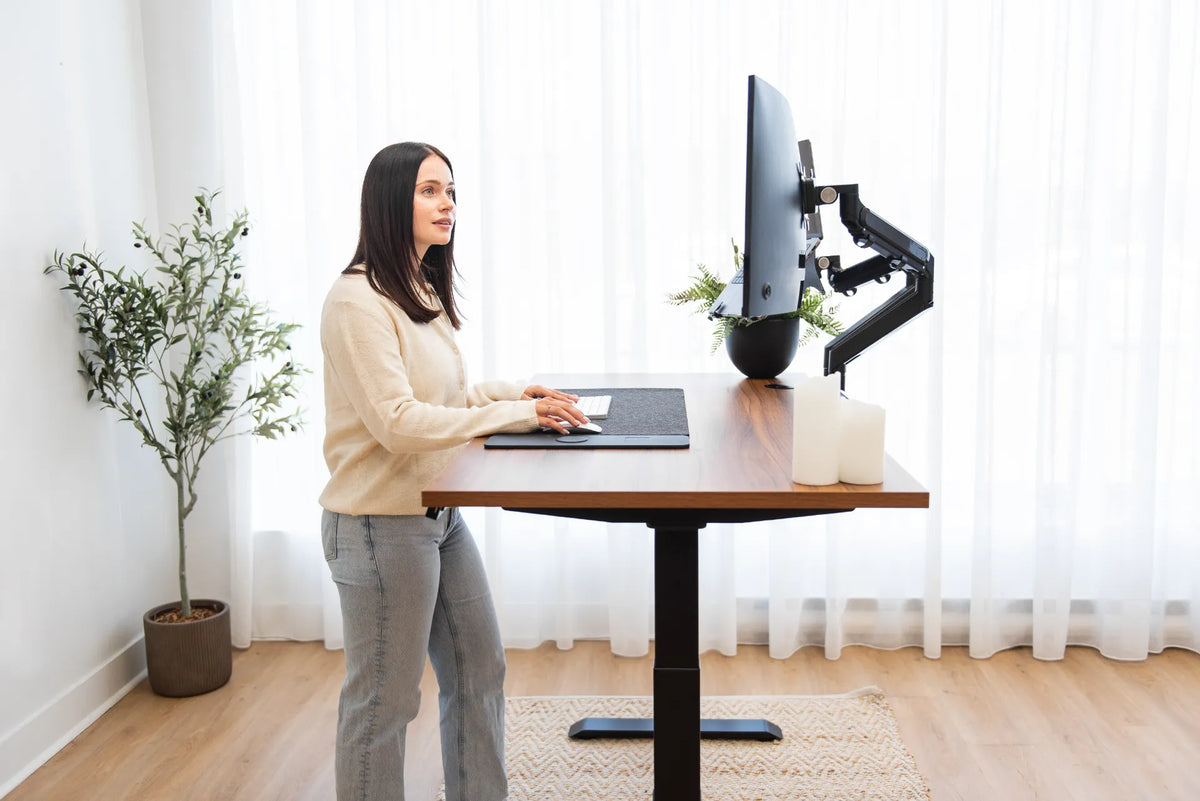
An arm can free surface space and help fine-tune height and distance. It still needs a compatible desk edge, sufficient thickness range, space below for the clamp and room behind for the joints. The visible monitor may fit while the arm collides with a wall.
Verify compatibility on the active Burotic Monitor Arm page before purchase. Do not infer supported screen weight, size or desktop thickness from the photo alone.
Protect the keyboard and mouse zone
The desk is not large enough if the screens fit but the input devices do not. Employment and Social Development Canada's workstation guide recommends placing the mouse beside the keyboard at the same height and ensuring adequate input-device space. Reaching forward or sideways can move the elbow away from the body.
Centre the external keyboard on the work you do most. Keep the mouse immediately beside it. A compact keyboard can recover several inches of mouse space, but choose it for task fit, not only size.
Plan vertical space and cable paths
Width and depth are not the whole layout. Check the monitor height, laptop screen height, shelf clearance and the desk's full travel if it is adjustable. The power bar, dock and cables should not pull when the desk rises.
Route the laptop power, monitor power and video cable with enough slack for normal adjustments but not enough to snag. Keep ventilation openings clear. If a monitor arm rotates, test the full movement before securing the cable bundle.
Three sample layouts
Compact 42 to 48-inch desk
Mount the monitor on an arm, raise the laptop beside it, use a compact keyboard and keep only one small notebook. This works for focused digital tasks, but offers little permanent paper space.
Balanced 48 to 60-inch desk
Centre the monitor, place the laptop to the side, and preserve a comfortable keyboard and mouse zone. This is the most flexible range for typical home-office work.
Wide 60-inch-plus desk
Keep the computer zone centred and reserve one side for documents, drawing or another task. Additional width helps only if frequently used items remain within comfortable reach.
Measure before you buy
- Set up the laptop, monitor, keyboard and mouse on a table.
- Arrange the main screen directly in front of your normal posture.
- Place the laptop according to its real role.
- Measure the occupied width and depth.
- Add room for hand movement, cables and safe edge clearance.
- Mark candidate desk dimensions on the floor and wall.
- Check chair clearance and the desk's path through doors and stairs.
If you are comparing adjustable desks, the active Aspire Laminate Standing Desk page provides the current configuration options. Choose only after matching the available sizes to your measured equipment.
Common sizing mistakes
- Using screen diagonal as the monitor's physical width.
- Ignoring the laptop when it remains open.
- Measuring the screen but not the stand or arm.
- Choosing width without checking viewing depth.
- Fitting equipment while sacrificing mouse space.
- Forgetting wall clearance behind an arm.
- Buying extra width that puts daily tools beyond easy reach.
Bottom line
For most laptop-plus-monitor workstations, start with 48 to 60 inches of width and at least 24 inches of depth. Go smaller only after proving the layout with actual measurements and space-saving mounts. Consider 30 inches of depth for larger screens, factory stands or more viewing-distance flexibility. The best desk is not the widest one available. It is the smallest surface that supports the screen distance, input zone, task materials and cable movement without crowding.
Previous article
How to Clean an Anti-Fatigue Mat Without Damaging It
Next article
Why Won't My Office Chair Backrest Lock? Safe Troubleshooting Steps