





Should Your Knees Be at 90 Degrees When Sitting at a Desk?

In this article
A 90-degree knee angle is a useful starting point for desk ergonomics, but it is not a number you must hold perfectly all day. The more practical goal is to keep your feet supported, avoid pressure behind the knees, place the knees at about the same height as or slightly below the hips, and change position regularly. If reaching 90 degrees forces you to perch, lose back support or lift your feet, the rest of the workstation needs adjustment.
This guide explains what the 90-degree recommendation means, how to test your setup and what to change when your body or desk does not fit the textbook picture. It offers general ergonomic guidance, not medical diagnosis. Persistent pain, numbness, swelling or weakness deserves advice from a qualified health professional.
Is 90 degrees the correct knee angle?
The Canadian Centre for Occupational Health and Safety recommends keeping the hips, knees and ankles at approximately 90 degrees or slightly more open, with the knees at or below hip level. The words “approximately” and “slightly more” matter. A comfortable seated posture is a range, not a frozen geometric pose.
For many people, a knee angle near 90 to 110 degrees works well. An angle that is a little more open can occur when the hips sit slightly higher than the knees or when the chair reclines. What matters is that the thighs are supported without the seat edge pressing into the back of the legs, the feet are stable, and the pelvis and back have support.
Why exactly 90 degrees can be misleading
People have different leg lengths, joint mobility, footwear and preferred postures. Desk heights also vary. Chasing an exact angle can make someone raise the chair until the feet dangle, slide forward away from the backrest, or push the chair too low for the keyboard. Those tradeoffs can create more discomfort than a modest variation in knee angle.
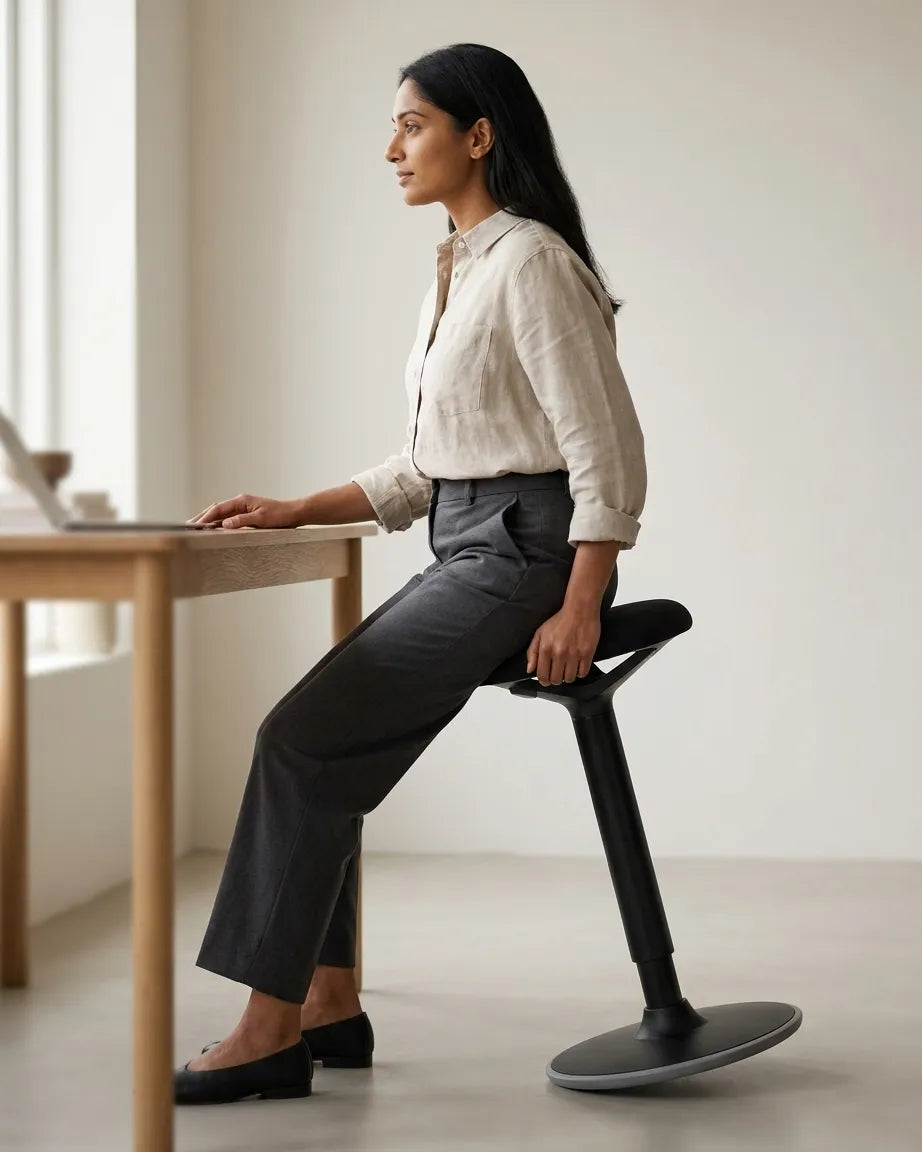
The photo above shows an active leaning seat rather than a conventional office chair. The hips and knees are more open than 90 degrees, and the user remains supported through the feet and seat. This is a good reminder that semi-standing and perching positions can be valid alternatives when the furniture is designed for them. They should still be varied with other positions.
How to check your knee position
1. Start with your feet
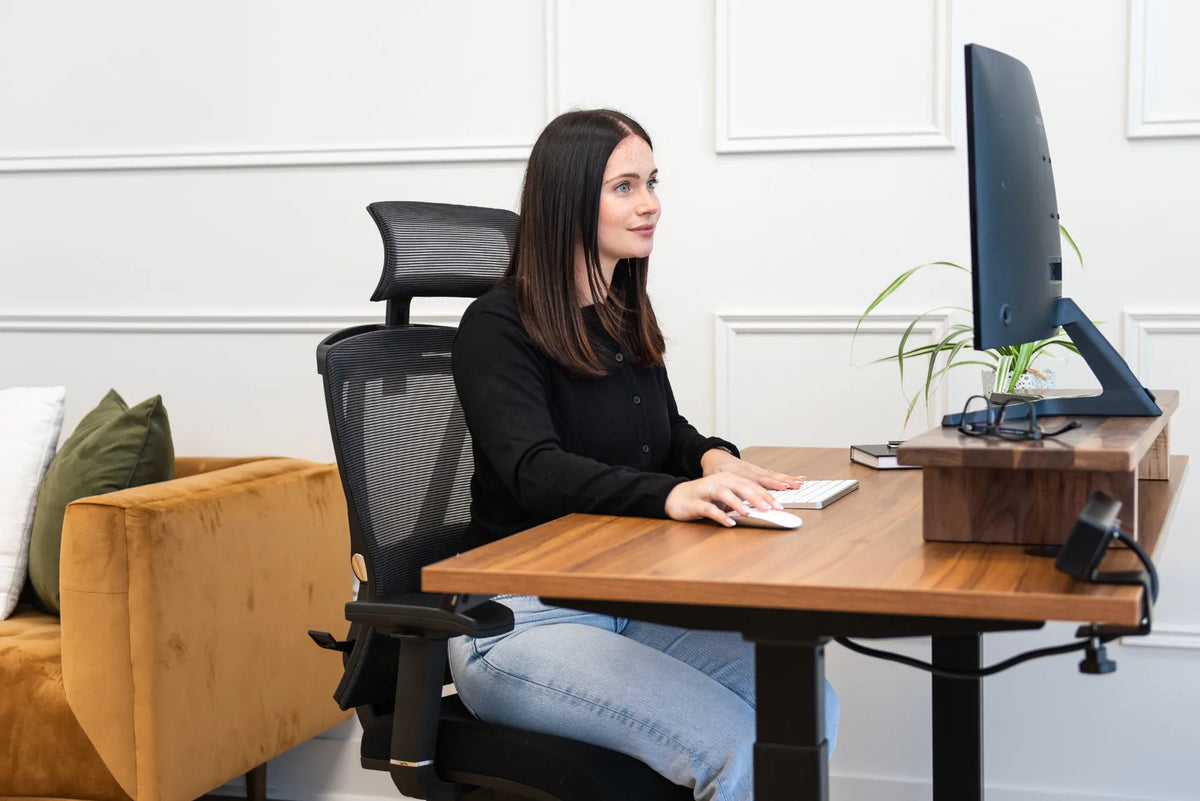
Sit back so your chair supports your pelvis and lower back. Place both feet flat on the floor. If the chair must be raised to reach the desk and your feet no longer rest securely, use a stable footrest. Do not solve a high desk by balancing on your toes or tucking your feet around the chair base.
2. Look at hips and knees together
Your thighs should feel supported, with the knees around hip level or a little lower. If the knees are much higher than the hips, the chair may be too low, the seat may tilt backward too much, or the desk may be forcing you down. If the knees are far below the hips and your feet barely reach, lower the chair or add a footrest.
3. Check the space behind the knees
There should be a small gap between the seat edge and the back of each knee. CCOHS notes that a chair should support the buttocks and thighs without pressure behind the knees. If the seat pan is too deep, use a seat-depth adjustment when available. Avoid simply moving forward, because that removes backrest support.
4. Test the desk and keyboard height
With your shoulders relaxed, bring your elbows close to your sides. The keyboard and mouse should be reachable without lifting the shoulders or bending the wrists sharply. If your legs are comfortable but the work surface is too high, an adjustable desk or keyboard tray may resolve the mismatch more effectively than raising the chair alone.
Common problems and what to adjust
Your feet do not reach the floor
First, lower the chair while keeping adequate clearance under the desk. If the keyboard becomes too high, raise or lower the work surface instead. When the desk cannot move, add a stable footrest that supports the whole foot. Our guide on what to adjust when your feet do not reach the floor covers this sequence in more detail.
Your knees are above your hips
Raise the chair slightly if your feet can remain supported. You can also reduce a backward seat tilt or move a footrest forward so the knees are not pulled upward. Do not raise the chair so far that the desktop presses on the thighs or the feet lose support.
The seat presses behind your knees
Shorten the seat depth if the chair allows it. A useful seat pan supports most of the thighs while leaving clearance behind the knees. If the chair is simply too deep for your body, a different chair size or design may be the better answer. Browse Burotic’s office chair collection to compare adjustable seating options, and verify each product’s dimensions before choosing.
Your knees feel fine, but shoulders rise
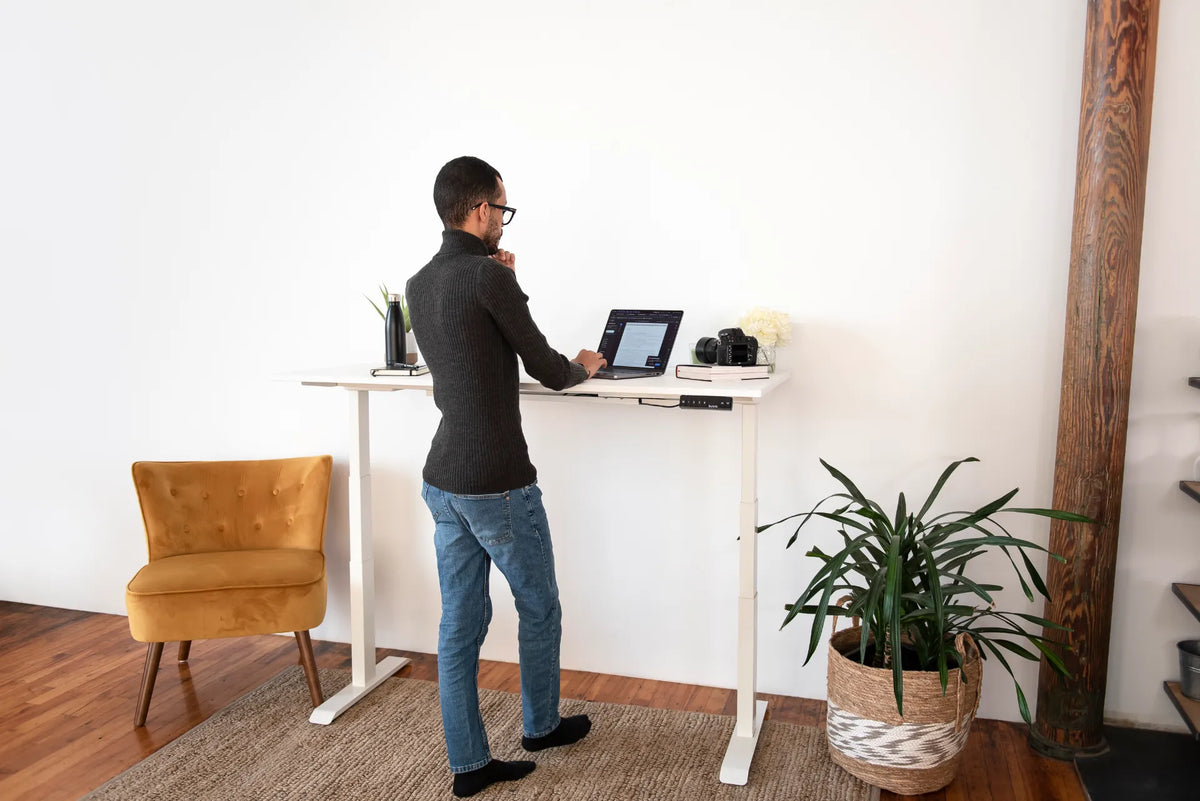
This usually points to the relationship between chair and desk height. Set the chair for leg support first, then bring the work surface to relaxed elbow height. A height-adjustable surface can make that easier. The Aspire Premium Laminate Standing Desk is one verified adjustable option in the Burotic catalogue.
Movement matters more than a perfect snapshot
Even a well-fitted posture can become uncomfortable when held too long. CCOHS guidance encourages variations in sitting and standing rather than remaining in one position. Shift your feet, recline when the task allows, stand for a short period, and walk during natural breaks. The best posture is often the next supported posture.
Small changes should not disrupt the workstation. When you recline, keep the screen readable and input devices within reach. When you stand, reset the desk near elbow height instead of leaning onto the surface. If you use a leaning stool, treat it as one option in a rotation rather than the only position for a full day.
A quick five-point setup check
- Feet are fully supported by the floor or a stable footrest.
- Knees sit around hip height or slightly lower.
- Knee angle is near 90 degrees or somewhat more open, without strain.
- The seat edge does not press into the back of the knees.
- Shoulders remain relaxed while the keyboard and mouse stay close.
Recheck these points after changing shoes, desk height, chair settings or work location. A setup that fits in the morning can change when you switch tasks or devices.
The practical answer
Your knees do not need to stay at exactly 90 degrees. Use 90 degrees as a starting reference, then prioritize supported feet, knees at or slightly below the hips, clear space behind the knees and a desk height that lets the upper body relax. A slightly more open angle is often reasonable, especially in a reclined or semi-standing posture.
If your furniture cannot support both your legs and your upper body at the same time, adjust the desk, add a footrest or choose seating with a better fit. For a broader sequence, see our office chair height guide.

Previous article
Should You Tilt Your Monitor? Best Screen Angle for Desk Work
Next article
How Much Space Should You Leave Between Two Office Desks?