





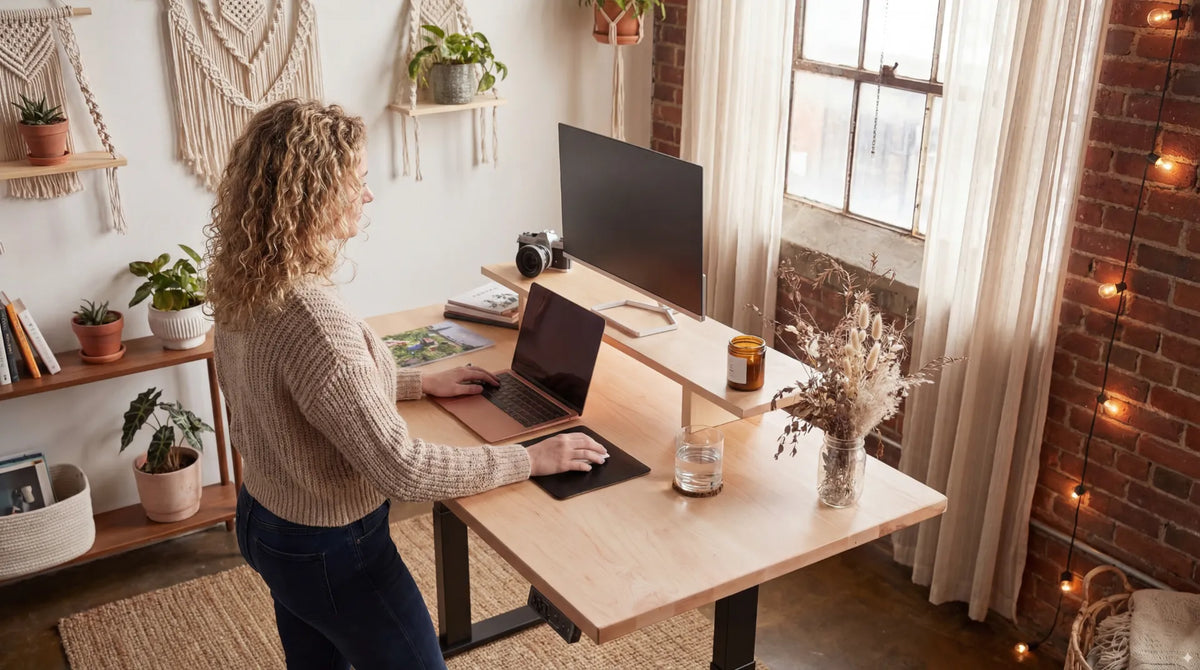
Standing Desk Setup for Students: Study, Screens and Small Spaces

In this article
A standing desk can be useful for a student when it creates more than one comfortable study position. It is not a requirement for better grades, and it should not turn studying into an endurance test. The practical value is flexibility: sit for detailed writing, stand for a short reading block or online discussion, and move between tasks without rebuilding the workstation.
Student spaces also have unusual constraints. A bedroom or dorm may need to support lectures, assignments, meals, storage and sleep. The best standing desk for a student is therefore not automatically the largest or most accessory-heavy model. It is a desk that fits the room, reaches the user's working heights, supports the actual equipment and leaves a clear path around the base.
Decide whether an adjustable desk solves the real problem
Start by listing the work. A student may type essays, attend video classes, read printed material, write equations, edit media or use specialized equipment. If the current surface is too high, too low or shared with other activities, height adjustment can improve adaptability. If the main problem is an unsupported chair, a low laptop screen or poor lighting, those issues still need separate solutions.
The CCOHS guidance on sit-stand workstations emphasizes alternation rather than continuous standing. Plan the desk as one part of a complete study environment, not as a substitute for movement, sleep, breaks or individual medical advice.
Measure the room before choosing the desktop
Measure the available wall width, room depth and door path. Then add the space required to pull back the chair and stand. Include base feet, not only the desktop. A wide top may fit between two walls while the feet block a vent, drawer or walking route.
Mark the proposed footprint with removable tape. Open closet and room doors, roll the chair back and check access to outlets. If the desk is near a bed, confirm that bedding cannot enter the moving mechanism. Our standing desk clearance guide provides a room-planning sequence.
Recent Canadian competitor coverage also reflects this demand for compact study spaces. Progressive Desk published a small-standing-desk guide on September 17, 2026, describing apartments, dorms and small offices as key use cases. Treat that as a market signal, not proof that one compact size suits every student.
Choose enough depth for a laptop, screen and paper
Depth matters more than many students expect. A shallow surface can force the laptop close to the eyes, push an external monitor against the wall or leave nowhere to open a textbook. Arrange the largest normal study task before buying. Place the screen at a readable distance, add the keyboard and mouse, then open a notebook or textbook.
If paper and computer work happen together, reserve two compatible zones instead of stacking books on the keyboard. The guide to a desk for computer work and handwriting shows how to create a primary digital zone and a secondary writing area.
Fix the laptop compromise for longer study sessions
A laptop joins the screen and keyboard. Keeping the hands low usually leaves the screen low, while raising the screen makes the keyboard difficult to reach. For a short email this compromise may be acceptable. For a full lecture or assignment, an external keyboard and mouse let the laptop or another display rise independently.
If the laptop is the only device, keep it close, enlarge text when needed and avoid a long forward lean. The laptop-only desk setup explains how to prioritize upgrades when space and budget are limited. Add accessories because they solve a measured problem, not because a reference photo includes them.
Set the screen for reading, lectures and research
Place the primary screen directly in front of the main working position. The CCOHS monitor guidance recommends a comfortable viewing angle and distance that let the head remain balanced. The top of the display should not be forced high simply to match the standing desk. Text size, vision correction and task detail affect the best result.
For video classes, place the camera near eye level and use front or side lighting that does not create glare. Keep notes close to the screen so the head does not turn repeatedly between widely separated zones. If two screens are necessary, decide which is primary rather than giving both equal space by default.
Build a study routine around tasks
Sit for precision and longer writing
Detailed handwriting, drawing, coding and long-form editing often benefit from a stable seated base. Adjust the chair first, support the feet and bring the desk toward elbow height. The correct choice is the one that allows relaxed shoulders and a workable hand position.
Stand for selected blocks
Standing can suit a short online discussion, reading, flash-card review or light administrative work. Begin with brief periods and sit before fatigue changes posture. A standing interval is not a contest. Leaning heavily on the desk, locking the knees or shifting continuously to escape discomfort are signals to change position.
Move between study blocks
Sitting and standing are both relatively static. Walk to refill water, stretch within a comfortable range or complete a short household task between blocks. Link movement to natural events such as the end of a lecture or assignment section. Our guide on when to sit or stand uses the same task-based approach.
Plan lighting for screens and printed work
Use enough light to read paper without creating a bright reflection on the screen. Position a task lamp so the writing hand does not cast a strong shadow across the page. Avoid placing a bare bright source directly in the field of view. Curtains or blinds can help when a window changes through the day.
CCOHS recommends evaluating glare, contrast and the relationship between the workstation, windows and fixtures. Test the room at the times when studying normally happens. A desk that looks comfortable in daylight may need a different lamp position at night.
Keep cables safe in a multipurpose room
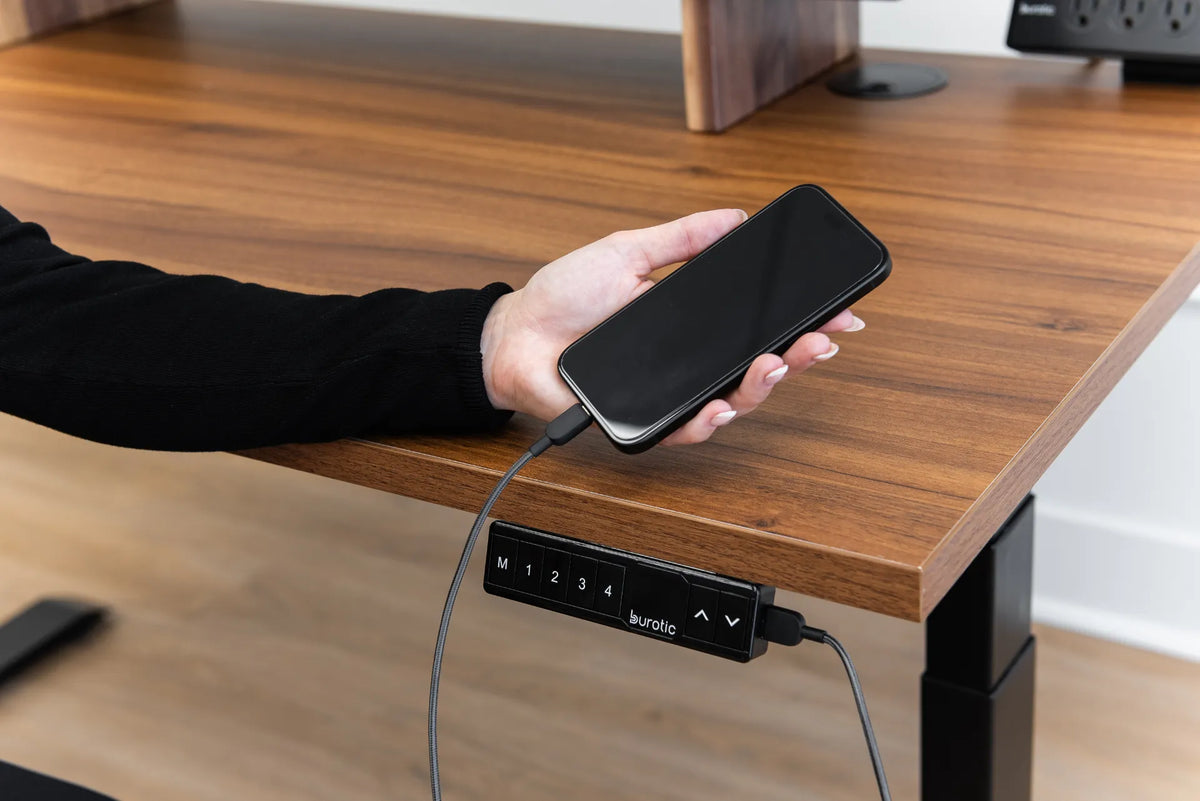
Student desks often charge several devices. Decide which cables move with the desktop and which remain fixed to the wall. Run the desk from its lowest to highest position while watching every lead. Nothing should pull on a laptop port, drag across a bed or form a floor loop near the chair.
Avoid connecting power bars in series or hiding extension cords under a rug. Use electrical products bearing a recognized Canadian certification mark and follow their instructions. If the available outlet or circuit seems unsuitable, ask the housing provider or a qualified electrician rather than improvising.
Prioritize the budget in the right order
- Fit and range: confirm that the desk reaches useful sitting and standing heights for the user.
- Stable work area: choose enough width and depth for the real study materials.
- Chair and foot support: protect the seated setup, which may still occupy much of the day.
- Screen and input separation: address the laptop compromise for longer sessions.
- Lighting and cable control: make the room usable at all study times.
- Accessories: add storage, monitor arms or mats only when measurements justify them.
The active Aspire Premium Laminate Standing Desk is one Burotic option for a height-adjustable study surface. Check the current dimensions, finishes and configuration on the product page rather than assuming the photographed setup is included.
Plan for roommates, moves and rentals
In shared housing, consider sound, cable routes and the hours when the desk will move. Keep memory presets deliberate so an accidental button press does not send the desk toward a shelf. Do not attach accessories to a wall or desktop without permission and compatibility checks.
Record the assembly instructions and label hardware before a move. Remove monitors and fragile objects before transporting the desk. Never drag a loaded adjustable desk across the floor. A compact desktop can simplify relocation, but the base and full route through doors still need measurement.
A student setup checklist
- Measure the desk footprint, chair travel and room circulation.
- Confirm useful sitting and standing heights for the intended user.
- Leave enough depth for the screen, input devices and open paper.
- Separate a raised laptop or screen from the keyboard for long sessions.
- Test lighting in daylight and evening conditions.
- Run cables through the full height range.
- Use sitting, standing and movement according to the study task.
- Keep the sleep and walking zones clear.
Final recommendation
For most students, the winning setup is simple: a correctly sized adjustable surface, a supportive seated position, an independent keyboard and mouse for long laptop sessions, useful light and enough clear space for paper. Standing is one option within the routine, not the objective of the routine.
Measure first and buy in stages. A desk that fits the room and the student's equipment will remain useful across courses, housing changes and new technology. A larger setup that blocks movement or forces every task into one crowded zone will not.
Sources: CCOHS, Sit/Stand Desk; CCOHS, Monitor Positioning; CCOHS, Space Requirements for Office Work; Government of Canada, Ergonomics Checklist.
Previous article
How to Position a Mouse at Your Desk: Reach, Height and Grip
Next article
Standing Desk Height for Handwriting: Notes, Forms and Paperwork