

How Much Should a Standing Desk Top Overhang the Frame?

In this article
A standing desk top should usually be centred on its frame with a modest, even overhang, but there is no universal measurement for every model. The frame manual must define the acceptable surface width, depth and mounting position. For many conventional two-leg desks, the side overhang may be only a few centimetres or several inches. The correct amount is the one that keeps the mounting brackets fully supported, preserves stability and leaves useful clearance for the controller, clamps and cables.
Do not position the frame by appearance alone. A top can look centred from above while the rails underneath interfere with a monitor arm, drawer or control panel. Plan the underside before drilling.
What overhang means
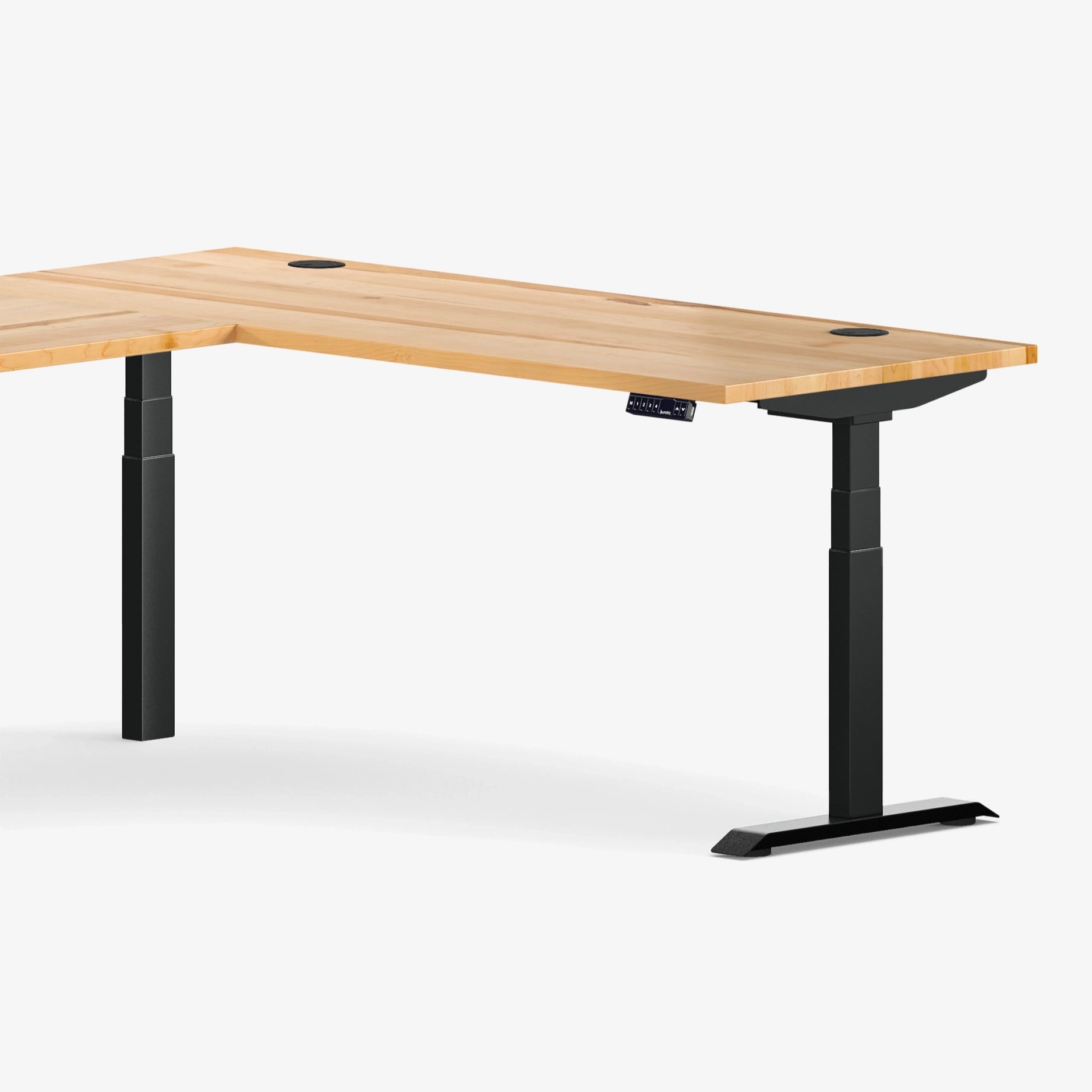
Overhang is the distance the top extends beyond the frame or its supporting brackets. It can be measured at the left and right sides, the front edge and the rear edge. These distances do not have to be identical because frames are not always centred front to back. A C-shaped frame, for example, may place its lifting columns farther toward the rear to create knee room.
The important reference is the manufacturer's intended support geometry, not only the position of the feet on the floor. The rails, mounting plates and columns each affect how the top carries weight.
Why excessive overhang can be a problem
More unsupported surface
As the top extends farther beyond the last support, the edge acts like a lever. A light notebook near the edge is rarely a concern, but a computer tower, heavy monitor arm or person leaning on a long unsupported section creates a larger bending force. Material and thickness determine how much that section can tolerate.
Reduced lateral stability
A very wide top on a narrow frame can make movement more noticeable at standing height. The frame may still lift the load, yet the overall desk can feel less controlled because equipment sits farther from the columns. Lifting capacity and lateral stability are related but not identical.
Fasteners near weak areas
Mounting plates need sound material around every screw. Positioning the frame too close to an edge can leave insufficient material beside a pilot hole or place a screw near a joint, void or damaged area. Follow the minimum edge distances and fastener instructions supplied for the surface and frame.
Why too little overhang also causes issues
A top that ends almost flush with a bracket can expose hardware to bumps and leave no comfortable front edge. It may also remove the space needed for a controller or accessory. At the rear, too little clearance can make a clamp collide with the frame rail. At the sides, the top should normally protect the metal structure rather than leave it protruding.
The purpose of a modest overhang is therefore not decorative. It creates a usable edge while keeping the structure below the work surface.
Start with the frame's allowed top dimensions
Before calculating overhang, confirm the minimum and maximum top width and depth. An adjustable crossbar does not mean every width is acceptable. The frame has a permitted expansion range, and the surface may require a minimum amount of support at each end.
For a build-your-own project, review the current documentation for the Aspire standing desk frame before buying or drilling a top. Product specifications and hardware can change, so the manual packaged with the frame is the final reference.
Side-to-side calculation
If the frame manual permits the chosen width and calls for a centred installation, subtract the outside width of the mounting brackets from the top width, then divide the difference by two. That gives the nominal overhang on each side.
For example, if the top is 60 inches wide and the supported frame width at the outer brackets is 56 inches, an even layout leaves 2 inches per side. This is only a calculation example, not a recommendation for every frame.
Front-to-back calculation
Measure from the front edge to the first structural part beneath it, then from the rear edge to the last structural part. Do not assume those values should match. Maintain the frame orientation shown in the manual, preserve knee clearance and leave room for planned accessories.
Plan the controller before drilling
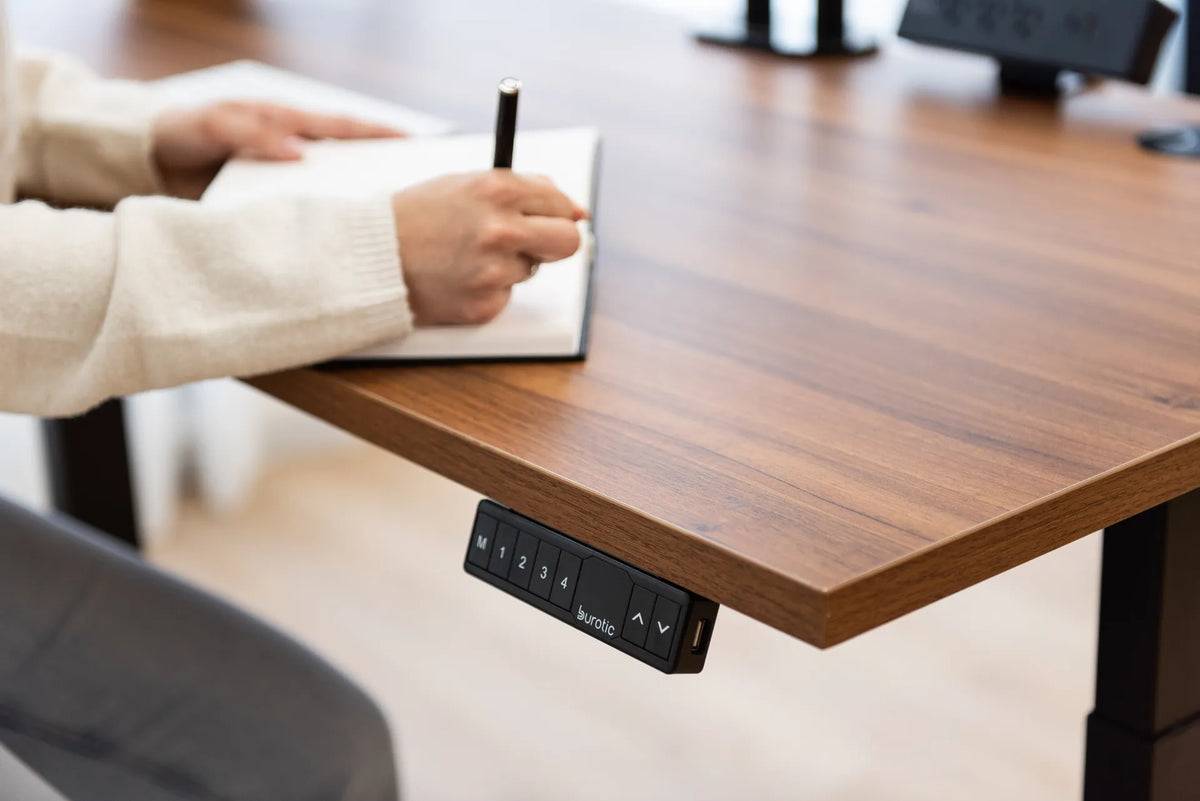
The handset or controller usually mounts under the front edge where it can be reached without bending or searching. Leave enough solid, flat material for its screws and enough clearance from the frame. Check that the buttons will not protrude into a high-traffic corner where they can be bumped.
Choose the preferred side after sitting at the desk. Right- and left-handed preferences, drawer placement and cable routing can influence the decision. Our guide on standing desk controller placement covers reach and collision considerations in more detail.
Reserve the rear edge for clamps and cables
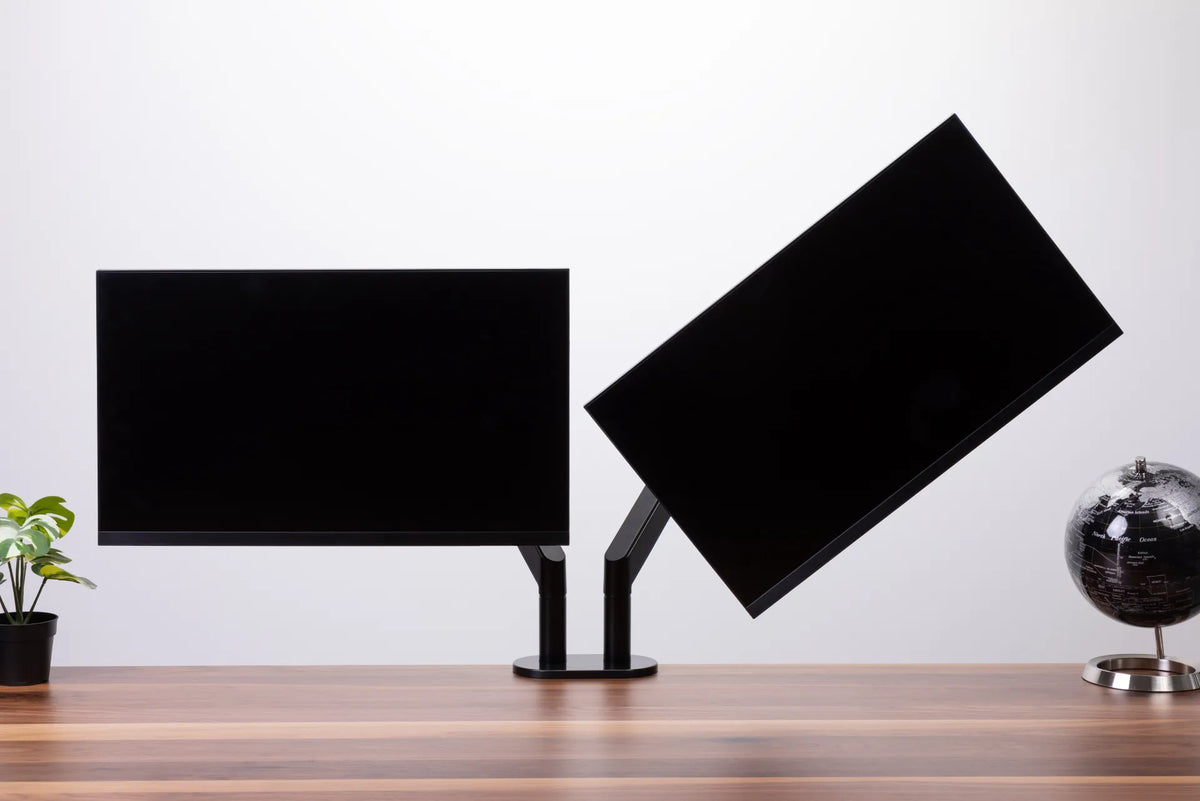
A monitor arm clamp needs a flat contact area above and below the top. If the rear rail sits directly behind the edge, the lower clamp plate may not fit. Before fixing the frame, trace the intended monitor-arm location and its full clamp footprint.
The same planning applies to cable trays, power bars and microphone arms. A small change in front-to-back frame position can preserve a continuous mounting zone without compromising the manufacturer's required geometry. For screen support options, review the Burotic monitor arm page and check the current compatibility requirements.
Account for material and load
Solid wood, plywood, particleboard, MDF and hollow-core tops respond differently to unsupported spans and concentrated loads. Natural Resources Canada notes that MDF does not hold screws as well as solid wood or plywood, illustrating why the core matters when planning mounting points. The visible thickness alone does not tell you how the edge will behave.
Include the top in the desk's moving load, along with monitors, arms, drawers and equipment. Keep especially heavy items closer to the supported zone unless the surface supplier confirms a larger cantilever. Do not sit or stand on a height-adjustable desk.
A practical layout method
- Place the top upside down on a padded, clean surface.
- Mark the centre lines of both the top and frame in pencil or removable tape.
- Set the frame in its specified orientation and adjust it only within the documented width range.
- Measure both side overhangs from the same frame reference points.
- Check front and rear clearance for knees, rails, the controller, clamps and cable management.
- Map every screw and confirm its length against the actual top thickness.
- Mark and drill pilot holes only as directed, using a depth stop where appropriate.
- Tighten evenly without crushing the surface or overtightening fasteners.
Use a second person for a large or heavy top. Turning an assembled desk upright can strain fasteners or twist the frame if the weight is handled from one corner.
Completed desk versus custom frame-and-top build
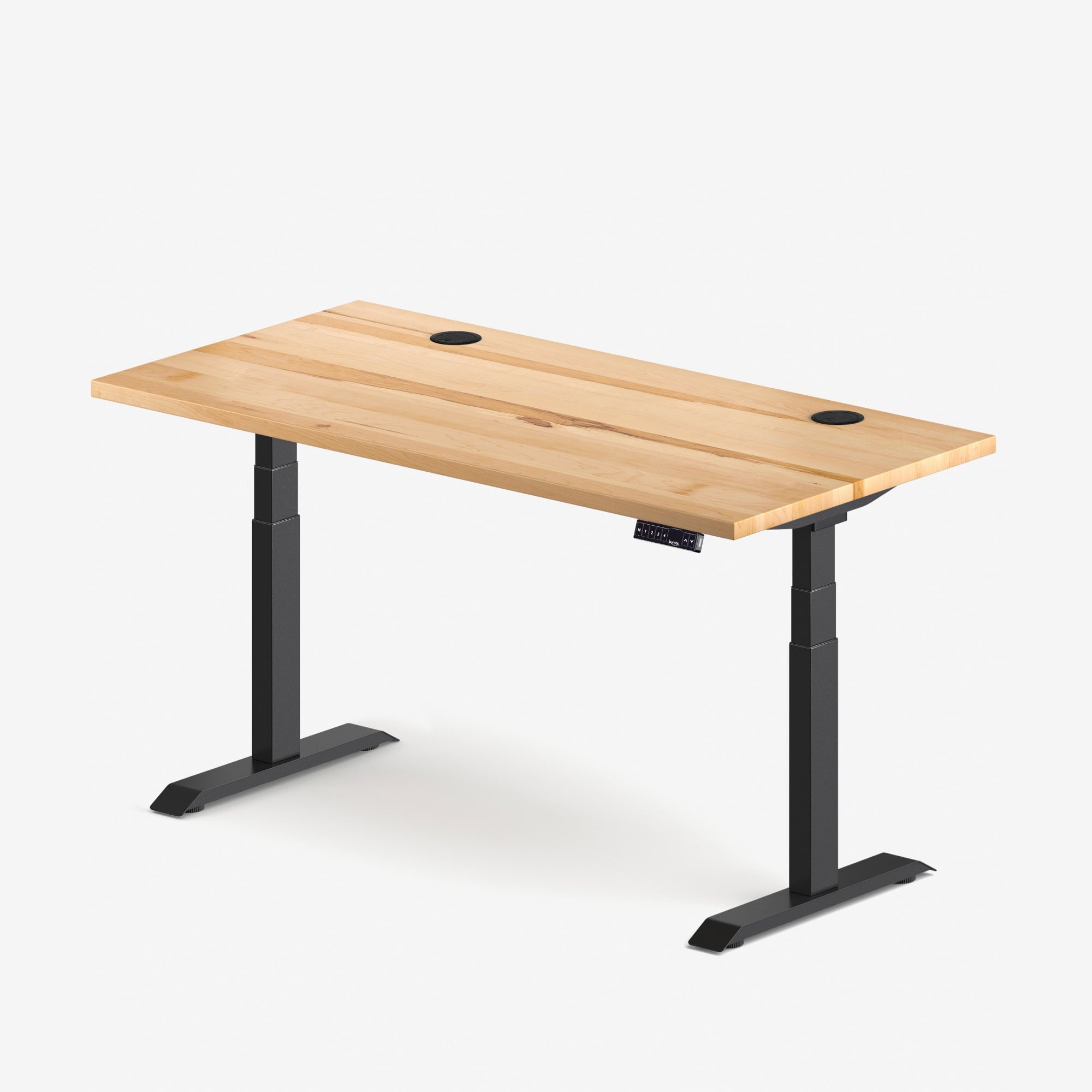
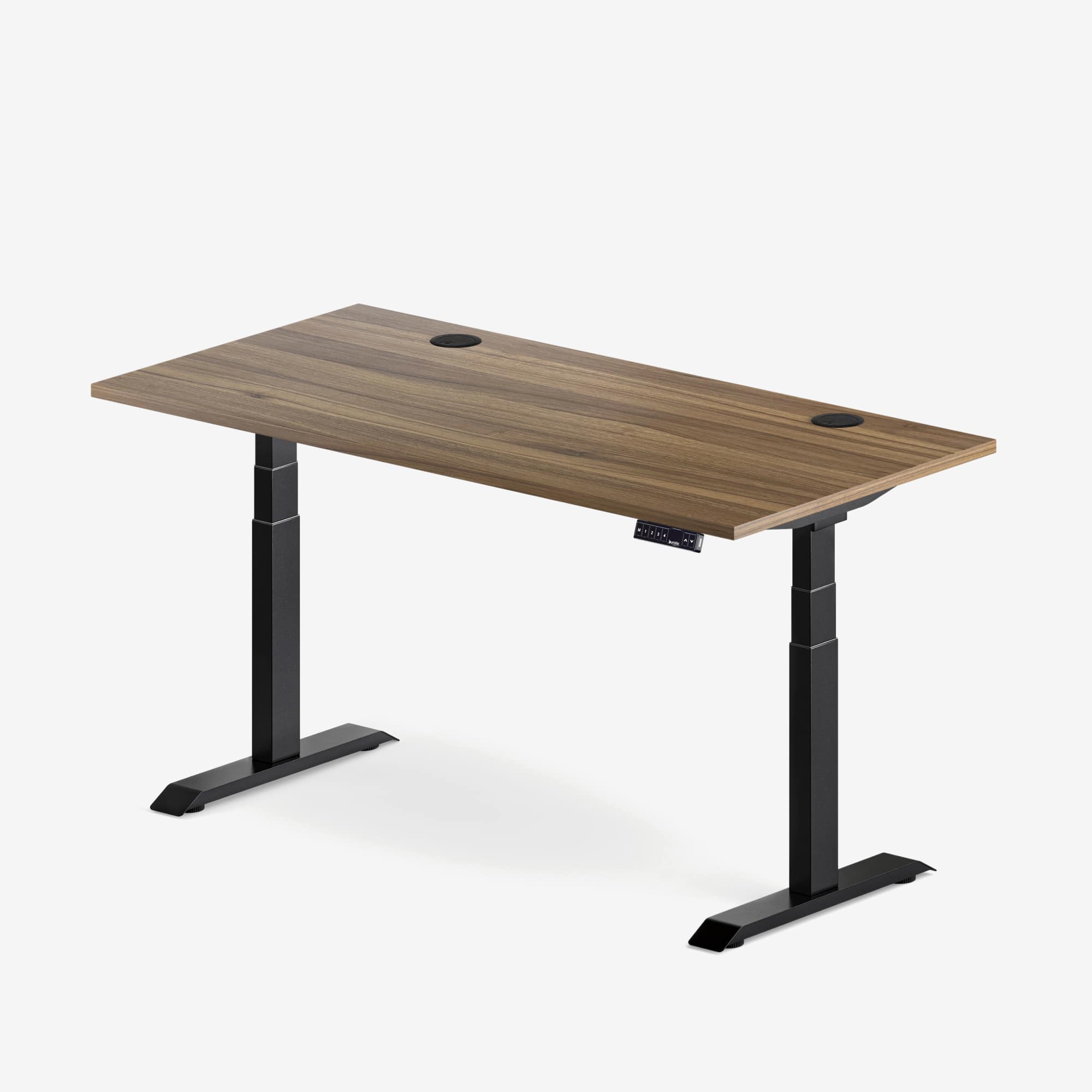
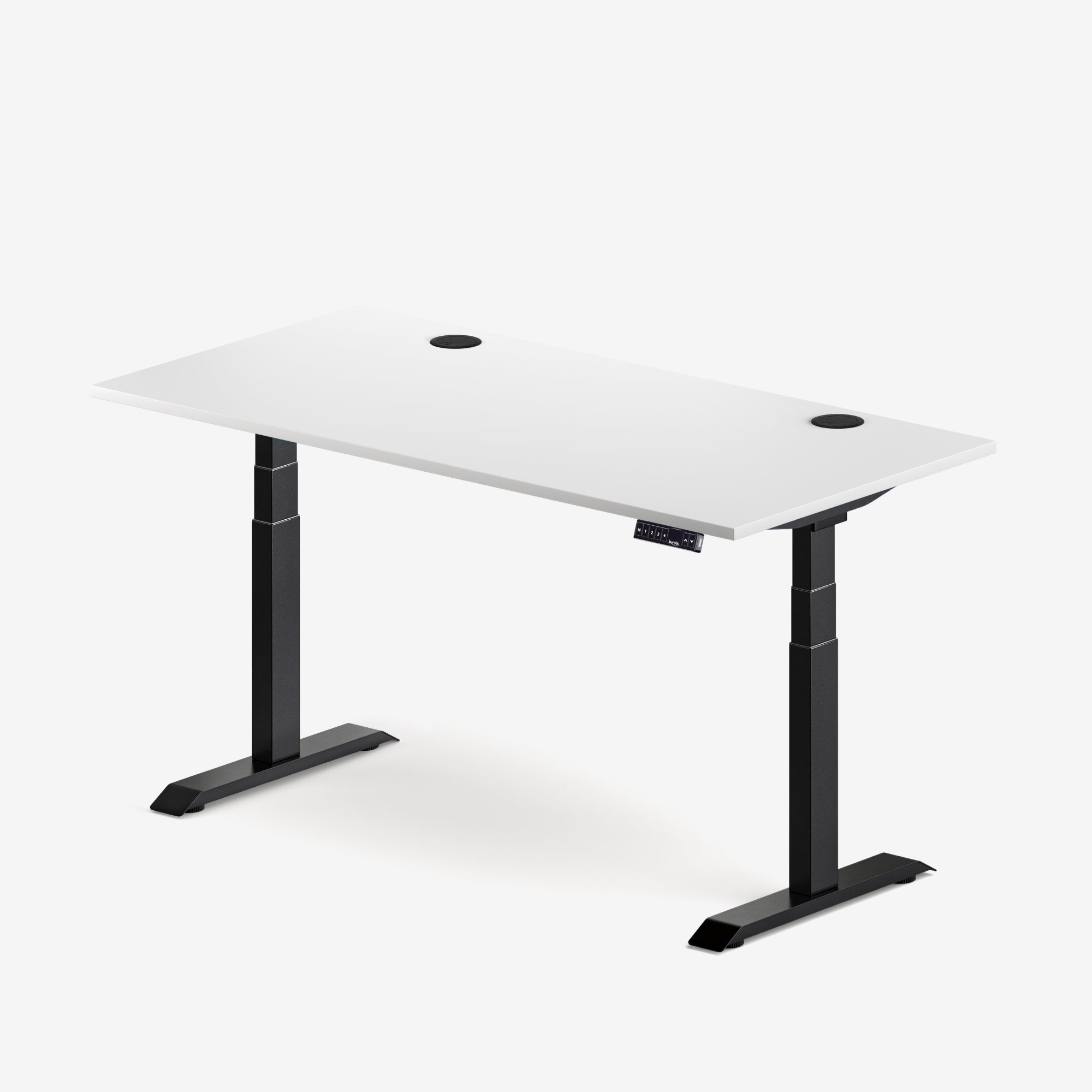
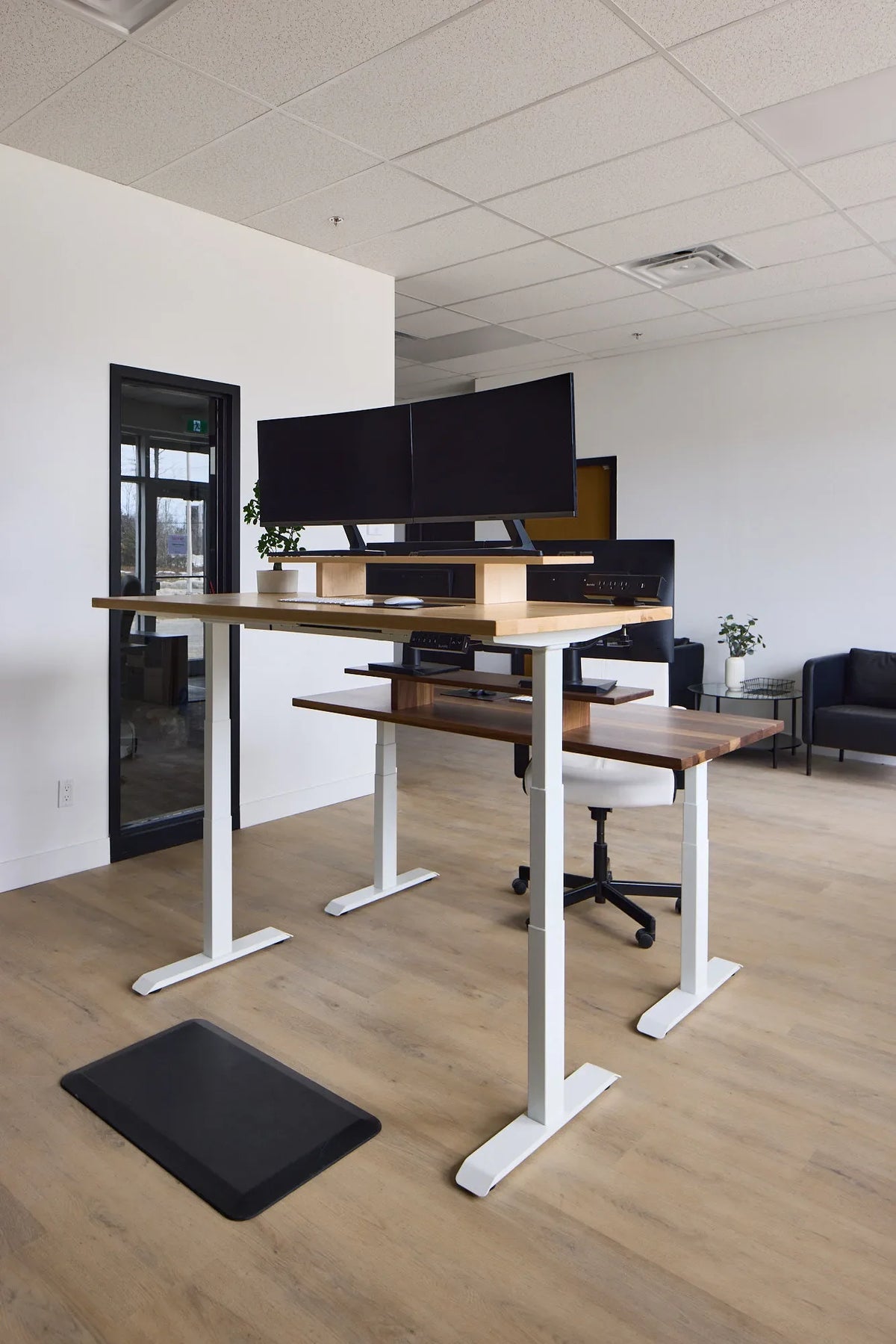
A complete desk removes most overhang calculations because the surface and frame are paired. The Aspire solid wood standing desk and Aspire laminate standing desk are examples of finished configurations.
A frame-only project offers more control over size and material but transfers compatibility responsibility to the installer. Our standing desk frame guide explains additional checks such as width range, capacity, height range and control features.
Common mistakes
- Measuring overhang from the feet instead of the top brackets.
- Assuming side overhang rules also apply front to back.
- Drilling before checking the monitor-arm clamp zone.
- Placing the controller where the frame blocks its screws or cables.
- Using a top outside the frame's documented dimensions.
- Leaving unequal side overhang accidentally because measurements came from different reference points.
- Loading a long unsupported edge with heavy equipment.
The practical answer
Use a modest, even side overhang when the frame manual calls for a centred installation, and let the approved top dimensions determine the actual number. Front and rear overhang should preserve knee room, structural support and accessory clearance rather than simply match. Lay out the controller, monitor-arm clamp, cable tray and every fastener before drilling. When in doubt, use the frame's current manual or choose a complete desk whose surface and base are already matched.

Previous article
Should Your Keyboard Be Flat or Tilted?