


How Deep Should a Desk Be for Two Monitors?

In this article
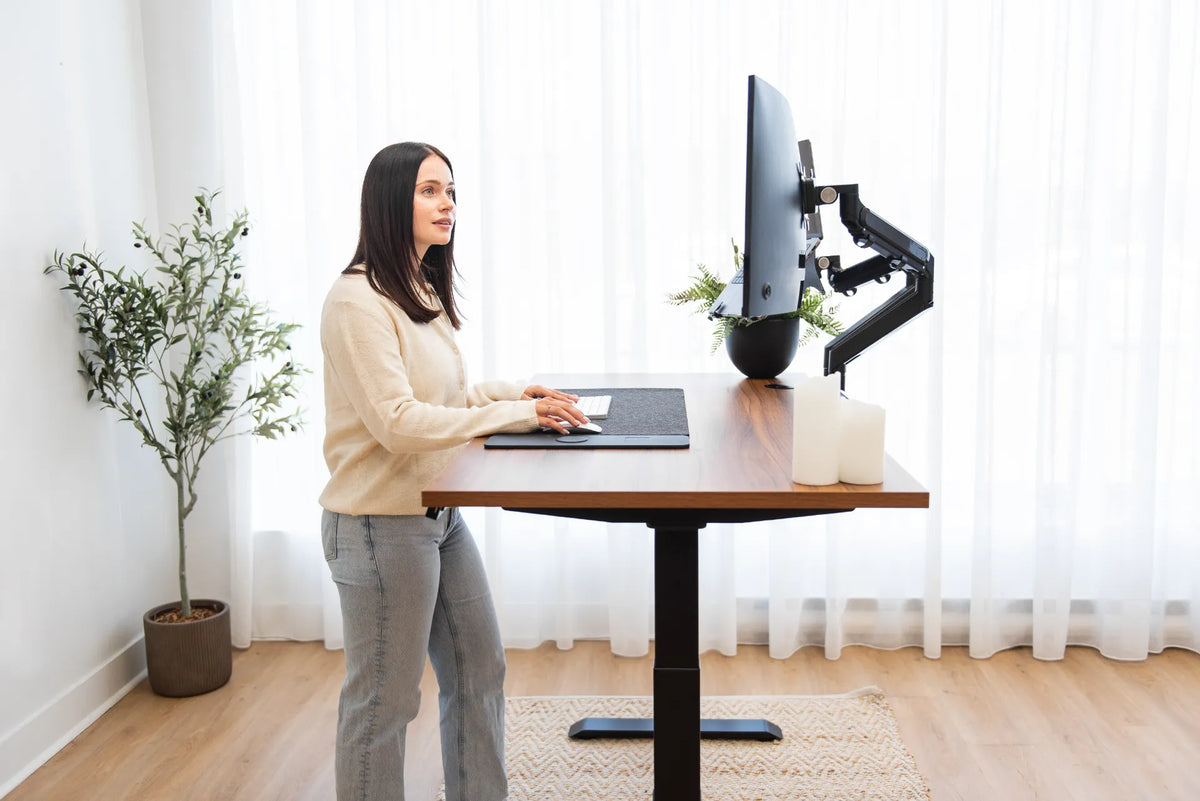
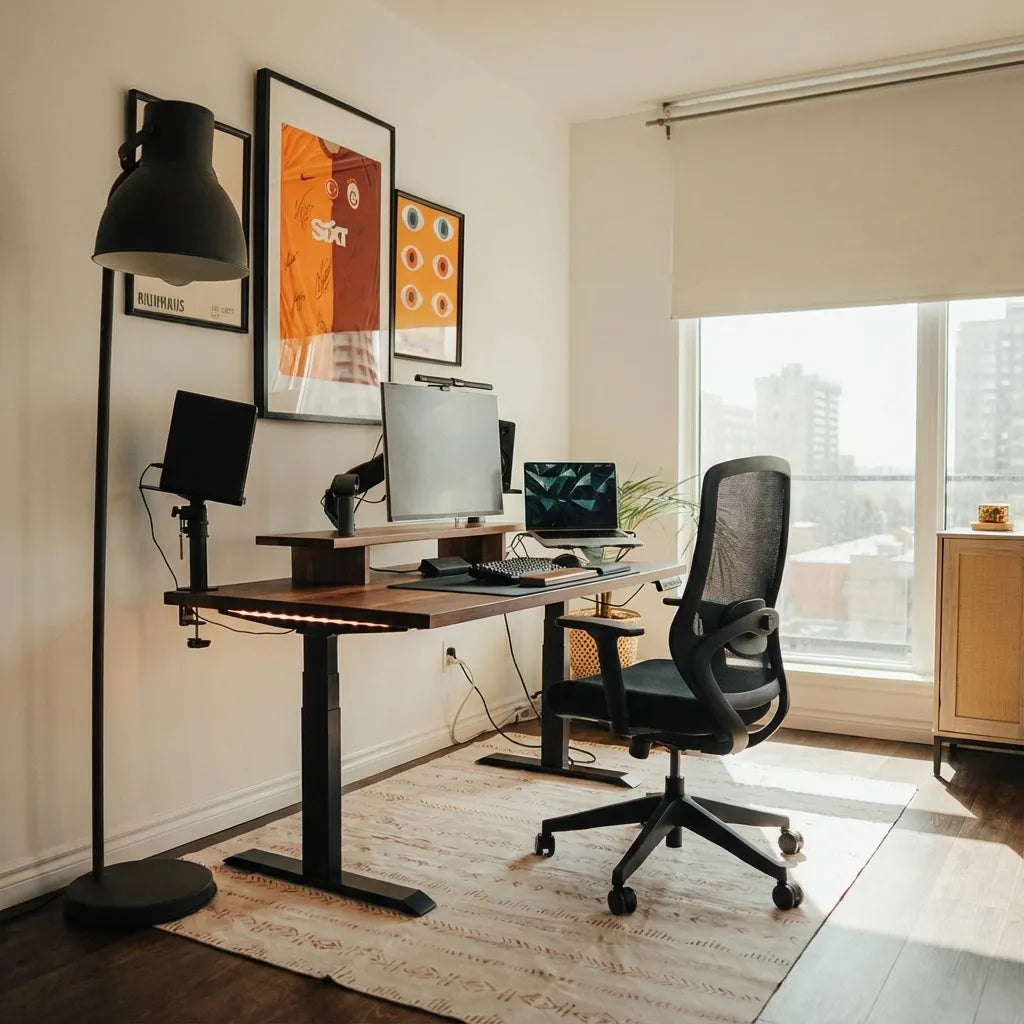
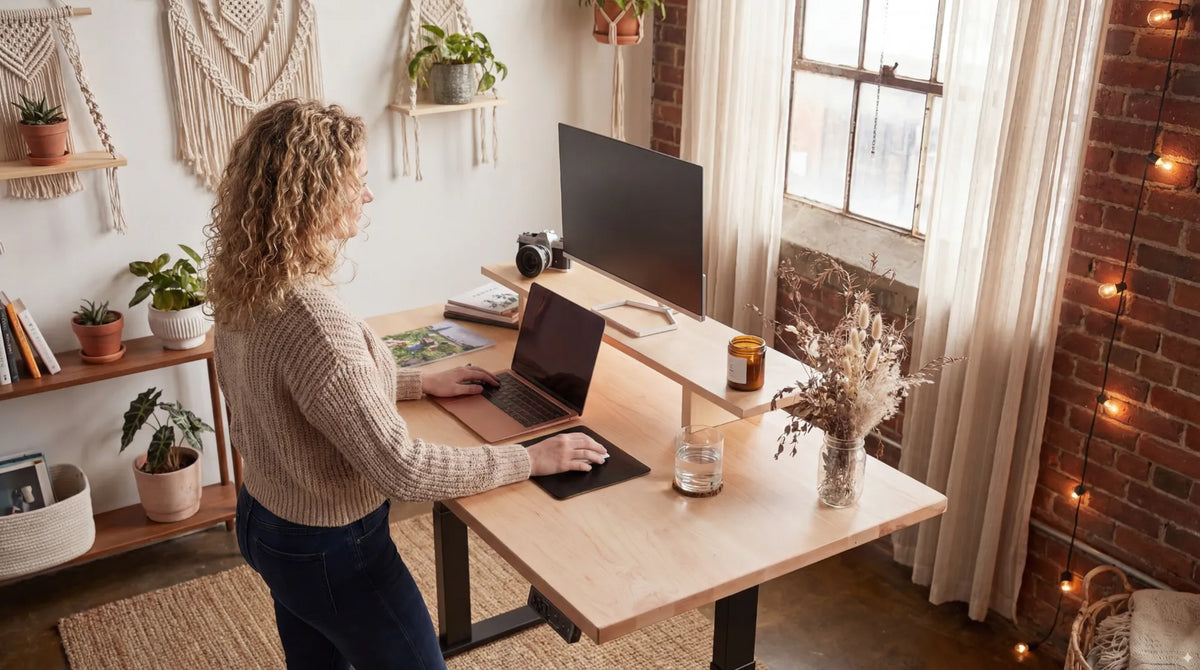
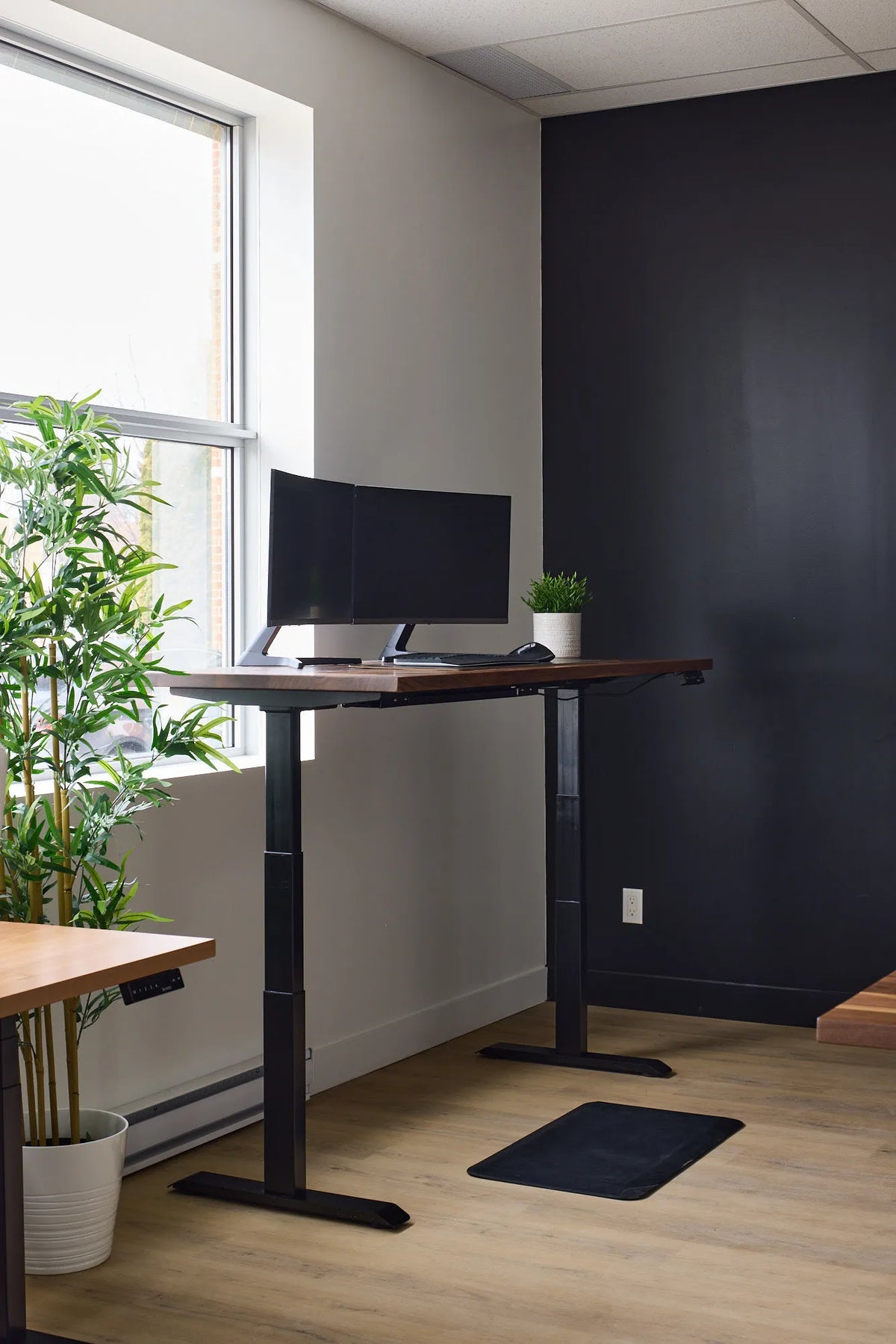
For most two-monitor workstations, a desk that is 30 inches deep is the easiest choice. It gives you more room to keep both screens at a comfortable viewing distance, angle them toward you, and still leave space for a keyboard, mouse and cables. A 24-inch-deep desk can still work, especially with compact screens, shallow monitor stands or a compatible monitor arm.
The right answer is not determined by the number of monitors alone. Screen size, stand depth, viewing distance, mounting method and your main task all affect the space you need. The goal is to make the screens readable without forcing you to lean forward, turn your neck repeatedly or push your keyboard too close to the front edge.
Quick answer: 24 inches can work, but 30 inches is more forgiving
Think of 24 inches as a compact working depth and 30 inches as a flexible working depth. On a 24-inch surface, every component has to earn its space. Monitor feet may occupy much of the rear half, while the keyboard and mouse compete for the front half. A 30-inch surface creates a wider adjustment range and makes it easier to move larger screens farther away.
- 24 inches deep: practical for smaller rooms, 24-inch screens, compact stands and monitor arms that can hold screens close to the back edge.
- 30 inches deep: better suited to 27-inch or larger screens, substantial factory stands, document work and users who prefer more viewing distance.
- More than 30 inches: useful for very large displays, deep equipment, drawing tablets or mixed computer and paperwork zones, but not automatically more ergonomic.
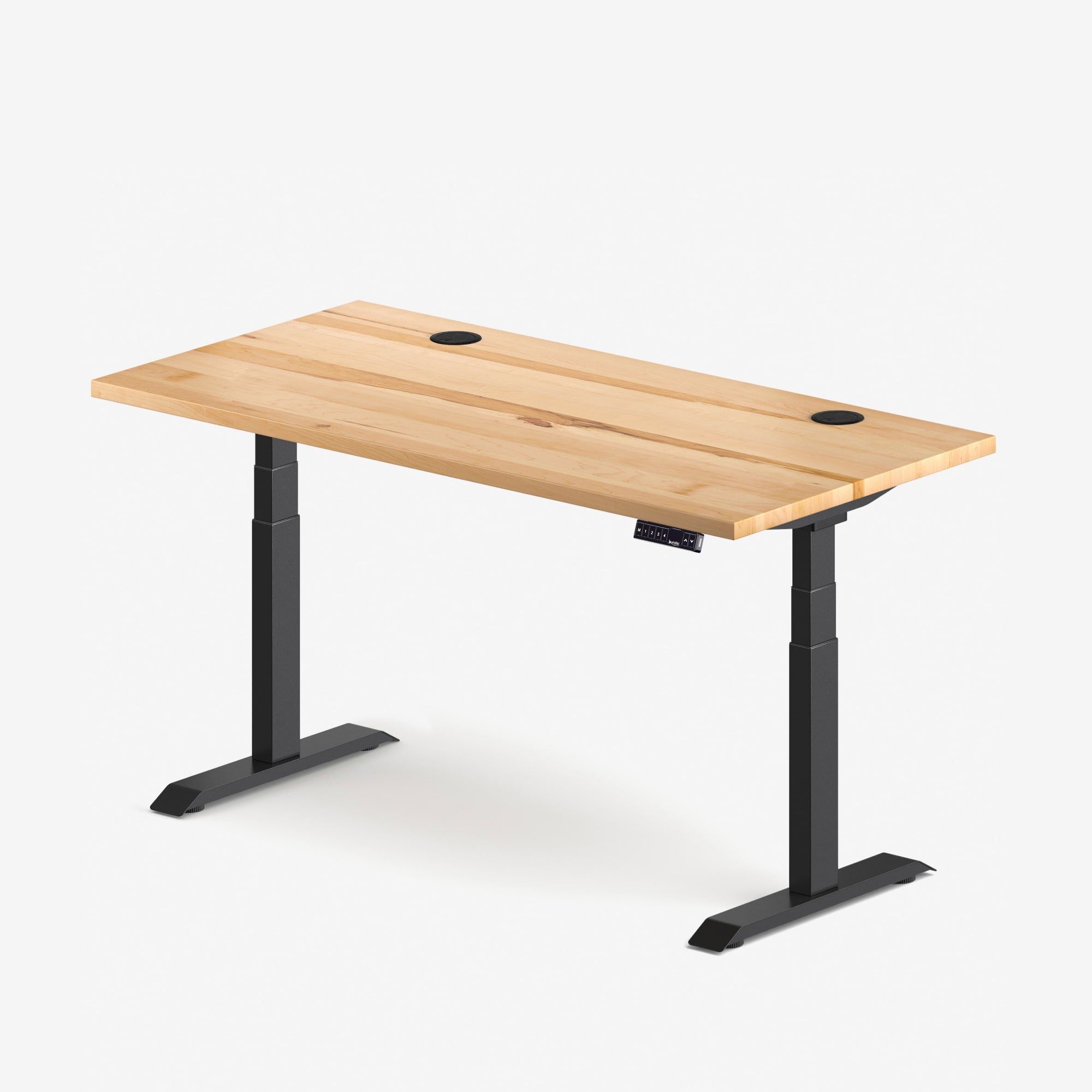
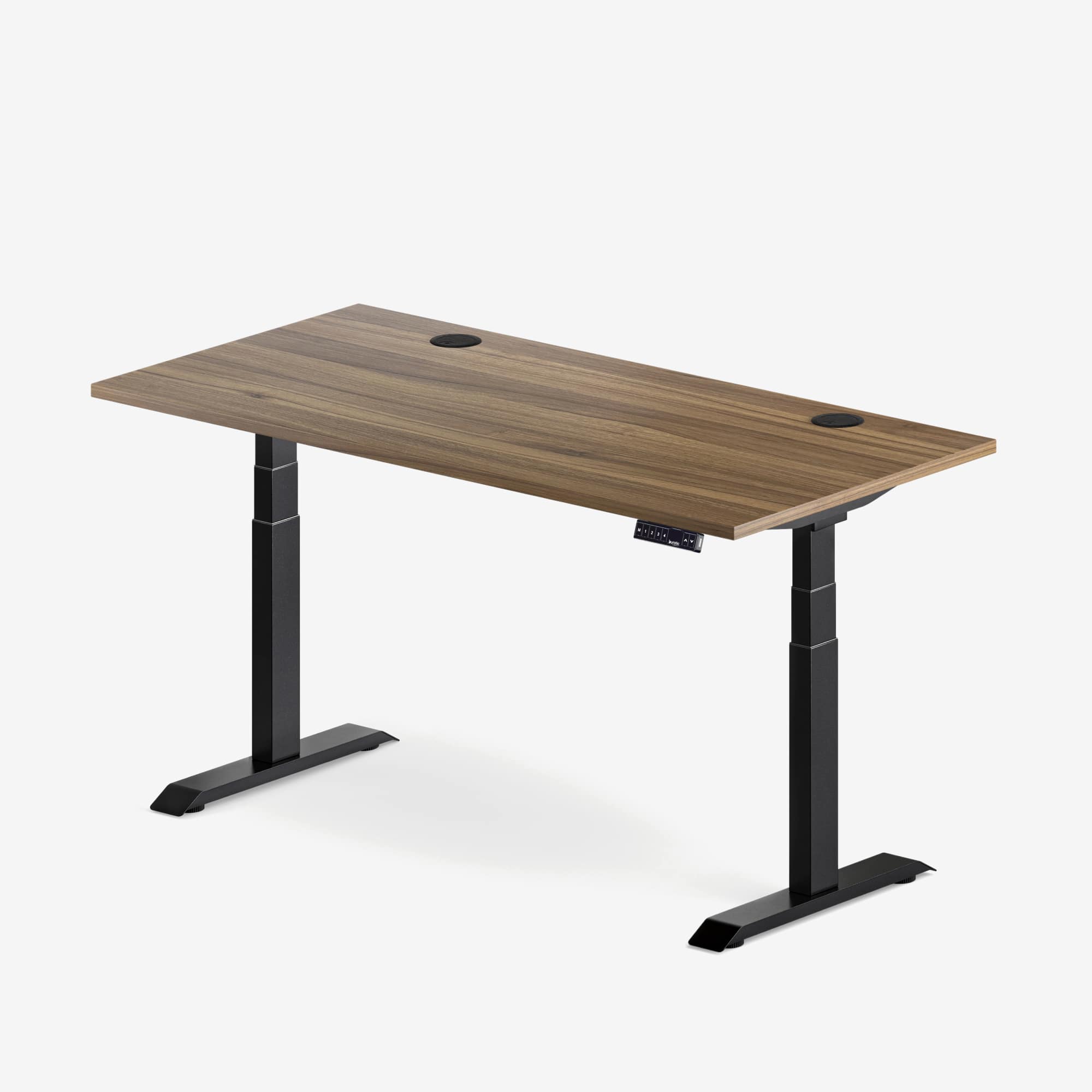
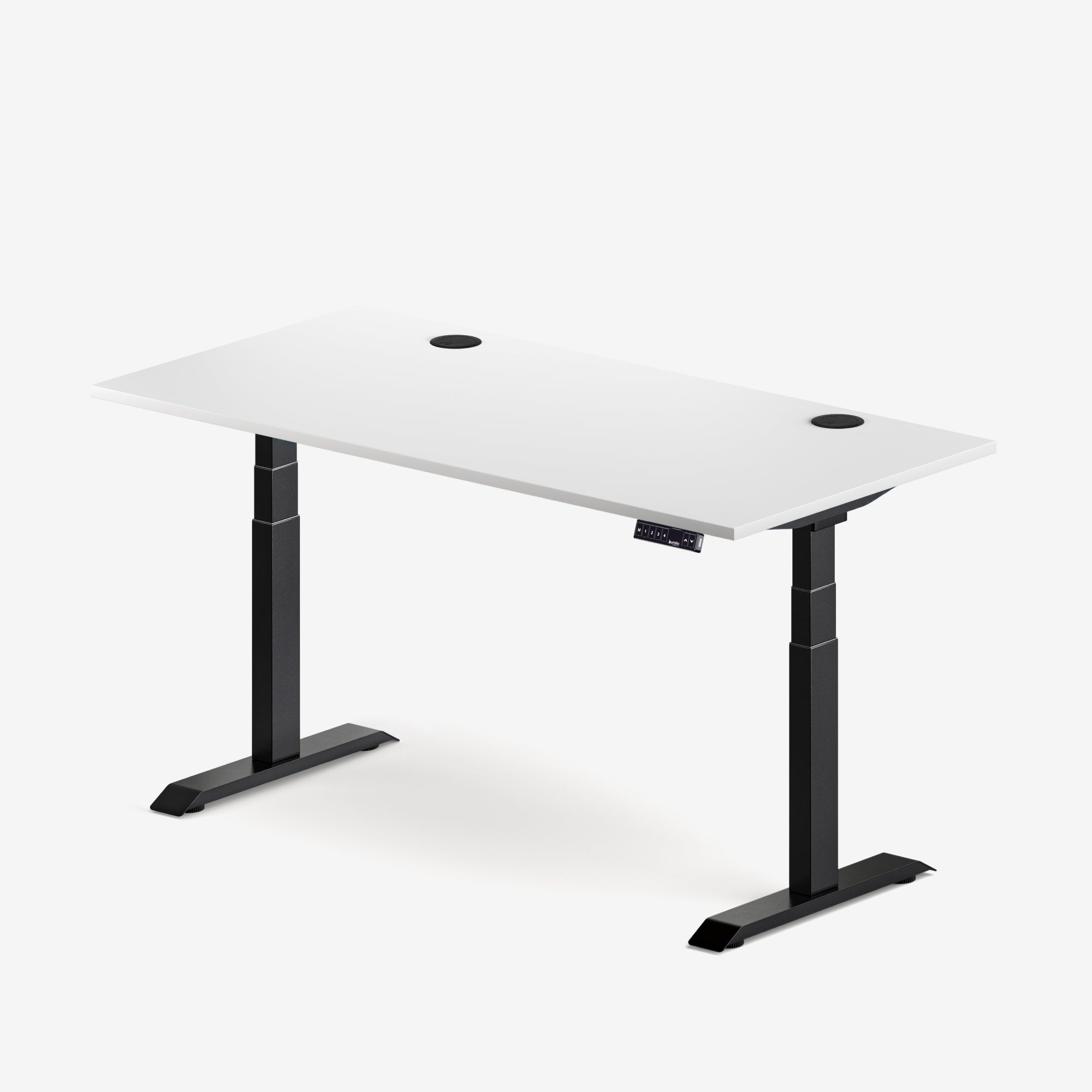
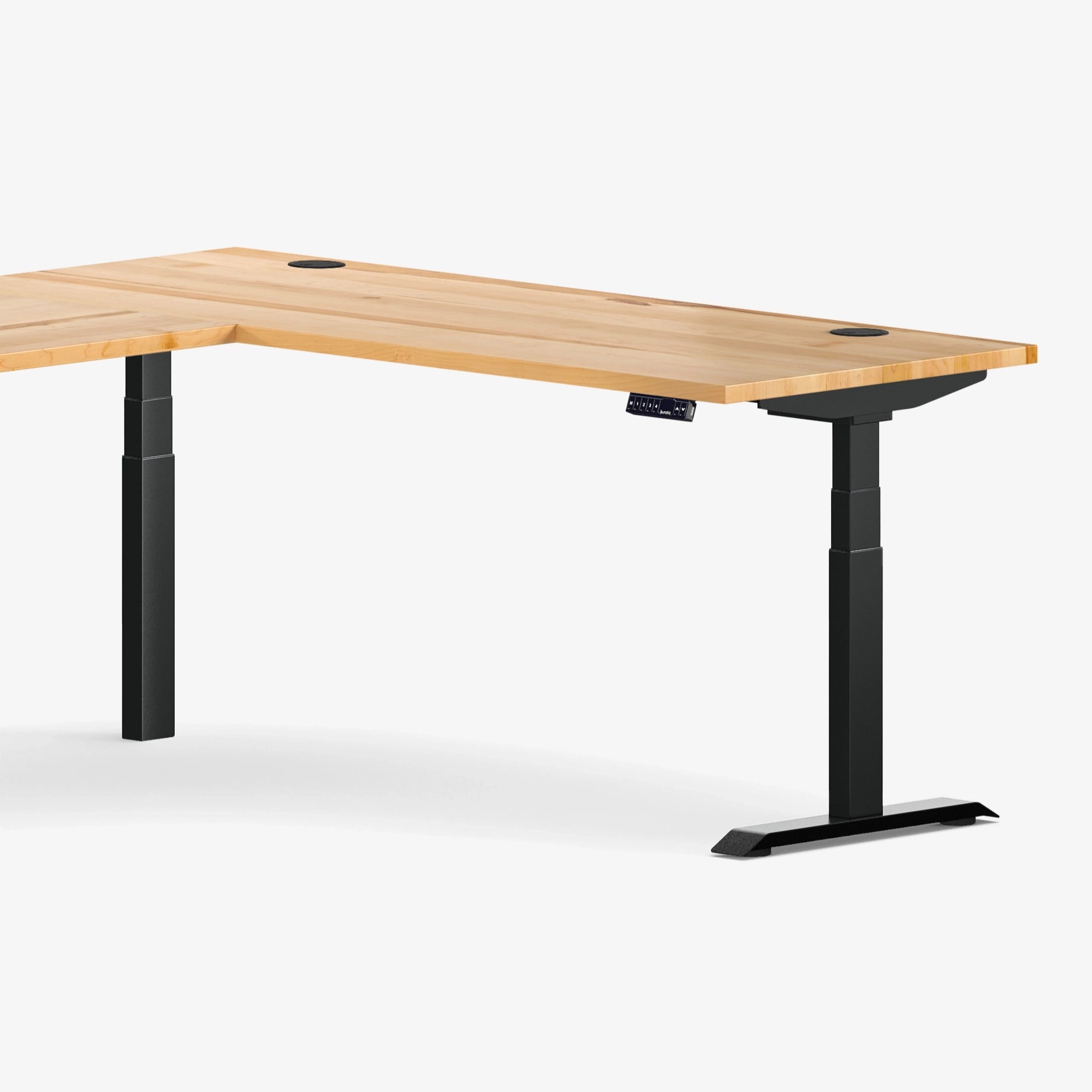
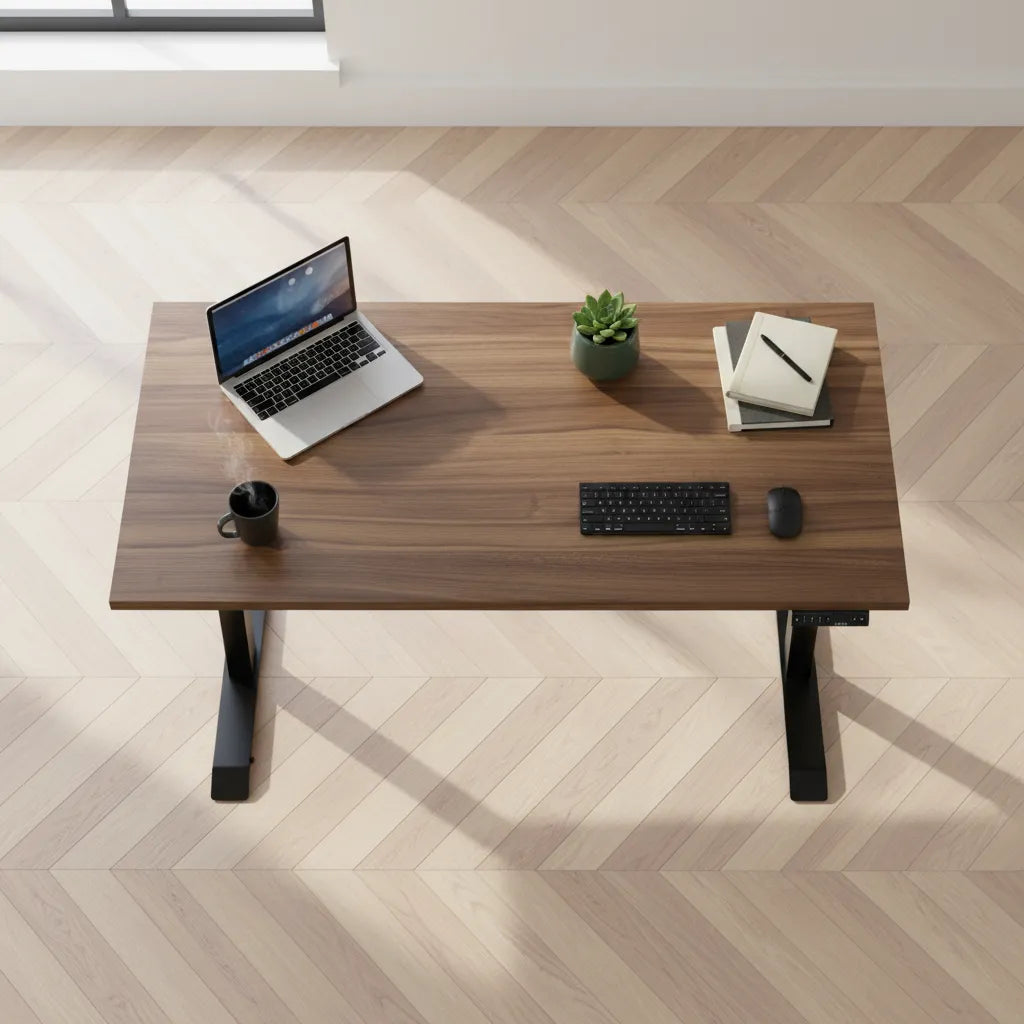
Burotic offers active standing-desk configurations in both 24-inch and 30-inch depths. The useful comparison is not which dimension is universally best, but which one leaves enough room for your actual equipment and posture. You can review available dimensions on the Aspire Wood Laminate Standing Desk page.
Start with viewing distance, not the monitor stand
The Canadian Centre for Occupational Health and Safety says viewing distance and viewing angle are central to monitor positioning. Its current guidance uses 40 to 74 cm as a broad starting range and notes that about an arm's length is a practical estimate. It also explains that larger, wider screens may need to be farther away to limit neck rotation and make the full display easier to scan.
With two screens, the desktop must let you maintain that distance after the monitors are angled inward. If the desk is too shallow, users often respond by pushing the displays against the wall, sitting farther from the desk or bringing the keyboard to the very front edge. Each workaround can create another problem.
Equal-use screens
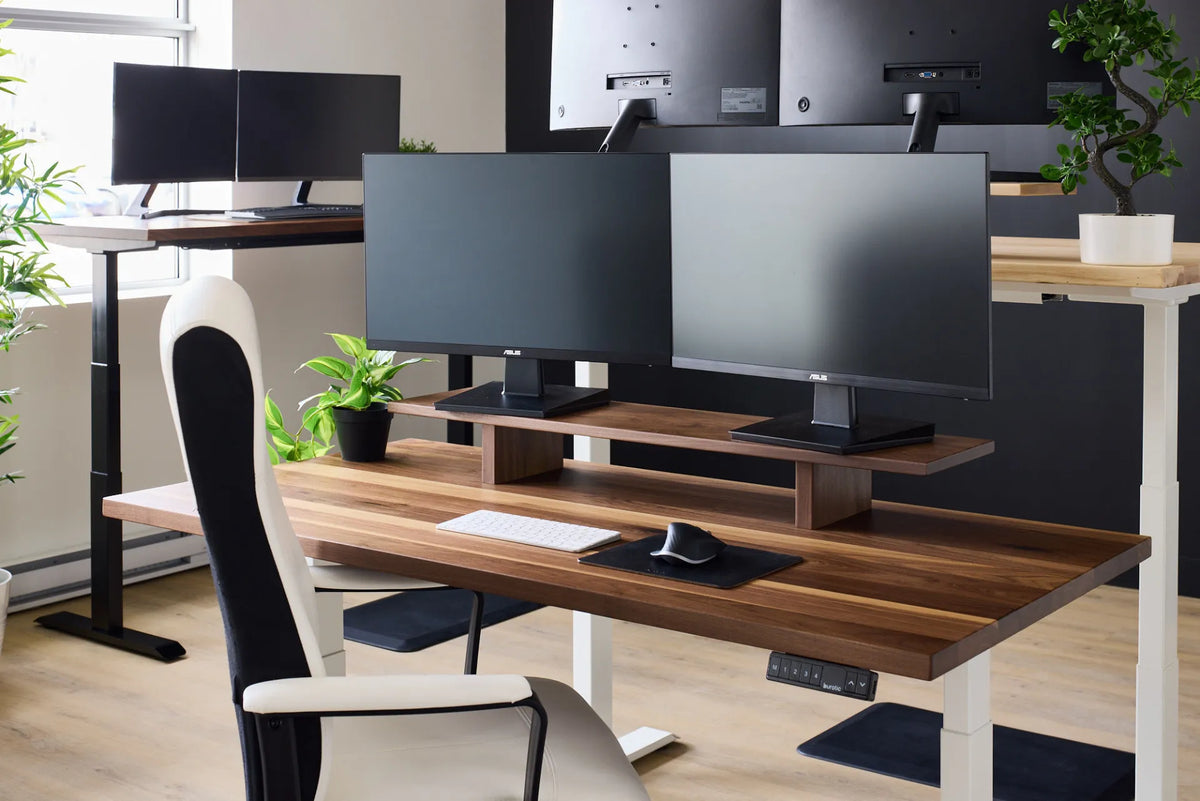
If you use both monitors equally, place them directly in front of you with their inner edges close together and angle them into a shallow semicircle. Your centre line should meet the junction between the screens. This layout uses more depth than two perfectly flat screens because the outer corners move forward as the displays turn inward.
Primary and secondary screens
If one screen holds most of your work, centre that monitor in front of you and place the secondary display to one side at an angle. This reduces repeated neck rotation. It can also reduce the depth needed on the secondary side, although the primary screen still needs enough room for comfortable viewing.
For more detail on the relationship between screen size and distance, see Monitor Distance by Screen Size: 24, 27 and 32 Inches.
Measure the real footprint of your two-monitor setup
Monitor size is measured diagonally, so it does not tell you the exact width, height or stand depth. Before choosing a desk, measure the equipment you actually plan to use.
- Measure the deepest point of each monitor stand from front to back.
- Place the screens at the inward angle you expect to use.
- Measure from the front edge of the stands to the front of your keyboard.
- Add a comfortable keyboard setback and enough mouse area for your normal movements.
- Allow space behind the screens for power, video cables and connectors without sharp bends.
A simple floor or table mock-up is useful. Mark a 24-inch depth with painter's tape, arrange your equipment, then repeat at 30 inches. Sit at the front edge of the mock-up and check whether the screens can reach an arm's-length distance while the keyboard and mouse stay within easy reach.
Factory stands and monitor arms use depth differently
Factory stands usually place a foot or base under each display. Some are shallow, while others extend well in front of the screen. Two large bases can consume valuable desk area even when the panels themselves fit comfortably.
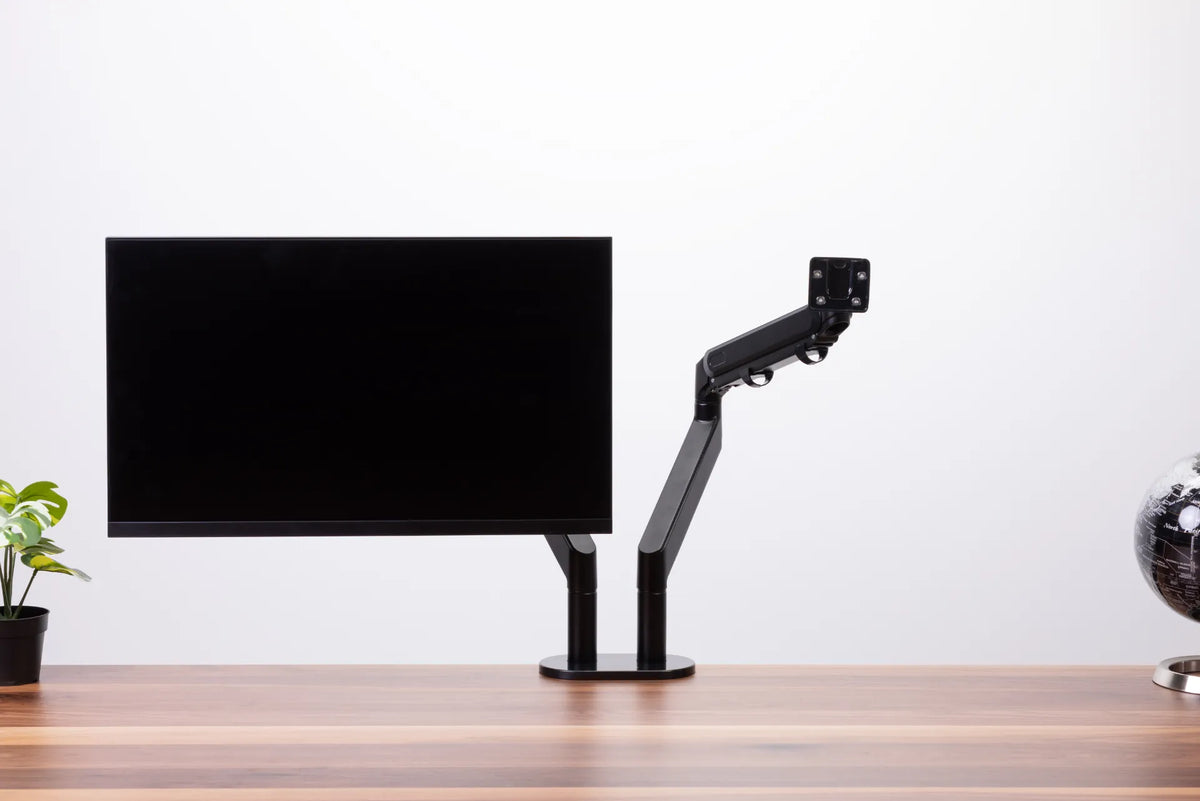
A compatible monitor arm may free the surface below the displays and let you place the screens closer to the back edge. It does not eliminate the need for depth. The arm still needs clearance to articulate, the clamp needs a suitable mounting area, and the screens must remain far enough from your eyes. An arm that projects forward can actually use more effective depth than a compact stand.
Check screen weight, mounting pattern, desktop thickness and rear clearance before choosing an arm. The active Burotic Monitor Arm page lists current configurations. The related guide How Much Desk Depth Do You Need for a Monitor Arm? explains the measurement process in more detail.
How screen size changes the decision
Two 24-inch monitors
A 24-inch-deep desk can often accommodate two 24-inch screens when their stands are reasonably shallow. This is a practical compact setup, but test the inward angle and confirm that the mouse does not get pushed beyond your easy reach zone.
Two 27-inch monitors
Two 27-inch screens make 30 inches of depth more attractive. The extra distance helps you see both displays without excessive head movement and gives larger stands more room. A 24-inch surface may still work with a well-fitted monitor arm and careful cable routing.
Two 32-inch monitors
Two 32-inch screens occupy a very wide visual field. Depth becomes especially important because moving the panels farther away can reduce the amount of head rotation needed to scan from one outer edge to the other. Before buying, test text scaling at the planned viewing distance and make sure the desk is also wide enough.
Depth and width solve different problems. Depth controls front-to-back distance; width determines whether both screens and their angled footprint fit. Use What Desk Width Do You Need for Two Monitors? as the companion measurement.
Do not forget the front work zone
A deep desk is only useful if the keyboard and mouse remain close enough to use without reaching. Keep the mouse beside the keyboard at the same level. Leave enough front space to place the keyboard where your shoulders can relax and your elbows can stay near your sides. Avoid using the extra depth as storage that forces input devices forward or sideways.
If you write on paper, measure that zone too. A 30-inch desk may allow documents between the keyboard and monitors, but frequently used papers should not make you twist for long periods. A document holder can keep reference material closer to screen height.
A practical decision checklist
- Choose 24 inches when the room is tight, screens and stands are compact, and a mock-up confirms a comfortable viewing distance.
- Choose 30 inches when you use 27-inch or larger displays, want more adjustment room, keep documents on the desk or use deep factory stands.
- Verify width separately, especially for two 27-inch or 32-inch monitors.
- Measure arm clearance and clamp compatibility instead of assuming an arm solves every space problem.
- Use font scaling rather than pulling a large screen too close just to read small text.
Bottom line
A 30-inch-deep desk is the safer default for two monitors because it gives the setup room to adapt. A 24-inch model can be an efficient choice when the screens, stands and room are compact. Measure the complete workstation, test your viewing distance and preserve an easy-reach zone for the keyboard and mouse. Those checks matter more than any single dimension.
Sources
- Canadian Centre for Occupational Health and Safety: Positioning the Monitor, confirmed current July 21, 2025.
- Progressive Desk Canada: Standard Desk Dimensions, reviewed October 2026 for market context.
Previous article
How to Adjust Office Chair Recline Tension
Next article
How Much Mouse Space Do You Need on a Desk?