

Ergonomic Office Tips & Buying Guides

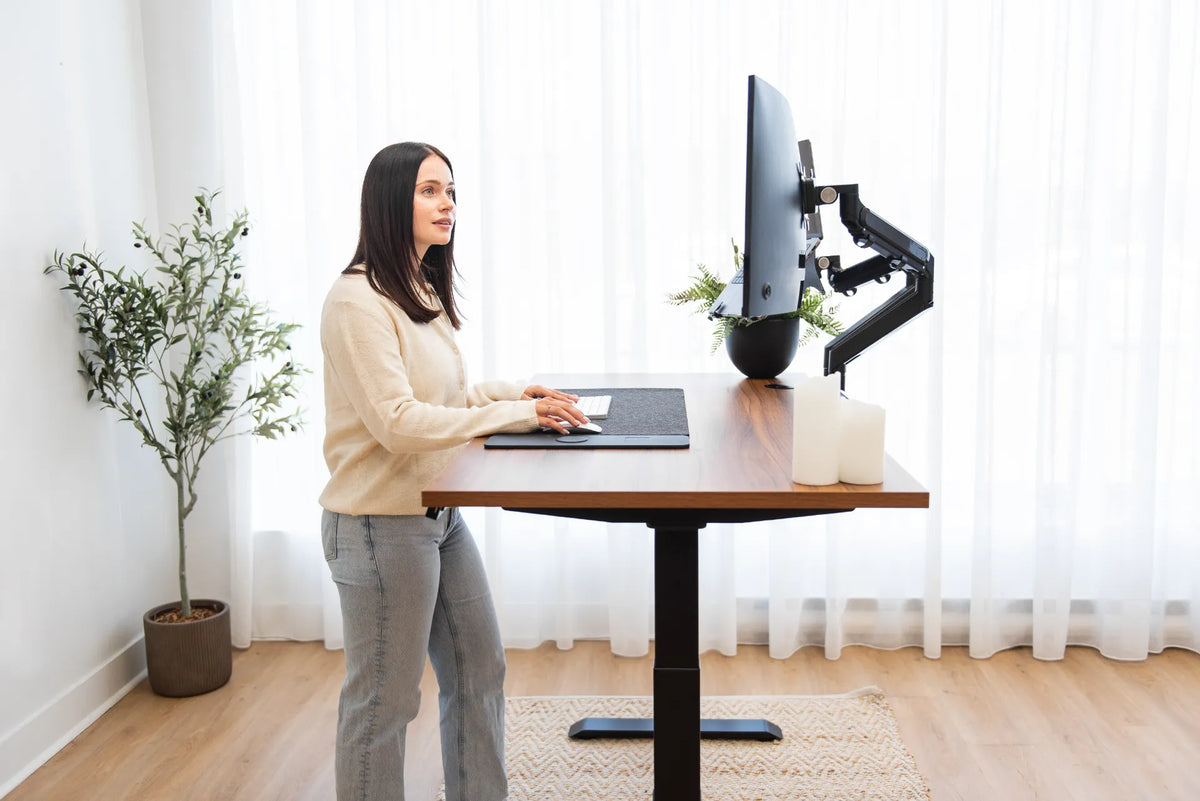
Woman standing at a light wood adjustable desk using an open laptop below a large external monitor in a warm home office

Should You Close Your Laptop When Using an External Monitor?
Choose between open-laptop, closed-laptop and external-monitor setups by considering screen priority, ergonomics, cooling, camera use and desk space.

Read moreabout Should You Close Your Laptop When Using an External Monitor?

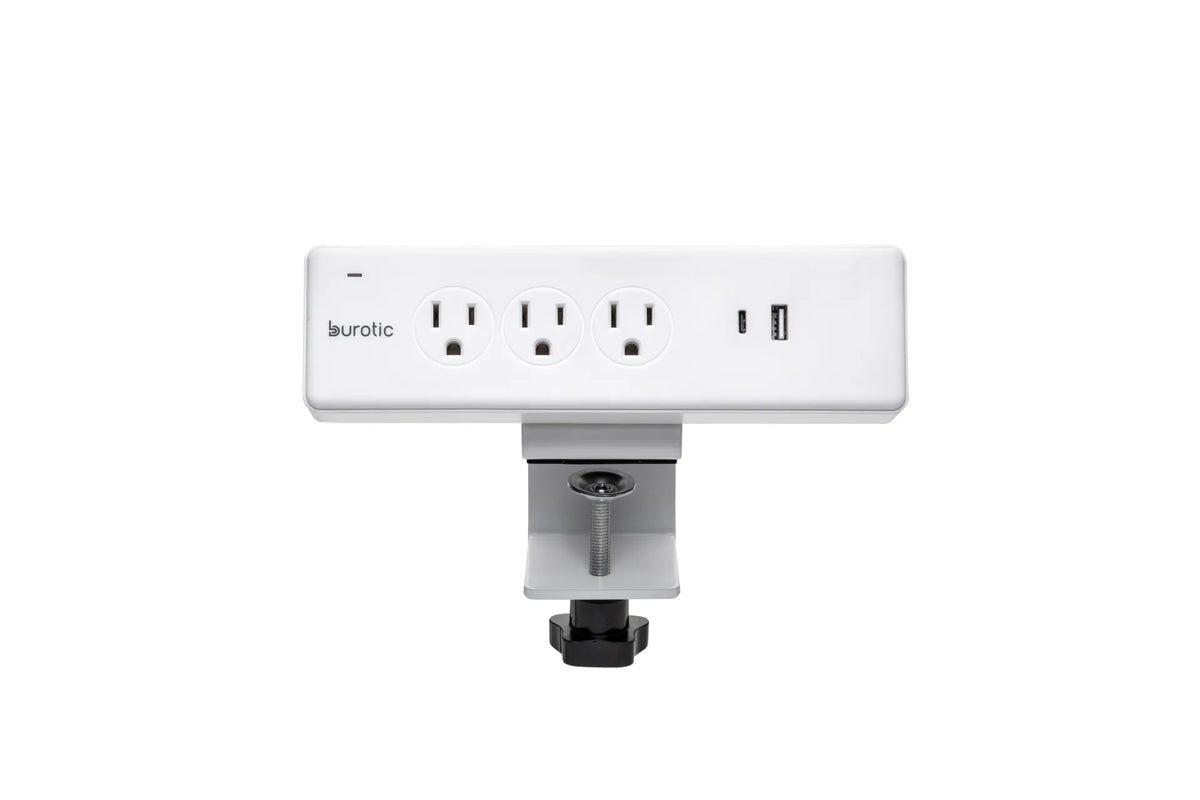
White Burotic clamp-on power bar with three grounded outlets, one USB-C port, one USB-A port and a white desk clamp on a white background

Can You Plug a Monitor and Laptop Into the Same Power Bar?
A monitor and laptop can often share a properly certified, correctly rated power bar, provided the total load and product instructions allow it.

Read moreabout Can You Plug a Monitor and Laptop Into the Same Power Bar?

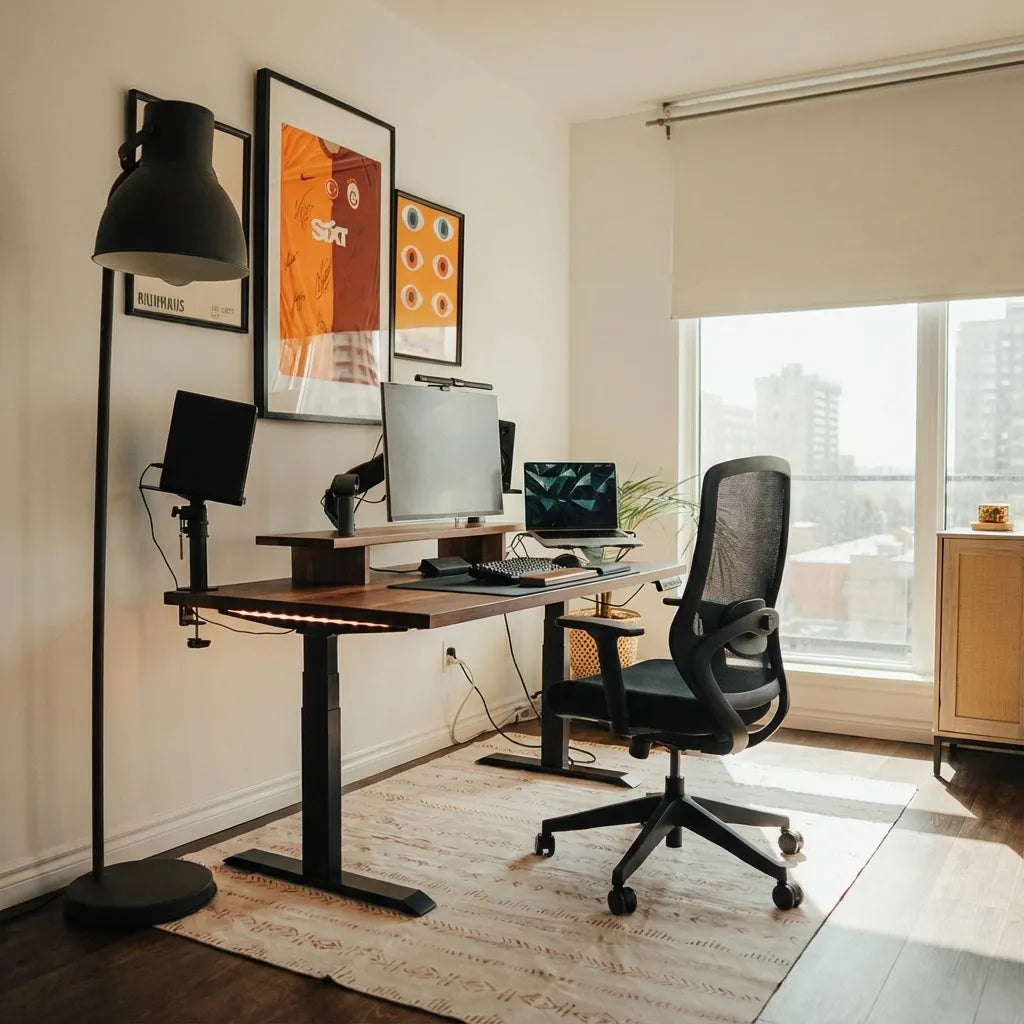
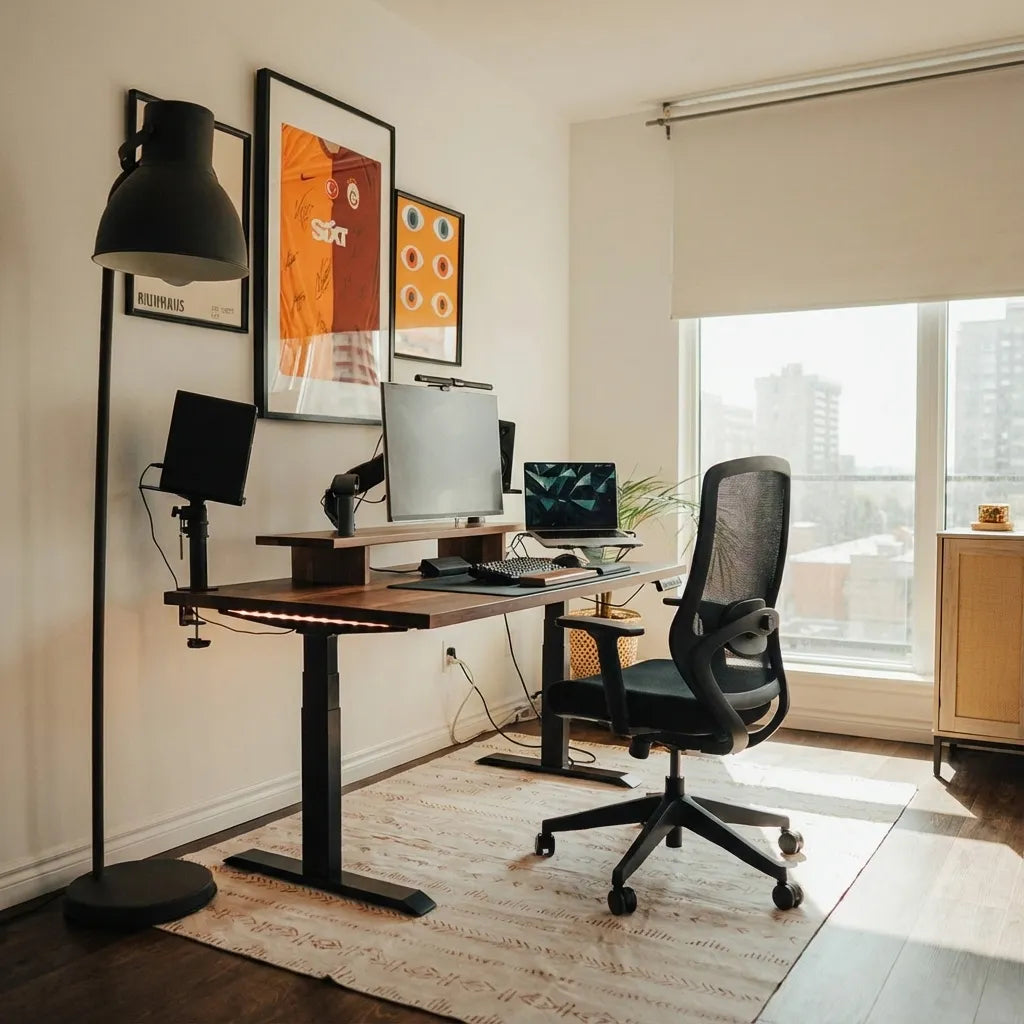
Complete home office with a wood standing desk, three-screen workstation and black mesh chair by a window

What Size Desk Do You Need for Three Monitors?

Plan a three-monitor desk by measuring real screen width, stand or arm footprints, viewing distance, keyboard space and cable movement.

Read moreabout What Size Desk Do You Need for Three Monitors?
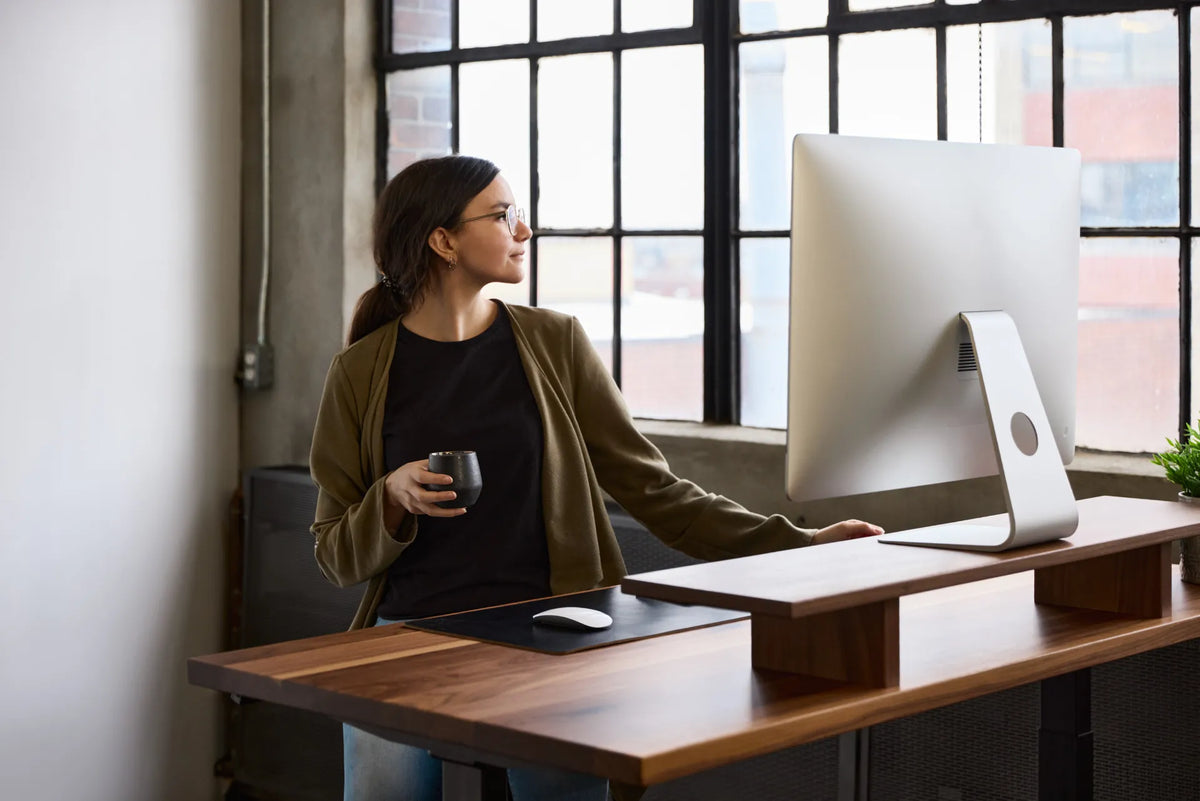
Woman standing at a dark wood desk and looking toward a large white monitor beside a notebook and mug

How to Centre a Monitor on Your Desk for Better Ergonomics
Centre a primary monitor on your body and keyboard, then adjust distance, height, glare and dual-screen angles for seated and standing work.

Read moreabout How to Centre a Monitor on Your Desk for Better Ergonomics

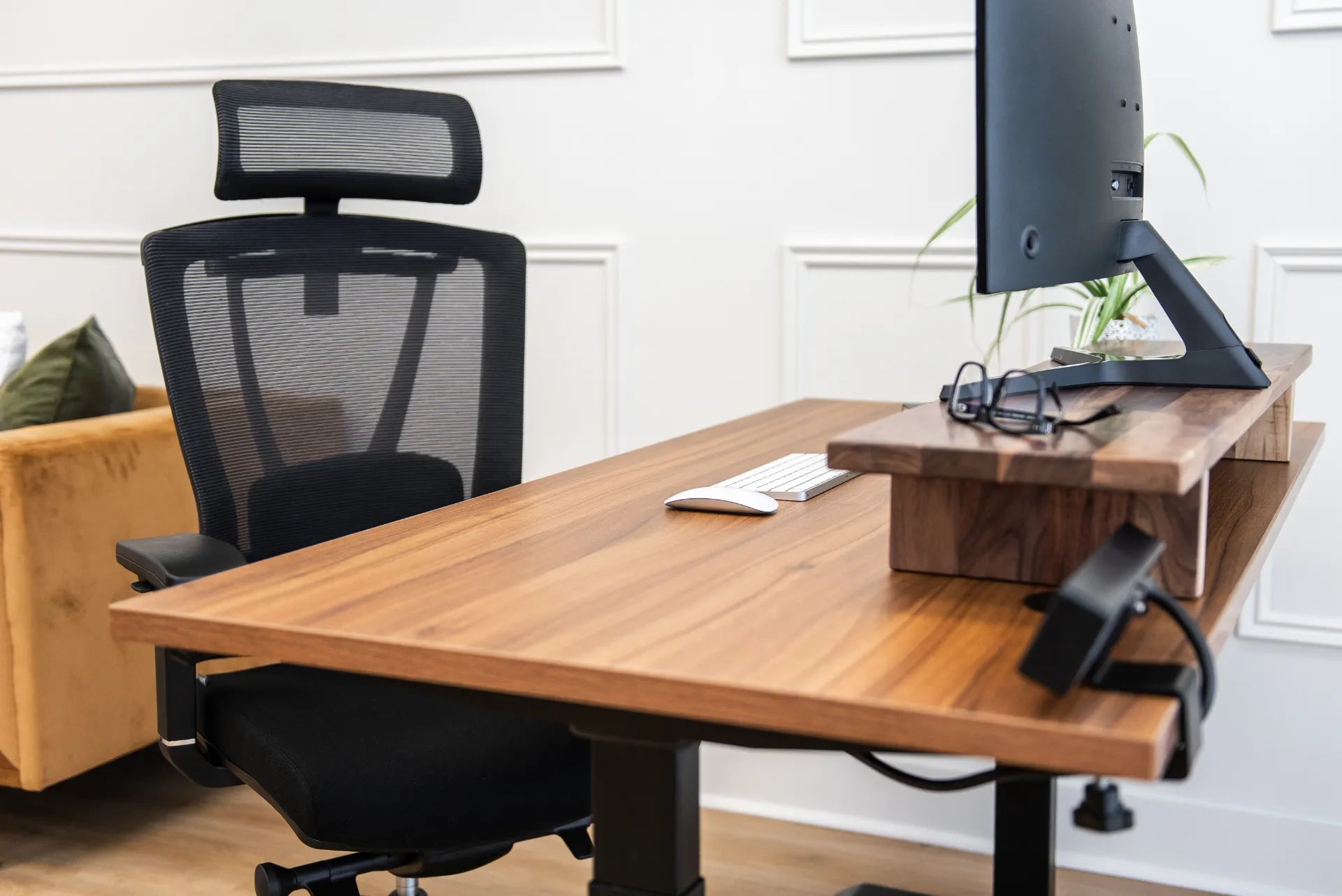
Wood standing desk with a mesh chair, monitor shelf, screen, keyboard, mouse and eyeglasses

Monitor Setup for Progressive Lenses and Bifocals
Adjust monitor height, distance, text size and lighting for progressive lenses or bifocals without forcing the neck into an uncomfortable viewing position.

Read moreabout Monitor Setup for Progressive Lenses and Bifocals

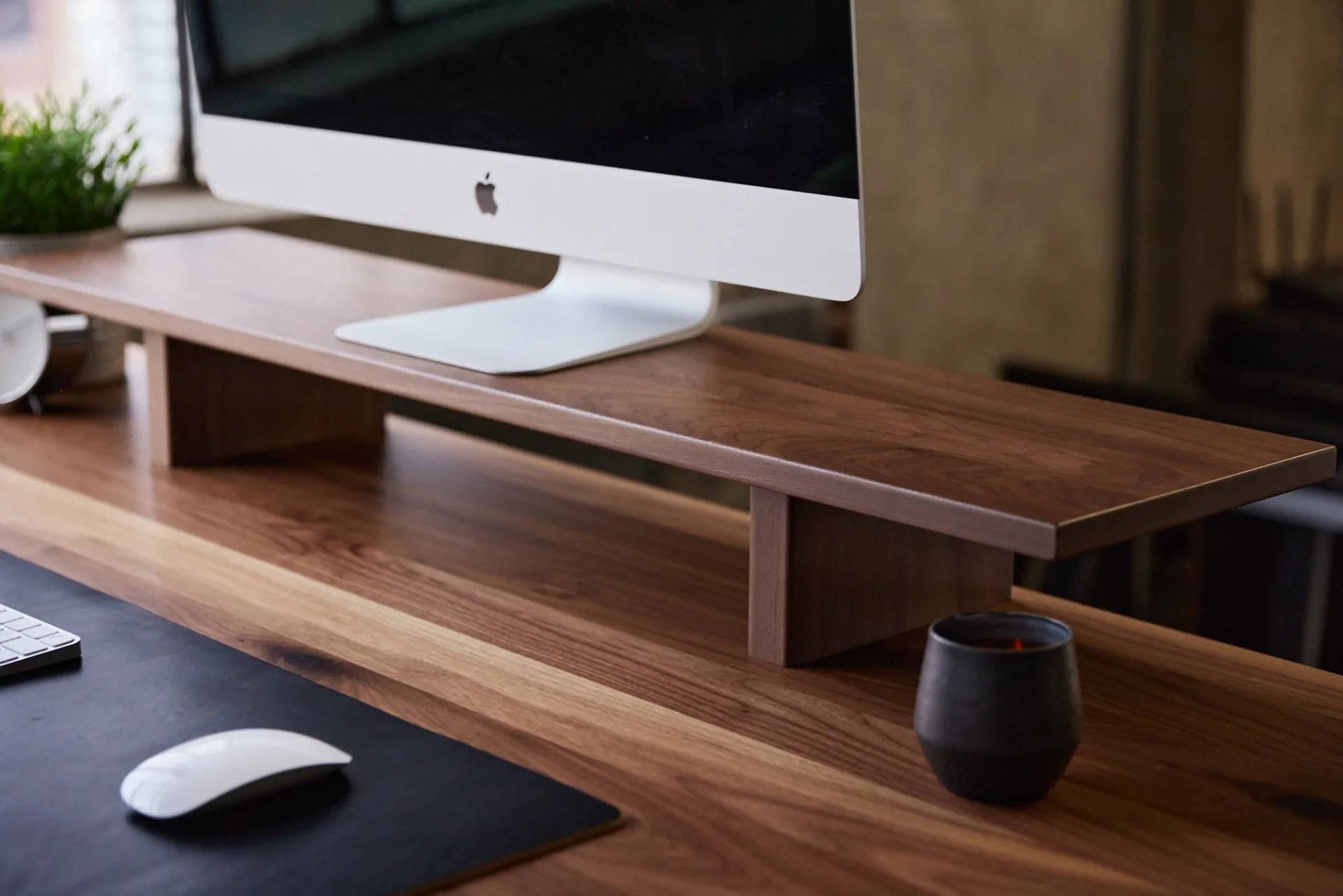
Dark wood monitor stand supporting a desktop display on a wood desk beside a mug and mouse

Monitor Stand vs. Monitor Arm: Which Is Better for Your Desk?
Compare monitor stands and monitor arms by ergonomics, adjustability, desk space, installation and daily workflow to choose the right screen support.

Read moreabout Monitor Stand vs. Monitor Arm: Which Is Better for Your Desk?

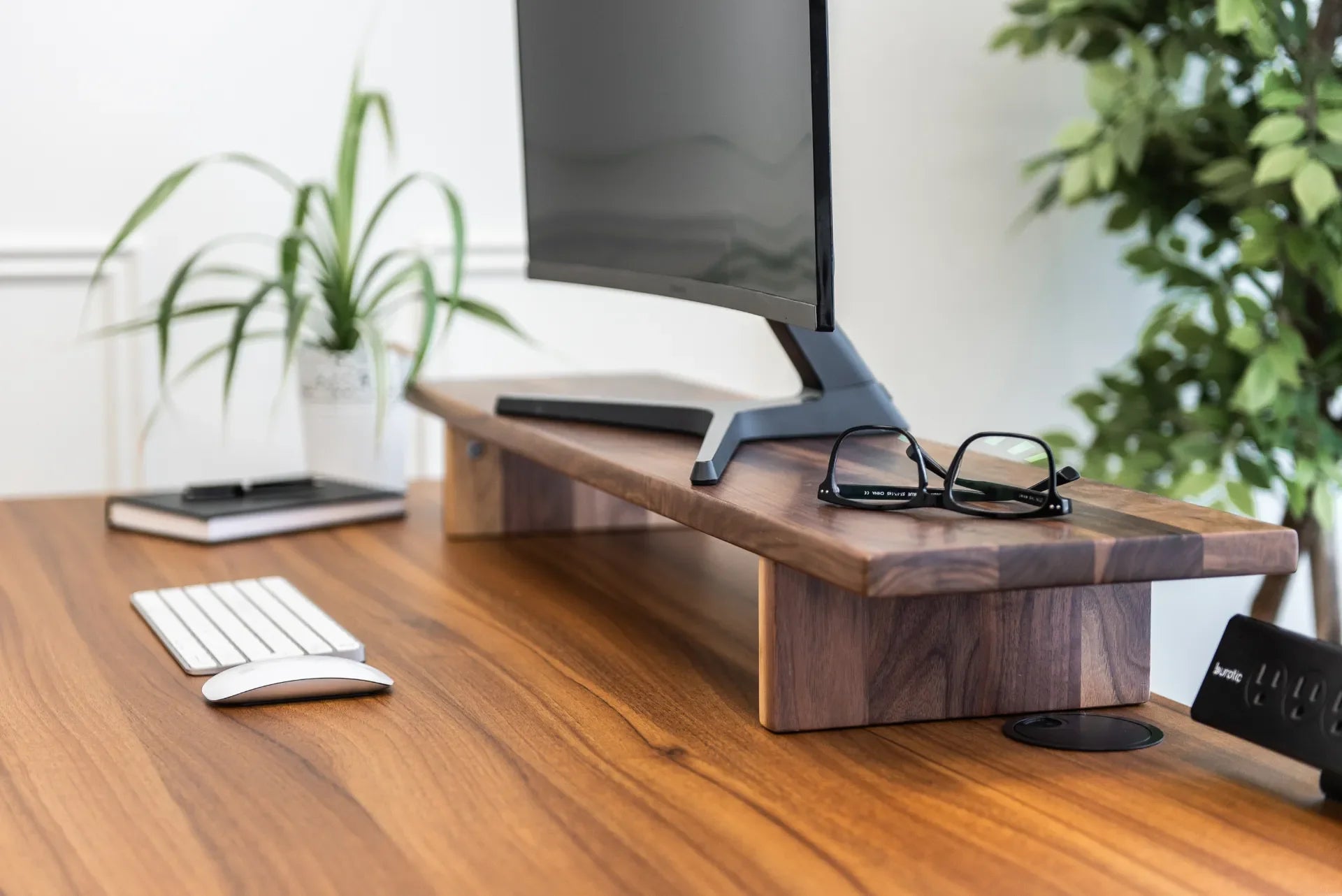
Close view of a monitor on a walnut Burotic stand with a keyboard, mouse, glasses and plants

How Far Should Your Monitor Be From Your Eyes?
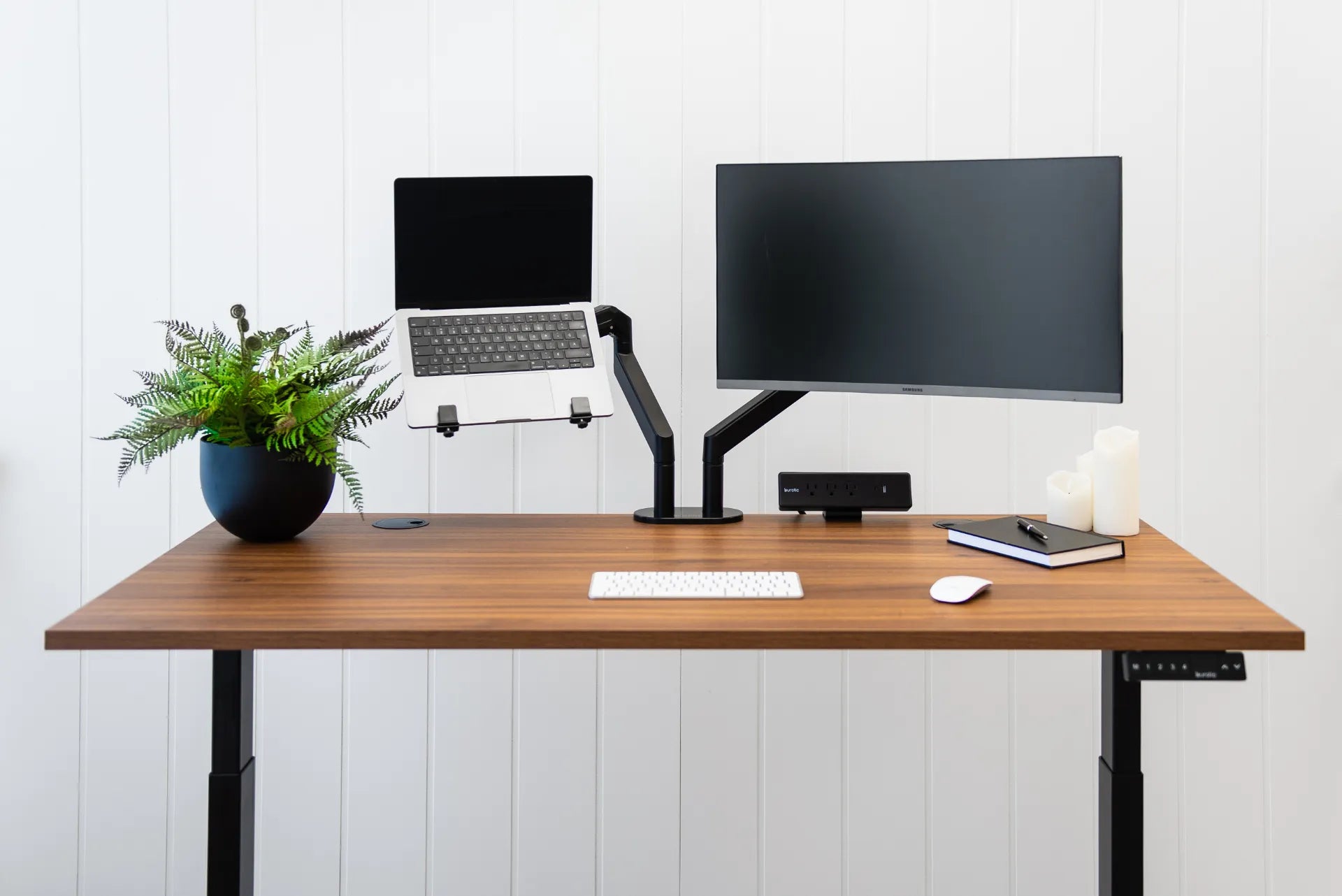
A practical Canadian guide to setting monitor distance, height and angle for clearer viewing and a more comfortable workstation.

Read moreabout How Far Should Your Monitor Be From Your Eyes?

Laptop and external monitor mounted on separate adjustable arms above a walnut desk

Ergonomic Laptop and Monitor Setup: A Practical Canadian Guide
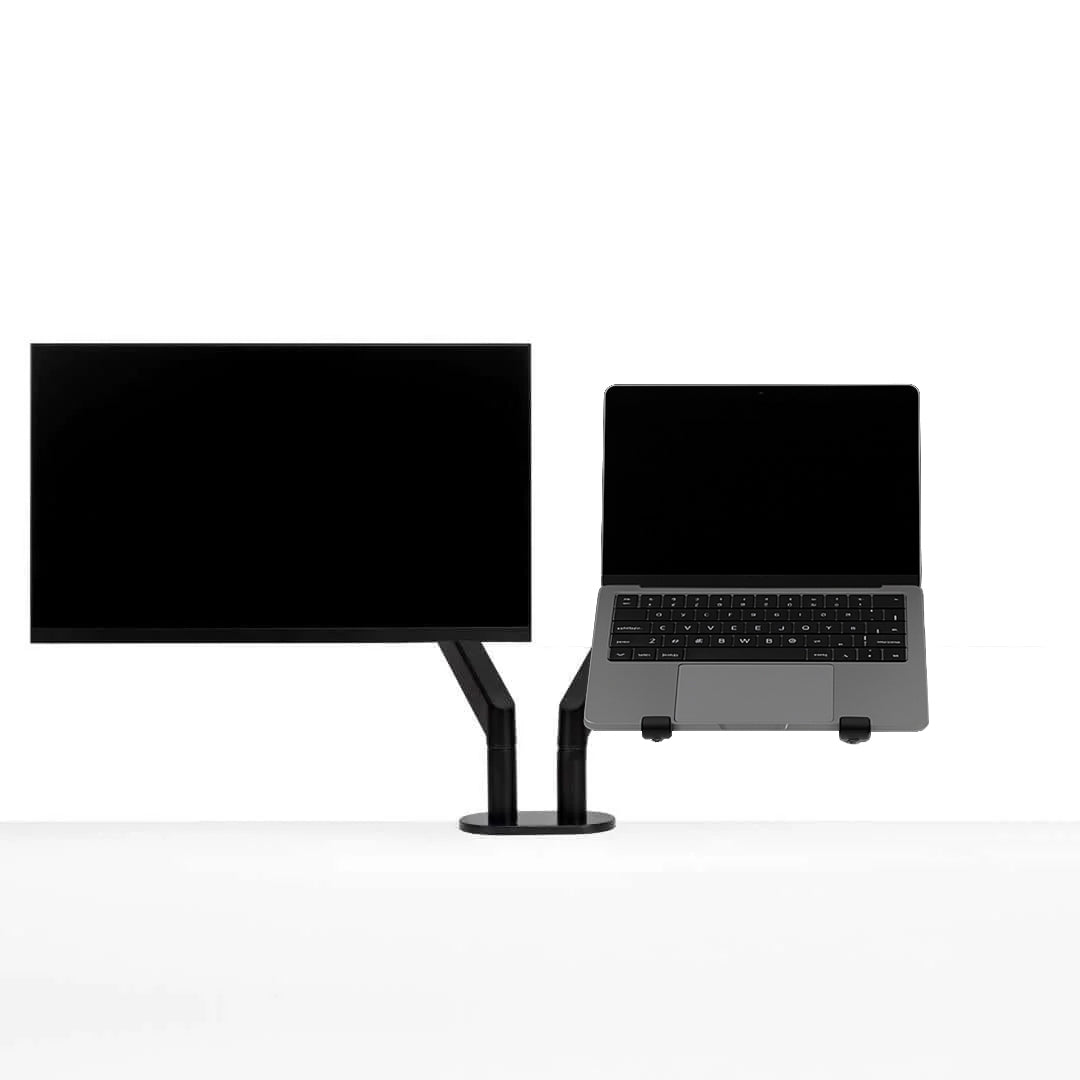
Set up a laptop with an external monitor for comfortable work, including screen priority, height, distance, keyboard, mouse, cables and sit-stand transitions.

Read moreabout Ergonomic Laptop and Monitor Setup: A Practical Canadian Guide

How to Choose a Monitor Arm: 8 Compatibility Checks Before You Buy

How to Choose a Monitor Arm: 8 Compatibility Checks Before You Buy

Check VESA spacing, monitor weight, desktop thickness, clamp clearance and movement before choosing a single or dual monitor arm.

Read moreabout How to Choose a Monitor Arm: 8 Compatibility Checks Before You Buy