Ergonomic Office Tips & Buying Guides

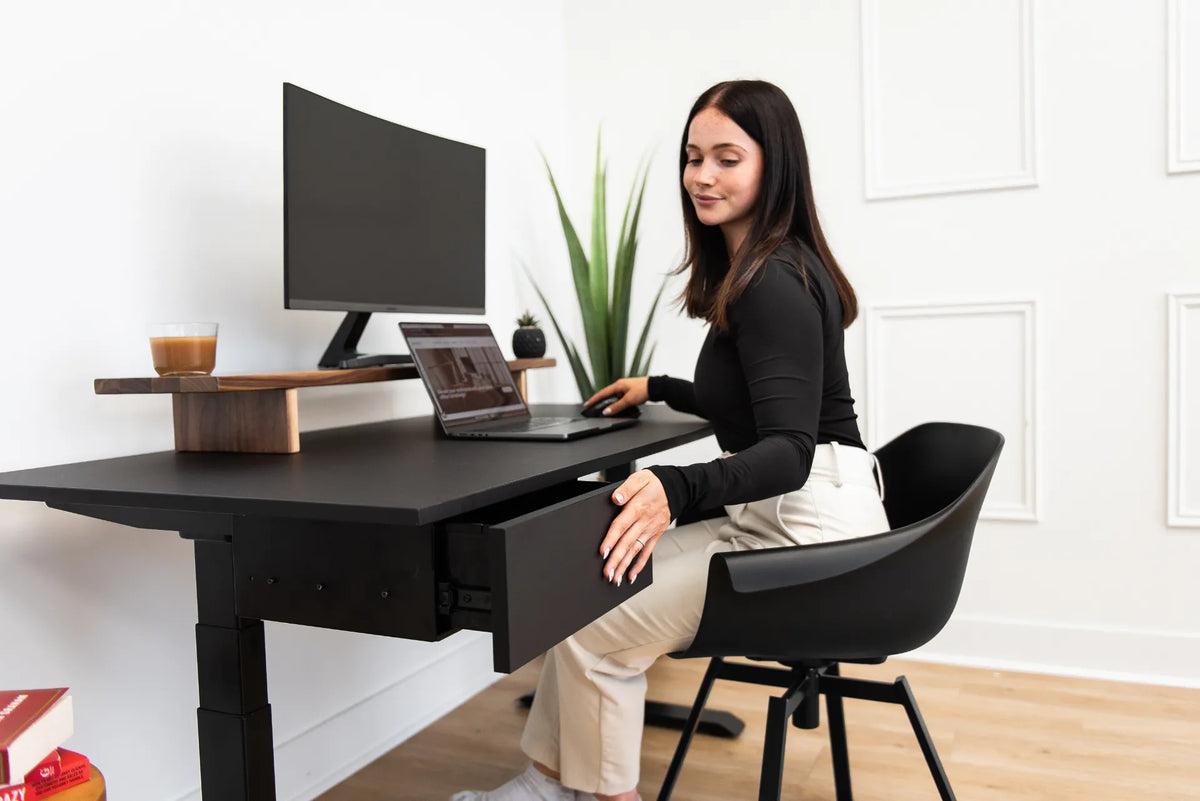
Woman seated at a black standing desk while pulling open a black under-desk drawer in a bright office

Why Is My Desk Drawer Hard to Open?

Do not force a sticking desk drawer. Empty it, inspect for trapped items, compare the gaps, check accessible hardware and follow the slide maker's care instructions.

Read moreabout Why Is My Desk Drawer Hard to Open?

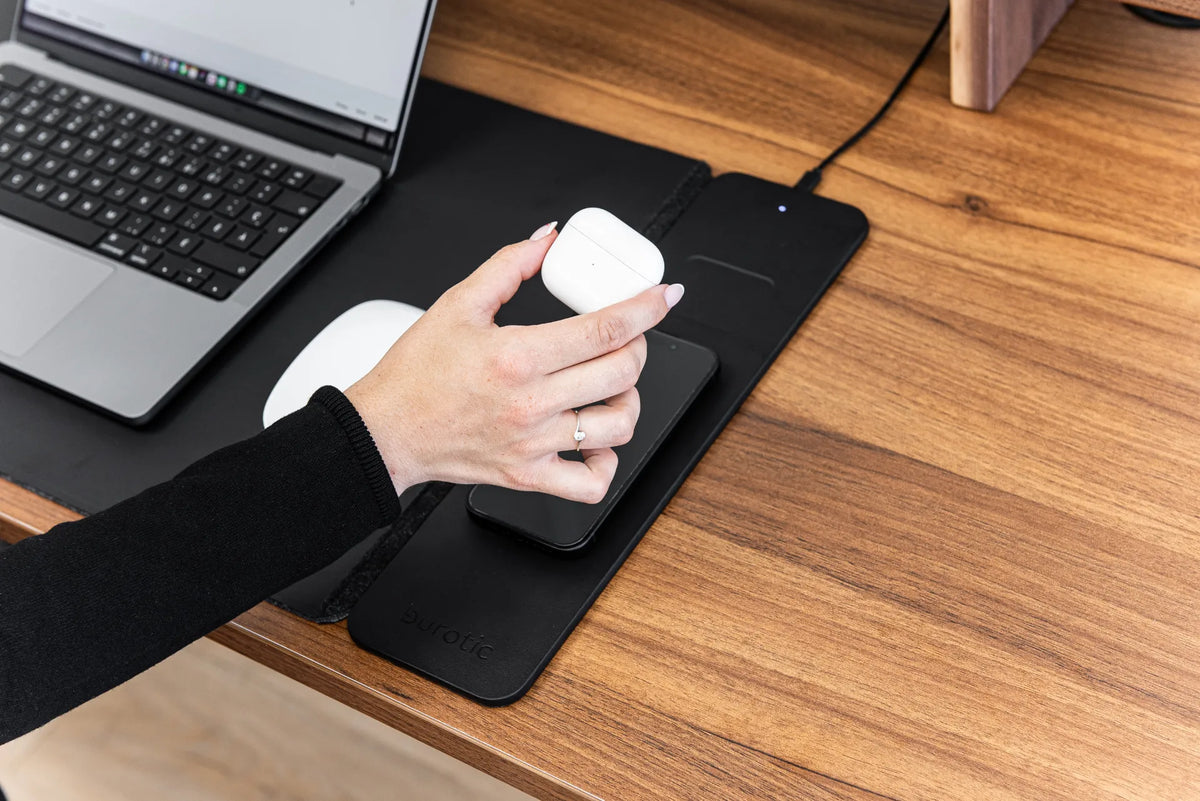
Hand holding a white wireless earbud case above a black charging module beside a laptop and phone on a walnut desk

Can You Charge a Phone and Earbuds at the Same Time on a Wireless Desk Pad?

Some wireless desk pads can charge a compatible phone and earbud case at the same time. Confirm the pad's two-device design, device compatibility and correct charging zones first.

Read moreabout Can You Charge a Phone and Earbuds at the Same Time on a Wireless Desk Pad?
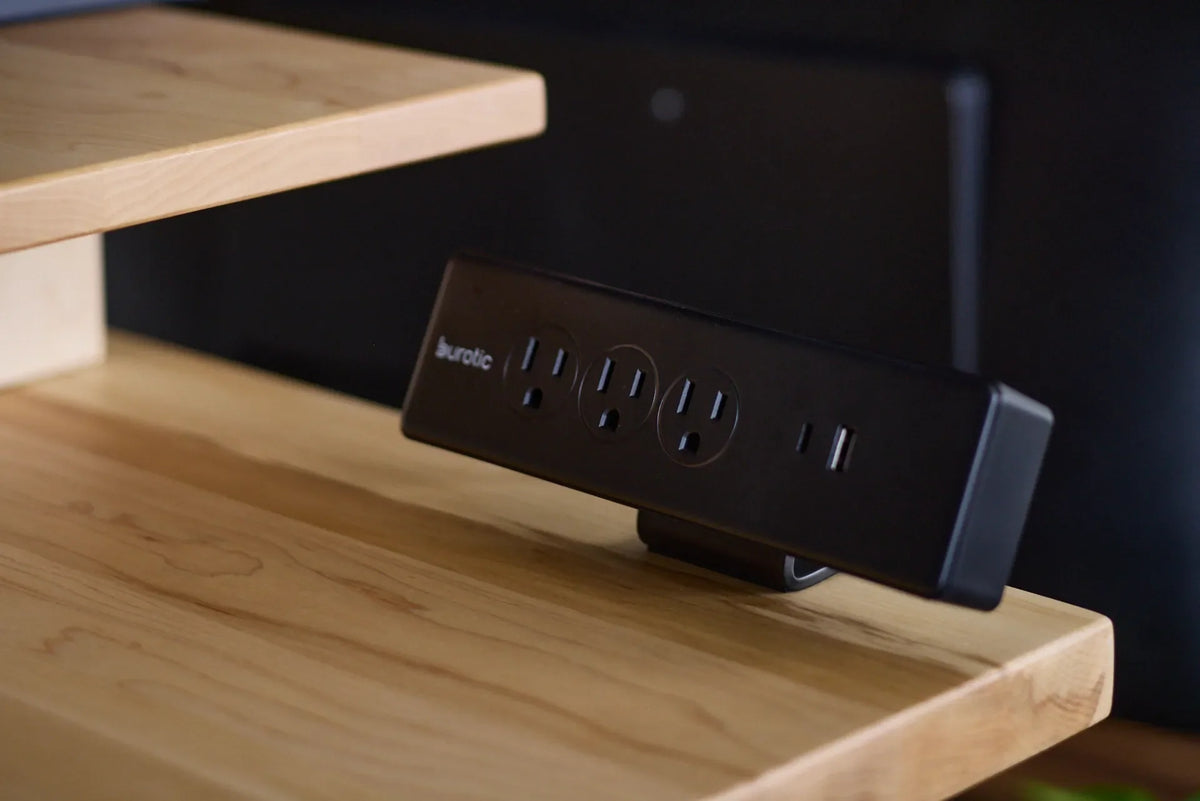
Black Burotic power bar with three grounded outlets, USB-A and USB-C mounted on a light wood surface

Should You Turn Off Your Office Power Bar at Night?

When switching off an office power bar at night makes sense, which devices should stay powered and what safety checks matter before using the switch as a routine.

Read moreabout Should You Turn Off Your Office Power Bar at Night?

Hand pressing the controller beneath the front edge of a white standing desk

Why Does My Standing Desk Stop Before Reaching Full Height?
A standing desk that rises partway and stops may be reacting to an obstruction, cable tension, a saved limit, an uneven load or a control-system issue. Use this safe sequence to isolate the cause before requesting service.

Read moreabout Why Does My Standing Desk Stop Before Reaching Full Height?

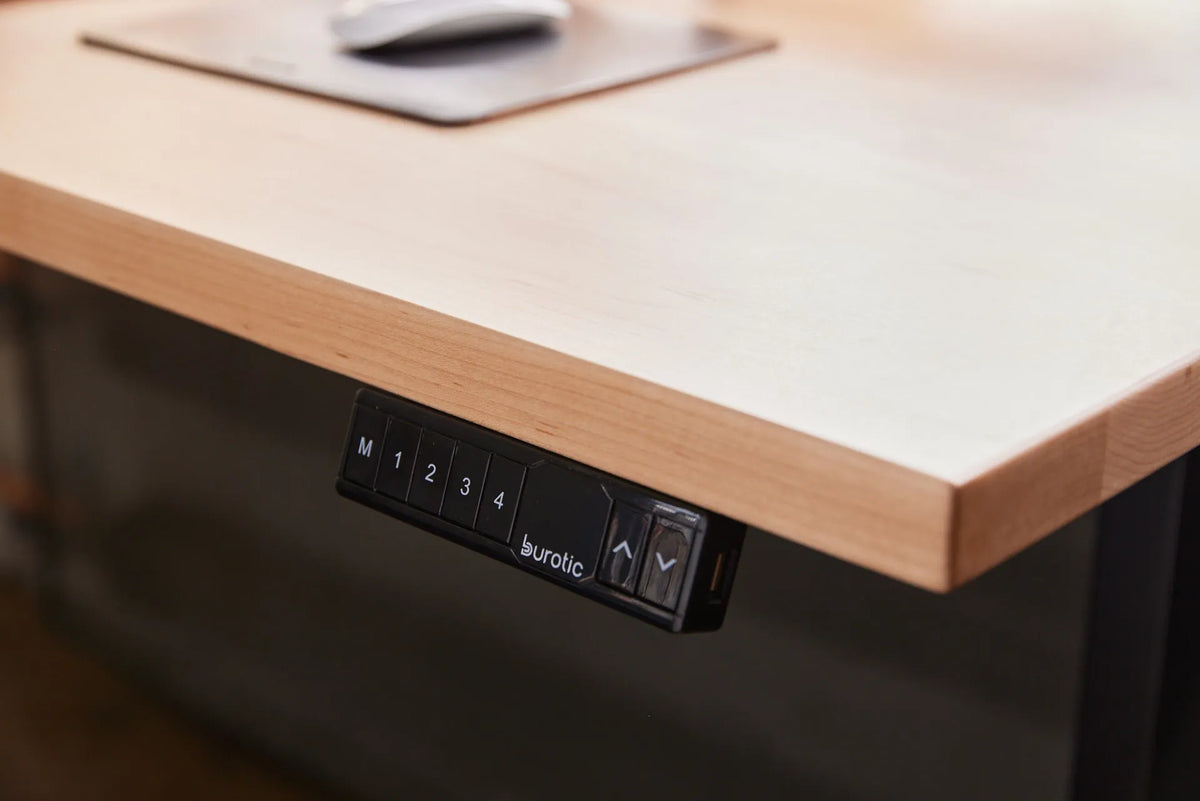
Close-up of a black Burotic standing desk controller mounted beneath a light wood desktop

Why Is My Standing Desk Beeping? What the Sound Can Mean
A standing desk beep can confirm a setting, mark a completed reset or accompany a control issue. Use this practical sequence to identify the context, make safe checks and know when to contact support.

Read moreabout Why Is My Standing Desk Beeping? What the Sound Can Mean

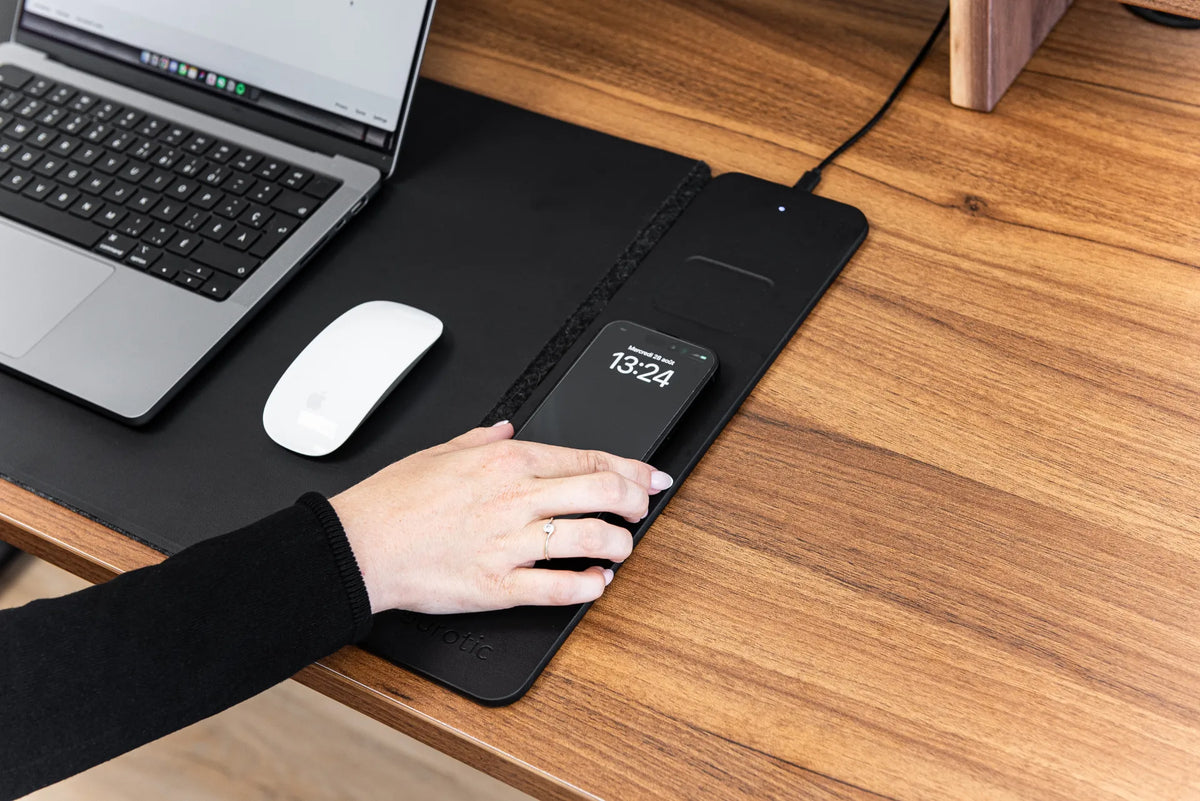
Black smartphone resting on a black wireless charging desk pad beside a laptop and white mouse

Why Does a Wireless Charger Get Warm? What to Check

Mild warmth can be normal during wireless charging, but excessive heat deserves attention. Learn what causes it, what to remove from the charging area and when to stop charging.

Read moreabout Why Does a Wireless Charger Get Warm? What to Check

Close-up of a black Burotic power bar with three outlets and USB ports mounted at the back of a light wood desk

Why Does My Power Bar Keep Turning Off? Safe Checks
A power bar that keeps turning off may be overloaded, overheating, connected to a faulty device or reacting to a supply problem. Use only safe external checks.

Read moreabout Why Does My Power Bar Keep Turning Off? Safe Checks

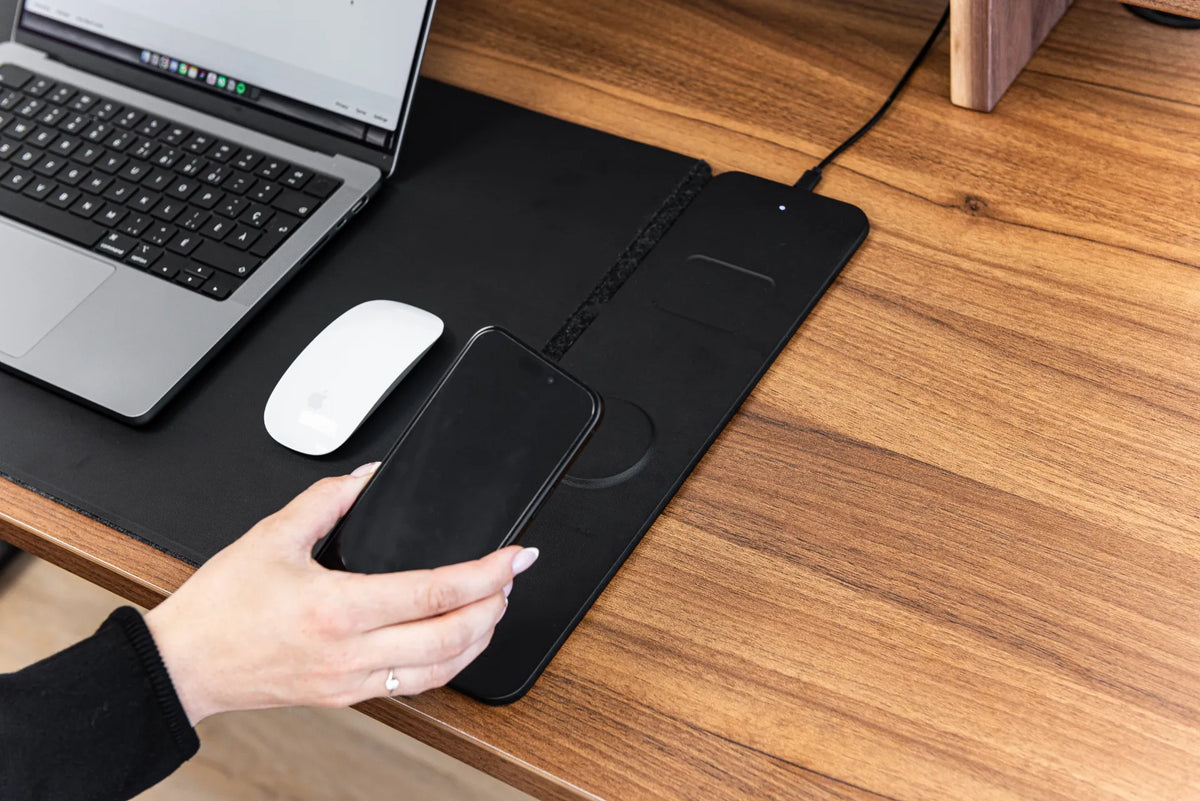
Hand positioning a black smartphone over the charging area of a black desk pad beside a laptop and white mouse on a wood desk

Why Is My Wireless Charging Desk Pad Not Charging?
Troubleshoot a wireless charging desk pad by checking power, phone compatibility, coil alignment, cases, heat, nearby objects and cable connections.

Read moreabout Why Is My Wireless Charging Desk Pad Not Charging?

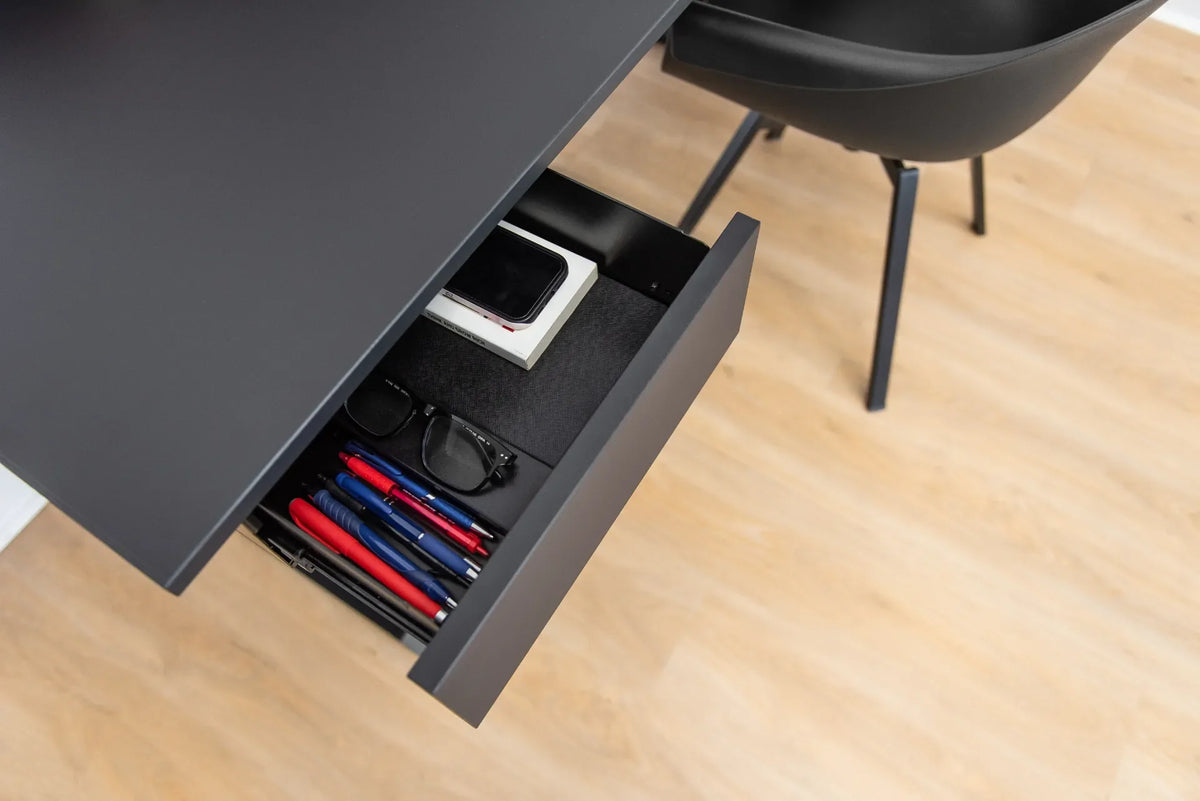
Open black drawer beneath a black desktop holding pens, glasses, a notebook and phone, with a black chair beside it

Desk Drawer Hits Your Knees? What to Adjust First

Use this troubleshooting sequence when an under-desk drawer contacts your knees or thighs, without sacrificing chair or keyboard ergonomics.

Read moreabout Desk Drawer Hits Your Knees? What to Adjust First