





How Deep Should a Desk Be for Writing by Hand?

In this article
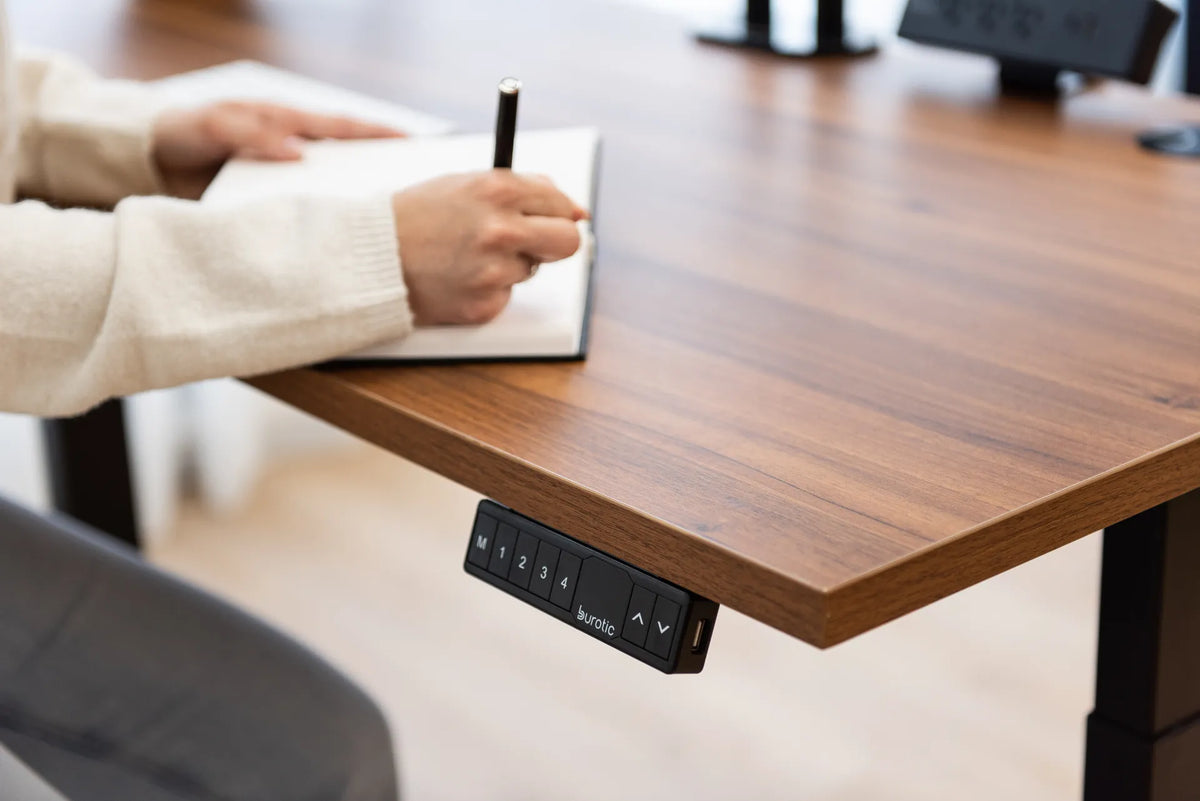
For writing by hand, a desk with about 24 inches, or 61 centimetres, of usable depth is a practical starting point. It gives many adults room for a notebook or document, forearm support and a few reference items without pushing the page beyond comfortable reach. A shallower surface can work for occasional notes. A 30-inch desk becomes more useful when writing shares the surface with a monitor, keyboard, laptop or document holder.
The key word is usable. A 24-inch top may offer less working depth after a monitor base, shelf, cable opening or wall clearance is taken into account. Choose the desk around the tasks that must happen at the same time, not around a nominal dimension alone.
Quick answer by task
- Handwriting only: about 24 inches of usable depth is a versatile target.
- Brief notes beside a laptop: 24 inches may work if the laptop can move back or to the side.
- Writing with a monitor and keyboard: 30 inches often makes it easier to preserve viewing distance and a clear writing zone.
- Large plans, textbooks or frequent paperwork: prioritize both depth and width, then test your actual materials.
These are planning ranges, not medical prescriptions. Body size, vision, dominant hand, chair position and the dimensions of your materials all matter.
Why 24 inches is a useful writing benchmark
Canadian facility guidance has used 610 millimetres, approximately 24 inches, as a minimum work-surface depth when no monitor is present and the surface is used for writing. That figure is useful because it separates a genuine writing surface from a narrow console or shelf. It should not be treated as an automatic fit for every person.
The Canadian Centre for Occupational Health and Safety recommends arranging manual tasks to avoid excessive reach and placing frequently used items in the immediate reach zone. For writing, the page, pen and primary reference material should stay close enough that your elbows can remain near your body and your shoulders do not repeatedly move forward.
Measure the writing zone you actually need
Place your largest everyday material on a table
Use the notebook, binder, sketchbook, form or document size you handle most often. Position it where your hands naturally work. Add the items that must remain available at the same time, such as a phone, calculator, reference book or keyboard. Measure from the front edge to the farthest item you need to reach frequently.
Do not count space occupied by a permanent monitor base or riser as writing area. Likewise, a curved or bevelled front edge may reduce the portion that supports your forearms.
Keep frequent items in the primary zone
Your pen, page and mouse should not require a long forward reach. Less frequent references can sit farther back or to the side. Rarely used supplies belong in storage rather than across the active surface. This primary, secondary and tertiary zone approach is consistent with CCOHS and Ontario workplace ergonomics guidance.
Writing only versus writing with a computer
A dedicated writing desk
When there is no screen or keyboard, 24 inches of depth is often generous enough for standard documents and forearm support. A shallower desk may suit journalling or occasional signatures, but it provides less flexibility for open binders, side-by-side pages and task lighting.
A shared computer and writing surface
A monitor needs viewing distance, while writing needs a close, clear zone. Those two requirements compete for depth. On a 24-inch desk, you may need to move the keyboard under a riser or to the side before writing. A 30-inch surface makes it easier to leave the monitor farther back while opening a notebook in front.
The article How to Set Up a Desk for Computer Work and Handwriting shows several ways to divide one surface. If a laptop is part of the setup, How Deep Should a Desk Be for a Laptop? explains how screen distance and external input devices affect the decision.
Depth alone does not create a comfortable writing posture
Set the work surface near elbow height for the task so you do not lift your shoulders or bend excessively toward the page. The exact position can differ for precise drawing, longhand writing and keyboard work. Keep the chair close enough that the front edge of the desk does not force you to reach, while maintaining clear space for your thighs and knees.
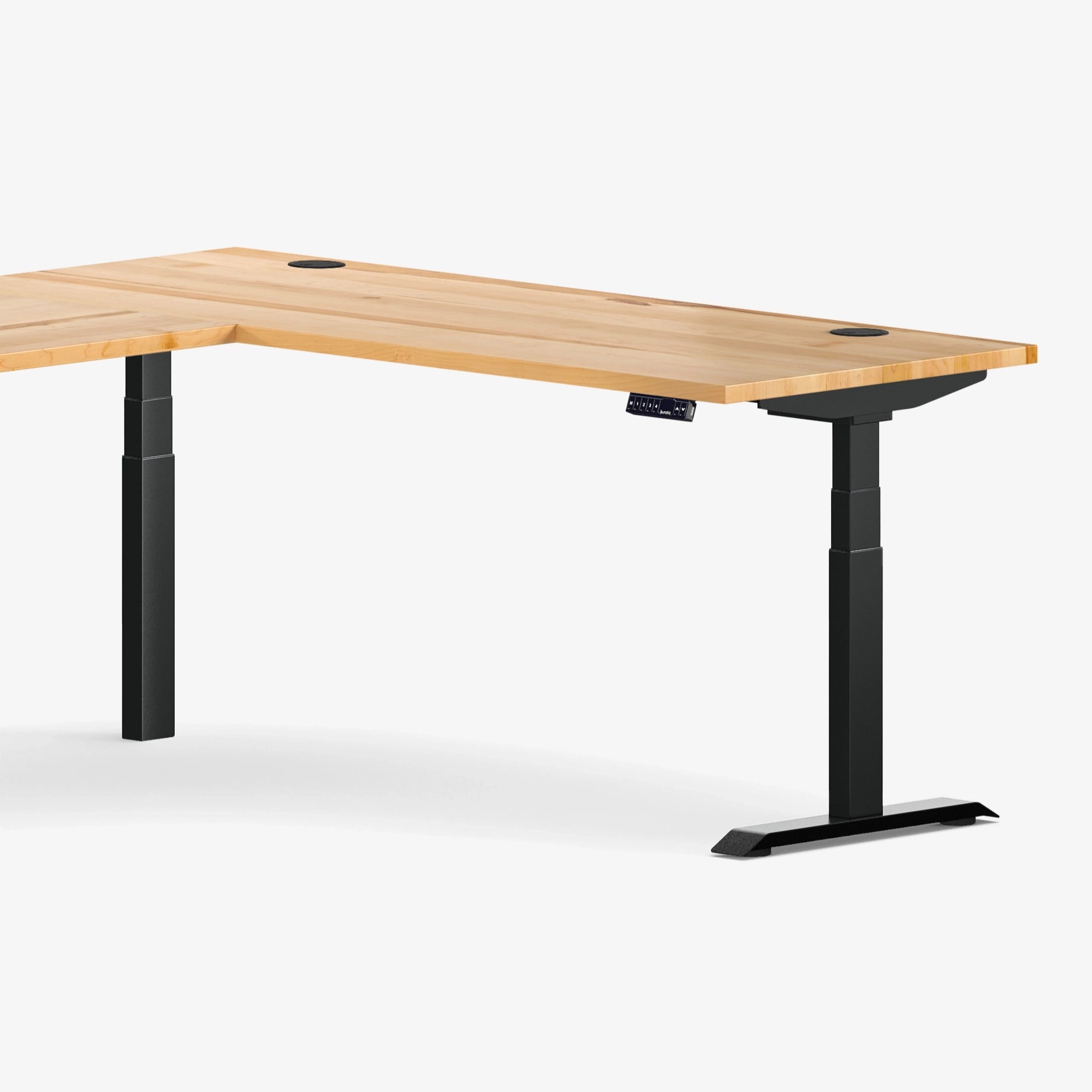
A height-adjustable surface can help people of different sizes bring the task to an appropriate level. It also lets one user fine-tune writing height separately from standing computer work. An Aspire laminate standing desk can support that type of adaptable setup without changing the basic need to position the page within easy reach.
How width changes the depth decision
More width can reduce pressure on depth. On a wide desk, the monitor can stay centred while a writing zone sits to the dominant-hand side. On a narrow desk, the same equipment may need to be stacked front to back, making extra depth more valuable.
Think in rectangles of activity:
- a central keyboard and mouse zone;
- a monitor footprint and viewing corridor;
- a writing rectangle large enough for the page and forearms;
- a secondary zone for references and accessories.
If those rectangles overlap, increase the surface, move equipment with an arm or riser, or store items between tasks. Do not solve every conflict by pushing frequently used objects beyond easy reach.
24-inch versus 30-inch depth for writers
Choose 24 inches when space is limited, writing is the main task, the screen setup is compact or equipment can move easily. This depth can fit many bedrooms and small home offices while still functioning as a real work surface.
Choose 30 inches when you keep a monitor and keyboard on the desktop, use large documents, compare several sources, draw on larger media or prefer leaving writing materials open while typing. The extra six inches are most useful when they protect both screen distance and a close writing zone. For a broader comparison, see 24 vs. 30-Inch Desk Depth.
Accessories that can help or hurt
Monitor arms and risers
A monitor arm can free the footprint of the original stand, but its clamp and arm still need clearance. A riser creates storage underneath, yet its feet consume surface area. Measure the final usable zone after installation.
Document holders
A document holder can reduce repeated head and neck movement when you copy information from a reference. For documents that you actively write on, the Occupational Safety and Health Administration notes that a holder positioned between the keyboard and monitor may be appropriate. It must be stable and should not force the keyboard beyond comfortable reach.
Drawers and shelves
Storage keeps supplies off the active surface, but under-desk components must preserve knee and thigh clearance. Overhead shelves should not limit the upward travel of a standing desk. Plan the complete volume around the workstation, not just the top view.
A simple cardboard test before buying
- Mark a 24-inch depth on your current table or floor with removable tape.
- Place your real writing materials and computer equipment inside that boundary.
- Sit in your normal chair and check whether the page remains within easy reach.
- Add six inches to simulate a 30-inch surface.
- Compare what the extra depth changes: screen distance, writing space or only unused area.
This test is more reliable than choosing from room measurements alone. The right desk depth lets the task come to you. It should not require you to chase the page across the surface or sacrifice the placement of the screen and keyboard.


Previous article
Can You Use a Monitor Riser on a Standing Desk?
Next article
How Many Devices Can You Safely Plug Into a Home Office Power Bar?